DropAvif Image Optimizer - Convert WebP & AVIF | Compress Images
| 开发者 | dropavif |
|---|---|
| 更新时间 | 2026年6月18日 03:42 |
| PHP版本: | 7.4 及以上 |
| WordPress版本: | 7.0 |
| 版权: | GPLv3 |
| 版权网址: | 版权信息 |
详情介绍:
- 🥇 Libvips (The Speed Demon): If available, we use this enterprise-grade library for memory-efficient, lightning-fast conversion.
- 🥈 Cwebp (Google CLI): Direct access to Google’s official binary for the highest possible WebP quality.
- 🥉 Imagick: A robust, high-fidelity fallback.
- running GD: Universal compatibility ensuring DropAvif works on 99.9% of servers. The Result: You can convert thousands of images to WebP directly on your server, completely free, without timeouts, and without spending a single API credit.
- AVIF Conversion: The future of images. Offers superior compression (often 50% smaller than WebP) and HDR color support.
- WebP Conversion: The modern standard. Fully supported by all browsers.
- Automatic Fallbacks: We use advanced server rules (.htaccess / Nginx). If a browser doesn't support AVIF, we serve WebP. If it doesn't support WebP, we serve the original. Zero broken images. Massive Bulk Optimization
- Asynchronous Engine: Optimize your entire library in the background. You can close the browser tab and let DropAvif work its magic.
-
Directory Scanning: DropAvif optimizes everything, not just the Media Library.
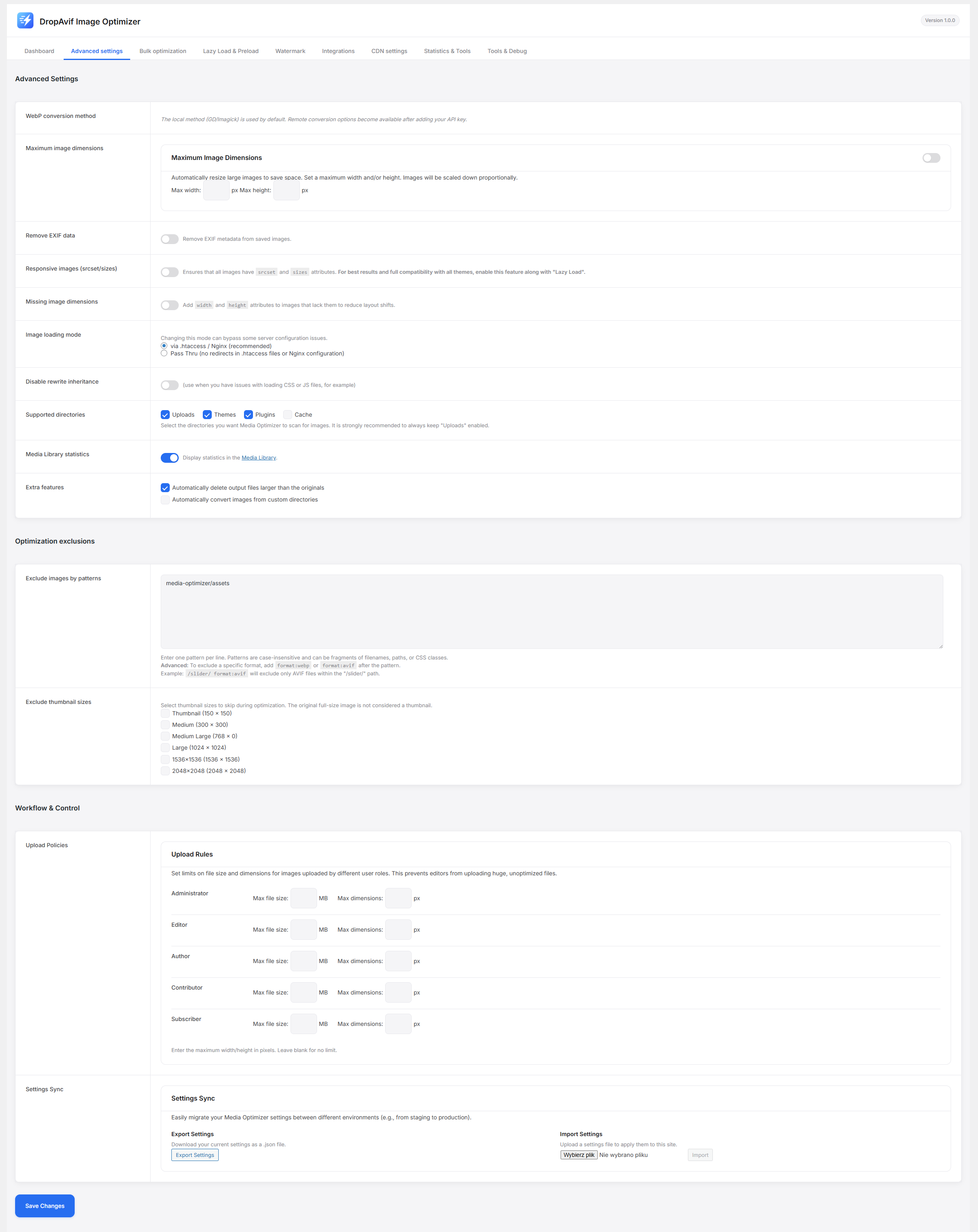
/wp-content/uploads//wp-content/themes/(Optimize theme assets!)/wp-content/plugins/(Optimize images from other plugins!) Any custom folder you define. Before & After Comparison - Visual Proof: Use our built-in comparison tool in the Media Library to see the quality difference and file size savings for any specific image side-by-side.
- Smart Loading: Only load images, iframes, and videos when they enter the viewport.
- Native Support: Utilizes browser-native lazy loading attributes for maximum performance.
- Video Placeholders: Replaces heavy YouTube/Vimeo iframes with a lightweight preview image. The video resource only loads when the user clicks "Play." Critical Image Preloading (LCP)
- LCP Optimization: Automatically identifies and preloads the Largest Contentful Paint (LCP) image (usually the hero banner) to instantly boost your Google Lighthouse score. Layout Shift (CLS) Fixes
-
Missing Dimensions: Automatically scans your HTML and adds missing
widthandheightattributes to<img>tags to prevent content jumping as images load.
- Yoast SEO & Rank Math: We automatically update the image URLs in your XML sitemaps. This ensures Google bots index your optimized WebP/AVIF versions instead of the heavy originals, boosting your SEO rankings. Page Builders & Galleries
- Full Compatibility: Automatically detects and optimizes images added by Elementor, WPBakery, Divi, Beaver Builder, and Gutenberg.
- Gallery Support: Native support for NextGen Gallery, Modula, and FooGallery. eCommerce Ready WooCommerce: Optimize thousands of product variations without slowing down the checkout flow.
- Cloudflare API: Connect your Cloudflare account directly. The plugin will automatically purge the Cloudflare cache for specific images whenever they are optimized, ensuring users always see the latest version.
- Regenerate: Run bulk conversions or force re-optimization.
$ wp media-optimizer regenerate$ wp media-optimizer regenerate --force - Automate: Script the optimization process across multiple sites without ever logging into the WordPress dashboard.
- Set Max File Size (e.g., 5MB) limits per user role.
- Set Max Image Dimensions (e.g., 2000px width) limits per user role. Granular Exclusions Complete control over what gets optimized. Exclude by:
-
Path/URL: e.g.,
/sensitive-documents/ - Filename Pattern: e.g.,
banner-hq-*.jpg - Thumbnail Size: Keep your full-resolution originals untouched while optimizing only the thumbnails.
- Originals are Read-Only: We never overwrite your original files. We create optimized copies in a separate folder.
- One-Click Restore: Don't like the result? Revert to the original image instantly.
- Backup Friendly: Option to exclude the
media-optimizer-filesdirectory from backup plugins (UpdraftPlus, etc.) to save massive amounts of backup storage space (since optimized files can always be regenerated).
- Unlimited Local WebP Conversion.
- Unlimited Lazy Load, Preload, and Watermarking.
- Quad-Engine Speed (libvips/cwebp support).
- 200 Free Cloud Credits (one-time) to test AVIF. DropAvif API:
- Cloud AVIF Conversion: Unlock the smallest file sizes.
- Smart Format Selection: The "Best of Both Worlds" engine.
- Smart Optimization: Perceptual AI compression (SSIM).
- Zero-Load Processing: Offload CPU usage to our cloud infrastructure. Check out our plans and get started for free!
https://api.cloudflare.com/client/v4/) to purge the cache. This requires you to provide your own Cloudflare API credentials.
Cloudflare Terms of Service: https://www.cloudflare.com/website-terms/
The service processes the image on its servers and returns the optimized version to your website. No personal user data is sent.
You can review the service's terms and privacy policy here:
Terms of Service: https://dropavif.com/terms-of-service
Privacy Policy: https://dropavif.com/privacy-policy
安装:
- Download: Upload the
dropavif-media-optimizerfolder to the/wp-content/plugins/directory. - Activate: Activate the plugin through the 'Plugins' menu in WordPress.
- Configure: Go to Settings -> DropAvif Image Optimizer.
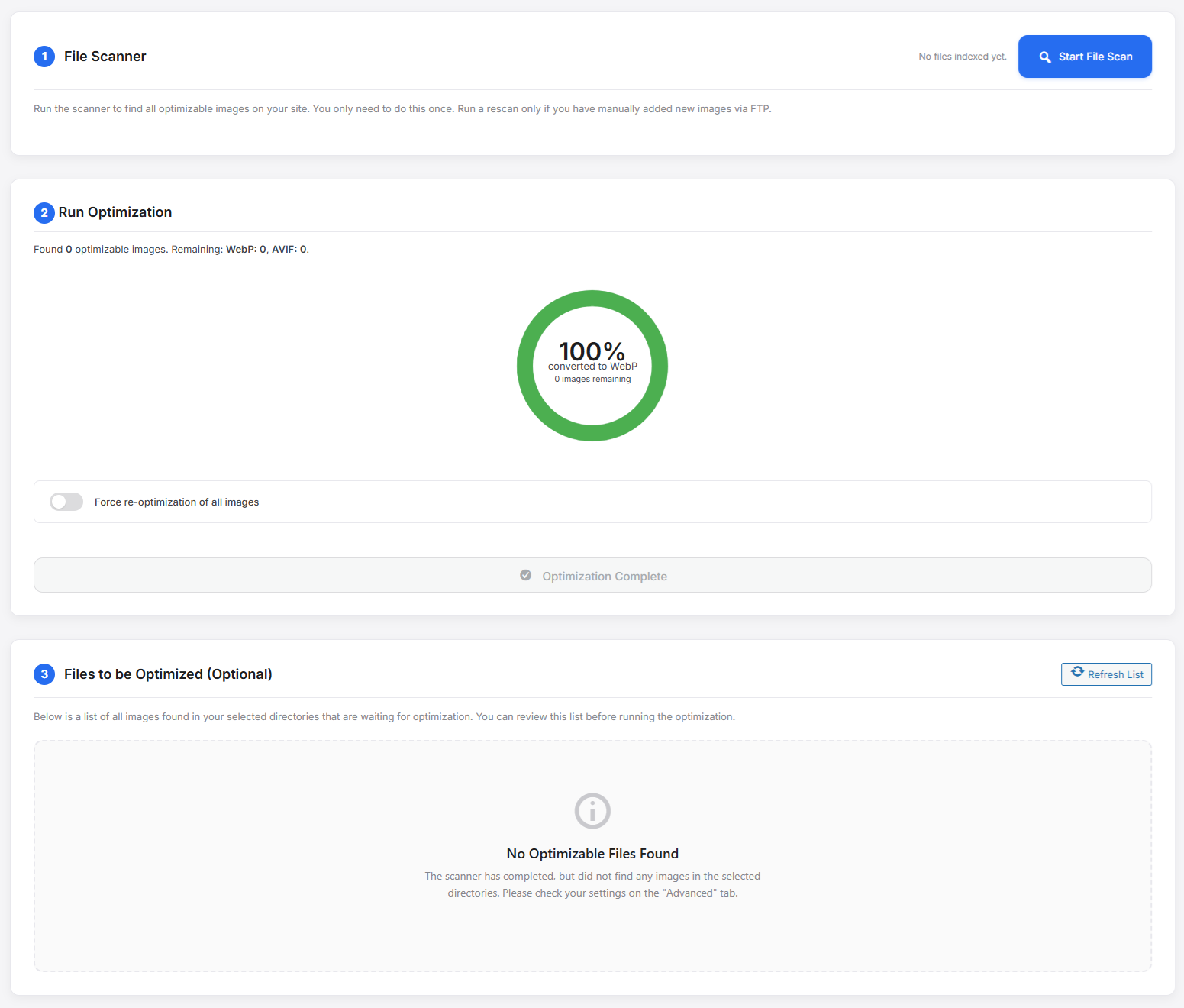
- Optimize: Navigate to the Bulk Optimization tab.
- Launch: Click "Start Optimization" to convert your images to WebP for free using your local server resources.
- (Optional): Enter an API key to enable Cloud AVIF and Smart Optimization.
屏幕截图:
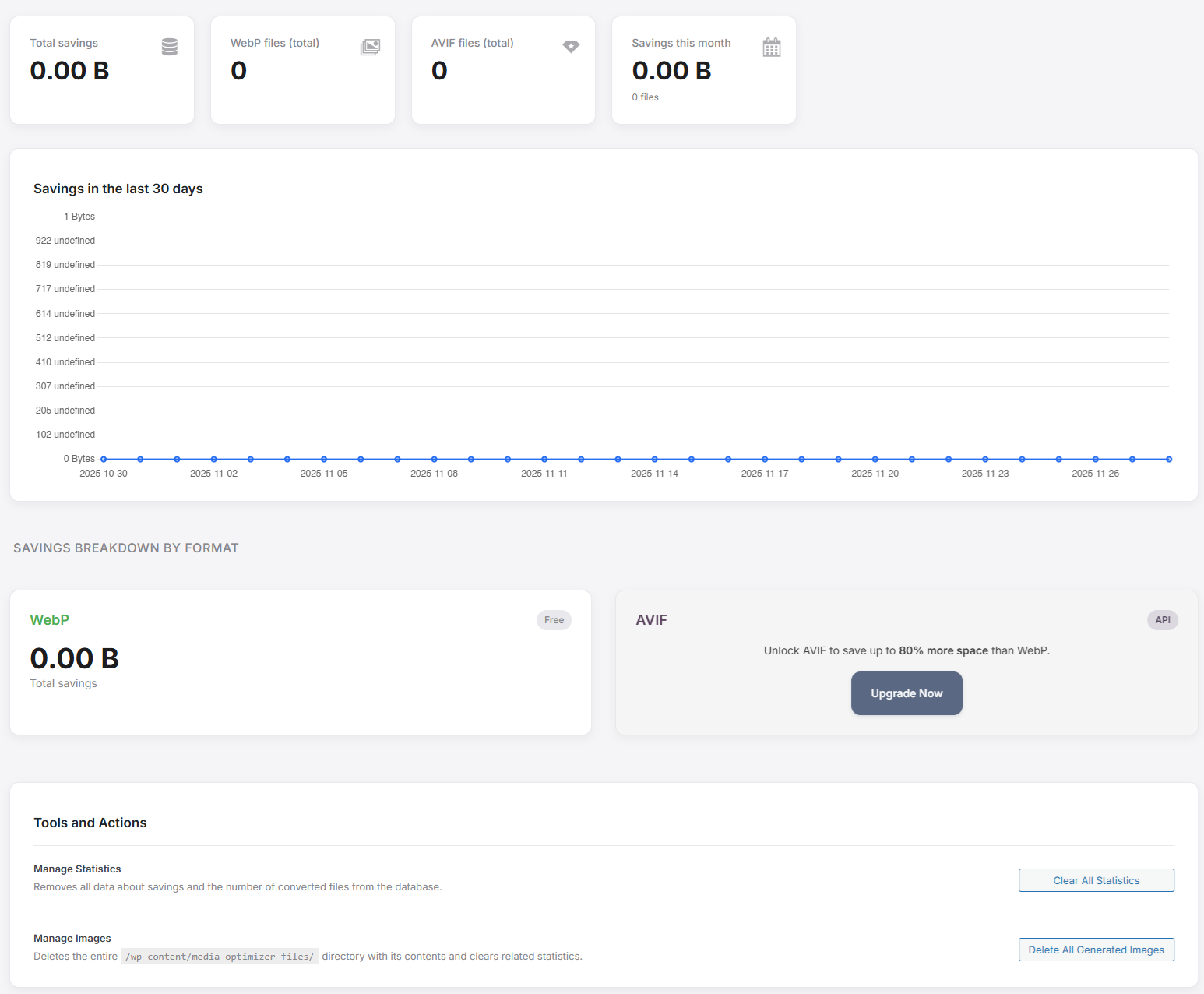
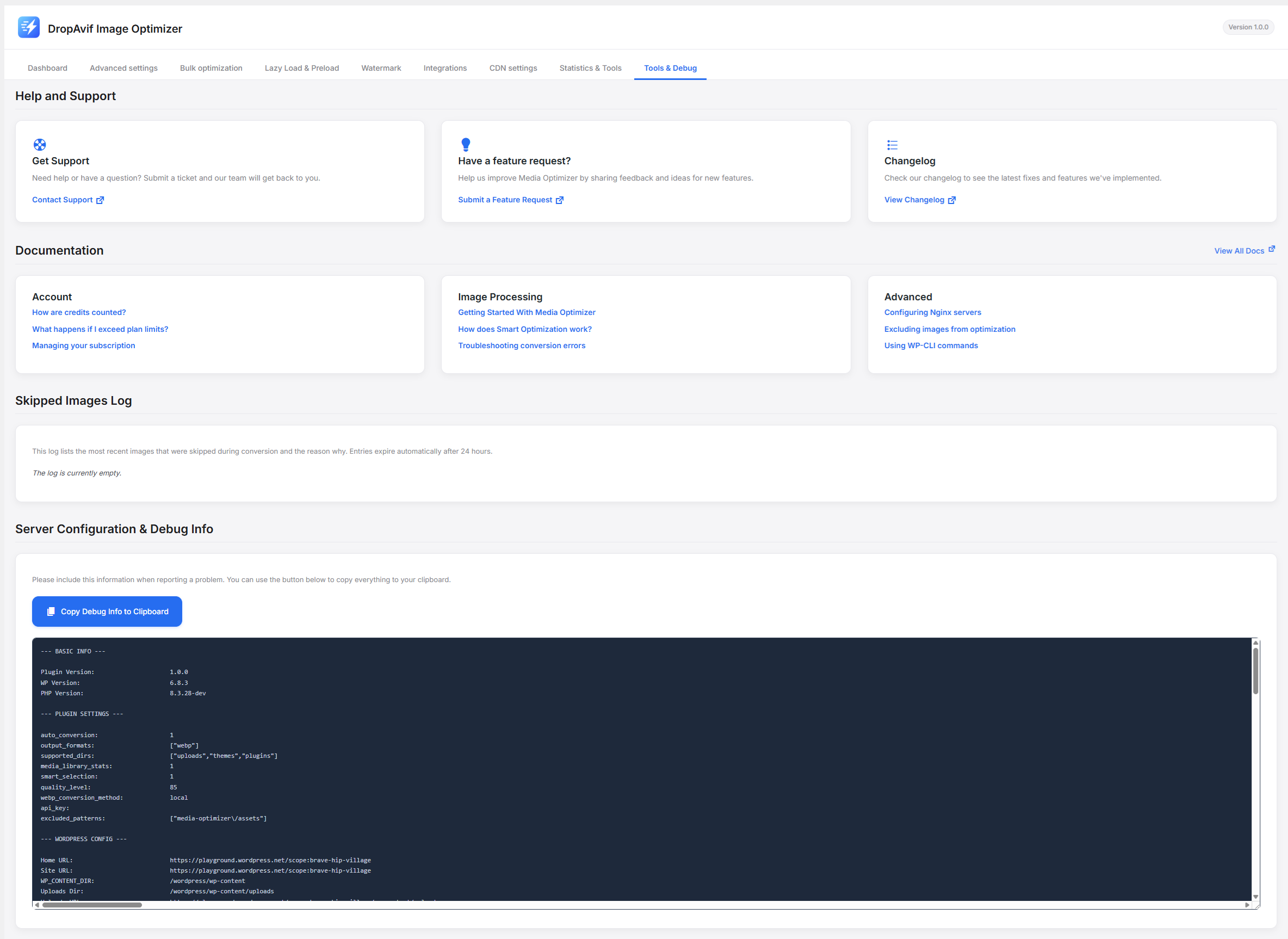
常见问题:
How does the plugin serve WebP/AVIF images?
The plugin uses transparent server-side rules (.htaccess for Apache/LiteSpeed or a configuration snippet for Nginx). The original image URL (e.g., image.jpg) remains in your HTML, but the server delivers the optimized image.jpg.avif or image.jpg.webp file to browsers that support it. This ensures 100% backward compatibility.
Will this slow down my server?
No. All image processing is offloaded to the DropAvif Cloud API. Your server only sends the original image and receives the optimized versions. This results in zero CPU load on your hosting environment.
Does Watermarking affect my original images?
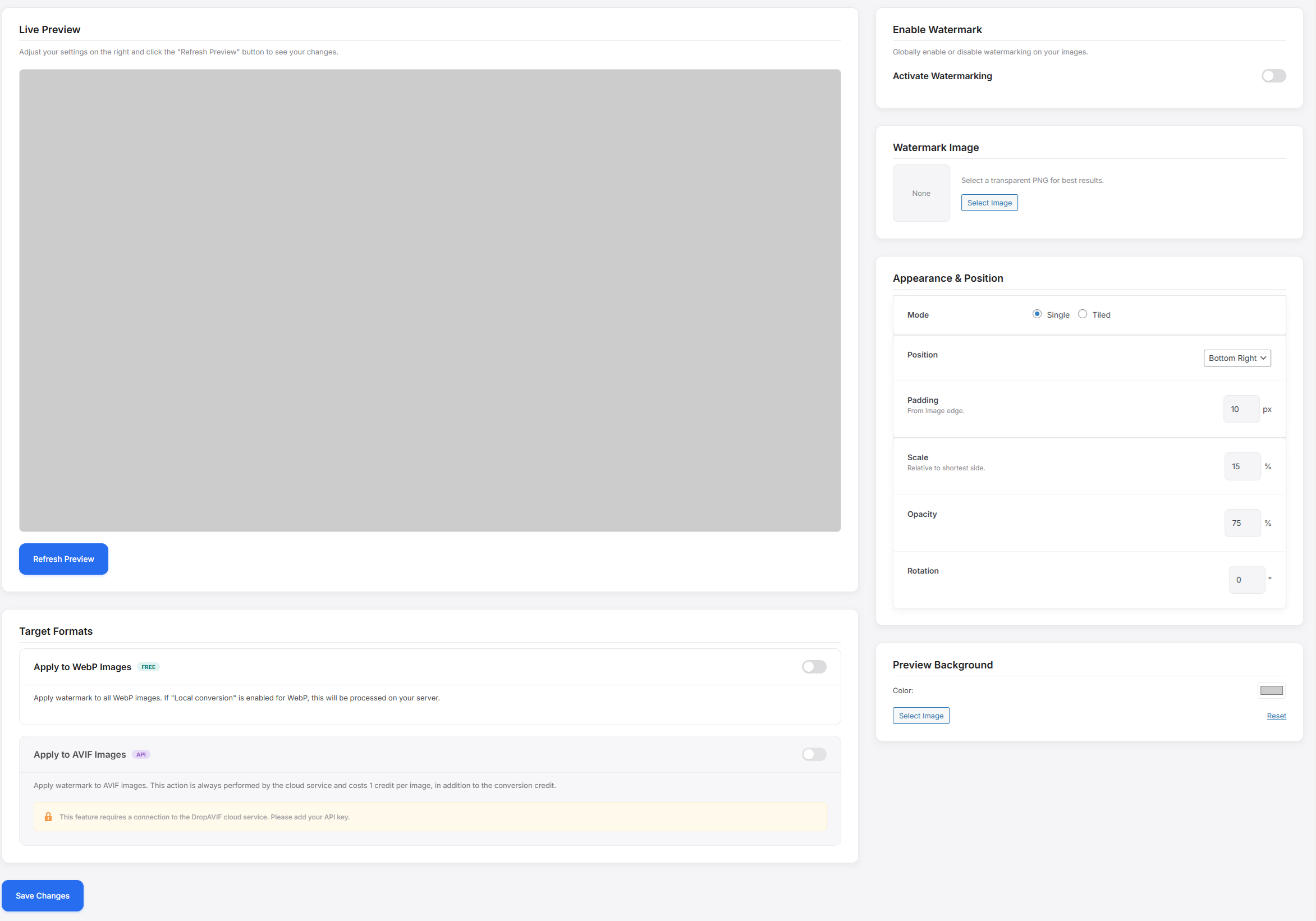
No. The watermark is applied only to the optimized WebP and AVIF versions generated by the plugin. Your original JPEG/PNG source files remain untouched and clean. If you disable the plugin, the watermark disappears.
What happens if I deactivate the plugin?
Your original images remain completely untouched. The plugin will simply stop serving the optimized WebP/AVIF versions, and your site will instantly revert to serving the original JPGs/PNGs.
Do I need a API account?
No, the free version is fully functional for Local WebP conversion and all performance features (Lazy Load, Preload). The PRO account is required for cloud-based features like AVIF conversion, Smart Optimization, and Watermarking because they require significant processing power on our servers.
Why does the plugin create a custom database table?
WordPress only stores metadata for items in the Media Library. DropAvif scans images from plugins, themes, and custom folders. The dedicated wp_media_optimizer_files index keeps a lightweight record for every discoverable file, allowing the plugin to check optimization status instantly without expensive filesystem scans.
更新日志:
wp media-optimizer regenerate).
Feature: SEO Sitemap integration (Rank Math / Yoast).