
DropDMS – Receipt & Document Archive with OCR
| 开发者 | dropdms |
|---|---|
| 更新时间 | 2026年11月2日 15:12 |
| PHP版本: | 7.4 及以上 |
| WordPress版本: | 7.1 |
| 版权: | GPLv2 or later |
| 版权网址: | 版权信息 |
详情介绍:
DropDMS turns WordPress into a simple, private archive for receipts, invoices and letters.
- Drag & drop upload of PDF, JPG, PNG, WebP and GIF files, many at once.
- Text recognition (OCR) in the browser. PDFs with a text layer are read directly; scans and photos are recognized with Tesseract. Nothing is sent to a cloud service, and your server needs no extra software.
- Duplicate check before upload. The browser computes a SHA-256 fingerprint first, so a receipt that is already in the archive is reported before any OCR time is spent.
- Search in title, file name, note and recognized text – partial words or the MySQL full-text index.
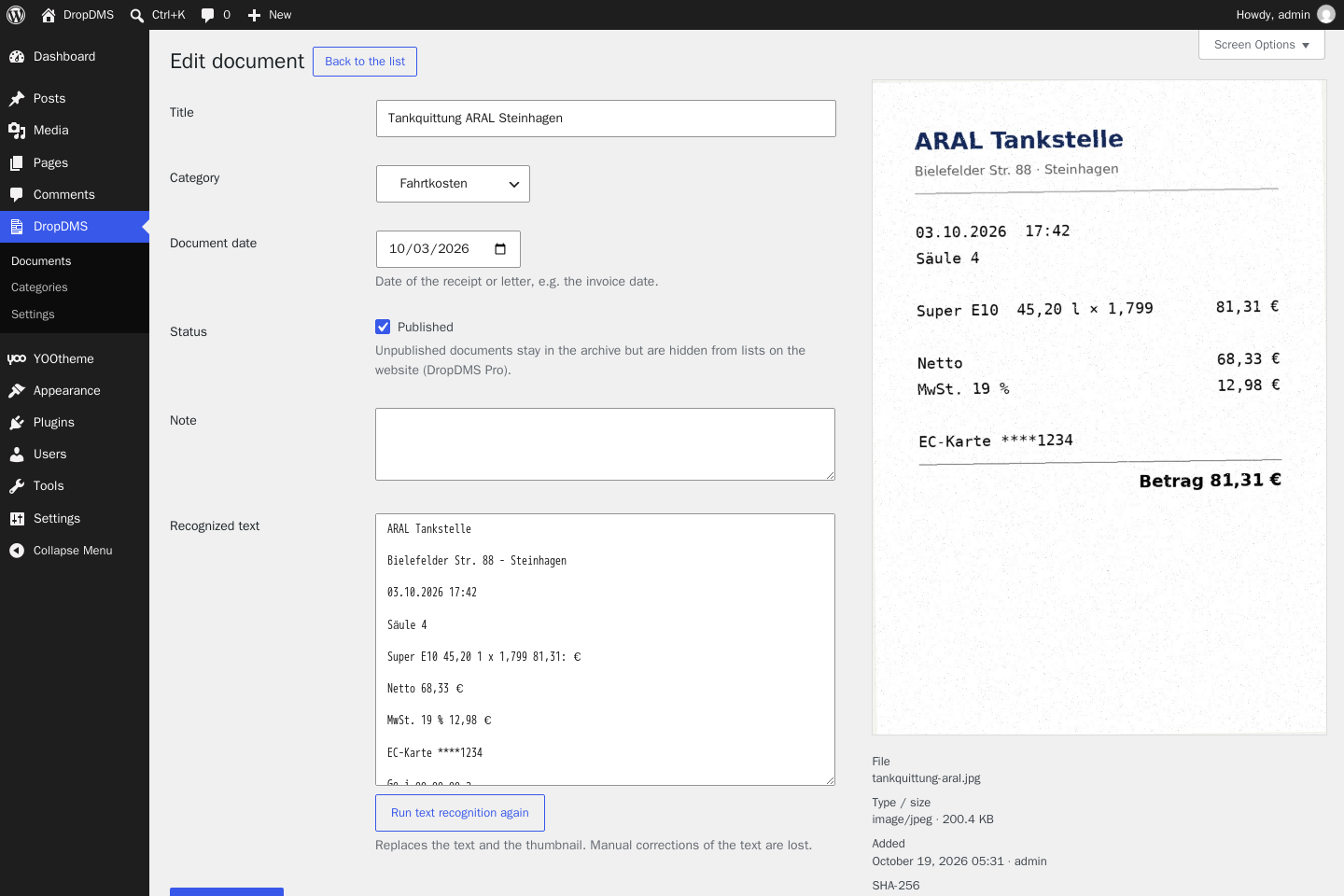
- Categories (hierarchical), document date, note, and the recognized text can be corrected by hand.
- Thumbnails in the list and a preview on the edit screen.
- Run text recognition again for a single document.
- Files are stored in the database together with their text and thumbnail. They are not reachable by URL in the uploads folder; WordPress delivers them only after a permission check. This also works on nginx without server rules.
- Own capabilities (
dropdms_view,dropdms_upload,dropdms_edit,dropdms_delete,dropdms_manage) that you can assign to any role. - No limits on the number of documents.
安装:
- Install and activate the plugin.
- Open DropDMS → Documents and drop files into the upload area.
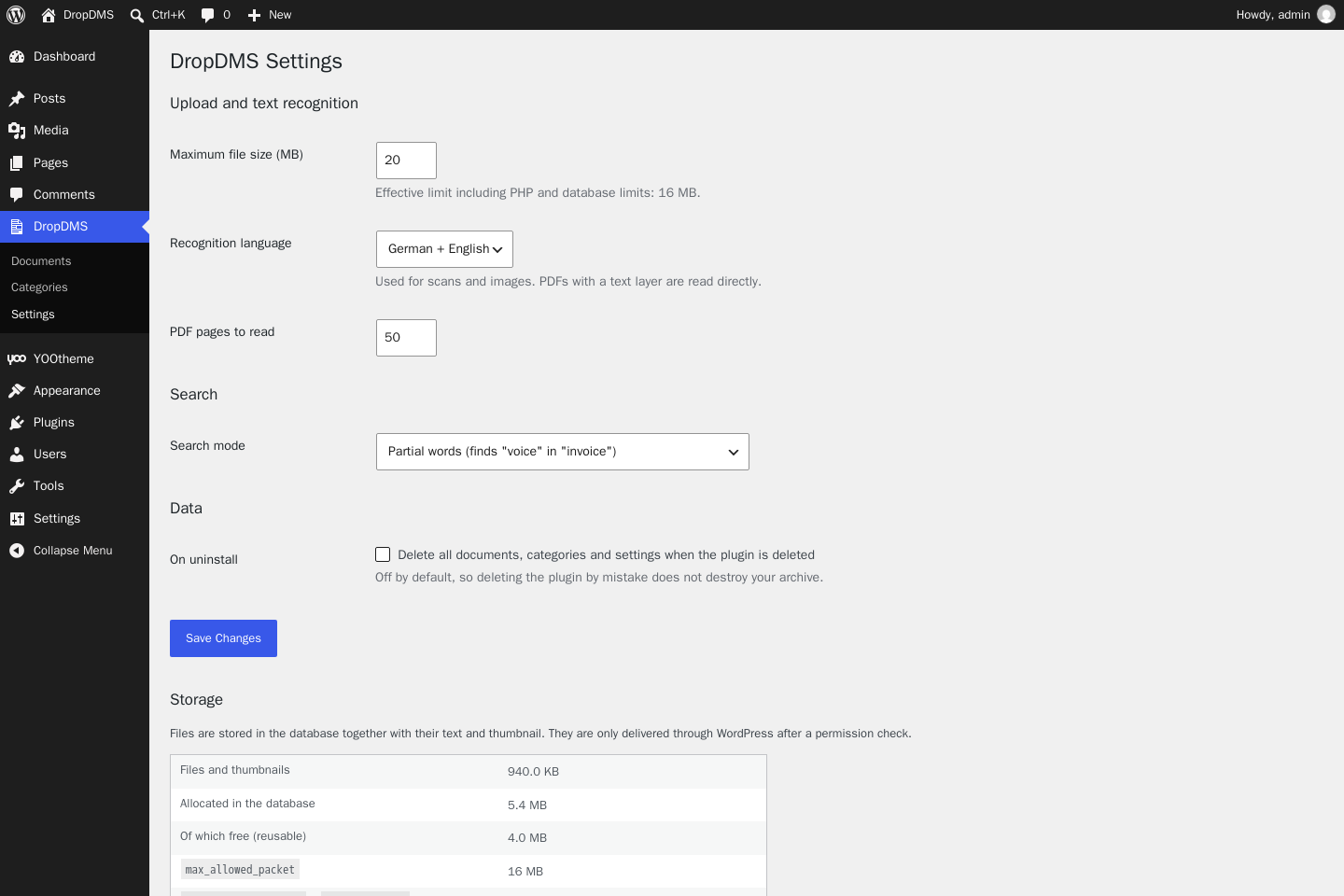
- Optional: create categories under DropDMS → Categories and adjust the recognition language and file size under DropDMS → Settings.
max_allowed_packet. The settings page shows the effective limit.屏幕截图:
常见问题:
Why are the files stored in the database?
Receipts are confidential. In the database they are protected by the same permission check as the rest of the archive, are included in every database backup, and cannot be guessed or opened by a direct link.
My database grows although I deleted documents.
MySQL keeps freed space for reuse. DropDMS → Settings → Free up space rebuilds the table (OPTIMIZE TABLE) and returns the space to the server.
Which languages can be recognized?
German and English (models "tessdata_fast"). PDFs that already contain text are read in any language.
What happens to my documents when I delete the plugin?
Nothing, unless you tick "Delete all documents, categories and settings when the plugin is deleted" in the settings first.
更新日志:
1.0.0
- First release.