
Dynamic Customer Shopping Tag for WooCommerce
| 开发者 | michaelogolor |
|---|---|
| 更新时间 | 2025年12月25日 02:22 |
| PHP版本: | 7.4 及以上 |
| WordPress版本: | 6.9 |
| 版权: | GPLv2 or later |
| 版权网址: | 版权信息 |
详情介绍:
- Automatic Country Detection: Uses WooCommerce geolocation for user country and integrates with WCFM Marketplace to find vendor country (requires vendor address setup in WCFM).
- Simple Rule Engine: Create a rule based on whether the vendor is located in the user's country or not.
- Customizable Tag Text: Define the exact text for your rule.
- Default Tag Option: Set a fallback tag to display automatically when vendor and user countries differ, but no specific rule matches.
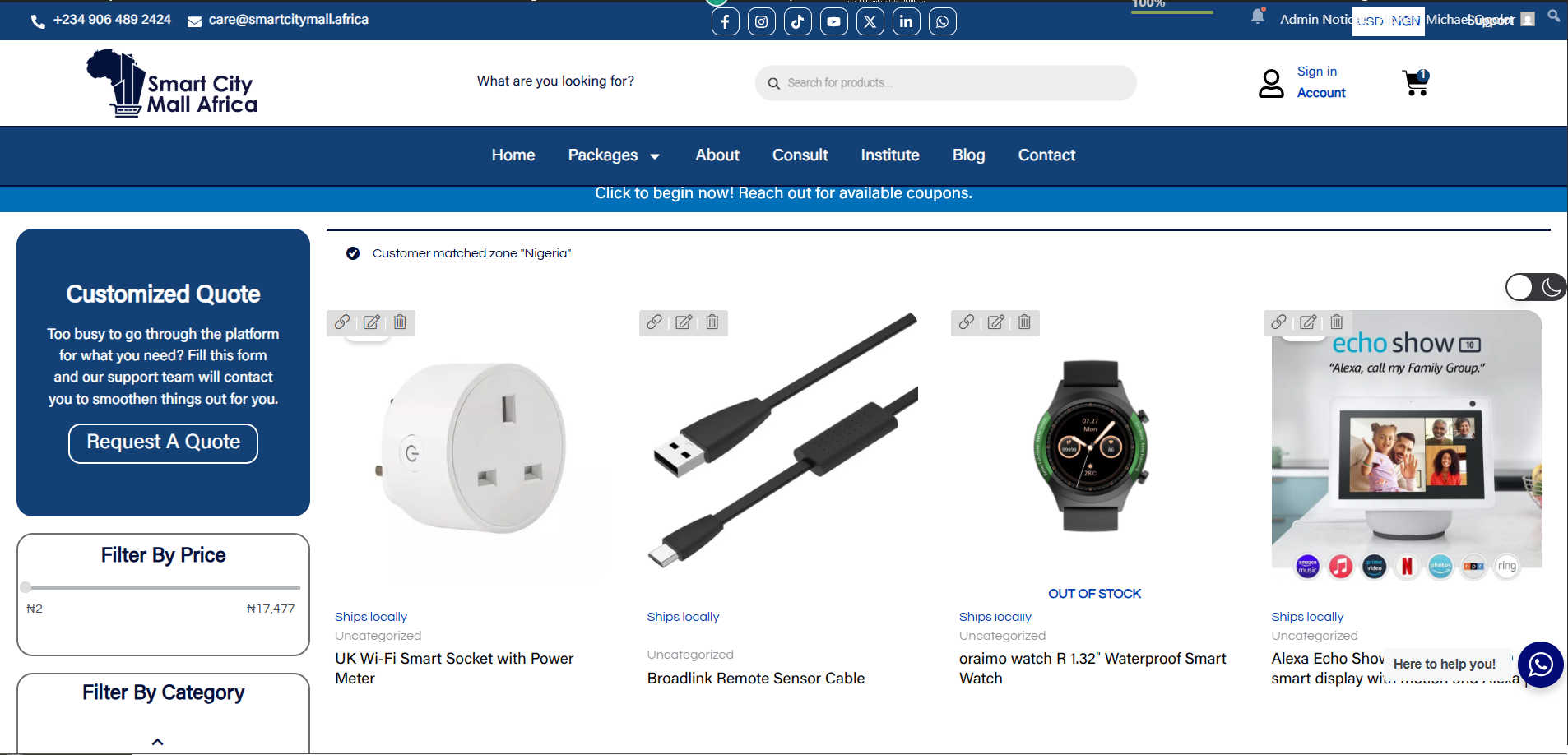
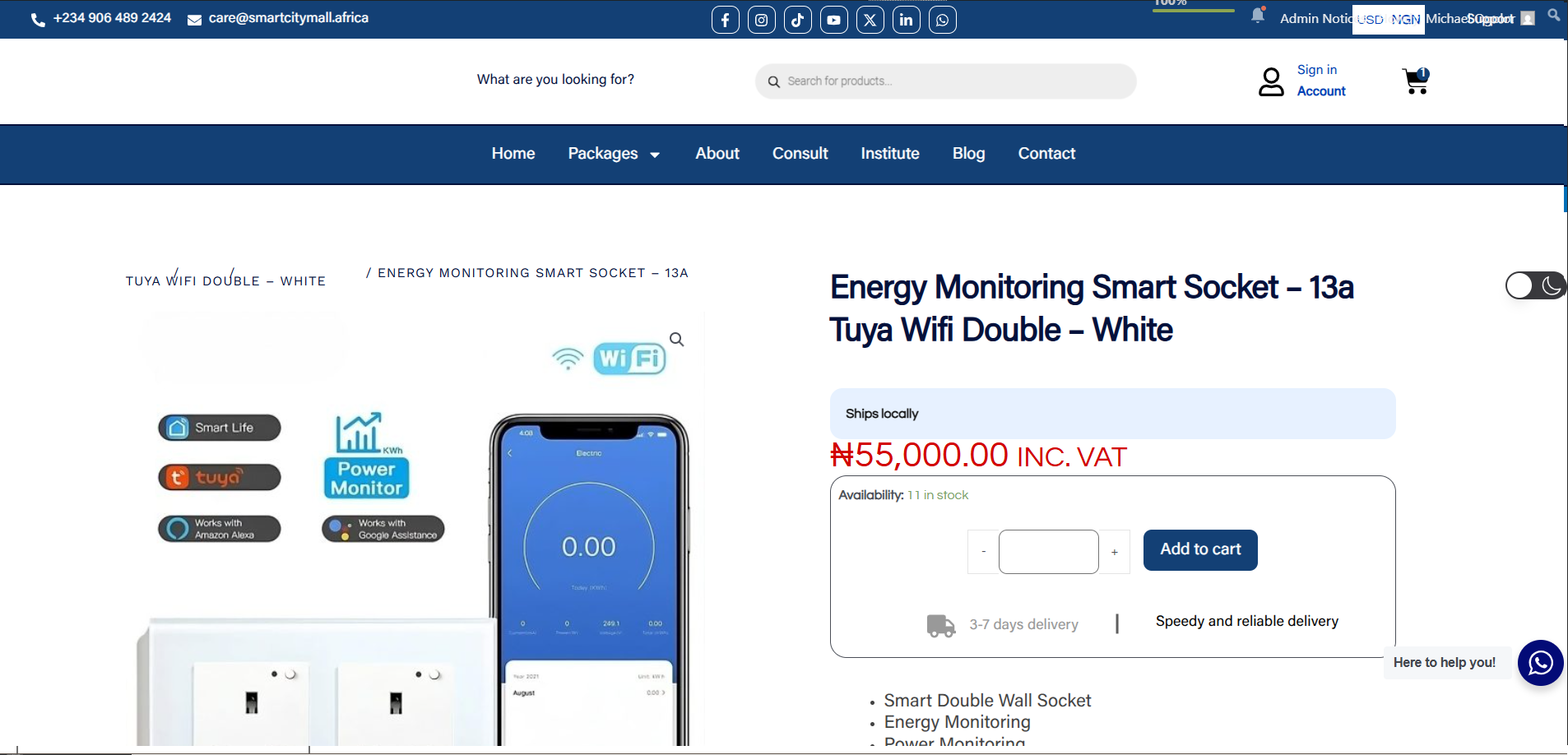
- Display Locations: Tags automatically appear on shop/archive pages and single product pages.
- Shortcode: Manually place the tag anywhere using
[dynacushmo_shipping_tag].
- Unlimited Rules: Create as many specific rules as you need.
- Vendor Country Rules: Target rules based on specific vendor countries.
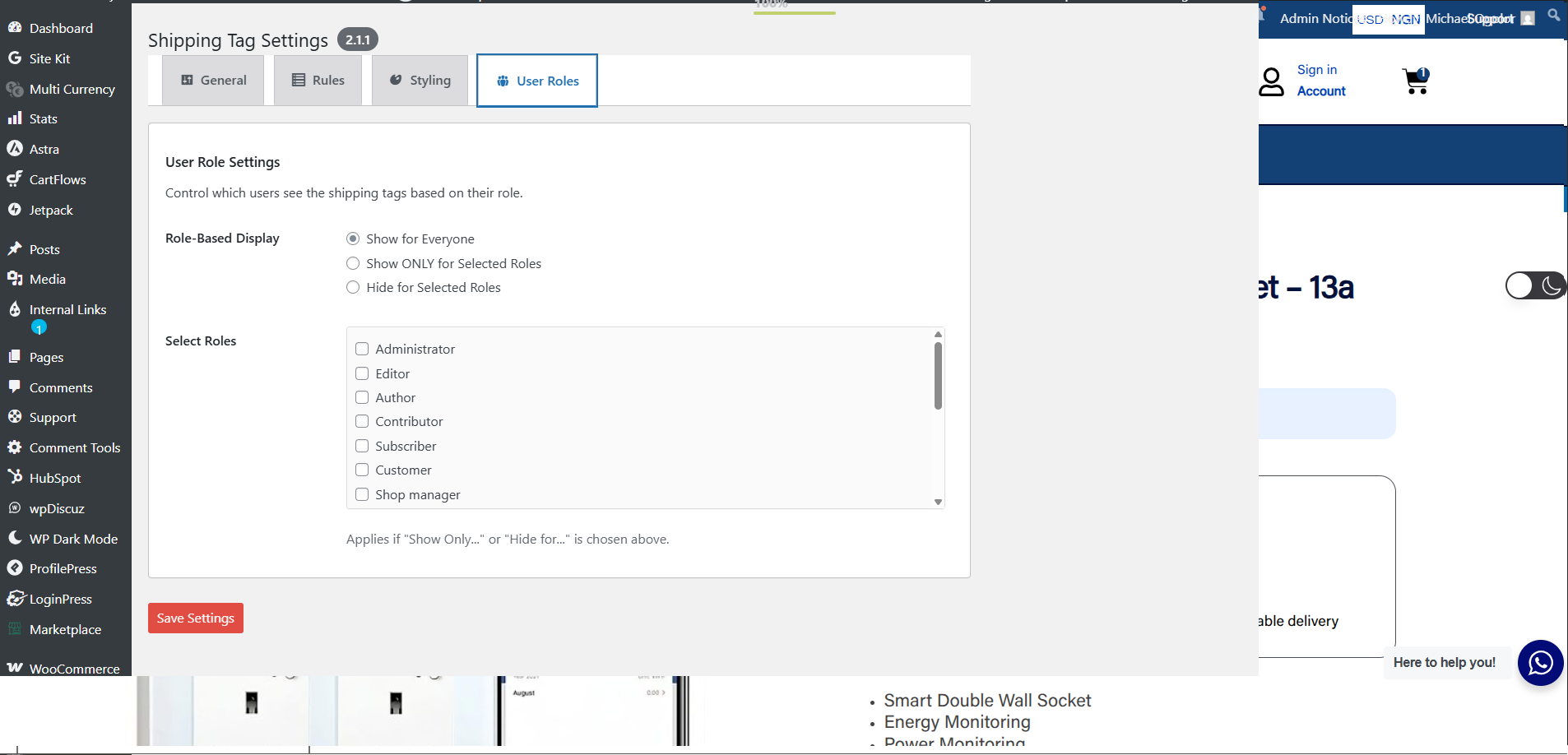
- User Role Conditions: Show or hide shipping tags based on user roles.
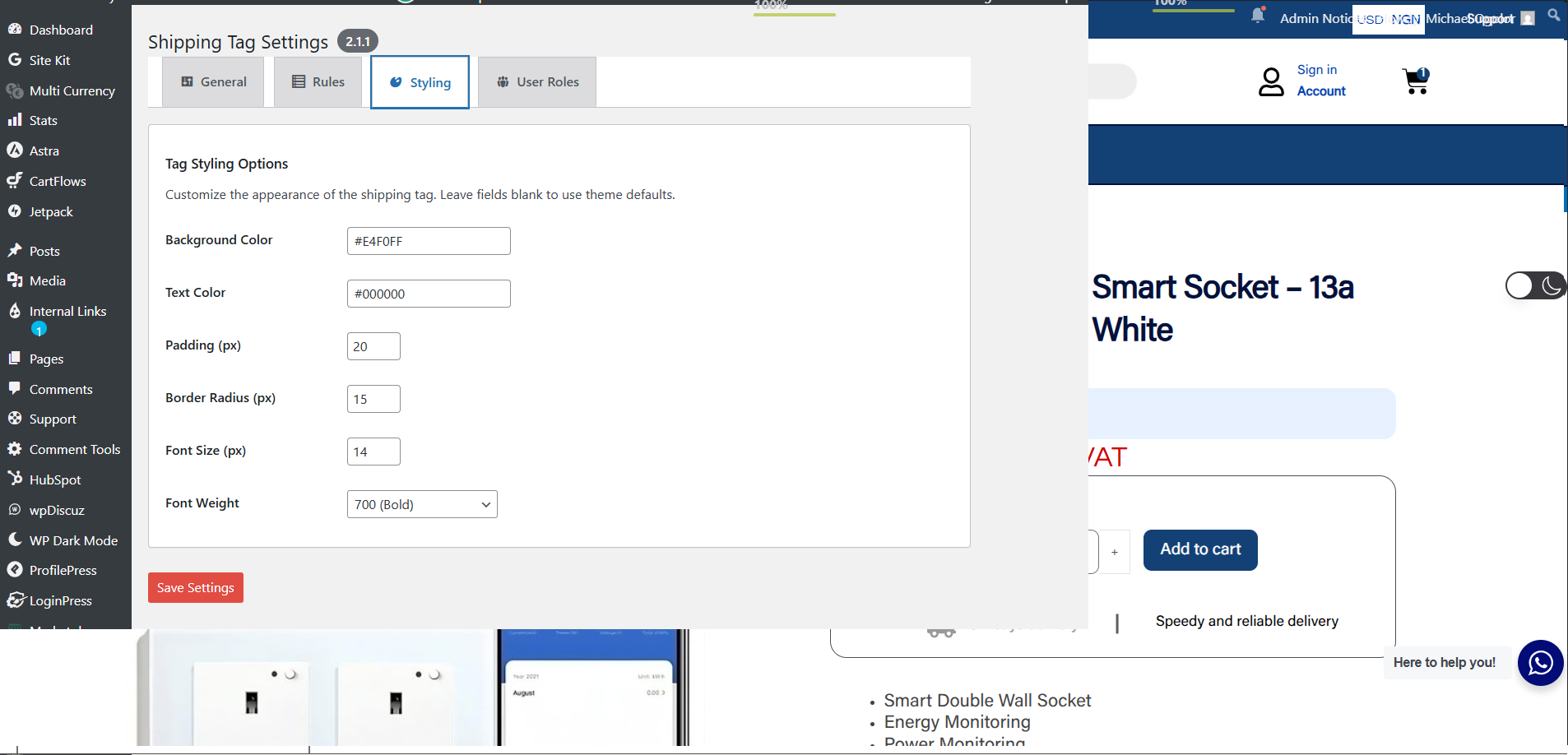
- Advanced Styling: Fully customize the tag's appearance (colors, padding, fonts, etc.).
安装:
- Ensure WooCommerce is installed and activated.
- Method 1 (Easiest): In your WordPress Admin, go to
Plugins > Add New, search for "Dynamic Customer Shopping Tag for WooCommerce", click "Install Now", then "Activate". - Method 2 (Upload): Download the
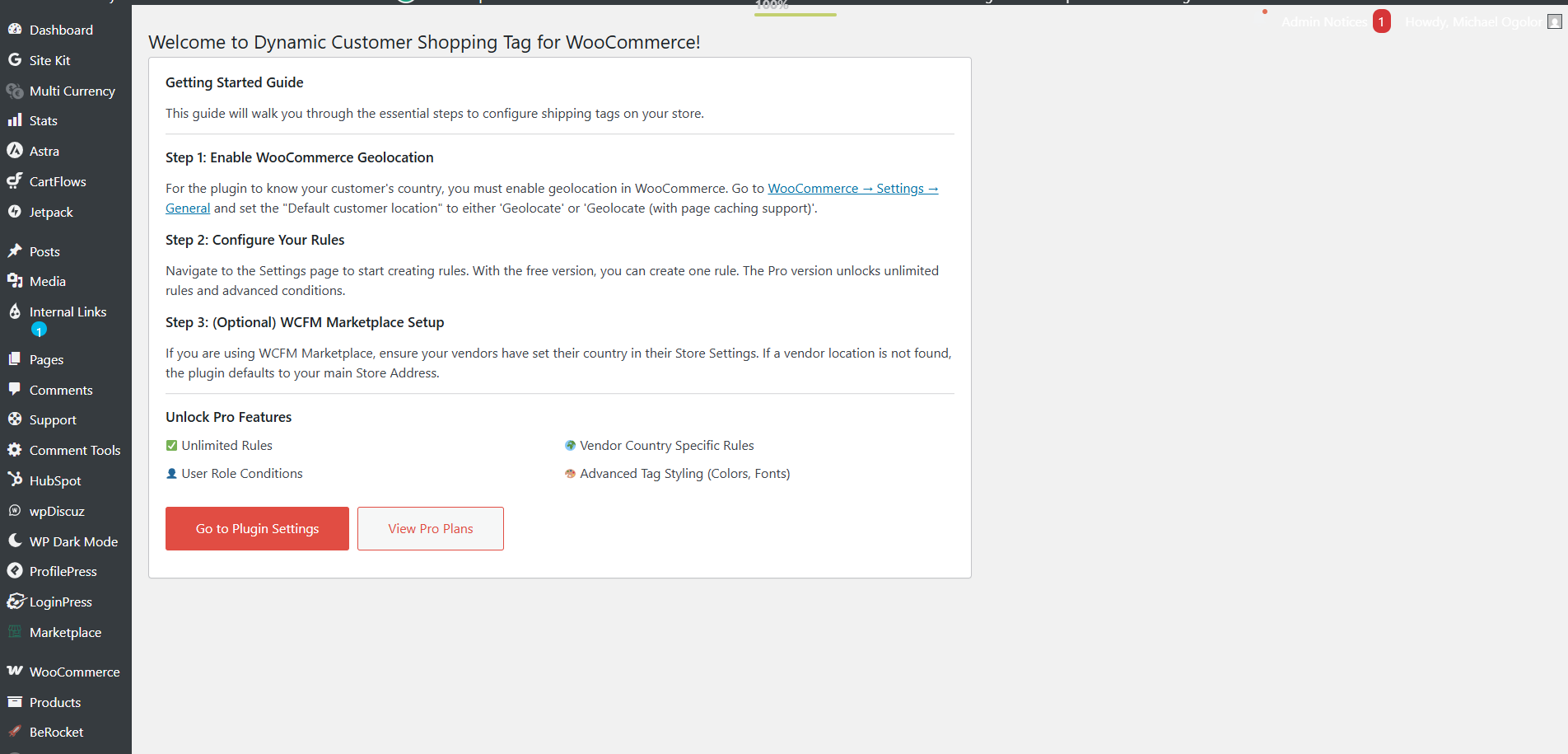
.zipfile from WordPress.org. Go toPlugins > Add New > Upload Plugin, choose the file, click "Install Now", then "Activate". - After activating, you will be redirected to our "Getting Started" page for a quick guide!
- Go to Shipping Tag > Settings in your WordPress admin sidebar to configure the plugin.
- Enable WooCommerce Geolocation: Go to
WooCommerce > Settings > General, set "Default customer location" to 'Geolocate' or 'Geolocate (with page caching support)'. - (Optional - WCFM): If using WCFM Marketplace, ensure vendors have set their country in
WCFM Dashboard > Settings > Store.
屏幕截图:
常见问题:
How do I upgrade to Pro?
You can upgrade directly from the plugin's settings page! Go to Shipping Tag > Settings in your admin menu and click on the "Upgrade" or "Pricing" link. After you purchase a plan, you will receive a license key. Simply enter that key on the Account page to unlock the pro features.
How does user country detection work?
It uses WooCommerce Geolocation (IP based). Accuracy can vary; VPNs/proxies can affect it. Using the 'Geolocate (with page caching support)' option is recommended for sites with page caching.
How does vendor country detection work?
The free version has built-in support for WCFM Marketplace (if the vendor's country is set in their WCFM profile). The Pro version allows you to create manual rules for specific vendor countries, which can be adapted for other setups.
Is it compatible with other marketplace plugins?
Automatic vendor detection is specific to WCFM. However, the Pro version's "Vendor Country Rules" feature allows you to manually set rules that can work with any product, regardless of the marketplace plugin.
Does it work for logged-out users?
Yes, as long as WooCommerce geolocation is enabled. The Pro version adds User Role conditions for more granular control over visibility for logged-in users.
Where do tags appear?
Tags automatically appear on shop/archive pages (below the product title) and single product pages (near the image gallery). You can also use the [dynacushmo_shipping_tag] shortcode for manual placement.
Can I change the tag's appearance?
The free version inherits basic styling from your theme. The Pro version unlocks a full set of styling controls (colors, padding, fonts, etc.). You can always target the .dynacushmo-shipping-tag class with custom CSS.
更新日志:
- Fix: Solved browser caching issue preventing rules dropdown from loading.
- Feature: Added "Vendor IS in User Country" rule condition.
- Tweak: Updated admin settings UI for better stability.
- New Feature: Added a top-level "Shipping Tag" admin menu for easier access to settings.
- New Feature: Added a "Getting Started" welcome page with a guide to help new users, with an automatic redirect on plugin activation.
- Fix: Removed
load_plugin_textdomaincall as WordPress.org handles translations for WP >= 4.6. - Fix: Ensured explicit escaping for a variable in admin template output (
$country_nameinprintf). - Tweak: Updated version numbers in all relevant file docblocks.