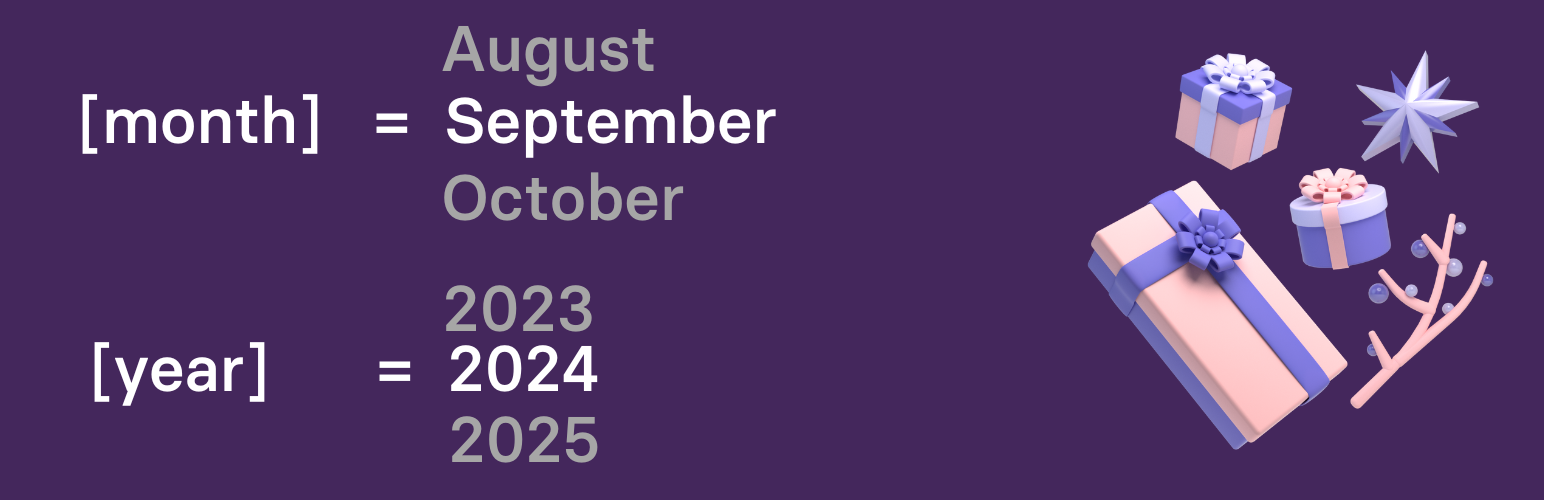
Dynamic Month & Year into Posts
| 开发者 | gauravtiwari |
|---|---|
| 更新时间 | 2026年3月3日 09:37 |
| 捐献地址: | 去捐款 |
| PHP版本: | 6.0 及以上 |
| WordPress版本: | 6.9 |
| 版权: | GPL-3.0-or-later |
| 版权网址: | 版权信息 |
标签
下载
详情介绍:
- Years:
[year](current),[nyear](next),[pyear](previous) - Months:
[month](January),[mon](Jan),[nmonth]/[pmonth](next/previous) - Dates:
[date](full date),[dt](day number),[weekday](day name) - Age:
[age date="1990-05-15"]calculates years from any date - Season:
[season]displays current season (supports hemispheres) - Countdowns:
[daysuntil date="2025-12-25"]and[dayssince date="2020-01-01"] - Post Dates:
[datemodified]and[datepublished]shortcodes. - Event Dates:
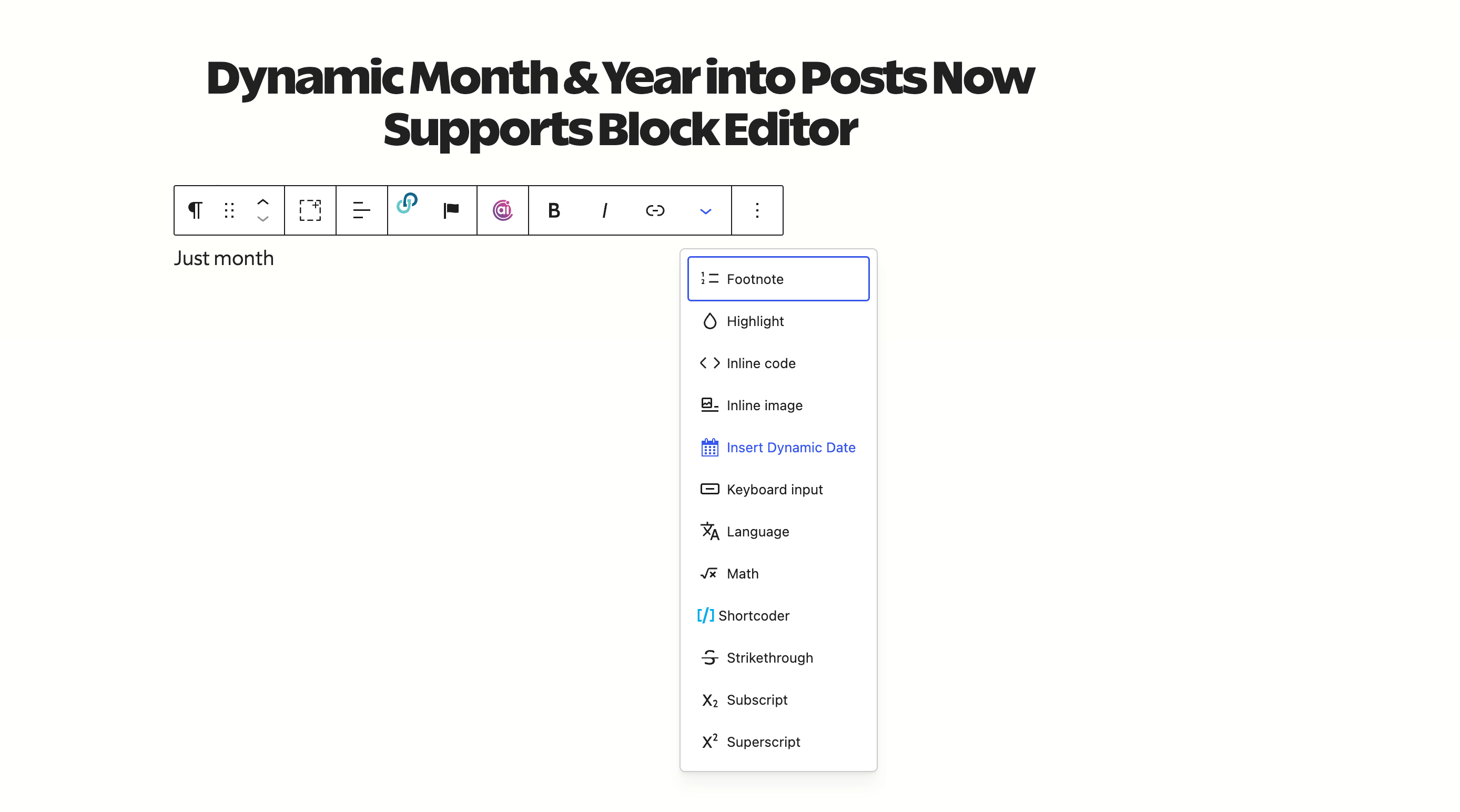
[blackfriday]and[cybermonday]shortcodes. - Block Editor support: Toolbar to quickly insert the shortcodes, customizable date and countdown blocks.
- New: Display current season with
[season]shortcode. Supports hemisphere:[season region="south"]for Southern hemisphere. - New: Calculate age with
[age date="1990-05-15"]shortcode. Add ordinal suffix withordinal="true"(e.g., "35th"). - New: Post dates with
[datemodified]and[datepublished]shortcodes. - New: Event dates with
[blackfriday]and[cybermonday]shortcodes.
- Select date type from dropdown (year, month, date, age, season, etc.)
- Configure age format (years only, years & months, full breakdown)
- Set ordinal suffix for age display
- Typography and color controls
- Spacing options (margin, padding)
- Count days until or since any date
- Auto-updates at midnight without page reload
- Customizable label text
- Typography and color styling
- Perfect for event promotions and milestones
- Uses WordPress date format from Settings
- Custom format support
- Typography and color controls
- Uses WordPress date format from Settings
- Custom format support
- Typography and color controls
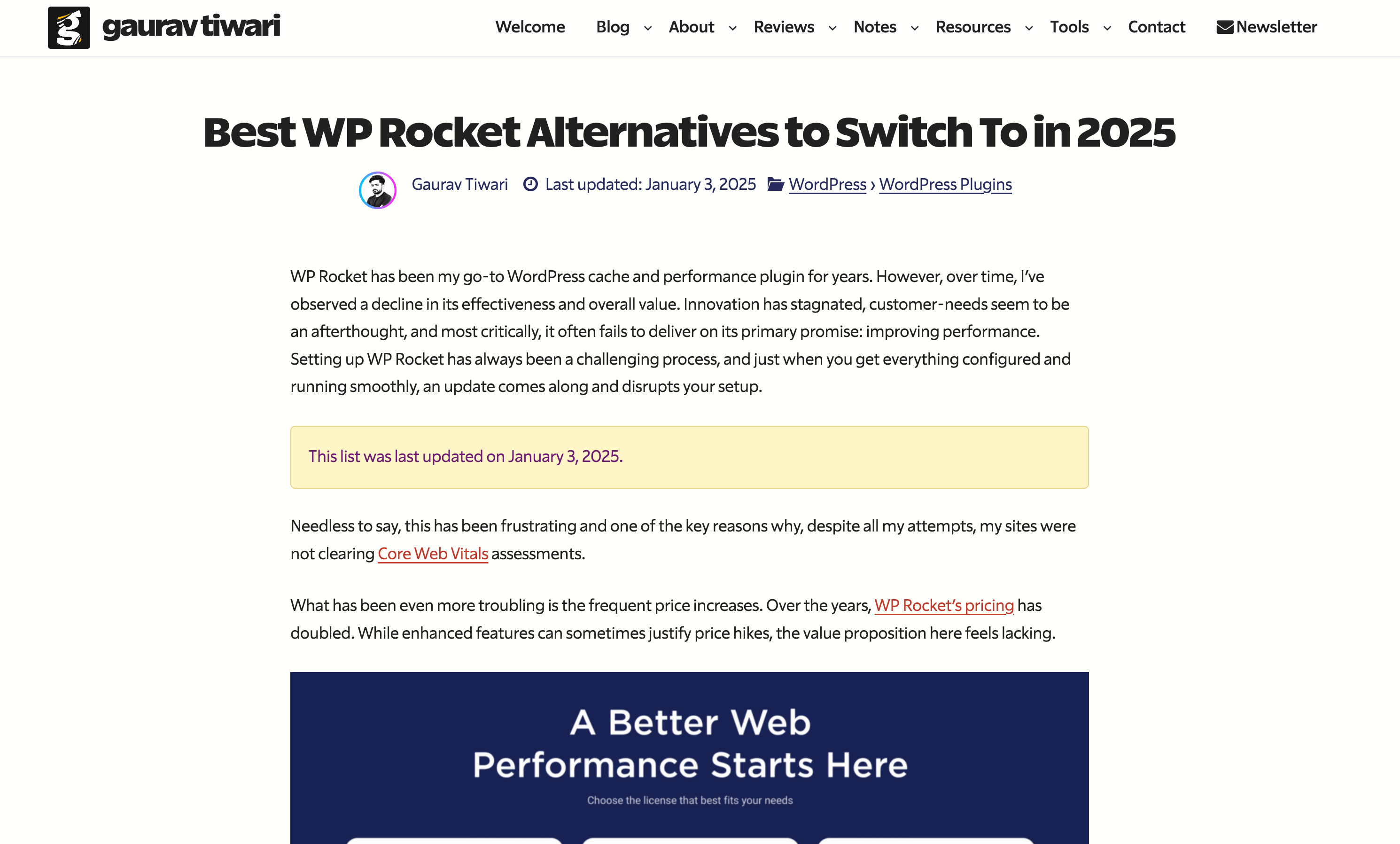
- Supports RankMath, Yoast and SEOPress plugins and can be used to replace all their date based variables.
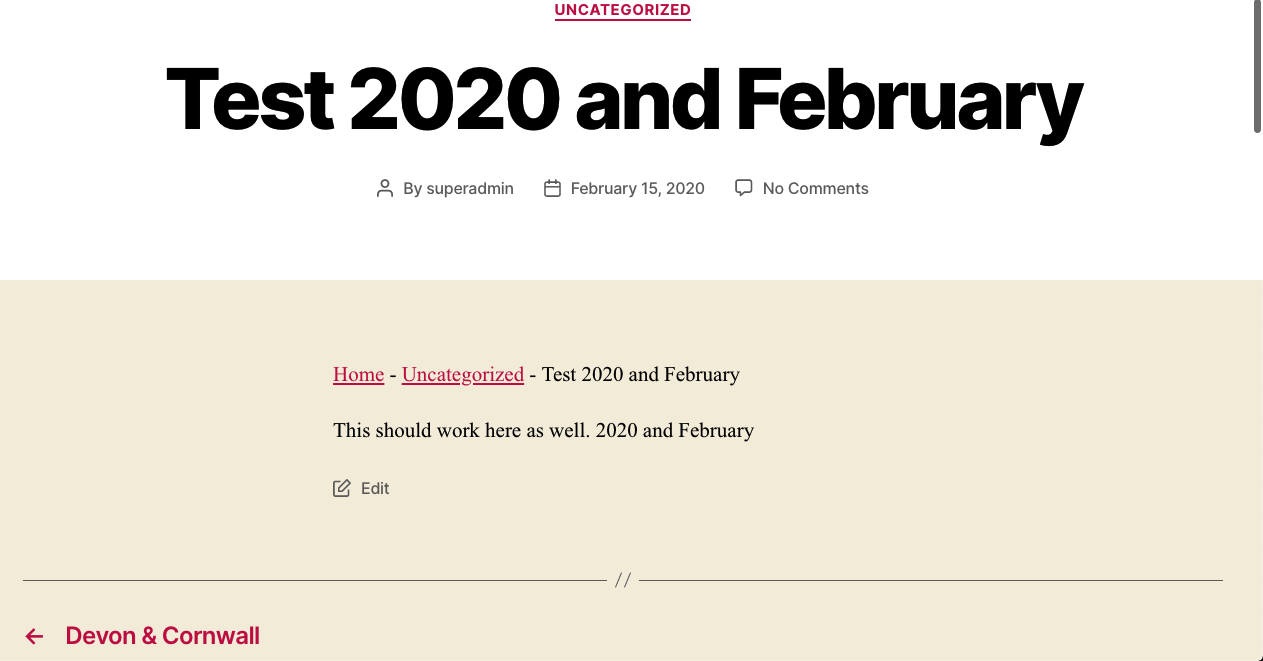
[year]works as a replacement to%currentyear%,[month]as a replacement to%currentmonth%already.- Use various combinations to make your articles even more dynamic and make your content always SEO ready — no matter the date or year.
- Extremely useful for Affiliate Marketers, Amazon Affiliates and Copywriters.
- Rank Math
- Rank Math Pro
- SEOPress
- SEOPress Premium
- Yoast SEO
- Yoast SEO Premium
- SureRank
- Gutenberg and Block Editor Content, Headings and Buttons
- All popular Block Editor Addons, including Greenshift, GenerateBlocks, Ultimate Blocks, Kadence Blocks, Spectra, Otter Blocks.
- Elementor Page Builder
- WP Bakery Page Builder
- Visual Composer
- Beaver Builder
- Brizy Builder
- Oxygen Builder
- Bricks Builder
- Jetpack Related Posts
- Intelly Related Posts a.k.a. Inline Related Posts (IRP)
- Advanced Custom Fields (Manual: please see the FAQs)
- Lightweight Accordion (including Schema)
- All major themes including Twenty Twenty-Five, Twenty Twenty-Four, Twenty Twenty-Three, Twenty Twenty-Two, Twenty Twenty-One, Twenty Twenty, Astra, Neve, Hello (Elementor), Kadence, GeneratePress, Blocksy, and OceanWP. Tested to be totally working with Yoast SEO, SEOPress and Rank Math's breadcrumbs, custom meta titles, excerpt etc.
- Full Rank Math OpenGraph Support.
- Full Schema and OpenGraph support in YoastSEO.
- Multiple Langauge (WPML) Support: Shortcode renders your site's defined language.
- Contextual Related Posts Support.
- Jetpack Related Posts Support.
- Totally native. Doesn't write anything to the database.
- No configuration required.
- Cache friendly.
安装:
- Upload the plugin folder to the
/wp-content/plugins/directory, or install the plugin through the WordPress plugins screen directly. - Activate the plugin through the 'Plugins' screen in WordPress
- There is no additional configuration required. There will not be any menus or settings for this plugin.
屏幕截图:
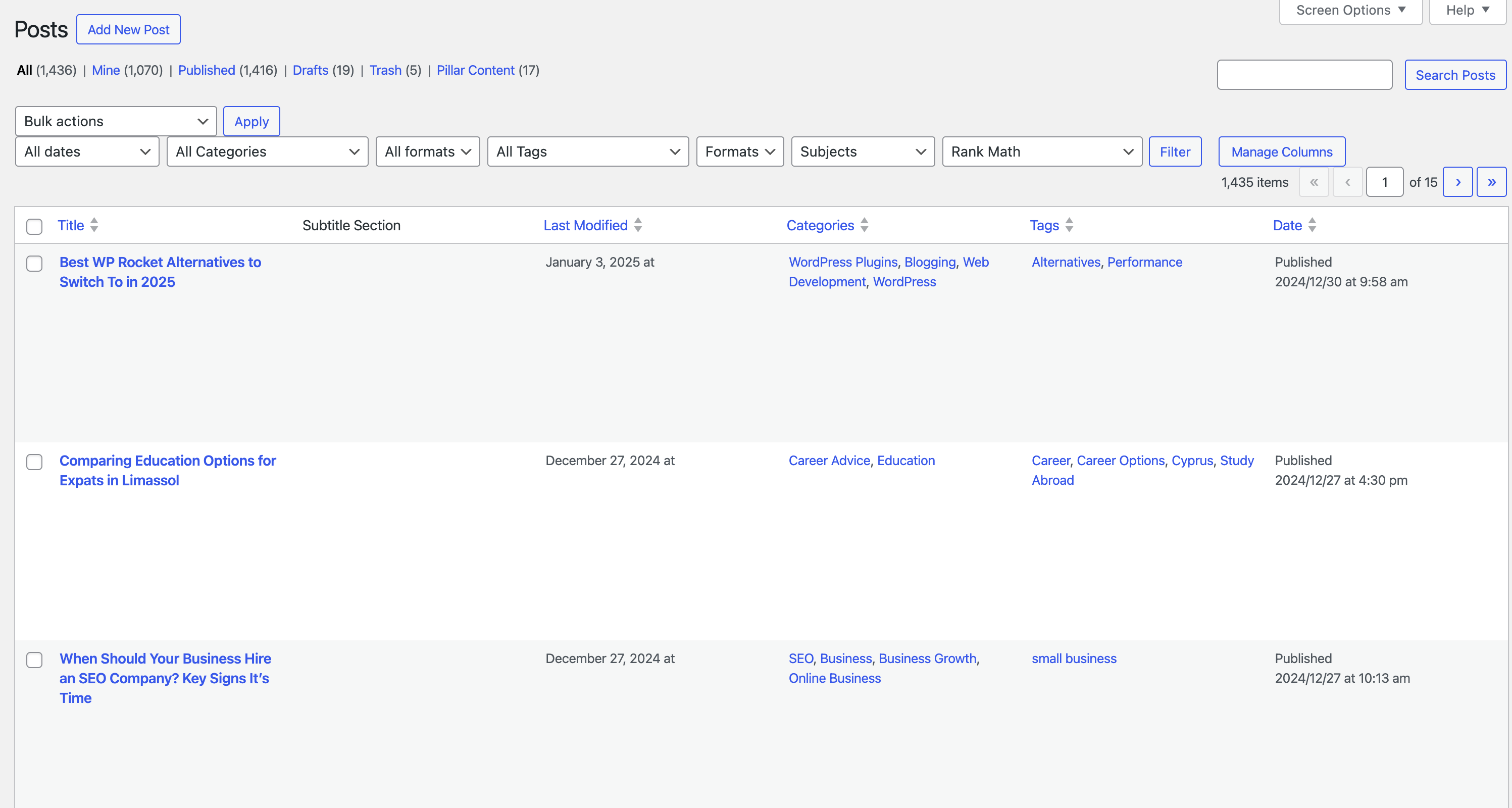
常见问题:
Why would I need this?
If you are an affiliate marketer or blogger who uses months, years and dates in your posts. If you use this plugin to render dynamic month, year, date, next year, and previous year shortcodes, you won’t have to update those posts again and again as time passes.
How can I access settings?
You cannot. There is no options panel because there is no need to have one. Why bloat the WordPress dashboard with more options?
Can I use it in Block Editor or Classic Editor?
Like running text, you can use the shortcodes in both Block Editor and Classic Editor. You can also use the shortcodes in widget areas, including the footer (use-case: Autoupdating Copyright Year) and headers (use-case: Today’s Date).
Will this plugin work in my language?
Yes. The shortcode outputs are WPML ready and render as per the language set in your WordPress dashboard. Since there is no settings page, you don’t have to translate this plugin.
How can I use these shortcodes in my theme/PHP code?
You can use <?php echo do_shortcode('[year]');?>, <?php echo do_shortcode('[month]');?> etc. in themes or in functionality plugins to use these shortcodes.
How can I render shortcodes in ACF fields?
This plugin doesn't render shortcodes in ACF fields by default (due to various reasons, security being the first). But if you really need to render [year] etc., shortcodes, you can enable selective rendering.
Just add this code in your theme's functions.php file or in the Code Snippets plugin:
ACF field type => text
add_filter('acf/format_value/type=text', 'do_shortcode');
ACF field name => headline
add_filter('acf/format_value/name=headline', 'do_shortcode');
How can I disable shortcode processing in titles or excerpts?
Since 1.7.1, you can use the dmyip_core_filters filter to selectively disable shortcode processing. Add this to your theme's functions.php or a code snippets plugin:
Disable all core filters:
add_filter( 'dmyip_core_filters', '__return_empty_array' );
Disable only title processing:
add_filter( 'dmyip_core_filters', function ( $filters ) { $filters['the_title'] = false; return $filters; } );
Available keys: the_title, single_post_title, wp_title, the_excerpt, get_the_excerpt, get_the_archive_title. All default to true.
更新日志:
- Fix:
[season]shortcode not working in legacy (non-Composer) installations. - Fix:
[age]shortcode missingordinal/rankattributes in legacy installations. - Fix: Duplicate Open Graph filter registrations in legacy Rank Math integration.
- Fix: Duplicate Elementor and CRP filter registrations in legacy SEOPress file.
- New: Bricks Builder integration — shortcodes now render inside Bricks dynamic data elements.
- New: Published Date and Modified Date Gutenberg blocks.
- New:
dmyip_core_filtersfilter to selectively disable shortcode processing on WordPress core filters (titles, excerpts, archive titles). Props @meteorlxy. - Improved: Release workflow auto-generates changelogs and attaches them to GitHub releases.
- Fix:
[year]shortcode with large negative offsets (e.g.,[year n=-2003]) now returns correct results instead of wrong/empty values. - Fix:
[year]shortcode no longer zero-pads results (e.g.,[year n=-1100]returns926instead of0926).
- New:
[season]shortcode to display current season (Spring, Summer, Fall, Winter) [season]- Northern hemisphere (default)[season region="south"]- Southern hemisphere (reversed seasons)- New: Ordinal suffix support for
[age]shortcode [age date="1990-05-15" ordinal="true"]- Returns "35th"[age date="1990-05-15" rank="true"]- Alias for ordinal- Improved: Proper handling of special ordinals (11th, 12th, 13th)
- More PHP 7.4 improvements
- Fix: Countdown timer was not compatible with < PHP8
- New:
[age]shortcode to calculate and display age from a birth date. Supports three formats: [age date="1990-05-15"]- Years only (e.g., "34")[age date="1990-05-15" format="ym"]- Years and months (e.g., "34 years, 7 months")[age date="1990-05-15" format="ymd"]- Full age (e.g., "34 years, 7 months, 12 days")- New: 6 additional Block Patterns - Age Display Card, Birthday Countdown, Experience Badge, New Year Countdown, Days Since Milestone, and Promotional Banner with CTA.
- New: Shortcodes inserted via toolbar are now highlighted with orange background in the editor for better visibility.
- New: Toolbar dropdown now shows usage examples for shortcodes with arguments.
- Improved: Dynamic Date block now supports age calculation with configurable format options.
- New:
[daysuntil]and[dayssince]countdown shortcodes for calculating days until/since a specific date. - New: Block Editor toolbar button for quick shortcode insertion.
- New: Dynamic Dates sidebar panel with complete shortcode reference and copy buttons.
- New: 7 pre-built Block Patterns (Copyright Footer, Sale Banners, Countdown, etc.).
- New: GitHub Actions workflow for automated plugin releases.
- More improvements. props @meteorlxy
- Refactor code.
- Attempted a fix for Rank Math SEO JSON and Excerpts.
- New: [nd] and [pd] display next and previous dates (number only).
- New: [nmonthyear] and [pmonthyear] display next and previous month and years together. Useful in many cases.
- Shortcode support in Archive Titles.
- Made Black Friday and Cyber Monday dates totally dynamic and auto-updating.
- Use [year n=number] to display any year next or previous to this year. For example [year n=5] renders 5th year from now and [year n=-5] renders 5th year back from today.
- Two new useful shortcodes. Post modified/updated date:
[datemodified]and post publication date:[datepublished]. Use these anywhere you want to make your site more dynamic and SEO friendly.
- Revert some changes
- Full Yoast SEO Support. Finally.
- Optimized Code
- SEOPress Support complete
- Date change for Black Friday and Cyber Monday dates
- New:
[blackfriday]and[cybermonday]shortcodes render this years Black Fridy and Cyber Monday dates like November 25 and November 28. Couple these with[year]to make the dates complete. See this example - Intelly Related Posts a.k.a. IRP support.

- Readme update.
- Fixed some issues related to rendering of next month.
[monthyear]no longer prints next month after 28th. Reason: User experience, as the user may be tricked to thinking the wrong current month and year names.
- Fix rendering of [monthyear] shortcode in languages other than English.
- New: Full Elementor Support. Now the shortcodes should render in all core and Elementor Pro widgets
- Added:
[weekday]shortcode renders day of the week like Sunday, Monday, … - Added:
[wd]shortcode renders shortnames for days of the week like Sun, Mon,… - Compatibility with 6.0.1 tested.
- Added: JSON-LD support for Yoast SEO Schema. Props to @sathoro
- Improved:
[monthyear]shortcode renders next month if the current month is about to end, after 28th every month.
- New: Capitalize Month Names. Add
cbefore any month based shortcode to render it capitalized. Useful in various languages where Month names are generally in small letters, like French, Swedish etc. - Example shortcodes:
[cmonth],[cmon],[cnmonth],[cpmonth],[cnmon],[cpmon]etc. - New Shortcodes:
[nnyear]and[ppyear]show 2 years next and previous years, like 2023 and 2019 respectively. - New Shortcode:
[monthyear]shows current month and year together for specific purposes. - Better compatibility with Rank Math Pro and Elementor.
- New Shortcodes:
[mm]renders month number including trailing zero (01-12) - New Shortcodes:
[mn]renders month number without trailing zero (1-12) - Full Jetpack Related Posts Support (Thanks Jetpack team!)
- WordPress 5.8 Support
- New Shortcode: [nmonth] renders next month (full name)
- New Shortcode: [pmonth] renders previous month (full name)
- New Shortcode: [nmon] renders next month (short name, like Jan, Feb)
- New Shortcode: [pmon] renders previous month (short name, like Dec, Nov)
- IMPROVED! Performance by removing
rank_math/paper/auto_generated_description/apply_shortcodefilter that causes more load on sites, specially wherewp_queryis used. - This is first of many attempts to remove unnecessary elements.
- Revert back some of the changes in 1.1.6
- Bug fix
- NEW!
[dt]shortcode to render only the day of the month (like 1, 2, 3, 17, 28). Combine this with other shortcodes to create date formats you desire. - Added support for shortcodes in Rank Math's Product schema description
- IMPROVED!
[date]shortcode renders date as set by Dashboard -> Settings -> General -> Date.
- NEW!
[mon]shortcode to render only the first three-letters of Month, like Jan, Feb, Mar, Apr etc. - Tested with WordPress 5.8 Beta
- Updated Readme.txt and Instructions
- Bug fixes.
- Bug fixes.
- New: Rank Math OpenGraph Support
- Improved: Schema and OpenGraph support in YoastSEO.
- Work in Progress: Full Schema and OpenGraph support in Rank Math
- Removed: Rank Math recommendation.
- New: Contextual Related Posts Support
- New: SEOPress Support
- New: Yoast SEO Support
- Multiple Langauge Support: Shortcode renders your site's defined language.
- New: [date] shortcode for today's date.
- WordPress 5.6 Compatibility
- Optimization
- Updated Readme.txt file
- [pyear] yields previous year (e.g., 2021)
- [nyear] yields next year (e.g., 2023)
- Fixed Name Conflicts
- First version