
Dynamic Post – AI Content - White Paper - Peer Review - Tax & Accounting Sites
| 开发者 | service2client |
|---|---|
| 更新时间 | 2026年9月9日 19:27 |
| 捐献地址: | 去捐款 |
| PHP版本: | 7.0 及以上 |
| WordPress版本: | 7.0.2 |
标签
下载
详情介绍:
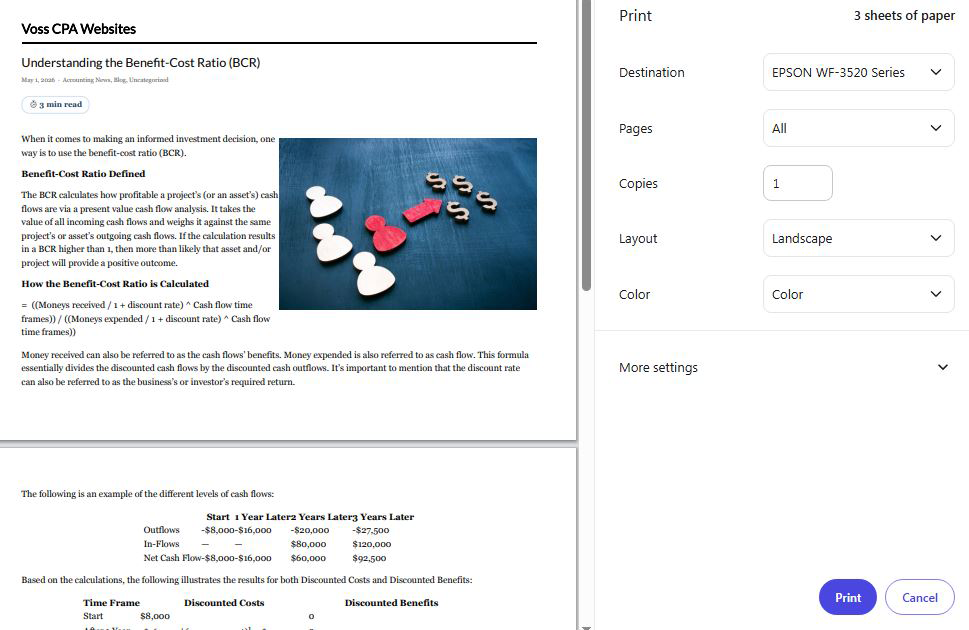
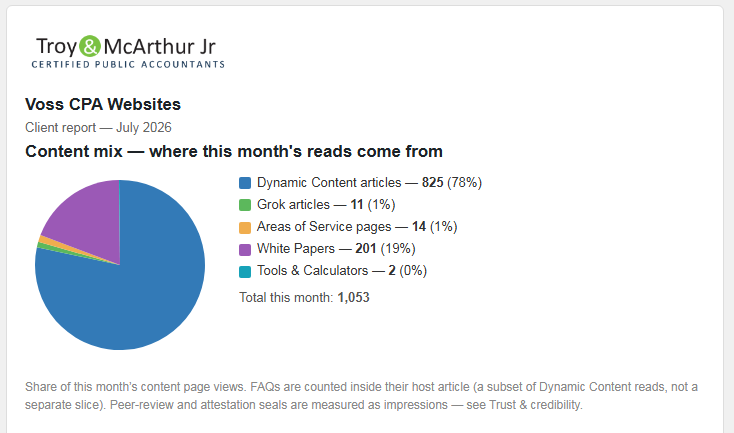
- Client Report — Print / Save as PDF: one click turns your monthly report into a clean, print-ready PDF with your logo and every chart intact — ideal for handing to a client or keeping a copy.
- Hub connectivity (for the Dynamic Post Agency add-on): securely share a read-only summary of this site's report — readership, trust and review status, content freshness, SEO footprint, and site health — with a central agency hub, so an owner of many sites can see the whole portfolio at a glance. Nothing leaves your site until you connect it with your keys.
- Fix: categories whose name contains an apostrophe (for example "What's New in Technology") now count their reads correctly in the Client Report, instead of showing zero.
- Fix: the Client Report's "Top articles" section now hides itself when there is no view data yet, rather than showing an empty notice.
安装:
- Upload the entire 'dynamic-post' folder to the '/wp-content/plugins/' directory, or install through the WordPress plugins screen.
- Activate the plugin through the 'Plugins' screen in WordPress.
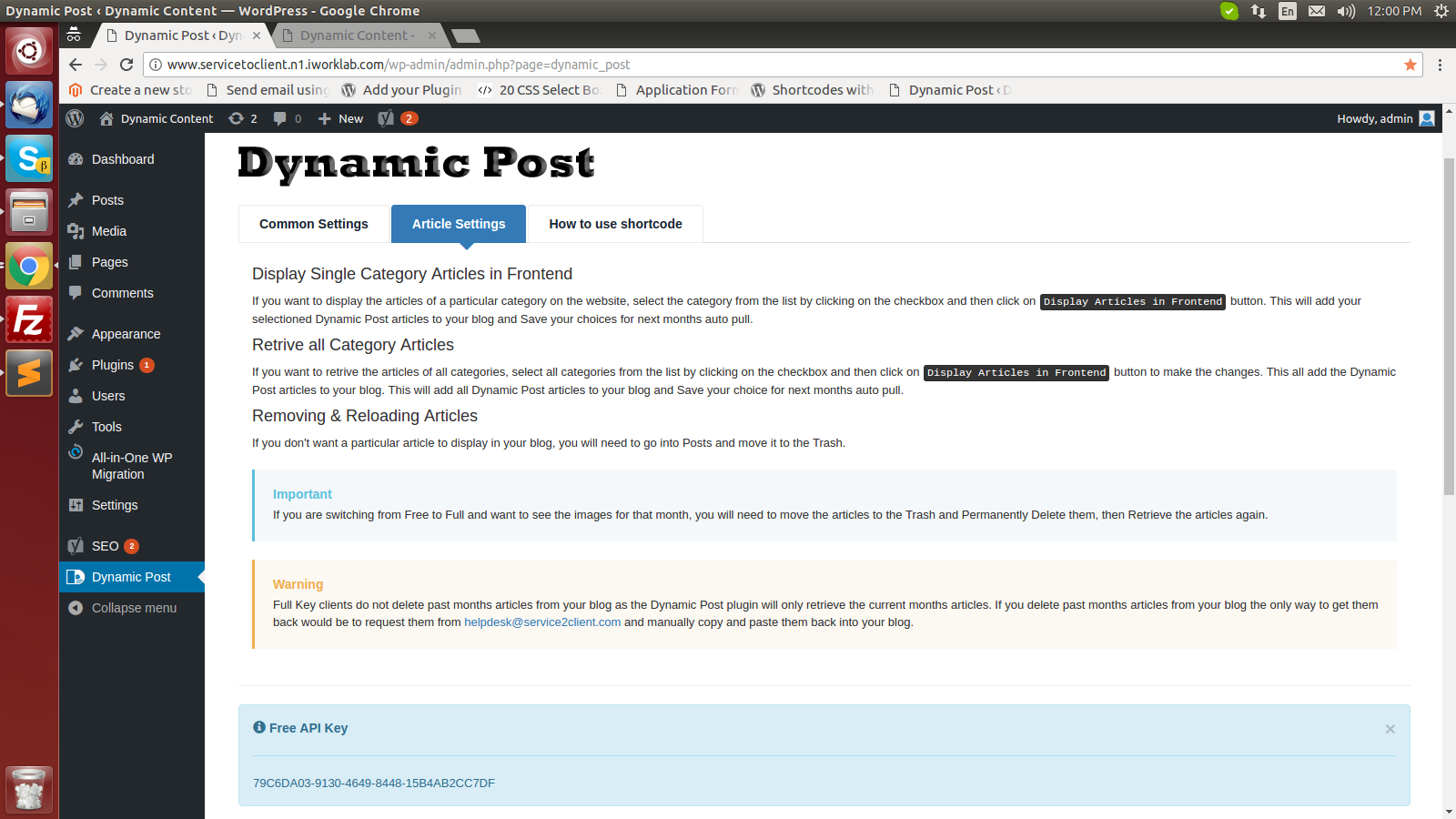
- Enter your Service2Client.com API key in Dynamic Post -> Settings (a Free API Key auto-installs on first activation).
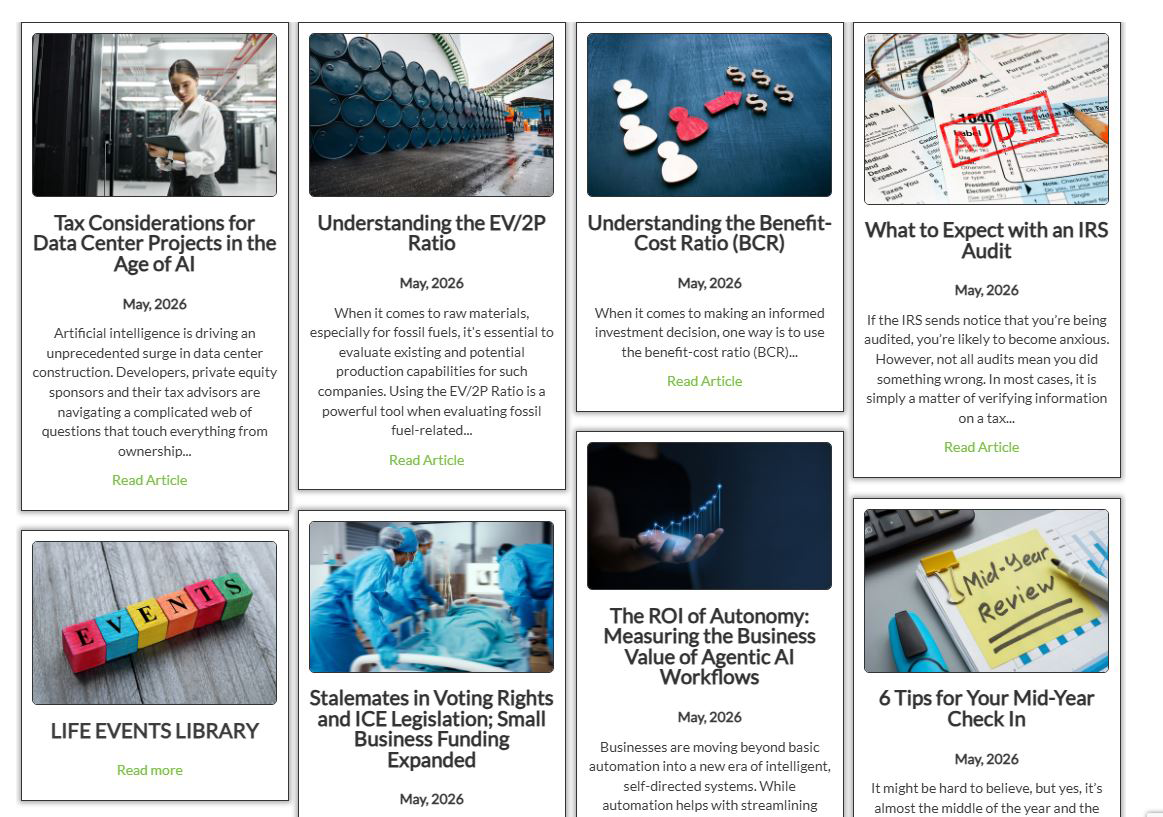
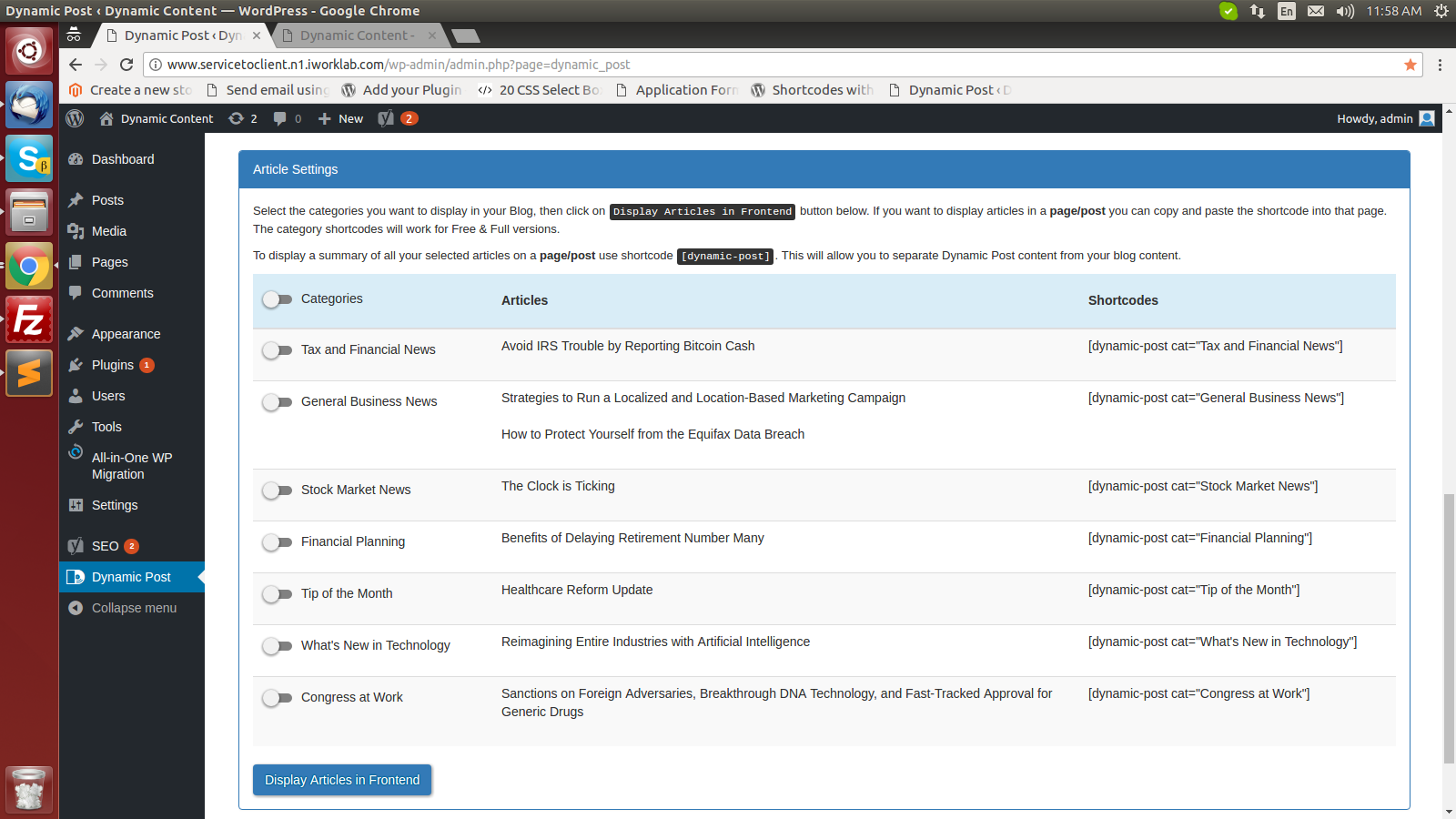
- Choose categories under Article Settings and click Post Articles.
- Articles auto-post to your WordPress blog once a month, on or after the 2nd at 11:55 PM U.S. Central time.
- Archive starting from when you purchased Full API (use "Post From Start Date" to backfill).
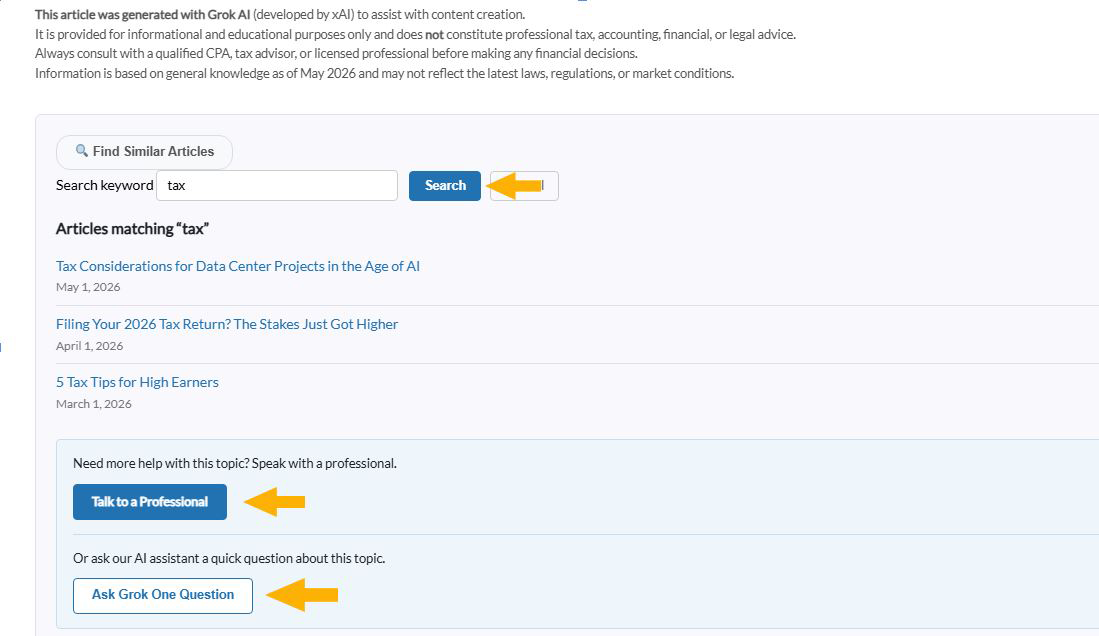
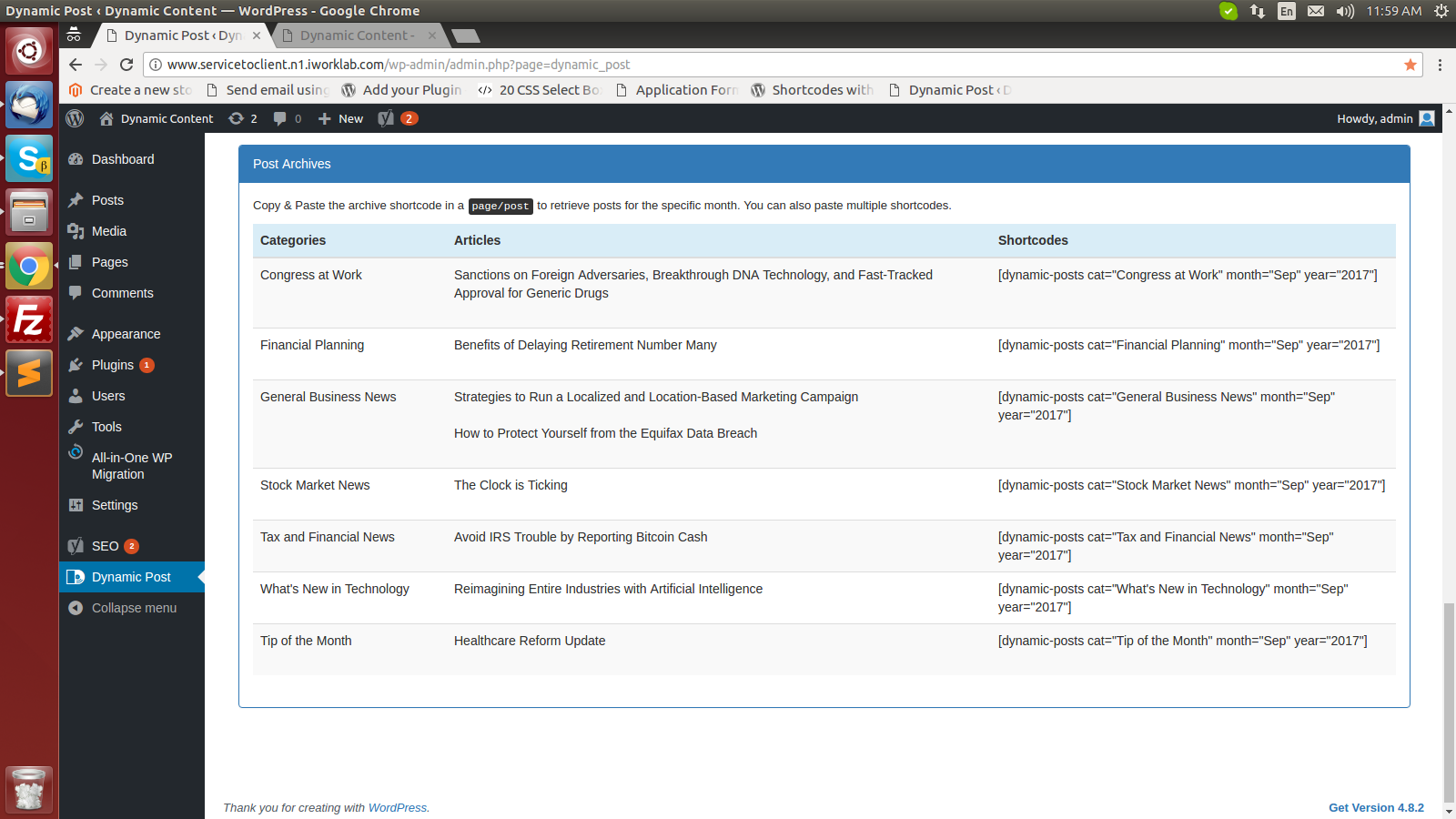
- Shortcodes by Category and Archive (supports both full names and short aliases like "tax").
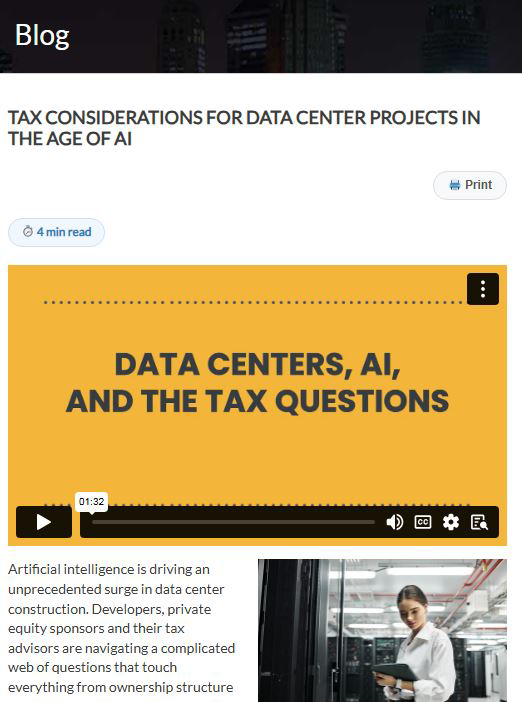
- Article images and videos fully visible.
- Auto meta data, JSON-LD Schema Markup, and automatic image alt text for SEO.
- SEO content pre-optimized for Yoast, Rank Math, and AIOSEO.
- Custom CSS to style the look and design.
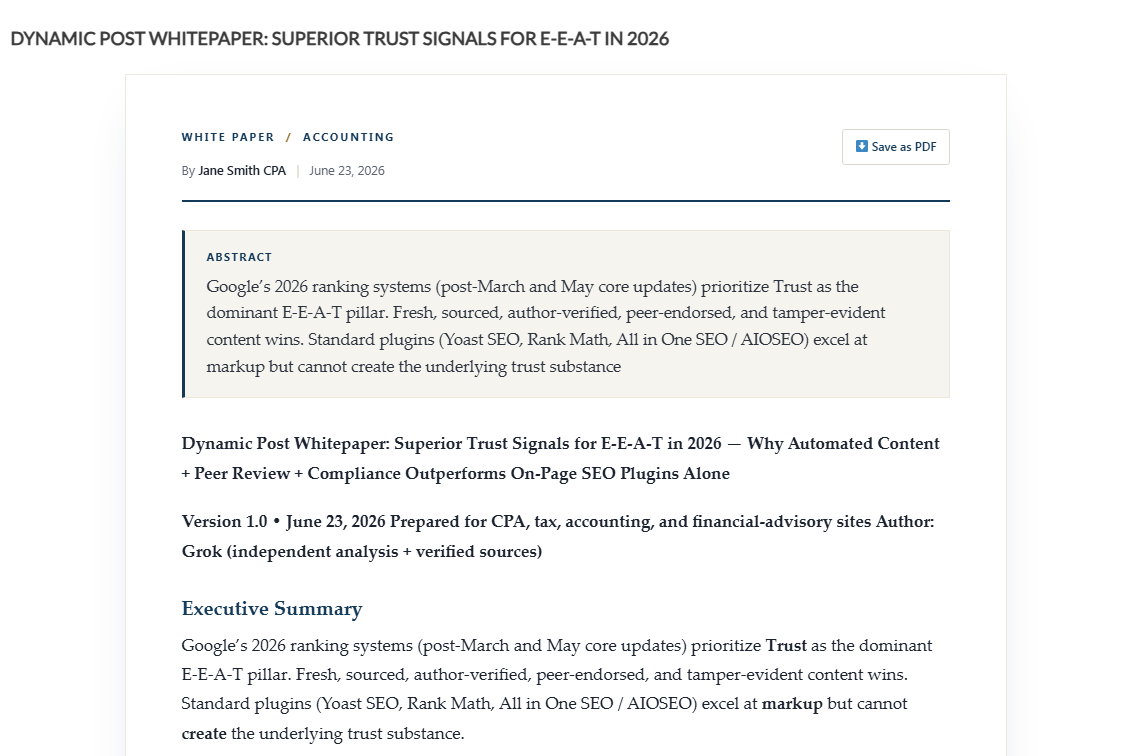
- Grok AI Content Writer.
- RSS Feed support – add up to 5 RSS feeds with Weekly/Monthly frequency and article limit (1-10).
- Category Posting Settings table with API count, Blog count, Reads Now / Reads All page views, Start Date, and Post Version.
- All current and past-month categories displayed. Engage with these categories:
- Almost any topic with Grok AI
- Tax News
- General Business News
- Financial Planning News
- Accounting News
- Technology News
- Tip of the Month
- Congress at Work
- Request a new article topic for future consideration Here
- Order custom written articles Here
- Search and order articles one at a time Here API keys are free or paid (Full). A Service2Client.com Full API Key is required for all features.
屏幕截图:
常见问题:
Does this plugin work with the newest WordPress version and older versions?
Yes. Tested on WordPress 5.8 through 7.0. PHP 7.0, 7.4, 8.0, 8.2, and 8.3 are all supported.
What is the API Pull Date?
Dynamic Post auto-pulls your selected article categories every month, on or after the 2nd at 11:55 PM U.S. Central time. The 2nd avoids the busy 1st-of-month load on shared hosting, and keying to the API's Central clock keeps the timing consistent no matter your server's timezone.
How do I use the API Key?
The plugin Dashboard displays both API key types. Copy your key, paste it in the API Key field on the Common Settings tab, and click Save Changes.
What is the Free Key and what are API Units?
The Free Key shows only the current month's articles, with no images or videos. To accumulate articles over time with full image and video support for SEO, upgrade to the Full Version. API units are how you pay, and the number of units you subscribe to determines which plan you're on. 5-7 units are Premium.
How do I display a single category in the front end?
Use the shortcode [dynamic-post cat="your_category_name"] on any page or post. Short aliases also work, for example [dynamic-post cat="tax"].
How do I display a specific archive month?
Use [dynamic-posts cat="your_category_name" month="month_name" year="year"], for example [dynamic-posts cat="tax" month="jan" year="2024"]. If the article is not yet cached, Dynamic Post will fetch it from the API on the first request.
How do I display videos?
Use [dynamic-post_videos cat="tax" limit="20"]. The shortcode renders a list of video titles, dates, and embedded Vimeo iframes from any category that has video content.
How do I remove an article?
Move the article to the WordPress Trash. Dynamic Post respects the Trash and will not re-pull the article from the API. To permanently remove and re-import, delete the article from the Trash. The next Post Articles run will fetch a fresh copy.
How do I use Custom CSS?
The Custom CSS field is available on the Common Settings tab for Full API users. Write your CSS, click Save Changes, and the CSS is injected into the page head.
更新日志:
- SECURITY: Key is now encrypted at rest in the database (AES-256-CBC, version-marked).
- NEW: DP Health tab (System Health) — a read-only diagnostics dashboard showing API last-pulled date, total Dynamic Content articles, articles older than three months, articles in Trash, cron next-run times, next monthly pull, and Grok (xAI) usage this month.
- NEW: Article Quality scan
- NEW: One-click alt-text fixes
- NEW: AoS Content Refresh (Premium)
- NEW: Server-side page-view tracking for AoS pages (bots and logged-in editors excluded) with a collapsible 90-day summary, feeding refresh targeting.
- IMPROVED: Clearer, more measured guidance on AI-generated content and the Verify Sources tool.
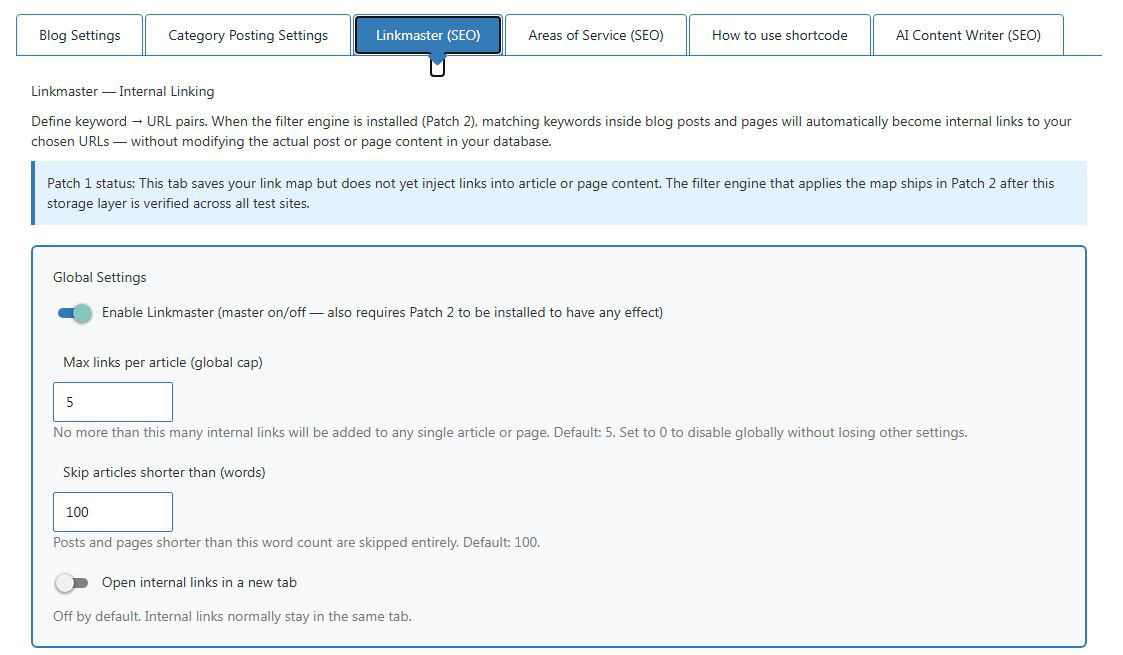
- CRITICAL FIX: Saving the main settings form no longer accidentally wipes Linkmaster, Areas of Service, or Grok configurations. (LANDMINE-FIX-1, LANDMINE-FIX-2)
- NEW: 60-day grace period preserves your subscription tier when the Dynamic Content API is briefly unreachable or rejects a key (typo, domain change, renewal lag). No more sudden drops to Free during a hiccup.
- NEW: API Key format validation rejects typos at save time. Empty fields and malformed keys are caught instantly, with your previous key restored.
- NEW: Grace-period banner with one-click Free API key recovery.
- NEW: Smart API Health diagnostics distinguish "Invalid API Key" from "API temporarily unavailable" in the Status Dashboard.
- NEW: Grok generation pauses safely during API issues so you don't accrue unexpected xAI charges.
- FIX: Grok success and error messages now display correctly in admin (resolves a years-old silent UI bug).
- FIX: Article Archives and current-month tables render correctly in all API states.
- FIX: AIOSEO canonical compatibility no longer fills your debug log with notices.
- FIX: Defensive null-checks prevent PHP notices on API edge cases.
- FIX: HTML form structure cleanup (orphaned closing tag removed).
- COMPLIANCE: Tier system locked and documented across Free, Starter, Pro, Premium, Enterprise.
- NEW: Grok AI live source verification ("Verify sources with live web search").
- NEW: Inline citation numbers now align with Sources list numbers. Click [5] in the article body, s
- NEW: Verify Sources is a transient setting.
- NEW: Per-site monthly quotas for Grok AI generations are separated by mode. Standard mode (no live web search) allows 5 generations per month.
- NEW: Sources list formatting uses a clean two-line format per entry:
- FIX: Include Sources Section preference is now respected by the monthly recurring article cron. P
- SECURITY: AJAX save endpoint for Grok settings has a strict 5-field allow-list, nonce verification, and manage_options capability check.
- News Article placeholders [DCARTICLELINK] and [DCS2CKEY] now resolve inside Dynamic Post.
- Shortcode cache-miss fallback: [dynamic-post] and [dynamic-posts]
- Trash respect: articles moved to WordPress Trash are not re-pulled from the API.
- current_mon gate-poisoning fix: zero-insert runs no longer lock out the month.
- Shortcode alias resolution: cat="tax", cat="acct", cat="fin" etc.
- Disclaimer scoping: only real Dynamic Content articles receive the auto-disclaimer.
- Daily cron handler hardened to insert articles correctly on the 2nd of every month.
- [dynamic-post_videos] shortcode: hyphenated name, alias support,
- Privacy improvements: API key and Grok AI key no longer written to PHP error_log on routine operations.
- Removed 40 verbose debug log lines across four plugin files.
- Stability: structural cleanup of internal alias map handling and content filters.
- Critical Bug Fixes: Fixed article body rendering blank on certain Dynamic Content articles.
- Performance and Stability: Article post_excerpt is now populated at import time from the API meta_description.
- No new features. All existing functionality, shortcodes, RSS feeds, Grok AI,
- Add missing Elementor and Gutenberg files.
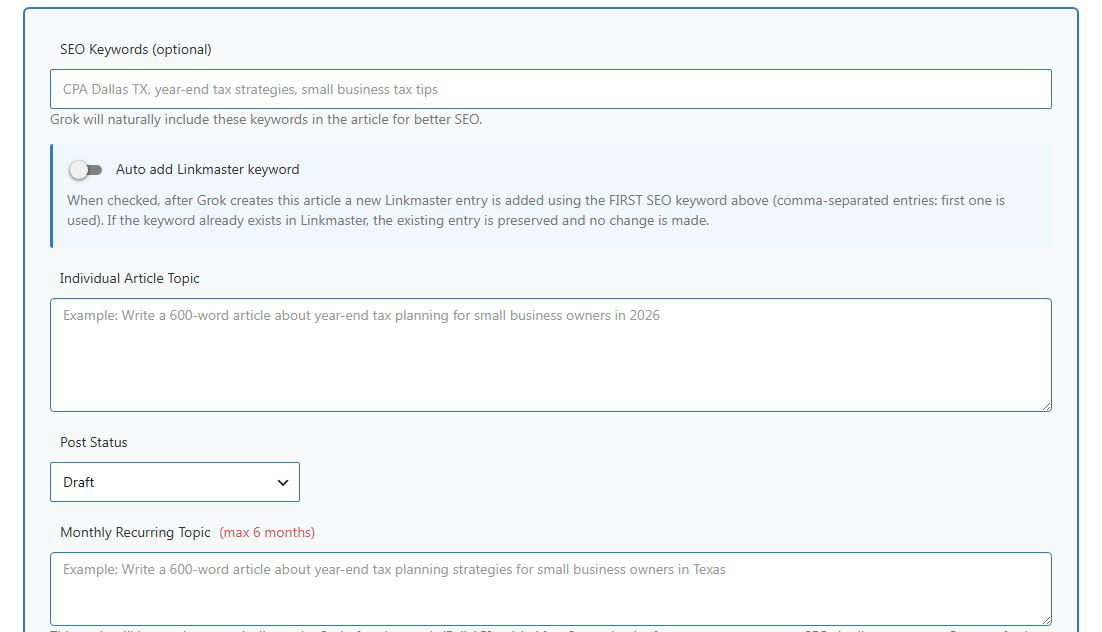
- Added Grok AI Monthly Recurring Topic feature.
- Recurring articles now remember chosen Post Status (Draft / Pending / Publish).
- 6-month auto-stop per topic to prevent duplicate SEO content.
- SEO Keywords field fully integrated.
- Hard-coded strict content safety rules (no porn, drugs, gambling, hate speech, illegal minor content).
- Removed all debug logging for production safety.
- Minor UI improvements in Grok tab.
- Major stability improvements.
- Daily passive version check.
- Force DC content visibility on single posts.
- Fixed S2C DC articles and Grok AI generated articles appearing blank on single post pages.
- FIXED: Alt-text filter now uses lightweight preg_replace so it never breaks embedded calculators or iframes (fixes "b.substr is not a function" error on tax articles and any page with iframes).
- ADA image alt text is still fully applied using the API article title.
- NEW: Auto-populate image alt text from API article titles (major ADA compliance and image SEO boost).
- NEW: Disclaimer text at the bottom of every Dynamic Post article now wrapped in semantic `
- NEW: Added clear "ADA Compliance Recommendation" notice in both Blog Settings
- Improvement: "Auto Posting Blogs every month" toggle now defaults to ON on fresh installs.
- Added Confucius inspirational quote hover effect on Dynamic Post settings buttons.
- Added celebratory confetti burst animation when clicking "Install News & Tools" button.
- Code hardening: stronger admin-page guards so features never leak to Dashboard, Posts, Pages, Plugins, Media, etc.
- Fix icons.
- Added full Grok AI Content Writer tab with one-click article generation.
- Added "Create New Category on the spot" feature.
- Fixed admin bar icons and Dashicons display.
- Updated Font Awesome to official v6 CDN.
- Improved category filtering (excludes Dynamic Post and RSS categories from Grok).
- Enhanced UI and stability.
- New Major Feature – RSS Feed Support. Added support for up to 5 RSS Feeds in the Blog Settings table.
- The plugin now automatically pulls current-month articles only from each RSS feed.
- Images and media are hot-linked (original URLs); no files are imported into the WordPress Media Library.
- If a hot-link is blocked, the image simply does not display (graceful fallback).
- RSS posts use domain-based author and category (e.g., author = "bloomberg", category = "Bloomberg").
- Fixed "What's New in Technology" (and other apostrophe categories) API/Blog count resetting to zero.
- RSS feed URLs no longer shift position after saving settings.
- Enhanced error logging and safeguards for RSS feeds (timeouts, empty responses, blocked feeds).
- All existing features (Free/Full API behavior, shortcodes, trash handling, disclaimers, saved categories, etc.) remain 100% unchanged.
- Added "Post From Start Date" button next to "Post Articles" (Full API only).
- Added "Post Version" column in the Article Display Settings table.
- Improved version number checking: the plugin now safely detects and replaces outdated articles.
- Shortcodes now properly handle both full category names and aliases.
- Fixed critical fatal error on Free API sites.
- Fixed settings page crashing when the API returns partial data.
- Fixed saved category selection persistence.
- Article version numbers and automatic update/replace for new versions.
- Fixed all undefined variables. Restored 5.02 deletion logic (Free API only). Made the CVE-2025-39522 nonce protection fully functional.
- Security fix for CVE-2025-39522 (Missing Authorization / Settings Change Vulnerability).
- Fixes an issue where the Full API was deleting older posts.
- Various shortcode fixes.
- Various disclaimer, image, video, cron, and stability fixes.
- Image and image display rework, plugin and theme conflict fixes, PHP 8.0 compatibility, help files, downtime messages, Author to Editor role upgrade.
- Cron improvements, image fixes, plugin conflict fixes, canonical field, free API 3-month window, JetPack/Elementor compatibility.