
Product Tabs for WooCommerce
| 开发者 | riaanknoetze |
|---|---|
| 更新时间 | 2026年8月2日 19:17 |
| PHP版本: | 7.4 及以上 |
| WordPress版本: | 6.9 |
| 版权: | GPLv3 or later |
| 版权网址: | 版权信息 |
详情介绍:
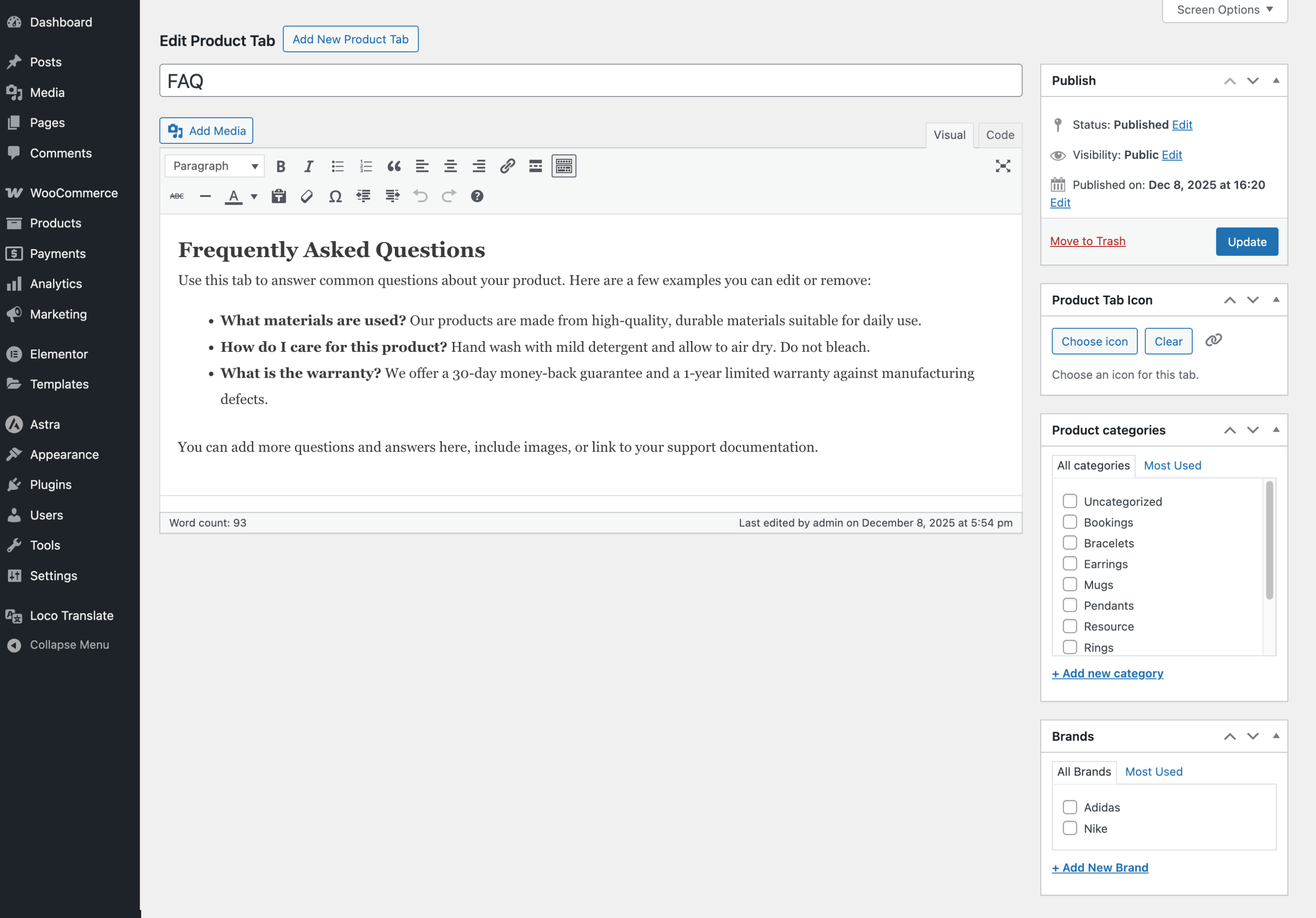
- Create tabs once and reuse them across your catalog
- Show tabs only on specific products, categories, tags, or brands
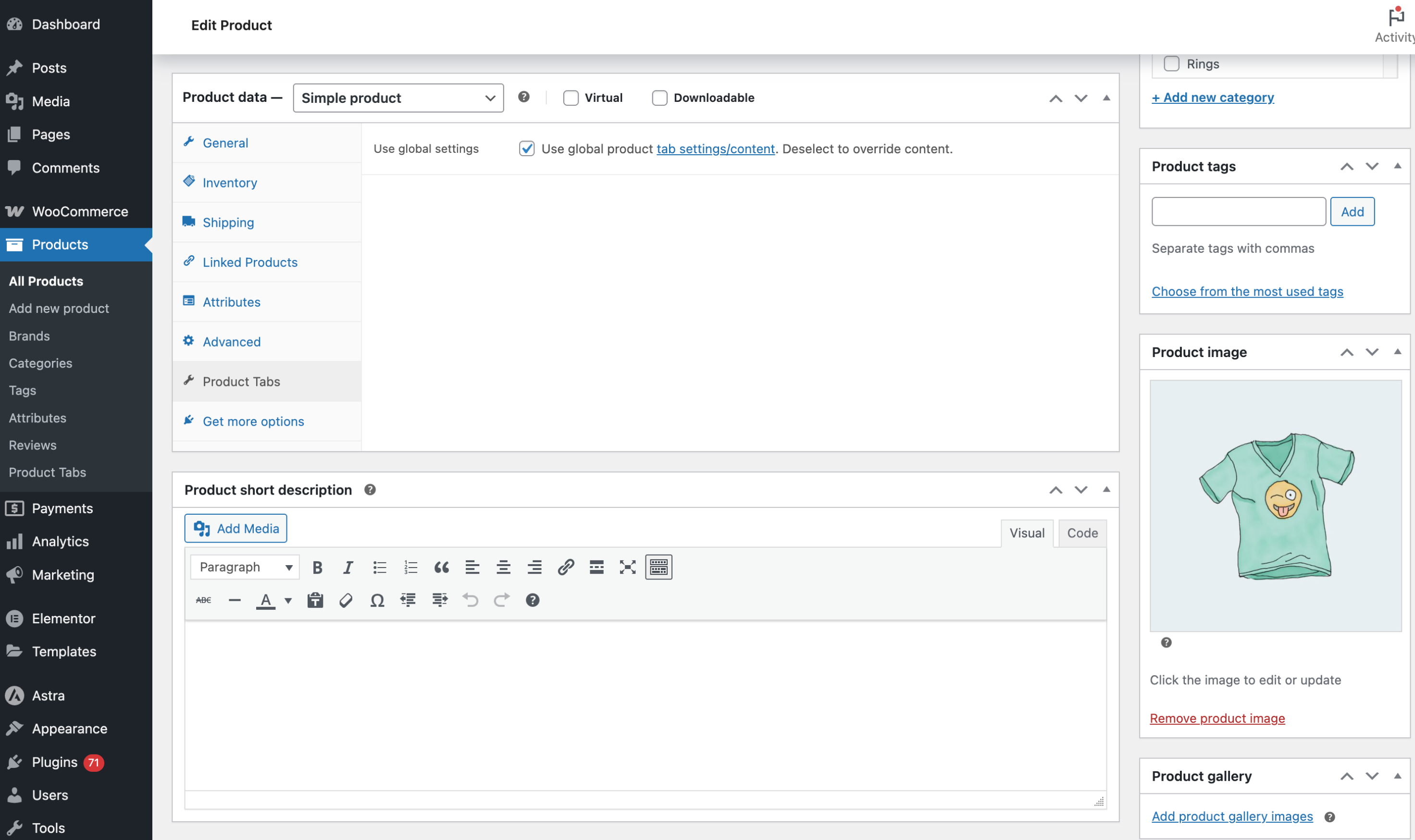
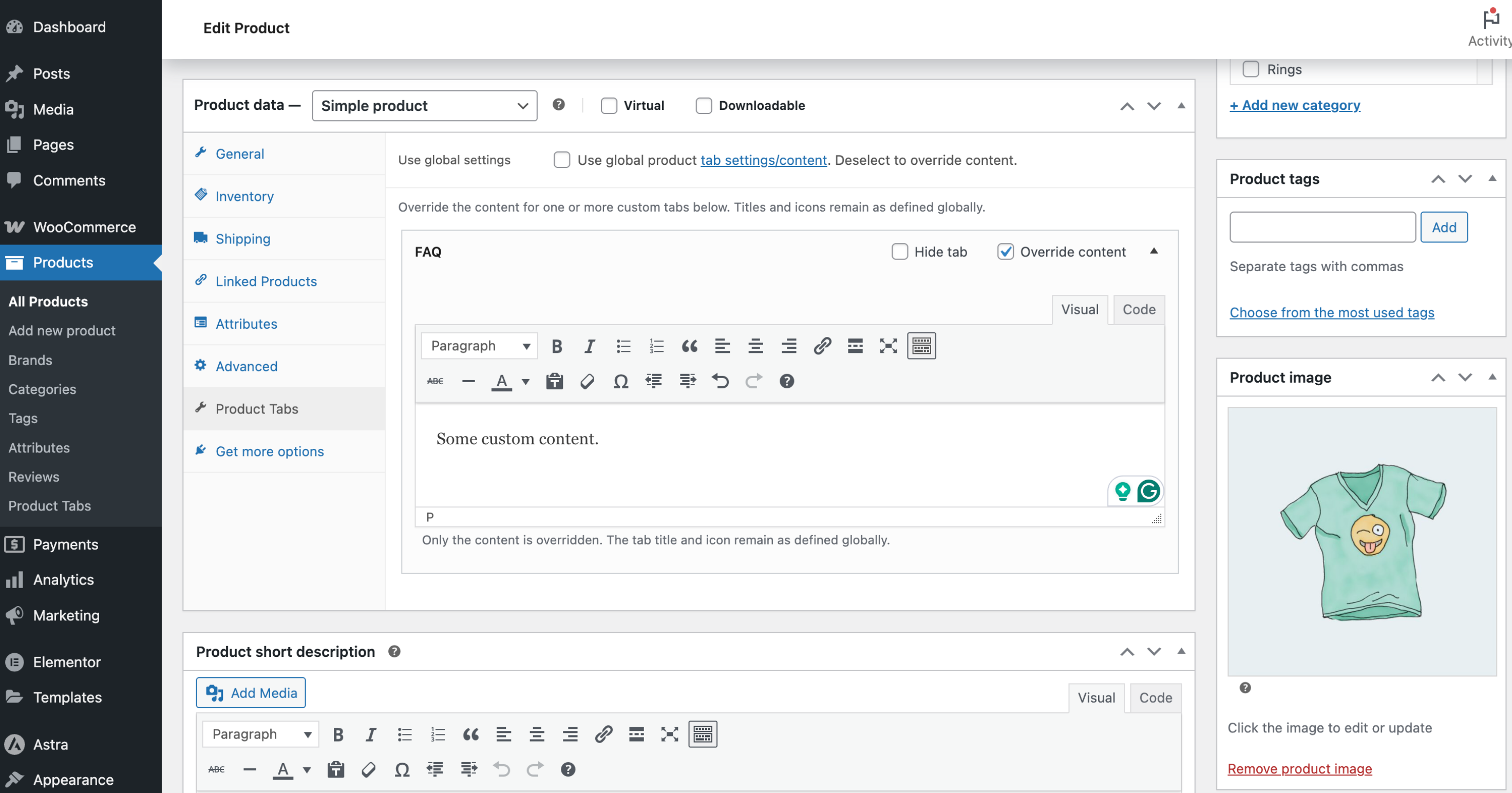
- Override or hide a global tab on a single product when needed
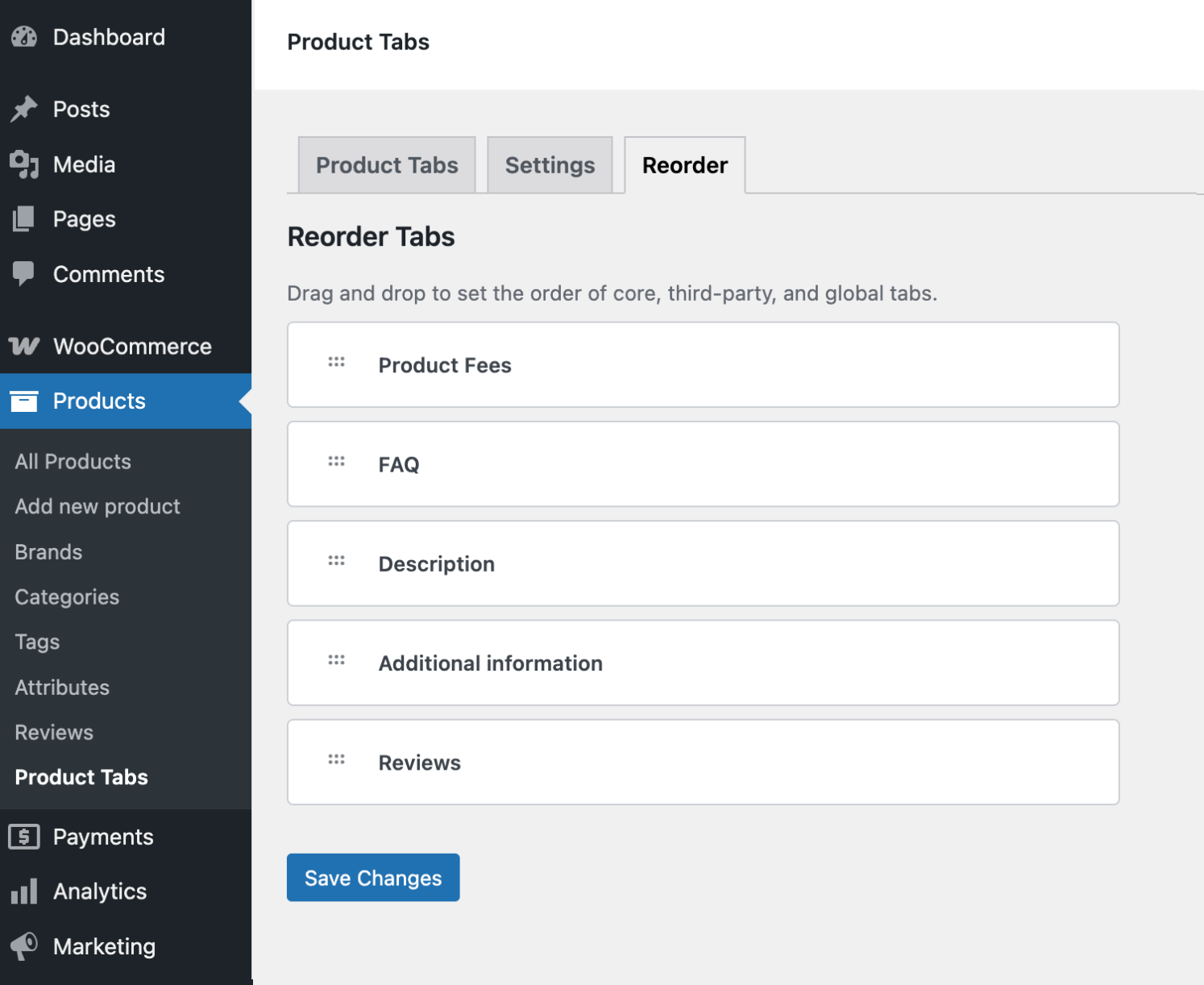
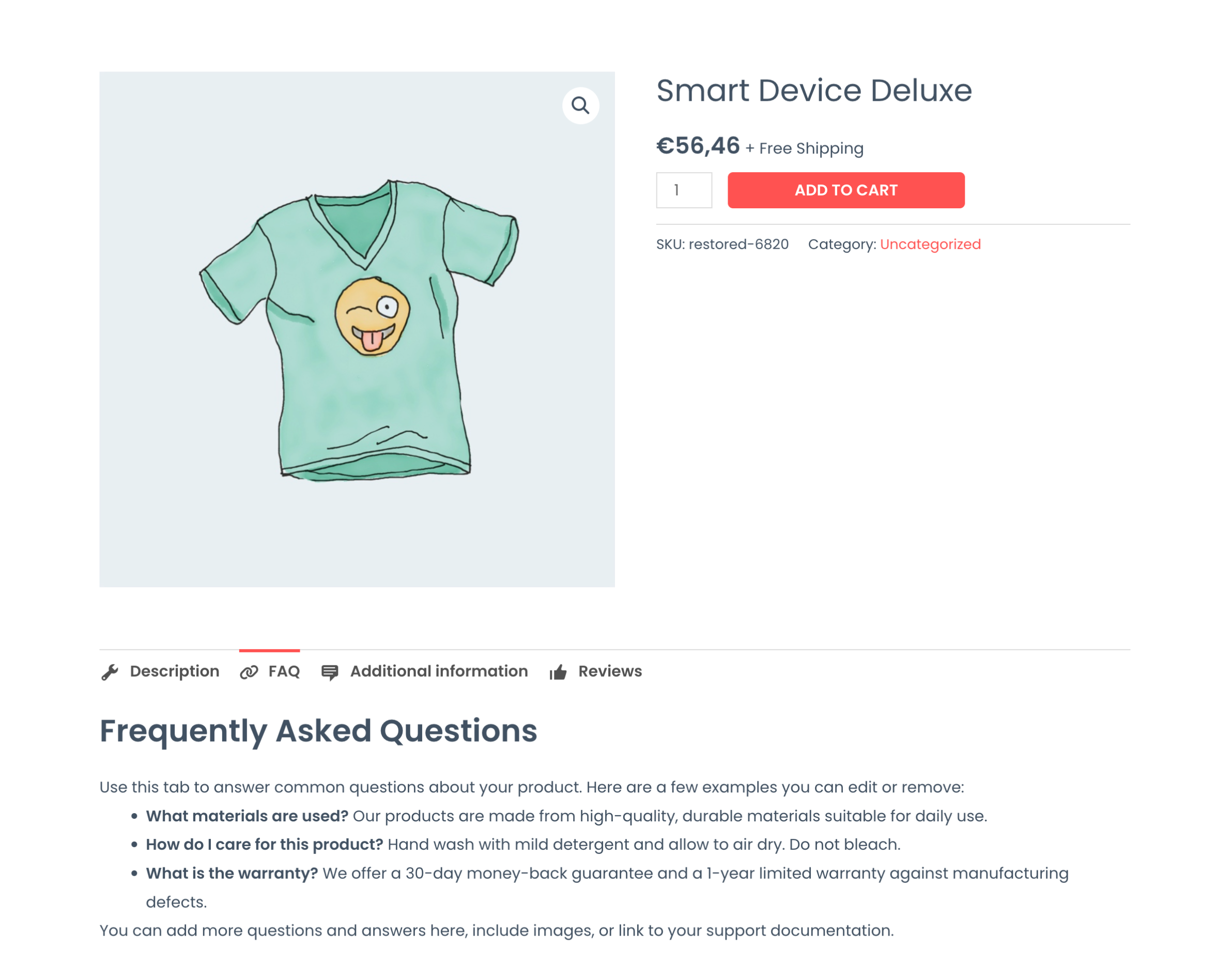
- Control the final tab order—including default WooCommerce tabs
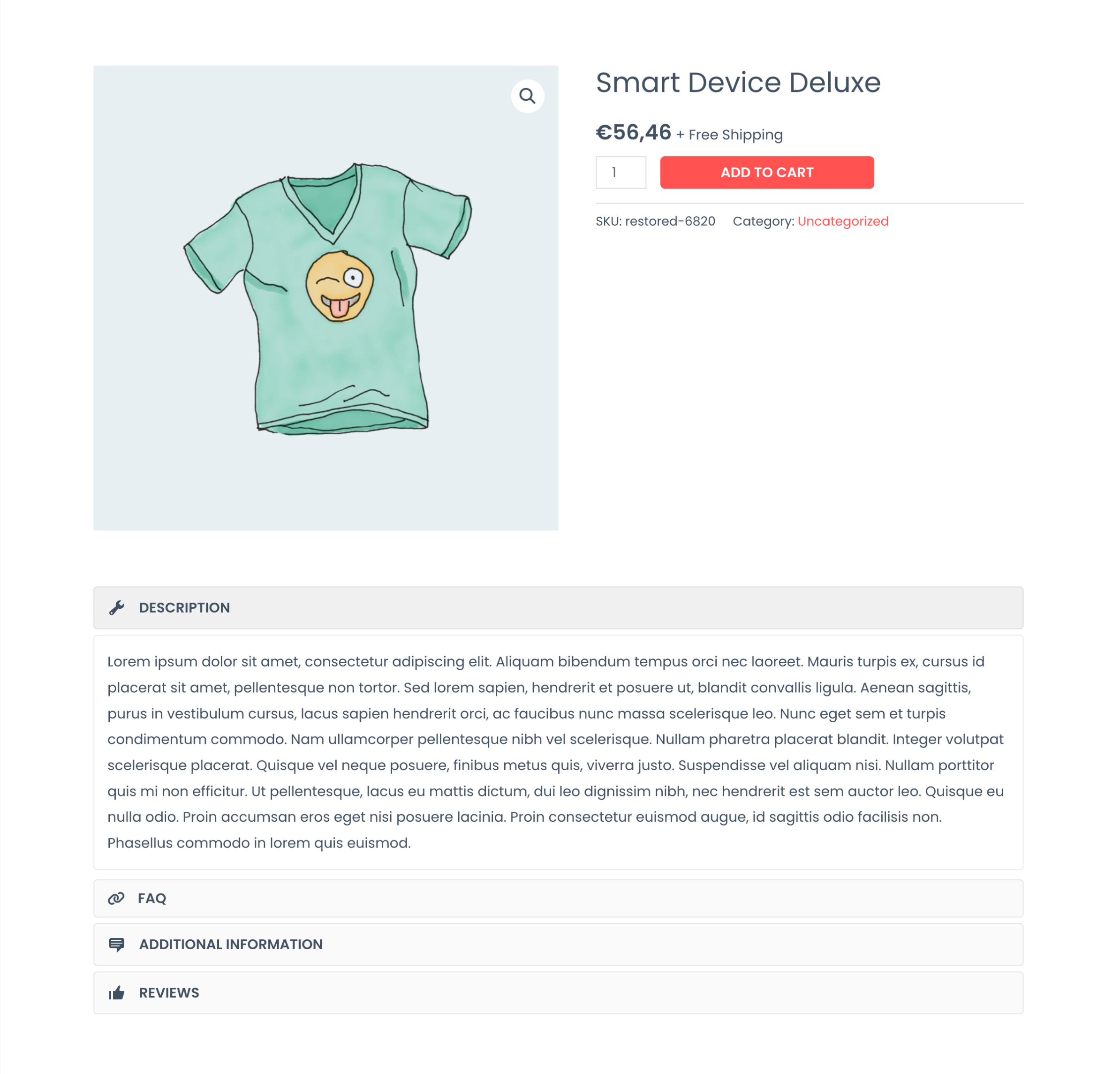
- Add icons and switch between tabs or accordion layout
- Keep everything manageable from familiar WooCommerce screens
安装:
- Install and activate WooCommerce
- Install and activate Product Tabs for WooCommerce
- Go to Products → Product Tabs to create reusable tabs
- Optionally target tabs by category, tag, or brand
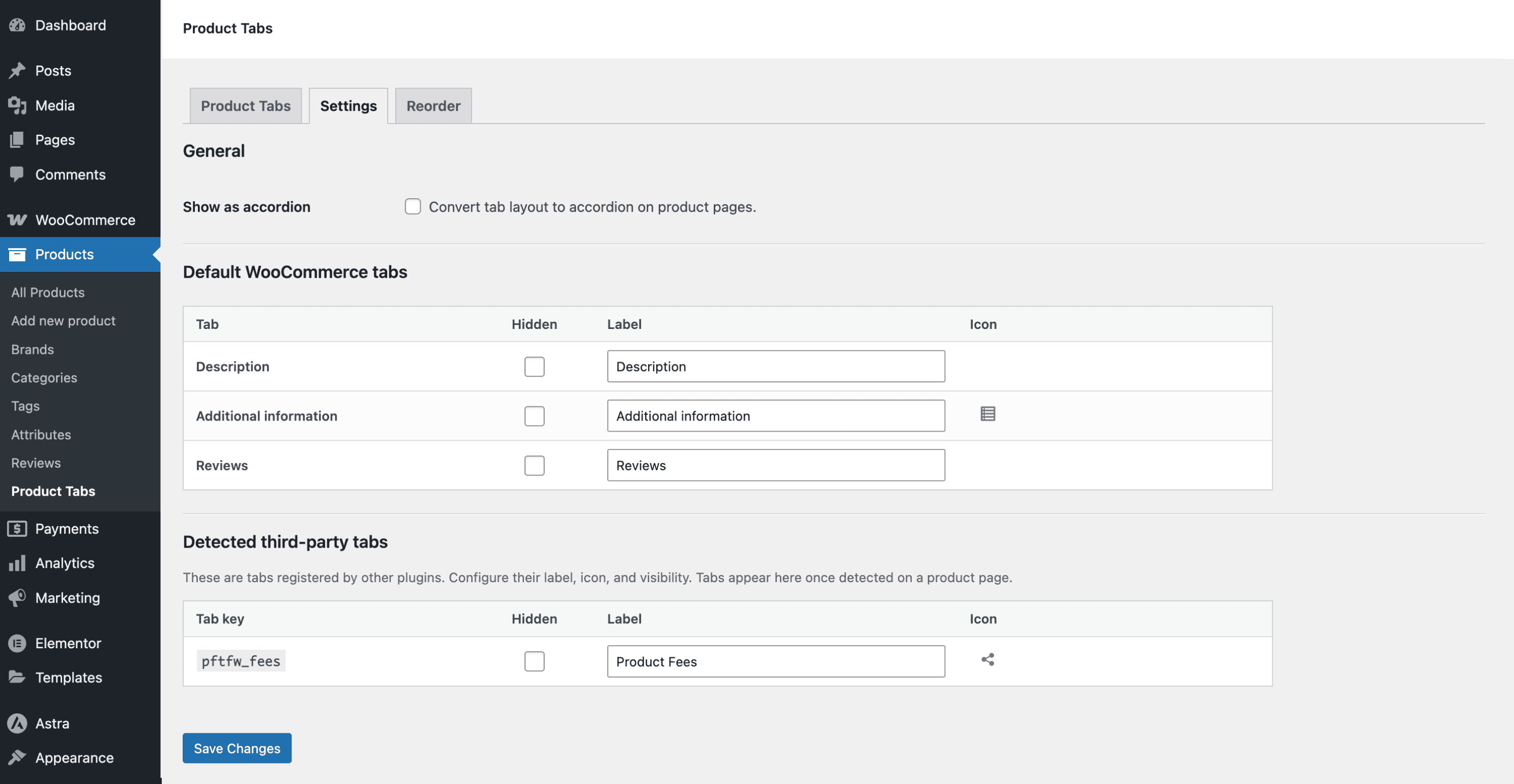
- Use Settings to rename or hide default tabs and enable Accordion layout
- Use Reorder to set the final tab order
- Edit a product to add product-specific tabs or override global ones
屏幕截图:
常见问题:
Does it work with my theme?
Most themes that use WooCommerce’s standard product tabs work out of the box. If your theme replaces the product tabs template entirely, the theme’s custom system may override the plugin.
Can I use shortcodes or blocks in tab content?
Yes. Tab content runs through WordPress content filters, so shortcodes, embeds, and most block output work normally.
How do I show a tab only on certain products?
Assign categories, tags, or brands to the tab. Tabs without assignments can appear on all products.
Can I override a global tab for one product?
Yes. In the Product Data → Product Tabs section, disable global settings for that tab and add custom content.
Can I hide WooCommerce’s default tabs like Reviews?
Yes. Default tabs can be renamed or hidden from the plugin’s Settings screen.
Does it support icons?
Yes. Dashicons and a bundled Font Awesome set are supported, with a searchable icon picker in the admin.
Is it compatible with HPOS and Blocks?
Yes. Compatibility with WooCommerce HPOS and Cart & Checkout Blocks is declared.
Is it translation-ready?
Yes. The plugin is fully internationalized and ready for translation.
更新日志:
- Security - Restrict global tab authoring to users with the manage_woocommerce capability
- Update - Rename plugin to Product Tabs for WooCommerce
- Update - WC Compatibility
- Update - WC Compatibility
- Fix - Readme description fix
- Update - WC Compatibility
- Update - Readme.txt formatting
- Update: Improved capability checks and hardened admin actions
- Update: Refreshed translations
- Tweak: Coding standards and general polish
- Update: WordPress and WooCommerce compatibility metadata
- New: Reorder and icon support for tabs added by third-party plugins
- Update: Rebrand to Dynamic Product Tabs Builder for WooCommerce
- Update: Rebrand plugin to Product Tabs Toolkit
- Fix: Keep admin UI readable in dark mode environments
- Initial release