Dynamic Tables
| 开发者 |
glschaub
myfamilyweb |
|---|---|
| 更新时间 | 2026年9月9日 23:35 |
| WordPress版本: | 7.1 |
| 版权: | GPL-2.0-or-later |
| 版权网址: | 版权信息 |
详情介绍:
Dynamic Tables lets you create and edit WordPress tables as naturally as working in a spreadsheet.
Built as a native Gutenberg block, Dynamic Tables combines intuitive spreadsheet-style editing with a modern architecture that treats table data as structured information rather than embedded HTML. Content creators enjoy familiar keyboard navigation and inline editing, while developers benefit from clean, semantic output and a flexible data model designed for long-term growth.
Whether you're creating comparison tables, pricing tables, product specifications, schedules, directories, or other presentation-focused content, Dynamic Tables makes building and maintaining tables faster, easier, and more reliable.
安装:
- In your WordPress dashboard, go to Plugins -> Add New, search for Dynamic Tables, click Install Now and then Activate.
- Alternatively: Download the ZIP file from the WordPress Plugin Directory. Upload it via Plugins -> Add New -> Upload Plugin, install and activate.
- After activation, open any post or page, click the + button in the block editor and insert the "Dynamic Tables" block.
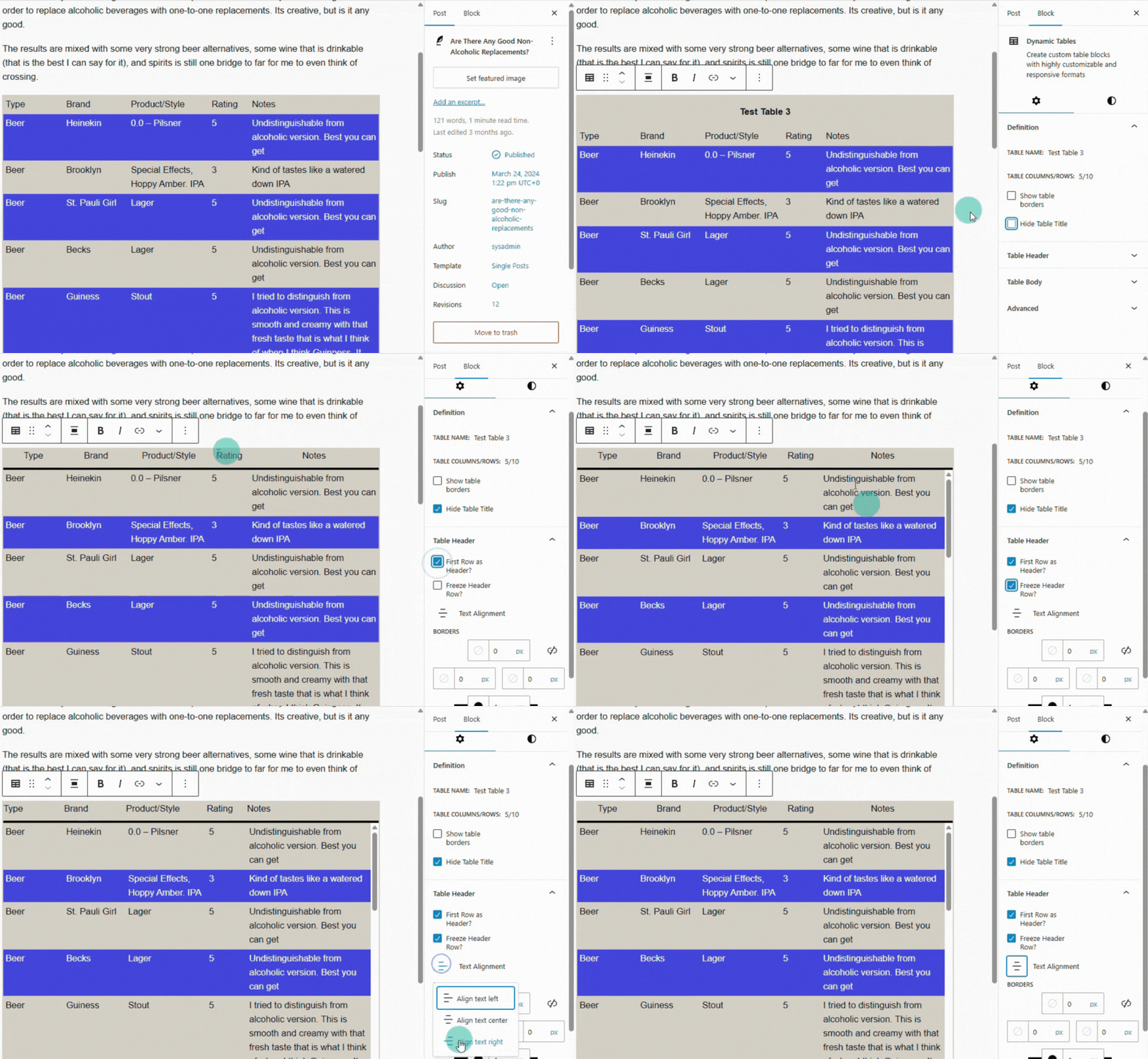
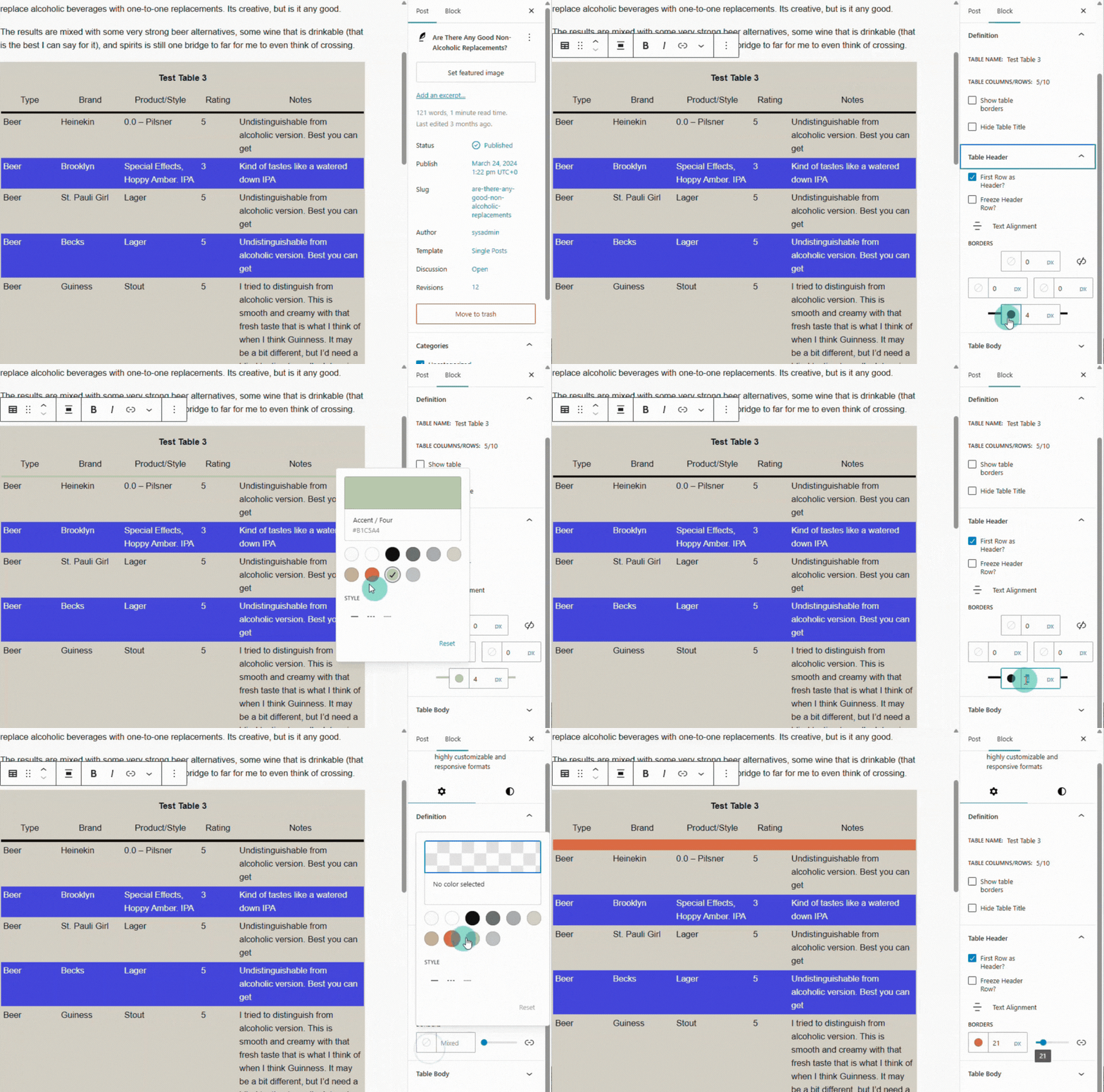
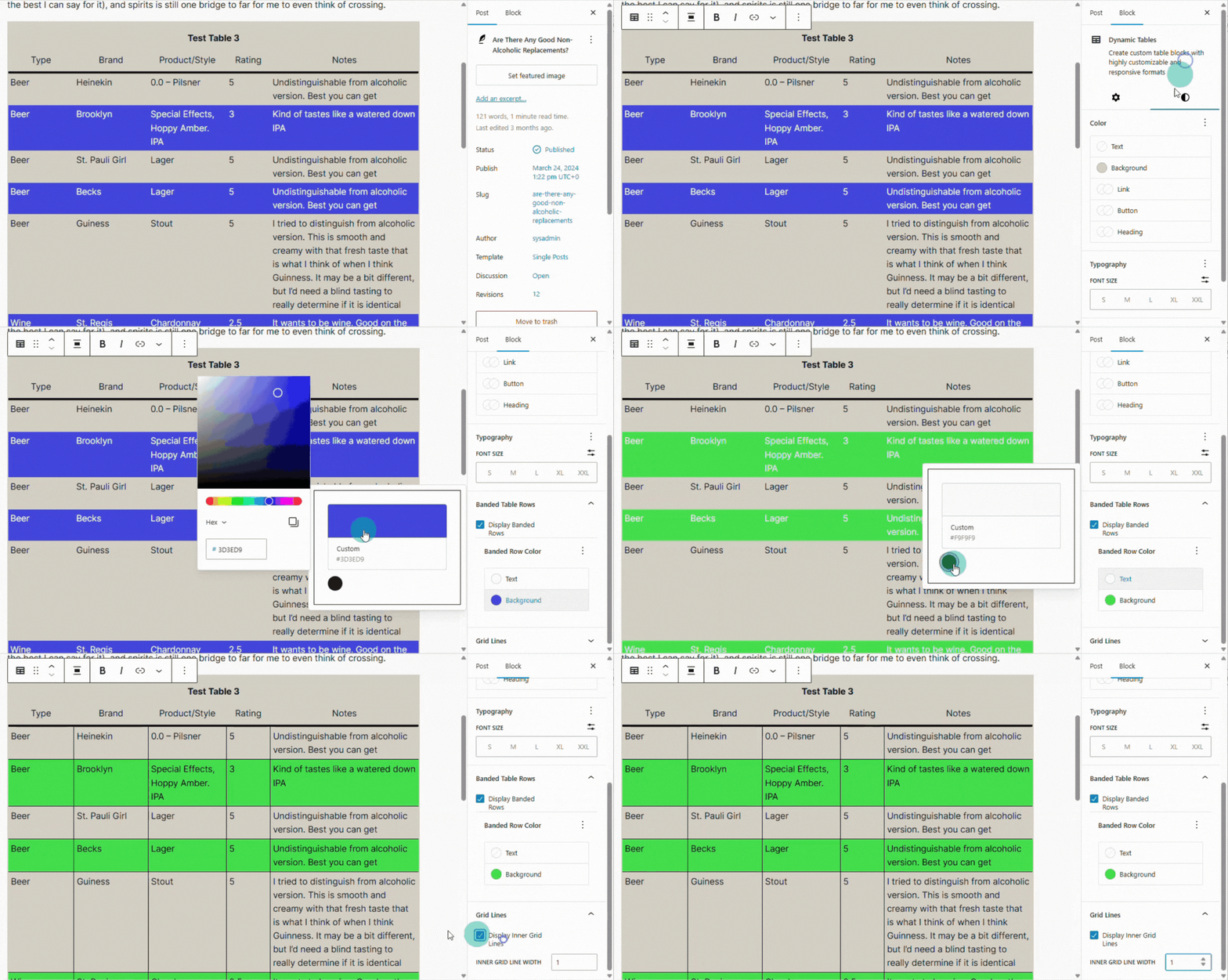
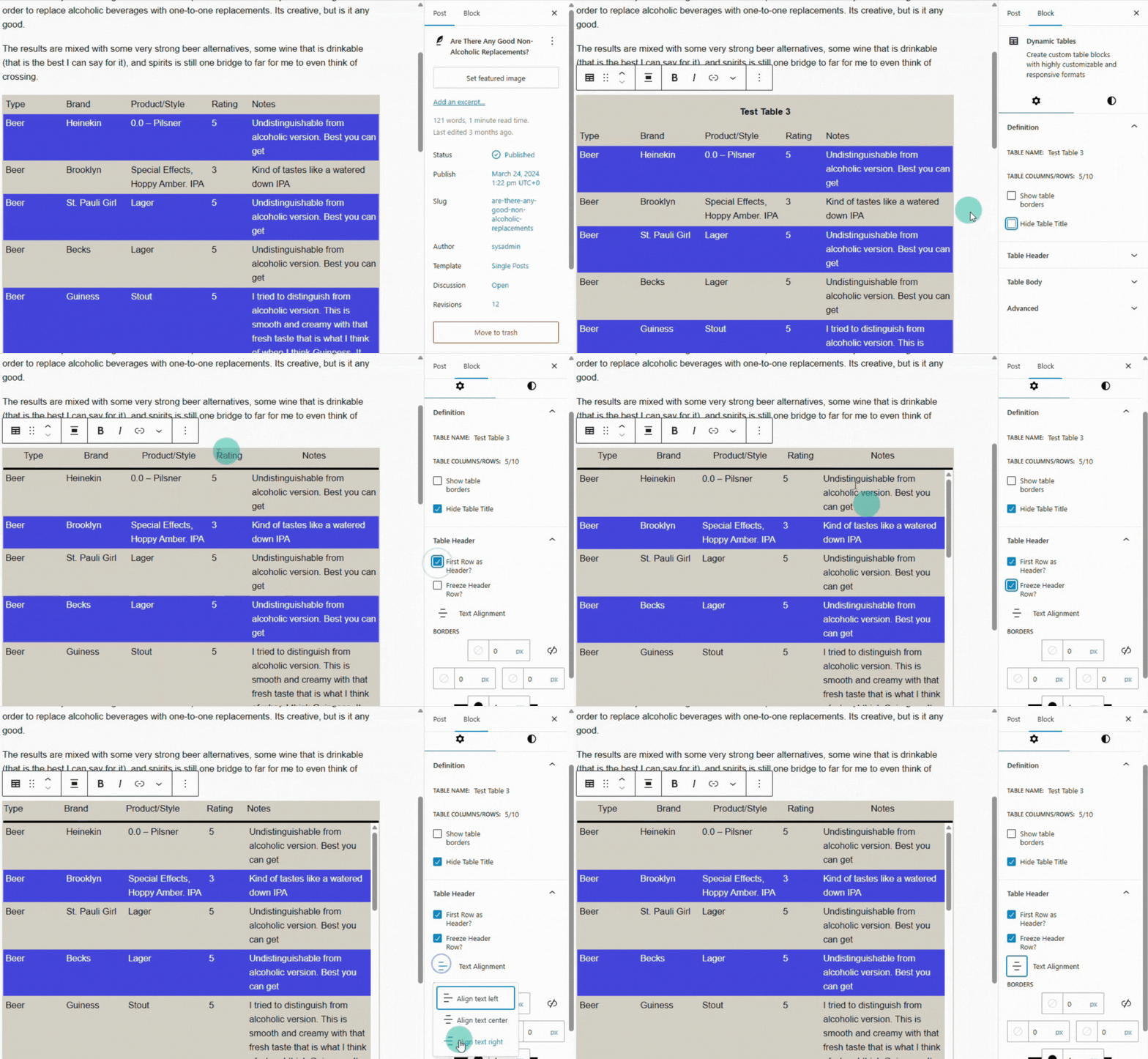
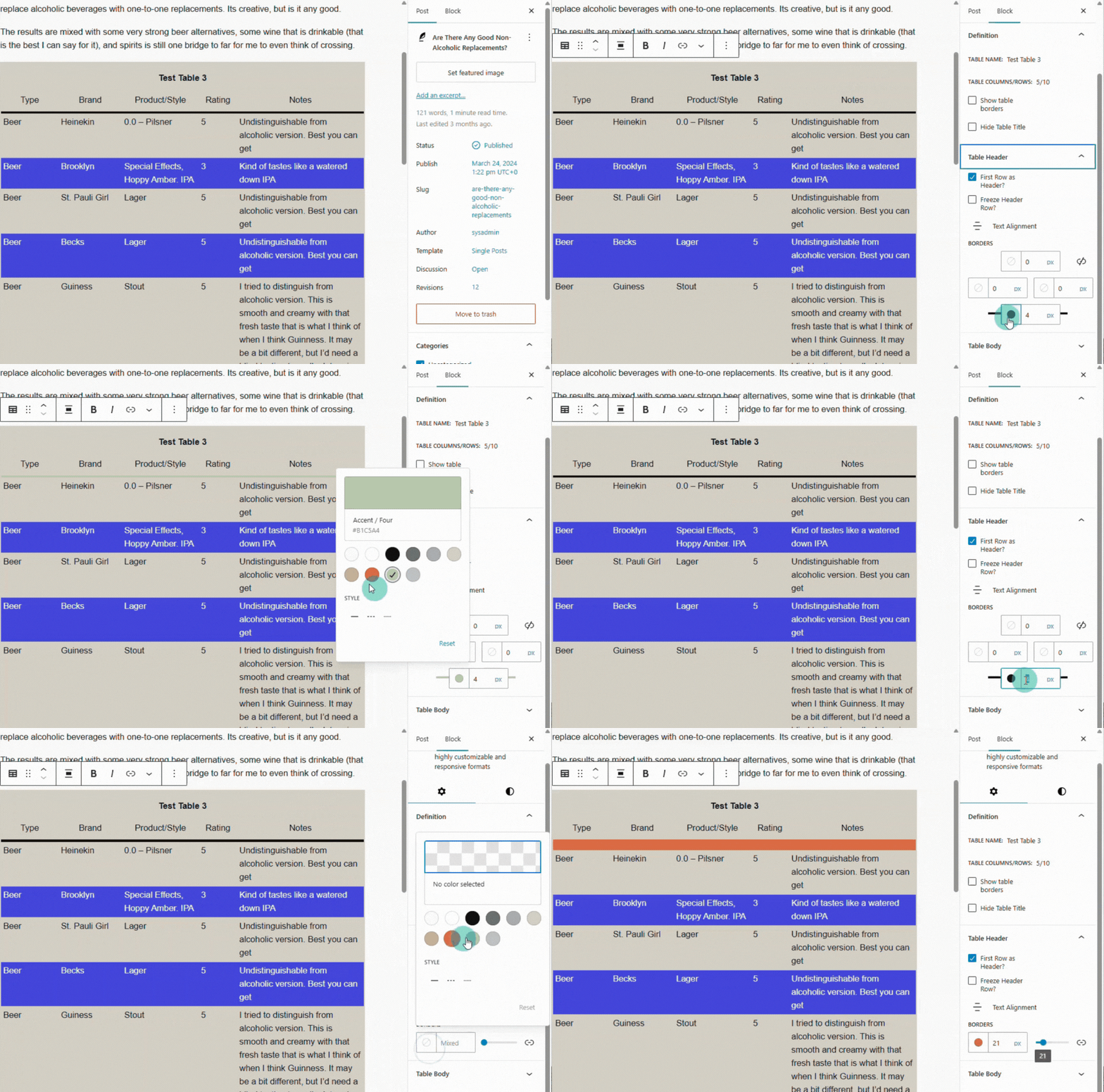
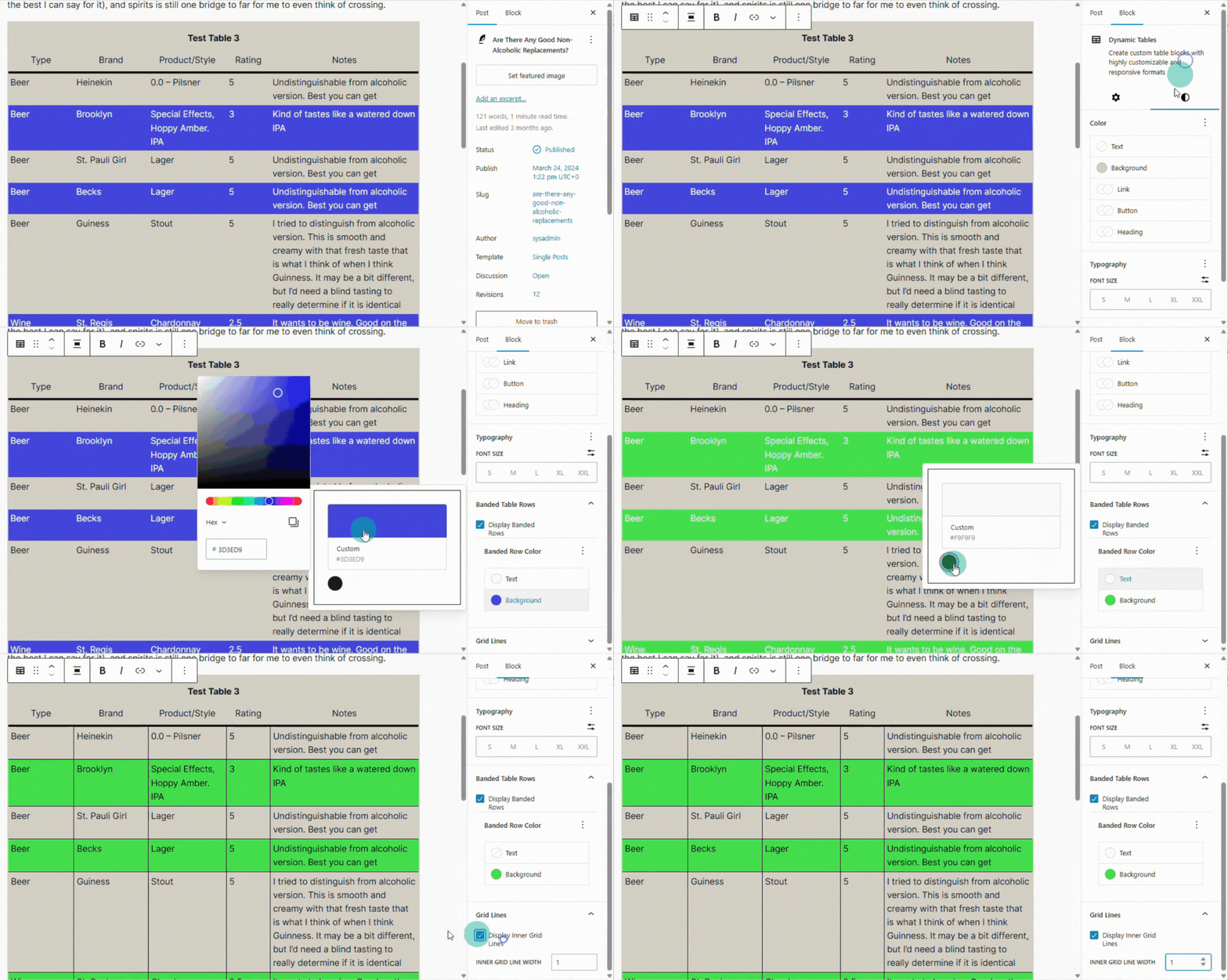
- Start building your table: add columns and rows, set header options, adjust widths, edit content.
Note: On multisite installations the plugin must be activated on each site where it is used (network-activation is not supported). Important: Deactivating and deleting the plugin does not auto-remove stored tables. However, there is a setting to support the removal of stored tables. Re-activating restores existing tables in posts.
屏幕截图:
常见问题:
Will this work with any theme?
Yes. Dynamic Tables outputs semantic HTML and relies on standard CSS. It should be compatible with virtually all well-coded themes.
Does this plugin work with WordPress Real-Time Collaboration?
Yes, but Real-Time Collaboration behavior is controlled by WordPress/Gutenberg, not this plugin. Known WordPress RTC constraints may affect the editor experience:
- Collaboration is disabled when classic meta boxes are present on the edit screen.
- Current WordPress/Gutenberg RTC defaults may limit the number of simultaneous collaborators.
- If you see RTC session-limit or reconnect issues, close extra editor tabs or windows for the same content and retry with fewer active editors. If your site needs broader RTC support, check your WordPress/Gutenberg version and hosting configuration, and review the current WordPress RTC developer notes.
Why isn't Undo/Redo working for me?
Changes made to a Dynamic Table may not be available for undo/redo if the Gutenberg plugin's experimental Real-Time Collaboration feature is enabled.
- Dynamic Tables stores table content separately from the post and WordPress does not yet provide a supported way to include those changes in its Real-Time Collaboration Undo/Redo history.
- You can still edit and save your table changes, but Undo and Redo may remain unavailable for those changes.
- You can restore Undo/Redo for Dynamic Tables by either disabling Real-Time Collaboration under Settings -> Writing or deactivating the Gutenberg plugin.
Does this work on mobile devices?
Yes. The responsive behavior ensures tables resize, wrap or scroll appropriately to maintain readability on smaller screens.
Is there a fee to use this plugin?
No. This plugin is free to use. However, we are planning for a premium version of Dynamic Tables to support advanced features.
What happens if I deactivate or delete the plugin?
- Dynamic Tables block will not render while the plugin is disabled or deleted.
- Data may be retained or deleted when the plugin is uninstalled. The default is to retain the data.
- Reinstallation and activation will make all tables reappear if the data has not been purged.
更新日志:
1.4.9
- Allow for specification of column names during table creation
- Allow for copy/paste across different content types where possible
- The enter key will now stop editing for General content types.
- alt+enter will now insert a new line for General content types.
- Made the green border for the current cell turn off when focus shifts to another block and turn on when focus returns
- Fixed bug that may cause table deletion upon transient unmounting of its block
- Bump support for WordPress 7.1
- Provide format options for table titles
- Allow table to be output as a bulleted or numbered list instead of a table
- Added link column content type
- Added support for multi-part edits via an edit dialog for specific cell content types
- Added block global style defaults that can be optionally applied
- Fixed bug that caused formatting issues for other blocks in a post when adding a new Dynamic Tables block
- Fixed bug that caused alignment issues of the table title on the front end
- Added support for undo/redo within Dynamic Tables
- Show borders when table is created
- Fix bug that prevents allowing checkbox to be hidden when no content is found.
- Initial foundation for undo/redo feature
- Added checkbox column content type
- Added support to restore backup files which contain full table formatting
- Added support to export tables to csv files
- Added support to delete table from the admin Table Maintenance
- Added support to change a table's status from the admin Table Maintenance
- Fixed bug that prevented import "choose file" button from opening file explorer
- Fixed bug that made table delete unreliable
- Added support for importing CSV files and loading them as Dynamic Tables
- Updated table creation to attach loaded tables to new blocks
- Enhanced REST API to get multiple tables and apply filters to those requests
- Fix bug that can incorrectly render banded row text color
- Fixed multiple additional bugs
- Added support for copy/cut/paste a single cell's content to other cell in the same table with the same content type
- Created right-click cell menu
- Created centralized message library and utility functions to support consistent user messaging and notices
- Bump support for WordPress 7.0
- Added support for collaborative editing features targeted for the next major WordPress release
- Smoother handling when tables are added, edited, saved, or removed
- Added keyboard shortcuts to insert and delete rows and columns
- Enhance HTML semantics and accessibility support
- Fix bug that prevented selection of existing theme colors on color pickers
- Add support for WordPress contentOnly editing mode
- Added support for numeric input that may be formatted as whole numbers, integers, percent, or currency
- Added a css class engine to support more granular formatting capabilities
- Added support for auto formatting of dates, currently to right justify dates
- Fix bug that prevents display of general content type
- Added keyboard shortcuts to move rows and columns up/down left/right, respectively
- Fix intermittent issue with arrow key navigation
- Fix bug that caused error when changing from one date/time type to another when data was already in the cell
- Allow direct keyboard editing of date/time fields
- Added ability to move rows up or down via border menu
- Added ability to move columns left or right via border menu
- Added ability to insert rows both above and below current row (previously only insert above was supported)
- Added ability to insert columns both left and right of current column (previously only insert left was supported)
- Fixed bug that made a date/time render in date/time columns when there was no underlying value
- Separated table control activity from editing so that navigation, delete key, etc. will work properly when not otherwise editing a cell
- Added a Date/Time content type
- Added ability to update column names
- Added a column menu to select content types and related actions
- Added framework for column driven content types
- Refactor Column menus to enhance stability and performance
- Refactor Row menus to enhance stability and performance
- Add keyboard navigation through table cells via arrow keys
- Added a visual indicator to easily identify what cell you're currently editing
- Refactor editor to break out Cell as its own component in support of future enhancements
- Support for table exports that can be used for backup and recovery
- Fix bug that caused fatal error when editing post with "Show Template" enabled
- Support for post templates and patterns.
- Created scheduled maintenance to ensure posts and tables are internally consistent
- Automatically remove tables when their underlying posts are deleted from the admin page
- Provide visibility to all tables, their status, associated post, and to view the table data
- Bump support for WordPress 6.9
- Initial Release