Easy Lead Distribution for Contact Form 7
| 开发者 | easyleaddistribution |
|---|---|
| 更新时间 | 2026年4月22日 17:05 |
| PHP版本: | 7.2 及以上 |
| WordPress版本: | 6.9 |
| 版权: | GPLv2 or later |
| 版权网址: | 版权信息 |
详情介绍:
- 2-Minute Setup - Paste a Flow ID, click Connect, and your form is distributing leads
- Automatic Field Detection - Fields sync with your ELD app automatically, no manual mapping needed
- Multiple Forms, Multiple Flows - Connect different forms to different buyer groups
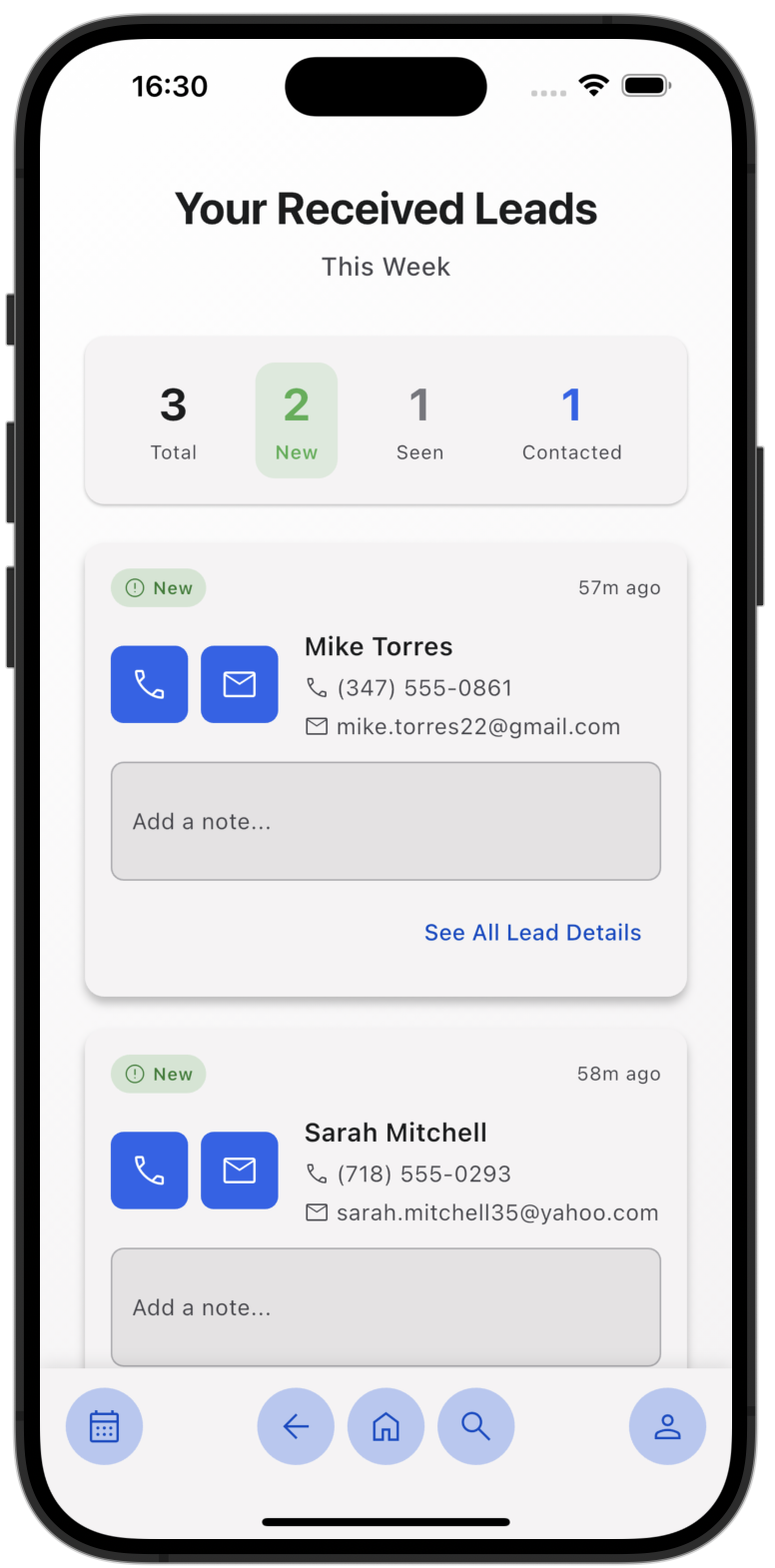
- Instant Lead Delivery - Leads reach your buyers' phones in seconds
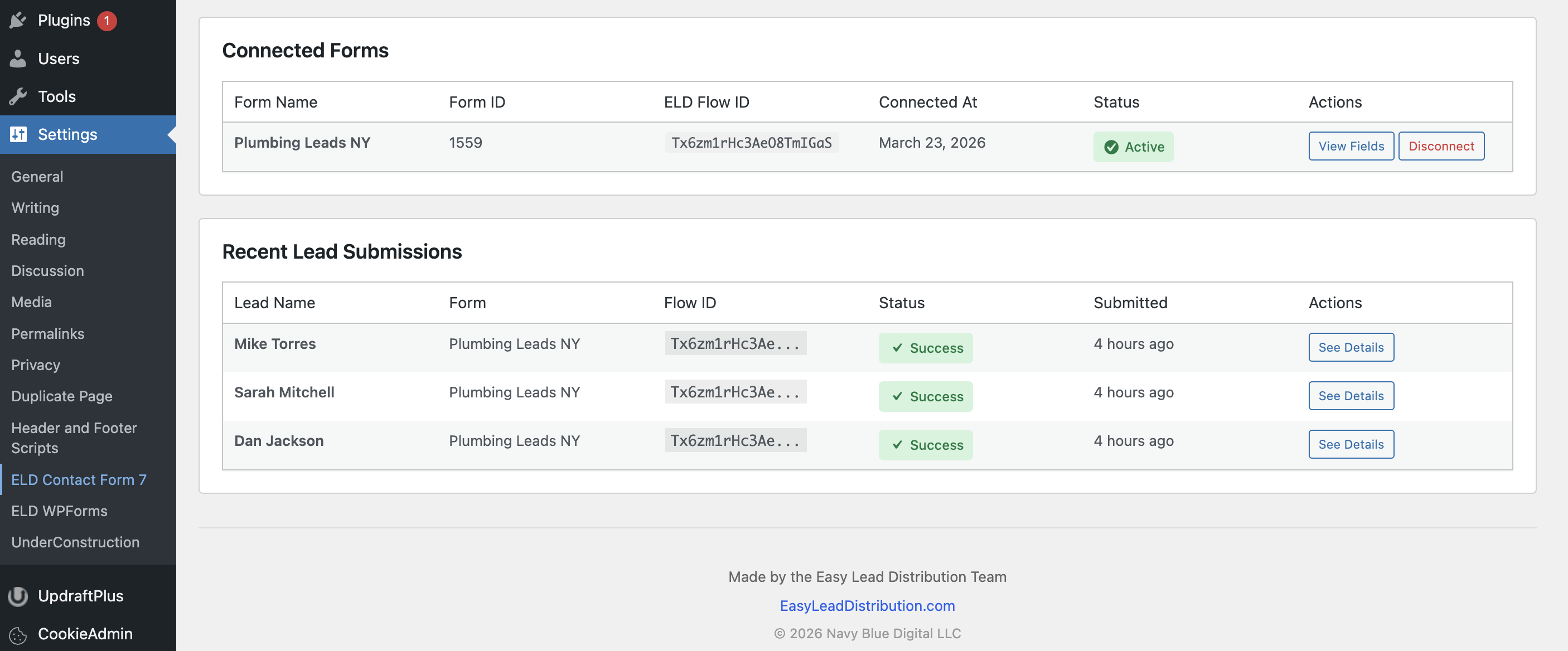
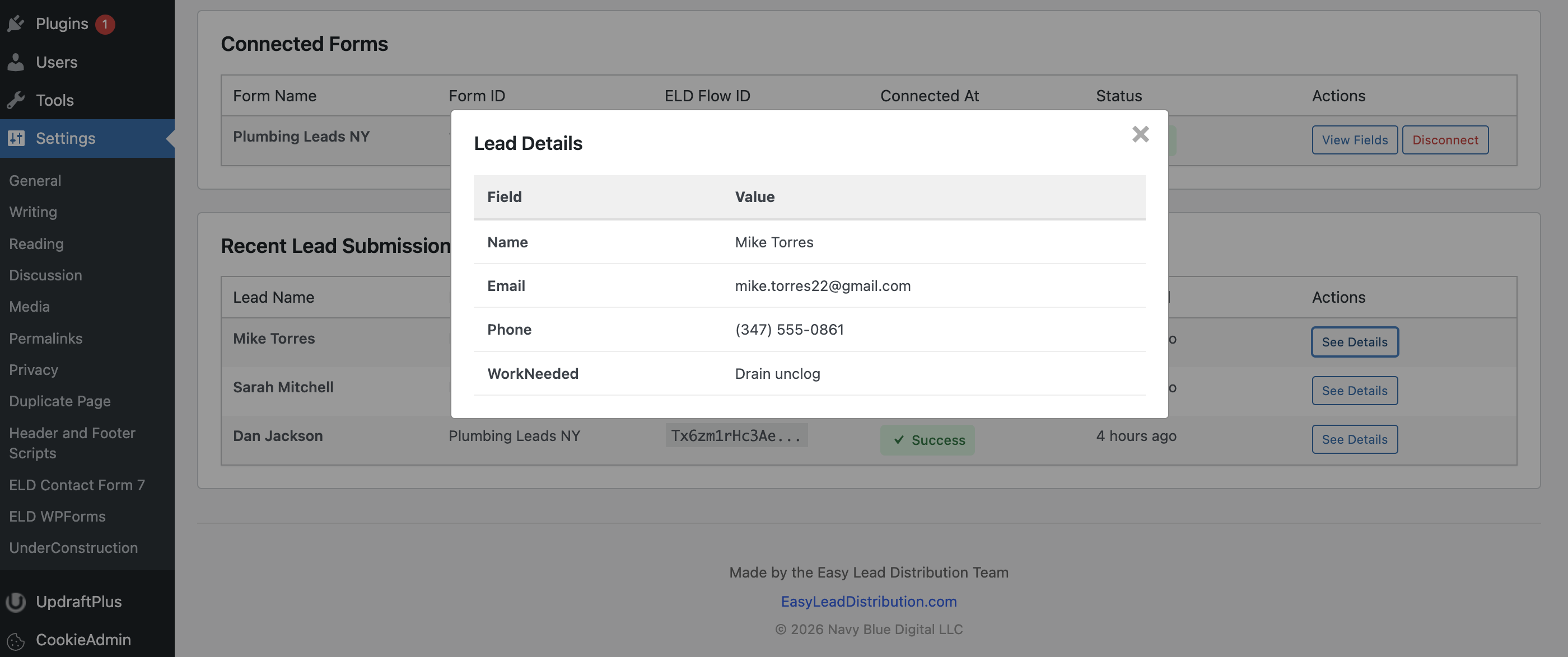
- Lead Tracking - See every submission, delivery status, and lead details from your WordPress admin
- Works Alongside CF7 - Your existing Contact Form 7 email notifications and integrations continue unchanged
- Install and activate the plugin
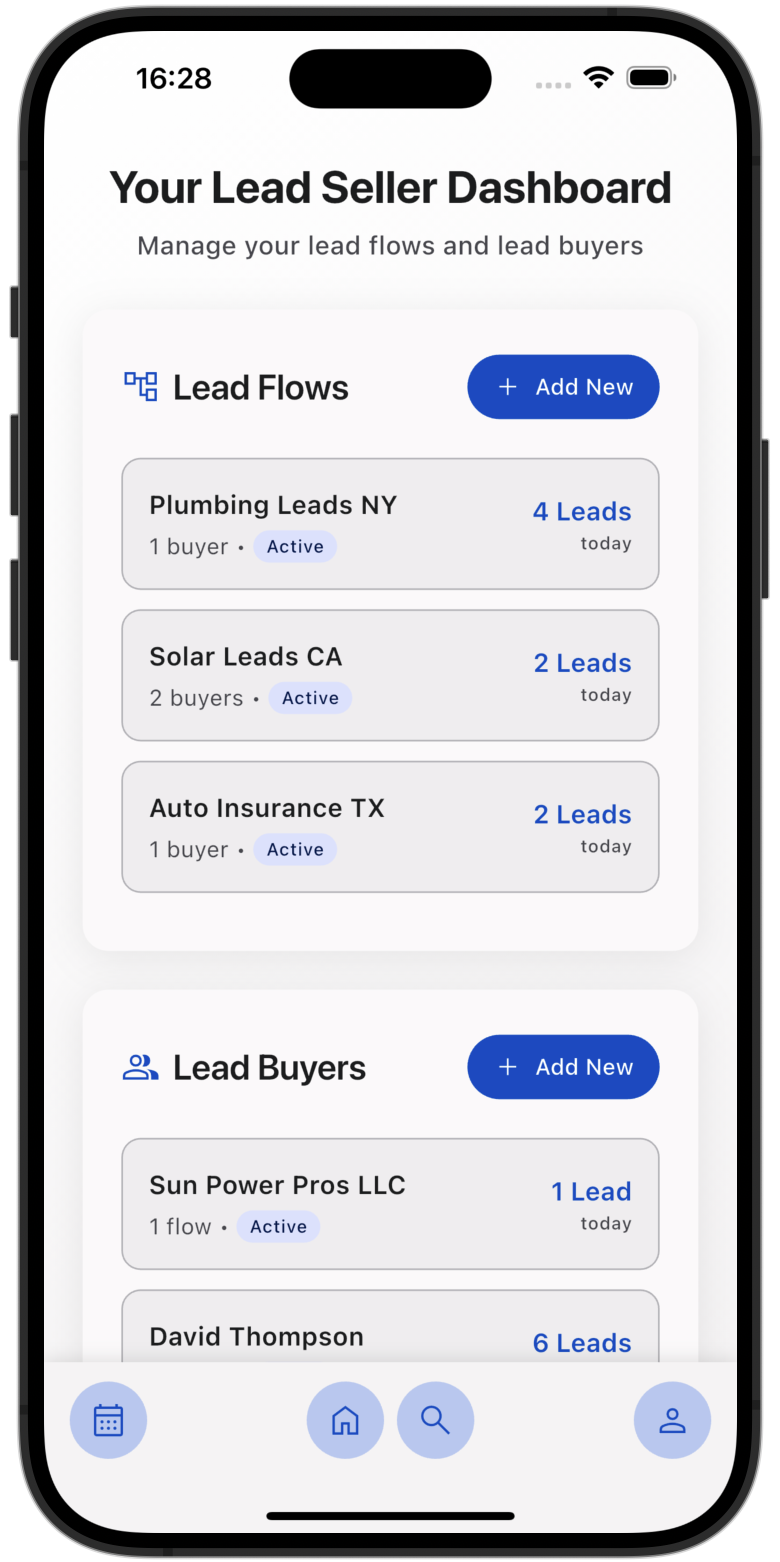
- Create a Lead Flow in your ELD mobile app and copy the Flow ID
- Go to Contact → ELD Connection in your WordPress admin
- Select your Contact Form 7 form from the dropdown
- Paste your Flow ID and click Connect
- That's it! Your form is now connected to ELD
- WordPress 5.0 or higher
- Contact Form 7 plugin (must be installed and activated)
- An ELD account with an active Lead Flow
- PHP 7.2 or higher
安装:
- Log in to your WordPress admin dashboard
- Navigate to Plugins → Add New
- Search for "Easy Lead Distribution for Contact Form 7"
- Click "Install Now" and then "Activate"
- Download the plugin ZIP file
- Log in to your WordPress admin dashboard
- Navigate to Plugins → Add New
- Click "Upload Plugin" at the top of the page
- Choose the ZIP file and click "Install Now"
- Activate the plugin after installation
- Ensure Contact Form 7 is installed and activated
- Navigate to Contact → ELD Connection
- Select a Contact Form 7 form to connect
- Enter your ELD Flow ID (obtained from the ELD app)
- Click "Connect Form"
屏幕截图:
常见问题:
Do I need a paid ELD account?
Yes, you need an active ELD seller account to use this plugin. Lead sellers pay for the service, while lead buyers access it for free.
Can I connect multiple forms?
Yes! You can connect multiple Contact Form 7 forms to different ELD flows. Each form can be connected to one flow at a time.
What happens to my existing Contact Form 7 functionality?
Nothing changes with your existing Contact Form 7 setup. This plugin works alongside CF7's normal operation, so your email notifications and other integrations continue to work.
How do I get a Flow ID?
Flow IDs are generated in the ELD mobile app when you create a new Lead Flow. Simply:
- Open the ELD app
- Create a new Lead Flow
- Select "Contact Form 7" as your source
- Copy the provided Flow ID
What data is sent to ELD?
All form fields from your Contact Form 7 submission are sent to ELD, along with metadata like submission time and source information. No sensitive WordPress data is transmitted.
Can I disconnect a form?
Yes, you can disconnect any form at any time from the ELD Connection page. This immediately stops sending leads to ELD.
Is the plugin GDPR compliant?
The plugin itself doesn't store personal data beyond temporary logs. Ensure you have proper consent and privacy policies in place for collecting and distributing lead data.
更新日志:
- Updated: Plugin tags, external services text, and support link
- Fixed: Lead name display now works with any field name casing (Name, name, NAME, etc.)
- Fixed: Added support for underscore field names (full_name, first_name, last_name)
- Initial WordPress.org release
- Added: Requires Plugins header for Contact Form 7 dependency
- Fixed: External services section reformatted per WordPress.org review requirements
- Fixed: Text domain updated to match WordPress.org assigned slug
- Fixed: Removed Plugin URI to resolve duplicate URI error
- Fixed: Removed duplicate Plugin URI to resolve WordPress.org submission error
- Fixed: Renamed Settings menu label from "ELD Connector" to "ELD Contact Form 7"
- Fixed: Translators comment placement for WordPress.org compliance
- Fixed: Removed unsupported %i placeholder in uninstall.php for WP < 6.2 compatibility
- Fixed: Text domain updated to match plugin slug for WordPress.org compliance
- Fixed: All output now properly escaped (esc_html_e, wp_kses)
- Fixed: Input sanitization with wp_unslash() for $_SERVER and $_POST variables
- Fixed: date() replaced with gmdate() for timezone safety
- Fixed: register_setting() now includes sanitize callback
- Fixed: Removed non-existent Domain Path header
- Fixed: Prefixed global variables in uninstall.php
- Added: Plugin footer with branding and copyright info on admin page
- Added: ELD logo in admin dashboard header
- Added: "Lead Name" column in submissions table
- Added: "See Details" modal for viewing full lead data
- Improved: Admin dashboard UI consistency and styling
- Improved: Admin dashboard layout and styling refinements
- Fixed: Minor CSS issues in connection management interface
- Fixed: Field name normalization for consistent lead data across all form configurations
- Improved: Robust handling of various Contact Form 7 field tag formats
- Fixed: Field names now correctly use form field labels instead of internal tag names
- Improved: Better field name extraction from Contact Form 7 form structure
- Improved: Field detection reliability for complex form configurations
- Fixed: Edge cases in form field parsing
- Initial release
- Connect Contact Form 7 forms to ELD flows
- Automatic field detection
- Real-time lead distribution
- Connection management interface
- Submission logging