Easybility - Visual Accessibility Tools
| 开发者 | foadadeli |
|---|---|
| 更新时间 | 2026年5月23日 15:54 |
| PHP版本: | 7.0 及以上 |
| WordPress版本: | 7.0 |
| 版权: | GPLv2 or later |
| 版权网址: | 版权信息 |
详情介绍:
安装:
- Upload the plugin folder
easybilityto/wp-content/plugins/or install from the Plugins screen. - Activate the plugin through the “Plugins” screen in WordPress.
- The accessibility widget automatically appears as a floating button on the front end. No configuration is required.
屏幕截图:
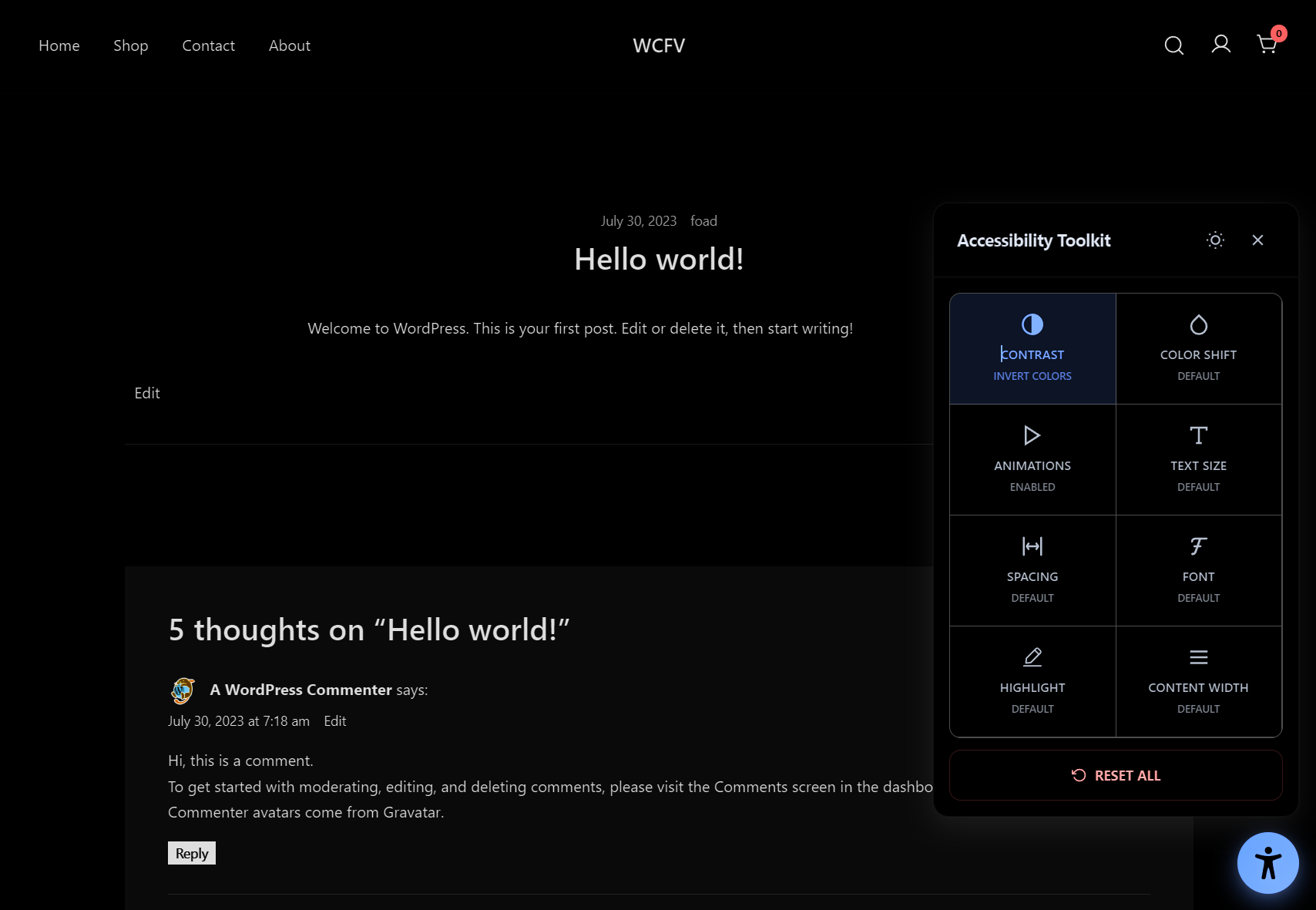
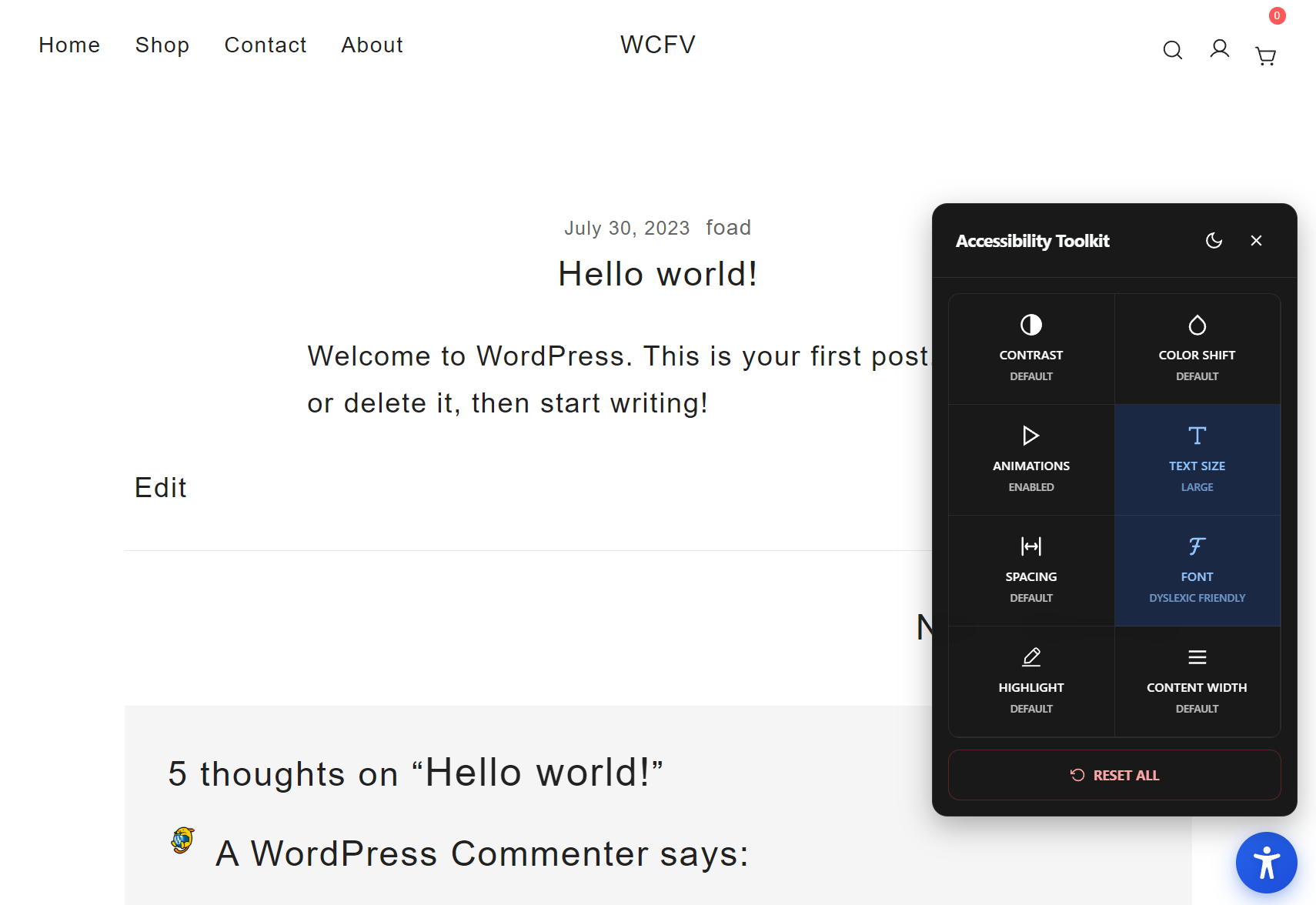
常见问题:
Does this change my theme’s CSS or content?
No. It applies classes and inline styles at runtime to the current page only. Your theme files and content remain unchanged.
Is it compatible with screen readers?
The widget is hidden from screen readers on purpose because screen reader users rely on their own assistive technology. The controls are designed for sighted users who benefit from visual adjustments. The widget remains fully keyboard accessible for sighted keyboard users.
Does this hurt SEO or Core Web Vitals?
No. It is lightweight, loads in the footer, and does not block rendering. It does not modify your HTML output.
Is any personal data collected?
No. Preferences are stored locally using the browser’s localStorage. No cookies, tracking, or external requests.
Can I customize styles?
Yes. You can override the default CSS in your theme or child theme. Look for classes prefixed with eawp-.
Multisite support?
Yes. Activate network-wide or per-site as needed.