
EasyCommerce FakerPress
| 开发者 | mralaminahamed |
|---|---|
| 更新时间 | 2026年8月8日 01:35 |
| PHP版本: | 7.4 及以上 |
| WordPress版本: | 7.0 |
| 版权: | GPLv2 or later |
| 版权网址: | 版权信息 |
详情介绍:
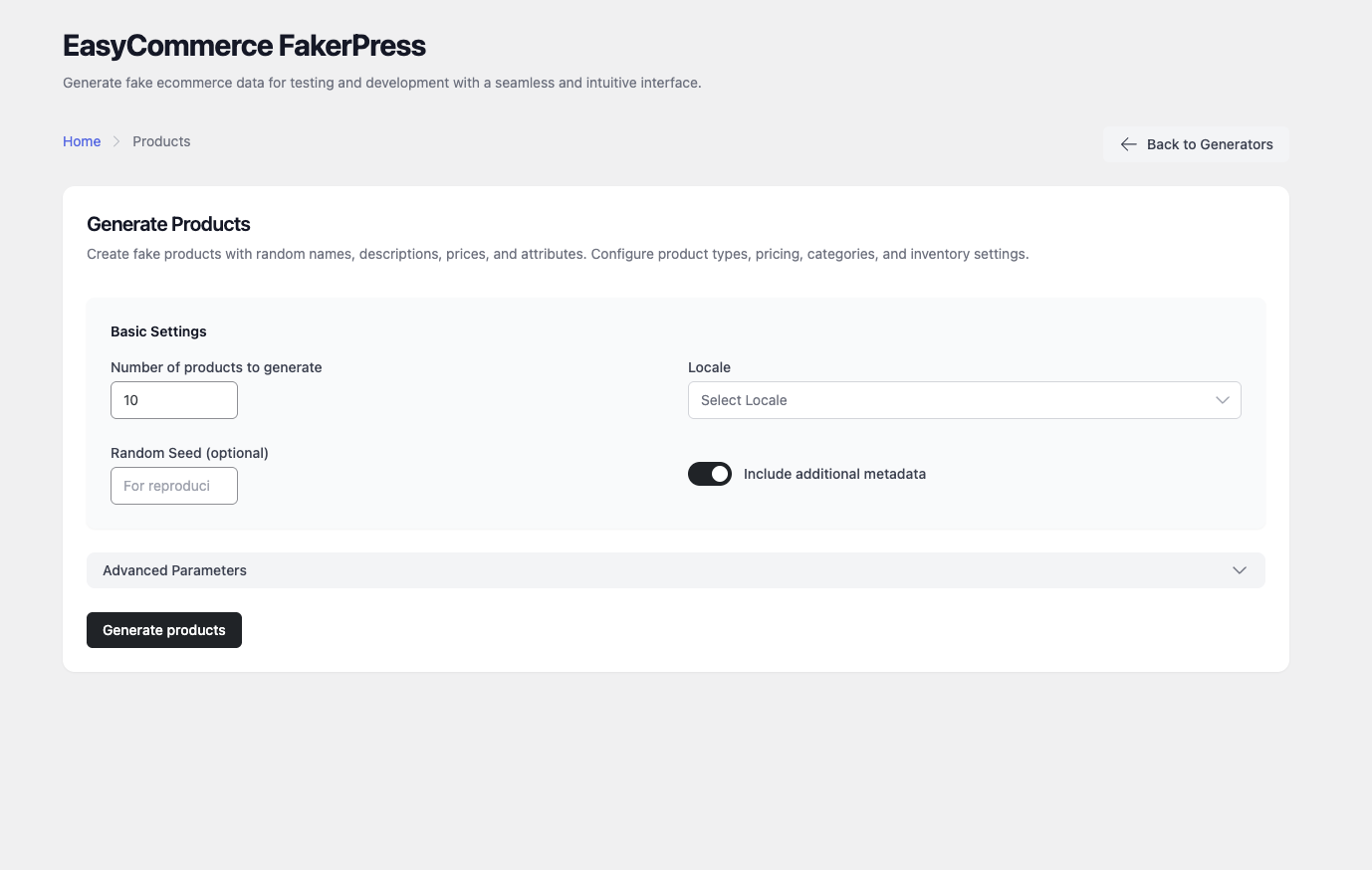
- Products — pricing, categories, inventory, attributes and variations
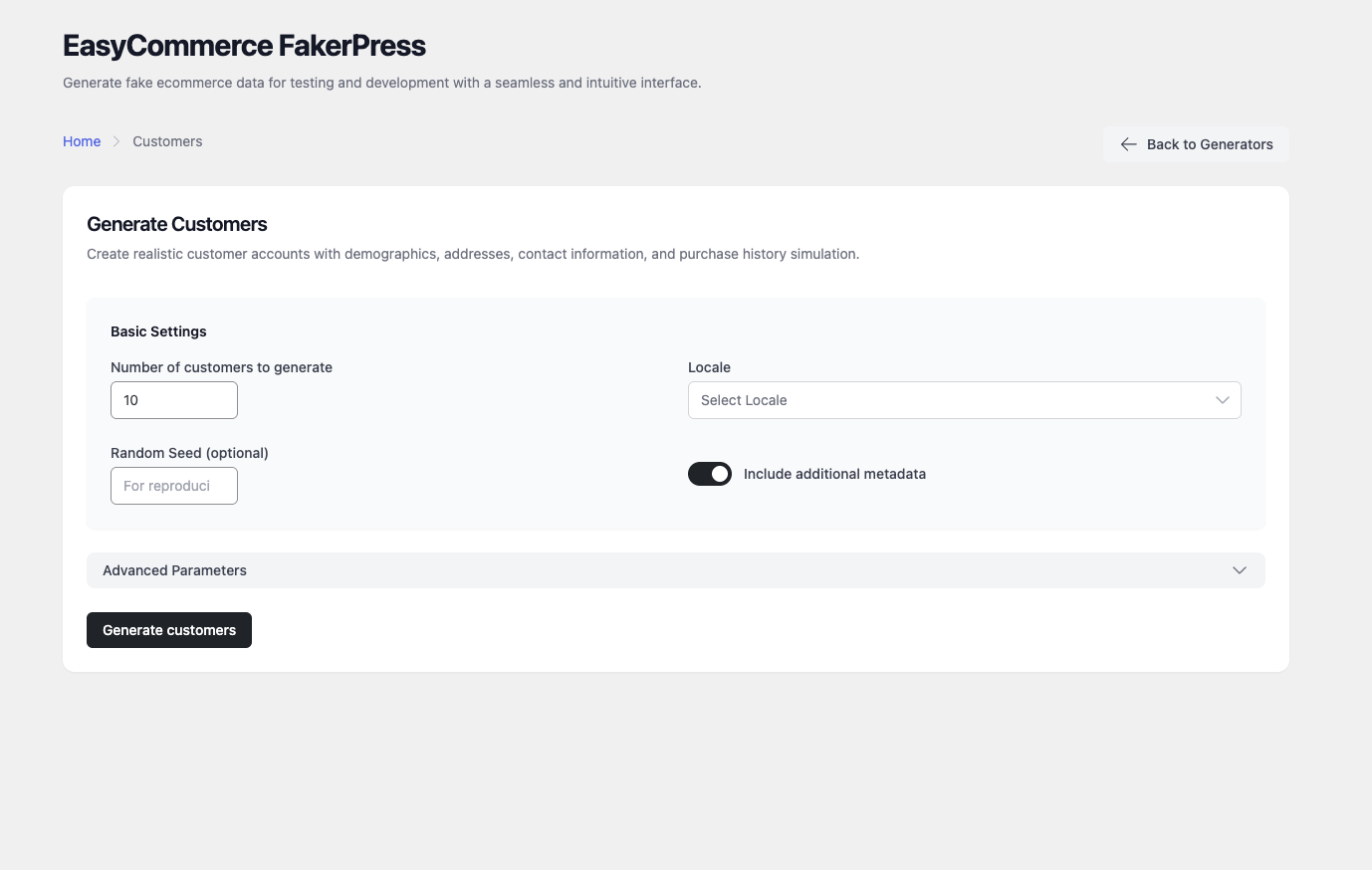
- Customers — profiles with addresses, demographics and purchase history
- Orders — complete order histories with payments, shipping and tax
- Coupons — discount codes with rules, usage limits and restrictions
- Product Variations — variable attributes, price variance and stock settings
- Shipping Plans — methods, zones and rate tables
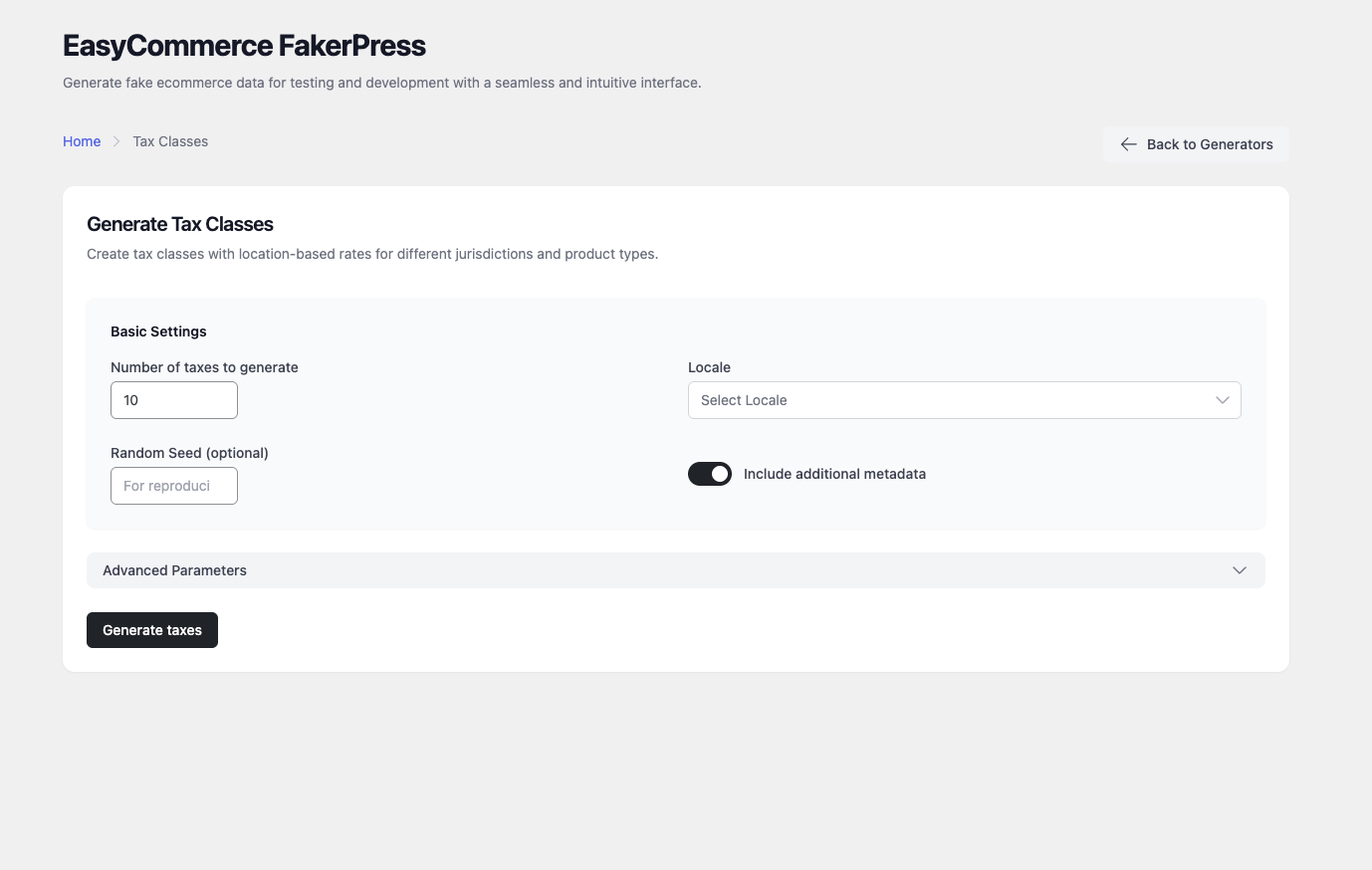
- Tax Classes — tax rules by region and product type
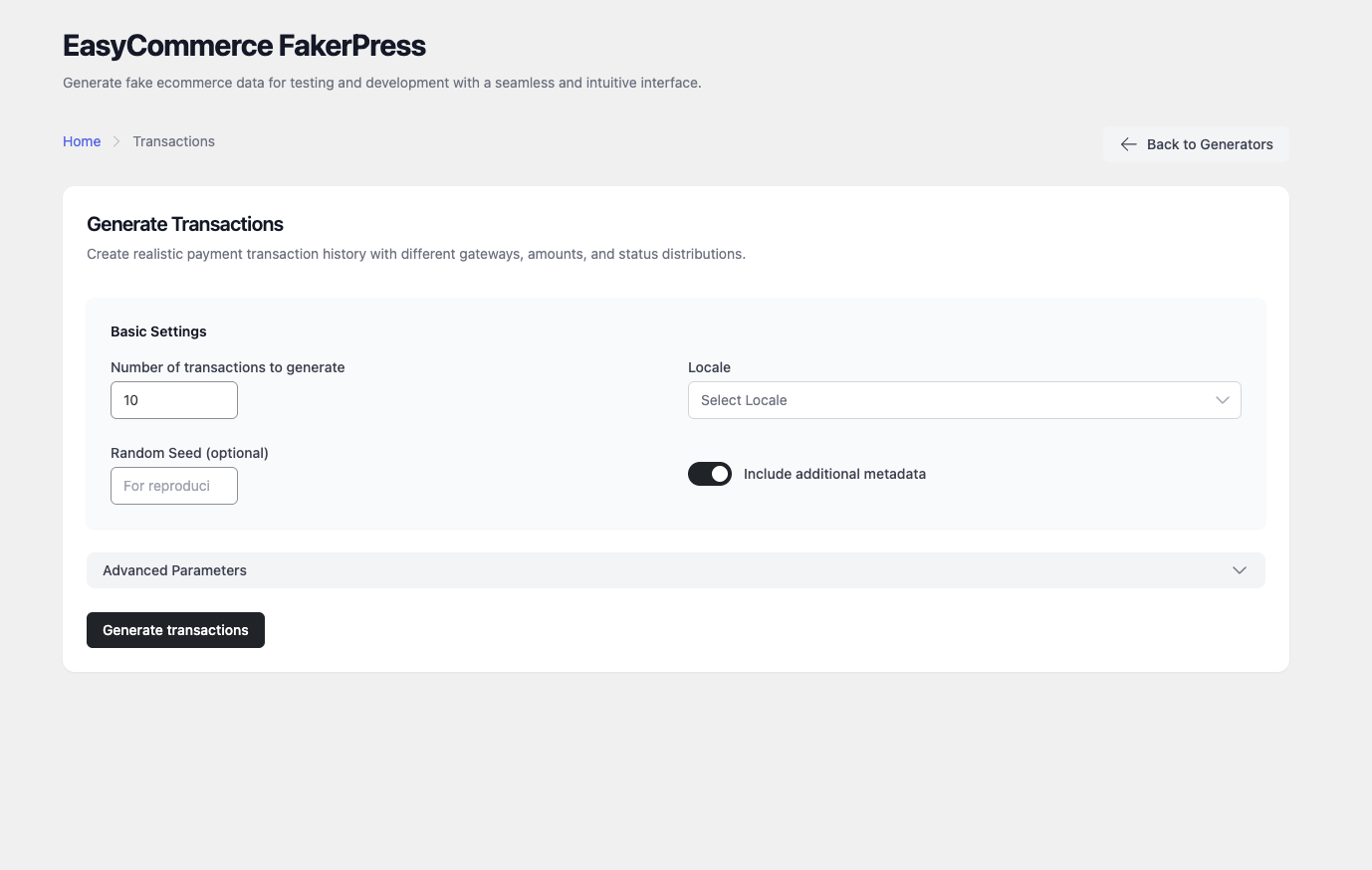
- Transactions — payment records across multiple gateways and statuses
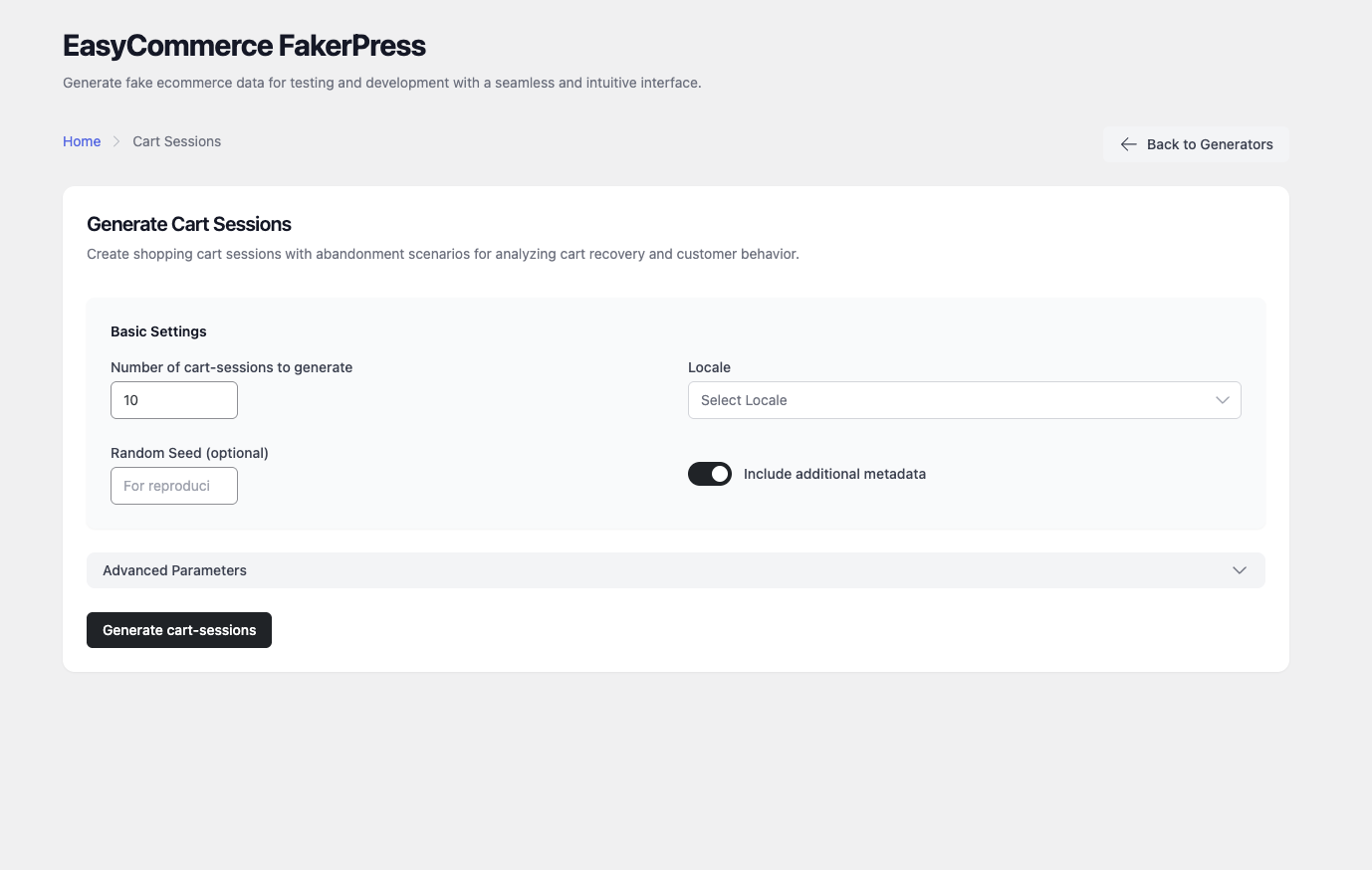
- Cart Sessions — abandoned cart scenarios and session data
- Attributes — Text, Color and Image attribute types for variations and filtering
- Refunds — refunds against existing completed or processing orders
- Logs — activity entries for orders, products, customers and system events
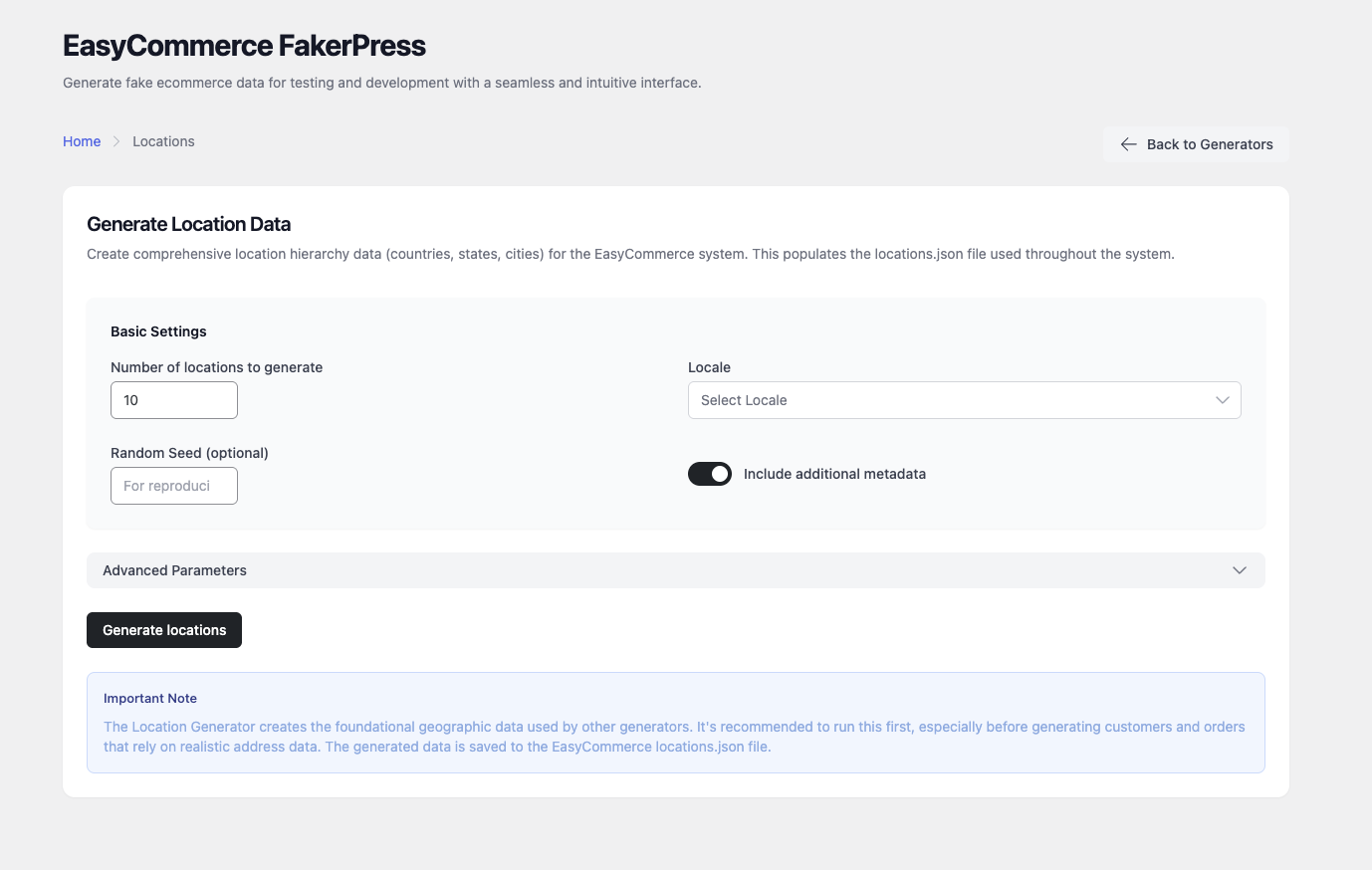
- Locations — countries, states and cities
- Product Reviews — ratings linked to real products and customers
- Live preview — see real generated rows before committing anything
- Seeds — reuse a seed to reproduce an identical dataset on demand
- Batch queue — line up several generators and run them in sequence
- Run history — per-generator log with all-time stats on the dashboard
- Locales — generate region-appropriate data for 75+ locales
- Light and dark themes, five accent palettes, keyboard-driven command palette
- 15+ filters and actions for customising data before and after creation
- 14 REST controllers under the
easycommerce-fakerpress/v1namespace - Abstract generator classes you can extend with your own generators
- 131 Playwright end-to-end tests
easycommerce_fakerpress_*_data_before_create— change generated data before it is createdeasycommerce_fakerpress_after_*_created— react once an item existseasycommerce_fakerpress_*_generation_result— reshape what a run returnseasycommerce_fakerpress_rest_response— filter REST API responses
- StoreSeeder - Realistic test data for WooCommerce and Fluent Cart — a whole shop from a recipe, with one-click cleanup.
- StoreSheet - Sync WooCommerce products, orders and coupons to a Google spreadsheet, one way and in the background.
- Warranty Cart - Sell extended warranties on your products, then handle the claims and renewals that follow.
- Swift Menu Duplicator - Duplicate menus in one click, snapshot revisions, export and import, WP-CLI and REST.
- Author Profile Blocks - Author and team profiles as Gutenberg blocks — grid, carousel, list and single.
安装:
- Go to Plugins > Add New in your WordPress admin.
- Search for "EasyCommerce FakerPress".
- Click Install Now, then Activate.
- Open the EC FakerPress menu item.
- Download the plugin ZIP file.
- Upload it to /wp-content/plugins/easycommerce-fakerpress/.
- Activate via the Plugins screen.
- Open the EC FakerPress menu item.
- WordPress 6.6+
- PHP 7.4+ (8.0+ recommended)
- EasyCommerce installed and active
- 256MB memory minimum (512MB recommended for large datasets)
屏幕截图:
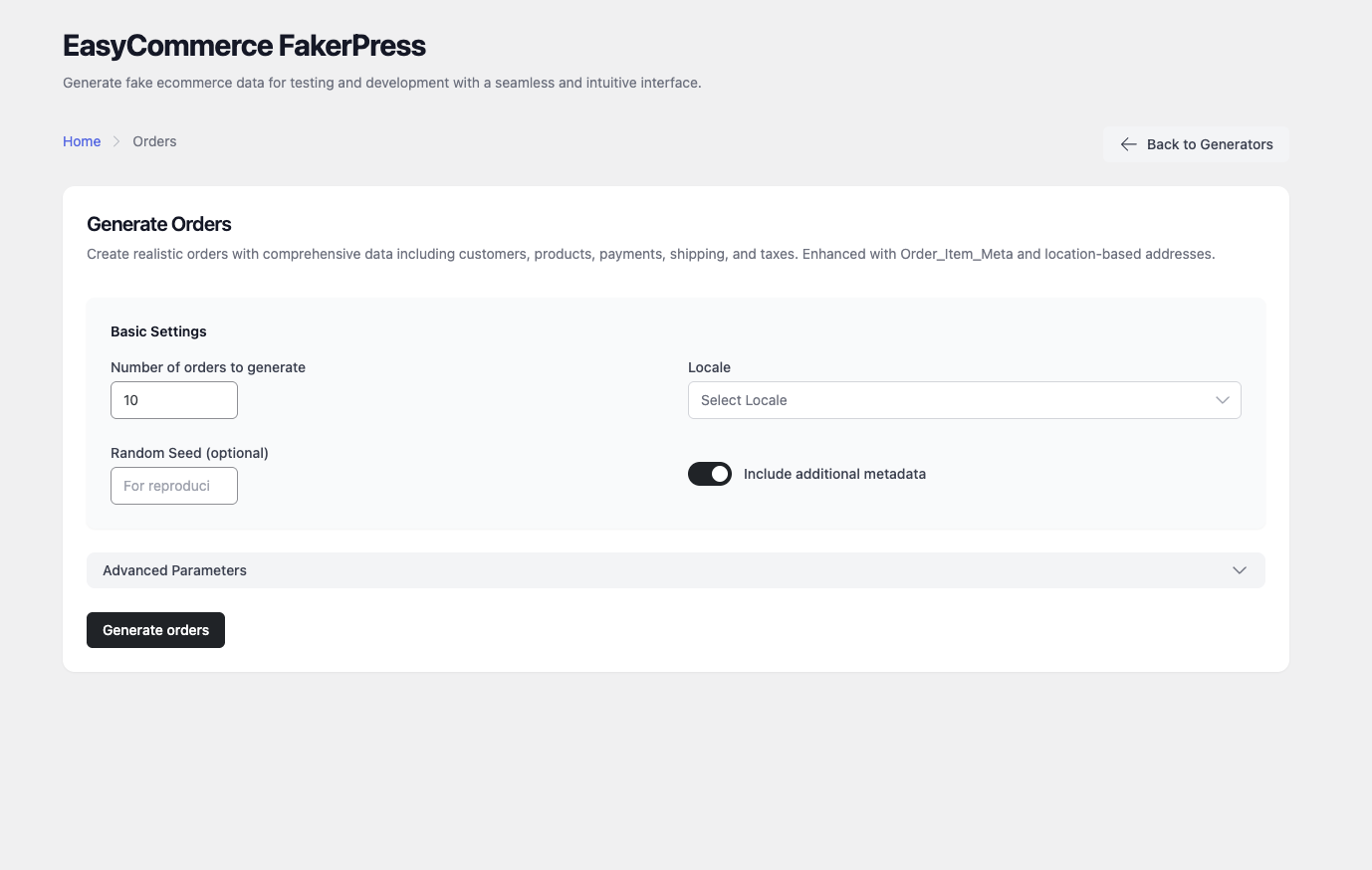
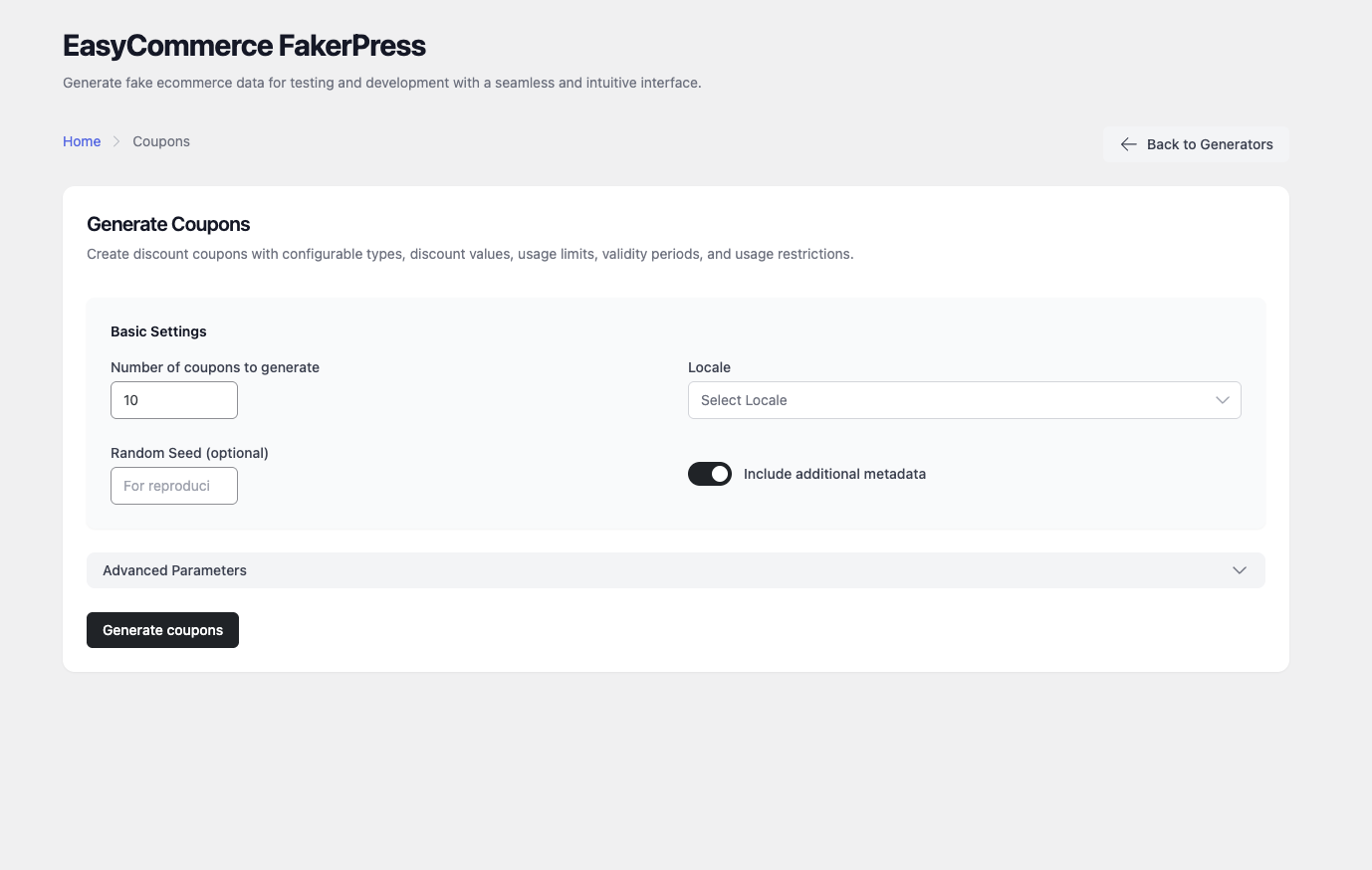
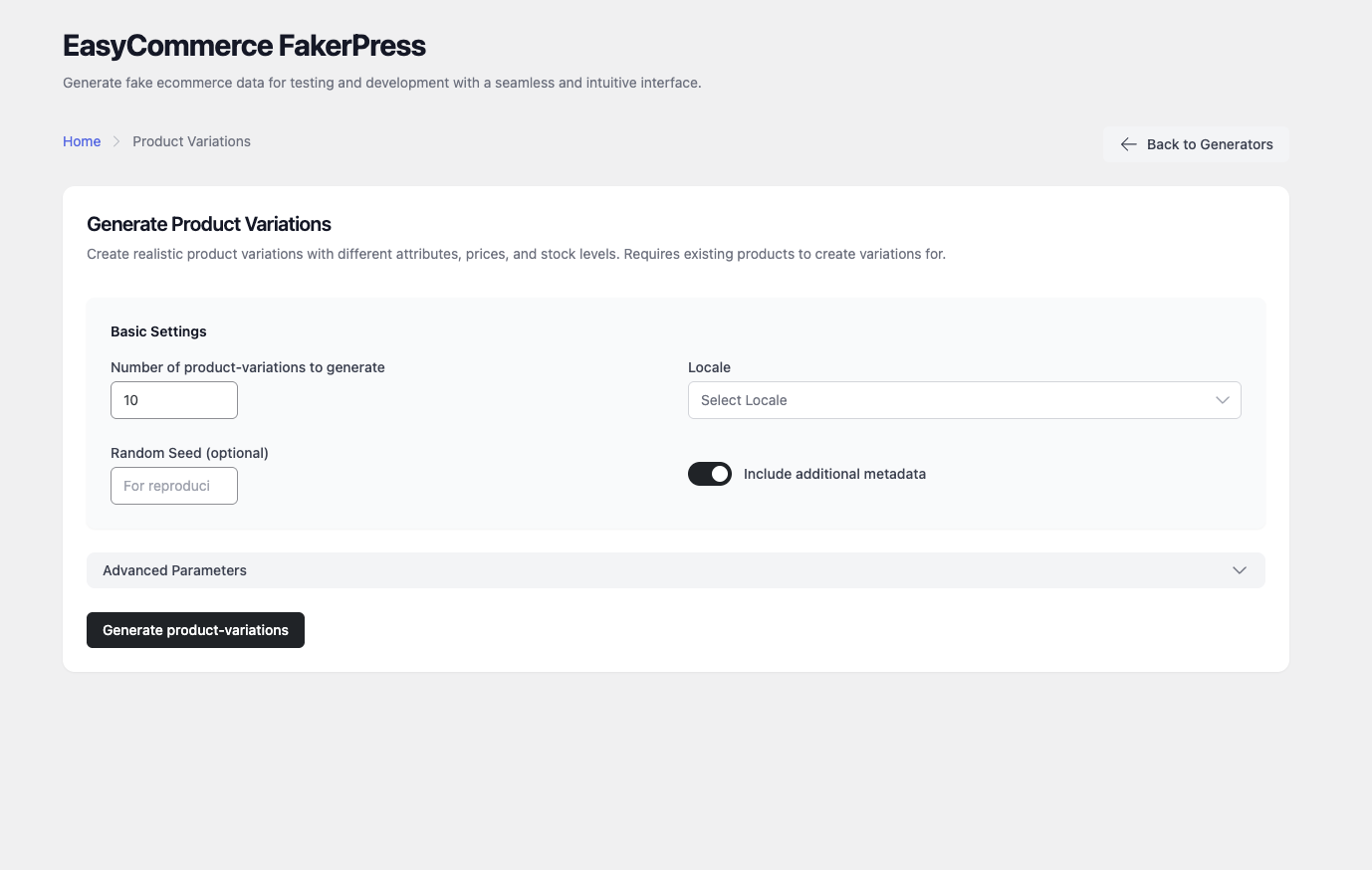
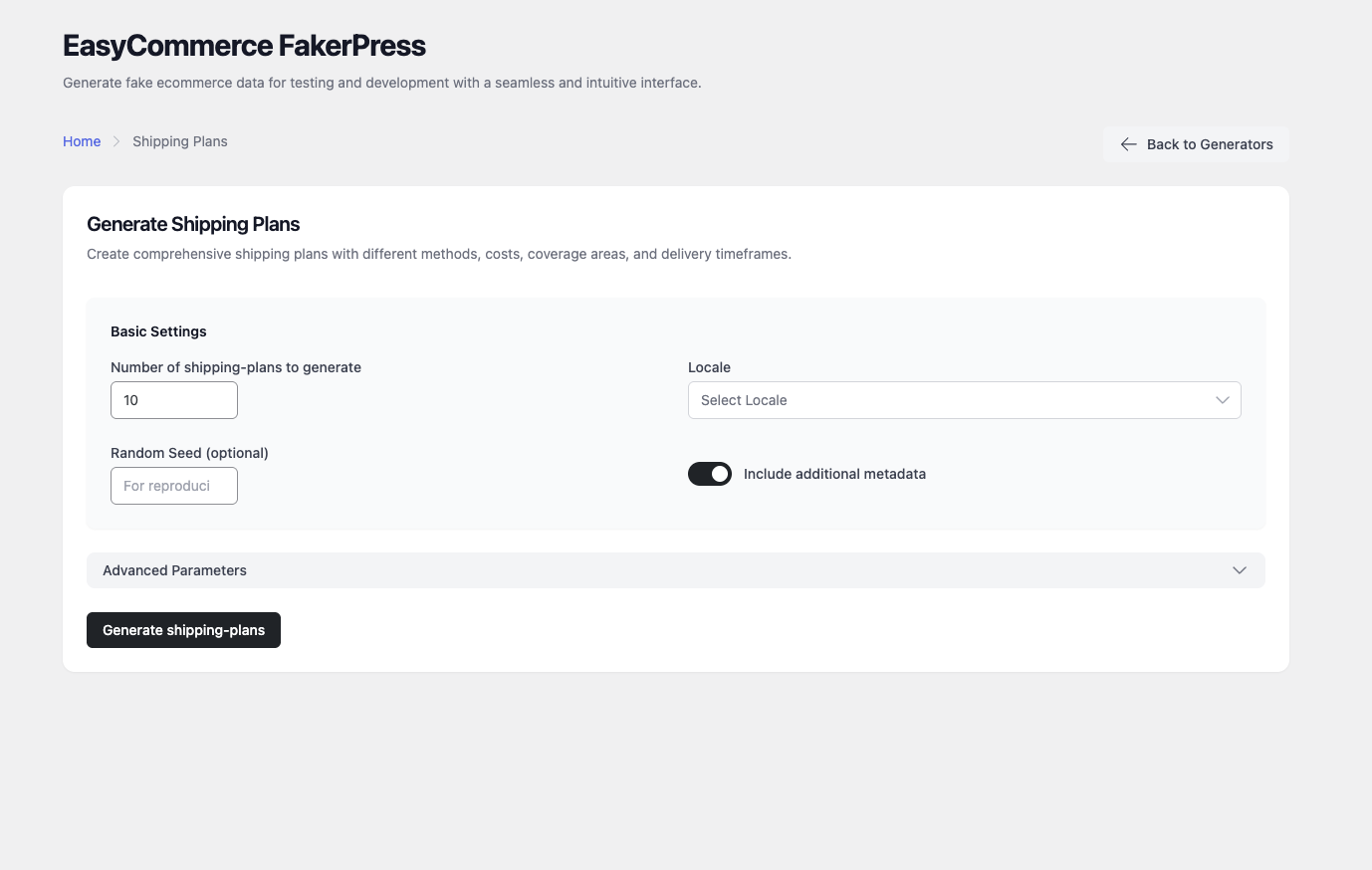
其他记录:
- WordPress.org support forum — questions and help with using the plugin
- GitHub issue tracker — bug reports and feature requests
- Full changelog — the complete version history
常见问题:
How do I generate dummy products for an EasyCommerce store?
Open EC FakerPress in your WordPress admin, choose the Products generator, set how many products you want, and click Generate. The preview table shows sample rows before you commit. The same flow applies to every other generator.
Does this work with WooCommerce?
No. This plugin generates data for EasyCommerce only, and WordPress will not let it activate unless EasyCommerce is installed and active. It does not create WooCommerce products, orders or customers.
Is it safe to run on a live site?
No. Use it on development, staging or demo sites only. It writes large volumes of fictional records directly into your store, and there is no one-click undo. Back up your database before any large run.
How do I delete the test data afterwards?
Use the WordPress or EasyCommerce bulk deletion tools. For large datasets, targeted database queries against a backup are faster. The plugin does not currently ship a bulk delete feature, which is the main reason to keep it off production.
Can I generate the same data twice?
Yes. Set a seed value in the run bar and the same seed always produces the same dataset. This is what makes generated data usable in automated tests and reproducible bug reports.
How realistic is the generated data?
Names, addresses and text come from FakerPHP, combined with commerce-specific logic for pricing strategies, geographic distribution and customer lifecycle patterns. Turning on sample data sync adds locale-specific product names and reference data for 75+ locales.
Can orders be linked to real customers and products?
Yes. Orders attach to existing customers and products and adjust inventory as they are created. Refunds require existing completed or processing orders, and product reviews link to products and customers that already exist.
Can I change the data before it is saved?
Yes. The plugin exposes 15+ filters and actions. Use easycommerce_fakerpress_*_data_before_create to alter values before creation, or extend the abstract generator classes to add a generator of your own.
What is sample data sync?
An optional download of locale-specific reference data — product names, customer tags, addresses — from the companion GitHub repository. It makes generated content read more naturally in non-English locales. It runs only when you ask for it, and sends no data about your site.
Where is the run history stored?
In your browser's localStorage, not your database. Clearing it has no effect on generated records. You can clear it from the Danger Zone on the Settings page.
更新日志:
- Sample data now downloads automatically after a one-time consent prompt shown on the plugin admin page — it explains what is fetched, transmits no site data, and offers built-in defaults if declined; the decision is site-wide and changeable from Settings
- Security: sample-data archives are validated before extraction, rejecting absolute paths and
..traversal segments so a crafted archive cannot write outside the sample-data directory - Accent colours no longer drift towards pink in highlights, badges and hover states
- Order generation no longer fails for customers whose address was saved at checkout — a stored address came back in a shape the generator rejected, and the whole batch stopped instead of skipping one item
- Generated orders are now spread over a configurable date range instead of all landing on today, so the EasyCommerce date-range reports have data to show
- Generated orders carry the address, tax and shipping meta EasyCommerce reads, so they render complete in the admin
- Aligned generated statuses, attributes, tax classes, coupon rules and shipping tiers with the current EasyCommerce database schema
- A run where every item failed now reports why, instead of claiming success with zero items created
- Headings follow the active theme, fixing unreadable page titles in dark mode
- Live preview shows up to 25 rows and scrolls within its own card
- New brand mark, refreshed WordPress.org icon and banners
- Minimum WordPress version corrected to 6.6, and compatibility declared with WordPress 7.0
- Removed a deprecation notice raised for every generated field
- Complete admin UI redesign on a new design-token system — light/dark themes, 5 accent palettes, and comfortable/compact density, all scoped so WordPress chrome is never restyled
- New dashboard with stat cards, sparklines and a recent-activity feed driven by real run history
- Live preview — real faker rows rendered before anything is written, re-rollable with Shuffle
- Command palette (Cmd/Ctrl+K), batch queue, and a redesigned generator page with a sticky run bar
- Refreshed brand assets and a recolorable admin menu icon
- Three new generators — Attributes, Refunds and Logs, bringing the total to 14
- Run history with per-generator logs and all-time dashboard stats
- Settings page — default count, locale, seed, metadata toggle, and run-history limit
- Sample data sync for locale-specific reference data across 75+ locales
- Playwright end-to-end suite — 131 tests across all generators and field types
- Component architecture reworked; parameter config centralised in generators.ts