
EasyEMBED - Embed PDFs, Docs, Word, Excel, Powerpoint, Slides, & More
| 开发者 | easyembed |
|---|---|
| 更新时间 | 2026年4月27日 19:14 |
| PHP版本: | 7.4 及以上 |
| WordPress版本: | 6.9 |
| 版权: | GPLv2 or later |
| 版权网址: | 版权信息 |
详情介绍:
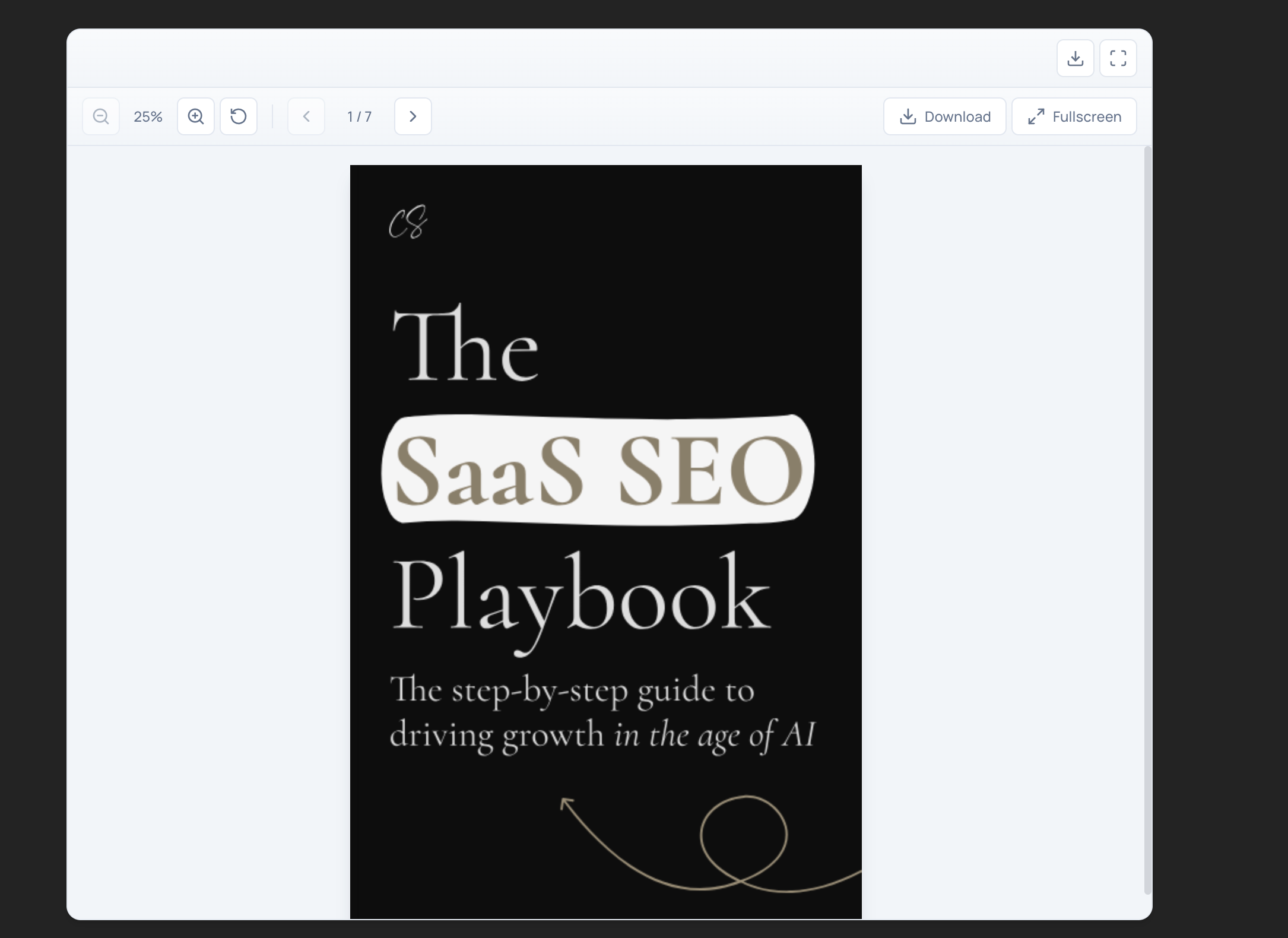
- Embed PDFs, Google Docs, Google Sheets, Google Slides, Word, Excel, and PowerPoint files
- Simple
[easyembed]shortcode with flexible attributes - Zoom controls for spreadsheet embeds
- Fullscreen support
- Light and dark theme options
- Responsive design that works on all devices
- Optional download button for embedded documents
安装:
- Upload the
easyembedfolder to the/wp-content/plugins/directory, or install the plugin through the WordPress plugins screen. - Activate the plugin through the 'Plugins' screen in WordPress.
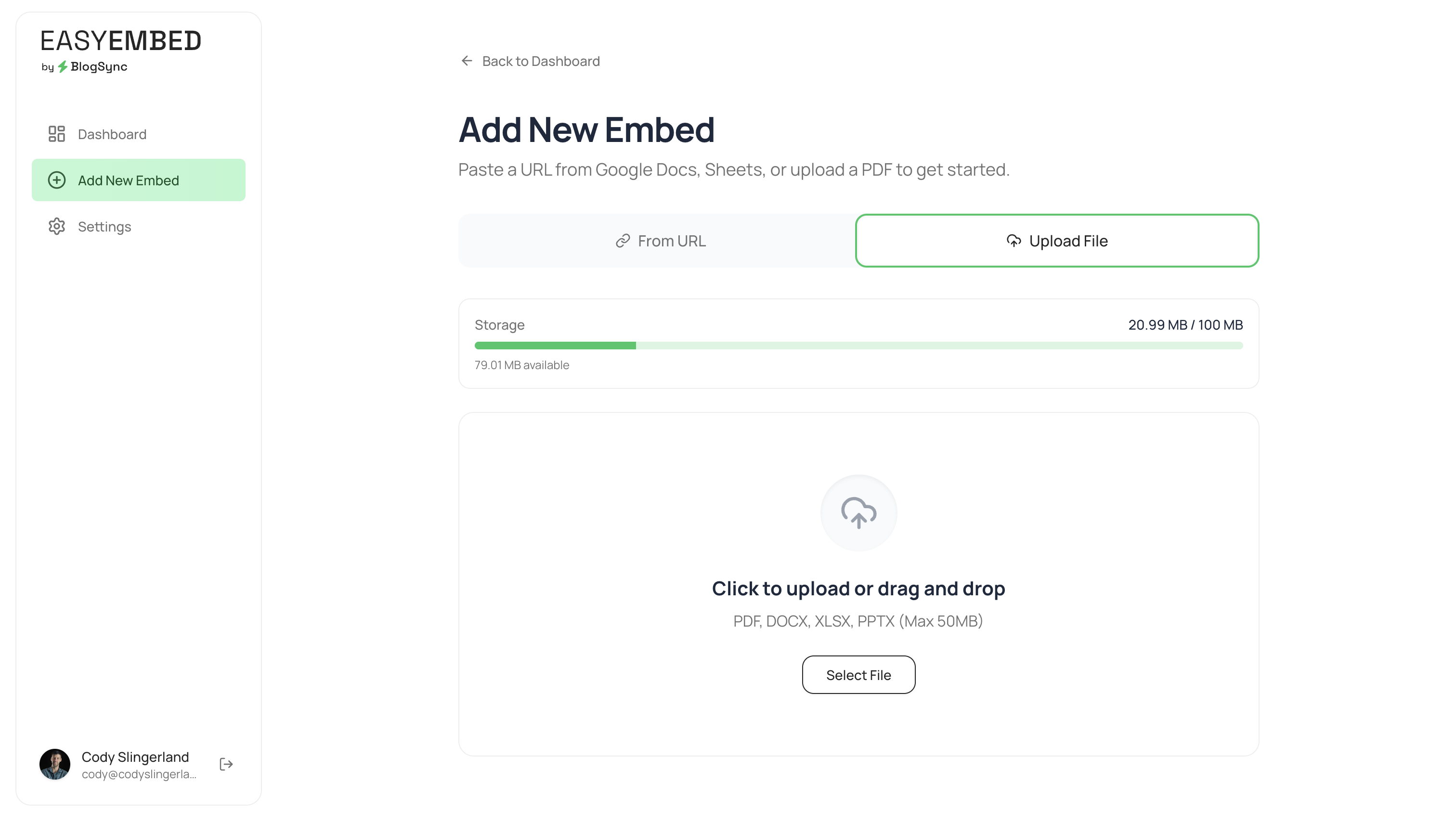
- Go to EasyEmbed > Settings in your WordPress admin to configure the plugin.
- (Optional) Enter your EasyEmbed Dashboard URL to use managed embeds with analytics.
屏幕截图:
常见问题:
How do I embed a document?
Use the [easyembed] shortcode in any post or page. You can embed by direct URL:
[easyembed url="https://example.com/document.pdf"]
Or by embed ID from your EasyEmbed dashboard:
[easyembed id="1"]
What document types are supported?
EasyEmbed supports PDFs, Google Docs, Google Sheets, Google Slides, Microsoft Word (.doc, .docx), Excel (.xls, .xlsx), and PowerPoint (.ppt, .pptx) files.
Can I customize the embed dimensions?
Yes. Use the width and height attributes:
[easyembed url="https://example.com/doc.pdf" width="100%" height="800px"]
Do I need an EasyEmbed account?
No. You can use direct URLs without an account. An EasyEmbed account at easyembed.io is only needed if you want to manage embeds from a central dashboard and track views.
Is my data sent to an external service?
Only when using managed embeds (the id attribute with a configured Dashboard URL) or when embedding Word/Excel/PowerPoint files via direct URL (which uses Microsoft Office Online). See the External Services section above for full details.
更新日志:
- Minor updates and improvements.
- Initial release.
- Support for PDF, Google Docs, Google Sheets, Google Slides, Word, Excel, and PowerPoint embeds.
- Managed embed support via EasyEmbed dashboard.
- Zoom controls for spreadsheet embeds.
- Light and dark theme support.
- Fullscreen mode.
- View tracking for managed embeds.