
Eazign – Product Designer for WooCommerce
| 开发者 | metacomsolutions |
|---|---|
| 更新时间 | 2026年11月8日 19:35 |
| PHP版本: | 7.4 及以上 |
| WordPress版本: | 7.1 |
| 版权: | GPLv2 or later |
| 版权网址: | 版权信息 |
详情介绍:
Eazign adds a product designer to your WooCommerce shop:
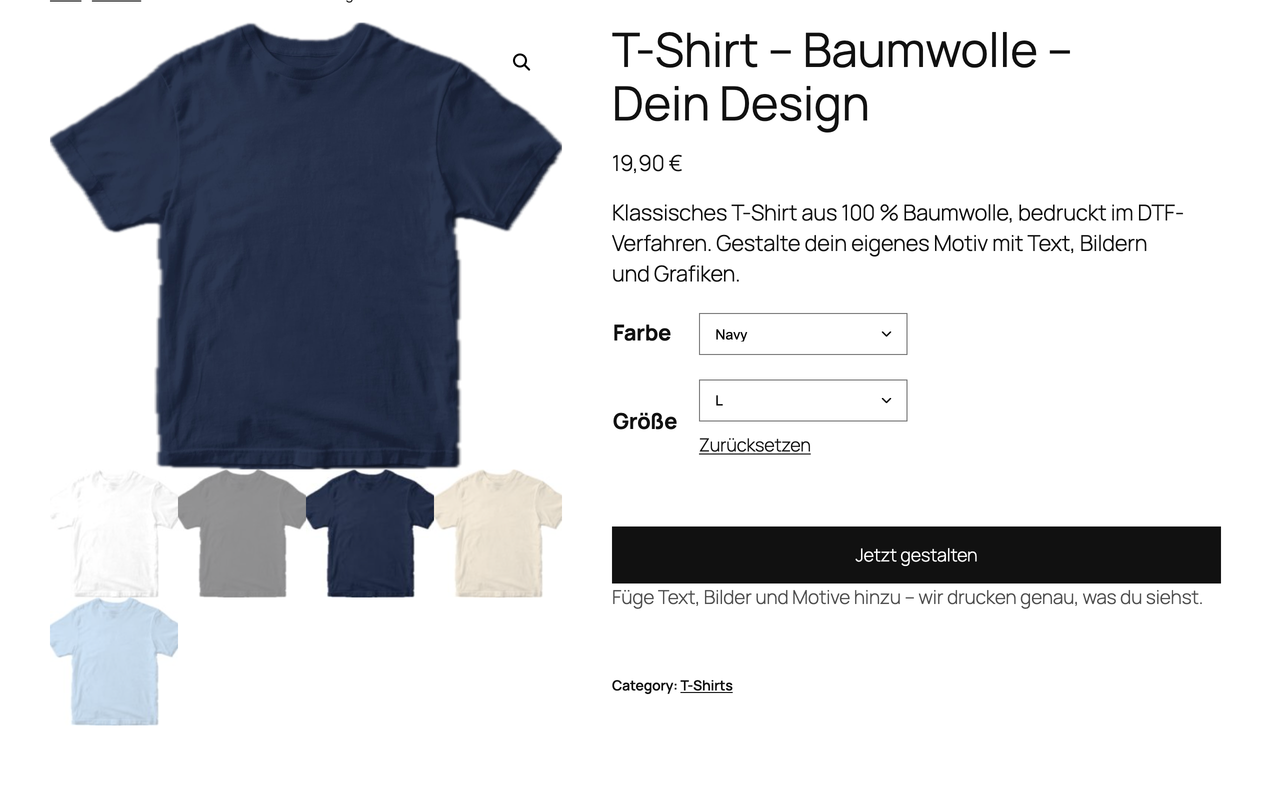
- Blanks to products – describe the item you print on (colours, sizes, prices, print sides with a photo). Eazign creates a variable product with a mockup in every colour.
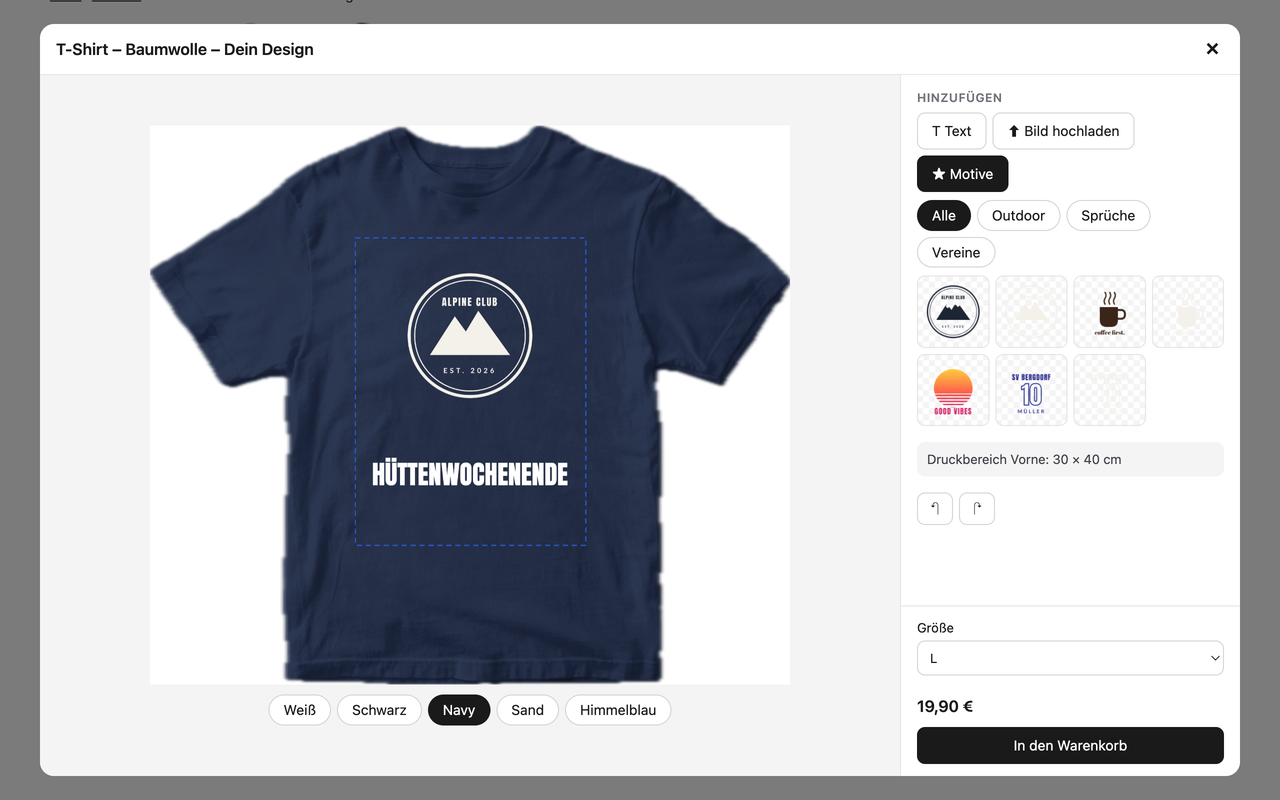
- Motif gallery – upload your motifs once; customers place them in the designer.
- Product generator – print your motifs on your blanks in one go: one variable product per motif and blank with prices, SKUs and a mockup in every colour (optionally a light motif version for dark colours).
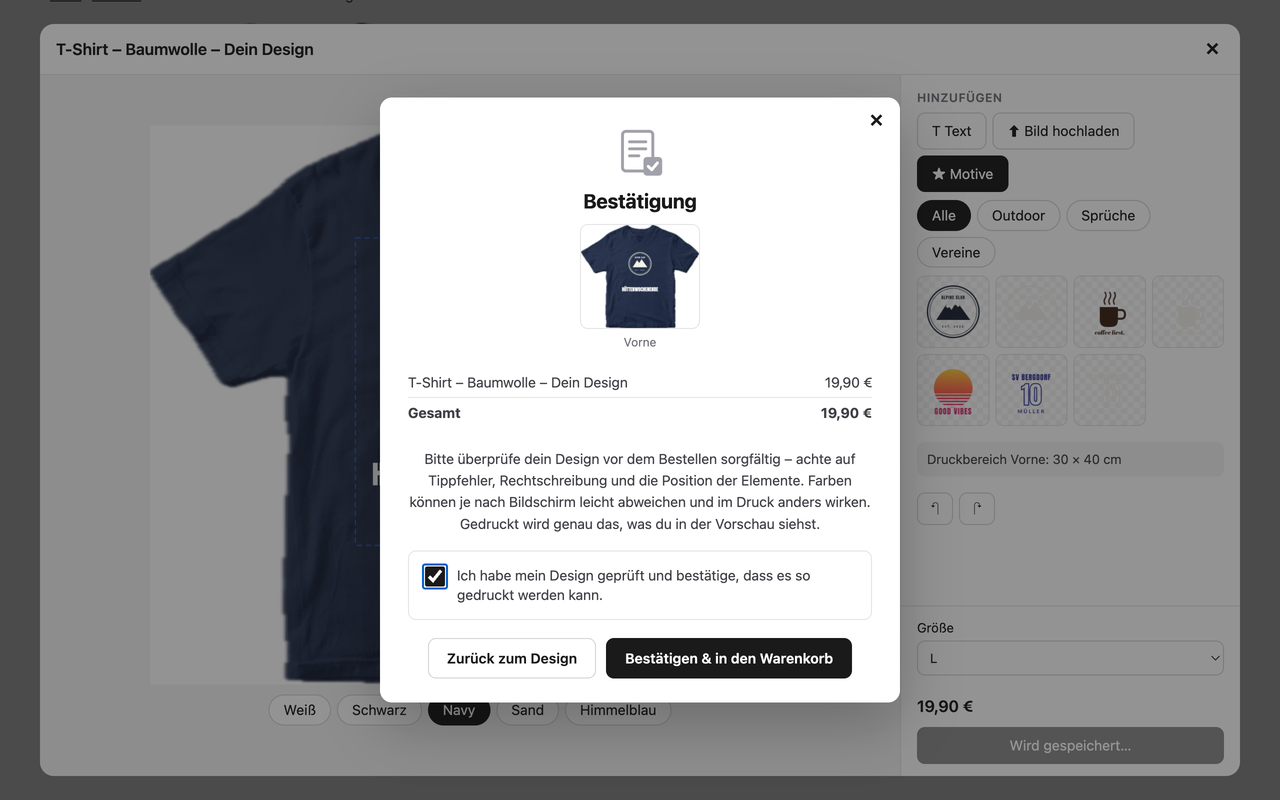
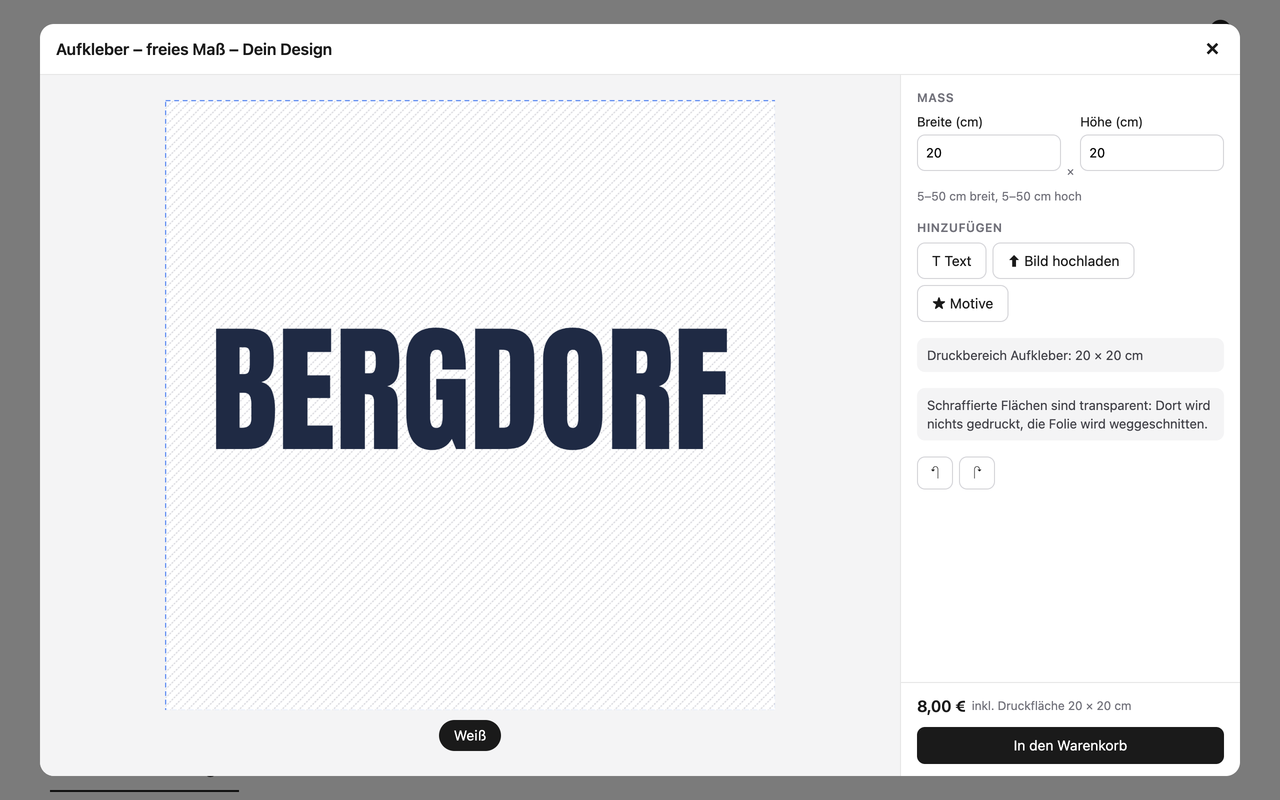
- Designer on the product page – customers add text, upload images, remove backgrounds and see their design on the product in the chosen colour. Works with classic and block themes.
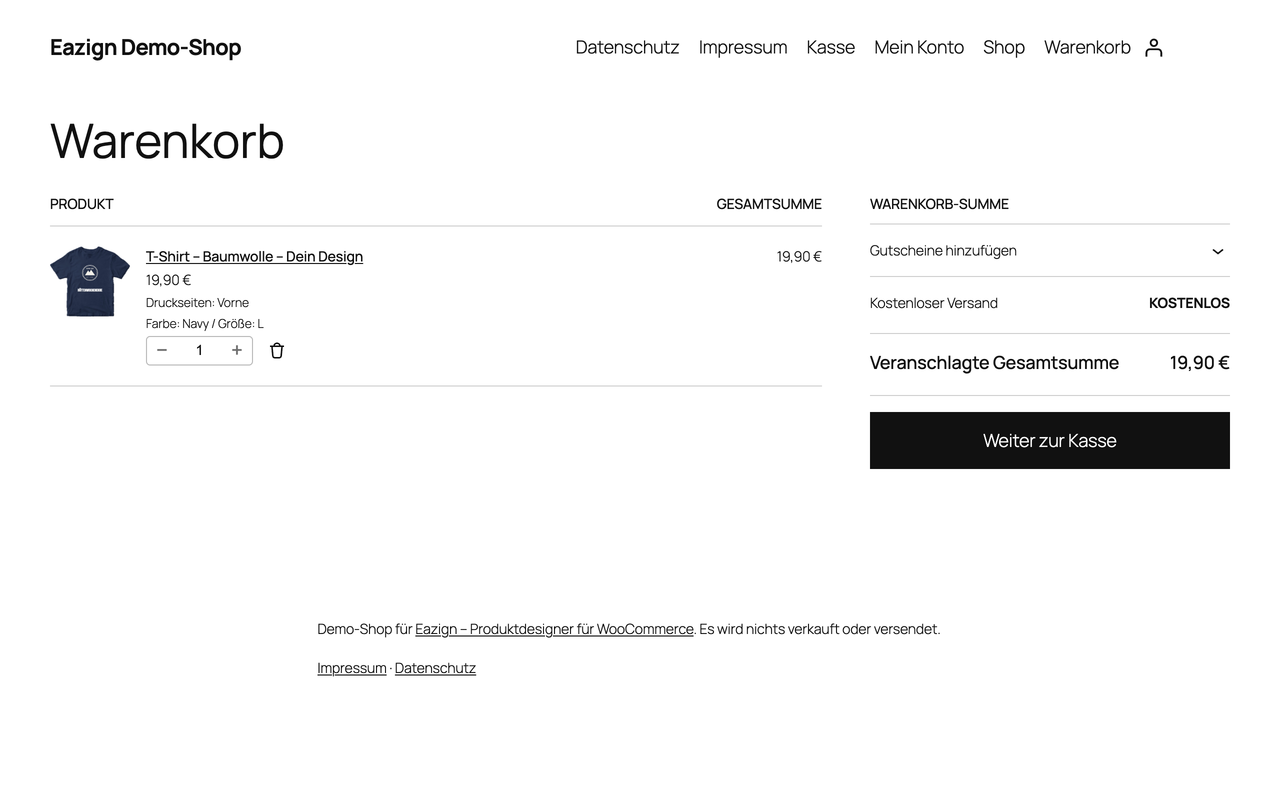
- Fair pricing – surcharges per additional print side and free sizes are added to the cart price automatically.
- Print-ready files – when an order is paid, Eazign renders one PDF (vector text, original images) and one 300 dpi PNG per printed side in the real print size. You find them in the order.
- when connecting: the shop address, name, admin e-mail, language and currency, and a WooCommerce REST API key (read/write) that lets the service create the designer products in your shop;
- when you edit blanks and motifs: the blank data, photos and motif images;
- when customers design products: their uploaded images, texts and the finished design (loaded from and saved to the service directly by the visitor's browser; the designer script is loaded from the service);
- when designed orders are paid: order id, order number and line item ids (no names, addresses or payment data).
安装:
- Install and activate WooCommerce and this plugin.
- Go to Eazign → Connection and click Connect with Eazign.
- Under Eazign → Blanks create a blank, upload a base photo and click Create designer product.
- Optional: upload motifs under Eazign → Motifs and create finished products under Eazign → Generator.
屏幕截图:
常见问题:
Which themes are supported?
Classic themes (the button is placed in the add-to-cart form) and block themes (after the add-to-cart block). You can also place the button anywhere with the shortcode [eazign_designer id="123"].
What happens to my data when I disconnect?
Disconnecting or deleting the plugin removes the REST API key. All blanks, designs and print files of your shop are deleted at Eazign 48 hours later.
Is the plugin free?
Yes, the plugin is free and has no locked features. The Eazign service, which renders the mockups and print files, starts with a 14-day free trial (no payment details needed) and then needs a plan, which you choose under Eazign → Plan & billing.
更新日志:
1.0.0
- First public release.
- Plan & billing page: plans, usage, checkout and subscription management through Paddle.
- Motif gallery: upload, categorise, rename and delete motifs.
- Product generator: motifs × blanks → finished variable products with mockups; their orders get print files.
- Notice when the site address differs from the connected one (moved shop or staging copy).
- Connecting again works when an old, never completed registration has expired.
- German translation.
- Updating a designer product removes the replaced mockup images.
- Erasure requests keep designs of orders unless WooCommerce removes order data on erasure.
- The normal add-to-cart button no longer flashes on designer products.
- First test version: connection, blanks, designer products, designer on the product page, cart surcharges, print files per order, privacy exporter and eraser.