eBecas
| 开发者 | janorkar |
|---|---|
| 更新时间 | 2021年10月13日 13:25 |
| 捐献地址: | 去捐款 |
| PHP版本: | 7.0 及以上 |
| WordPress版本: | 5.8 |
| 版权: | GPLv2 or later |
| 版权网址: | 版权信息 |
详情介绍:
安装:
- Upload the entire
ebecasfolder to the/wp-content/plugins/directory. - Activate the plugin through the Plugins screen (Plugins > Installed Plugins).
[eit_ebecas_student_portal]
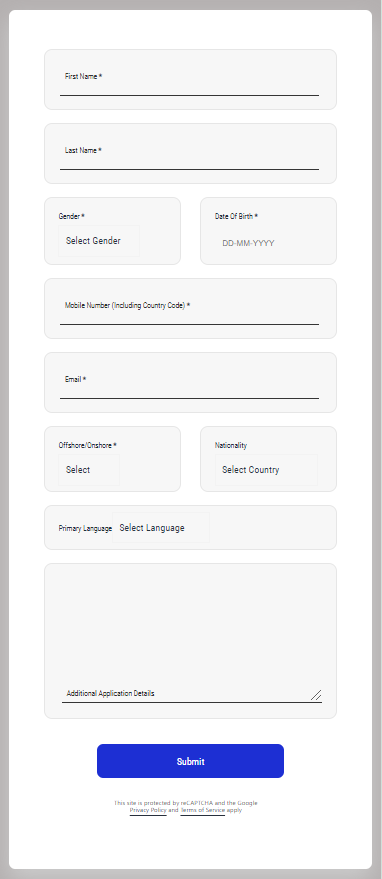
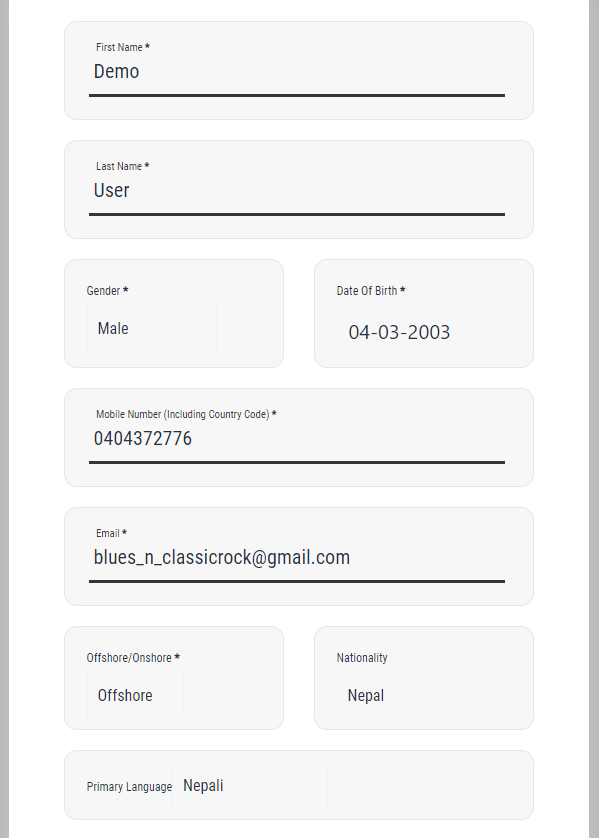
For demo usage, have a look at the plugin's website.屏幕截图:
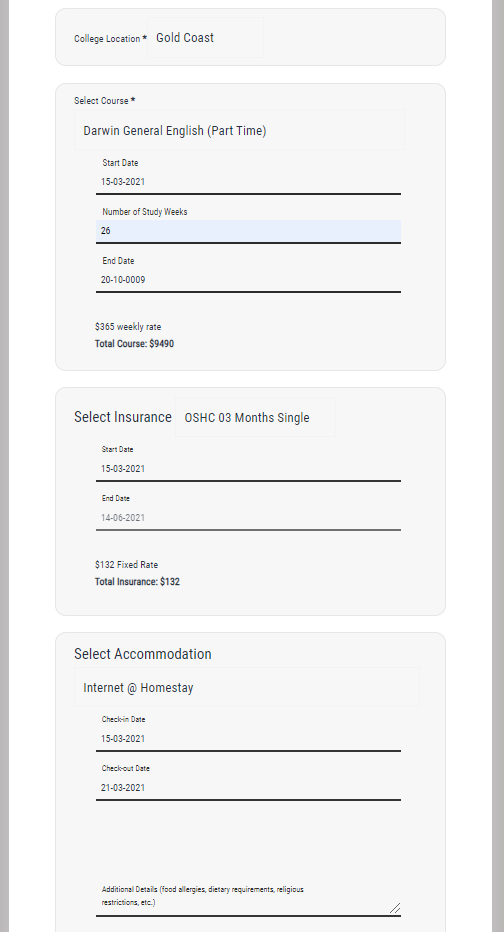
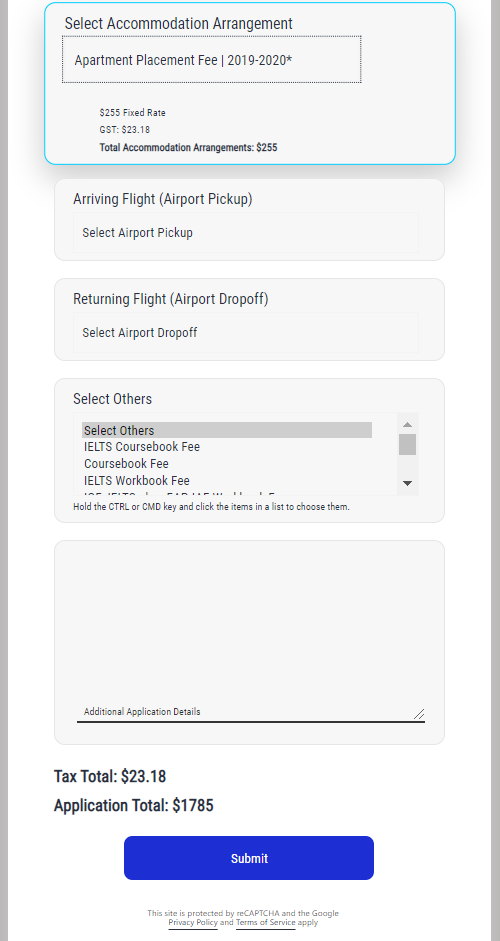
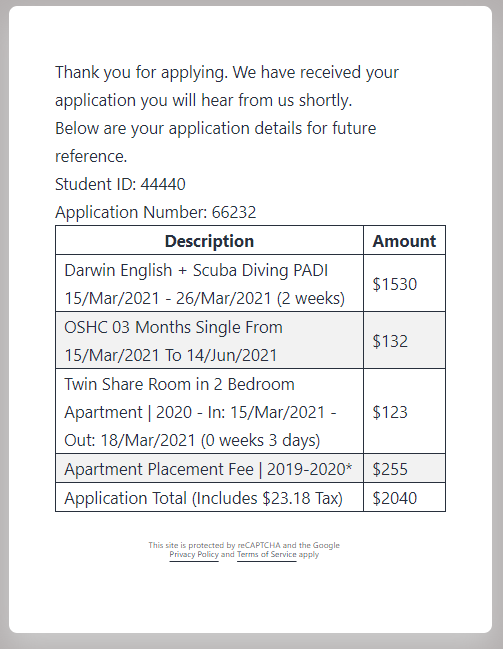
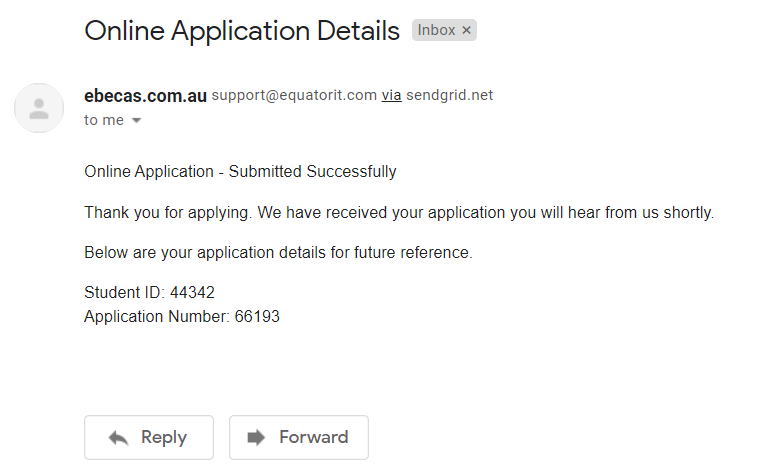
常见问题:
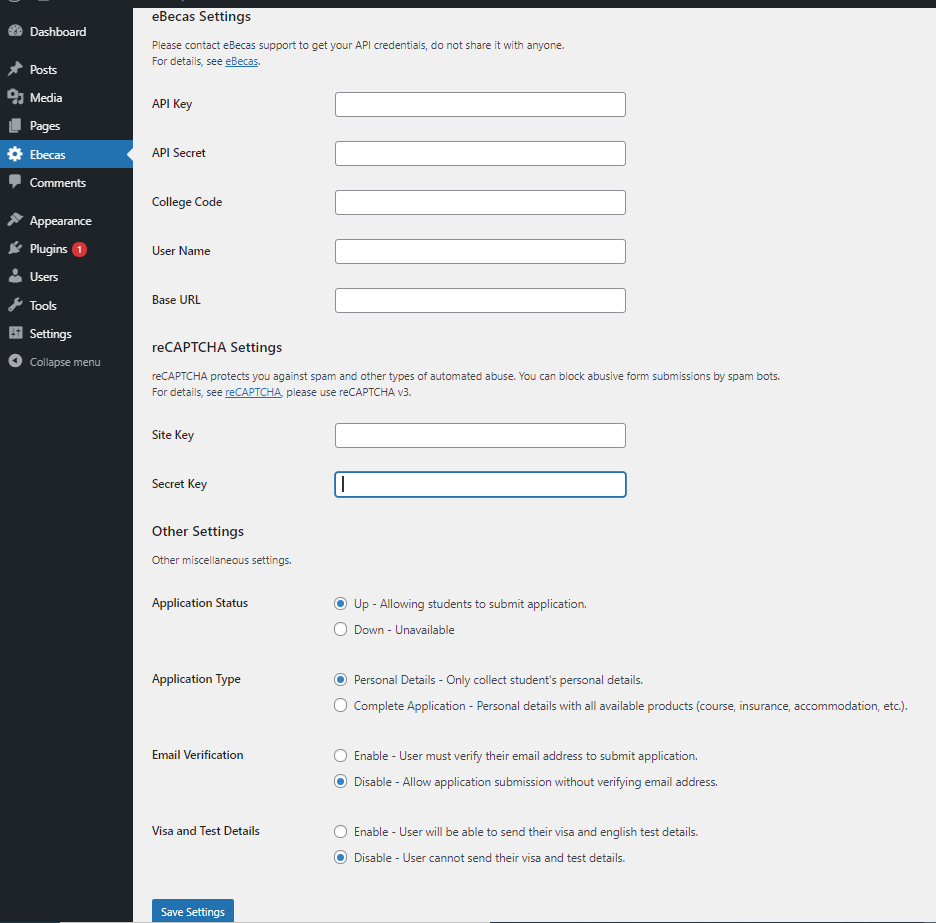
How to get the eBecas credentials (API Key, API Secret, College Code, User Name and Base URL)?
Please send your request to us using this contact us form. We will enable your production access and share required details with you.
Which version of Google reCAPTCHA is supported by this plugin?
Google reCAPTCHA v3
How to setup Google reCAPTCHA?
- Go to Google reCAPTCHA website.
- Sign-up by clicking on the "Admin Console".
- Register a new site by clicking on the "+" sign in the Admin Console.
- Fill the form, select "reCAPTCHA v3" as reCAPTCHA Type and add your website in the Domains Section, then click on Submit button.
- Copy "Site Key" and "Secret Key" in "reCAPTCHA Settings" section in eBECAS plugin integration page
How to temporary stop accepting online application?
In the eBecas integration page you can set the "Application Status" flag to "Down - Unavailable" this will stop showing the online application form to visitors, they will see the message "Online Application is unavailable at this stage. Please check back soon." When you are ready to start accepting online application you can set the "Application Status" flag to "Up - Allowing students to submit application".
Personal Details or Complete Application type selection?
In the eBecas integration page you can set the "Application Type" flag to
- "Personal Details - Only collect student's personal details." or
- "Complete Application - Personal details with all available products (course, insurance, accommodation, etc.)"
Can i share my eBecas API Key and API Secret with others?
Please don't share it with anyone else, also don't use it on client side application (javascript). If you need further clarification please contact us.
What should i do if my credentials are compromised?
- Please regenerate your Google reCAPTCHA Site Key and Site Secret.
- For eBecas credentials please contact us immediately.
Troubleshooting
If you are not seeing the "Online Application Form" then please follow below steps:
- Go to Ebecas menu in your Wordpress admin screen and make sure you have filled "eBecas Settings", "reCAPTCHA Settings" and "Application Status" flag is selected as "Up - Allowing students to submit application."
- In the eBecas application check you have published courses/products. Only published courses will be available online. If there are no published courses then it won't display Online Application Form.
- Check the page or post and make sure you have added the shortcode correctly
[eit_ebecas_student_portal] - Visit the published page or post you should be able to see Online Application Form.
- If the issue still persist then please contact us and we will help you to resolve the issue.
Where to report bugs and submit feature requests?
Please email us using contact us form. If you are interested in contributing to the future development of this plugin then let us know. We will be happy to add you into bitbucket repository of this plugin and would appreciate Pull Requests. Thank You.
更新日志:
- Bugs fixes
- Fixed the label issue
- Modification in the Application Deails section
- Fixed the placeholder issue
- Fixed issue with test date
- Added Visa and English Test section for dynamic user input
- Added option in the setting menu for Visa/Test section
- Fixed issue with date format
- Added all missing jquery-ui images
- Fixed issue with date format
- Added support for single school location
- Fixed loading images bug for jquery ui and loader
- UI improvements
- Added option to choose between 'Personal Details only' or 'Complete Application' type
- Changed default API base URL
- Added constants for API endpoints
- Bug fixed - Load resources (css/js) correctly
- Added support for latest wordpress version 5.6
- Bug fixed - added cache busting (Load latest css/js resources)
- UI changes - Changed application form user interface.
- Added optional email verification in admin section, now it can be enabled/disabled.
- Bug fixed - Recaptcha icon now only display on application form page.
- Bug fixed - Ajax not firing.
- Added support for Country & Language selection.
- Updated readme.
- Updated readme.
- Sanitized products array user input.
- Assets images renamed.
- Sanitized user inputs.
- Bug Fixed: For fixed length courses to accurately calculate the number of weeks, start and end date.
- This is very first release of eBecas Plugin.
- Using this plugin website owner can start accepting student online application from the website.