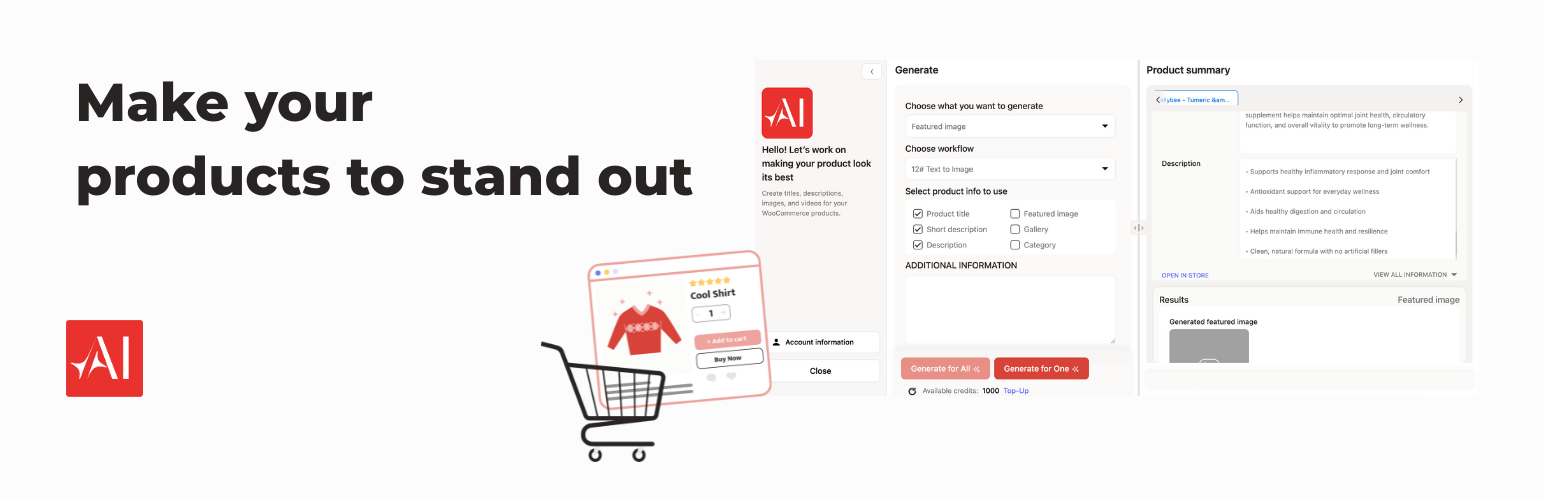
EdiDev AI Assistant for Perfection42
| 开发者 | edidev |
|---|---|
| 更新时间 | 2025年12月28日 14:22 |
| PHP版本: | 7.4 及以上 |
| WordPress版本: | 6.9 |
| 版权: | GPLv2 or later |
| 版权网址: | 版权信息 |
详情介绍:
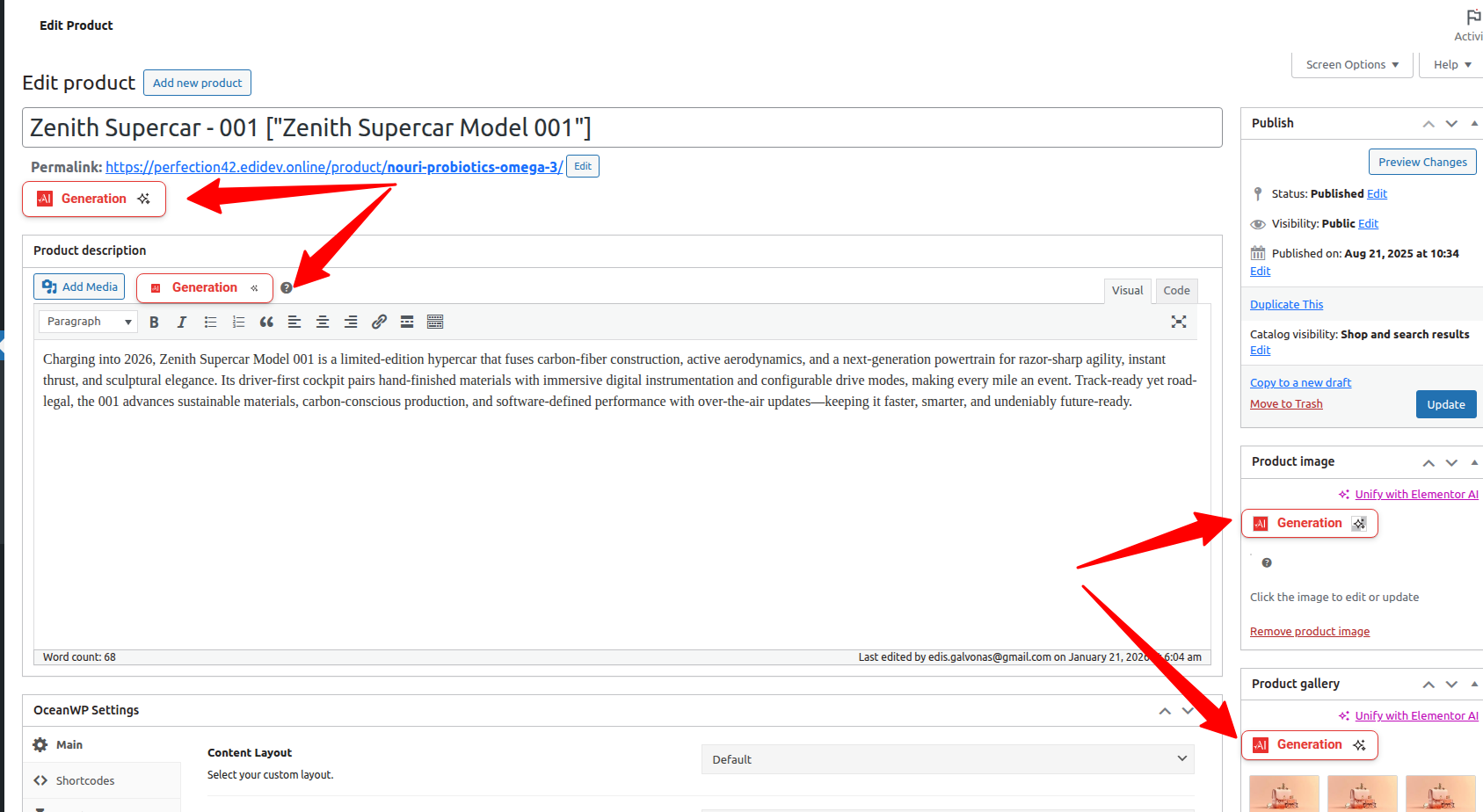
- Works directly in wp-admin (WooCommerce Products list + product edit page)
- Generate or improve titles, short descriptions, full descriptions and product videos
- Fix visuals with background removal, upscaling and enhancement
- Run AI workflows for one product or hundreds at once with background queues and logs
- Permission-aware: only users with product editing rights can run AI actions How it works
- Select products – choose one or multiple WooCommerce products from the Products list or edit page.
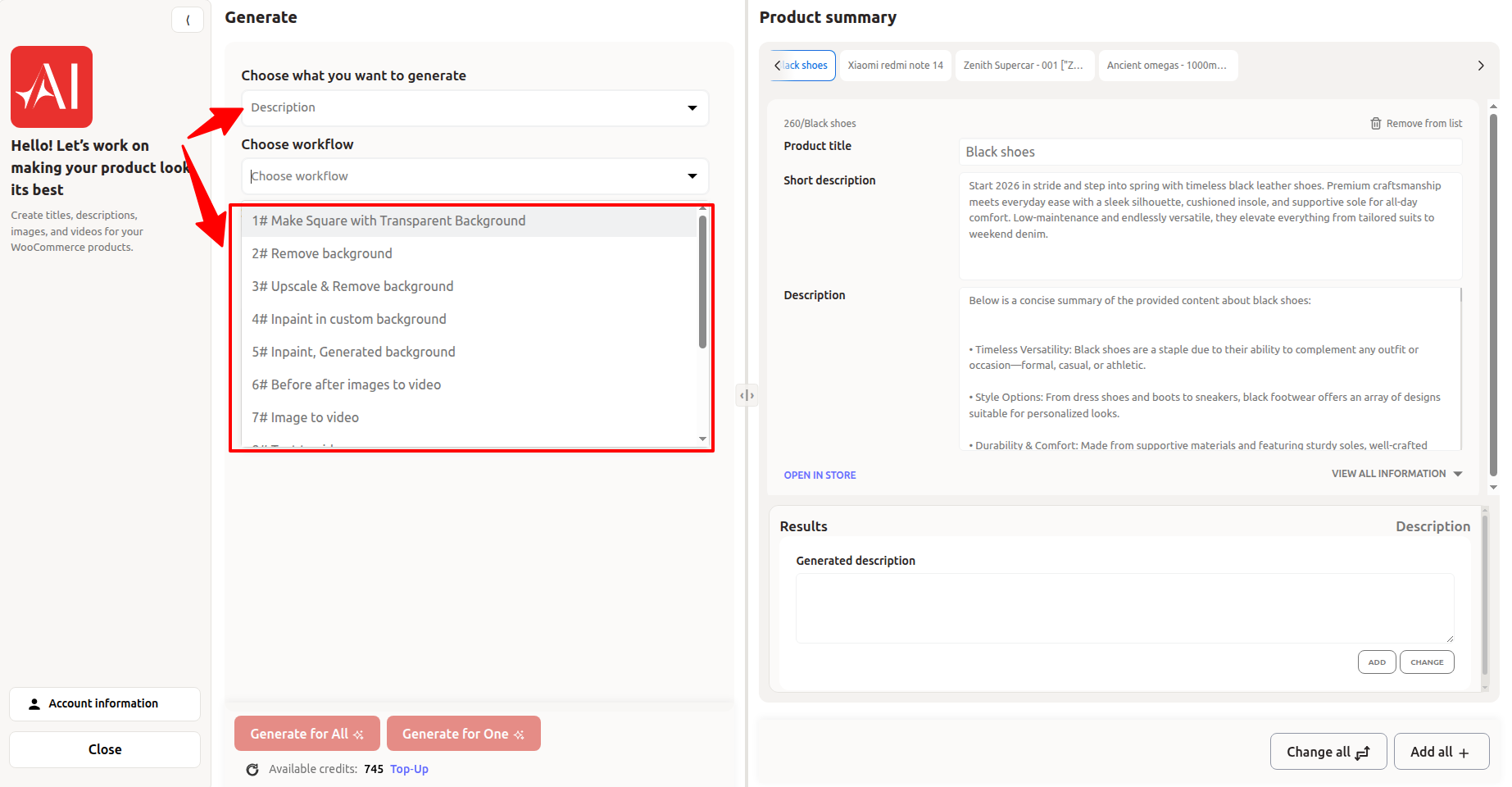
- Select workflow – text, images or video (e.g. Text to Text, Remove Background, Upscale Image, Create Product Video).
- Tell the AI what you need – short brief, tone of voice, keywords.
- Preview the results – adjust titles, descriptions and visuals before saving.
- Apply to one or many products – save for a single product or run in bulk via the background queue.
- Simple products (downloadable/virtual)
- Other types (Variable, Grouped, External, Affiliate) at parent level only
- Variations support planned for next update
安装:
- Upload the plugin to
/wp-content/plugins/or install it via the Plugins → Add New screen. - Activate WooCommerce and then activate this plugin.
- Go to Perfection42 → Settings.
- Enter your Perfection42 API credentials (or create them in your Perfection42 account).
- Start generating in WooCommerce → Products.
屏幕截图:
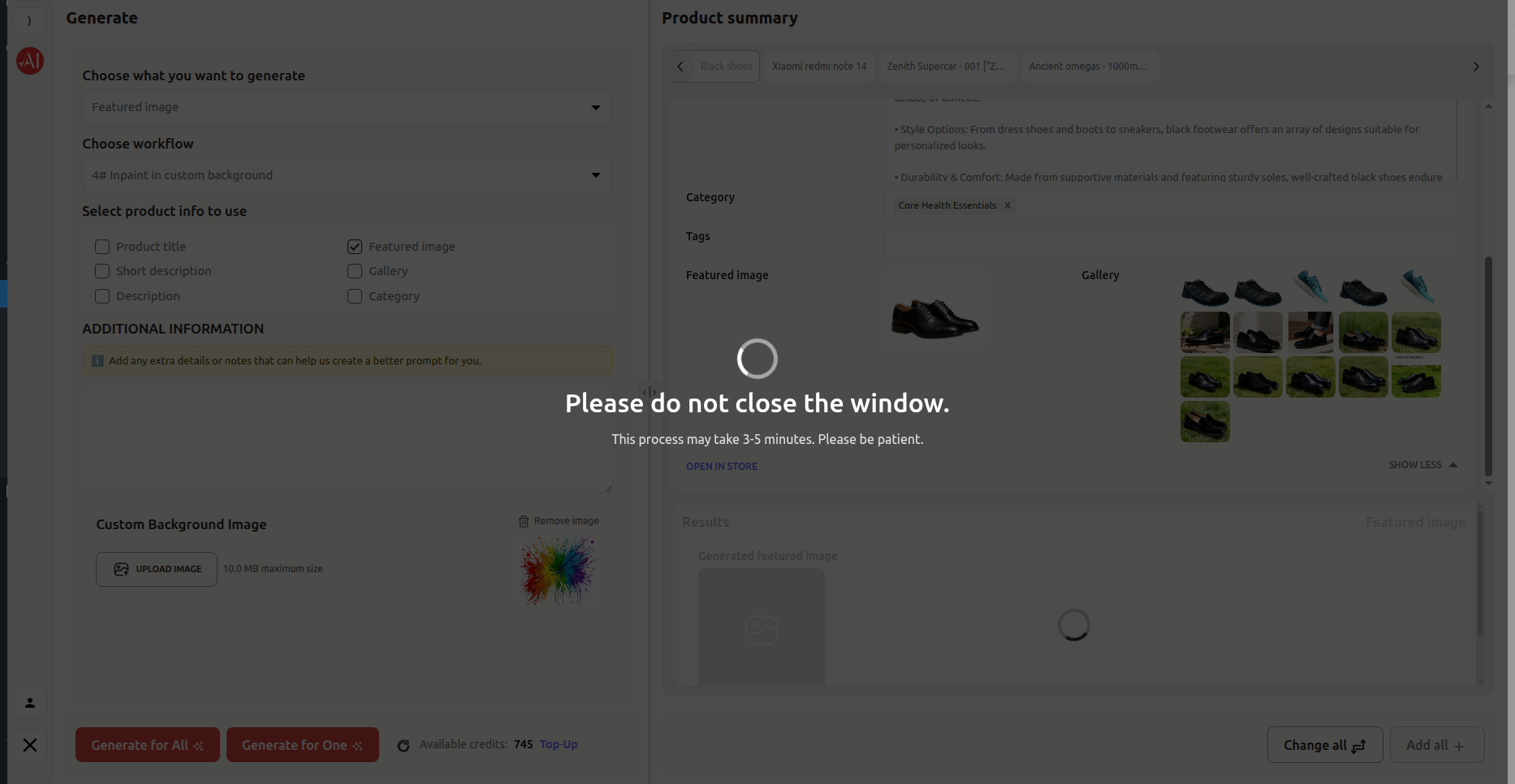
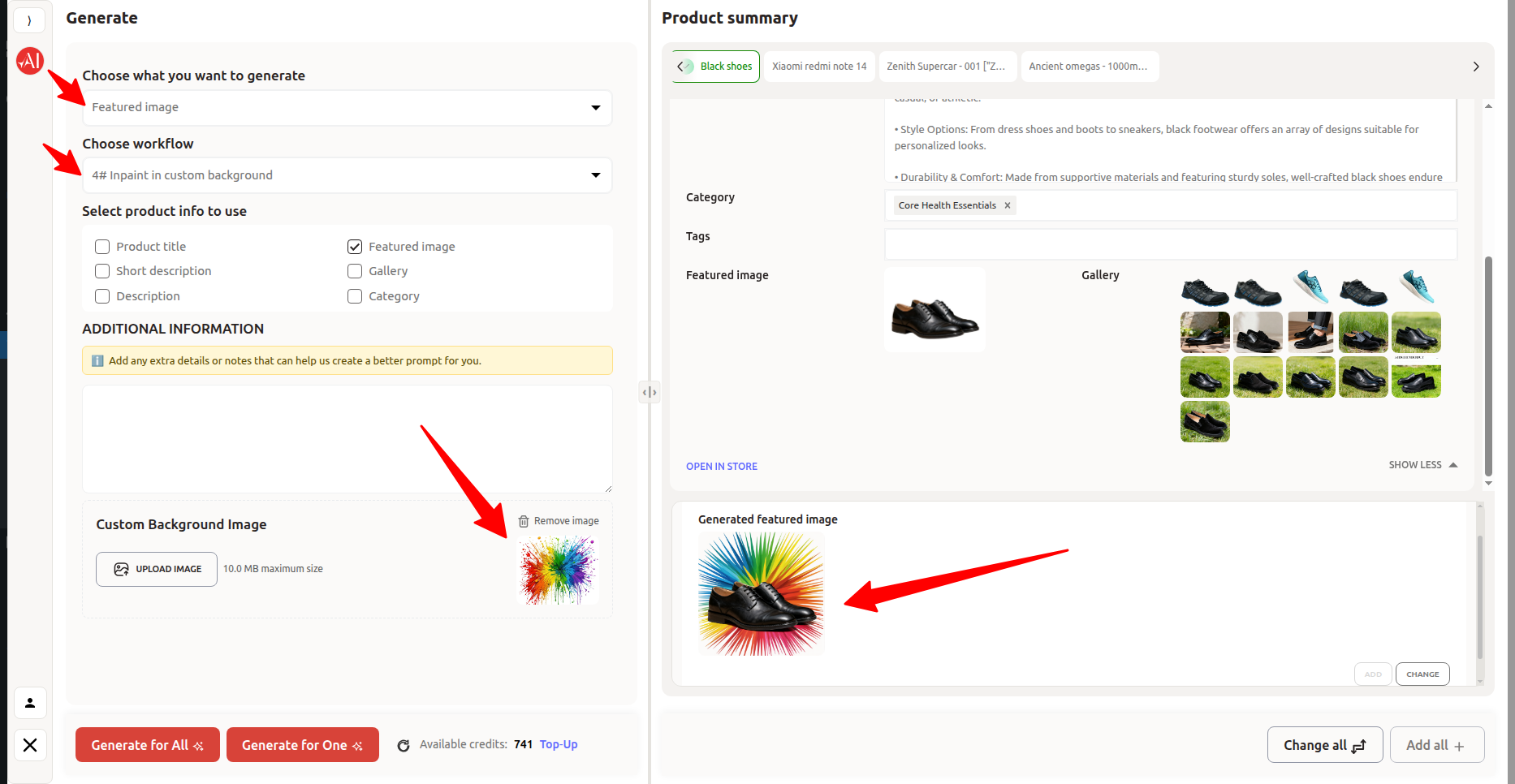


常见问题:
What does Perfection42 AI Product Assistant do?
It helps WooCommerce store owners generate and improve product content automatically — including titles, descriptions, images, and videos — directly from the WordPress dashboard.
Will it overwrite my existing content?
Only if you choose UPDATE. If you choose ADD, content will be appended. All results can be previewed before saving.
Where are generated images and videos stored?
All generated media is stored in the Media Library and assigned to products as Featured, Gallery, or Product Video.
Can I generate for multiple products at once?
Yes. Use Generate for all selected products. For large sets, the plugin uses a background queue to prevent timeouts.
Does it support Variations?
Not yet. Current release supports Simple products (and parent-level actions for other types). Variation support is planned for an upcoming update.
Is my data safe?
Yes. The plugin uses nonces, capability checks, and communicates only with the Perfection42 API. No customer data is sent. See our Privacy and External Services sections below.
更新日志:
- ENHANCEMENT: Bulk Generation UX optimizations:
- Smoother switching between product tabs during processing.
- Added per-tab, per-result loading indicators to make progress and status clear.
- Reduced UI jank when navigating between tabs with active requests.
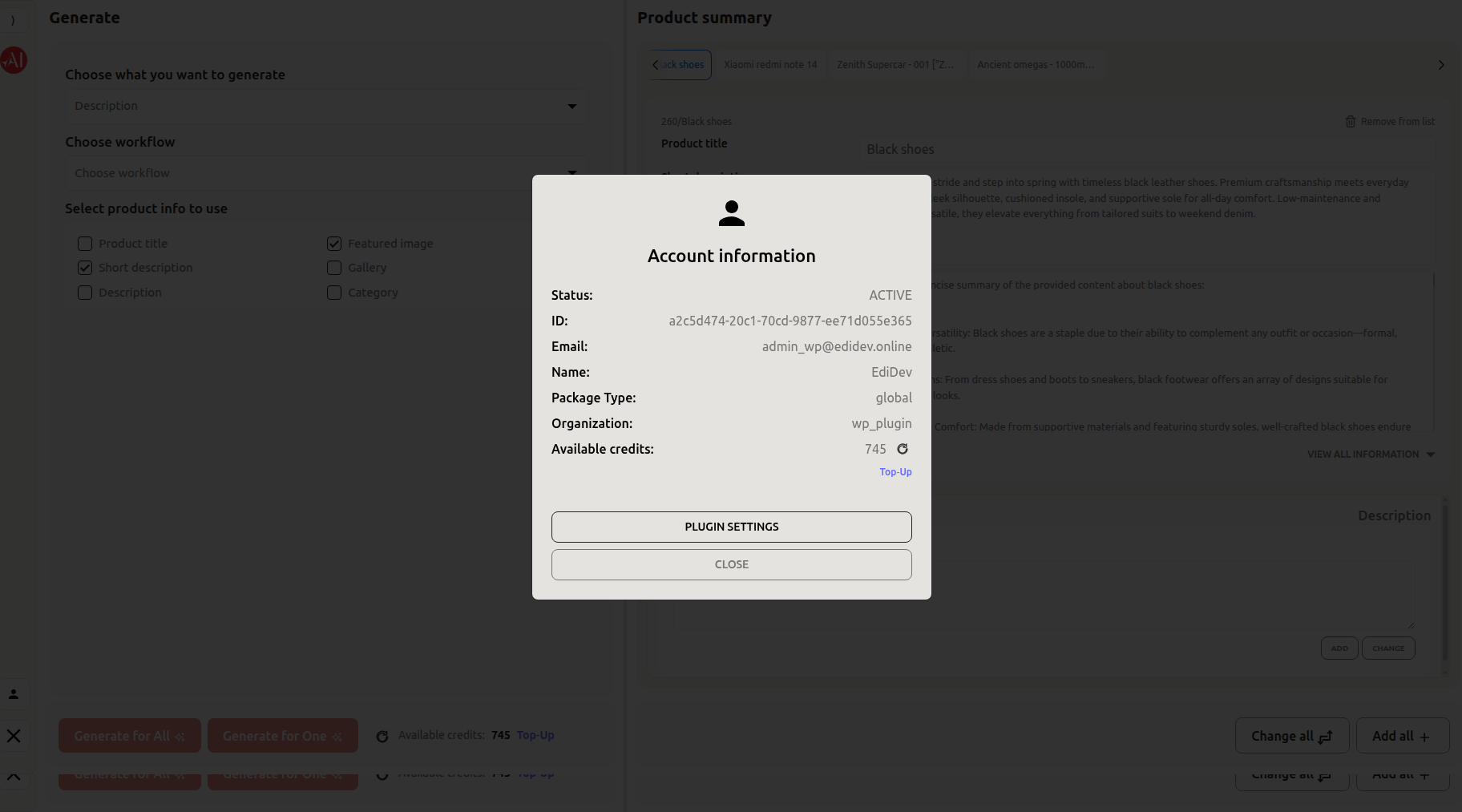
- ENHANCEMENT: Enhanced Plugin Settings page for sign-in, sign-up, and account information to streamline onboarding and account management.
- ENHANCEMENT: Upgraded the Perfection42 modal to support fullscreen for better advertisement visibility and improved user experience.
- UPDATE: Improved UI layout and responsiveness for small-screen devices.
- ENHANCEMENT: Enhanced UX for the generating workflow to provide a smoother and more intuitive user experience.
- FIXED: Compatibility adjustments for WooCommerce 10.3.5.
- REMOVE: Removed admin iframe from Settings and replaced it with an external sign-up link (opens in a new tab) per WordPress.org feedback.
- UPDATE: Added PHP-translated strings for the sign-up button and helper text, passed into Twig for rendering.
- CLEANUP: Removed any iframe-specific assets/styles; retained general layout assets used by the settings form.
- REFACTOR: Standardize plugin naming, REST API endpoints, and version constants (Renamed plugin name and updated REST API namespace for consistency. Replaced version references with
PLUGIN_VERSIONconstant. Updated options cleanup logic, author metadata incomposer.json, and removed obsolete TODO comments.) - REMOVE: Eliminate unused imports, exception handling, and redundant methods (Streamlined code by removing unused class imports, exception handling around plugin deactivation, and the redundant
notice_success_messagemethod. Simplifies maintenance and improves readability.) - UPDATE: Adjust global
constantsvariable to reflect renamed plugin configuration (ReplacedEDIDEV_PERFECTION_WP_CONSTwithEDIDEV_AI_ASSISTANT_FOR_PERFECTION42_WP_CONSTfor consistency with the new plugin namespace.)
- Renamed plugin to “EdiDev AI Assistant for Perfection42” (slug
edidev-ai-assistant-for-perfection42) - Added nonce + capability checks on settings save
- Hardened REST API endpoint permissions (
manage_woocommerce/edit_products) - Added clear External Service Disclosure & Non-Affiliation statements (Guideline 6 compliance)
- Removed all manual core includes (
wp-load.php,admin.php, etc.) - Verified i18n consistency and removed redundant
load_plugin_textdomain - Ensured JS client attaches
X-WP-Nonceheader on every REST call - Passed PHPCS/WPCS validation and prepared for WordPress.org submission
- Initial release
- Supports Simple products (others at parent level)
- Generate text, images, and videos
- Popup UI with bulk generation, logging, and background processing