
EditorX
| 开发者 |
jakariaistauk
al-imran-akash |
|---|---|
| 更新时间 | 2026年7月21日 01:47 |
| PHP版本: | 7.4 及以上 |
| WordPress版本: | 7.0 |
| 版权: | GPLv2 or later |
| 版权网址: | 版权信息 |
详情介绍:
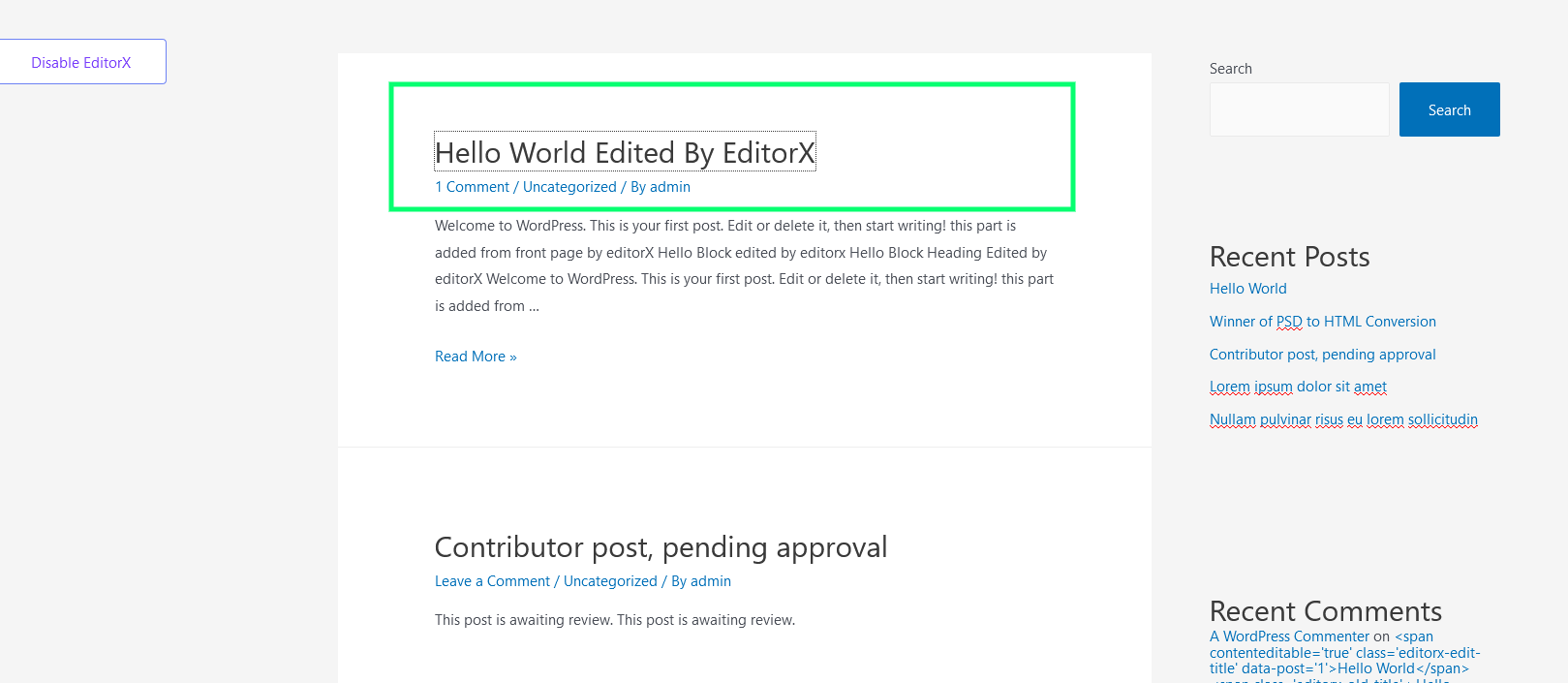
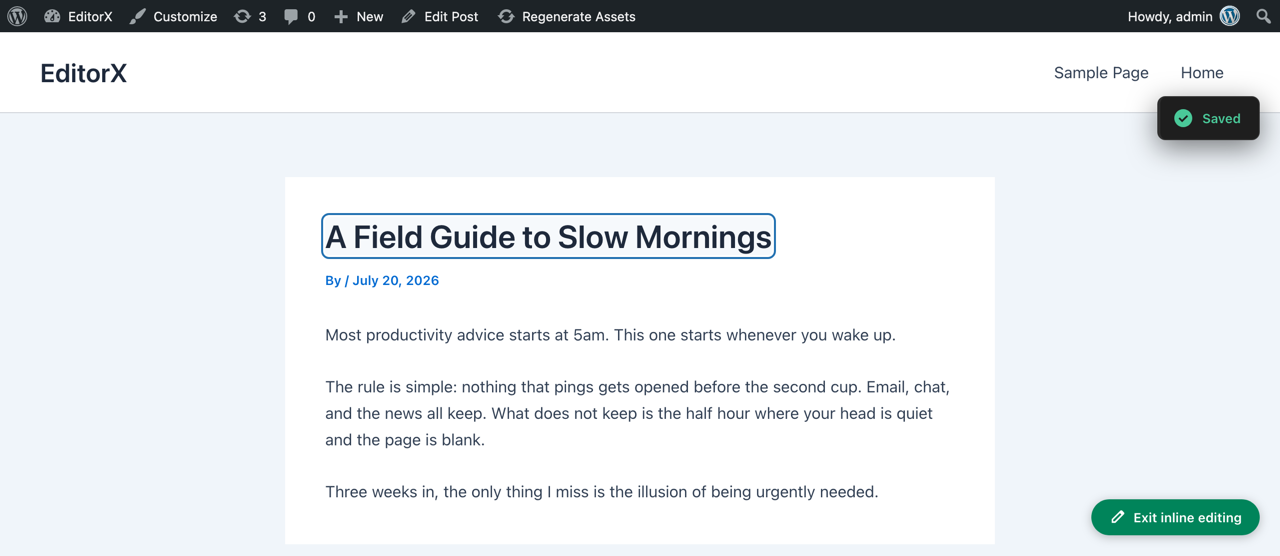
EditorX lets you fix a typo without leaving the page. Switch inline editing on
with the floating button, click any title or excerpt, type, and click away —
the change is saved.
What you can edit
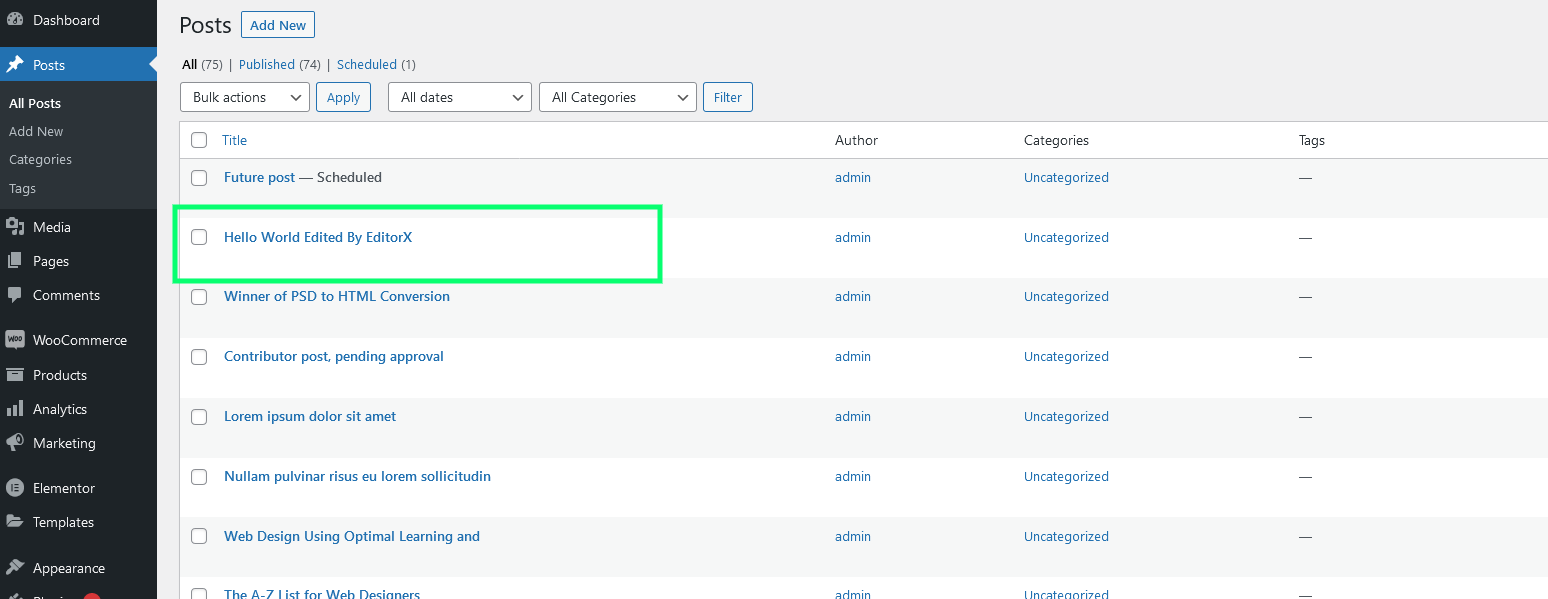
- Post titles
- Post excerpts
- Every save is authorised against your capability for that specific post.
- Editing is off until you switch it on, per user.
- Content is sanitised on the server with WordPress's own functions.
- Editable markup is never sent to visitors who cannot edit it.
- Enter commits a single-line field.
- Escape reverts your change.
- Fields are reachable by tab and announced to screen readers.
安装:
- Install EditorX from the Plugins screen, or upload the zip to
wp-content/plugins/. - Activate the plugin.
- Visit any post on the front end and click the Edit inline button.
屏幕截图:
常见问题:
Who can edit content?
Anyone who can already edit that specific post in the admin. EditorX grants no new permissions — it checks the same capability WordPress does.
Which post types are supported?
Posts. Support for pages and custom post types is planned.
Does it work with page builders?
EditorX edits the stored post fields. Content generated by a page builder is not editable inline.
Is jQuery required?
No. The front-end script is dependency-free vanilla JavaScript.
更新日志:
2.0.0 - 2026-07-20
Complete rewrite. Not backwards compatible with 1.0.0.
Security
- Fixed nonce verification that omitted an action string, so any valid WordPress nonce authenticated a save.
- Fixed missing authorisation on both save handlers — any logged-in user could edit any post's title, excerpt or content.
- Post IDs are now cast as integers rather than sanitised as text.
- REST API endpoints with per-post permission checks, replacing admin-ajax.
- Extensible field registry for add-ons.
- Floating on/off toggle, replacing the admin bar item.
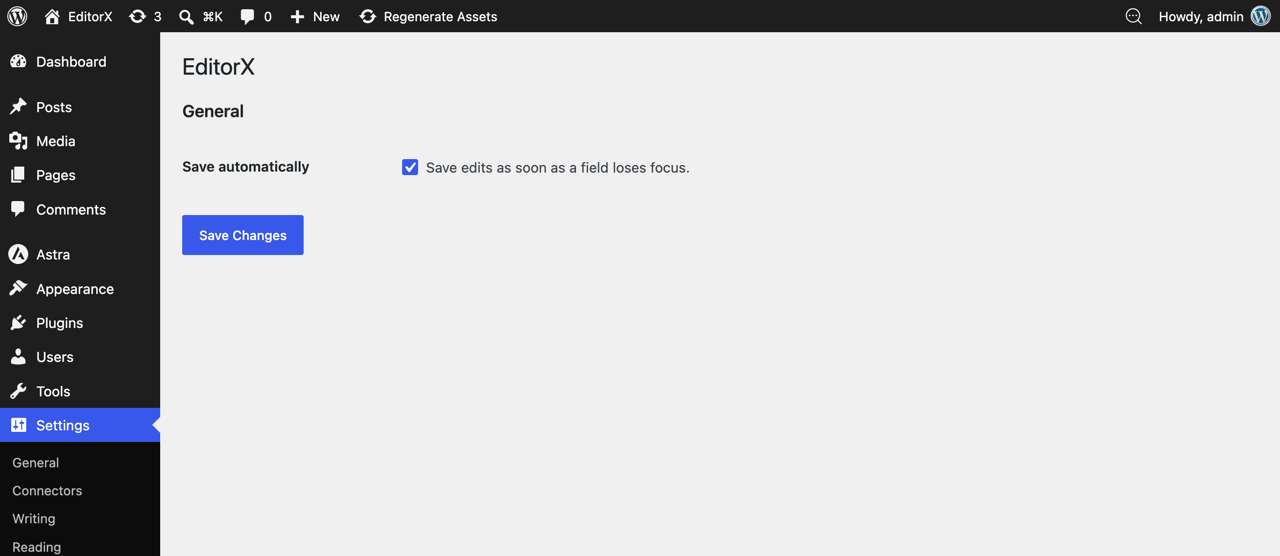
- Settings screen under Settings → EditorX.
- Keyboard and screen reader support.
- Uninstall routine that removes the settings option and per-user editing state, across every site on multisite.
- Editing state moved from a browser cookie to user meta.
- Front end rewritten without jQuery.
- Requires WordPress 6.0 and PHP 7.4.
- A burst of edits to one post folds into a single revision.
- Saved fields repaint with the value the server stored, so you see the sanitised result straight away.
- Clearing a title and clicking away no longer saves an empty title — the save is rejected and the field says so.
- Inline editing of post content. The rendered content passed to the browser has already been through shortcodes and every other filter, so saving it back overwrote the stored post with rendered markup. Editing content properly needs a surface that works on the raw value.
- Initial release.