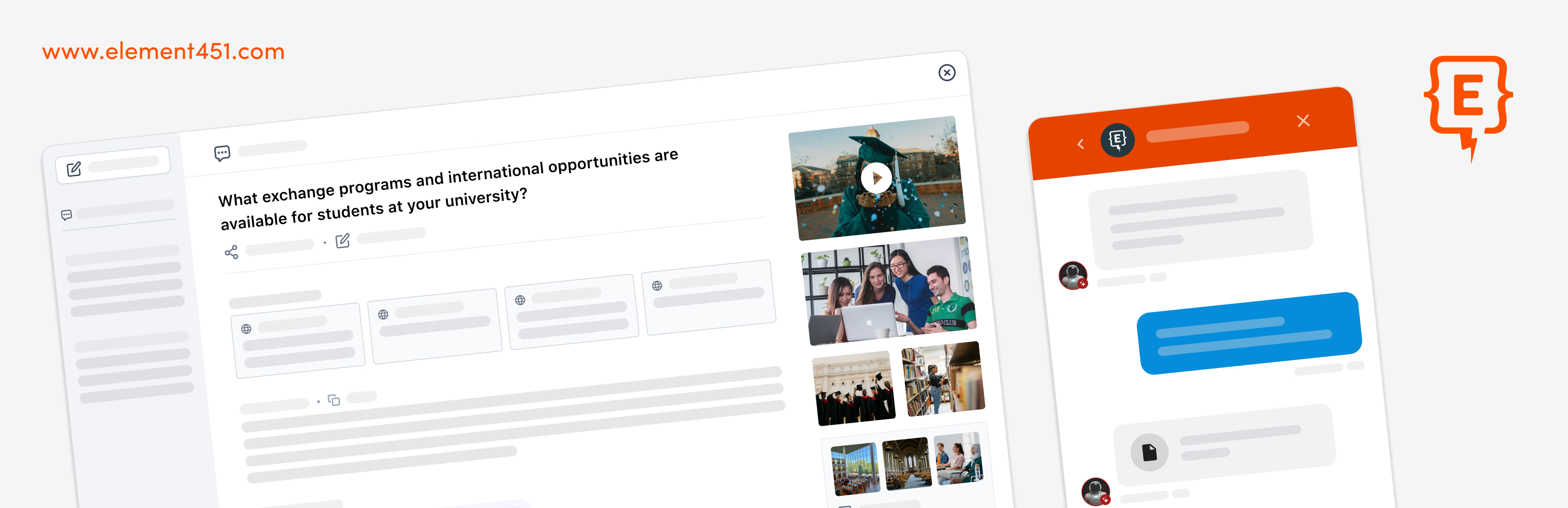
Element451 Integration
详情介绍:
- Easily inject the Element451 shell script into your site.
- Embed a Bolt Discovery search field wherever you like, using a template tag, shortcode, or Gutenberg block.
- Optionally enable cookieless mode so Element451 does not use cookies, localStorage, or sessionStorage.
安装:
常见问题:
Do I need an Element451 instance to use this plugin?
Yes, this plugin requires an active Element451 instance. Visit element451.com to learn more and get started with Element451.
How do I add Bolt Discovery to my website?
First, you need to add an input and button to your template which have specific data attributes. You can do this manually within your code by following the instructions in our Help Center (https://help.element451.com/en/articles/9397459-integrating-bolt-discovery#h_0e5db7e2c6) or you can use the included functionality in this plugin:
- To embed a Bolt Discovery field and button directly in a PHP template, use:
<?php element451_bolt_discovery(); ?> - To embed a Bolt Discovery field wherever shortcodes are supported, use:
[element451_bolt_discovery] - To embed a Bolt Discovery field in Gutenberg, use the included block By following these instructions the field will be functional, but not styled. Within your site’s CSS, define styles for it that suit your theme and use-case.
What data is sent to Element451's servers?
See the "External Services" section for detailed information about data transmission.
Can I customize the chat widget appearance?
Yes, basic customization is available through your Element451 dashboard.
What does cookieless mode do?
When enabled, Element451 does not read or write cookies, localStorage, or sessionStorage. Messenger and Bolt Discovery still work during the current page visit, but chat and search will not continue after a reload or when navigating to another page. This setting does not turn analytics on or grant analytics consent. Cookieless mode is off by default.