Eloquent Chatbot
| 开发者 | jeromkok |
|---|---|
| 更新时间 | 2026年2月6日 01:55 |
| PHP版本: | 7.4 及以上 |
| WordPress版本: | 6.9 |
| 版权: | GPLv2 or later |
| 版权网址: | 版权信息 |
详情介绍:
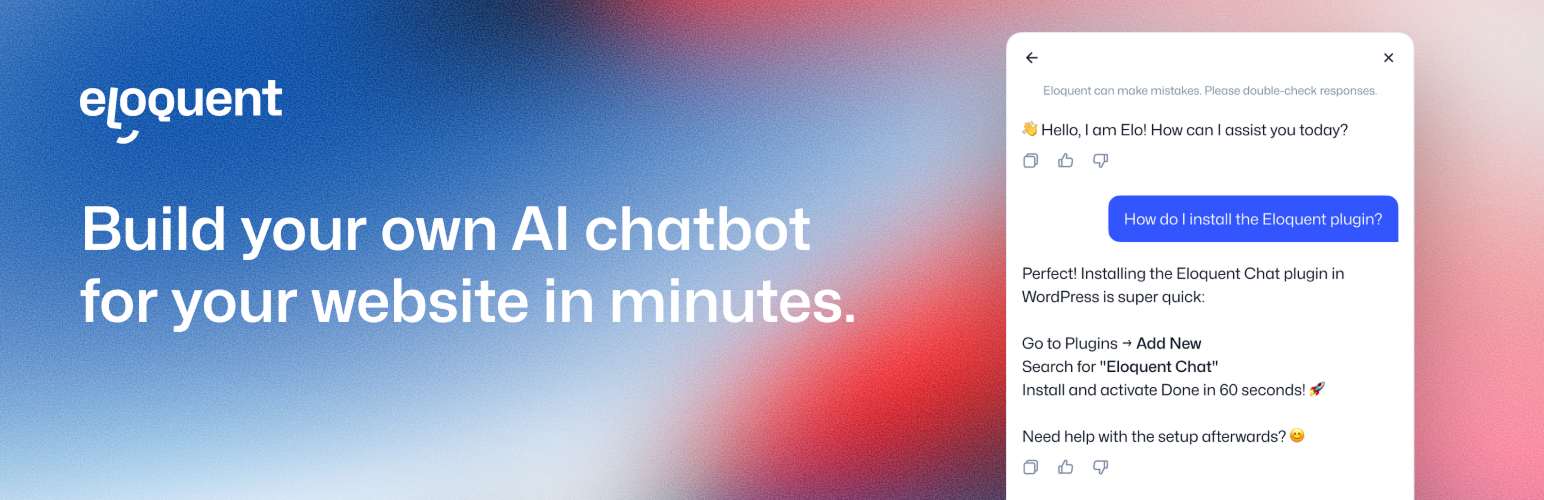
Eloquent Chatbot allows site owners to add an Eloquent AI chatbot to their WordPress website by entering a Domain Identifier provided by Eloquent.
The plugin automatically generates and loads the required embed script in the HTML head using WordPress enqueue methods and applies the
defer attribute for optimal performance.
No custom JavaScript needs to be added manually.
Learn more about Eloquent at https://eloquent.chat.\
Full WordPress setup guide: https://eloquent.chat/ai-chatbot-for/wordpress
安装:
- Install and activate the plugin.
- Go to Settings → Eloquent Chatbot.
- Enter your Agent Domain Identifier.
- Save changes.
常见问题:
Where do I find the Domain Identifier?
Log in to your Eloquent account, open your AI agent, and go to Deploy in the agent menu.
In the Agent snippet, you will see a URL similar to:
https://eloquent.chat/api/snippet?domain-identifier=YOUR_DOMAIN_IDENTIFIER
Copy only the value after domain-identifier=\
Paste that value into the plugin settings.
Does this plugin allow custom JavaScript?
No. For security reasons, the plugin only accepts a Domain Identifier and generates the embed script automatically.
Does this load on admin pages?
No. The chatbot script is only loaded on the public front-end of the site.
更新日志:
1.2.0
- Changed configuration to use a Domain Identifier instead of arbitrary script input.
- Automatically generate and enqueue the embed script.
- Improved security and WordPress.org compliance.
- Updated documentation and external service disclosure.