Emercury for Gravity Forms
| 开发者 | emercury |
|---|---|
| 更新时间 | 2026年1月21日 03:52 |
| PHP版本: | 7.0 及以上 |
| WordPress版本: | 6.8.1 |
| 版权: | GNU General Public License v3.0 |
| 版权网址: | 版权信息 |
详情介绍:
Collect more mailing list subscribers with the Emercury for Gravity Forms plugin! Directly integrate all of your forms with Emercury to collect more mailing list subscribers and push your email marketing to the next level.
安装:
This section describes how to install the plugin and get it working.
- Upload the plugin files to the
/wp-content/pluginsdirectory, or install the plugin through the WordPress plugins screen directly. - Activate the plugin through the 'Plugins' screen in WordPress.
- Go to Emercury Settings section and enter the data for the Emercury API Settings.
- You are done!
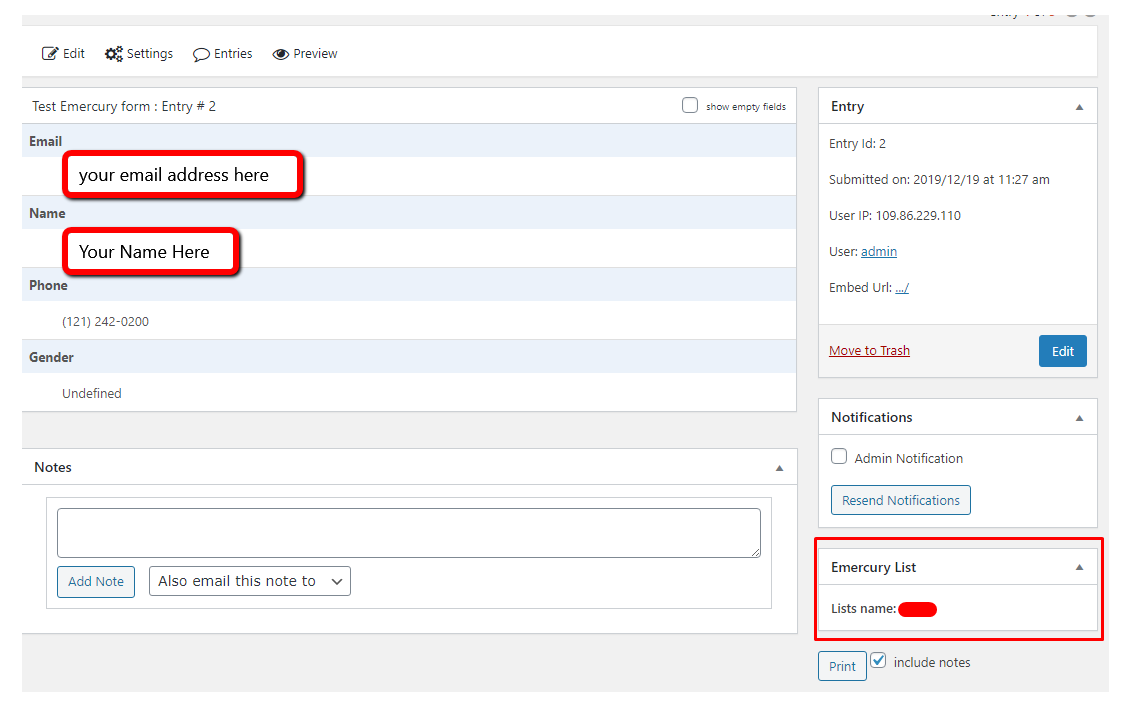
屏幕截图:
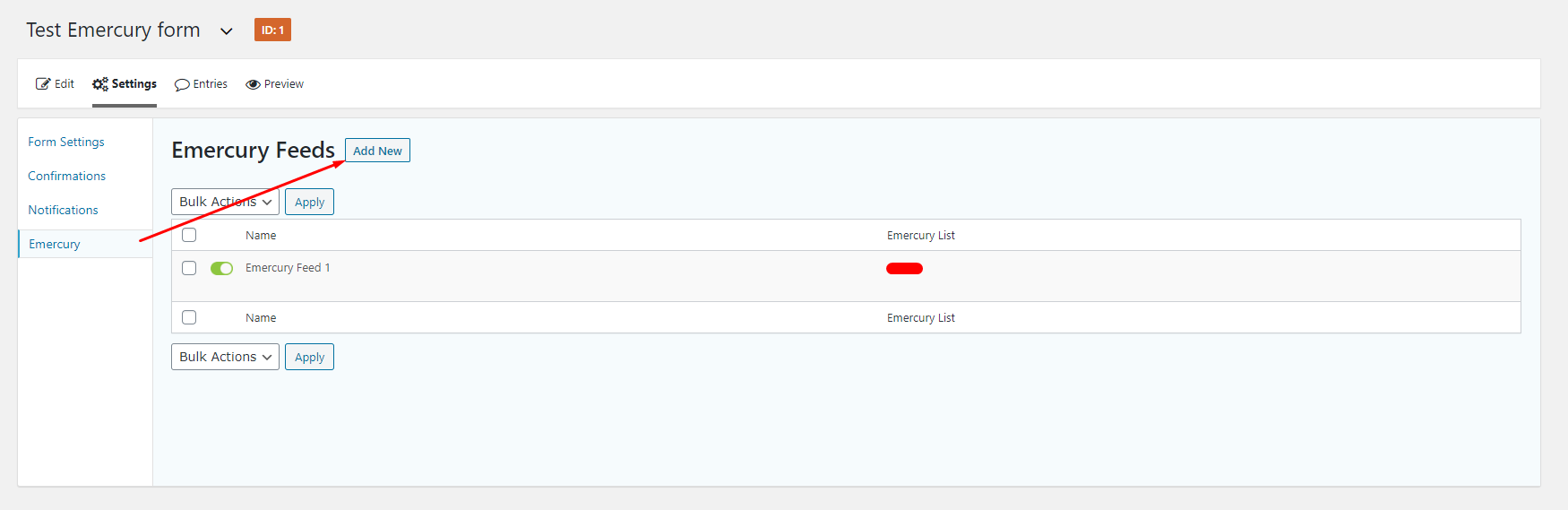
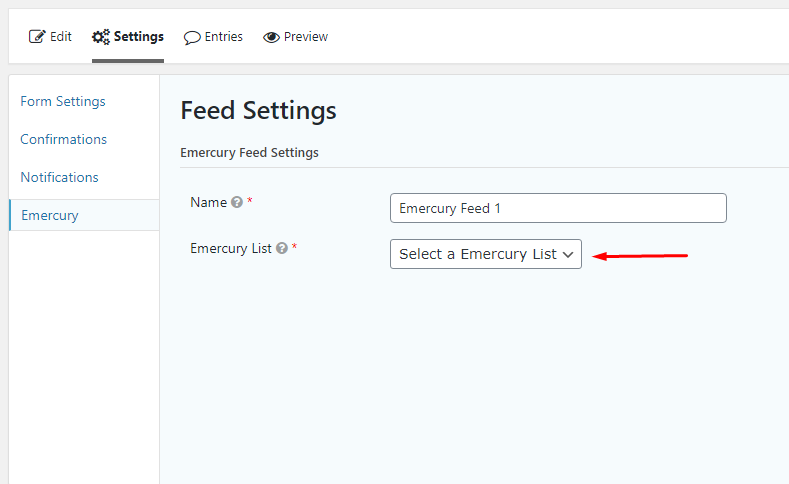
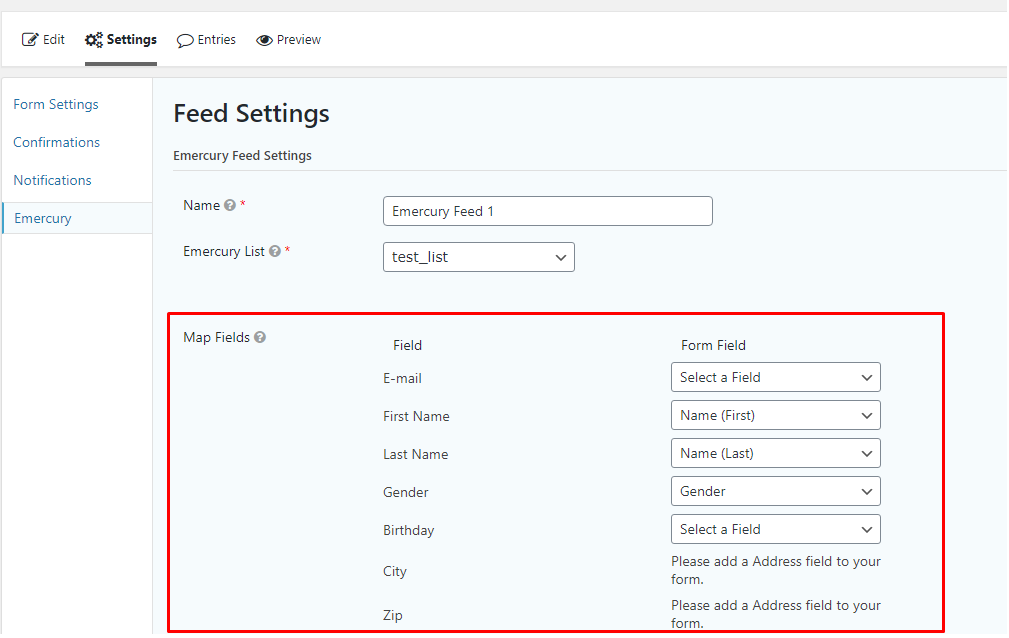
更新日志:
VER 1.3 - 26/08/2020
- Fixed: Conflict with other Emercury plugins
- Fixed Emercury "List Name" field
- Released