Emnes Backup Migrate Reset
| 开发者 | akdevs |
|---|---|
| 更新时间 | 2026年4月10日 16:04 |
| PHP版本: | 8.1 及以上 |
| WordPress版本: | 6.9 |
| 版权: | GPLv2 or later |
| 版权网址: | 版权信息 |
详情介绍:
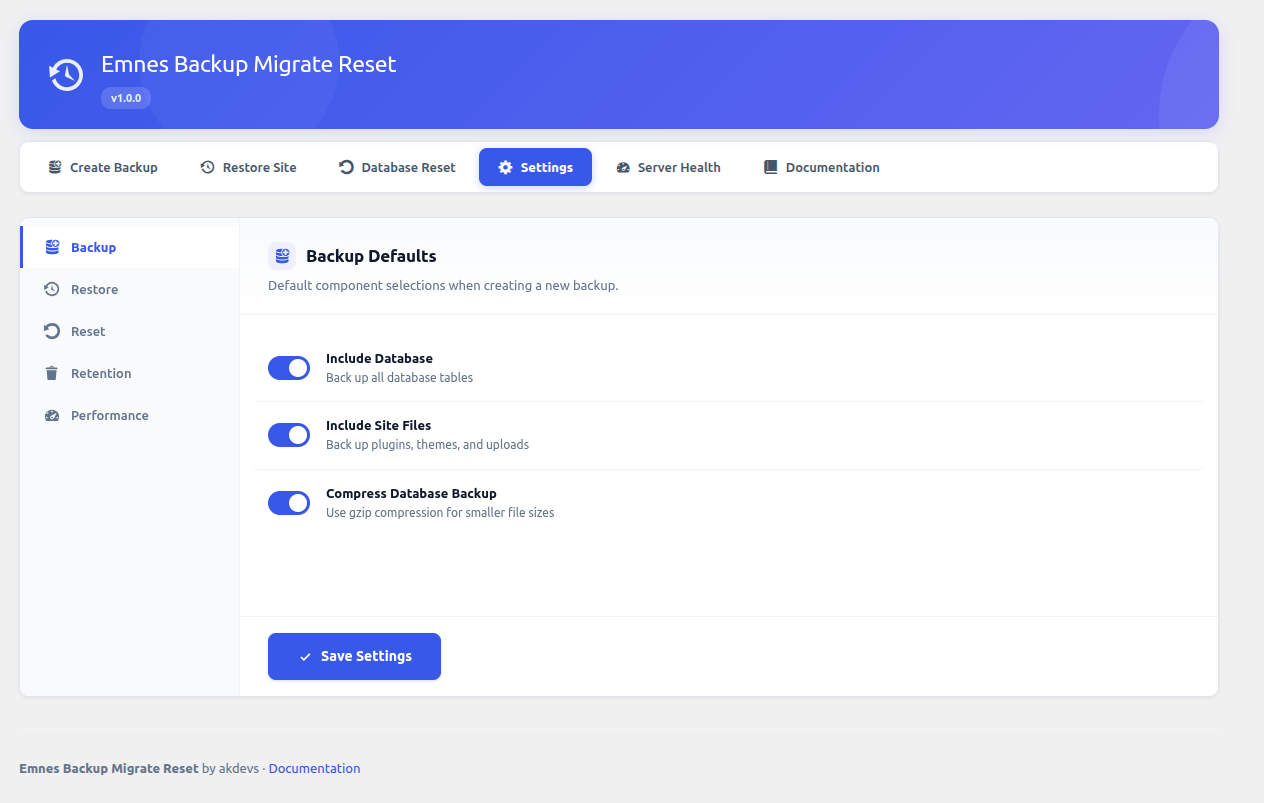
- Full Site Backup — Back up your database, plugins, themes, uploads, and WordPress core files with one click.
- Component Selection — Choose exactly which parts of your site to include in each backup.
- Chunked Processing — Large directories are automatically split into manageable ZIP parts.
- Backup Verification — Verify any backup's integrity with checksum validation.
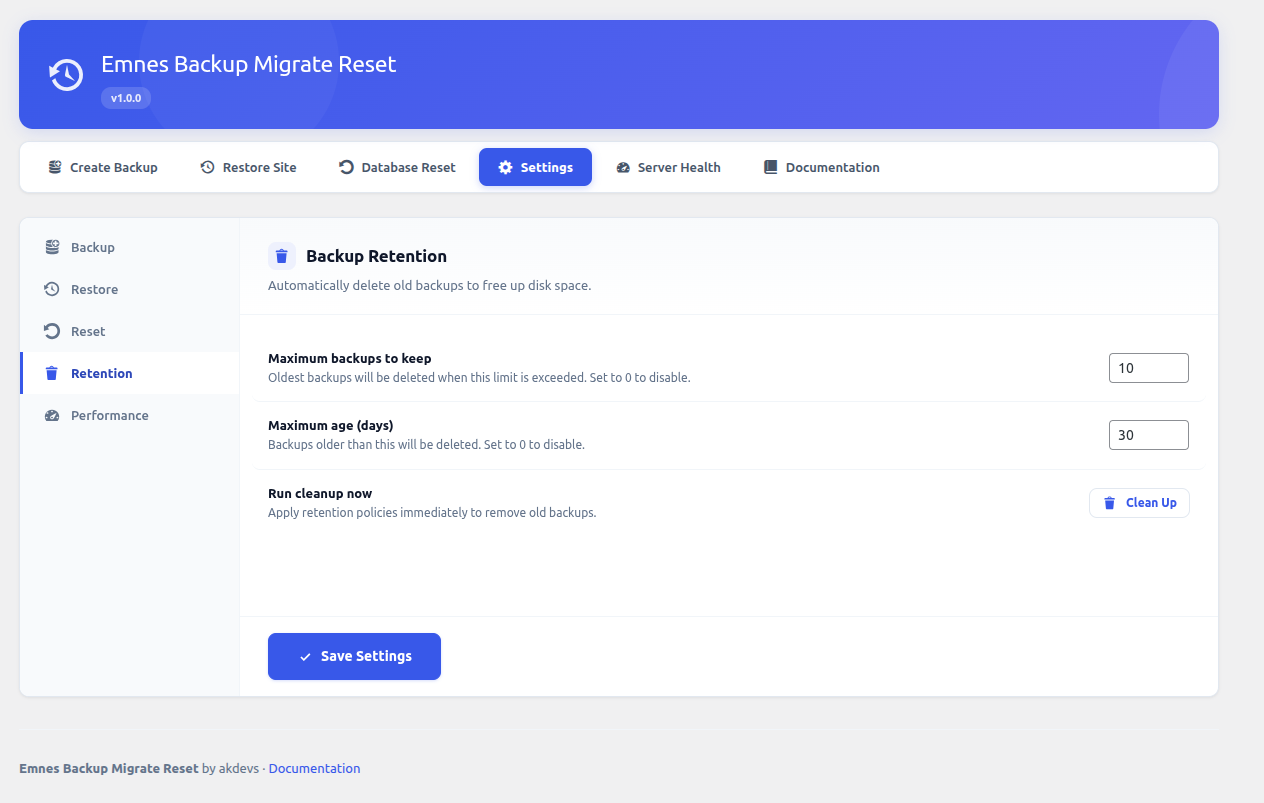
- Retention Policies — Automatically clean up old backups by count or age.
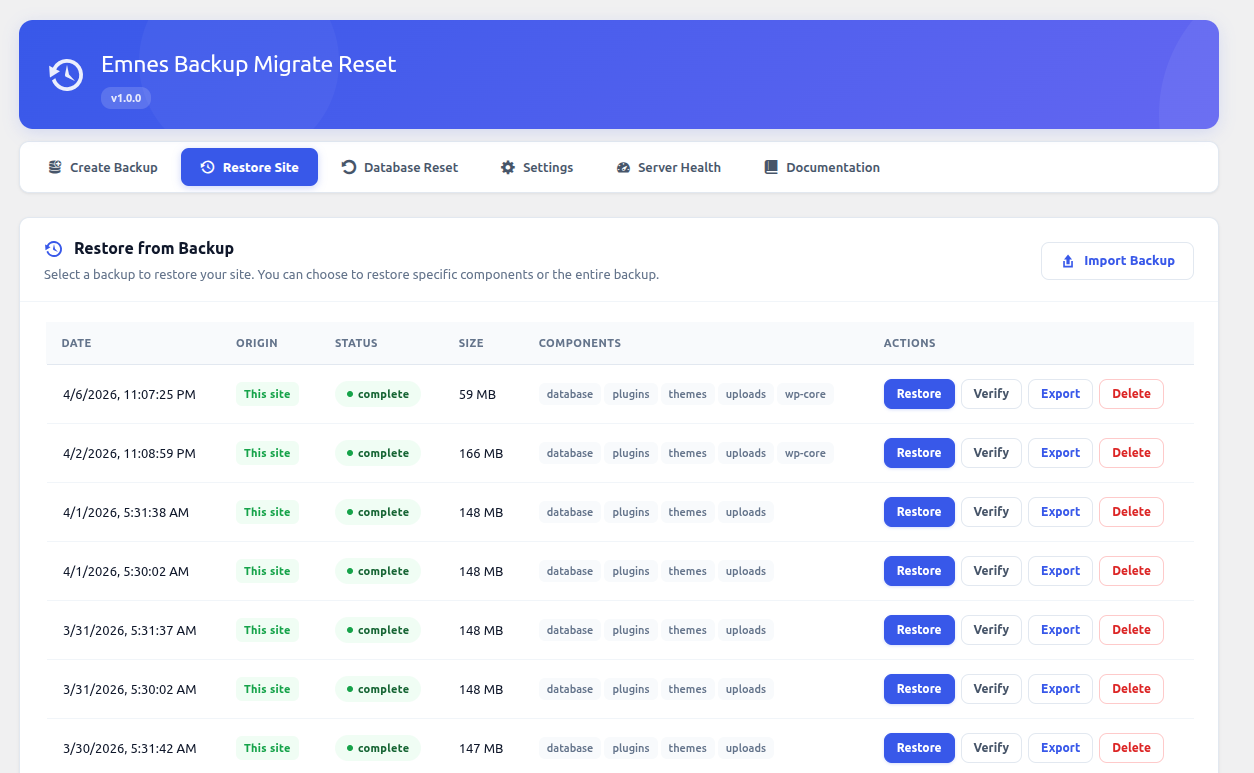
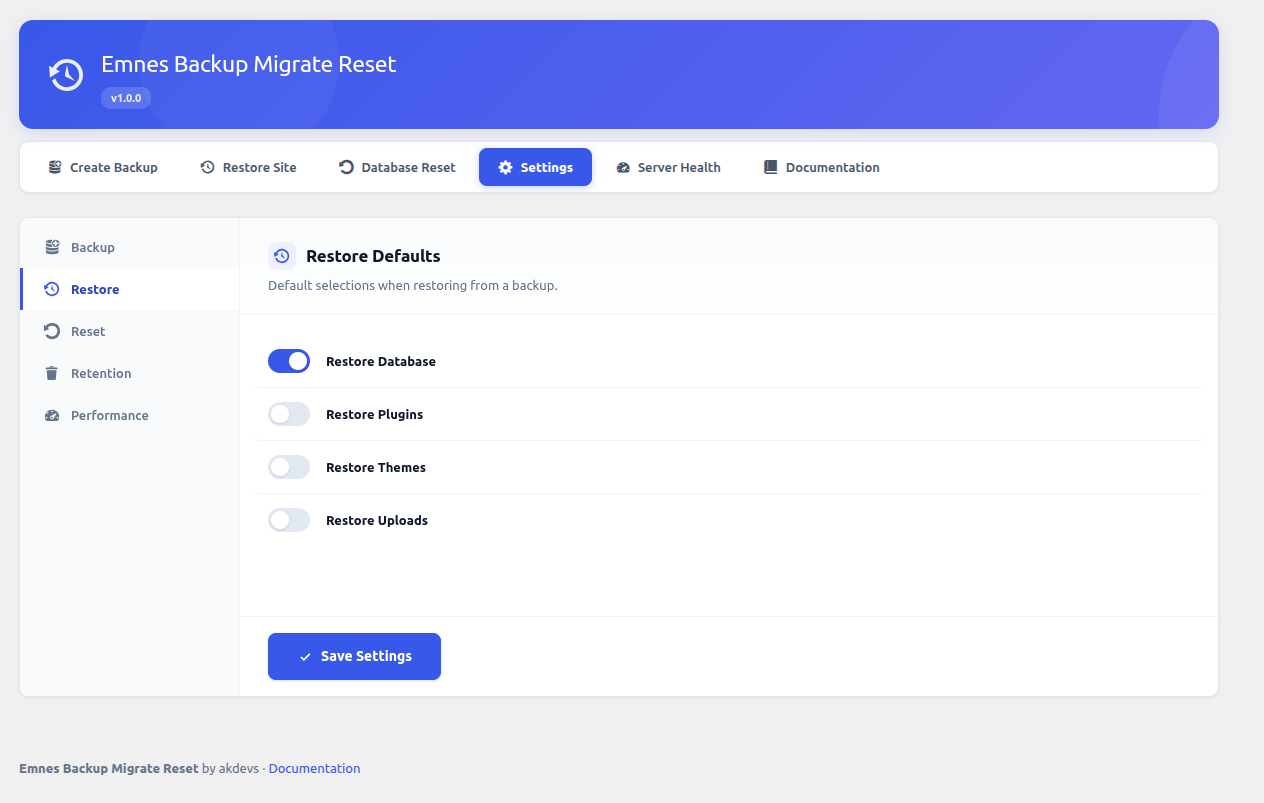
- Selective Restore — Choose which components to restore from any backup.
- Search & Replace — Automatic URL replacement during migration between domains.
- Safe Database Restore — Foreign key checks handled automatically during restore.
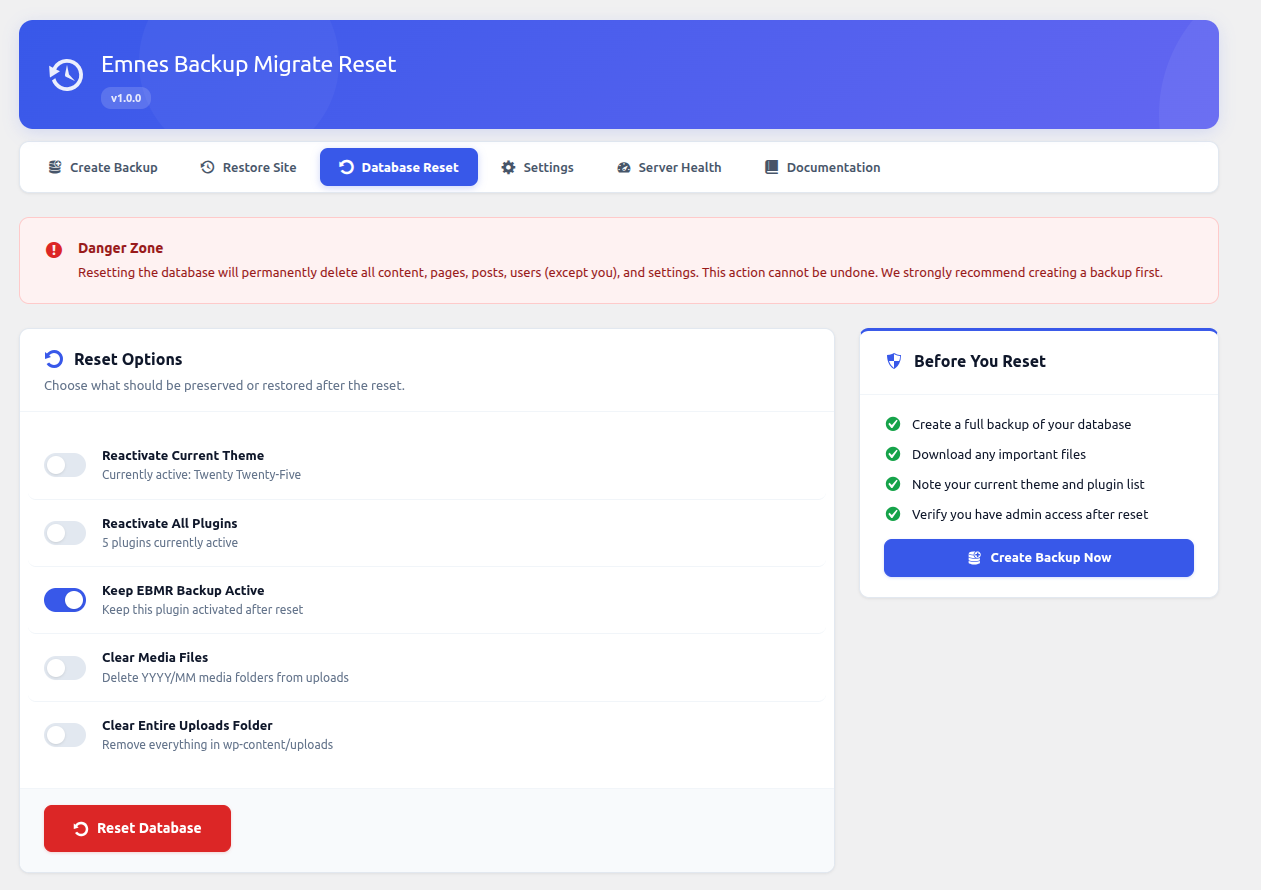
- Full Reset — Reset your WordPress database to a fresh installation state.
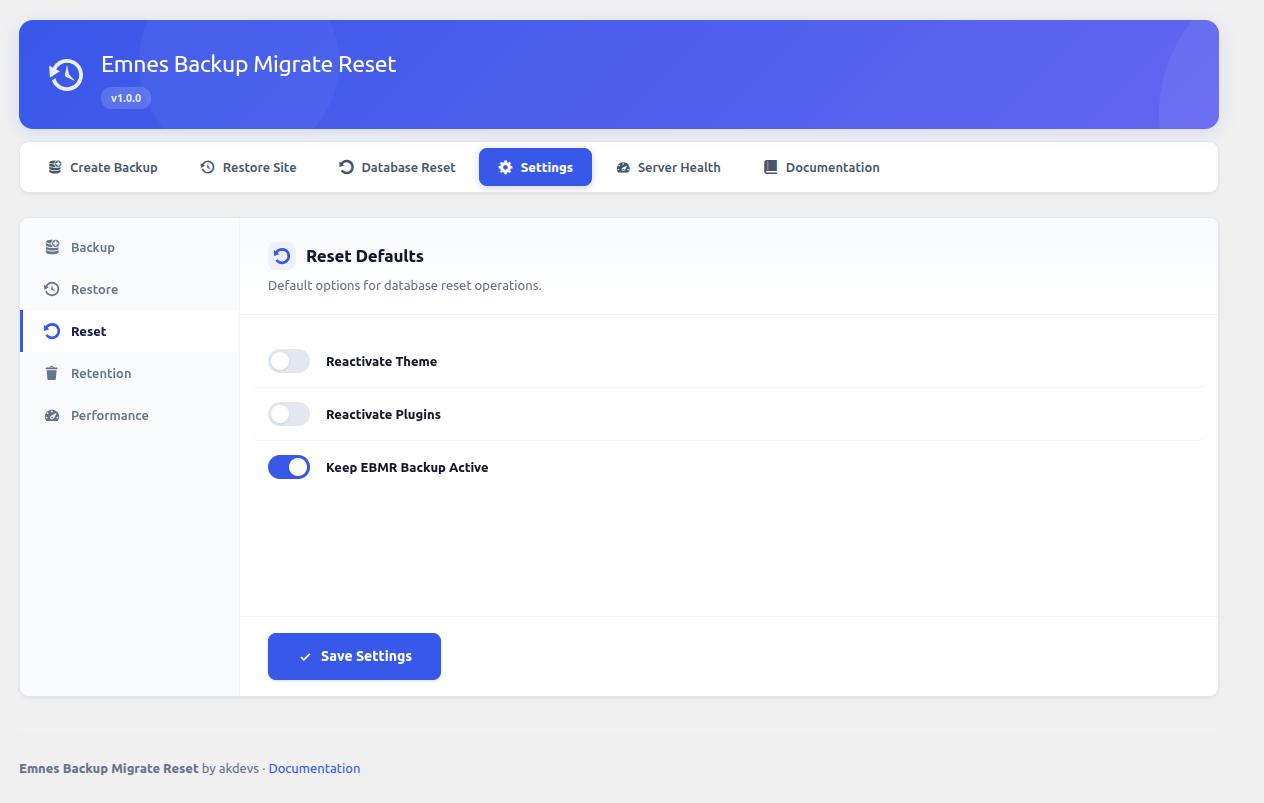
- Reactivation Options — Optionally reactivate your current theme and plugins after reset.
- Safety Confirmation — Multiple confirmation steps prevent accidental data loss.
- Import/Export — Export backups as downloadable ZIPs and import on another site.
- Domain Migration — Automatic URL search-and-replace handles domain changes.
- Security — Imported archives are validated against size limits to prevent abuse.
- REST API — Full REST API (ebmr/v1) with 14 endpoints for programmatic access.
- WP-CLI — Create, list, verify, and delete backups from the command line.
- Audit Log — Every operation is logged with user, timestamp, and details.
- Progress Tracking — Real-time progress updates with adaptive polling.
- Hooks & Filters — Extensible with actions and filters for every operation.
- Scheduled Backups — Automated hourly, daily, or weekly backups via WordPress cron.
- Cloud Storage — Store backups on Amazon S3, Google Drive, Dropbox, or SFTP servers.
- Email Notifications — Get notified on backup success or failure.
- Encrypted Credentials — All cloud storage secrets are encrypted at rest.
安装:
- Download the plugin ZIP file.
- Go to Plugins > Add New > Upload Plugin in your WordPress admin.
- Upload the ZIP file and click Install Now.
- Activate the plugin.
- Navigate to Emnes Backup Migrate Reset in the admin sidebar.
- Upload the
emnes-backup-migrate-resetfolder to/wp-content/plugins/. - Activate the plugin through the Plugins menu in WordPress.
- Navigate to the Emnes Backup Migrate Reset menu item in your admin panel.
- WordPress 6.0 or higher
- PHP 8.1 or higher
zipPHP extension (for file backups)
屏幕截图:
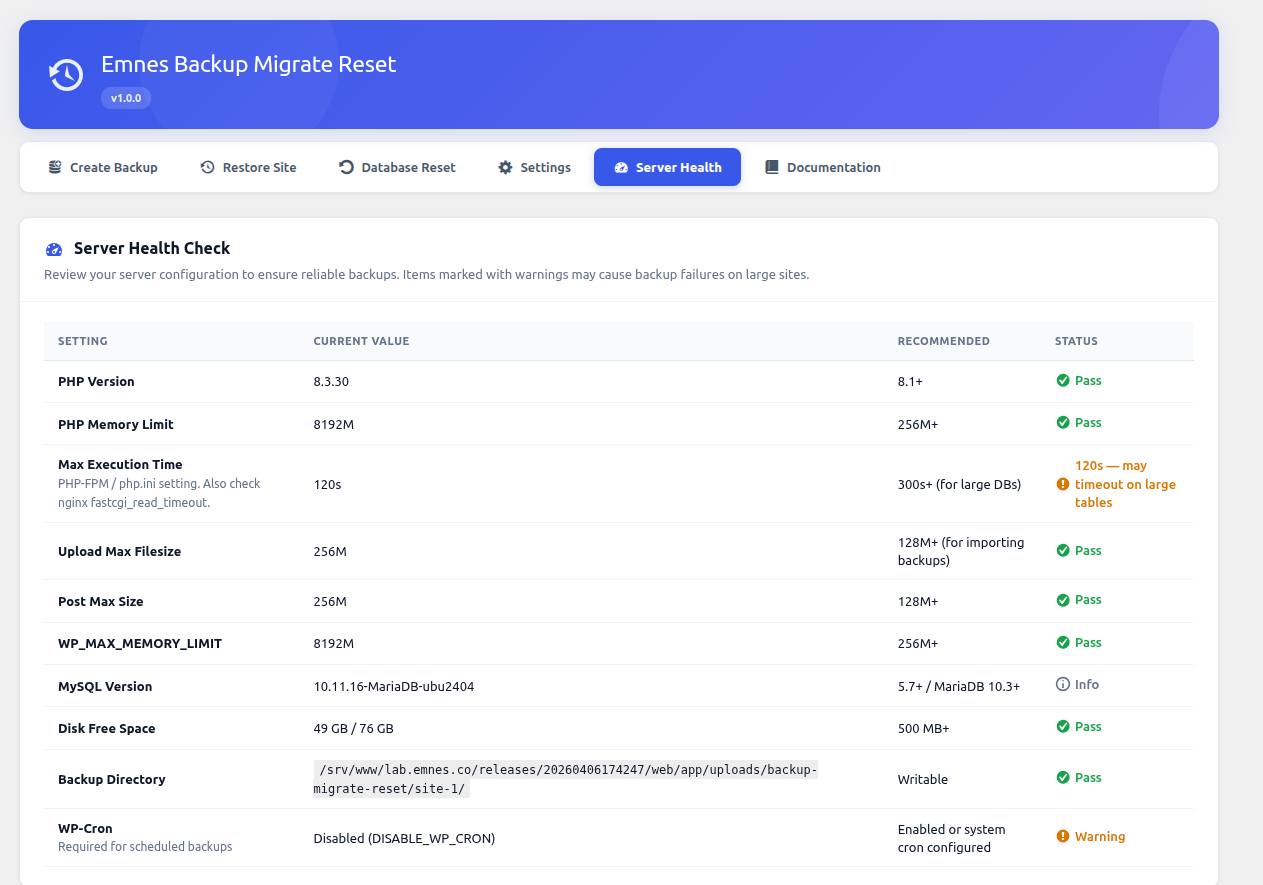
常见问题:
What does this plugin back up?
Your database, plugins, themes, uploads directory, and WordPress core files. Each component can be selected individually.
Where are backups stored?
Backups are stored in wp-content/uploads/emnes-backup-migrate-reset/ on your server. Each backup gets its own directory with a manifest file and compressed archives. With the Pro add-on, you can also store backups on Amazon S3, Google Drive, Dropbox, or a remote SFTP server.
Can I migrate my site to a new domain?
Yes. Export your backup from the source site, import it on the destination site, and the plugin will automatically perform search-and-replace on URLs during restoration. No manual database editing required.
Is there a REST API?
Yes. The plugin provides a full REST API under the ebmr/v1 namespace with 14 endpoints covering backup, restore, reset, import/export, settings, and progress tracking. All endpoints require admin authentication.
Does it support WP-CLI?
Yes. Available commands include:
wp ebmr backup create— Create a backup with optional component selectionwp ebmr backup list— List all backups in table, JSON, or CSV formatwp ebmr backup verify— Verify a backup's integritywp ebmr backup delete— Delete a backup
Is this plugin multisite compatible?
The plugin works on individual sites within a multisite network. Network-wide backup is not currently supported. Uninstall cleanup runs across all sites in the network.
What happens when I uninstall the plugin?
All plugin options, audit log entries, backup metadata, and backup files in wp-content/uploads/emnes-backup-migrate-reset/ are removed.
How does backup verification work?
Each backup component generates a checksum during creation. The verify endpoint recalculates checksums and compares them against stored values to detect corruption or tampering.
Is there a file size limit for imports?
Yes. Imported ZIP archives are validated against a 2 GB total size limit and 512 MB per-file limit to prevent ZIP bomb attacks. These limits are configurable via filters.
更新日志:
- Initial release.
- Full site backup with database, plugins, themes, and uploads.
- Selective restore with component chooser.
- Database reset with theme/plugin reactivation options.
- Import/export for site migration with URL search-and-replace.
- REST API with 14 endpoints for all operations.
- WP-CLI commands for backup, list, verify, and delete.
- Backup verification with checksum integrity checks.
- Retention policies by max count and max age.
- Audit log for tracking all operations.
- Real-time progress tracking with adaptive polling.
- ZIP bomb protection for imported archives.
- Multisite-aware uninstall cleanup.
- Accessibility: ARIA roles, keyboard navigation, screen reader support.
- Freemius SDK integration for licensing and add-on management.