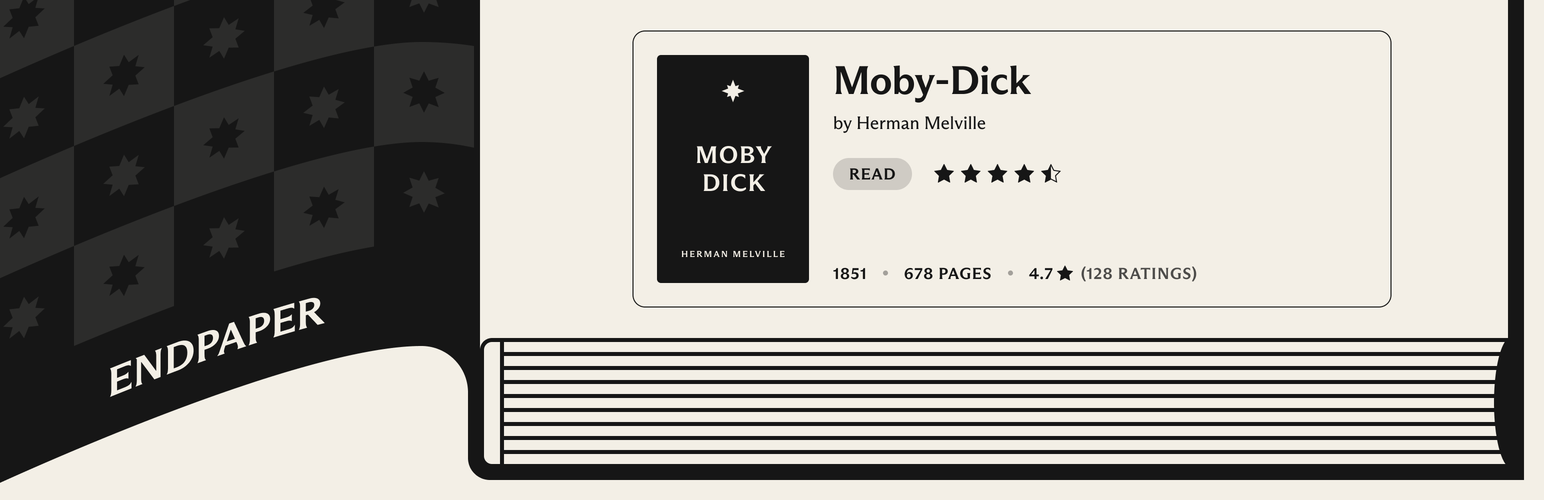
Endpaper: Book Blocks for Hardcover
| 开发者 | anlino |
|---|---|
| 更新时间 | 2026年11月19日 01:47 |
| PHP版本: | 7.4 及以上 |
| WordPress版本: | 7.1 |
| 版权: | GPLv2 or later |
| 版权网址: | 版权信息 |
详情介绍:
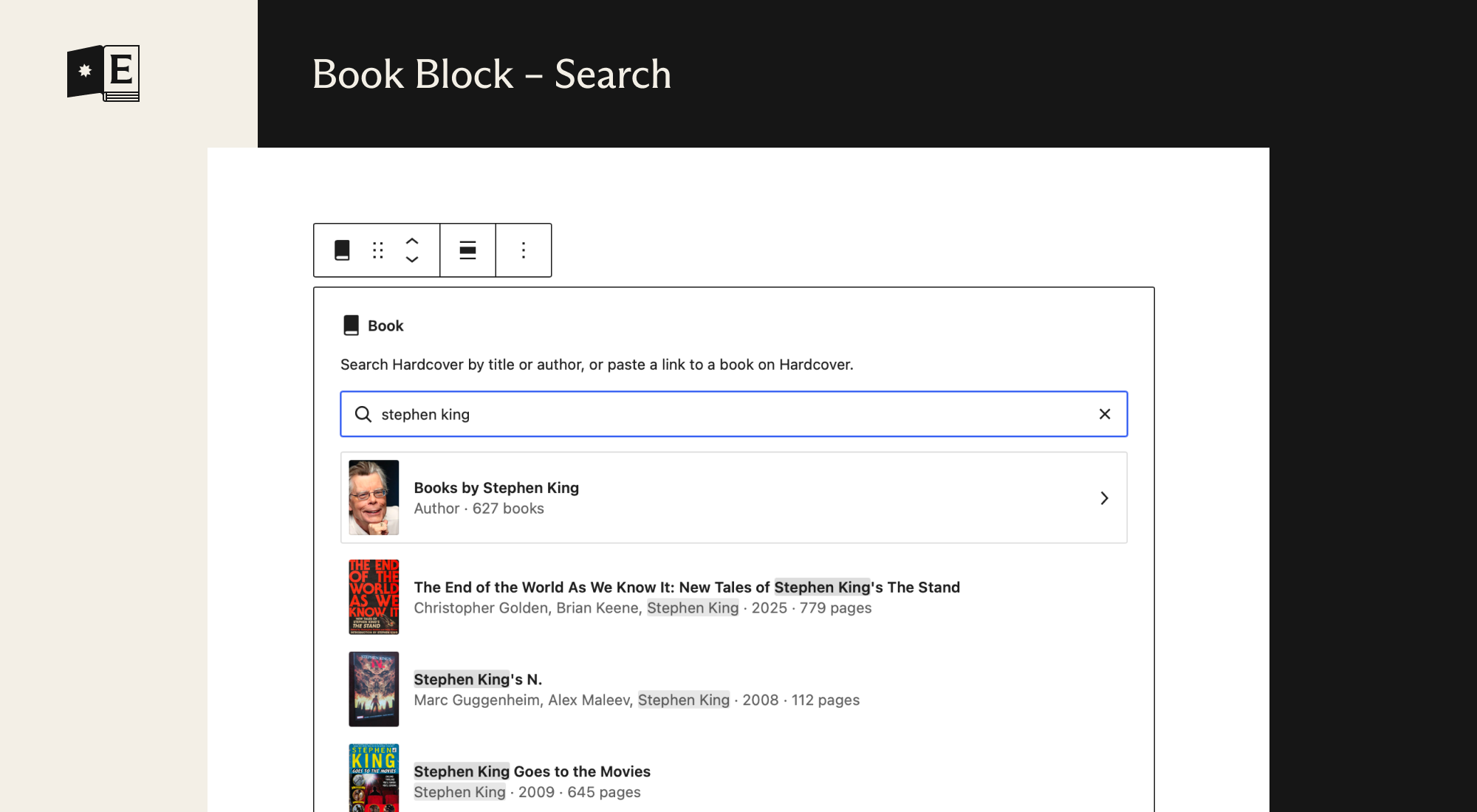
- Embed any book. Search Hardcover by title, author or ISBN, or paste a link to the book’s page on a line of its own, and it becomes a Book block. You get the cover, title, authors, a description, the year, the page count and the Hardcover rating.
- Add your own take. Show your rating, which of your shelves the book is on and how far you have read. Or let your own review take the place of the description, with a link to it on Hardcover. Reviews keep their headings, quotes and lists, and a review with spoilers stays closed until a visitor opens it.
- Choose the right cover. A book shows the cover Hardcover shows for it, and you can pick the cover of any edition in the block settings.
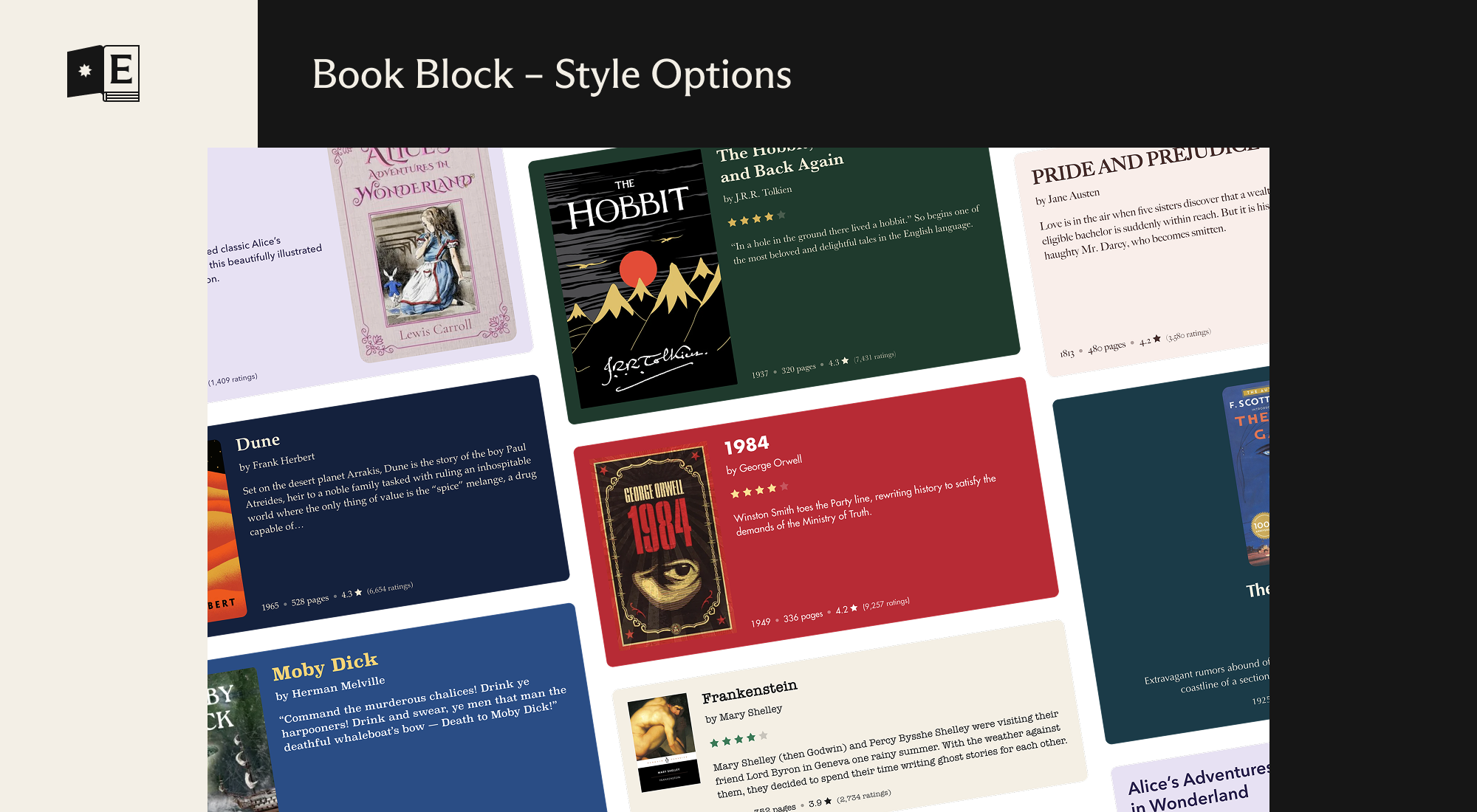
- Make it fit the page. Let a book sit quietly in your text, or lift it onto a soft card with rounded corners. Put the cover where it reads best, beside the text or above it, in the size you like. Then make it yours in the editor: the colors and the typography are all yours to change.
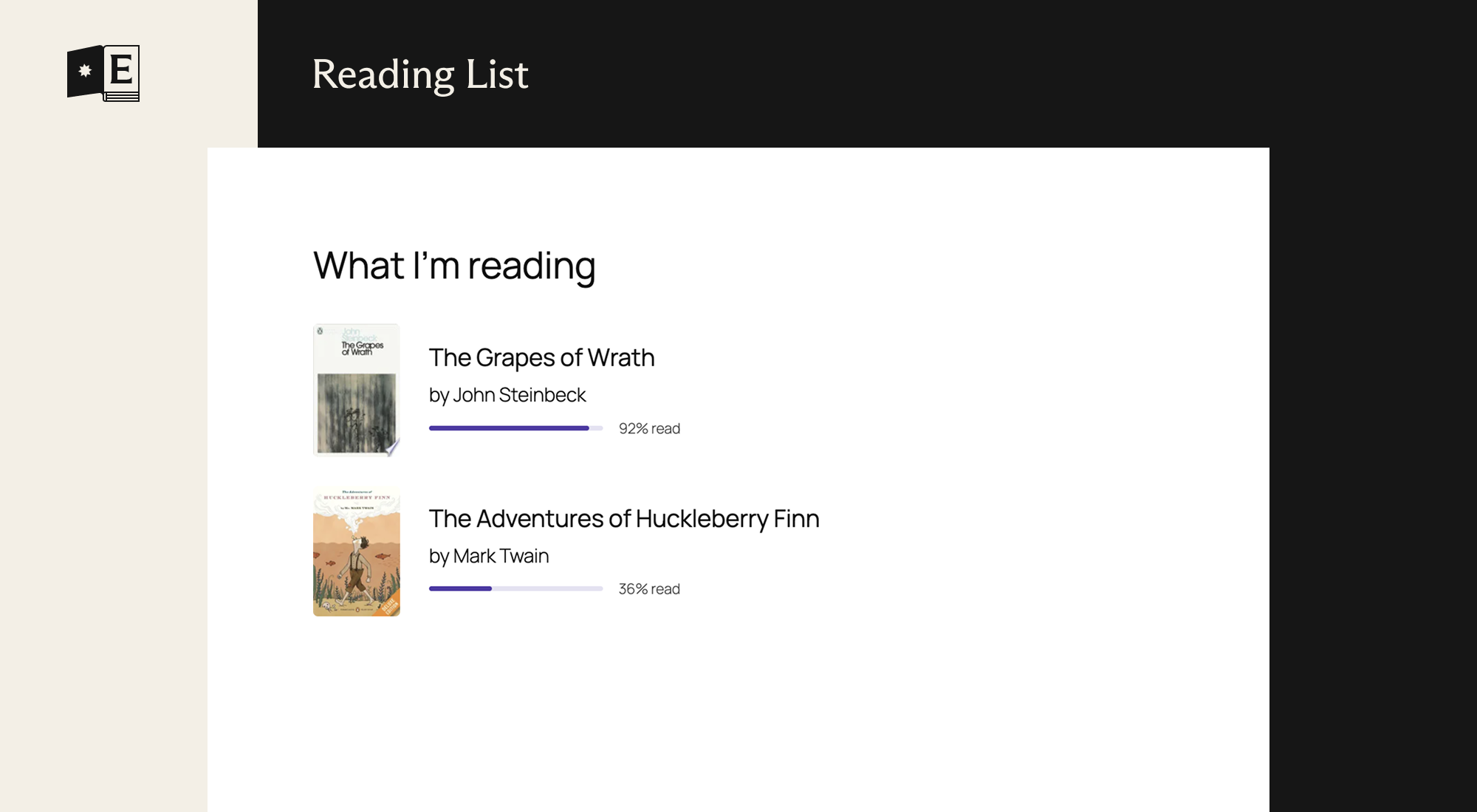
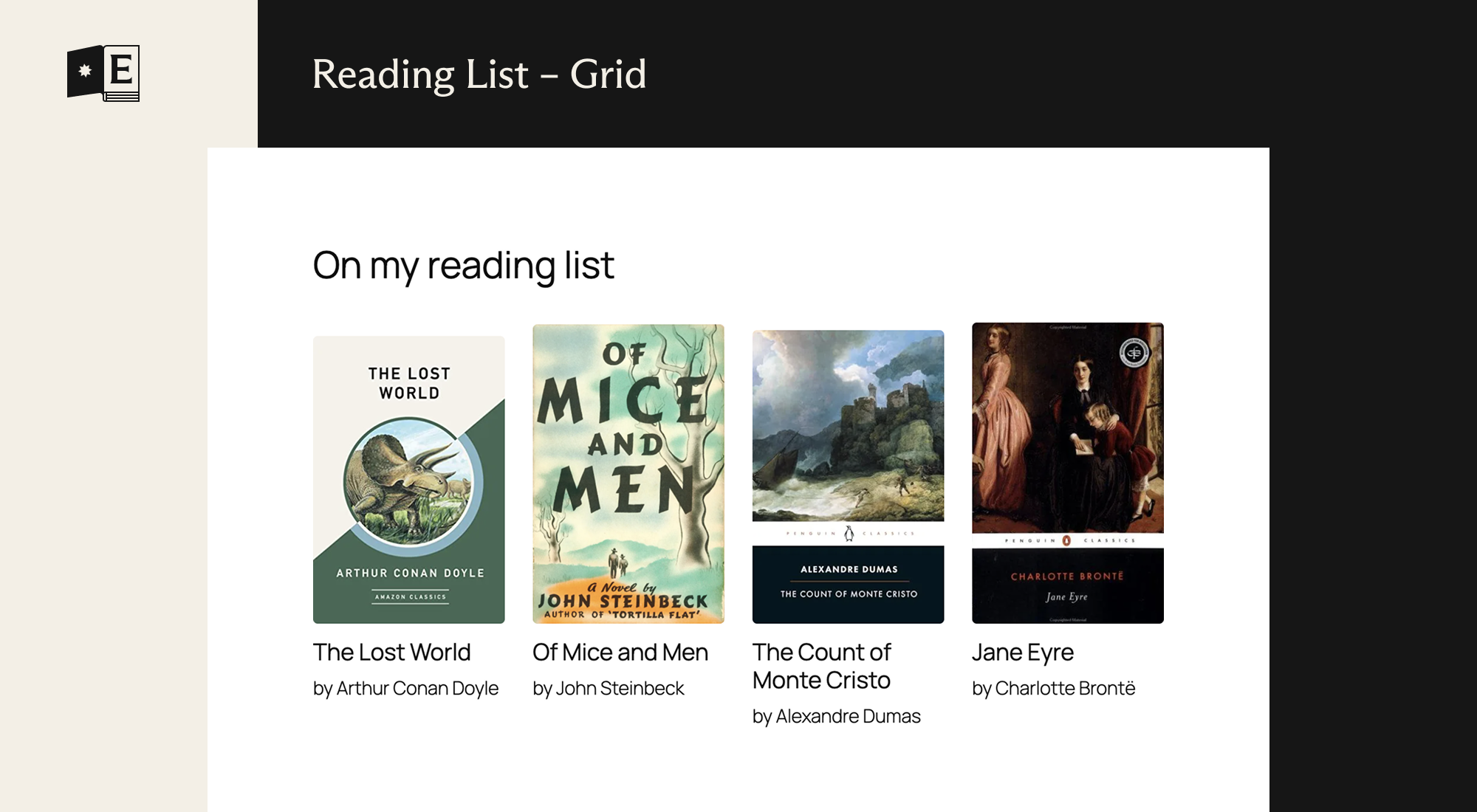
- Bring your Hardcover shelves along. Your Currently Reading, Read and Want to Read shelves on Hardcover become a list or a grid of covers on your site, with up to six columns, and they stay up to date as you read. Ready-made versions are in the block inserter, and two patterns get you started.
- Show your progress. Add how far you have read, your star ratings and the dates you finished. Each part is optional.
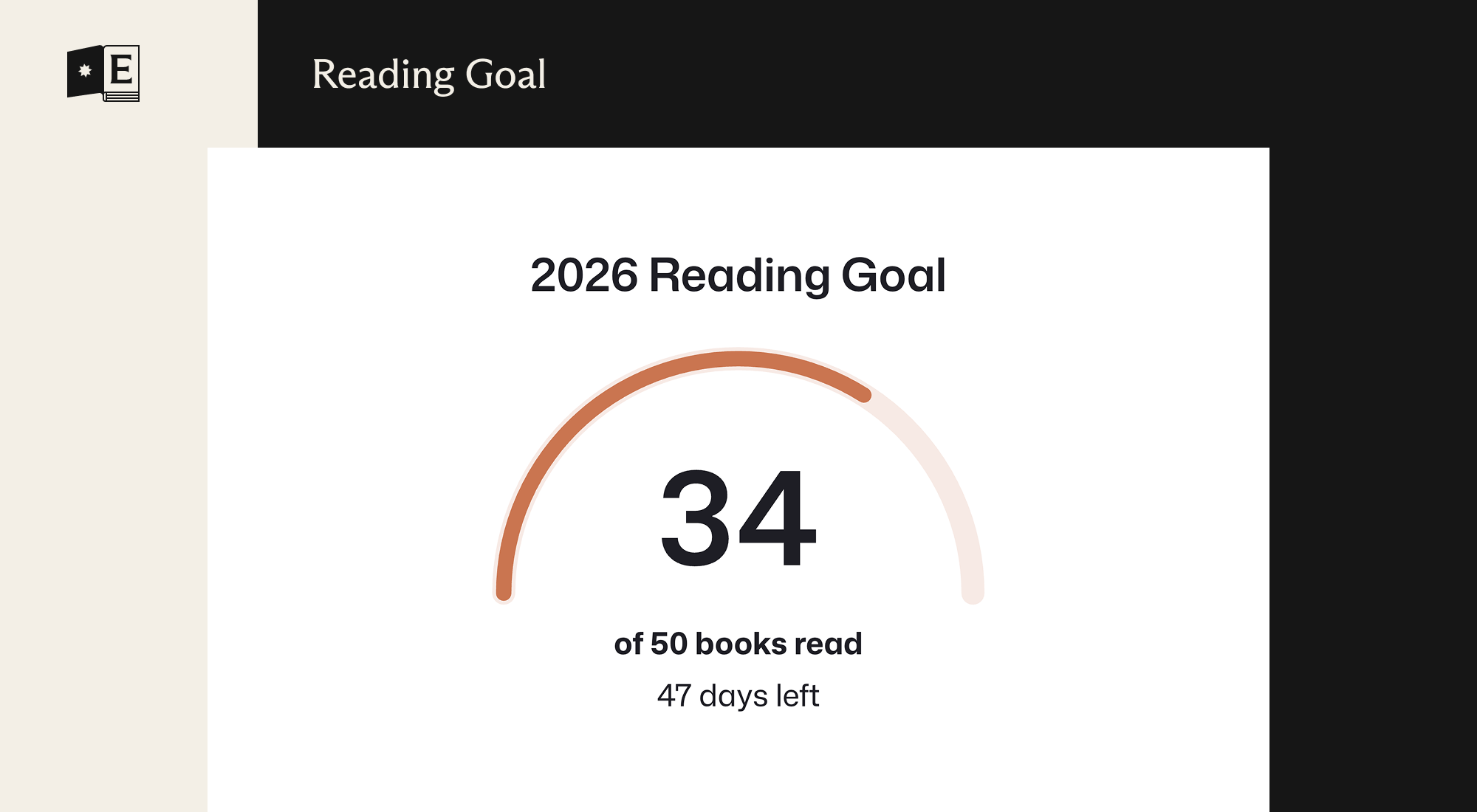
- Track a reading goal. The Reading Goal block shows how far along you are on one of your Hardcover goals, counted in books, pages or hours, as a half-circle gauge or a progress bar. It shows the days left, and once you have reached the goal it says so instead.
- Looks like your site. The blocks inherit the typography and colors of your theme, so they look right at home from the start, on light and dark designs alike. The accent color comes from your theme too. From there, make them yours: change the colors, typography and spacing of any block right in the editor.
- The controls you know. The standard color, typography, spacing, border and shadow settings are supported, in the editor and in
theme.json, along with wide and full alignment.
- Nobody waits for Hardcover. What the plugin fetches is saved on your site and refreshed in the background, so pages with Endpaper blocks load as fast as any other page.
- Covers from your own site. They are saved in the right sizes and loaded lazily, and your visitors’ browsers do not contact Hardcover, unless the site cannot save files (see “External services”). The plugin sets no cookies.
- Only what is public. A book you keep private on Hardcover never appears on your site.
- Your key stays on your server. It is only ever sent to Hardcover, and the permissions it needs can only read.
- Not on the block editor? Every block also has a shortcode, for classic themes, widgets and templates:
[endpaper_book url="https://hardcover.app/books/…"],[endpaper_reading_list status="currently-reading"]and[endpaper_reading_goal]. They choose what to show, and your theme decides how it looks. The options for each shortcode are explained under Settings → Endpaper, in the Help section.
- Style it in
theme.json. Set the accent color, the corner radius of covers and how faded secondary text is, for all blocks or for one block, along with the gap of a reading list and the typography of the reading goal number. - Filters for covers. Change the sizes and quality covers are saved in, or switch saving off.
安装:
- Install and activate Endpaper.
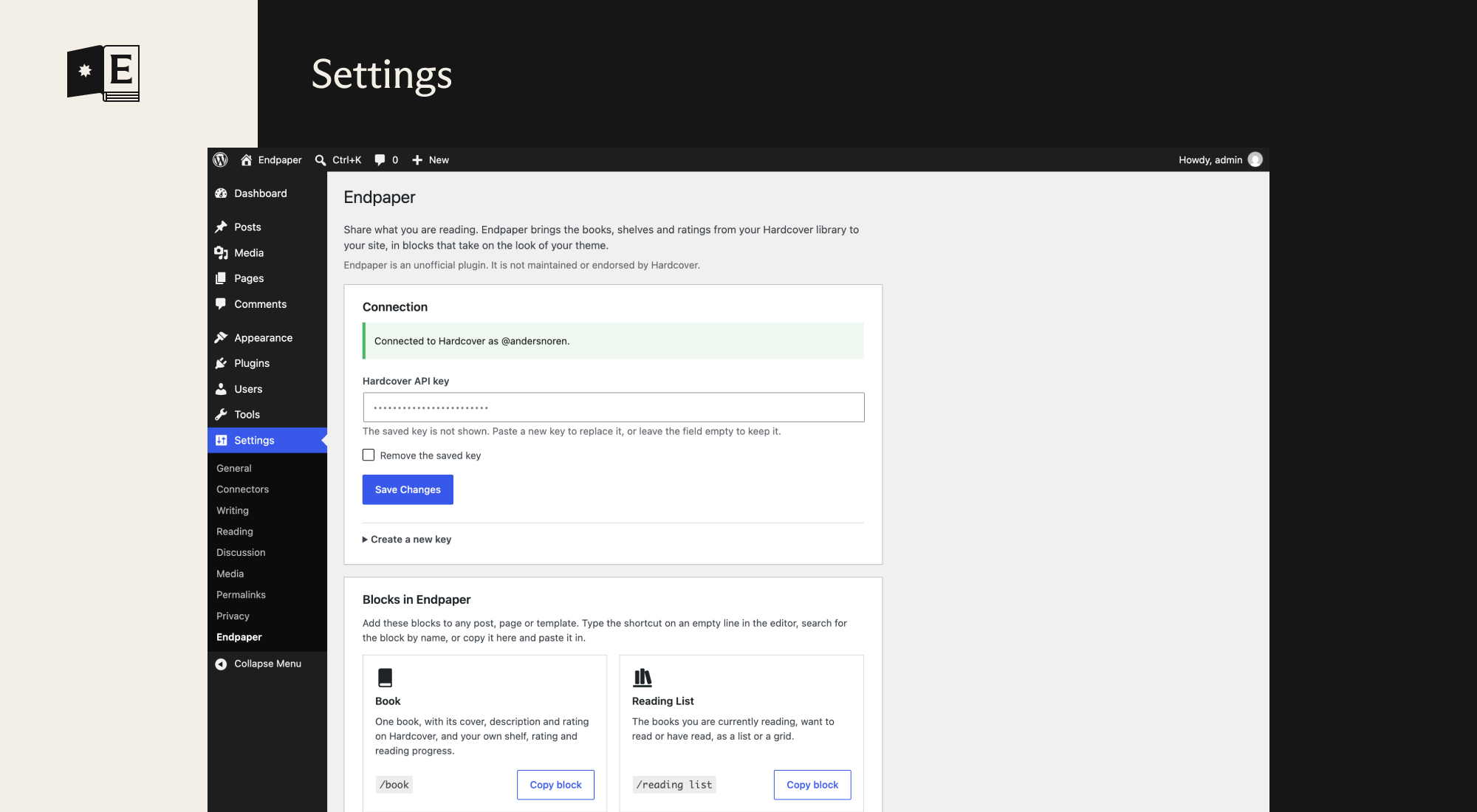
- Go to Settings → Endpaper.
- Use the button on that screen to create an API key on Hardcover, with the right permissions already ticked, and paste it in.
- Add a Book, Reading List or Reading Goal block to a post or a page.
wp-config.php instead:
define( 'ENDPAPER_HARDCOVER_TOKEN', 'your-api-key' );屏幕截图:
常见问题:
Is this an official Hardcover plugin?
No. Endpaper is created independently, using Hardcover’s public API. Hardcover does not maintain or endorse it. For questions about the plugin, use its support forum on WordPress.org, not Hardcover’s own channels.
Do I need a Hardcover account?
Yes. The plugin reads from Hardcover with an API key from your own account. Accounts are free.
Which permissions does the API key need?
It needs read:catalog, read:library:public and read:me:content, and read:goals:public for the Reading Goal block. The settings screen also suggests read:lists:public, for a block that is planned, because a key cannot be changed once it is created. None of these let the plugin change anything on Hardcover, or read anything you have not made public.
Is my API key safe?
The key is only ever sent to Hardcover. Your server makes all the requests, so the key never reaches your visitors’ browsers, the page source or the editor, and once it is saved the settings screen never shows it again. The permissions the plugin asks for can only read, and only what you have made public. Deleting the plugin deletes the key.
The key is stored in your site’s database as it is, not encrypted, which is how WordPress stores settings. Anyone who can read the database, or a backup of it, can read the key. If you think it has got out, delete it on Hardcover and create a new one. Developers can keep it out of the database by defining ENDPAPER_HARDCOVER_TOKEN in wp-config.php instead.
Will the blocks slow my site down?
No. Endpaper saves what it fetches on your site, so your pages do not wait for Hardcover each time they are viewed. Books are saved for a week, and reading lists, shelves and progress for an hour. When a saved copy gets old, visitors still get it at once, and a new one is fetched in the background, so nobody waits for Hardcover. The same goes for something that is not saved yet, such as the first view after you clear the cache: that visitor sees nothing in its place, and the next one has it. (This uses WP-Cron. On a site where WP-Cron is switched off, the visitor waits for the data instead.) If Hardcover cannot be reached, the blocks show the last copy they have.
Why is a book, my shelf or my rating missing?
Endpaper only shows what is public. Your shelf, rating and progress for a book appear when your activity on that book is public on Hardcover, and the Reading List leaves out books where it is not. After changing it on Hardcover, use the update button in the block’s toolbar to see the change right away.
I changed something on Hardcover. Why has my site not updated?
Endpaper saves what it fetches for a while, so a change can take some time to appear. To fetch a block’s data again now, use the update button in its toolbar. It fetches your own activity: your shelf, rating, progress and review, the reading lists and your goals. To fetch everything again, use the “Clear the cache” button on the settings screen.
Why is my reading goal missing?
Endpaper only shows goals that are public on Hardcover and not archived, and only goals counted in books, pages or hours. Choose the goal in the block settings. If the goal was archived, made private or deleted on Hardcover, the block shows nothing to your visitors, and people who can edit the page see a note.
Can I choose which cover a book has?
Yes. A book shows the same cover as its page on Hardcover. To pick the cover of another edition, select the Book block and open “Cover” in the block settings.
Where are book covers stored?
In a folder of the plugin’s own, wp-content/uploads/endpaper/covers. Each cover is downloaded from Hardcover once and shown from your site after that. Covers are not added to your media library. A cover is removed when no block has shown it for a month, and all of them when you clear the cache or delete the plugin.
Covers are saved 160, 320 and 640 pixels wide, never larger than the cover Hardcover has, as WebP where your server can write it and as JPEG where it cannot. If your site is set up to save its images in another format, such as AVIF, covers follow that.
Why is a cover a gray box?
The cover is being saved. That happens in the background, usually within a minute, so that your visitors do not wait for it. The box is also shown for a book that has no cover on Hardcover, and when Hardcover could not be reached, in which case the plugin tries again after an hour.
Do my visitors’ browsers contact Hardcover?
Normally not. Covers are shown from your own site, and nothing else is loaded from Hardcover. The plugin sets no cookies and stores nothing about your visitors. The one exception is a site that cannot save covers: see “External services” above. A developer can rule that out with the endpaper_allow_remote_covers filter.
Can developers change how covers are saved?
Yes, with these filters:
endpaper_cover_widths: the widths covers are saved in, in pixels.endpaper_cover_quality: the quality they are saved with, from 1 to 100. It is 80 to begin with.endpaper_library_cover_source:book(the default, the cover Hardcover shows for the book) oredition(the cover of the edition in your library) for the Book and Reading List blocks.endpaper_cover_max_bytes: the largest cover, in bytes, that is downloaded. It is 15 MB to begin with.endpaper_import_covers: return false to load covers from Hardcover and save nothing.endpaper_allow_remote_covers: return false to never load a cover from Hardcover. A cover that cannot be saved is then a gray box.
image_editor_output_format filter.
Can I change how the blocks look?
Yes. A Book block has layout settings for the size and position of the cover and the alignment of the text, and a Reading List block can be a list or a grid. The Book block comes in two styles, Plain and Card, and you choose which one new Book blocks start with under Settings → Endpaper. The Reading Goal block comes as a gauge or a bar. The blocks take their fonts and colors from your theme, and they support the color, typography, spacing, border and shadow settings in the editor. Theme authors can set defaults in theme.json, including the accent color and the corner radius of covers.
What happens when I delete the plugin?
The API key and everything the plugin has stored, the book covers included, are removed. Book, Reading List and Reading Goal blocks left in your posts stop showing.
What happens when my API key expires?
Hardcover keys can have an end date. When Hardcover stops accepting the key, the blocks keep showing what they last fetched, for as long as the cached version lasts, and administrators see a notice in the admin with a link to the settings. Site Health reports it too. Save a new key and everything picks up again.
更新日志:
- First version.