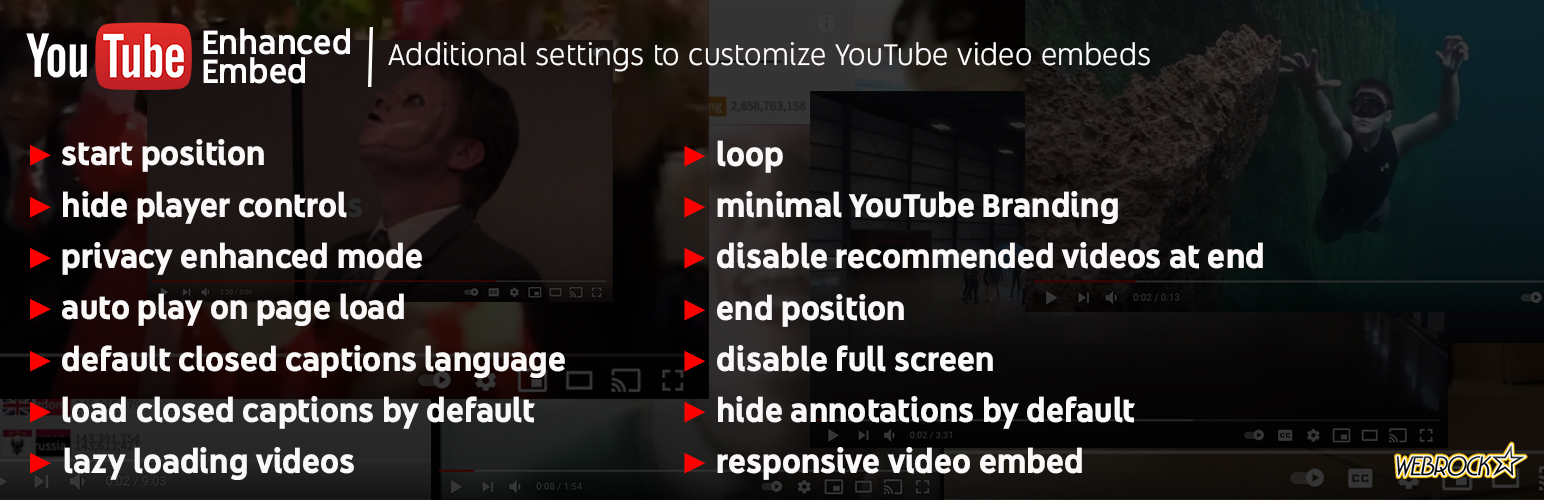
Enhanced YouTube Embed
| 开发者 | stevepuddick |
|---|---|
| 更新时间 | 2026年3月7日 11:53 |
| PHP版本: | 7.4 及以上 |
| WordPress版本: | 6.9 |
| 版权: | GPL-2.0-or-later |
| 版权网址: | 版权信息 |
详情介绍:
- Auto-play videos on page load
- Loop videos continuously
- Mute videos by default
- Set custom start and end times with smart validation
- Control video playback timing
- Ability to combine above features (not all YouTube related plugins can do this) Player Controls:
- Hide/show player controls
- Disable fullscreen mode
- Plays inline on iOS devices
- Customize player appearance Player Appearance:
- Show only same-channel related videos as suggestions Closed Captions & Language:
- Display closed captions by default
- Set preferred caption language
- Customize interface language
- Full ISO 639-1 language support Privacy:
- Privacy Enhanced Mode using youtube-nocookie.com
- Reduced tracking before video playback (may help with GDPR compliance)
安装:
- Upload the plugin files to the
/wp-content/pluginsdirectory, or install the plugin through the WordPress plugins screen directly. - Activate the plugin through the 'Plugins' screen in WordPress
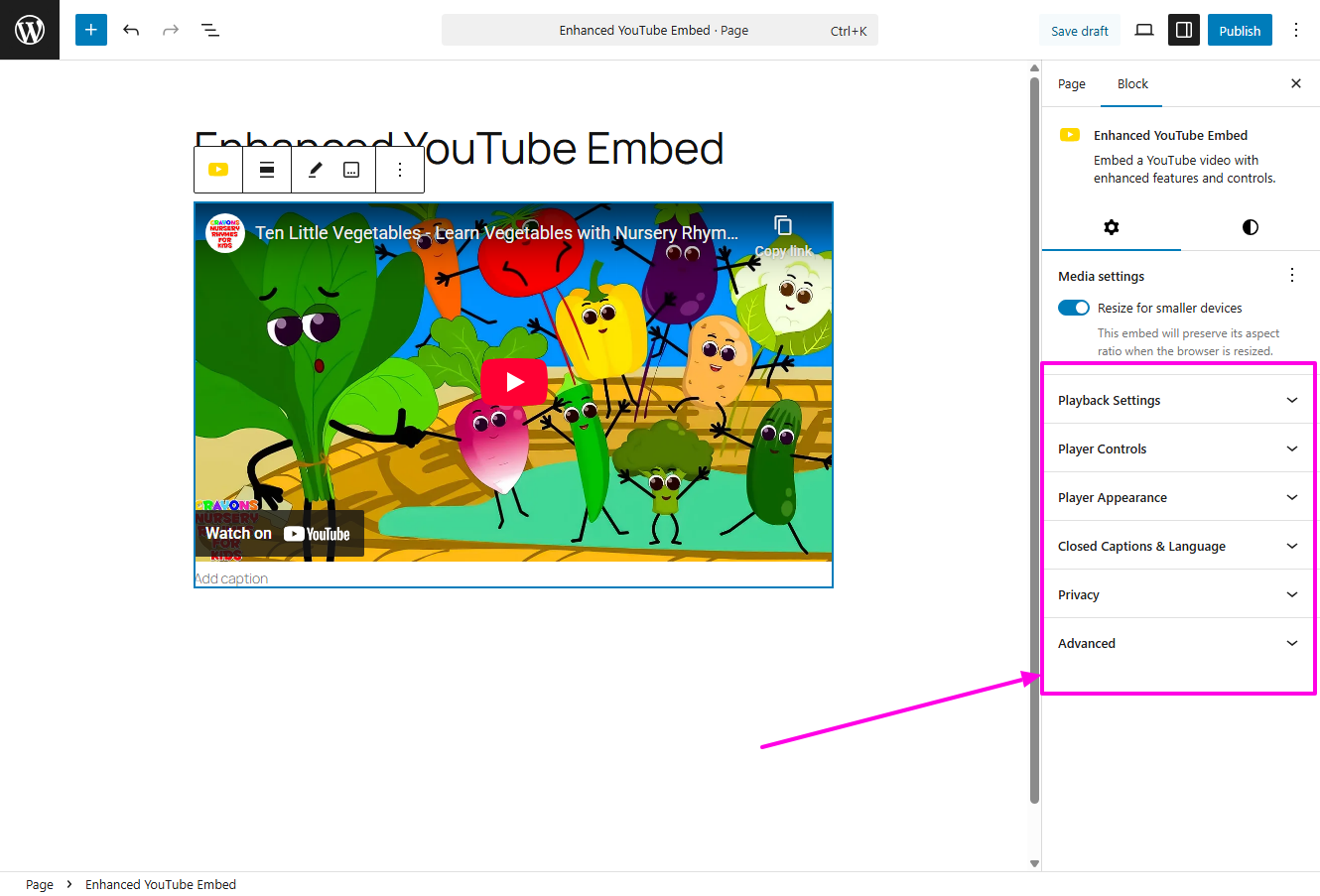
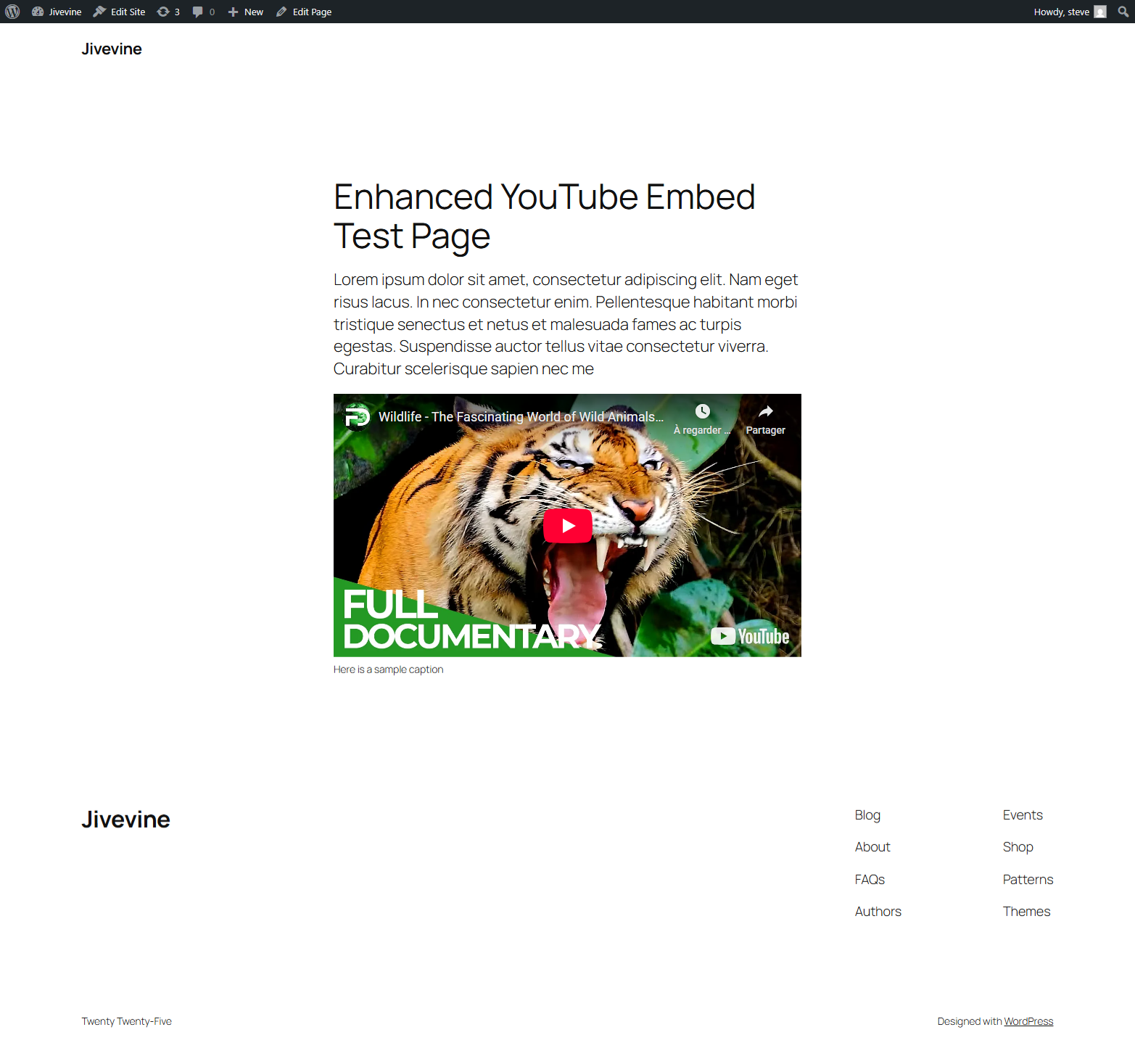
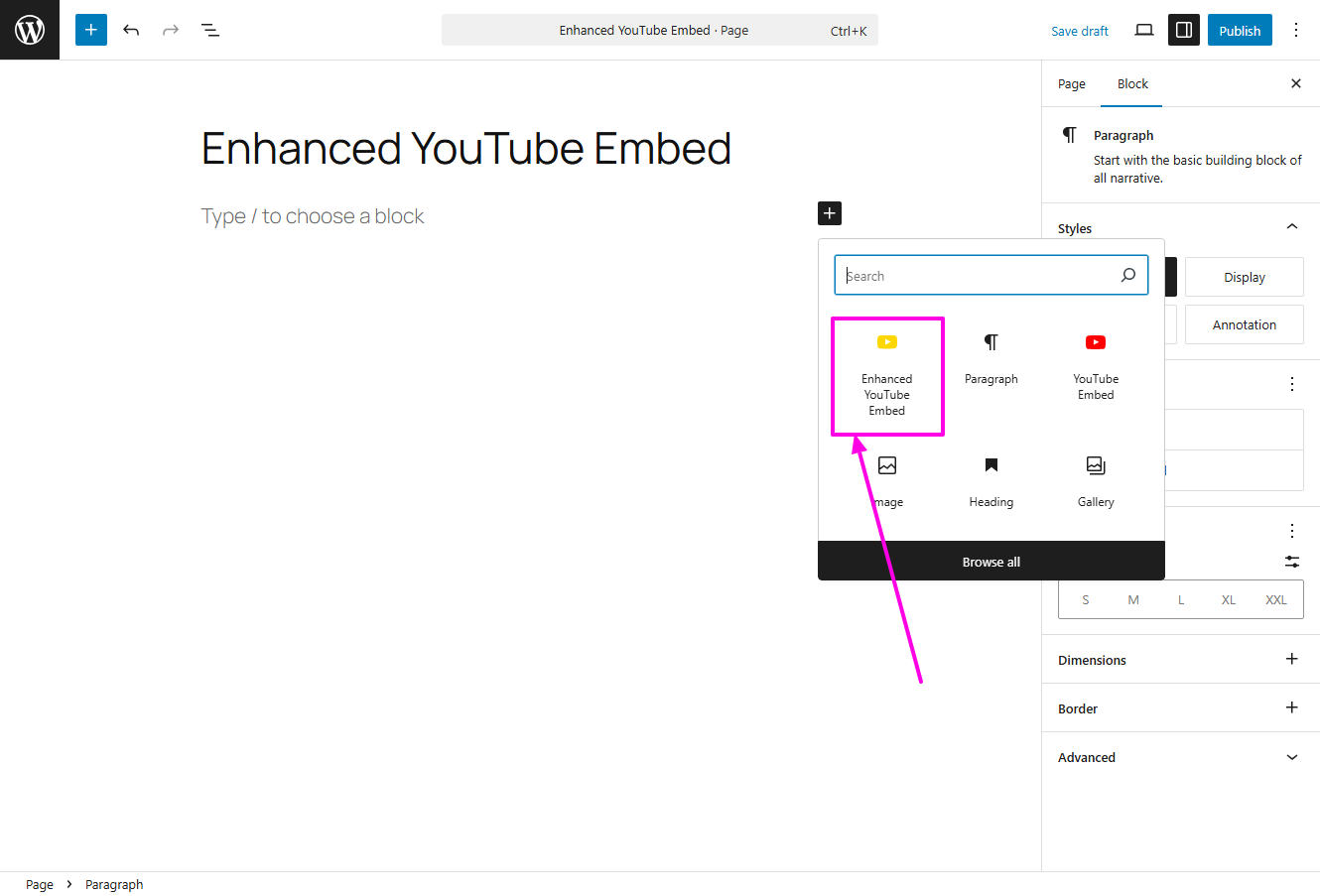
- Use the block editor to add a "Enhanced YouTube Embed" block to your posts or pages, OR use the shortcode
[enhanced-youtube-embed] - For the block: Paste a YouTube URL and customize settings in the block sidebar
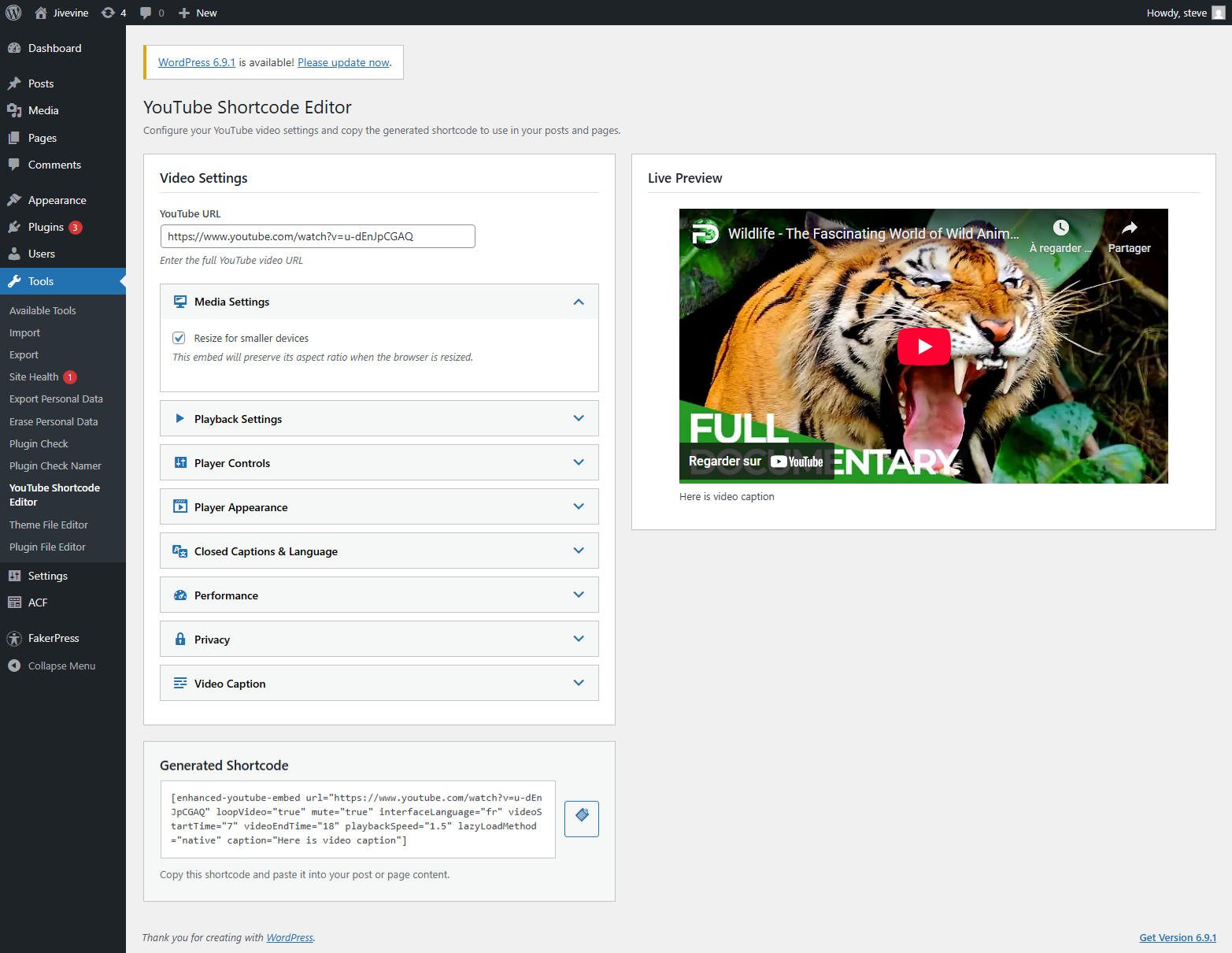
- For the shortcode: Use the YouTube Shortcode Editor under Tools menu to configure and generate your shortcode
屏幕截图:
常见问题:
What YouTube URL formats are supported?
The plugin supports all standard YouTube URL formats including:
Can I auto-play videos?
Yes, enable the "Auto Play" option in the Playback Settings panel in the block sidebar.
How do I set a video to start at a specific time?
Use the "Start Time (seconds)" field in the Playback Settings panel to specify when the video should begin playing.
What is Privacy Enhanced Mode?
Privacy Enhanced Mode uses the youtube-nocookie.com domain, which may not track users until they actually play the video, providing better privacy protection.
Can I customize the player controls?
Yes, the Player Controls panel allows you to hide controls, disable fullscreen, mute audio, and control iOS playback behavior.
Can I convert between this block and the core YouTube embed?
Yes! Version 2.0.0 includes bidirectional block transforms. Simply use the block toolbar to transform between Enhanced YouTube Embed and the core YouTube embed block.
Can I use this without the block editor?
Yes! The plugin includes a [enhanced-youtube-embed] shortcode that provides all the same features as the block. Use the YouTube Shortcode Editor under Tools menu to visually configure your shortcode with live preview, or manually add the shortcode with your desired attributes.
How do I enable closed captions?
In the Closed Captions & Language panel, enable "Display Closed Captions by Default" and optionally set your preferred caption language using an ISO 639-1 two-letter code.
How can I use this in the Classic Editor or Page Builder?
You can utilize the shortcode editor and place the shortcode in content area of these tools.
更新日志:
- New: Shortcode support - Use
[enhanced-youtube-embed]shortcode anywhere in your content - New: YouTube Shortcode Editor - Visual shortcode builder under Tools menu
- New: Live preview in shortcode editor with real-time updates
- New: Dynamic shortcode generation with one-click copy
- Improved: Shared rendering logic between block and shortcode for consistency
- Improved: Frontend assets are now properly enqueued for shortcode usage
- New: Playback speed controls
- New: Lazy loading controls
- Fixed: CSS display issues
- MAJOR UPDATE: Complete rebuild using official React.js block framework
- Breaking Change: Not backwards compatible with previous versions
- New: Block transforms - convert to/from core YouTube embed block
- New: Mute option for videos
- New: Plays inline setting for iOS devicesdde
- New: Smart start/end time validation
- Improved: Settings now apply to editor preview in real-time
- Improved: Interactive overlay behavior matches core blocks
- Improved: Responsive toggle functionality with proper class management
- Updated: Removed deprecated YouTube parameters (annotations, modest branding)
- Updated: Related videos setting now accurately reflects YouTube's behavior (same-channel only)
- Updated: Icon changed from red to gold for better visual distinction
- Fixed: Width/height attributes now properly set when responsive mode is disabled
- Fixed: Media settings panel structure matches core blocks
- Initial release
- YouTube URL input and validation
- Responsive embed with aspect ratio control
- Live preview in editor
- Caption support
- Playback settings (auto-play, loop, start/end times)
- Player controls (hide controls, disable fullscreen, hide annotations)
- Related videos and branding options
- Closed captions with language selection
- Interface language customization
- Privacy Enhanced Mode
- Integration with WordPress core embed functionality