
EqualVia – Accessibility Scanner
| 开发者 | equalvia |
|---|---|
| 更新时间 | 2026年10月2日 02:05 |
| PHP版本: | 7.4 及以上 |
| WordPress版本: | 7.1 |
| 版权: | GPLv2 or later |
| 版权网址: | 版权信息 |
详情介绍:
Since June 28, 2025 the European Accessibility Act (EAA) requires many online shops and services in the EU to be accessible. EqualVia checks your homepage against WCAG 2.2, the standard behind the EAA, and shows the result in your WordPress admin:
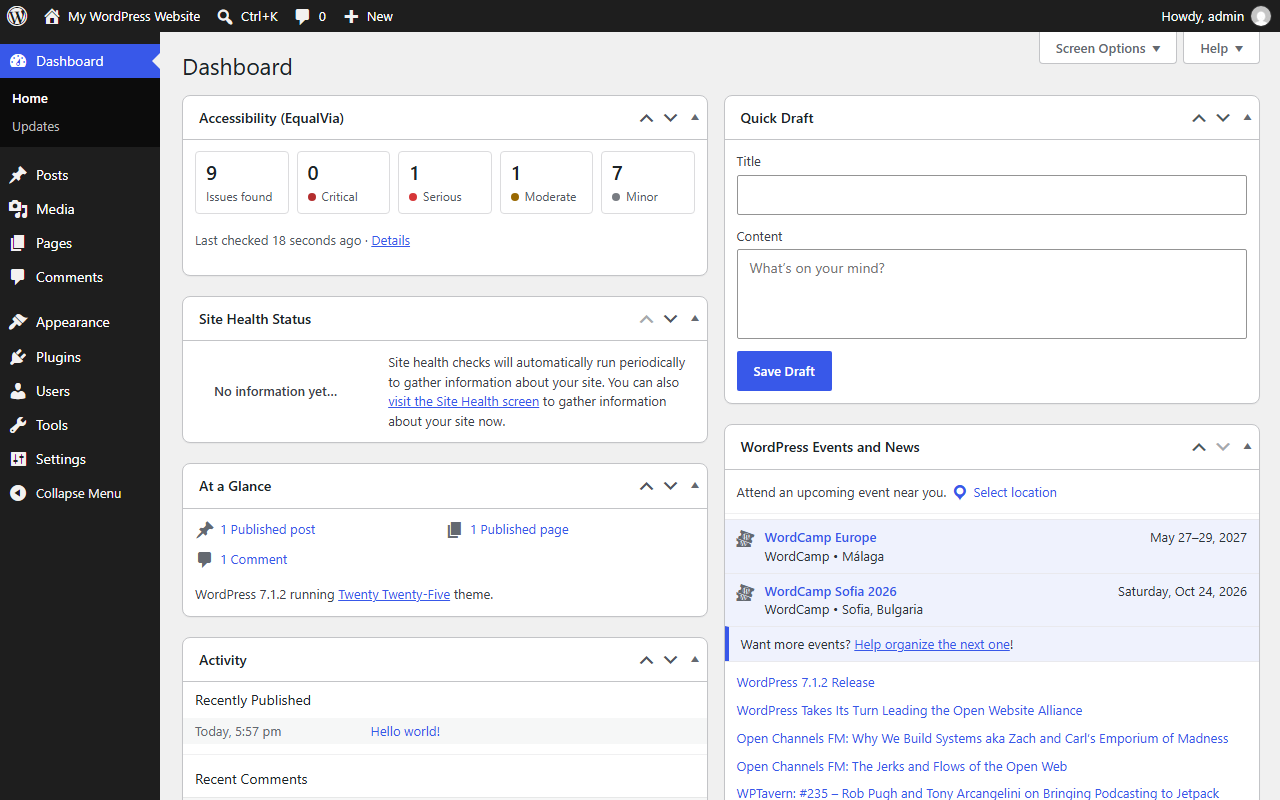
- number of issues found, by severity (critical, serious, moderate, minor)
- an example issue from your homepage, explained in plain language
- a small dashboard widget with the latest result
- A real browser, not an HTML parser: your homepage is loaded in a real browser on EqualVia's servers, so the check also catches problems that only exist on the rendered page, such as low color contrast.
- Nothing on your public pages: no overlay, no toolbar, no front-end script. The plugin only adds an admin page and a dashboard widget, and does not change your site.
- No account or API key needed for the check.
- English and Hungarian: the admin screens and the issue explanations follow your admin language.
安装:
- Upload the
equalvia-accessibility-scannerfolder to/wp-content/plugins/, or install the plugin from the Plugins screen. - Activate the plugin.
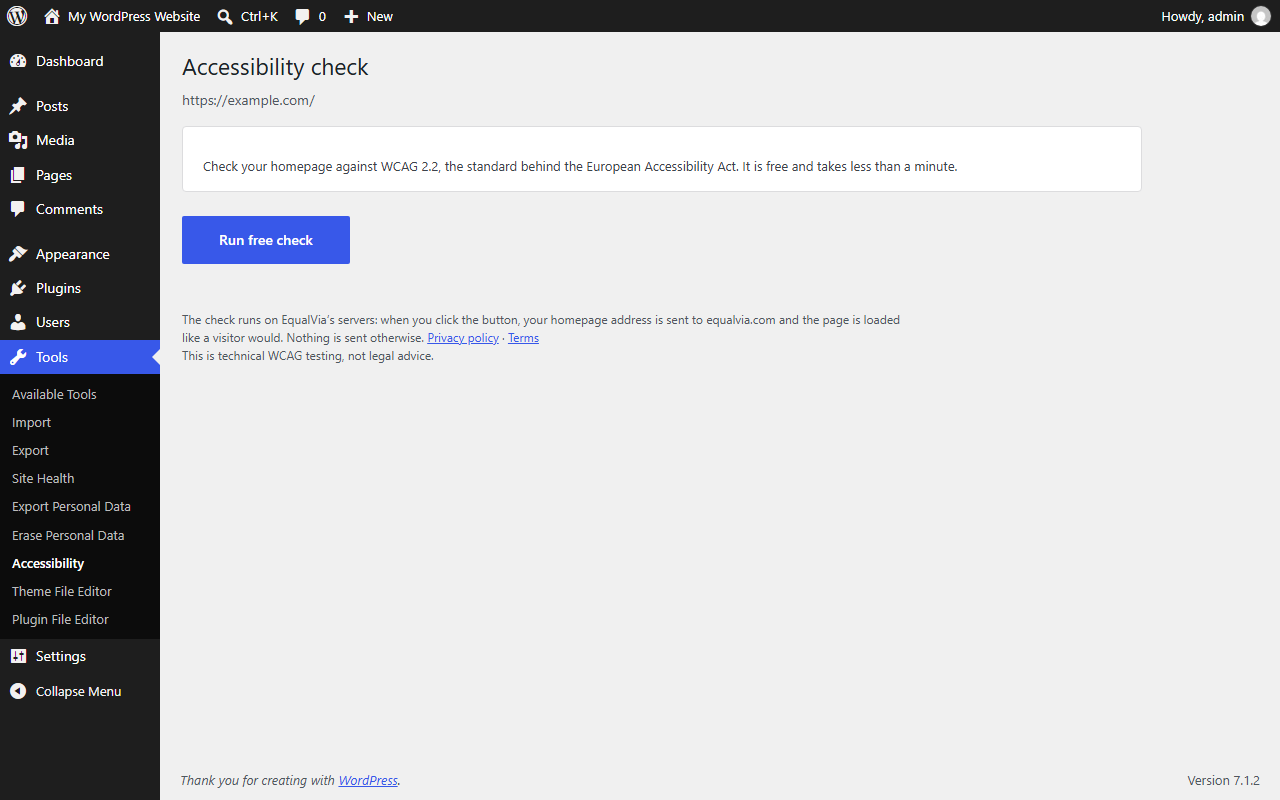
- Go to Tools → Accessibility and click Run free check.
屏幕截图:
常见问题:
Does it check my whole site?
The free check covers your homepage. An EqualVia account can check more pages.
Does it fix the issues automatically?
No. Accessibility issues need real changes to your theme or content; overlay scripts cannot fix them reliably. EqualVia shows what to change and how.
How often can I run it?
A site can be checked a few times a day.
更新日志:
1.0.0
- First release: homepage check, results page under Tools, dashboard widget, English and Hungarian.