
Error Division Radar
| 开发者 | errordivision |
|---|---|
| 更新时间 | 2026年11月9日 02:33 |
| PHP版本: | 8.0 及以上 |
| WordPress版本: | 7.1 |
| 版权: | GPLv2 or later |
| 版权网址: | 版权信息 |
详情介绍:
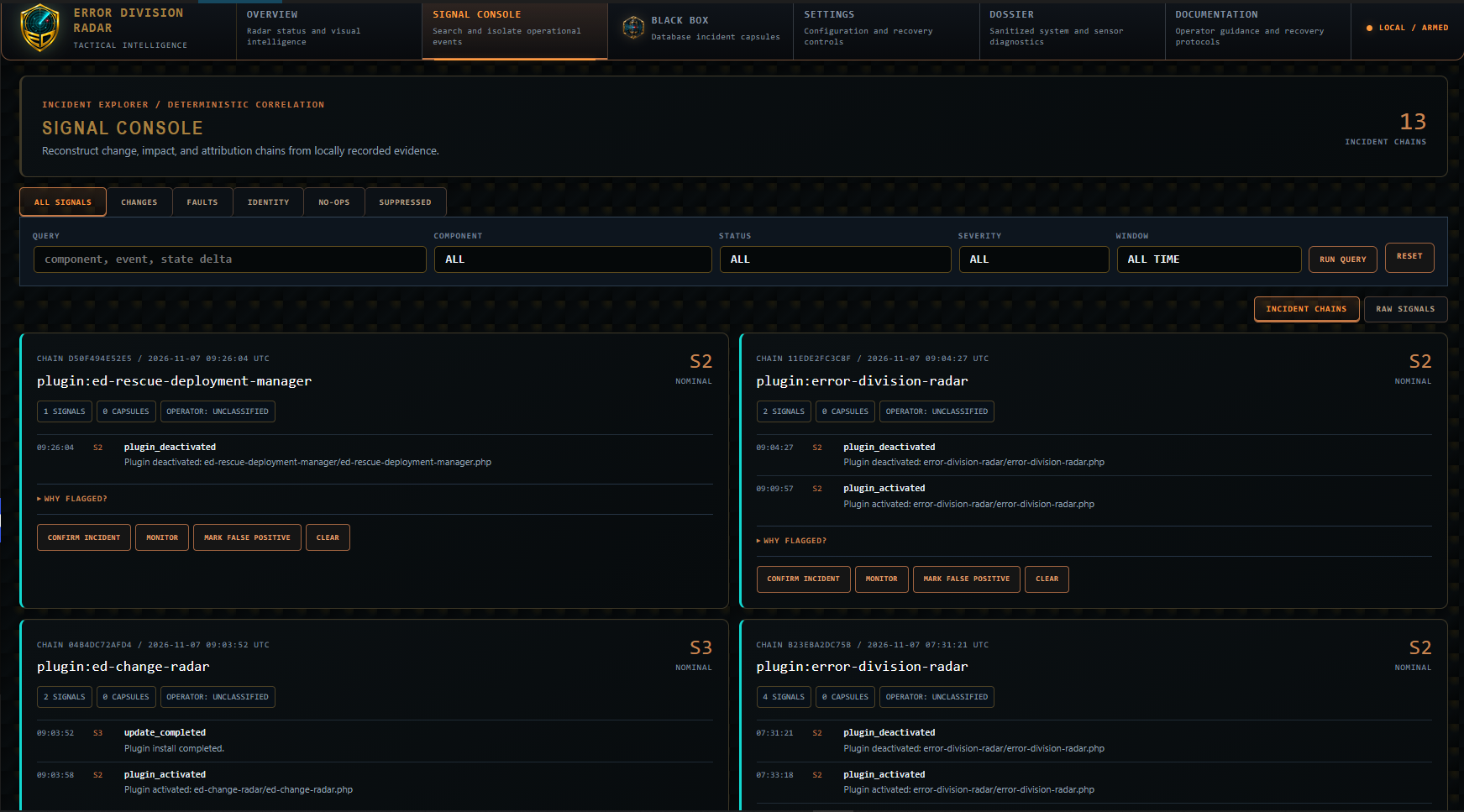
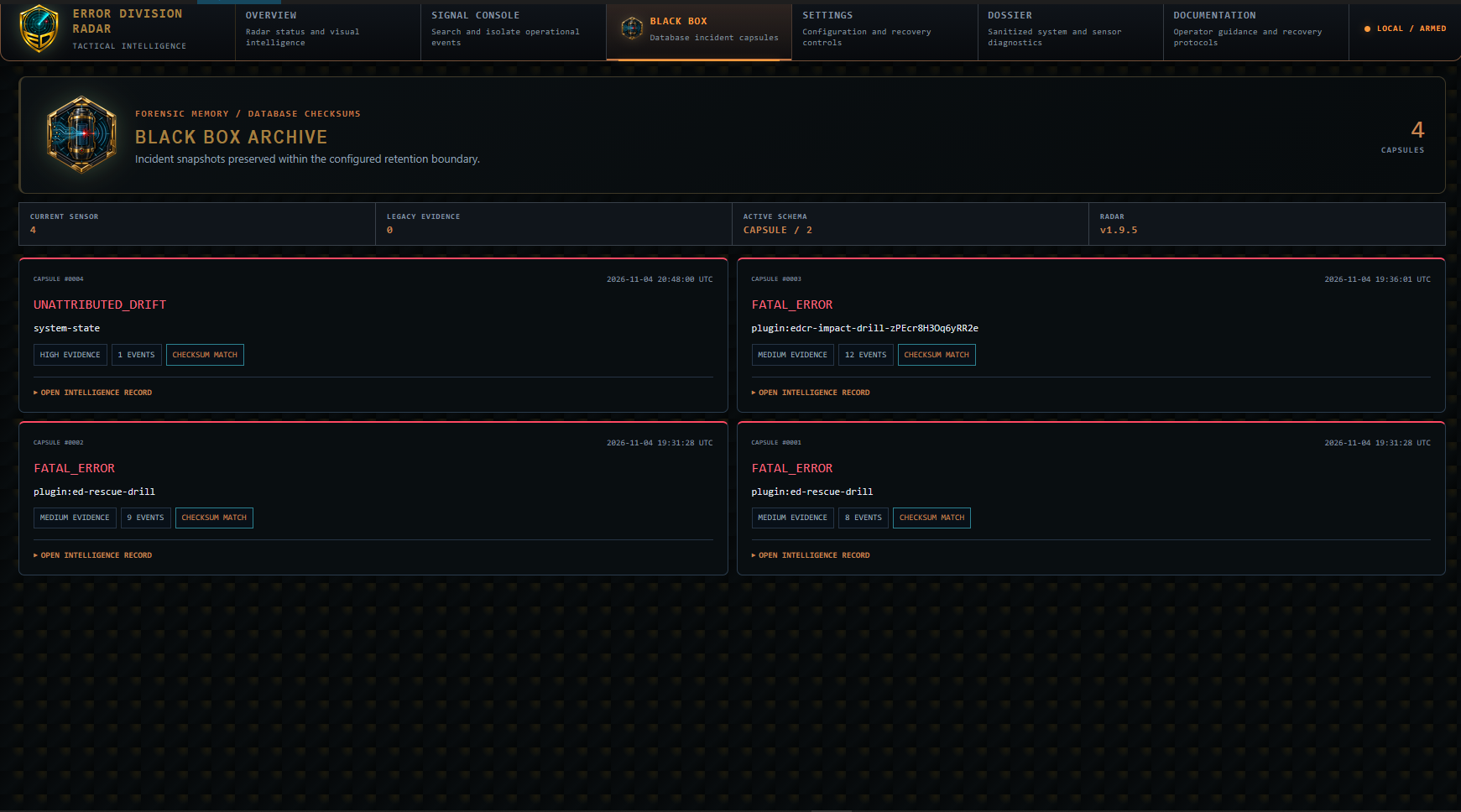
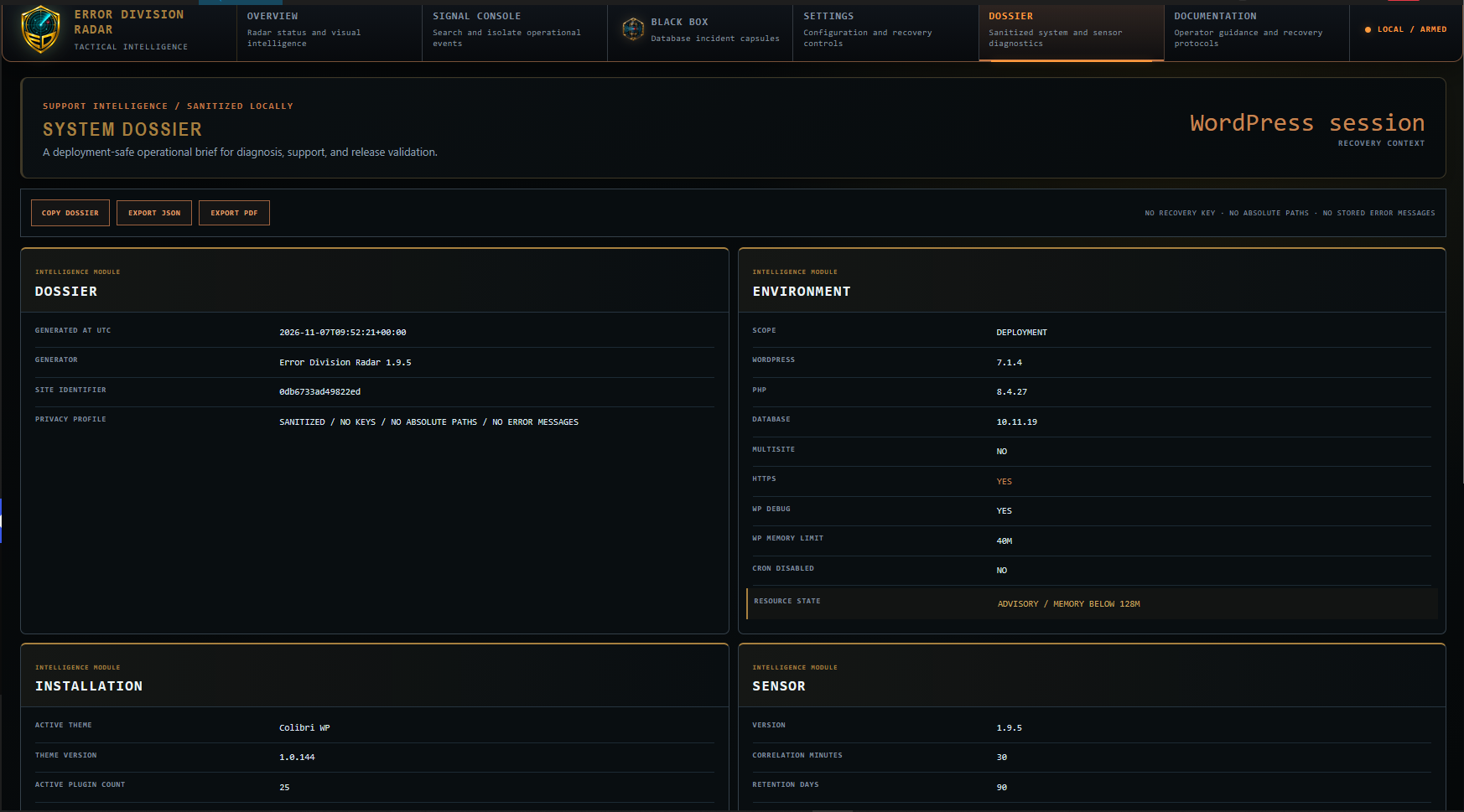
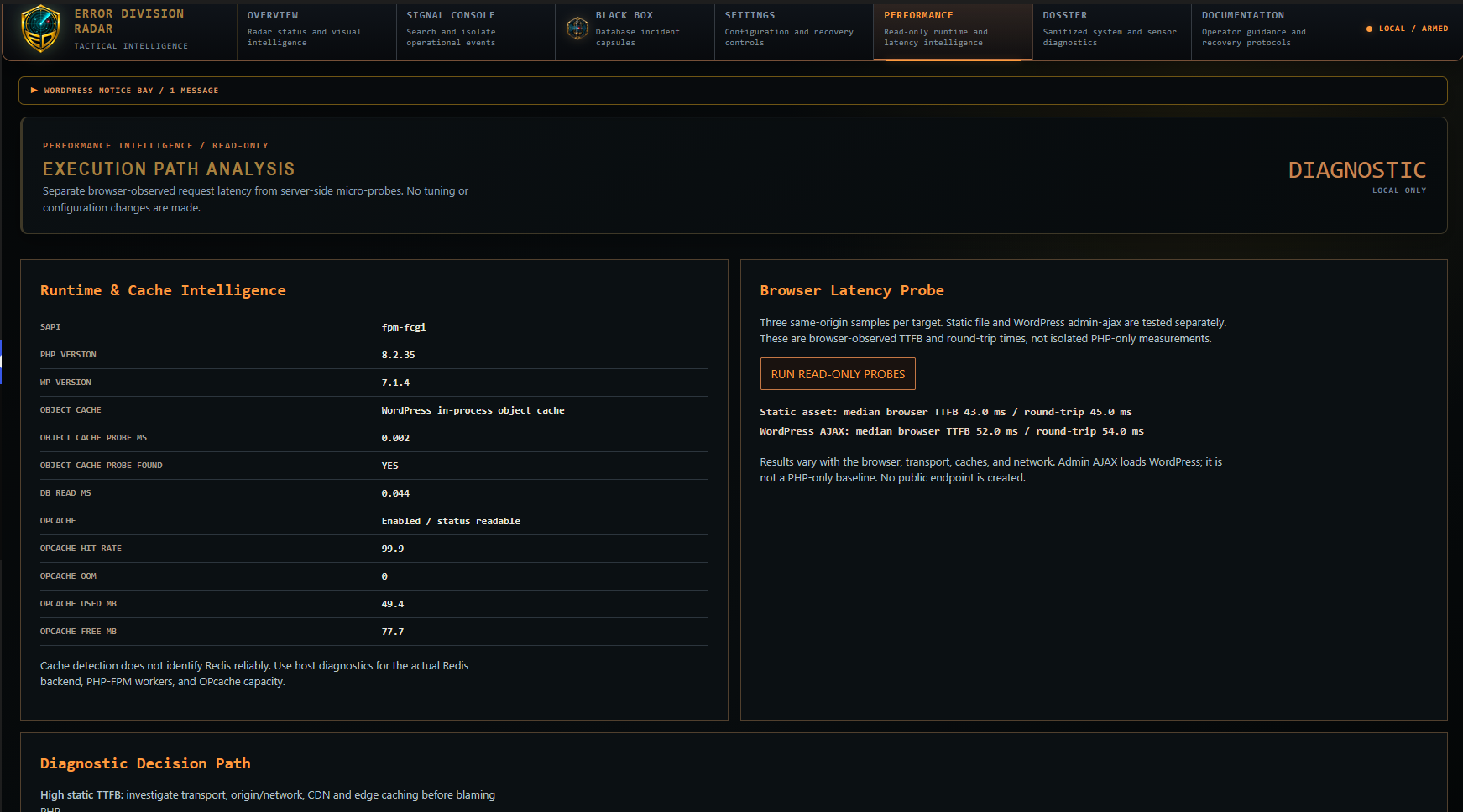
Error Division Radar records plugin, theme, core and privileged-user changes, correlates them with system fingerprints and preserves incident snapshots in the WordPress database. It includes runtime fatal capture after the plugin has loaded, signal filtering, repeat condensation, JSON export and a printable system dossier. Version 1.9.6 also includes a read-only Performance Intelligence screen and a non-destructive Rescue Readiness Check. Browser timing comparisons are not PHP-only or external visitor benchmarks.
Database capsule checksums detect inconsistent payloads. SHA-256 checksums are not keyed authentication and do not establish evidence authenticity against an attacker who can change the database.
On standalone WordPress installations, Radar includes assisted recovery inside the WordPress administrator dashboard. On Multisite, observation and database capsules work per website, while Rescue and plugin isolation are disabled. It lists plugins paused by WordPress in the current Recovery Mode session and permits administrator-confirmed deactivation using WordPress APIs. Known active plugin dependencies block this action. Themes are managed through the WordPress Themes screen.
A manual homepage response check sends a cookie-free request to the configured site URL. It does not send data to Error Division. HTTP success is not proof of complete recovery. No external service, separate host plugin or paid account is required.
Radar does not provide an independent recovery login, create executable files, install MU plugins, rename plugin directories or download external executable code.
This release uses separate tables, settings and hooks. It does not migrate or delete evidence from ED Change Radar Review25. Do not delete the old plugin or its vault as a migration shortcut.
安装:
- Upload this ZIP and activate Error Division Radar on a standalone WordPress installation or on an individual Multisite website (network activation is also supported).
- Open Error Division Radar to inspect the baseline and configure signal families.
- Open Settings > Recovery Console for WordPress recovery assistance. Enter WordPress Recovery Mode using the administrator email link when available.
屏幕截图:
常见问题:
Does Core recover a broken WordPress installation?
Radar can assist after WordPress and Radar have loaded. WordPress Recovery Mode may pause a faulty plugin or theme to allow administrator access. If Radar itself is paused, use the native WordPress Plugins screen. Database, bootstrap and server failures require hosting-level recovery. Radar cannot capture errors that occur before it loads.
Does uninstall remove the old vault?
No. The Core cleanup option affects only its own database tables and settings. Host data and Review25 data remain untouched.
更新日志:
1.9.6
- Introduce read-only Performance Intelligence with PHP runtime, OPcache and cache diagnostics, plus explicitly labeled browser timing probes.
- Add a non-destructive Rescue Readiness Check; it does not trigger fatal errors or claim to validate a full recovery.
- Make the System Dossier print palette follow the current operator theme while retaining print-friendly report pages.
- Version Radar CSS/JS assets by modification time to avoid stale browser styles.
- Improve Recovery section heading contrast and Documentation mission styling.
- Differentiate Compact, Standard and Large navigation text sizes in Sensor Tactical and Tactical Light.
- Prevent event/capsule writes during early Multisite site creation and temporary WordPress installation contexts.
- Verify per-site Radar tables before marking the schema initialized.
- Preserve isolated network-site monitoring while keeping Multisite Rescue actions disabled.
- Limit the admin menu icon to 20 x 20 pixels across WordPress admin screens.
- Add per-site database table verification/repair for existing Multisite subsites.
- Provision Radar tables for newly initialized Multisite sites.
- Add per-site Multisite observation, tables and capsules with the WordPress blog prefix.
- Allow network and individual-site activation without blocking or falsely reporting deactivation.
- Keep independent Rescue and plugin isolation disabled on Multisite pending a separate security review.
- Initialize network-enabled sites on their first WordPress request to avoid unbounded network activation work.
- Prevent incomplete multisite activation: gracefully roll back network and per-site activation attempts without wp_die or activation output.
- Display an administrator notice explaining the single-site-only limitation.
- Stop loading Radar menu styling globally on unrelated WordPress administration screens.
- Finalize Bridge 03 incident correlation and optional Rescue download guidance.
- Replace host integration with WordPress-native assisted recovery and a cookie-free homepage response check.
- Preserve automatic per-user text size, themes and full-height backgrounds.