EthPress - Web3 Login
| 开发者 |
lynn999
ethereumicoio freemius |
|---|---|
| 更新时间 | 2026年10月21日 14:36 |
| 捐献地址: | 去捐款 |
| PHP版本: | 8.1 及以上 |
| WordPress版本: | 7.1 |
| 版权: | GPLv2 or later |
| 版权网址: | 版权信息 |
标签
下载
详情介绍:
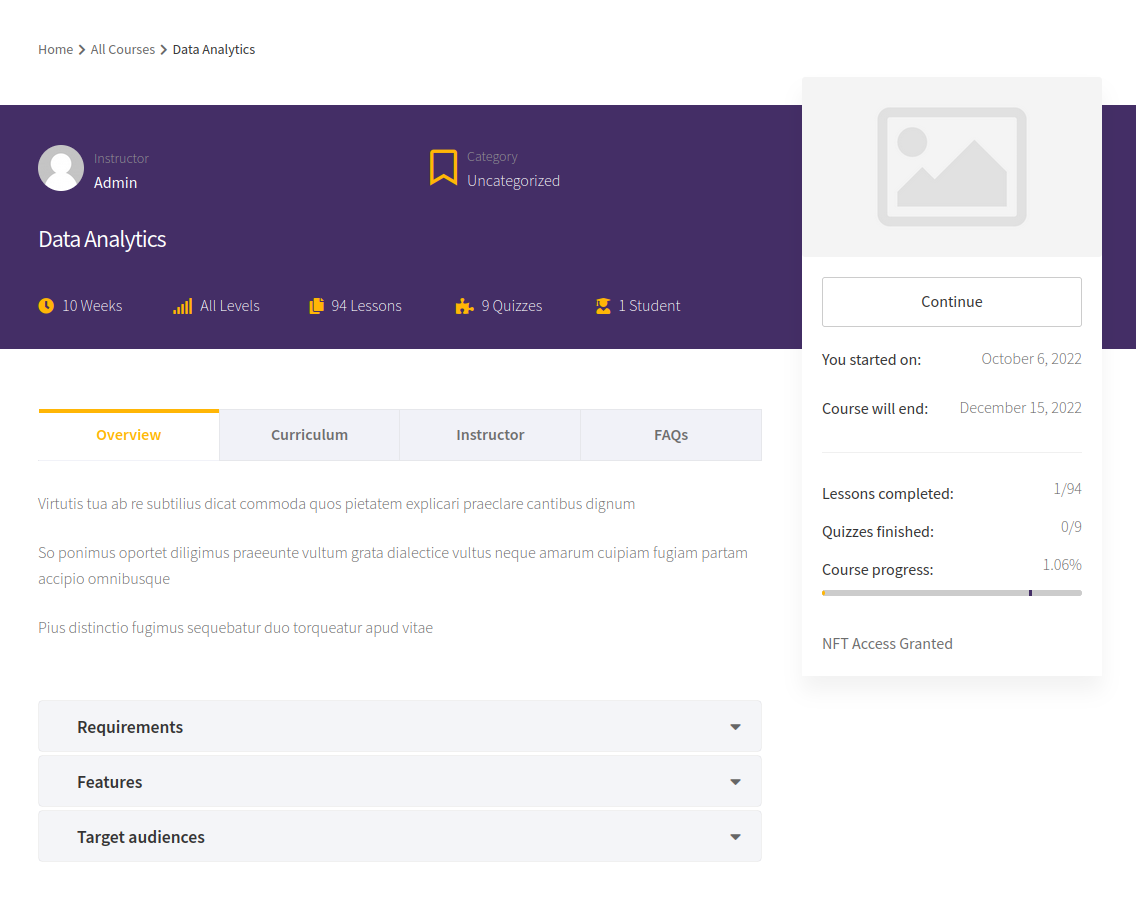
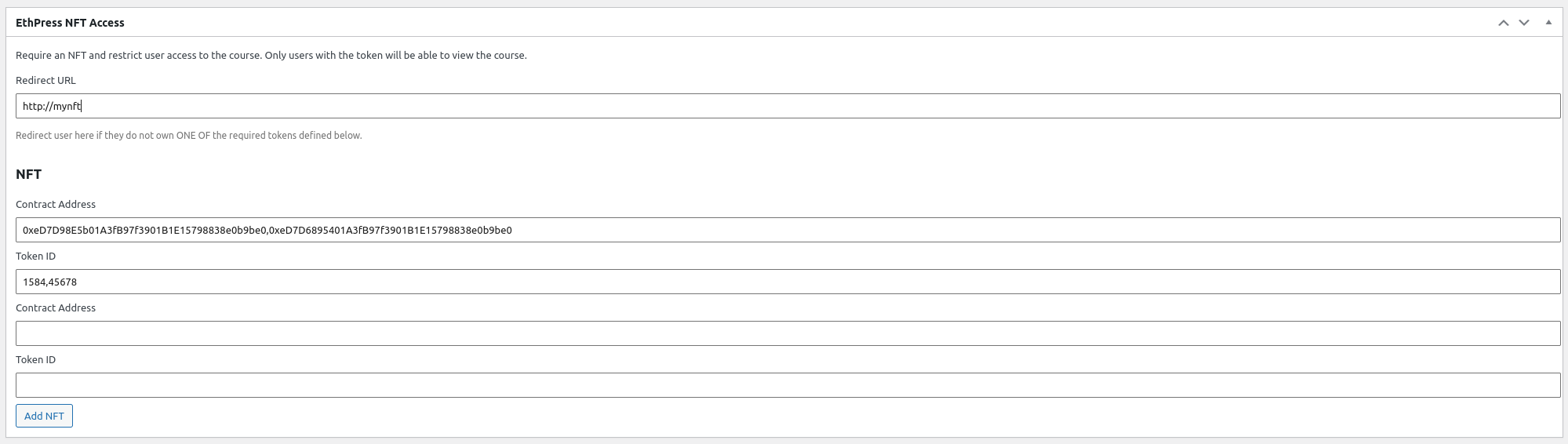
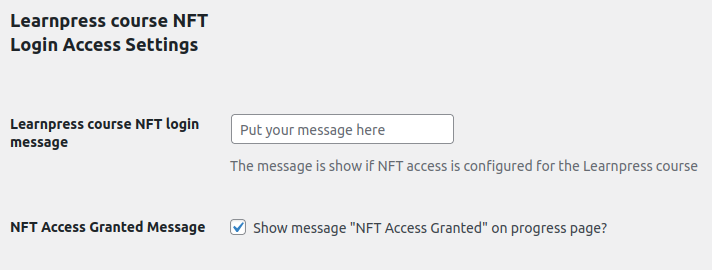
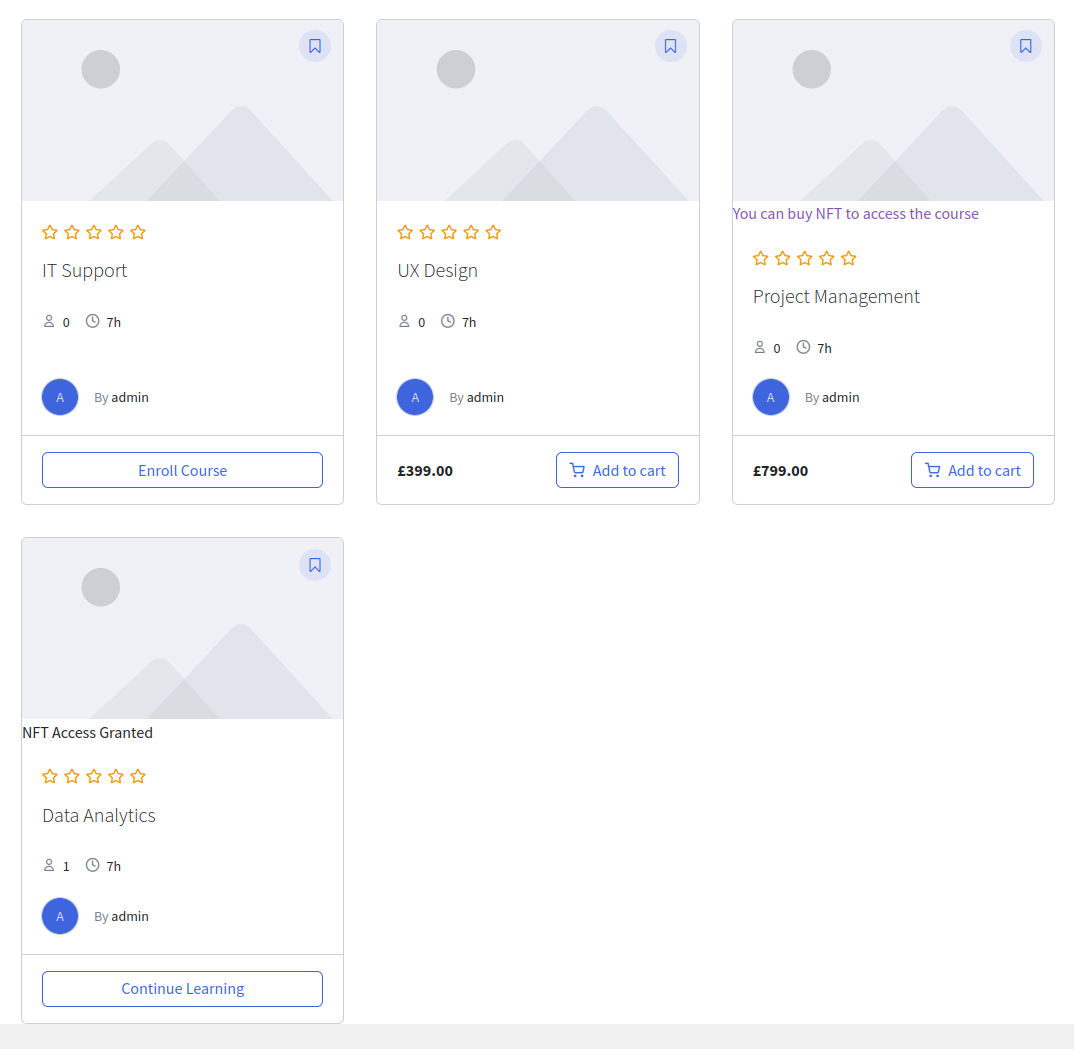
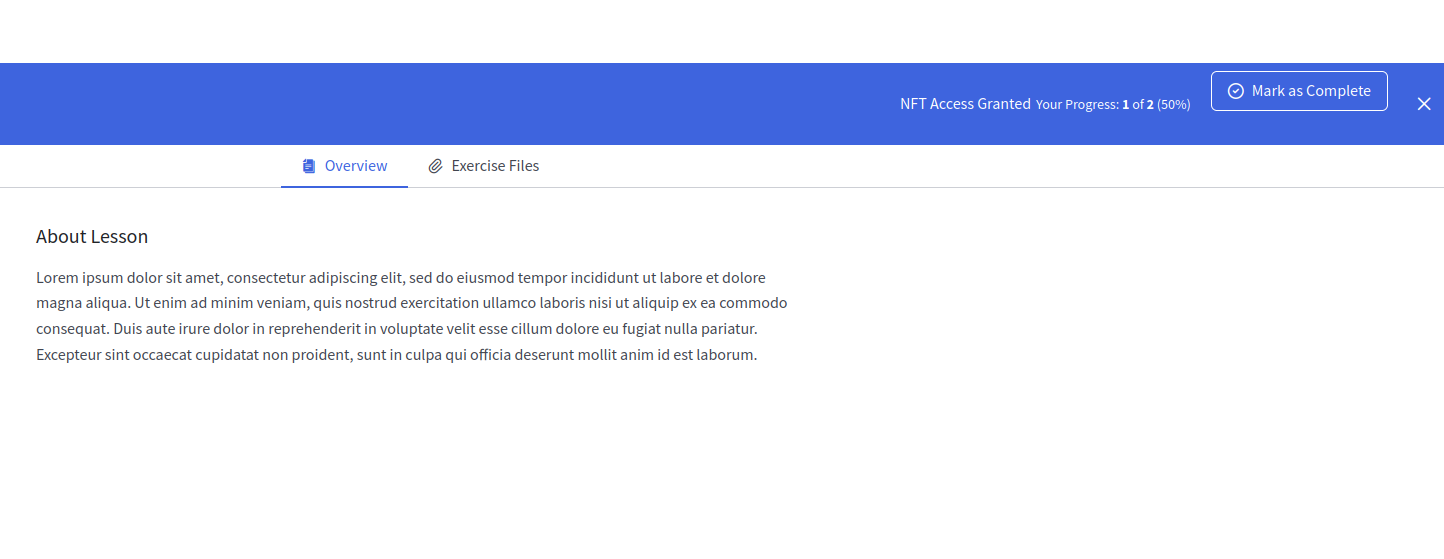
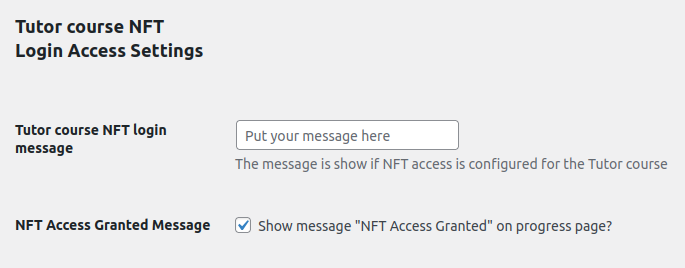
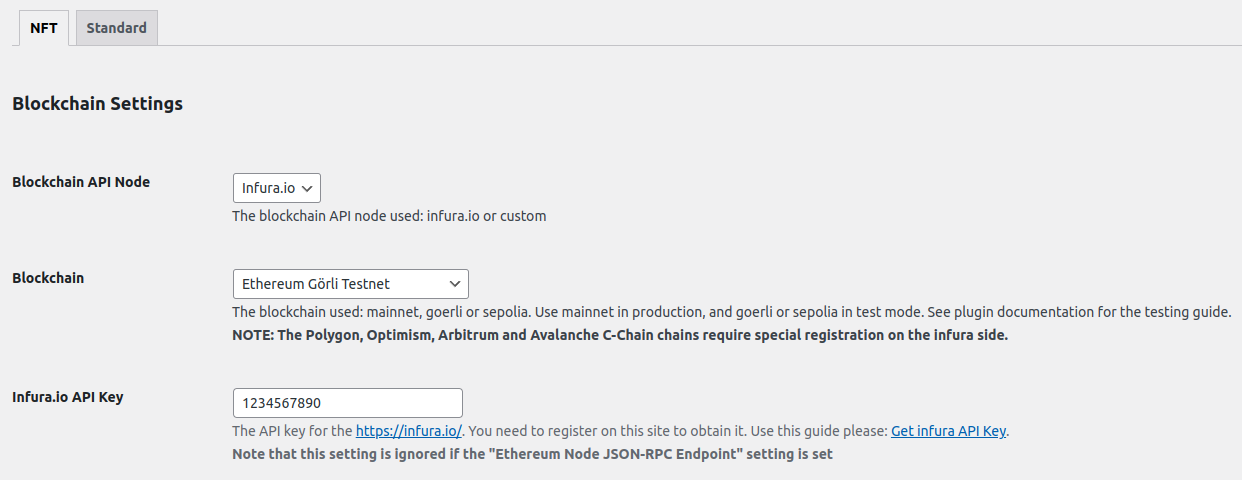
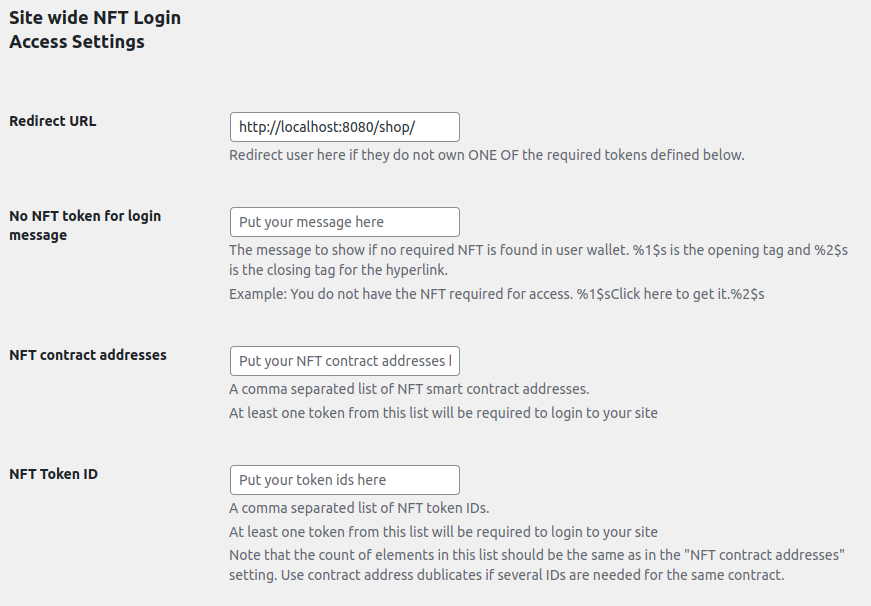
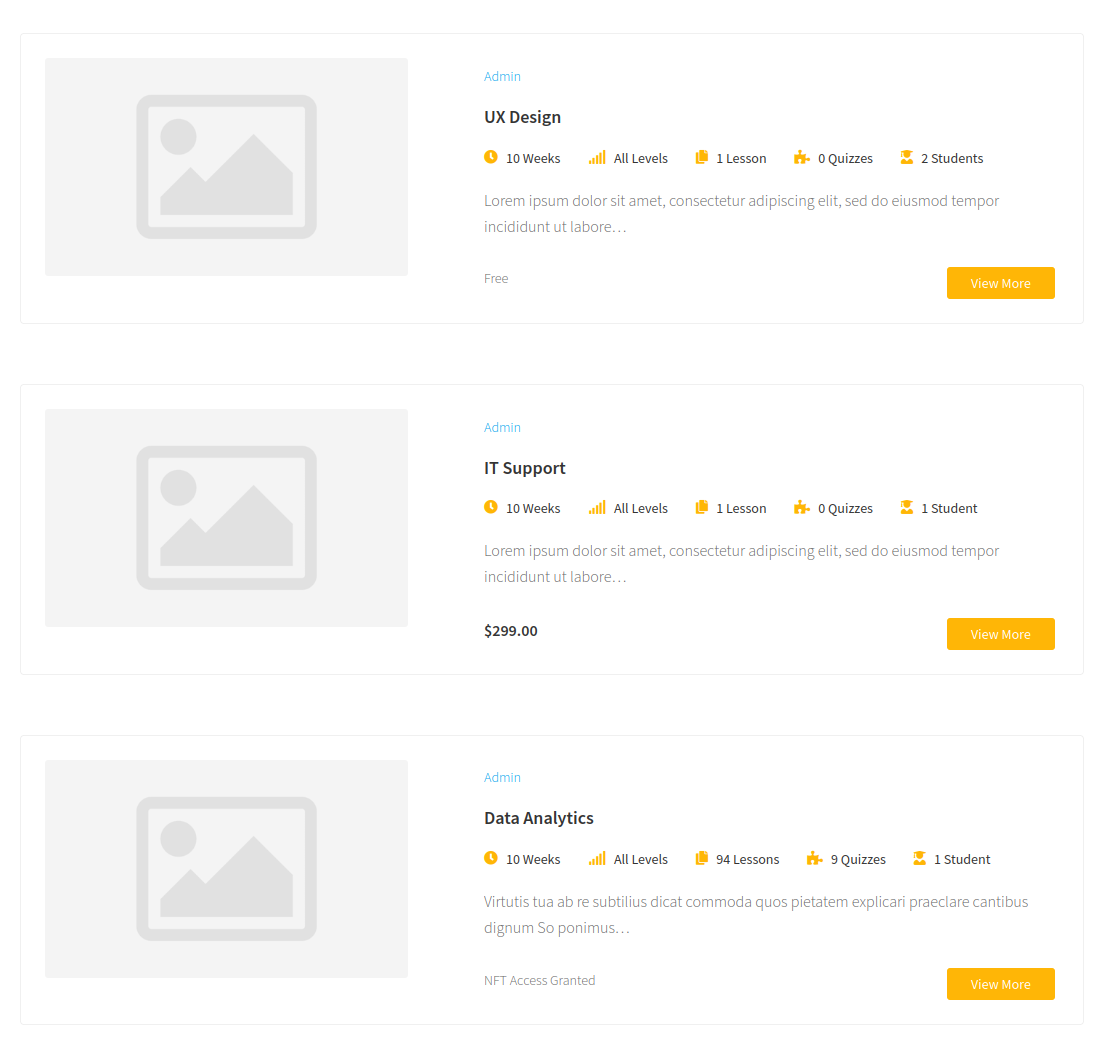
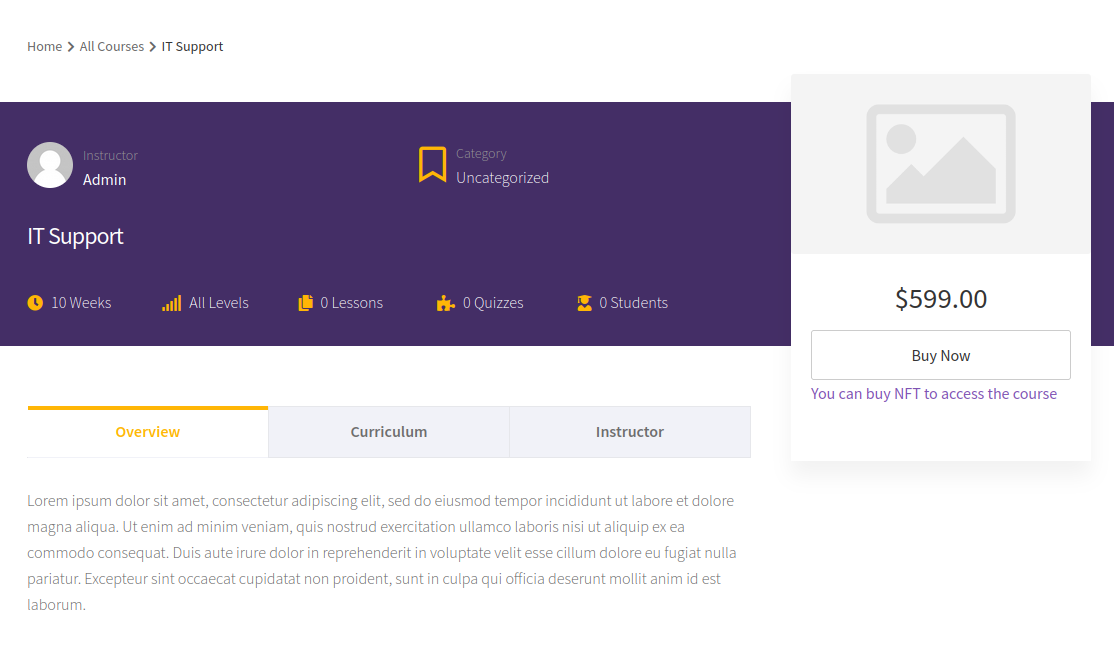
The EthPress NFT Access Add-On can be used to control access for WooCommerce products, simple pages and posts.
安装:
- Upload this folder (on WordPress.org, not GitLab) to the
/wp-content/plugins/directory - Activate the plugin through the 'Plugins' menu in WordPress
屏幕截图:
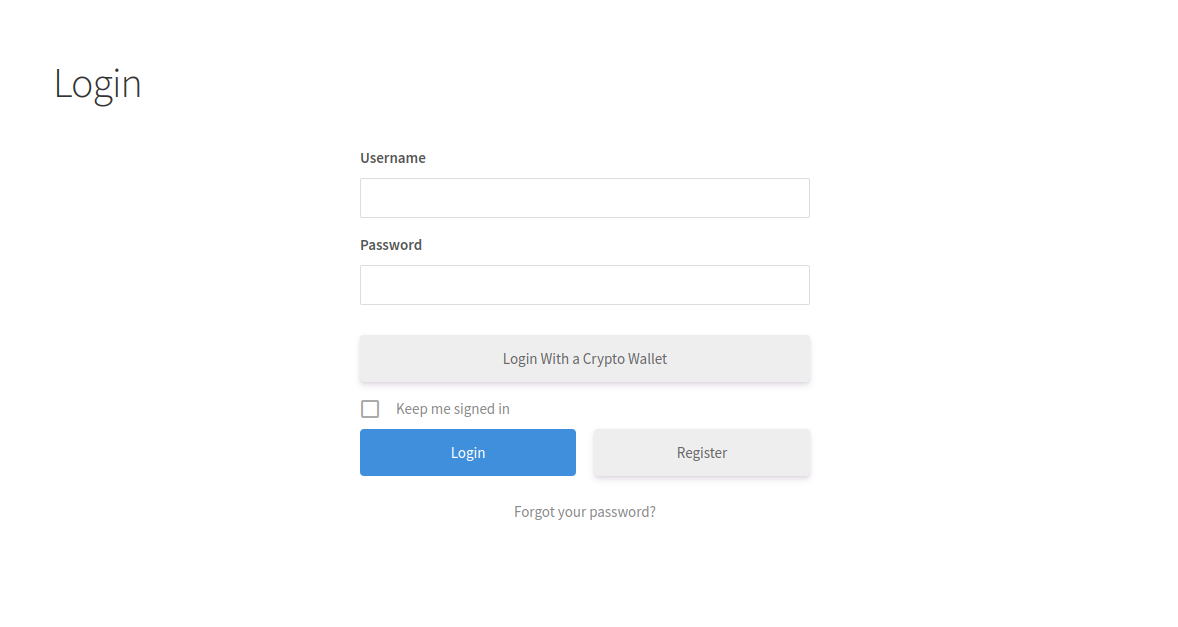
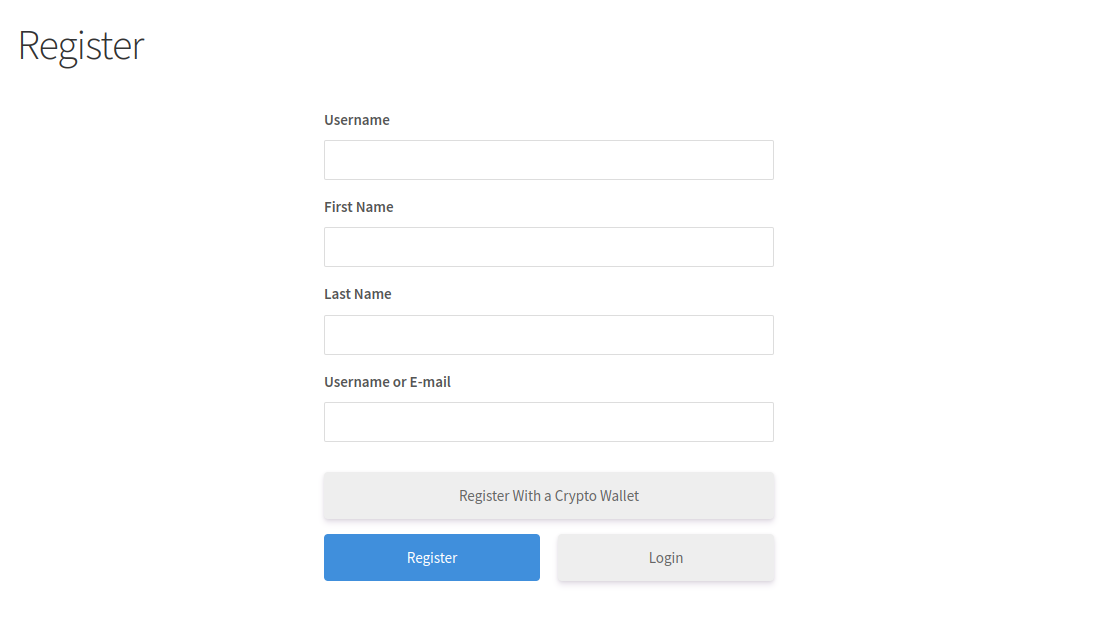
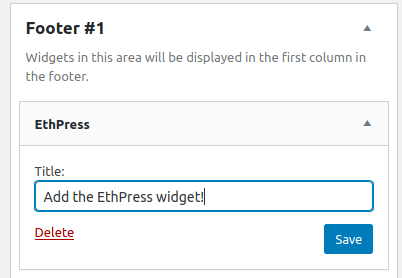
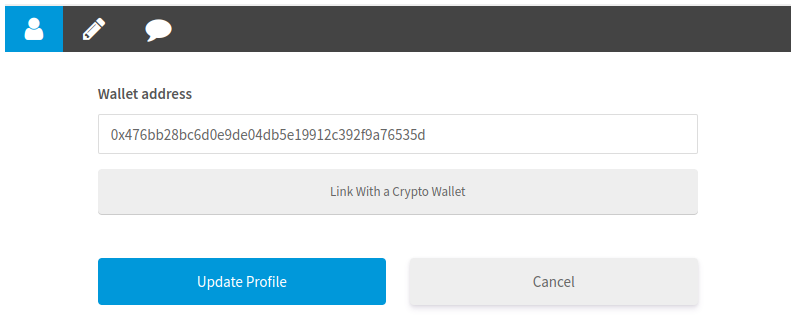
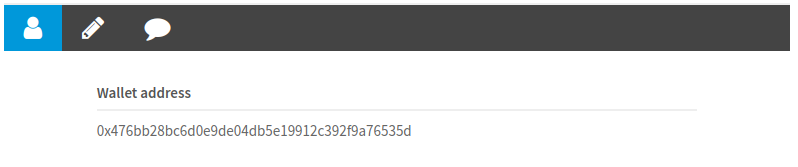
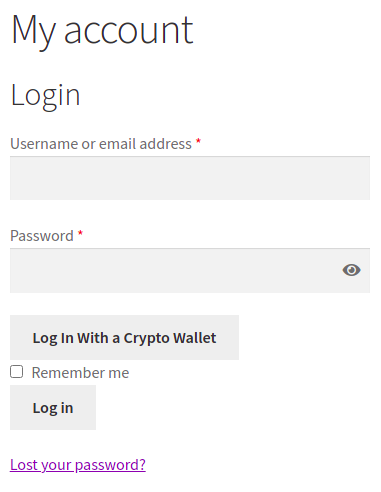
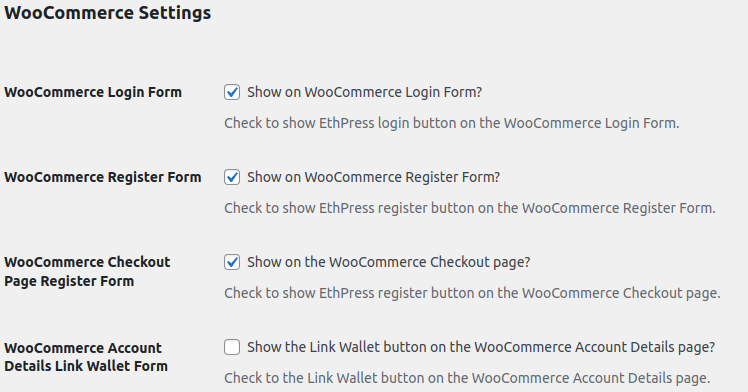
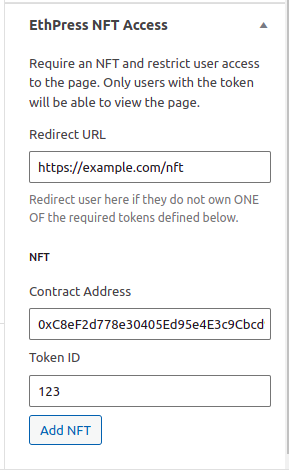
常见问题:
Can NFT token ownerhip restriction be applied?
The NFT Token based access control for the WooCommerce products, simple pages and posts can be done with the EthPress NFT Access Add-On. Free 7 days Trial is available!
The modal classes keep changing
The wallet modal is drawn by Reown AppKit inside a shadow root, so page CSS and class selectors cannot reach it at all (the old #web3-login-root element and its per-build svelte-* classes are gone). Style it with the Custom CSS setting (PRO, in Reown Settings) and the AppKit CSS variables such as --w3m-accent.
How does it work?
The outline is described in this TopTal post by Amaury Martiny.
A one-time nonce is stored for the wallet address and consumed when the signature is verified, so a signed message cannot be replayed. Its lifetime is 15 minutes by default and can be changed with the ethpress_nonce_lifetime filter. The IP the message was requested from is stored with it for troubleshooting, but it is not part of the check, because a mobile wallet can switch networks between requesting the message and signing it.
For more details, check out the extra readme.
Signature verification
When user submits a signature, it needs to be verified on server-side.
Read the "How does it work?" question.
Firstly, if you have the php-gmp or php-bcmath extension installed, we do it with PHP, and you can ignore the rest of this. The Diagnostics section of the EthPress settings page proves it with a known message and signature.
Otherwise the verification is done by a verification service. EthPress PRO comes configured with a Managed Verification Service. You can also host that service yourself and set its URL in the Verification Service API URL setting; its source code is here: https://gitlab.com/losnappas/verify-eth-signature.
Are my coins safe?
Yes. A wallet (e.g. MetaMask) does/should not leak your private keys out into the wild, that would be madness.
What about mobile?
Mobile integration is in good condition, with Reown QR code reading from wallets such as MetaMask Mobile, there is very little friction!
What happens to the account when a wallet is unlinked?
Unlinking is a soft detach: only the association is removed, the WordPress account stays.
- The
ethpressuser meta of the account is deleted, so the wallet no longer resolves to it:[ethpress_account], theeth-address-fieldelements and the unlink button show nothing until a wallet is linked again. - A user who signed in with the wallet as their login name is logged out, because the wallet was their only way in. A regular WordPress user (who linked a wallet to an existing account) stays logged in.
- The account itself is not deleted, and neither is its login name. For wallet users the login name is the wallet address, so signing in again with the same wallet finds that account through it and links the address back to it. This is why a freshly unlinked wallet does not get a second account, and why an unlinked wallet cannot be used to register a new one.
- Unlinking from the account page and then signing in with the same wallet therefore ends up in the same account, with the wallet linked again.
GDPR?
This is everything EthPress keeps on your server for a wallet:
- the wallet address, as the
ethpressuser meta of the WordPress user the wallet is linked to. Unlinking the wallet deletes that meta; the user account itself and its login name (the address) stay until the account is deleted; - the WordPress user account itself: its login name and its display name are the wallet address, and its email is a placeholder derived from that address - unless the visitor typed a real email and name, which the registration form, the WooCommerce checkout or the
Inline form next to the login buttonmode collect; - two flags on that user,
ethpress_generated_emailandethpress_profile_incomplete, which let the plugin replace the placeholder email with a real one; - the one-time login nonce: a transient keyed by the wallet address that also records the IP the login message was requested from. The IP is kept for troubleshooting only and is never checked. The nonce is deleted as soon as the signature is verified, and expires after 15 minutes at the latest;
- debugging lines, when the plugin writes them (a failed verification, or any login verified by the service). They go to the WooCommerce log file,
wp-content/uploads/wc-logs/ethpress-*.log, or to the PHP error log when WooCommerce is not installed, and they contain the wallet address, the message that was signed and its signature. Clear those files when the addresses have to be gone.
- the verification service, when it is the one verifying the signatures on your site (see the "Signature verification" question). Only the message and the signature are posted; the wallet address is recovered from the signature there, not sent. The default (managed) service is hosted on ethereumico.io and stores nothing, and you can host that service yourself instead.
- opening the wallet modal talks to Reown: its API provides the wallet list, and mobile wallets are connected through the WalletConnect relay. EthPress itself sends neither the signature nor the wallet address there.
wp_usermeta until those users are deleted themselves - search for the ethpress meta key if you need to remove them by hand.
Check the Diagnostics section of the EthPress settings page to see which verification path your site uses.
Source code and contributing
Contributions on GitLab only, thank you.
Plugin's source code: https://gitlab.com/losnappas/ethpress.
Signature verifier's, which is used if no php-gmp or php-bcmath, source code: https://gitlab.com/losnappas/verify-eth-signature.
The wallet modal is a React component built on the Reown AppKit library. Its source code is part of the plugin repository, in the reown/ directory: https://gitlab.com/losnappas/ethpress.
Further support
On the wordpress.org support page, or on the ethereumico.io support forum.
更新日志:
- The login modal is rewritten on Reown AppKit (the successor of WalletConnect v2). The old web3modal based front end is removed
- The new
Reownsettings section is added:Reown Project ID,Theme modeandSupported networks - Multichain support: the new
Supported networkssetting lets you choose which networks are offered to users - the EVM chains (Ethereum, Polygon, Arbitrum, Optimism, Base, BNB Smart Chain, Avalanche, Fantom, Gnosis, zkSync, Linea, Scroll, Celo, Polygon zkEVM, Mantle, Blast, Cronos, Moonbeam) and testnets - Multisite support: the plugin options are now stored network wide
- The
[ethpress_unlink_button]shortcode is added to display the Unlink wallet button anywhere. Unlinking removes the wallet association and keeps the account: signing in again with the same wallet links it back to that account, and the wallet cannot be used to register a second one - A confirmation message is shown to the user after the account is linked
- The Freemius SDK is updated and bundled via Composer
olegabr/keccakis replaced withkornrunner/keccak- Requires PHP 8.1
- The
Disable standard redirectlogin setting is added. When enabled, a successful login no longer redirects to the WordPress dashboard or theRedirect URL, but returns the user to the page where the login started - The
noredirectandredirect_toattributes are added to the[ethpress_login_button]shortcode, so the redirect can be controlled per button - The
labelattribute is added to the[ethpress_login_button],[ethpress_link_button]and[ethpress_unlink_button]shortcodes, so the button text can be changed per button (PRO) - The
Remember melogin setting is added. Wallet users now stay logged in across browser restarts instead of having to connect their wallet on every visit. The Free version always keeps it enabled - Wallet users are now registered with an email address, collected from the login form, the WooCommerce checkout, or a placeholder derived from the wallet address, so their profile is editable
- The
Profile completionlogin setting is added. When enabled (PRO), new wallet users who registered without an email address are sent to their profile after the first login to add an email and a name. It also has anInline form next to the login buttonmode, which collects the email and name before the account is created. The values are remembered for the current browser tab, so a reload does not lose them - The
Hide on the WordPress login pagesetting is added. When enabled, the wallet login and register buttons are not displayed on wp-login.php. Buttons added with the shortcodes or the widget are not affected - The
Custom CSSsetting is added (PRO). It styles the login buttons and the wallet modal - The
Terms & Conditions textandTerms & Conditions URLlogin settings are added. They show a required "I agree to the Terms & Conditions" checkbox next to the wallet login button; the text links to the given URL when set. The login is blocked until the box is ticked, and the acceptance is checked on the server as well - The
Diagnosticssection is added to the plugin settings. It answers the "why does nothing work here" questions without support: whetherphp-gmp/php-bcmathverify signatures on this server, whether a known message and signature really recover the expected address (checked with this server, or with the verification service when that is the path the logins take), which verification service is used instead, whether your own Reown Project ID is set, and whether new wallets can create an account - A signature verification that is done by the verification service now fails cleanly when the service is unreachable, if your site blocks outbound requests, or when it answers with an HTML error page or a different JSON shape. Such answers used to raise PHP warnings inside the login request instead of a normal "failed to verify" error. The signature self-test in the
Diagnosticssection reports exactly that: it probes the service when the service is the path the logins take, and it waits at most 5 seconds - The
[ethpress_login_button]shortcode no longer prints nothing for a logged-in visitor. It prints a hint explaining that the button is hidden because the user is already logged in (notice="1"forces it for every visitor,notice="0"switches it off); site owners see the hint by default - A wallet without an account is no longer answered with the bare "You have not registered on this site; we cannot log you in". When the site does not accept registrations (the default), the message now says so, names the
Anyone can registersetting and tells the visitor to contact the site administrator - something they can forward as is. Both messages are filterable withethpress_registration_closed_messageandethpress_unregistered_message - Fixed wallet login on sites where another active plugin (for example BuddyPress) prints output, or renders a login form, while the login request is being processed. Such output used to be prepended to the AJAX response, which broke it with the
Unexpected token < in JSON at position 0error and left the user logged in on the server but not in the browser - A malformed signature that cannot be recovered no longer returns an HTTP 500 error page. The failure is caught and reported as a regular JSON error response
- Fixed the renewed AJAX nonces that a successful login returns in its response. They were created for a session token that the browser did not have yet, so using them right after logging in failed with
Bad nonce, please refresh. The renewed nonces are now valid on the session the login just created - Wallet login nonces are now one-time. The nonce is issued when the login message is requested and consumed when the signature is verified, so a signed message cannot be replayed. Its lifetime is configurable with the
ethpress_nonce_lifetimefilter (15 minutes by default) instead of the fixed five minutes, and it no longer depends on the session token, which fixesBad nonce, please refreshon slow mobile wallet flows