
Executive VIP Transfer Service
| 开发者 | gksoftdev |
|---|---|
| 更新时间 | 2026年10月2日 20:23 |
| PHP版本: | 7.2 及以上 |
| WordPress版本: | 6.9 |
| 版权: | GPLv2 or later |
| 版权网址: | 版权信息 |
详情介绍:
- Select pickup and drop-off locations
- Review available vehicles and route-based prices
- Enter passenger details and complete payment
- Modern three-step transfer booking form
- Google Places address autocomplete
- Pickup and drop-off route calculation
- Distance and estimated travel duration
- Distance-based pricing
- Minimum service price and maximum distance controls
- Passenger and luggage capacity validation
- One-way and return journey support
- Pickup date and time scheduling
- Minimum advance booking time rules
- Responsive vehicle selection cards
- Live booking summary and price updates
- Card and manual/cash payment options
- WooCommerce order and payment integration
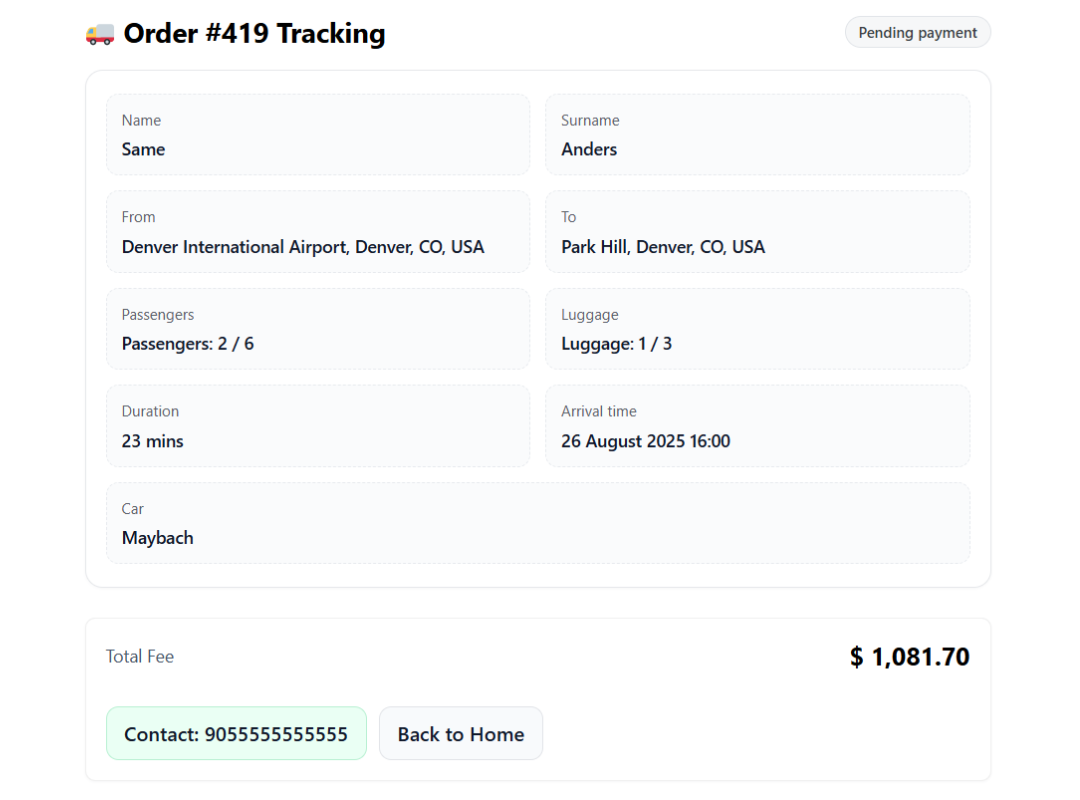
- Booking confirmation and tracking workflow
- Responsive layout for desktop, tablet, and mobile
- Theme-independent front-end styling
- Modern plugin settings, reservations, and vehicle management screens
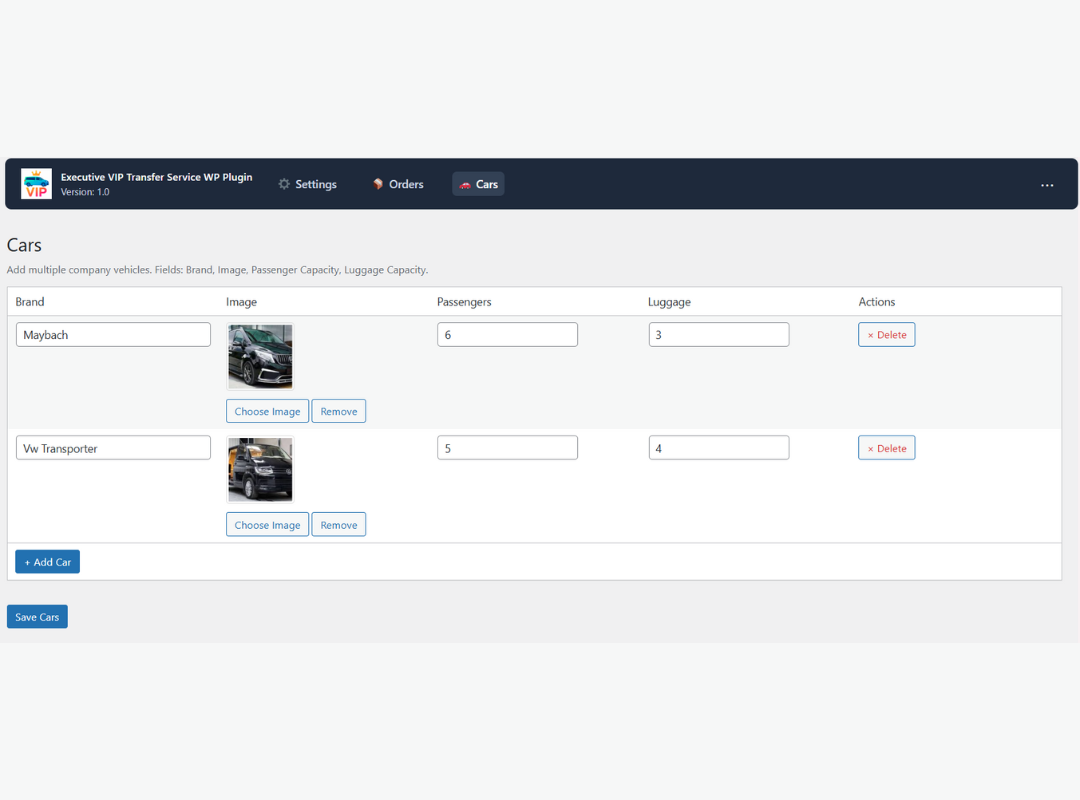
- Vehicle name, image, and description
- Passenger and luggage capacity
- Distance-based vehicle pricing
- Vehicle features and service badges
- Active and inactive vehicle status
- Automatic availability filtering by passenger and luggage requirements
- Route-based price preview before vehicle selection
- Step 1 — Route: Pickup, drop-off, date, time, passengers, luggage, return journey, map, distance, and duration
- Step 2 — Vehicle: Vehicle images, capacity, features, route-based pricing, and selection
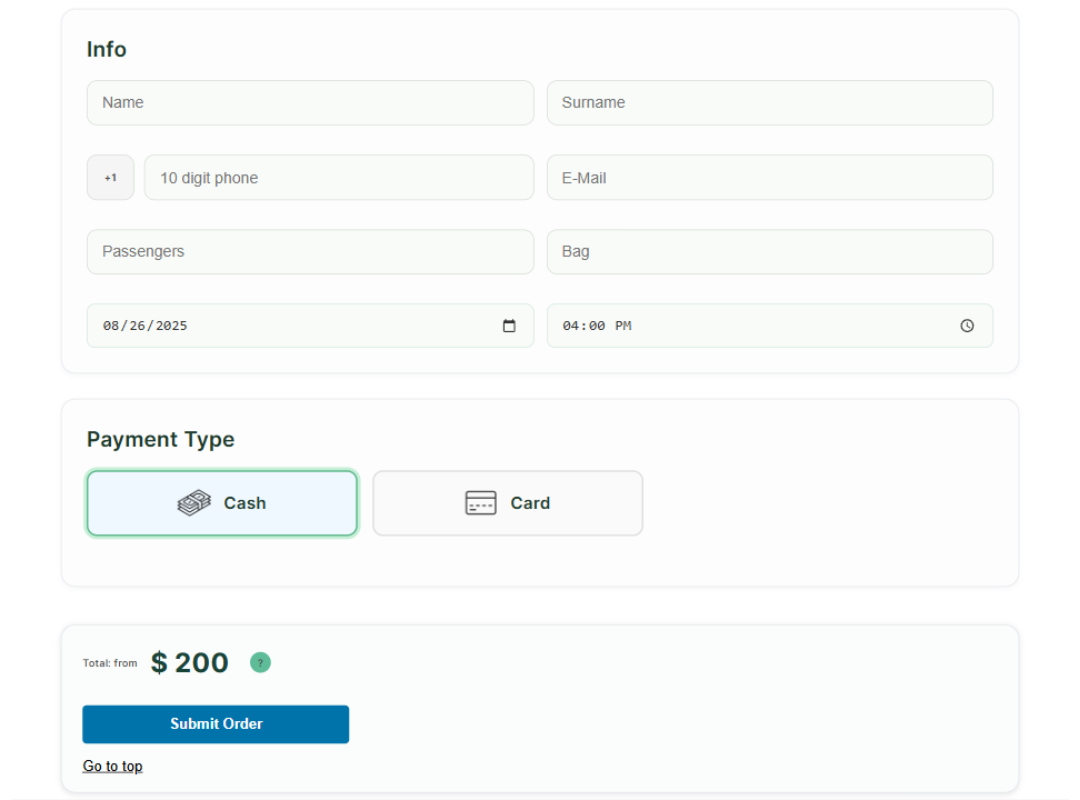
- Step 3 — Details & Payment: Passenger contact details, flight information, special requests, payment method, and final booking summary
- General booking configuration
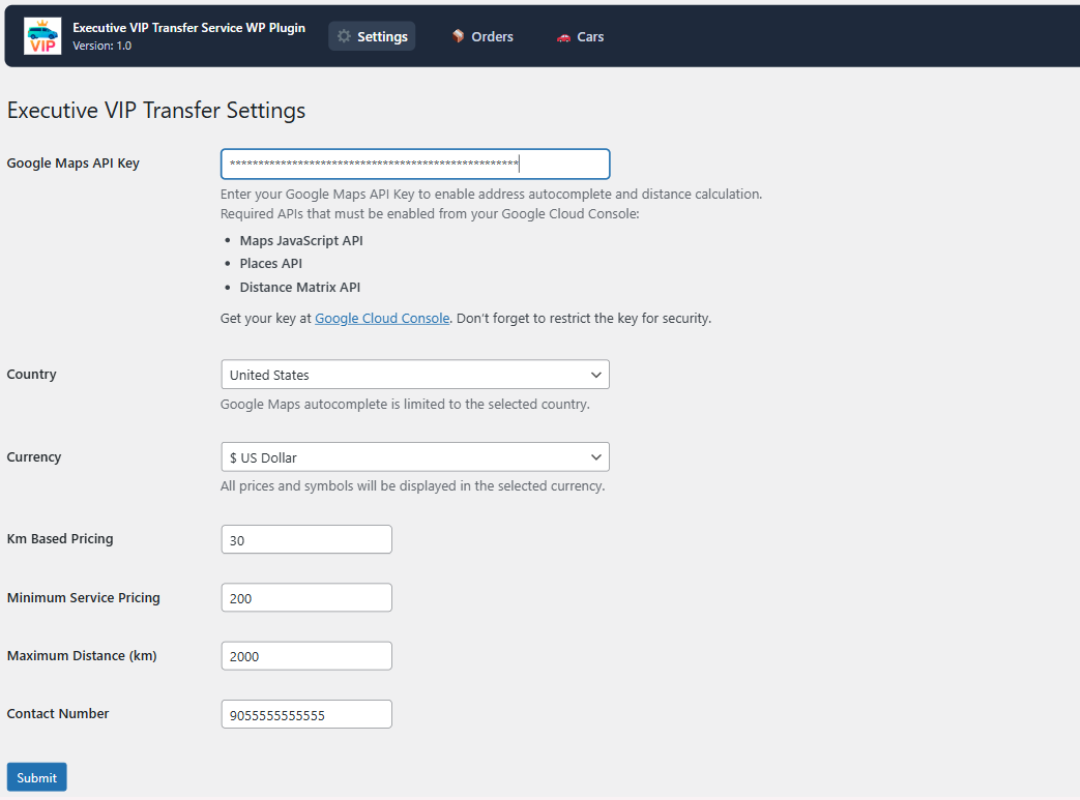
- Google Maps API settings
- Currency and pricing rules
- Booking form options
- Payment methods
- Email notifications
- Vehicle management
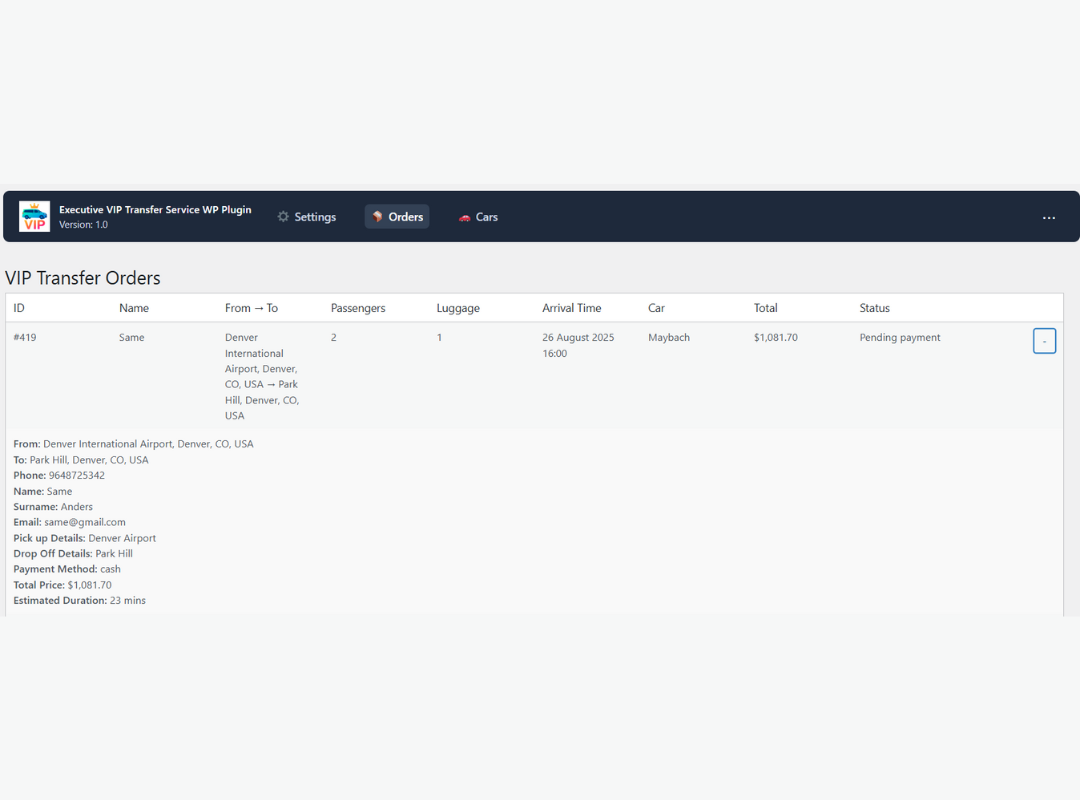
- Reservation management
- Reservation status and payment review
- Vehicle management
- Vehicle-specific route pricing
- Live route map and directions
- Advanced pickup scheduling
- Capacity-based vehicle filtering
- Enhanced booking summaries
- Priority support
安装:
- Install and activate WooCommerce.
- Upload the plugin files to
/wp-content/plugins/executive-vip-transfer-service/, or install the plugin through the WordPress Plugins screen. - Activate Executive VIP Transfer Service.
- Go to VIP Transfer Service → Settings.
- Enter your Google Maps API key and configure pricing, currency, payment, and booking options.
- Add vehicles from VIP Transfer Service → Cars when vehicle management is available.
- Add
[execvitr_form]to any page, or use the booking page created automatically by the plugin.
屏幕截图:
常见问题:
Is WooCommerce required?
Yes. WooCommerce is used for order creation, payment processing, order status management, and supported payment gateways.
Where can I see a working example?
Open the live demo to review the complete route, vehicle, passenger, and payment flow.
Why does the displayed price differ from a Google route estimate?
Google provides route distance and duration. The final price is calculated using the pricing rules configured in the plugin, including distance rates, vehicle rates, minimum price, return journey, and configured fees.
Why is address autocomplete not working?
Confirm that billing is active, the Browser API key is valid, Maps JavaScript API and Places API (New) are enabled, and the key's HTTP-referrer restrictions include the exact website domain. Route pricing also requires Routes API. The plugin now surfaces Google authorization/loading errors directly in the form instead of polling indefinitely.
Can customers see a price before selecting a vehicle?
Yes. After the route is calculated, the booking summary can display the lowest available vehicle price as a starting price. The exact total is updated when a vehicle is selected.
Can I hide the large booking header?
Yes. It is disabled by default from version 1.3.8 onward. You can control it from the plugin settings or use the show_hero shortcode attribute.
Can I accept cash payments?
Yes. Manual or cash payment can be enabled from the payment settings. Card payments can also be processed through available WooCommerce payment gateways.
Can I use miles instead of kilometers?
Yes. The plugin supports kilometer and mile-based distance display and pricing configuration.
Another plugin also loads Google Maps. Can this cause a conflict?
The plugin includes safeguards against duplicate initialization. If another theme or plugin injects Google Maps more than once on the same page, review the script-loading settings and remove the duplicate Google Maps loader.
Can I use a different currency for each country?
The current version uses one global currency configuration for the booking system.
更新日志:
- Fixed: Booking submission no longer depends on jQuery
serializeArray()or$.ajax, preventing failures with jQuery slim/optimized builds. - Added: Modern Places Autocomplete Data API support with session tokens and a legacy autocomplete fallback.
- Added: Modern Route Matrix / Routes API distance calculation with legacy Distance Matrix compatibility fallback.
- Added: Optional Server API key setting for server-side route recovery.
- Fixed: Google Maps loader now reports missing key, authorization, script, Places library and timeout errors instead of polling forever.
- Improved: Route preview uses the current Route class first and legacy Directions only as a compatibility fallback.
- Fixed: Server-side distance recalculation can recover a booking when browser route calculation fails.
- Security: Server-side route verification overrides browser-submitted distance when a valid server key is configured, reducing price-tampering risk.
- Fixed: Ticket/email data now carries the correct mile conversion plus phone, duration, passenger, luggage and payment details more consistently.
- Fixed: Paid online transfer orders are completed after WooCommerce confirms payment instead of remaining in Processing.
- Fixed: Existing internal booking products are normalized as hidden virtual products during upgrade.
- Fixed: Cash-to-driver reservations no longer redirect customers to the WooCommerce payment screen.
- Fixed: Reservation emails are triggered directly when the plugin creates an order, and failed recipients remain retryable.
- Improved: Email sender uses the WooCommerce configured sender identity and retries without the PDF attachment if attachment delivery fails.
- Improved: Billing address data and booking metadata are saved more consistently for payment gateways and emails.
- Fixed: PHP 7.2 compatibility by removing PHP 7.4 arrow-function syntax from plugin PHP files.
- Changed: The optional booking header is now disabled by default.
- Added: Automatic migration for previously saved header visibility settings.
- Added: Per-shortcode header visibility control with
show_hero="yes"andshow_hero="no".
- Added: Configurable booking header settings.
- Added: Editable booking header badge, title, description, and benefit text.
- Improved: Compatibility with websites that provide their own page header or hero section.
- Fixed: Pickup and drop-off icons no longer overlap placeholder or address text.
- Improved: Input spacing and right-to-left layout compatibility.
- Redesigned: Step 2 vehicle selection cards with improved image, capacity, feature, price, and selection layout.
- Redesigned: Admin settings page with modern navigation and section cards.
- Improved: Responsive vehicle selection for desktop, tablet, and mobile.
- Fixed: Reservation action buttons remain fully visible in the admin orders table.
- Improved: Actions column width and responsive table behavior.
- Redesigned: Plugin admin pages with a modern interface.
- Improved: Settings, reservations, vehicle management, license, and support page styling.
- Added: Starting price display after route calculation and before vehicle selection.
- Improved: Price updates when passenger or luggage requirements change.
- Fixed: Full plugin packaging now includes all required admin files.
- Improved: Safer loading behavior when a required plugin file is unavailable.
- Redesigned: Complete three-step booking interface.
- Added: Sticky transfer summary and clearer route, vehicle, passenger, and payment flow.
- Improved: Mobile layout, vehicle selection, pricing visibility, and booking actions.
- Fixed: Booking form no longer remains stuck on "Sending..." before payment redirect.
- Improved: Failed or timed-out booking requests restore the submit button and display an error.
- Fixed: Front-end CSS compatibility issue.
- Fixed: Admin stylesheet loading.
- Added: Return booking option with return date and time fields.
- Added: Admin reservation list sorting by order date or pickup date.
- Added: Reservation editing screen.
- Added: Setting to enable or disable card payment.
- Fixed: WooCommerce and HPOS-compatible reservation deletion.
- Improved: Front-end form stability across WordPress themes.
- Improved: Payment method layout and admin action alignment.
- Fixed: General stability improvements.
- Added: Booking summary and WooCommerce order-pay flow.
- Improved: Order-pay page displays payment methods only for transfer bookings.
- Added: Minimum advance booking time setting.
- Added: Vehicle short description field.
- Improved: Passenger and luggage validation.
- Improved: Distance unit labels for kilometers and miles.
- Added: WooCommerce checkout support, automatic booking product creation, ticket PDF delivery, and vehicle capacity limits.
- Improved: Checkout, map, email, ticket, and responsive form stability.
- Improved: Google Maps API settings and distance calculation.
- Added: Font family setting.
- Added: Global and vehicle-specific distance pricing modes.
- Added: Automatic vehicle card pricing after route calculation.
- Added: Live route map, directions, and geolocation support.
- Added: Distance, duration, and vehicle information to booking summaries.
- Improved: Google Maps conflict protection and mobile layout.
- Added: Vehicle distance-based pricing.
- Improved: License page layout.
- Added: Pro upgrade section.
- Added: Country, currency, pricing, distance limit, and contact settings.
- Improved: Plugin documentation.
- Improved: Admin settings layout and screenshot documentation.
- Initial release.