
Explorates Booking
| 开发者 |
explorates
jbclot |
|---|---|
| 更新时间 | 2026年9月25日 01:04 |
| PHP版本: | 7.4 及以上 |
| WordPress版本: | 7.1 |
| 版权: | GPLv2 or later |
| 版权网址: | 版权信息 |
详情介绍:
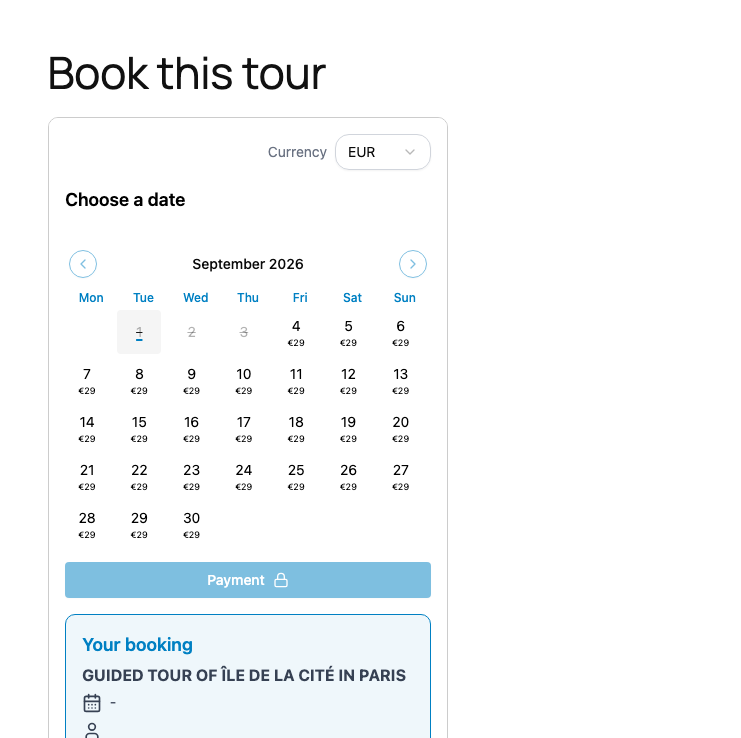
- the booking calendar on its own, to drop under your own description;
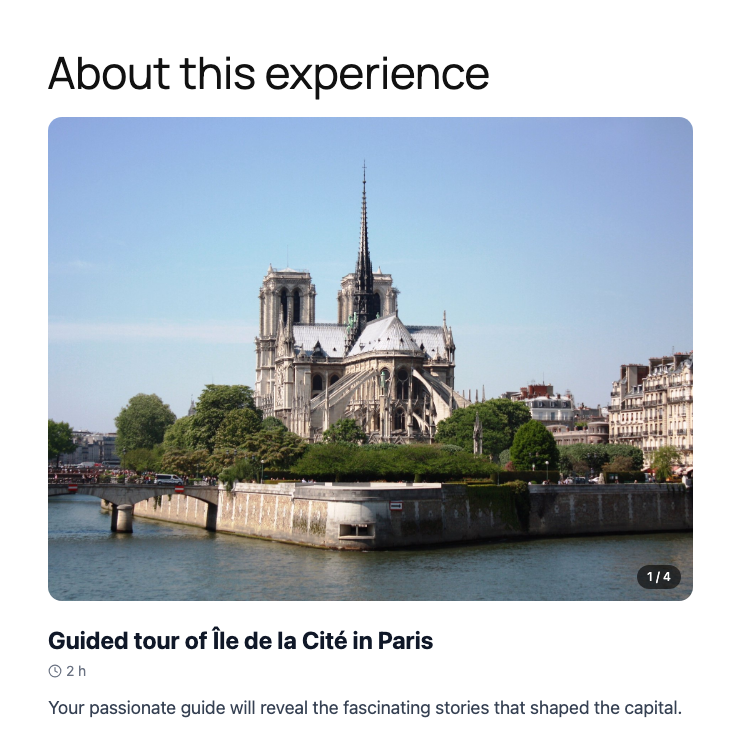
- the full product page — photos, description, prices and booking — when you would rather not rewrite everything in WordPress.
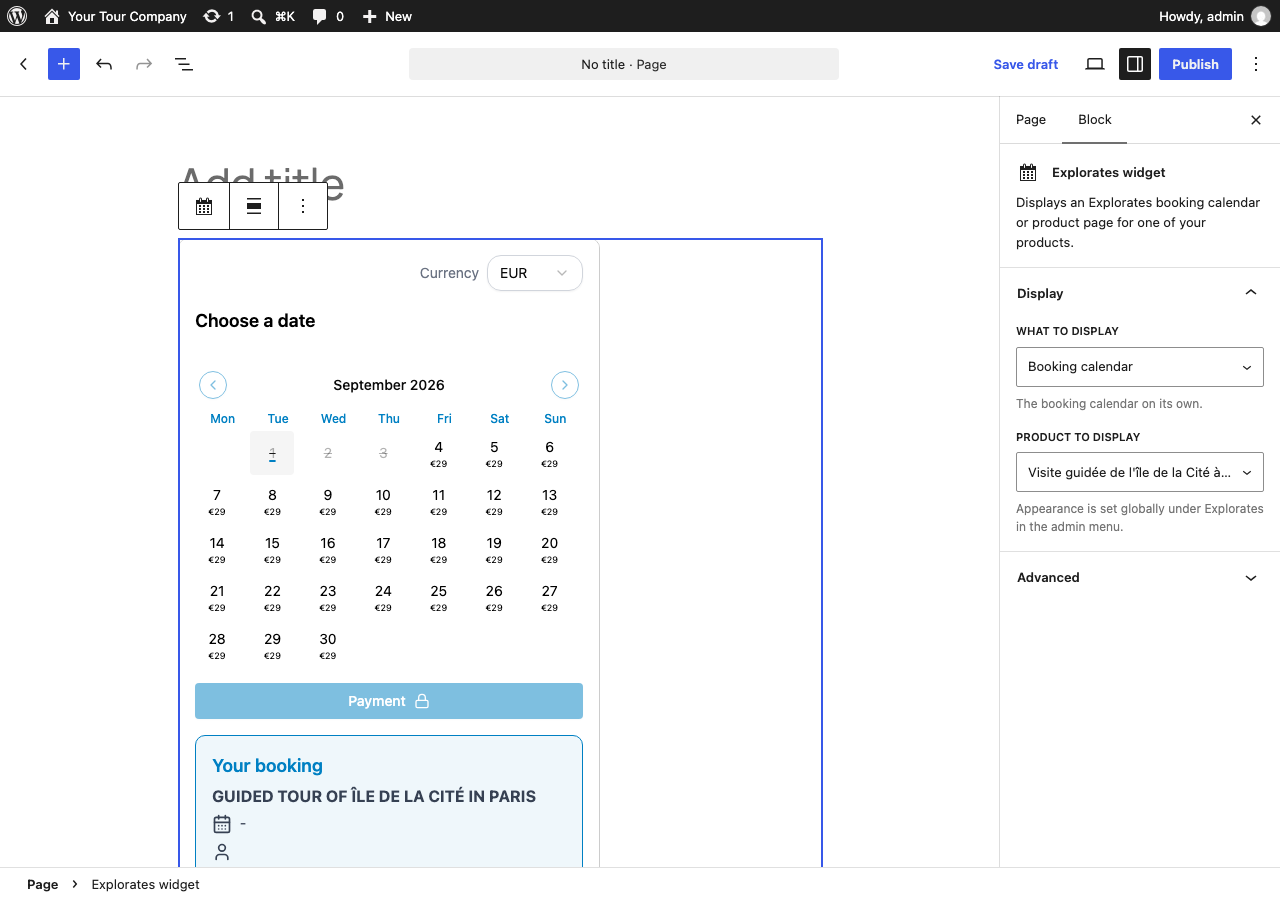
- An "Explorates widget" block with a product picker, a display switch and a live preview inside the editor
- A
[explorates_widget product="…"]shortcode for classic editors, page builders and widget areas, withtype="page"for the full product page - Global appearance settings (primary color, border, language, first day of the week, price on calendar days), overridable per shortcode
- A connection test and a preview on the settings screen, so you can check everything before publishing
- Your product list is fetched server-side and cached for one hour: your visitors' browsers never call the Explorates API
The plugin runs on PHP 7.4, but PHP 8.1 or newer is recommended — PHP 7.4 is end of life and no longer receives security fixes.Useful links
安装:
- Upload the
explorates-bookingfolder to/wp-content/plugins/, or install the plugin from the Plugins screen. - Activate the plugin.
- Open the "Explorates" menu and enter your organization ID, then click "Test connection".
- Insert the "Explorates widget" block, or paste the shortcode, in any page.
屏幕截图:
常见问题:
Where do I find my organization ID?
In your Explorates dashboard, open the embed code of any product: the data-organization-id value is your organization ID.
Do I need an Explorates account?
Yes. The plugin displays the booking widget of an existing Explorates account; it cannot work on its own.
Can I display several of them on the same page?
Several product pages on one page work fine. The booking calendar, however, is limited to one per page: if you insert more than one, only the first becomes active. Use one page per product, or the product page display, in the meantime.
What is the difference between the calendar and the product page?
The calendar shows availability and takes the booking, and nothing else — useful when your own page already describes the activity. The product page shows everything Explorates holds about the product (photos, description, prices) with the booking on top, so a single block gives you a complete page.
Pick it in the block settings, or add type="page" to the shortcode.
Which languages does the widget support?
French and English. Set it explicitly in the settings, or leave "Automatic" to follow your site language.
Does the plugin work with page builders?
Yes, through the shortcode, in any builder that renders WordPress shortcodes.
更新日志:
- Fix: the product page display now follows the site language instead of the visitor's browser language.
- Initial release: booking calendar and product page displays, block, shortcode, settings screen, connection test and previews.