ExploreXR
| 开发者 | expoxr |
|---|---|
| 更新时间 | 2026年9月5日 18:23 |
| PHP版本: | 7.4 及以上 |
| WordPress版本: | 7.1 |
| 版权: | GPLv2 or later |
| 版权网址: | 版权信息 |
详情介绍:
<model-viewer> element. Upload GLB / GLTF / USDZ files, embed them anywhere with a shortcode, and pair the viewer with one Premium Addon of your choice (AR Addon, Animation Addon, or Loading Options Addon).
For multi-addon production setups, upgrade to ExploreXR Premium for 3, 5, or unlimited addons.
Live Demo | Documentation | Pricing
Free Version — The 3D Viewer + One Premium Addon
ExploreXR Free gives you a clean, capable 3D viewer you can embed anywhere on your WordPress site, plus one Premium Addon of your choice:
- Display interactive GLB, GLTF, and USDZ 3D models in any post, page, or widget
- Embed with shortcode:
[explorexr_model id="123"] - Fully responsive — scales correctly on desktop, tablet, and mobile with per-breakpoint sizing
- Camera controls: rotation, zoom, pan, and touch gestures
- Auto-rotation with configurable speed, delay, and direction
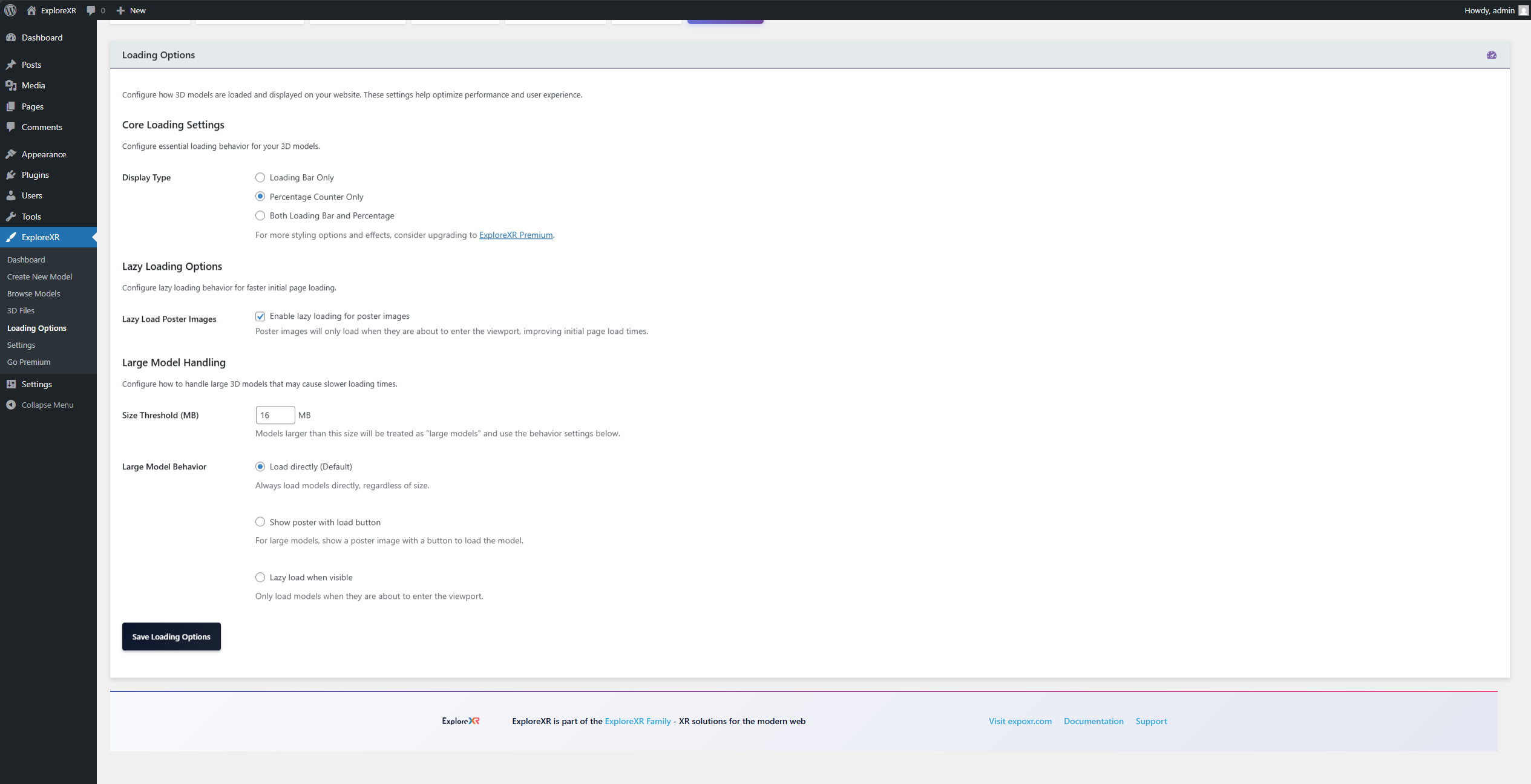
- Poster image support with lazy loading and "click to load" mode
- Per-model load behavior: direct, poster + button, or lazy via IntersectionObserver
- Customizable Load Model button with configurable text, colors, and radius
- Bundled Draco geometry, KTX2/Basis Universal texture, and Meshopt decoders — no CDN needed
- Drag-and-drop model upload through the WordPress admin
- Conditional asset loading — scripts only enqueue on pages with a model shortcode
- Nonce-protected admin actions and strict file upload validation
- Full WordPress Coding Standards compliance, tested on WordPress 5.8 through 7.1
- AR Addon — iOS Quick Look, Android Scene Viewer, and WebXR augmented reality
- Animation Addon — Play, pause, loop, and ping-pong glTF animation clips with crossfade transitions
- Loading Options Addon — Custom loading bars, percentage counters, and loading overlays
- E-commerce stores — let shoppers rotate and inspect products before buying (AR available via included addon)
- Product designers and manufacturers — present technical models with precision and clarity
- Architecture and real estate teams — browser-based model presentations without external tools
- Agencies — a repeatable system for delivering 3D capability across multiple client sites
- Education and training teams — interactive 3D models embedded directly into course content
- Pro — 3 addon slots
- Plus — 5 addon slots
- Ultra — Unlimited addons
- AR (Augmented Reality) — iOS Quick Look, Android Scene Viewer, and WebXR in one add-on
- Animation Control — Multi-clip playback with configurable crossfade transitions
- Annotations — Interactive hotspots, labels, dimension lines, and camera-targeted explanations
- Material Variants — Real-time color, finish, and model state switching without page reload
- Camera & Lighting — Expert camera constraints and HDRI environment lighting
- Post-Processing — Cinematic visual effects and filters applied directly to the viewer
- Loading Options — Custom loading bars, percentage counters, and loading overlays
- WooCommerce Integration — Attach 3D models directly to product pages
- Elementor Widget — Native drag-and-drop 3D viewer block inside the Elementor editor
- Divi Module — Native integration within the Divi visual builder
- Avada Integration — Fusion Element for Avada-based sites
- Draggable Viewer — User-repositionable viewer for advanced editorial layouts
- Mouse3D Cursor — 3D-aware pointer for interactive presentation experiences
- WordPress Block Editor (Gutenberg)
- Classic Editor
- Elementor (free version: shortcode; Premium: native widget)
- Divi (free version: shortcode; Premium: native module)
- Avada / Fusion Builder (free version: shortcode; Premium: native element)
- Any shortcode-compatible builder
安装:
- Go to Plugins → Add New in your WordPress dashboard
- Search for ExploreXR
- Click Install Now then Activate
- Download the plugin ZIP from WordPress.org
- Go to Plugins → Add New → Upload Plugin
- Select the ZIP file and click Install Now
- Activate the plugin via the Plugins menu
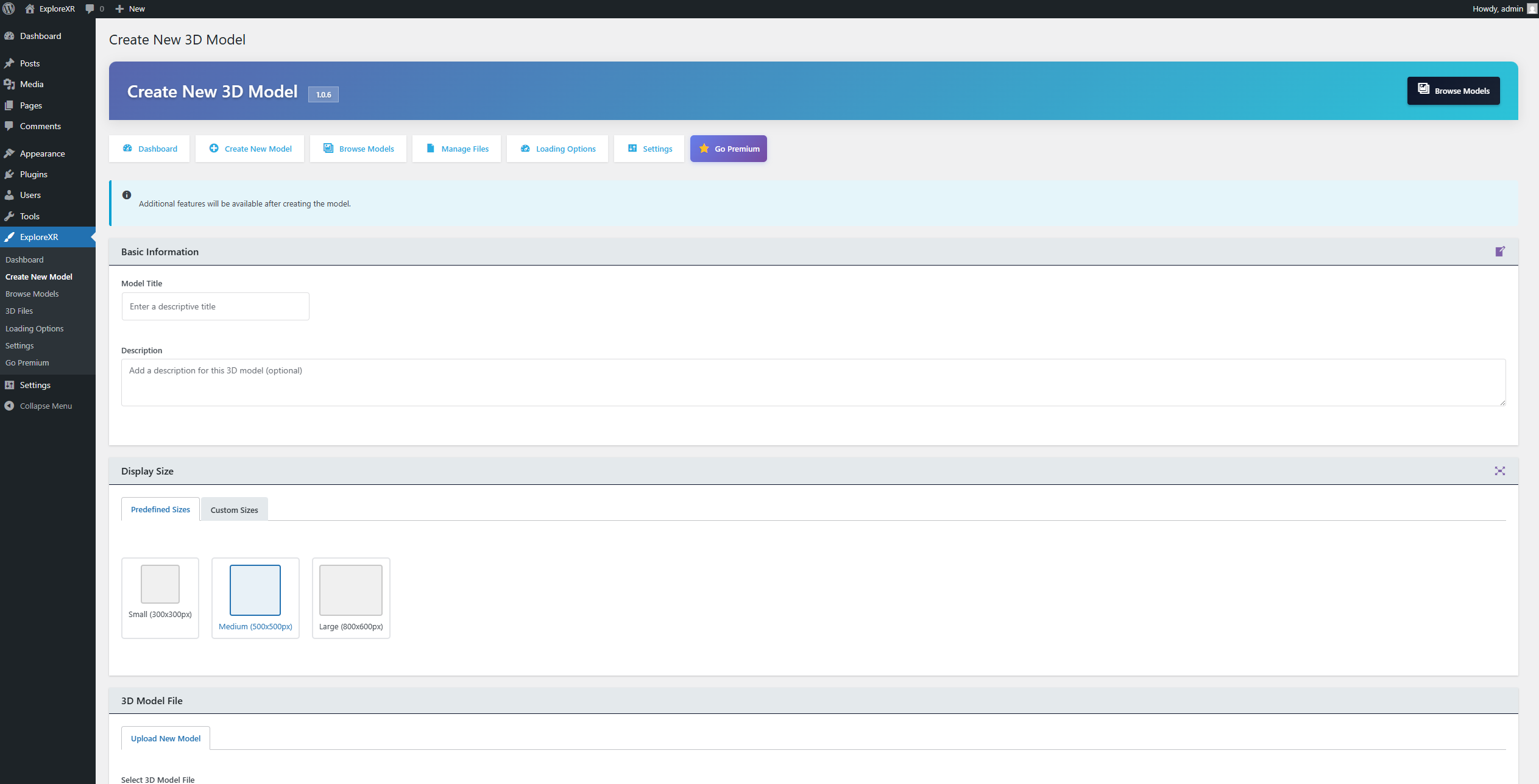
- Go to ExploreXR → Create Model in the WordPress admin
- Upload a GLB or GLTF file (GLB recommended for best performance)
- Set viewer size, background, controls, and optional poster image
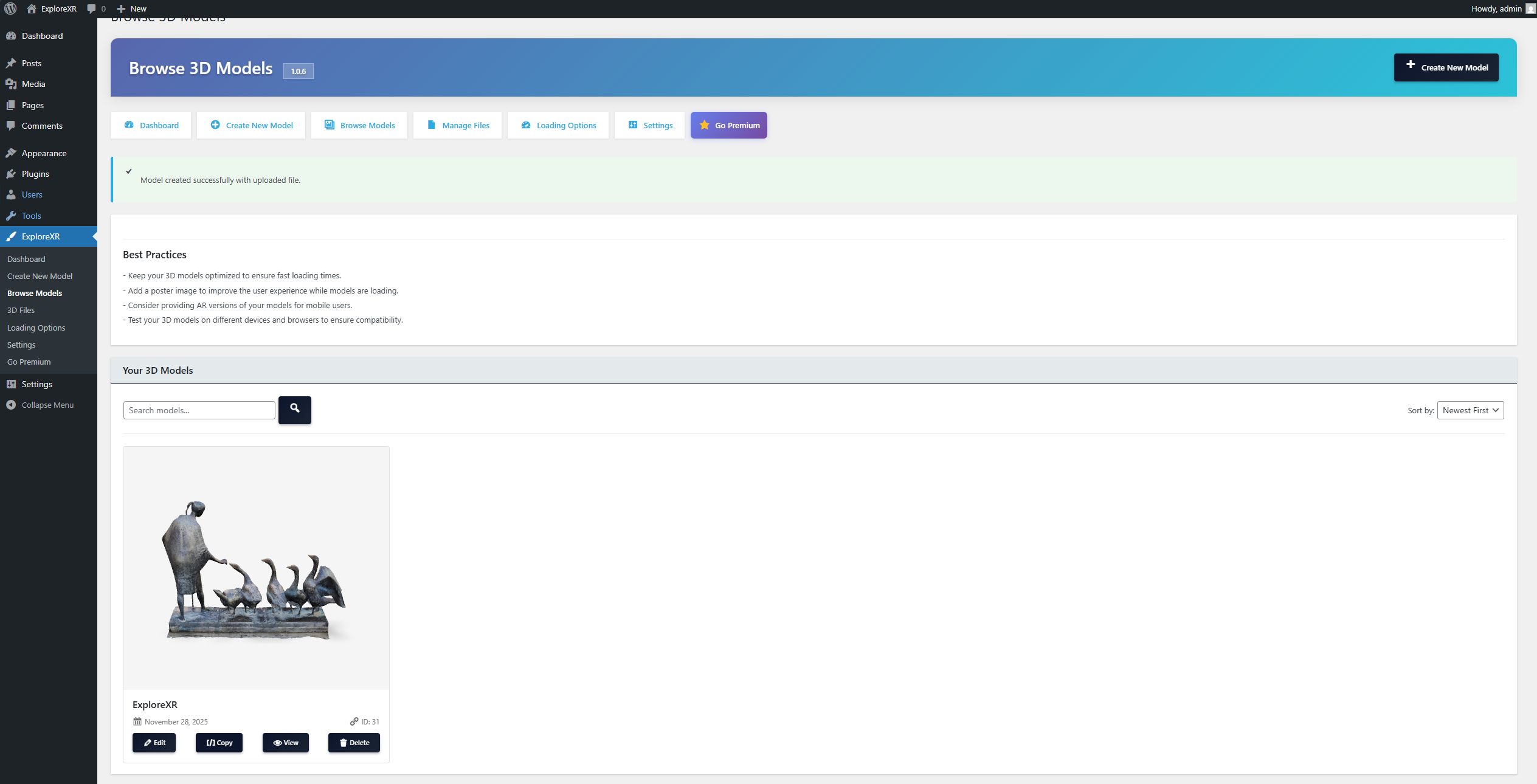
- Copy the generated shortcode (e.g.
[explorexr_model id="123"]) - Paste the shortcode into any post, page, widget, or page builder block
- Visit ExploreXR → Addons to install your included Premium Addon (AR, Animation, or Loading Options) Full documentation: https://expoxr.com/explorexr/documentation/
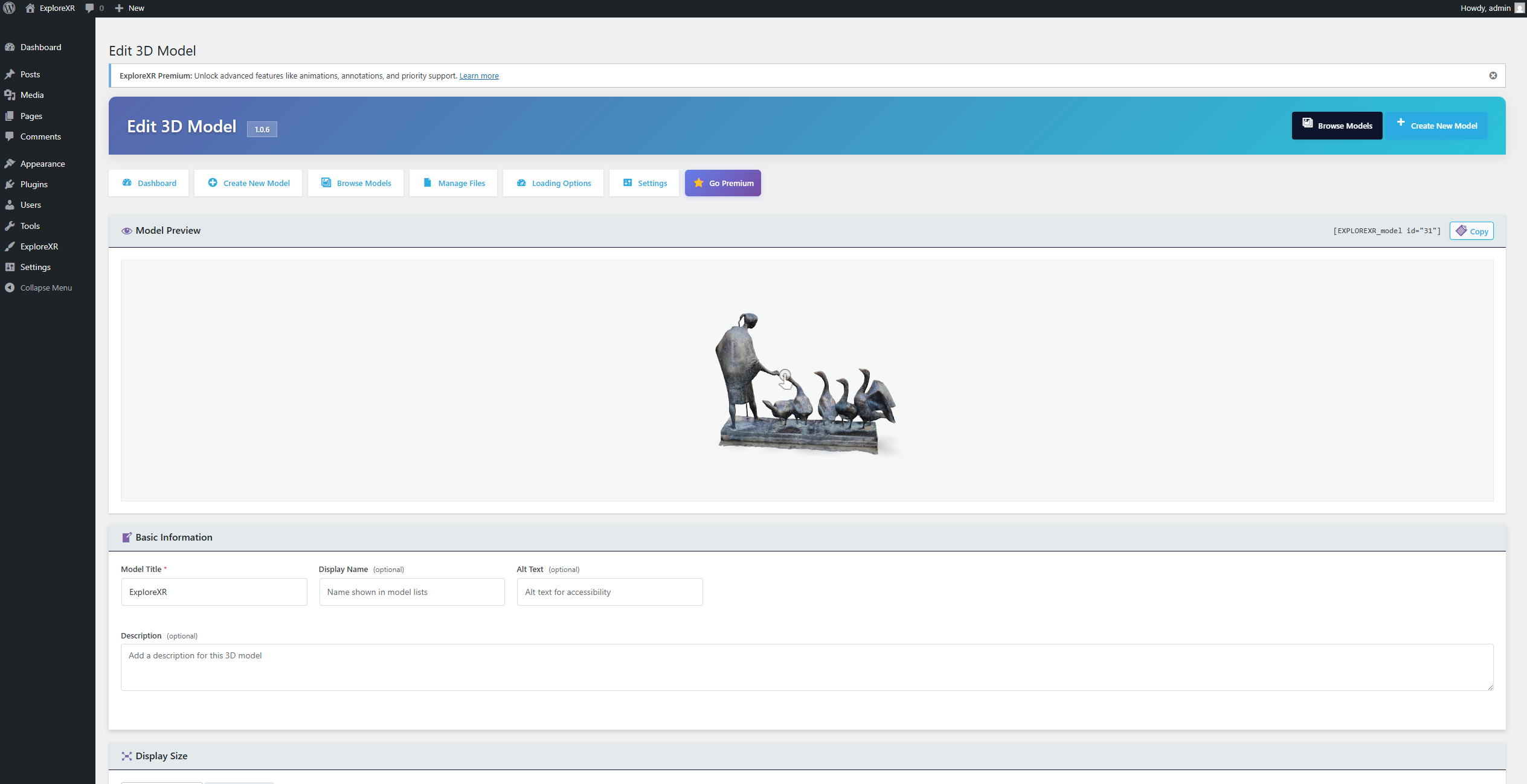
屏幕截图:




常见问题:
What is the difference between the free version and Premium?
The free version includes a 3D viewer plus one Premium Addon of your choice (AR, Animation, or Loading Options). ExploreXR Premium is a full add-on platform built on a modular architecture, giving you 3, 5, or unlimited addon slots depending on your plan — including material variants, WooCommerce integration, native page builder widgets, and more.
How many addons can I run on the free version?
Exactly one, from the curated list: AR Addon, Animation Addon, or Loading Options Addon. Activating a second one will be blocked with a notice. To use multiple addons simultaneously, upgrade to ExploreXR Premium.
Which 3D file formats does ExploreXR support?
GLB, GLTF, and USDZ. GLB (binary GLTF) is the recommended format — it is self-contained, loads faster, and has the broadest device support. USDZ is optimized for iOS AR workflows.
How do I embed a 3D model on a WordPress page?
Create a model under ExploreXR → Create Model, then paste the shortcode [explorexr_model id="123"] into any post, page, widget, or page builder block. That is all.
Does ExploreXR require coding knowledge?
No. The entire workflow — uploading models, configuring the viewer, embedding on pages — is handled through the WordPress admin interface. No PHP, JavaScript, or CSS knowledge is required.
Does it work on all devices and browsers?
Yes. ExploreXR works on all modern browsers and devices that support WebGL, including desktop (Chrome, Firefox, Safari, Edge), tablet, and mobile.
Will 3D models slow down my WordPress site?
Not when configured correctly. ExploreXR uses conditional asset loading (scripts only load on pages with a 3D model), multiple loading strategies (direct, lazy, and poster-driven for large files), and locally bundled decoders — so models are compressed and loading is deferred until needed.
Does ExploreXR work with Elementor, Divi, and Avada?
Yes. The free version works with all three via shortcode. ExploreXR Premium adds native drag-and-drop widgets and modules for Elementor, Divi, and Avada.
Is AR (Augmented Reality) included in the free version?
Yes! AR is available as one of the three included Premium Addons. Install the AR Addon from ExploreXR → Addons to get iOS Quick Look, Android Scene Viewer, and WebXR support.
Why can I not install other ExploreXR addons?
The free version is locked to three included Premium Addons: AR Addon, Animation Addon, and Loading Options Addon. Any additional addons or multiple-addon setups require ExploreXR Premium.
Can I run ExploreXR and ExploreXR Premium at the same time?
No. If Premium is activated, the free plugin self-deactivates to prevent conflicts. Your models and meta data are preserved.
Is ExploreXR compatible with WooCommerce?
WooCommerce product page integration is available in ExploreXR Premium.
Is there a free trial for Premium?
Yes. You can try all premium add-ons free for 14 days — no credit card required. Request your trial here.
Is ExploreXR compatible with WordPress 7?
Yes. ExploreXR is tested against WordPress 7.x and follows WordPress Coding Standards to ensure long-term compatibility across every major WordPress release.
What happens to my models if I deactivate the plugin?
Your model files and all settings are preserved. Deactivating the plugin does not delete any data. Reactivate and everything will be exactly as you left it.
Where can I get support?
Free support is available on the WordPress.org support forum. Premium users have access to priority support via expoxr.com/support/.
更新日志:
- Fixed: Corrected Premium pricing to Personal (1 Website), Business (5 Websites), and Agency (25 Websites), each with Pro, Plus, and Ultra options.
- Compatibility: Updated the ExploreXR block for the WordPress 7.1 iframed editor.
- Fixed: Added a standards-compliant editor block alias while preserving the historical server block name.
- Fixed: Prevented Model Viewer template whitespace from causing editor and REST header warnings.
- Performance: Prevented ExploreXR admin assets from loading on unrelated WordPress screens.
- Security: Hardened server add-on metadata, package, version, and activation validation.
- Quality: Expanded PHP 8.5, PHPCompatibility, Plugin Check, and release ZIP validation in CI.
- Updated Premium comparison copy for central tier/domain entitlements, Agency, and 72-hour transport-only grace.
- Security: Hardened GLB, GLTF, and USDZ upload validation.
- Fixed: Deactivation preserves model data and opt-in uninstall removes only owned data.
- Fixed: Free add-on lifecycle, activation ordering, and mirrored add-on compatibility.
- Performance: Reduced duplicate viewer setup and unnecessary decoder loading.
- Minor fixes and improvements.
- Fixed: Deactivation confirmation dialog on the Plugins page closed itself instantly, before it could be seen or clicked, so clicking "Deactivate" appeared to do nothing.
- Fixed: Free-tier addon whitelist corrected to AR, Animation, and Loading Options (was incorrectly allowing Camera Controls and Annotations, which are Premium-only, while blocking Loading Options).
- Fixed: Closed a race condition where two addons could briefly end up simultaneously active during install.
- Fixed: Deactivation-notice script and admin bar link no longer silently fail due to a plugin-path case mismatch.
- Fixed: A plugin-wide button style was forcing its own color onto the Loading Options color pickers, so picked colors never displayed correctly.
- Added: Proper WordPress color pickers for the Load Model button colors, with automatic text contrast.
- Removed: Dead code, duplicate admin screens, and unused legacy files.
- Tested up to WordPress 7.0.
- Fixed: Admin page styling and layout improvements
- Fixed: Free addon selection UI refinements
- Fixed: Dashboard statistics display accuracy
- Improved: Admin navigation consistency
- Improved: Error messages and user feedback
- Initial WordPress.org release of the free ExploreXR plugin.
- Built on the same rendering core as ExploreXR Premium 1.3.1.
- Single-addon limit with curated whitelist (AR Addon, Animation Addon, Loading Options Addon).
- Compression decoders bundled: Draco, KTX2/Basis Universal, Meshopt.
- Per-model load behavior override (direct / poster + button / lazy).
- Customisable Load Model button.
- New Go Premium page with feature comparison.
- Adds global and per-model lazy loading, Load Model button customization, fixes large model size detection, and enables Draco/Meshopt/Basis texture compression.
- Fixes PHP fatal error on duplicate plugin activation.
- Fixes GLB/GLTF/USDZ upload failures caused by PHP finfo MIME detection.