
Export Media as ZIP
| 开发者 |
huzoorbakhsh
freemius |
|---|---|
| 更新时间 | 2026年10月9日 13:59 |
| PHP版本: | 7.4 及以上 |
| WordPress版本: | 7.1 |
| 版权: | GPLv2 or later |
| 版权网址: | 版权信息 |
详情介绍:
- Export JPG, PNG, GIF, JPEG, and WEBP images
- Filter by year — select one or more upload years to narrow the export
- Filter by image size — choose from Full Size (original) or any intermediate size registered by WordPress core, your active theme, or plugins (e.g. Thumbnail, Medium, Large, custom sizes)
- Live export preview shows how many images match the current filters before you start
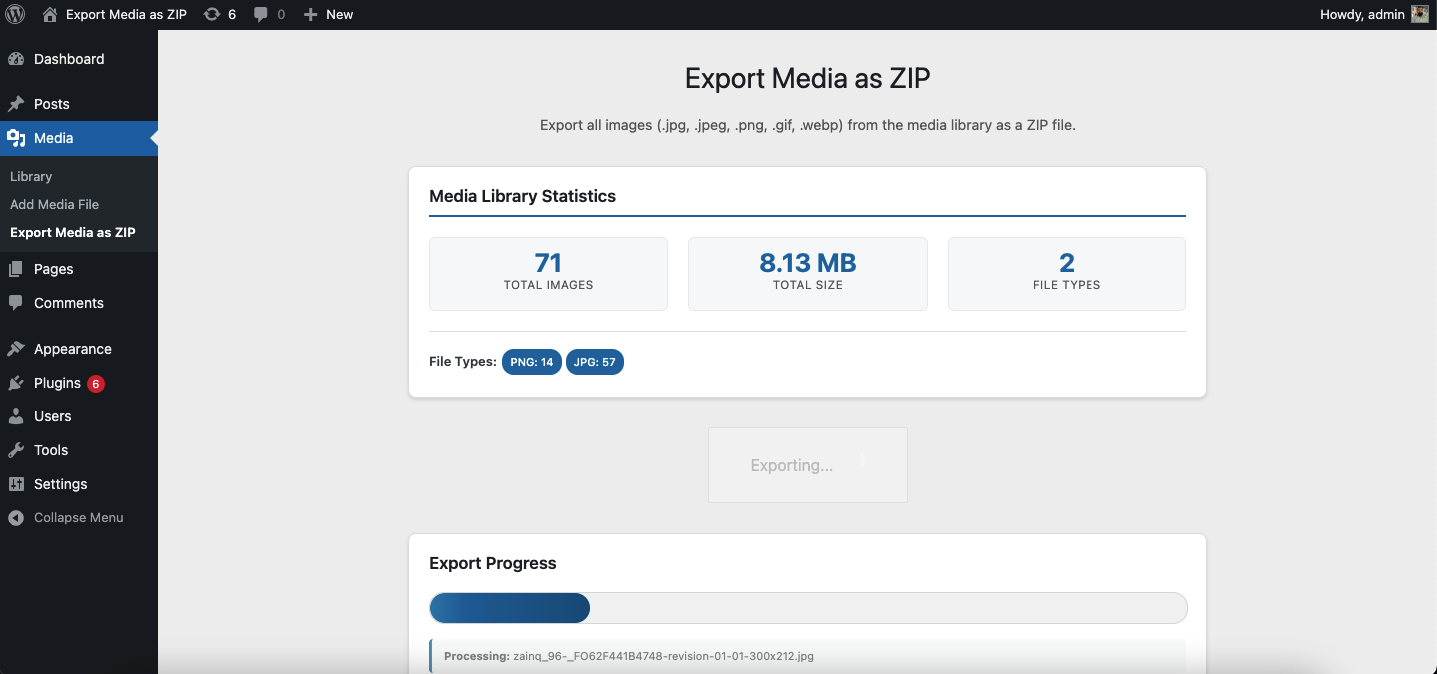
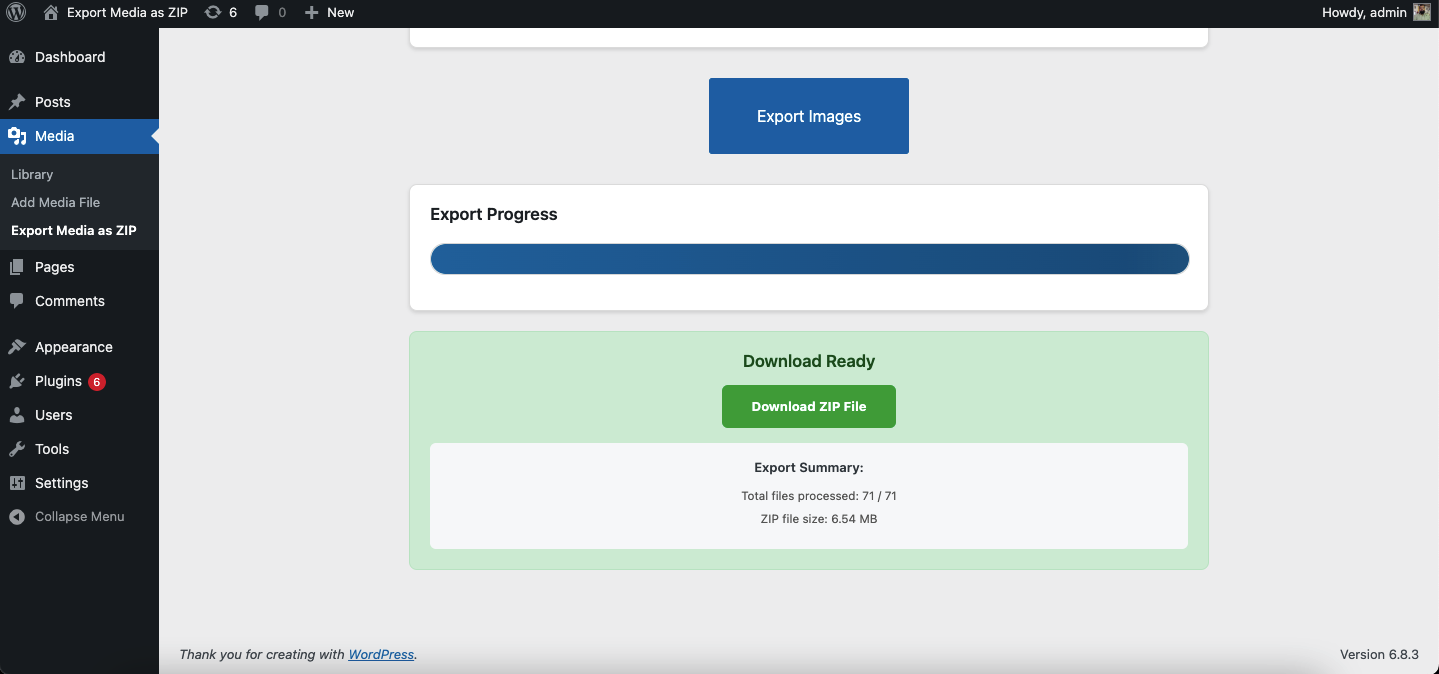
- Real-time progress bar during export
- Auto-expiring ZIP file — cleaned up automatically after 5 minutes
- Admin-only access
- No external dependencies
- Document export — include PDF, Word (doc/docx), Excel (xls/xlsx), and PowerPoint (ppt/pptx) files alongside images
- Background export — large exports run via WP-Cron in chunks instead of a single blocking request, so they don't time out; you get an email with the download link when the ZIP is ready
- Scheduled export — configure a recurring (daily, weekly, or monthly) export with your preferred filters; each run emails a fresh download link automatically
安装:
- Upload the plugin folder to
/wp-content/plugins/export-media-as-zipor install via the WordPress Plugin Directory. - Activate the plugin through the Plugins menu in WordPress.
- Go to Media > Export Media as ZIP.
- Use the Year and Image Size dropdowns to select what to export.
- Click Export Images and download the generated ZIP.
屏幕截图:
常见问题:
Who can access the export feature?
Only users with the manage_options capability (administrators) can access the export page.
What file types are included?
Only image files — .jpg, .jpeg, .png, .gif, and .webp.
What image sizes can I export?
You can export the original uploaded file (Full Size) and any intermediate size WordPress has generated for that image. The available sizes depend on your active theme and plugins. The plugin uses wp_get_registered_image_subsizes() to list all registered sizes automatically.
Can I export images from a specific year only?
Yes. The Year filter shows all years that have image uploads, with a count per year. Select one or more years before exporting.
Where is the ZIP file stored?
The ZIP is written temporarily to your uploads directory and deleted automatically after 5 minutes via a scheduled WP-Cron event.
Will it export every size variant of every image?
Only sizes you check in the Image Size dropdown are included. If an intermediate size was never generated for a particular image, that file is silently skipped.
What document types can Premium export?
PDF, Word (.doc/.docx), Excel (.xls/.xlsx), and PowerPoint (.ppt/.pptx). Documents are always included at their original file — the Image Size filter only affects images.
How does background export work?
Premium users can check "Run in background" before exporting. The export is queued and processed in chunks via WP-Cron so it can complete without keeping the browser tab open or hitting a server timeout. You'll receive an email with the download link (valid for 24 hours) when it's ready.
How does scheduled export work?
Premium users can configure a recurring export (daily, weekly, or monthly) using the Year, Image Size, and Document Type filters selected on the page, plus a recipient email. Each run happens automatically in the background and emails a fresh download link.
更新日志:
- Fixed: the same ZIP was downloaded no matter which year was selected (browser/CDN cache served the previous export from a fixed URL). Each export now gets its own unique filename.
- Fixed: deselecting all years exported every year instead of nothing.
- Security: export ZIPs are no longer publicly reachable in the uploads folder. They are stored in a protected
emaz-exportsdirectory with random filenames and downloaded only through an authenticated handler (admin + nonce for manual exports, secret per-job token for emailed links). Expiry is now enforced at download time instead of relying on WP-Cron.
- Added Premium document export — PDF, Word, Excel, and PowerPoint files alongside images
- Added Premium background export — chunked WP-Cron processing with email notification, for exports too large for a single request
- Added Premium scheduled export — recurring daily/weekly/monthly exports emailed automatically
- Plugin menu is now a top-level admin menu instead of a submenu under Media
- Tested up to WordPress 7.1
- Added Year filter — export images from one or more specific upload years
- Added Image Size filter — choose Full Size (original) and/or any intermediate size registered by the theme or plugins
- Live export preview shows image and size count before starting
- Replaced flat checkbox layout with dropdown-style filter UI
- Export now uses WP_Query against the database instead of filesystem scanning, ensuring only real media library attachments are included
- Uses wp_get_registered_image_subsizes() (WP 5.3+) with fallback for older installs
- Added media library statistics panel (total images, total size, file type breakdown)
- Added real-time progress bar with file counter
- Added auto-cleanup of expired ZIP files via WP-Cron
- Improved error handling and user messaging
- Tested up to WordPress 6.9
- Initial release