EZ Countdown Timer
| 开发者 |
blendmedia
wpctaplugin rcwpexpert |
|---|---|
| 更新时间 | 2026年2月17日 04:38 |
| PHP版本: | 5.0 及以上 |
| WordPress版本: | 6.9 |
| 版权: | GPL-2.0+ |
| 版权网址: | 版权信息 |
详情介绍:
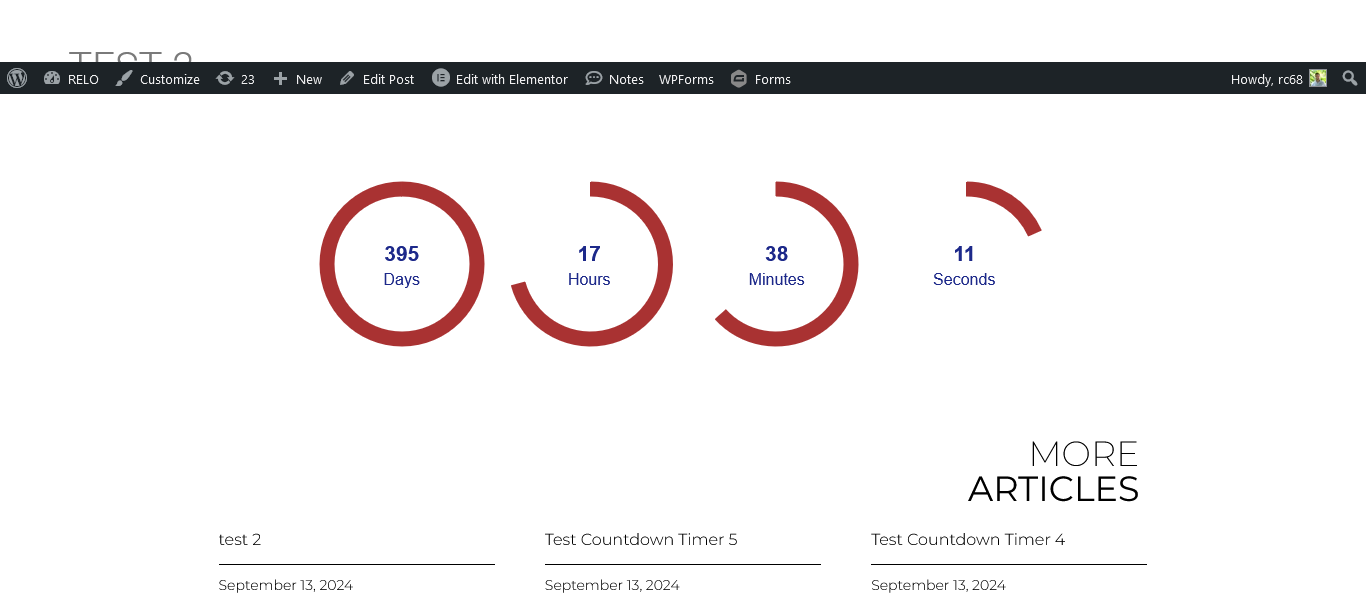
EZ Countdown Timer is a powerful yet simple plugin that enables you to add countdown timers to your WordPress site. It supports multiple timers, custom styling options, and a live preview feature. You can create timers with various configurations, including end time, text color, background color, font size, font weight, font family, and alignment.
Features:
- Create and manage multiple countdown timers.
- Customize timer appearance with colors, fonts, and sizes.
- Preview timer settings in real-time.
- Easy shortcode integration for adding timers to posts and pages.
安装:
- Upload the plugin files to the
/wp-content/plugins/ez-countdown-timerdirectory, or install the plugin through the WordPress plugins screen directly. - Activate the plugin through the 'Plugins' screen in WordPress.
- Navigate to 'Countdown Timers' in the WordPress admin menu to create and configure timers.
- Use the provided shortcode
[ezblnd_countdown_timer id="YOUR_TIMER_ID"]to display the countdown timer on your site.
屏幕截图:
常见问题:
How do I use the countdown timer shortcode?
To display a countdown timer, use the shortcode [countdown_timer id="YOUR_TIMER_ID"], replacing YOUR_TIMER_ID with the ID of the timer you want to display.
Can I customize the appearance of the countdown timer?
Yes, you can customize the text color, background color, font size, font weight, font family, and alignment of the countdown timer through the timer settings in the WordPress admin.
How can I preview the countdown timer settings?
The plugin provides a live preview feature in the admin panel, allowing you to see how your countdown timer will look with the current settings.
What should I do if the timer does not display properly?
Ensure that you are using the correct timer ID in the shortcode. If the issue persists, check the plugin settings and ensure that the plugin is activated.
Who should I contact for support?
For support inquiries, please reach out via our support page at Blend Media Support.
更新日志:
1.5
- Live preview fixes
- Timezone fixes for admin & frontend
- Pro features injection added
- Added font family selection to the countdown timer settings.
- Improved admin preview and settings functionality.
- Added font weight customization options.
- Fixed minor bugs related to color picker functionality.
- Introduced live preview feature for countdown timers in the admin panel.
- Improved styling options for better customization.
- Added additional settings for text color and background color.
- Initial release with basic countdown timer functionality.