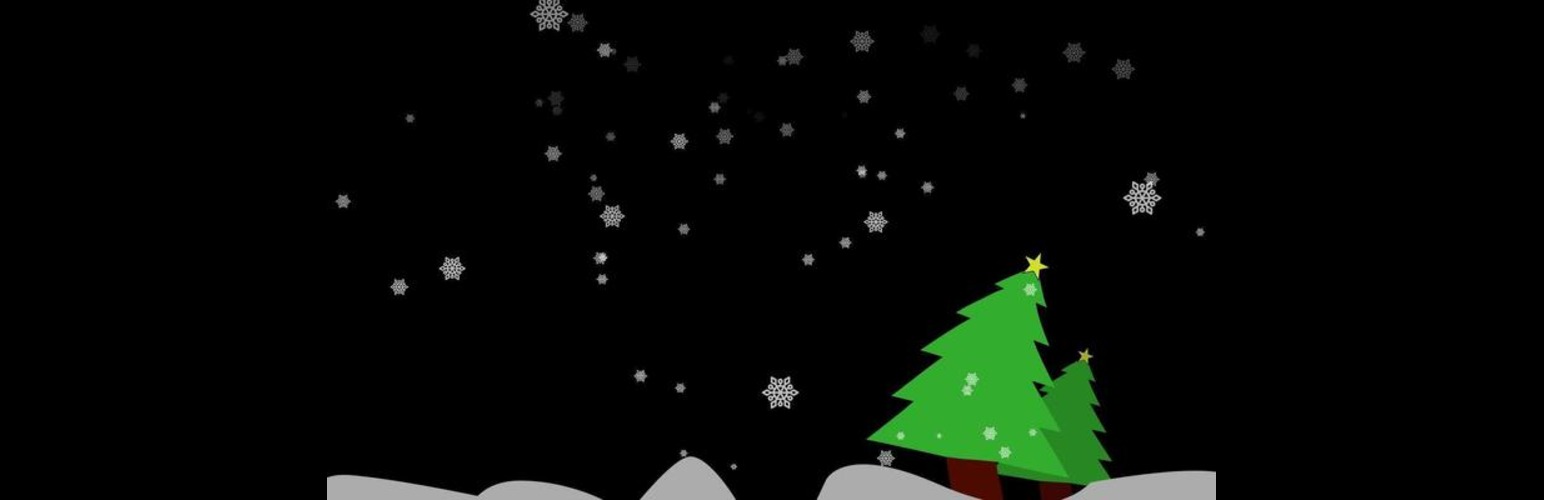
Falling Shapes
| 开发者 | sahanranasingha |
|---|---|
| 更新时间 | 2026年10月30日 14:02 |
| 捐献地址: | 去捐款 |
| PHP版本: | 7.4 及以上 |
| WordPress版本: | 7.1 |
| 版权: | GPLv2 or later |
| 版权网址: | 版权信息 |
详情介绍:
- Five built-in shape packs: snowflakes, hearts, confetti, leaves and stars. No uploads needed.
- Or use your own images from the Media Library.
- Light, Medium or Heavy amounts.
- Live preview on the settings page, on a dark or light background.
- Turn the effect on or off without deactivating the plugin.
- Option to hide it on phones.
- Smooth and light: every shape is drawn on a single canvas, the animation pauses while the browser tab is hidden, and the number of shapes on screen is capped.
- Respects the "reduce motion" accessibility setting, so visitors who are sensitive to motion never see it. Falling Shapes Pro is an add-on with seasonal scenes that switch on by date every year, page and device targeting, full motion controls (speed, direction, size, spin, sway, opacity), emoji and text shapes, confetti bursts after purchases and form sends, interactive effects, a block for effects inside one section, a visitor stop button, and import/export.
屏幕截图:

常见问题:
Can I control which shapes fall on the screen?
Yes. Pick one of the built-in packs, or choose "My images" and select images from the Media Library.
Will the animation slow down my site?
The plugin is built to stay light. All shapes are drawn on one canvas instead of being separate page elements, the number on screen is capped, and the animation pauses whenever the tab isn't visible. The script only loads when the effect is turned on.
Why don't I see the animation?
Check that "Show falling shapes on my site" is ticked, and that your device doesn't have "reduce motion" turned on. Visitors with that setting never see the animation, by design. If you chose "My images", make sure at least one image is selected.
Can I disable the plugin temporarily?
Yes. Untick "Show falling shapes on my site" on the settings page.
I used Falling Shapes Premium. Where did my speed and direction settings go?
Premium is now an add-on called Falling Shapes Pro, which works together with this plugin. Your settings are saved and come back when you install Falling Shapes Pro.
更新日志:
- Added: visual preview of Falling Shapes Pro special events (Christmas Santa's sleigh & reindeer, Halloween headless rider, ghosts & pumpkins, New Year fireworks, and Valentine's Day Cupid) and advanced controls on the settings screen.
- New: five built-in shape packs (snowflakes, hearts, confetti, leaves, stars). Works right away without uploading images.
- New: live preview on the settings page.
- New: on/off switch, Light/Medium/Heavy amounts, and an option to hide on phones.
- New: respects the visitor's "reduce motion" setting.
- New: rebuilt animation that draws everything on one canvas, for much smoother motion with less work for the browser.
- New: works with the Falling Shapes Pro add-on.
- Your images from 1.x carry over automatically.
- Tested up to WordPress 7.1.
- Fixed: the plugin no longer hides the site's scrollbar or resets the theme's page margins.
- Improved: smoother animation, a limit on shapes on screen, and a pause while the tab is hidden.
- Improved: images are saved as Media Library attachments and loaded at a smaller size.
- Added: Settings link on the Plugins screen, translation support, and cleanup when the plugin is deleted.
- Updated compatibility tested up to WordPress 6.9.
- Added premium plugin features for customization of falling shapes (speed, direction, frequency).
- Added a "Buy Premium" button with a link to support the plugin and unlock advanced options.
- Updated the admin settings page with a section for premium features and documentation.
- Initial release of the Falling Shapes plugin.