
Fancy Elements for Avada
| 开发者 | sohaibmuzammal |
|---|---|
| 更新时间 | 2026年11月20日 17:20 |
| 捐献地址: | 去捐款 |
| PHP版本: | 7.2 及以上 |
| WordPress版本: | 7.1 |
| 版权: | GPL v2 or later |
| 版权网址: | 版权信息 |
详情介绍:
- Fancy Tabs - Click-through panels for dense content, so visitors can explore several topics without leaving the page. Each tab supports its own background image or colour, and the whole element is fully keyboard accessible with ARIA roles for screen readers.
- Fancy Classic Timeline - A classic vertical timeline for milestones, company history or a step-by-step story. Entries alternate left and right down the page, each with its own date, heading and description.
- Fancy Modern Timeline - A modern timeline style built for roadmaps and longer stories. Every entry gets an image header and its own Read More link, so visitors can expand just the entries they care about.
- Fancy Testimonial - Customer quotes presented in an autoplaying slider, so social proof keeps moving without visitors needing to click anything. Each slide carries a portrait, name and role, with navigation dots to jump between quotes.
- Fancy Blockquote - Pull-quotes with an author, citation and image, built for highlighting a key line from an article or interview. Choose from three skins (Border, Boxed or Clean) and add a quote icon plus a Click to Tweet button so visitors can share the line directly.
- One category. Every element sits under Fancy Elements in Avada Builder, with a Fancy prefix in its name.
- Keep your element list tidy. The Fancy Elements screen in WordPress admin lists every element and lets you hide the ones you do not use.
- Drag and drop. Add, edit and style elements with the Avada Builder workflow you already know.
- Full keyboard support on interactive elements such as Tabs.
- ARIA roles and screen-reader labels across the elements.
- All output is escaped, and every colour and value is sanitized before it is used.
- No data is collected about you, your site or your visitors.
- The plugin makes one external request, only in WordPress admin, only on its own screen. It is described in full under External services below.
- Elements output real HTML text that search engines can read, not text baked into images.
- Pro adds Fancy Schema Markup, which outputs JSON-LD for ten schema.org types from builder fields, and Fancy Text Mask, whose image-filled headlines stay real, crawlable heading text.
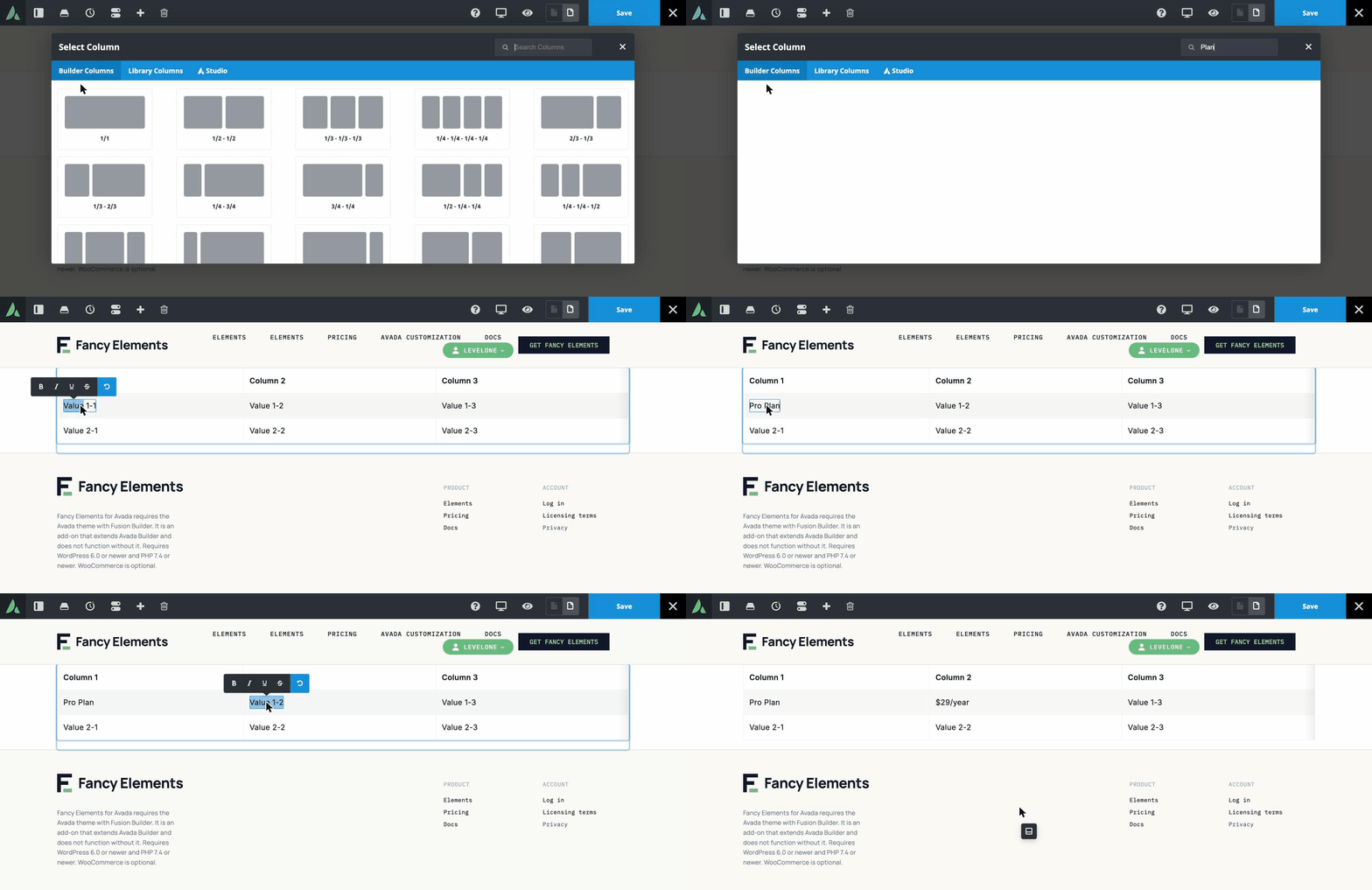
- Advanced Table - Paste in a CSV file and it becomes a fully interactive table, no manual row-by-row entry needed. Visitors can sort any column, search across the whole table, and page through results, with room for up to 500 rows per table.
- Comparison Table - A feature or pricing comparison table that lines up plans or products side by side. Rows show checkmarks or crosses for each feature, and one column can be highlighted to steer visitors toward the plan you want them to pick.
- Calendar - A responsive calendar in month or week view, for events, opening hours or anything else tied to specific dates. Add entries to individual dates that open in a popup with the full details, and today's date is always highlighted correctly, even on a cached page.
- Advanced Timeline - A Pro-only timeline that goes vertical or horizontal, for roadmaps or long histories that need more flexibility than the free timelines. Each entry can use a dot, icon or image marker, and entries reveal themselves as visitors scroll down to them.
- FAQ Accordion - Questions that expand one at a time, so a long FAQ list doesn't overwhelm the page. Choose from multiple accordion designs and icon styles, and answers support full rich text, not just plain paragraphs.
- Case Study - Challenge, solution and results laid out in one case-study layout, built for showing proof of work. Back up each claim with images, metrics and custom fields, so the story isn't just text.
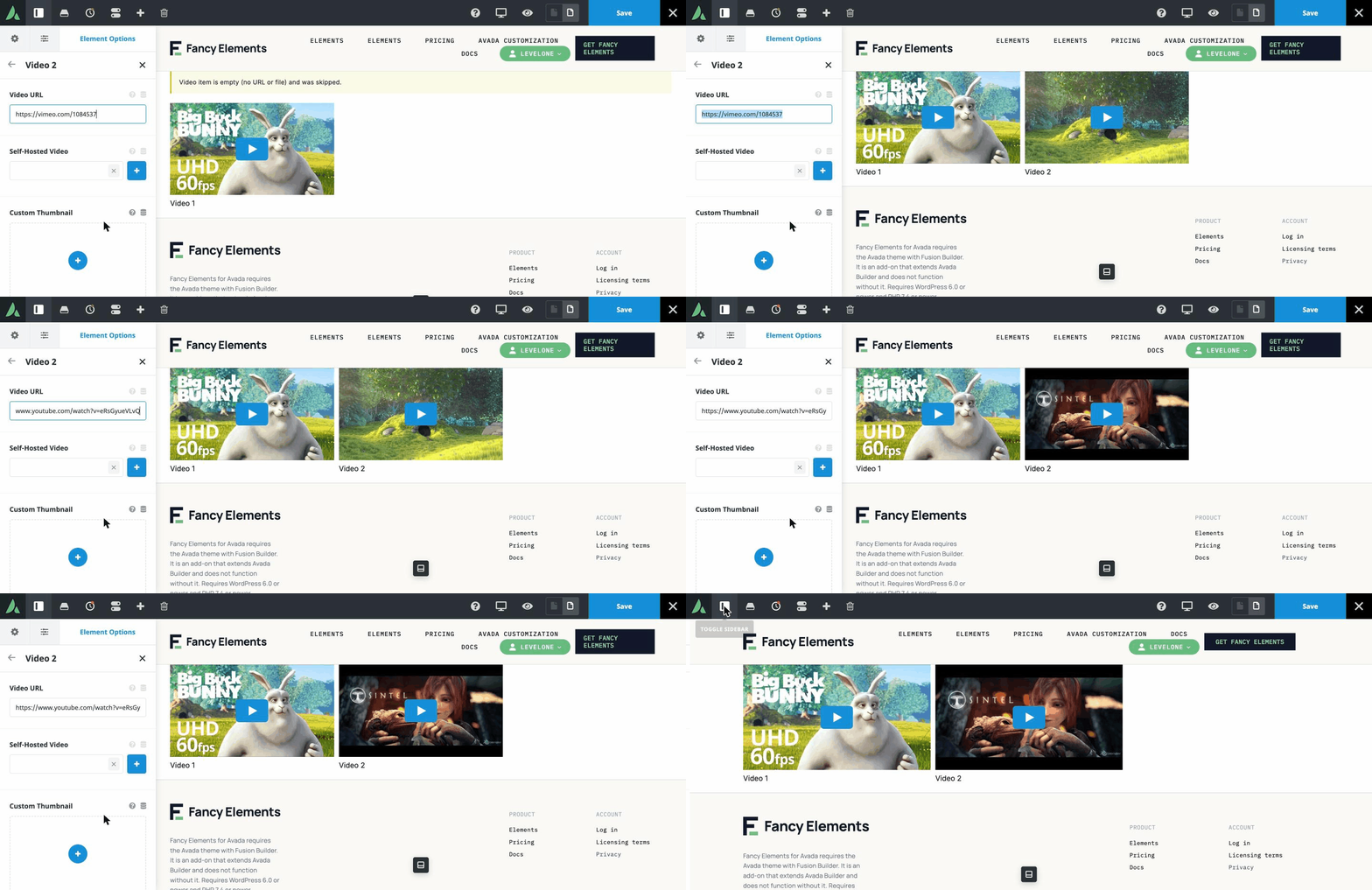
- Video Gallery - A video gallery for YouTube, Vimeo or self-hosted video, shown as a grid, thumbnail slider or playlist. No iframe or video request loads until a visitor actually clicks play, so the gallery doesn't slow down the rest of the page.
- Filterable Gallery - An image gallery with category filter buttons, so visitors can narrow a large set of images down to the ones they want. Clicking an image opens it in a built-in lightbox, no separate plugin needed.
- PDF Viewer - Embed a PDF directly on the page with consistent rendering in every browser, using a bundled copy of PDF.js rather than relying on the visitor's own PDF software. Visitors get zoom and page navigation, and the viewer only loads once it's near the viewport.
- Image Scroller - Fit a tall or wide image (a screenshot, an infographic, a long page) inside a small fixed frame. The image auto-scrolls to reveal the rest of itself on hover or as it enters the viewport, instead of being cropped or shrunk down.
- Text Mask - Large display text with a photo or gradient showing through the letters themselves, for a headline that doubles as a visual. Add an optional parallax effect as visitors scroll, and because it's real text, search engines still read it as a normal heading.
- SVG Draw - Upload SVG line art and it draws itself on screen like it's being sketched live, triggered on page load, scroll or hover. Every uploaded SVG is sanitized first, and you control the stroke, fill and timing of the drawing animation.
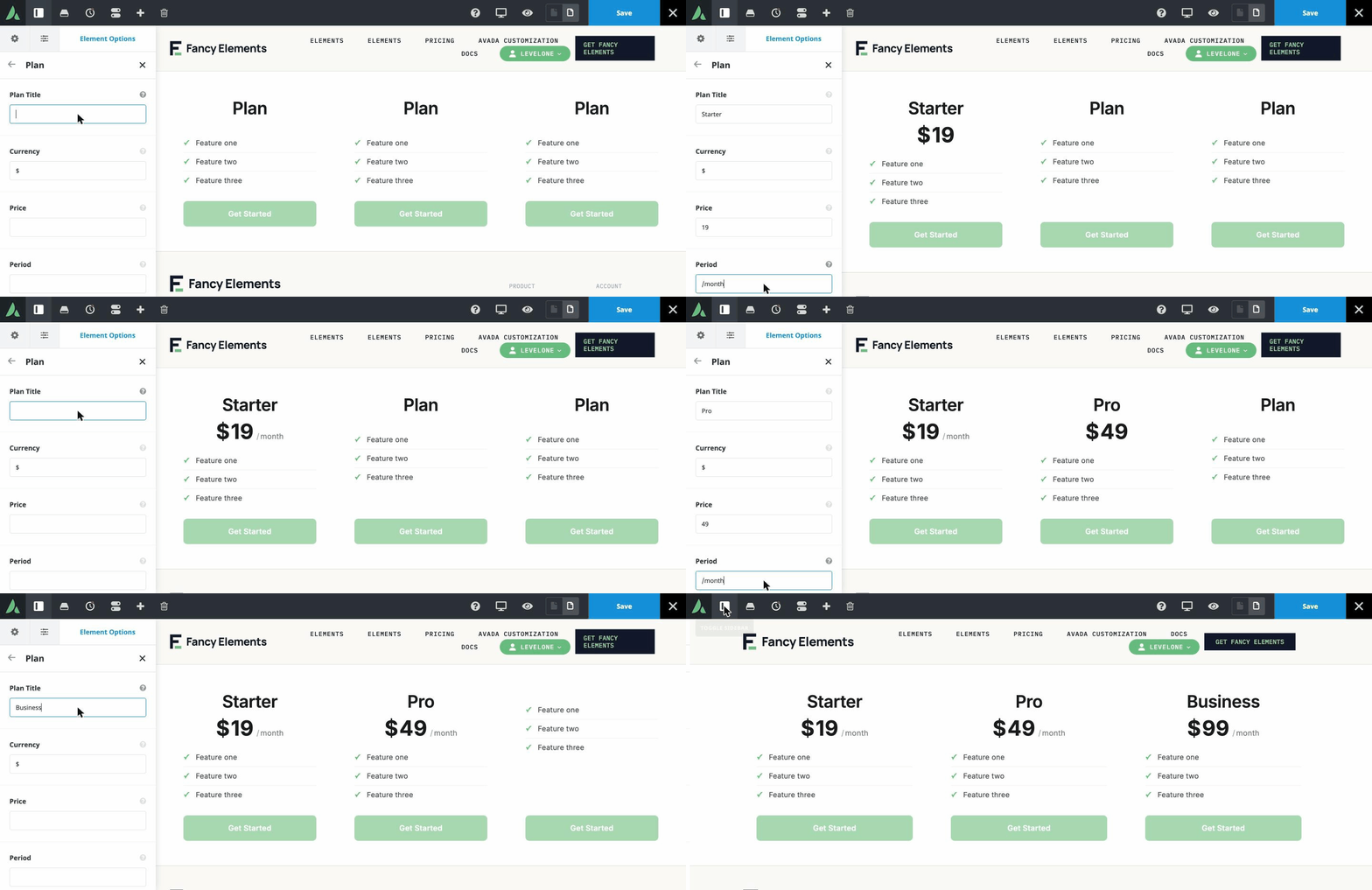
- Pricing Plans - Pricing tables for your plans, with a feature list and its own call-to-action button on every card. Highlight a featured plan to draw the eye straight to the option you want visitors to choose.
- Pricing List - A price or menu list laid out as clean rows instead of a rigid table, useful for services or menu items that don't fit neatly into columns. Every row gets its own title, price, description and image.
- Product Comparison - Pull real products straight from WooCommerce and lay them out side by side, with live price, stock status and rating data read directly from each product. This one needs WooCommerce active, since every column reads from your store rather than from manually typed-in text.
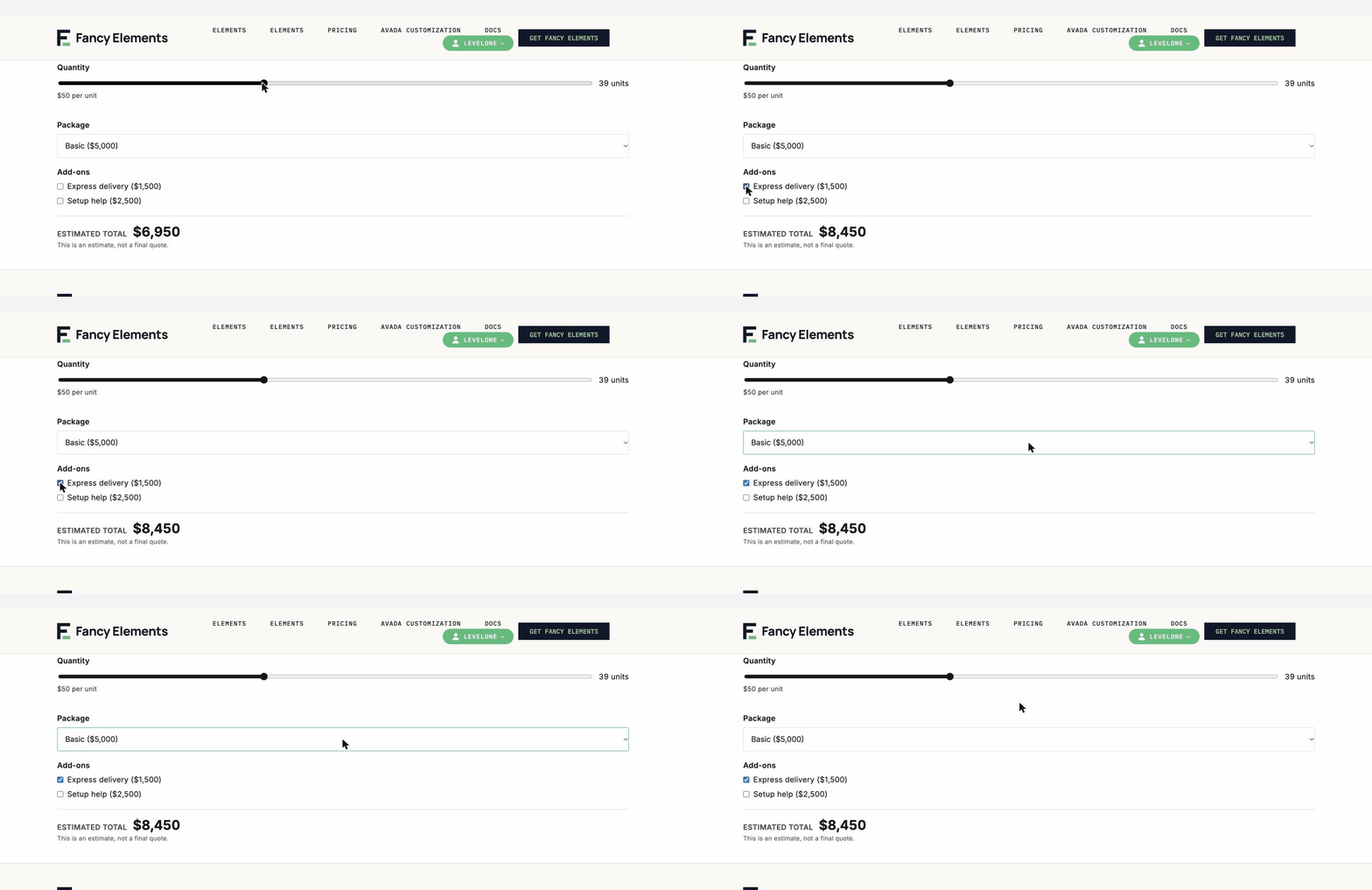
- Cost Calculator - An interactive estimate builder for anyone who sells a service with variable pricing: add sliders, dropdowns and checkboxes for whatever changes your price. Every field updates a running total instantly, so visitors see the estimate change as they adjust their answers.
- Reveal Offer - A scratch-card reveal for a single offer, built to make a discount feel like it's being won rather than just shown. Reveal a plain code or an existing WooCommerce coupon, with a one-click copy button and a call-to-action button underneath.
- Content Gate - Hide any content behind an Avada Form, and reveal it only once the visitor submits. It's a gate for lead-gen resources, calculators or exclusive content. Works with any Avada Form you've already built, so there's no separate gating plugin to configure.
- Notice Flasher - Corner toasts that build social proof on a timed loop, pulled from real WooCommerce purchases and reviews as they happen, not pre-written activity. Mix in your own owner-authored announcements alongside the real data, or fall back to announcements alone if WooCommerce isn't active.
- Recently Visited - Show each visitor their own recently viewed pages, stored entirely in their browser. Nothing is tracked or stored on your server. Layout, thumbnail size and typography are all configurable, so it matches the rest of your site.
- Reviews - Review cards with a star rating, an avatar, the author's name and where the review came from, for building trust without a separate reviews plugin. Choose from five layouts (Grid, Slider, Spotlight, Editorial Quote or Compact Row) to match how the rest of the page is built.
- Location Lister - Branch or location cards with opening hours, holiday dates and a live Open or Closed badge that updates itself based on the time of day. Add a map and contact actions to each location, so visitors can get directions or call without leaving the page.
- QR Code - Generate QR codes right in the visitor's browser for a URL, plain text, a vCard contact card, or a UPI payment request, with nothing sent to an external API to generate the code. Customize the colours and caption, add a logo as a centre overlay, and let visitors download the finished code as an image.
- Schema Markup - Invisible JSON-LD structured data built straight from your builder fields, for a chosen schema.org type: LocalBusiness, Organization, Product, Event, FAQPage and more. It's the kind of markup search engines use for rich results, without writing or maintaining any JSON by hand.
- Content Protection - Discourages casual copying by blocking right-click and drag on images, or across the whole page if you need it. It's a deterrent rather than a lock. Editors and logged-in staff are exempt, so it never gets in the way of your own team.
- Premium design skins for Tabs, Classic Timeline, Modern Timeline, Testimonial and Blockquote.
- Avada Conditional Rendering on every element, and Avada Dynamic Data on most fields.
- License activation and automatic updates from your WordPress dashboard.
- Priority support.
安装:
- Make sure the Avada theme and Avada Builder are installed and active.
- Go to Plugins > Add New and search for "Fancy Elements for Avada".
- Click Install Now, then Activate.
- Open any page in Avada Builder. The elements are under the Fancy Elements category.
- Download the .zip file.
- Upload or extract the contents of fancy-elements-for-avada.zip to your wp-content/plugins/ folder.
- Activate the Fancy Elements for Avada plugin in your WP-admin / Plugins.
屏幕截图:


常见问题:
Does it work with any WordPress theme?
No. Fancy Elements is an add-on for Avada. It needs the Avada theme with Avada Builder active.
Where do I find the elements?
In Avada Builder, open the element picker and look for the Fancy Elements category. Every element name starts with "Fancy".
Can I hide elements I do not use?
Yes. Go to the Fancy Elements screen in WordPress admin and switch off any element. It disappears from the Avada Builder element list.
Does it work in Avada Live?
Yes. The elements work in the backend builder and in Avada Live.
Is it translation-ready?
You can help translate the plugin on translate.wordpress.org.
Does the plugin collect any data?
No. It makes one request to read product news on its own admin screen and sends nothing about your site. See External services above.
What is the difference between free and Pro?
Free gives you 5 elements. Pro adds 25 more elements, premium design skins for the free elements, automatic updates and priority support.
Do higher Pro plans unlock more elements?
No. Every plan includes all 30 elements. Plans differ only by the number of sites: 1, 3, 5 or 10.
Do I need WooCommerce?
No. WooCommerce is only needed for Pro features that use Woo data: purchase and review toasts, the coupon picker, and Product Comparison (which needs WooCommerce active to render at all).
Can I get a refund on Pro?
Yes. Within 14 days of your purchase, request a refund from the Purchases tab in your account, with one click and no reason required.
Where do I get help?
Post a question on the support forum, or email contact.avada@fancyel.com. Pro customers get priority support.
更新日志:
- Added Fancy Elements Pro with 25 new Pro-only elements
- Bringing Fancy Elements to 30 elements in total.
- Fix: Improve code security enforcement
- Added Fancy Elements Pro with 7 new Pro-only elements.
- Added premium design skins for Tabs, Classic Timeline, Modern Timeline, Testimonial, and Blockquote.
- Added easy license activation from the WordPress dashboard.
- Added automatic updates for Pro.
- Added priority support for Pro users.
- Improved design consistency across Blockquote, Testimonial, and Timeline elements for better visual alignment.
- Improved admin notice display so notices are shown to the correct audience and dismissed notices are remembered reliably.
- Fixed an edge case where Pro design choices were not applied when switching skins rapidly in the Live Builder.
- Fixed a PHP notice triggered when the remote feed request returned an unexpected response format.
- Introduced Fancy Elements for Avada Pro, a premium add-on that unlocks additional design skins for every element and adds brand new Pro-only elements.
- Added 7 new Pro-only Avada Builder elements available exclusively in the Pro version.
- Added multiple premium design skins for the Blockquote, Testimonial, Tabs, and Timeline elements.
- Added a licence management screen to activate and manage your Pro licence key directly from the WordPress admin.
- Improved the Fancy Elements dashboard with a "Get Pro" tab showcasing all Pro features and upgrade options.
- Free plugin remains fully functional with all existing elements and features intact.
- Added a new Fancy Blockquote element with author, citation, image, a quote icon, three skins (Border, Boxed, Clean) and a Click to Tweet button.
- Added a new Fancy Elements dashboard page in the WordPress admin, with tabs for your elements, settings, getting started and what's new.
- Added options to enable or disable each element in the Avada Builder, so you can keep your element list tidy.
- Added dashboard settings for product news, removing plugin data on uninstall, and resetting everything back to defaults.
- Fixed all the security issues by escaping output and sanitizing every colour and value before it is used.
- Fixed the Tabs caption option so it no longer outputs an invalid tag.
- Improved accessibility with full keyboard support, ARIA roles and screen-reader labels across the elements.
- Replaced Owl Carousel with a custom slider.
- Added background image/colour support for tab content.
- New Fancy Testimonial element added
- Initial Release