
Awesome FAQ – answer questions before customers ask
| 开发者 |
abuhayat
shehabulislam bplugins prosanta10 freemius |
|---|---|
| 更新时间 | 2026年10月6日 15:00 |
| 捐献地址: | 去捐款 |
| PHP版本: | 6.5 及以上 |
| WordPress版本: | 7.1 |
| 版权: | GPLv3 or later |
| 版权网址: | 版权信息 |
详情介绍:
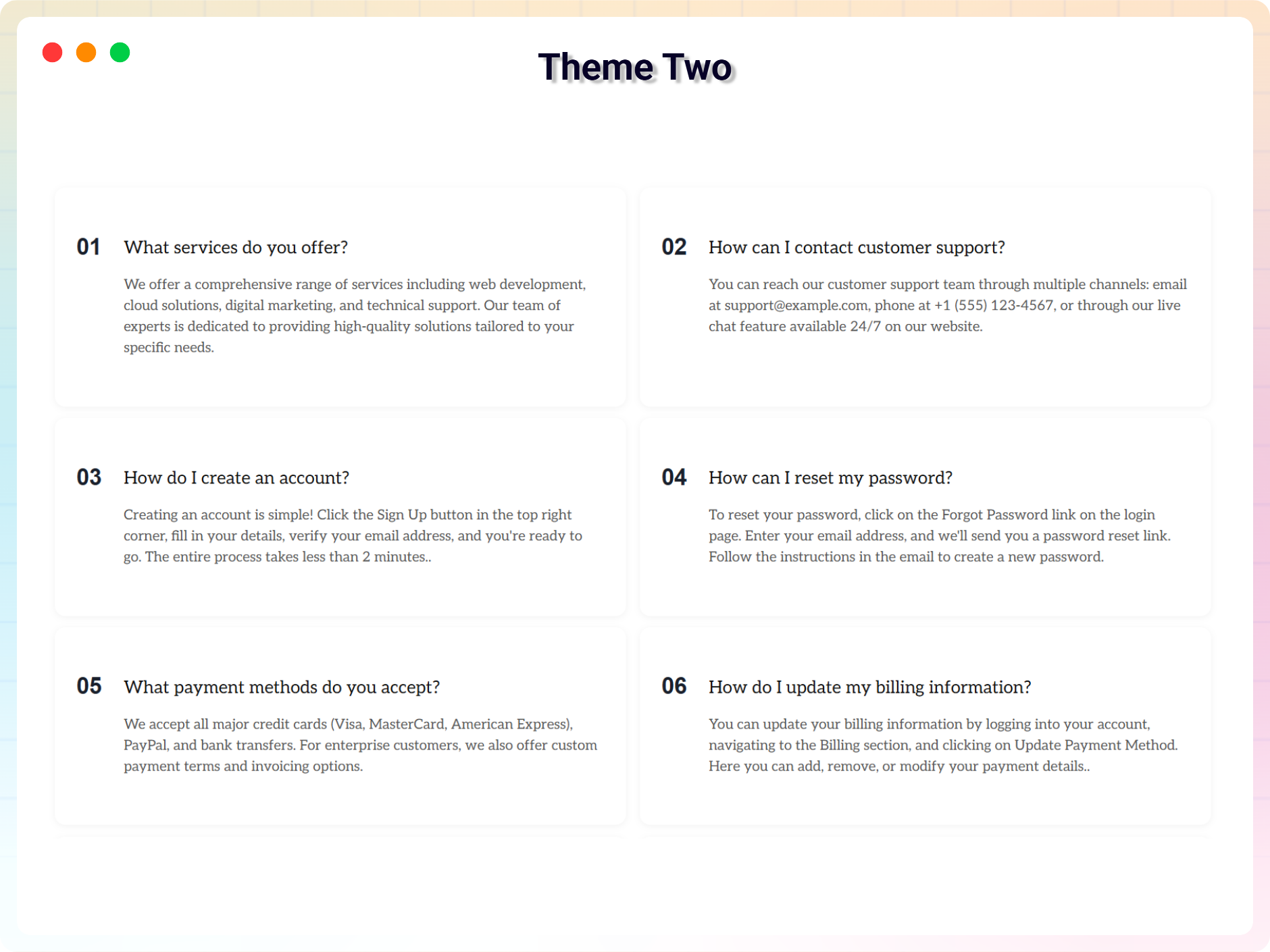
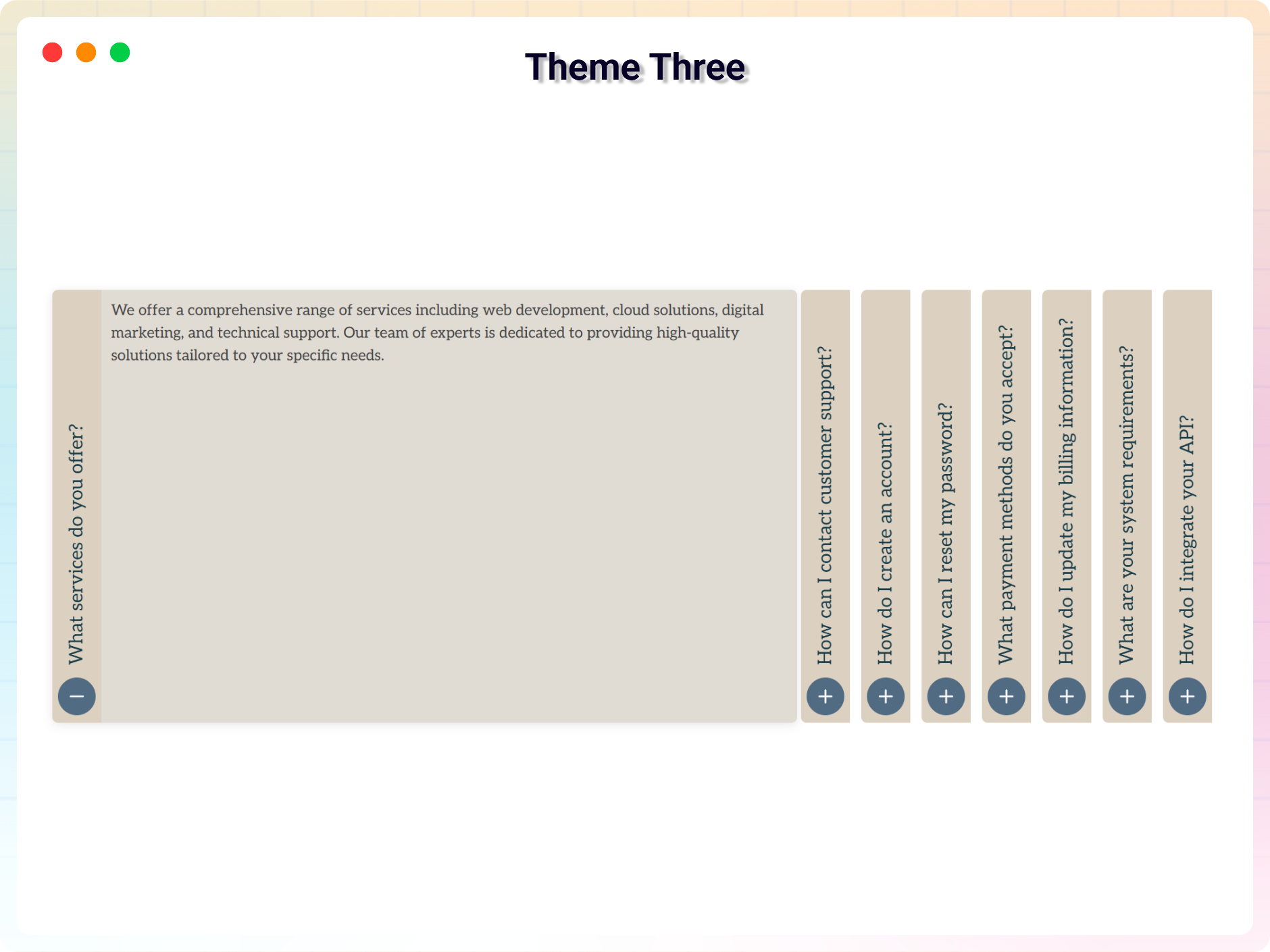
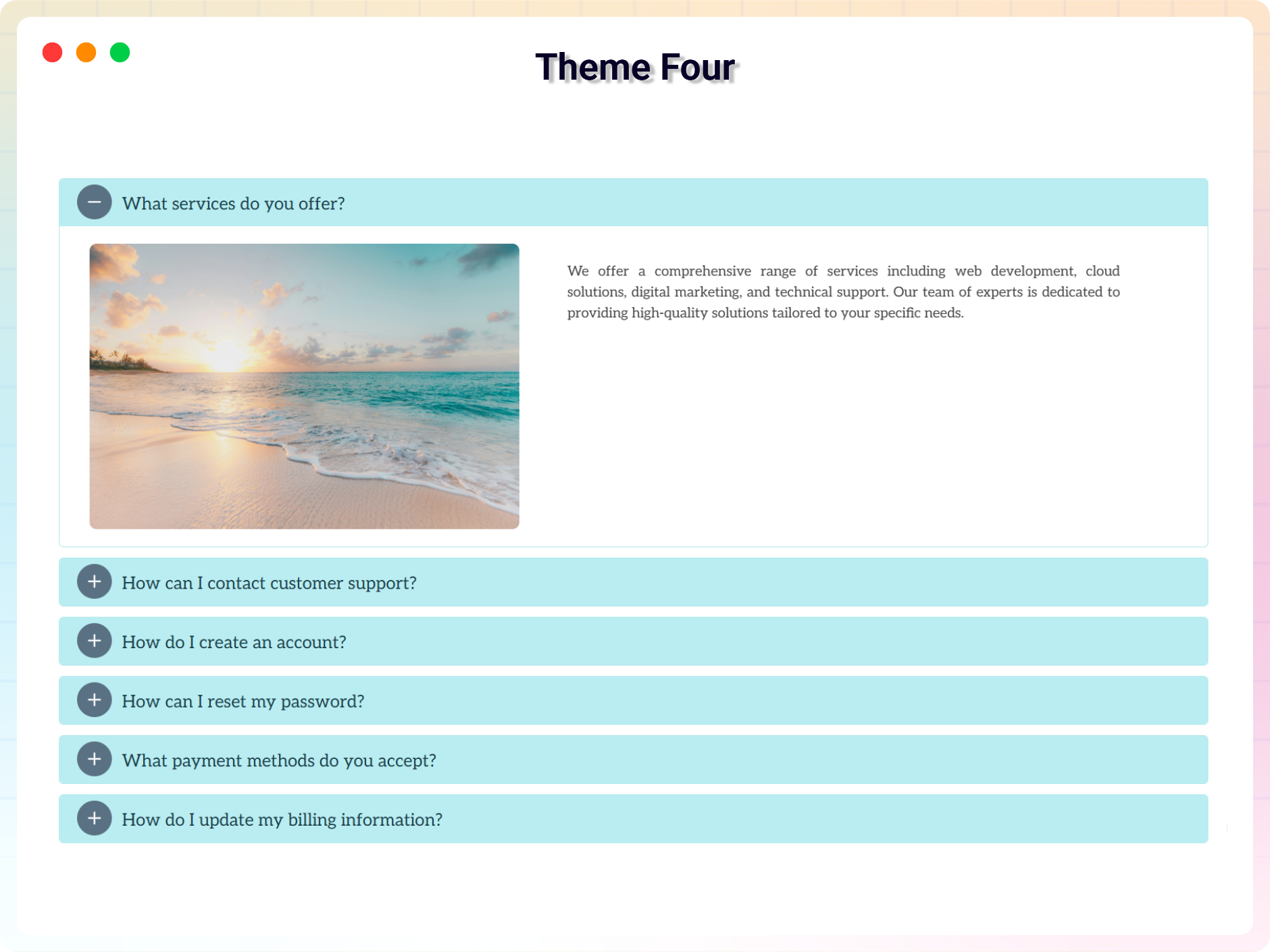
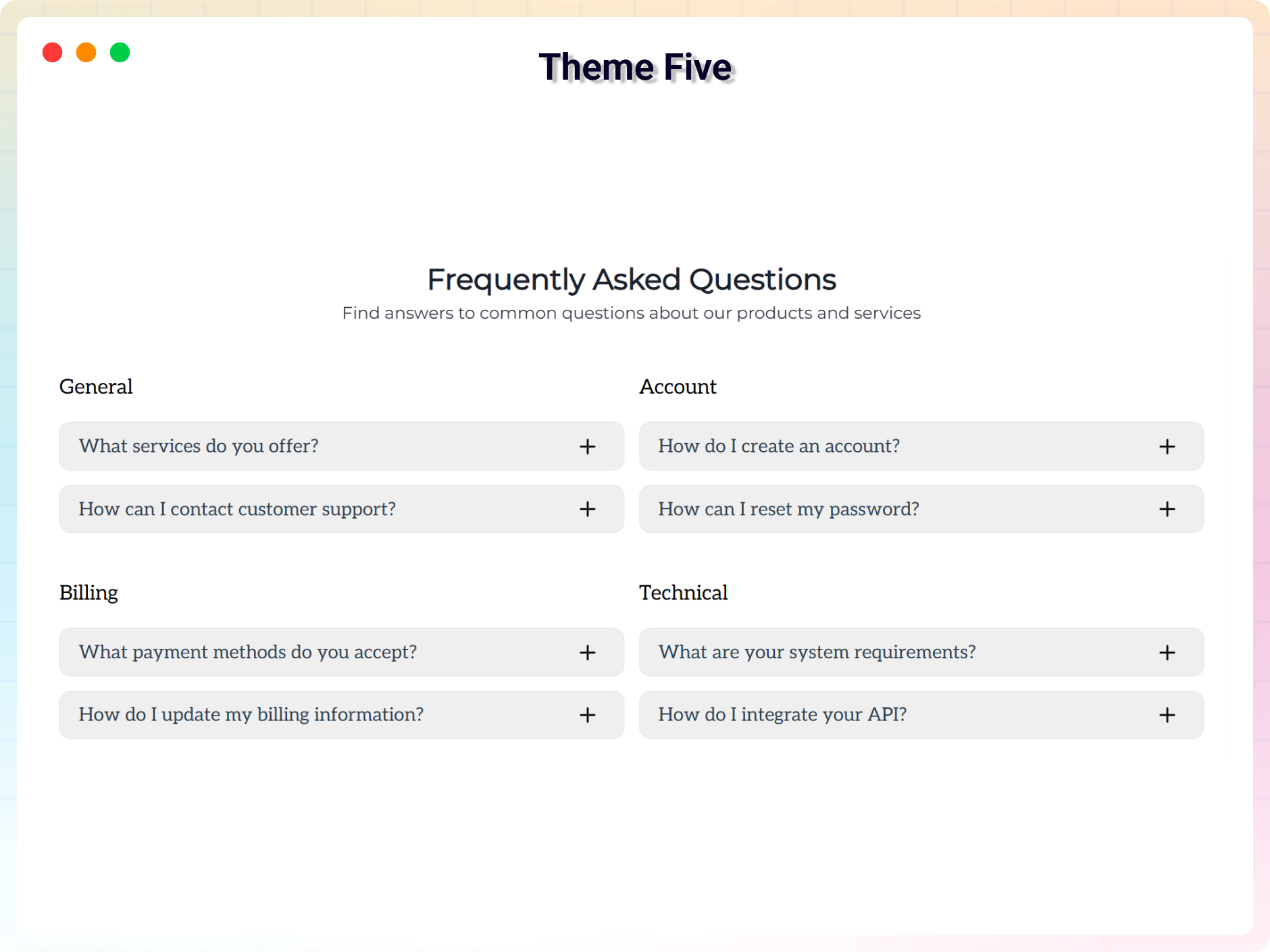
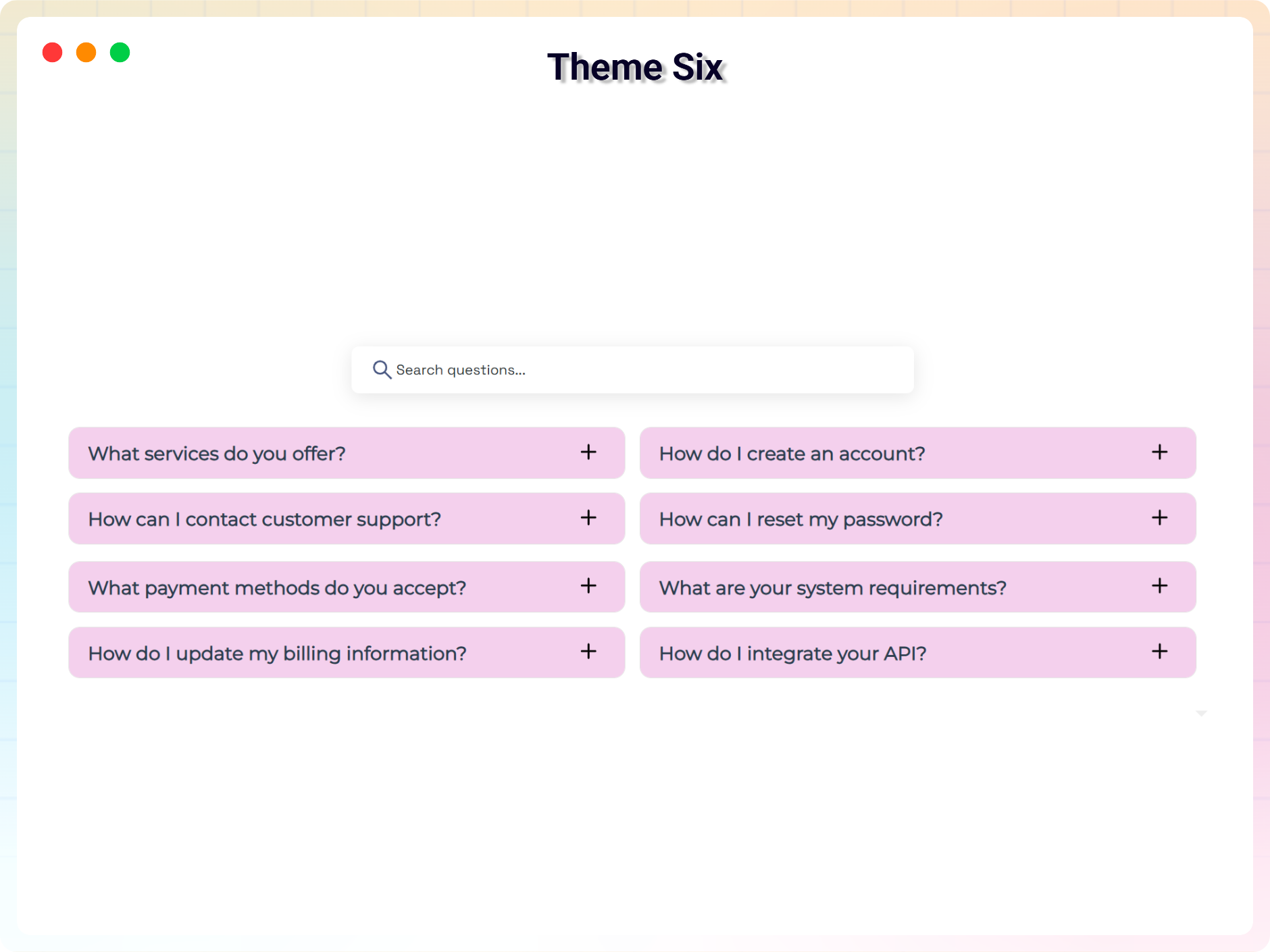
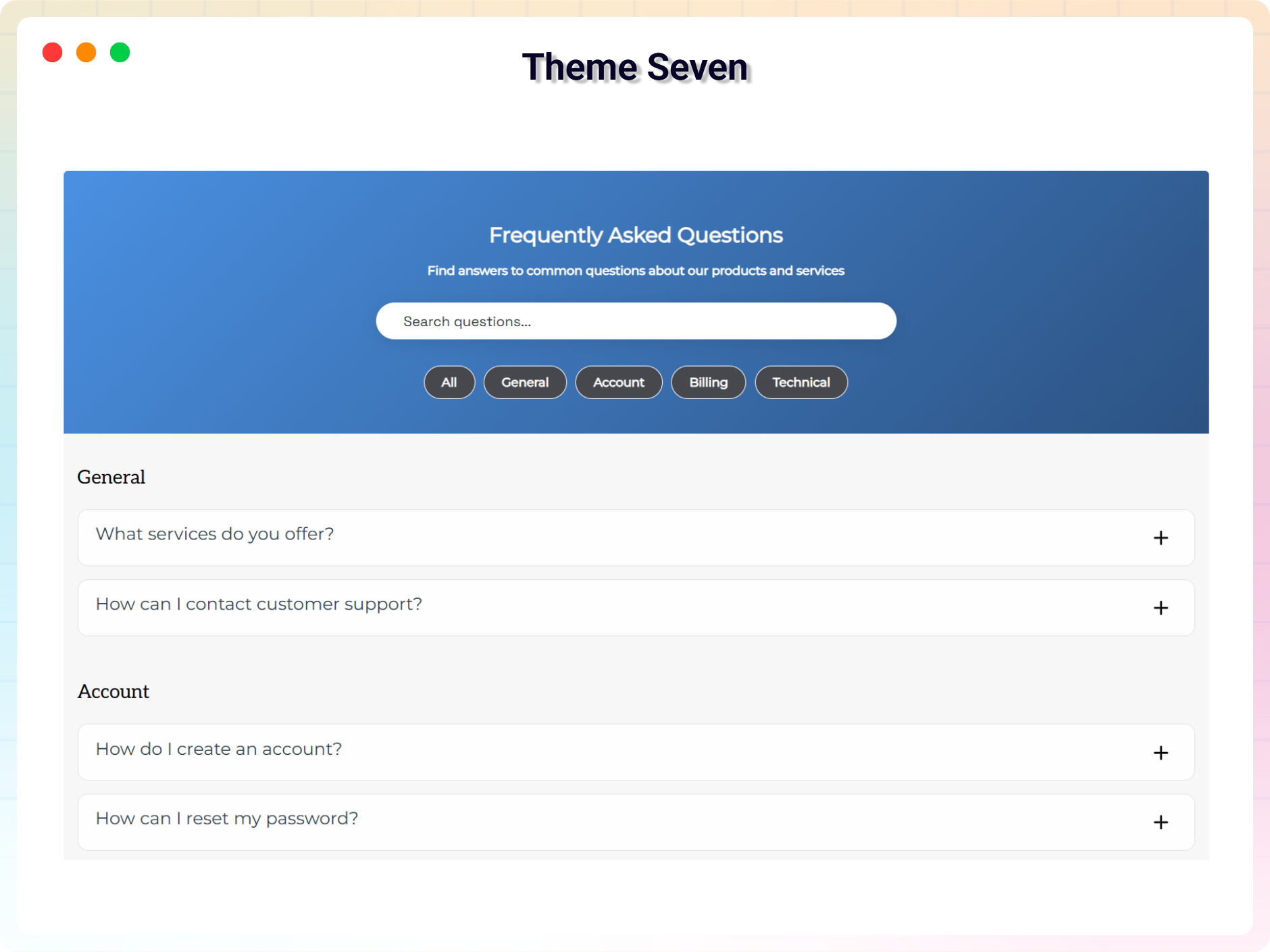
- 7 Modern FAQ Themes: Clean, professional accordion designs, free forever.
- Fully Responsive: Looks great on all devices out of the box.
- Two Column & Horizontal FAQ: Flexible layout choices beyond the standard accordion.
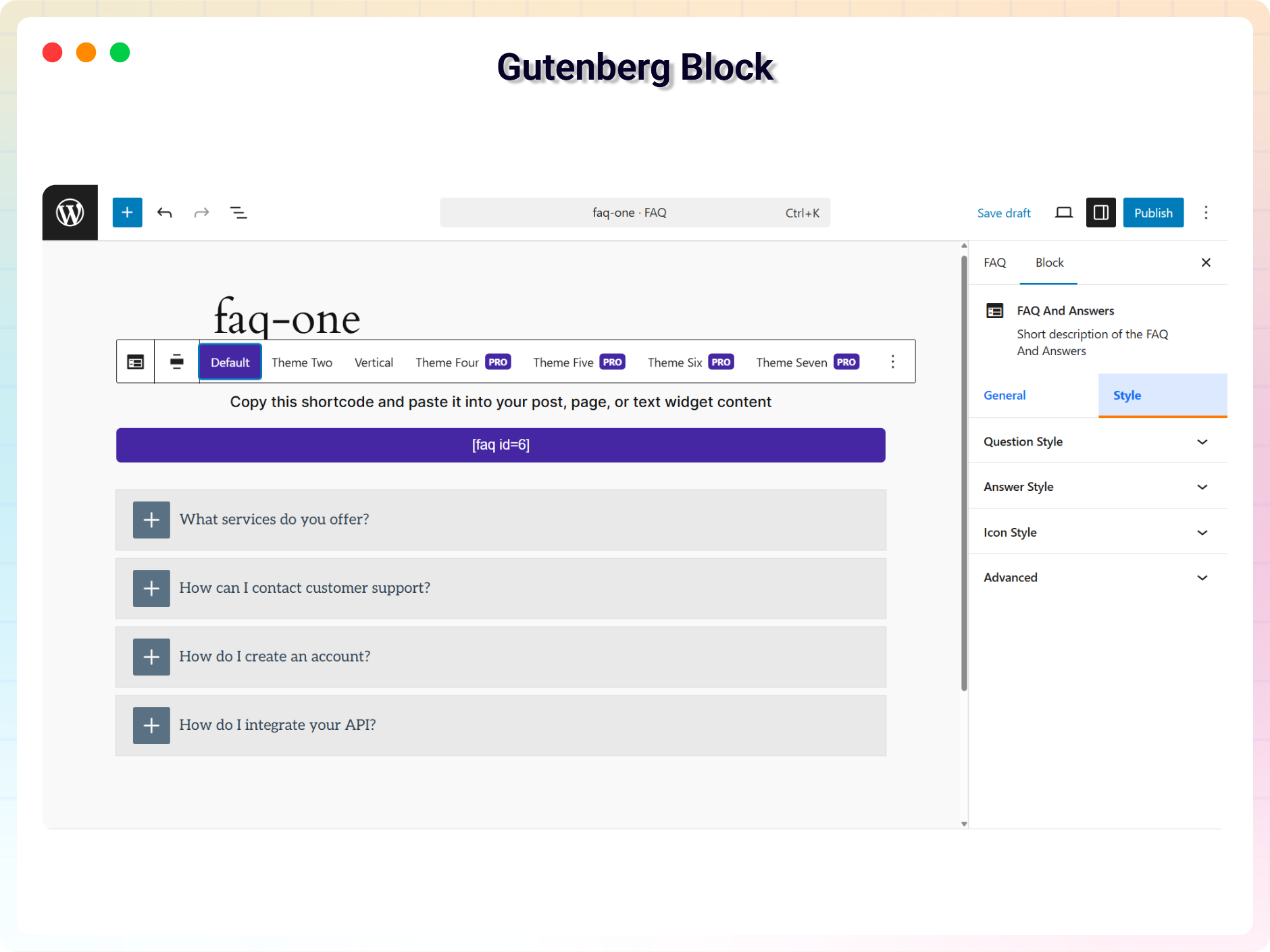
- Gutenberg Block Support: Add and customize FAQs visually in the block editor.
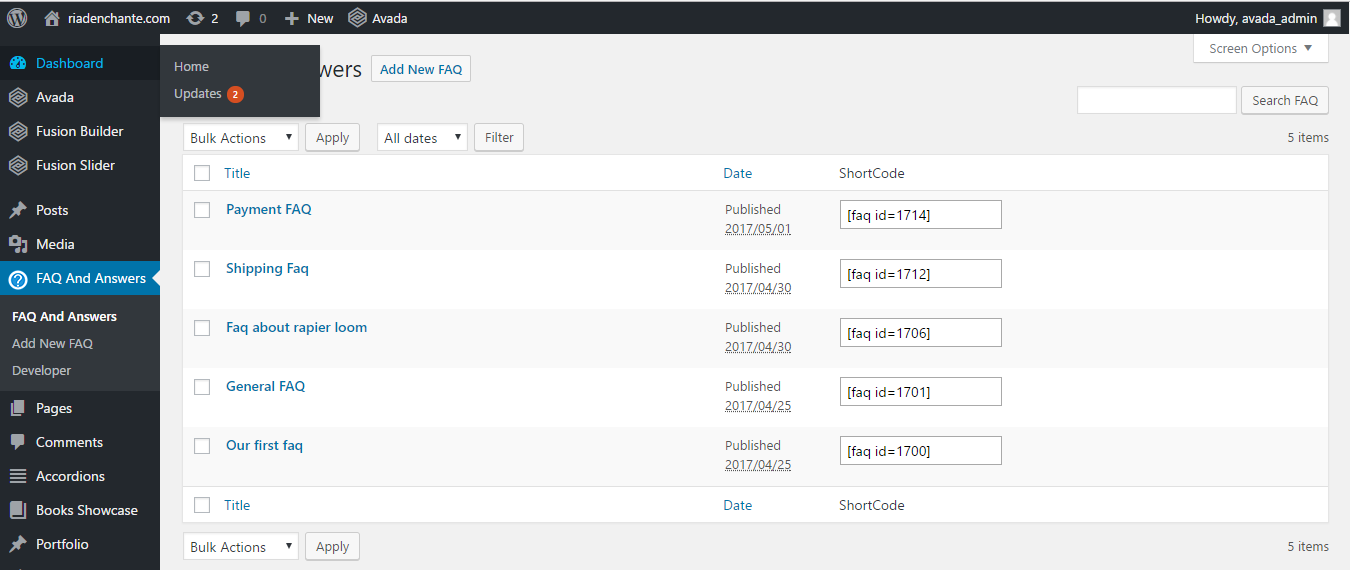
- Shortcode Support: Place FAQ sections in any page, post, or widget.
- FAQ Schema SEO: Google-recommended JSON-LD markup for rich results.
- AI-Powered Answer Generation: Generate answers for your FAQs.
- Smooth Animations: Polished open/close transitions.
- Fast and Lightweight: Optimized code with minimal footprint.
- Easy to Use: No coding needed, and 100% ad-free.
- 50+ Ready-Made FAQ Templates: Exclusive interactive, pre-designed accordion & grid layouts.
- Category & Filter FAQ: Organize your FAQs with filterable tabs for a cleaner presentation.
- FAQ Search System: Real-time live search bar so users find answers instantly.
- Multi-Column FAQ Grid: Multi-column and grid layouts to present FAQs beautifully.
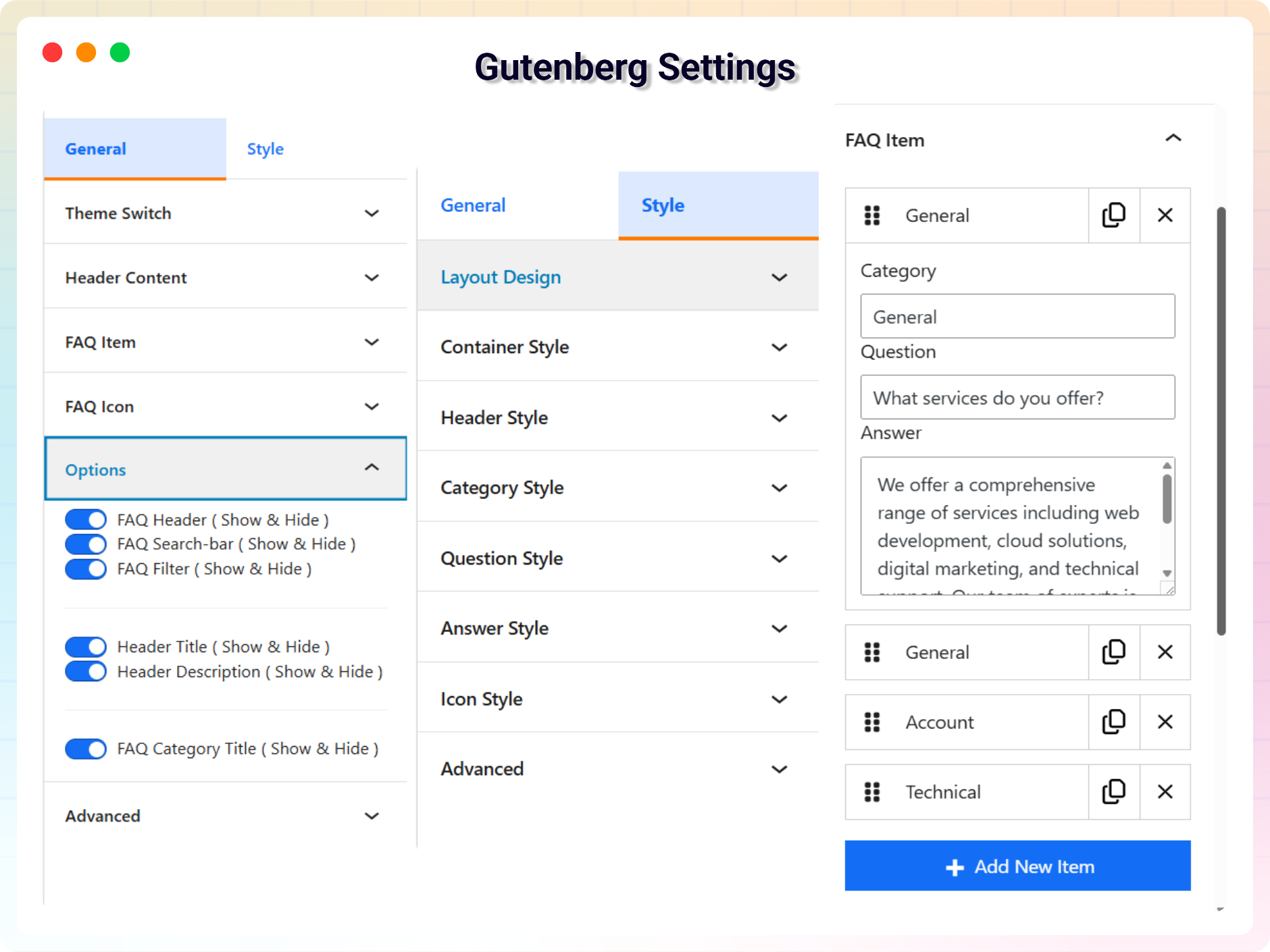
- Design & Typography Controls: Full control over backgrounds, text colors, icons, borders, margins, and typography.
- AI-Powered Product FAQ Builder: Generate product-specific FAQs in seconds using OpenAI (GPT-4o), Anthropic (Claude Sonnet), or the native WordPress 7.0 Connectors API.
- WooCommerce Product FAQ Integration: Show custom FAQ sections directly on product pages, in a dedicated product tab or below the product summary.
- Block Editor AI Builder: Auto-generate Q&A content and dynamically customize layout designs, colors, and backgrounds in Gutenberg using custom prompts.
- Global Settings Panel: Configure AI models, API keys, and display options under WooCommerce → Settings → FAQ AI Settings.
- Analytics Dashboard: Track user interactions, views, and clicks to optimize your questions and answers.
- New: Ask AI Block - Interactive AI answer assistant that answers visitor questions instantly using your FAQ content, complete with source citations and user feedback.
- New: Bento FAQ Block - Modern asymmetric bento grid layout for FAQ cards with interactive focused modal previews, custom card sizing, and scroll animations.
- New: Nested FAQ Block - Multi-level accordion structure allowing sub-questions and multi-tier Q&A hierarchy with separate parent/child design controls.
- New: FAQ Form Block - Allow visitors to submit questions directly from the front end with custom form fields and submission management.
- New: Image FAQ Block - Present FAQs alongside images and media with side-by-side or stacked custom layouts.
- New: Post FAQ Block - Dynamically query and display FAQs from WordPress posts or custom post types.
- New: Sidebar Tab FAQ Block - Vertical sidebar navigation with tabbed FAQ categories and smooth seamless switching.
- New: Ask AI Dashboard - Centralized admin dashboard for managing AI provider settings, custom system prompts, real-time query logs, token usage, and visitor feedback analytics.
- OpenAI (GPT-4o)
- Anthropic (Claude Sonnet)
- Native WordPress 7.0 Connectors API
- In a dedicated product tab
- Below the product summary
- Product specifications
- Shipping questions
- Return policies
- Product usage
- Compatibility questions
- Warranty information
- Customer support questions
- FAQ views
- Question clicks
- User interactions
- Popular questions
- Engagement
- Answers from your own content only – the model receives your matching FAQ snippets and is told to reply from them, so it cannot invent an answer.
- Source citations – every answer can list the FAQ entries it was built from, which is what makes visitors trust it.
- Rotating placeholders – example questions cycle through the empty field so visitors know the box is worth using.
- Suggested question chips – clickable questions under the field that answer instantly.
- Visitor feedback – a customisable question with 👍/👎 buttons, so you can see which answers miss.
- Fallback link – send anyone the assistant could not help to your contact or support page.
- Disclaimer line – editable AI notice under the box.
- No answer, no guess – when nothing is close enough, the visitor gets related questions instead of a made-up answer.
- Full design control – colors for every part (heading, input, chips, answer box, labels, sources, feedback text), typography, background, borders, padding, and alignment.
- Questions today with a trend against the previous 7 days.
- Answered for free – how many replies came from the cache or straight from a FAQ, so cost nothing.
- AI calls today against your daily allowance.
- Unanswered – questions no FAQ covered.
- Found helpful – 👍 and 👎 totals from visitors.
- A daily bar chart splitting every answer into cached, from a FAQ, and answered by AI, so you can see whether questions are growing and how much of the load stays free.
- Open a page or post in the block editor.
- Click the Add Block (+) button and search for Awesome FAQ.
- Add the block, then choose a theme and set colors, icons, typography, and toggle options.
- Add your questions and answers.
- Publish – your FAQ section is live!
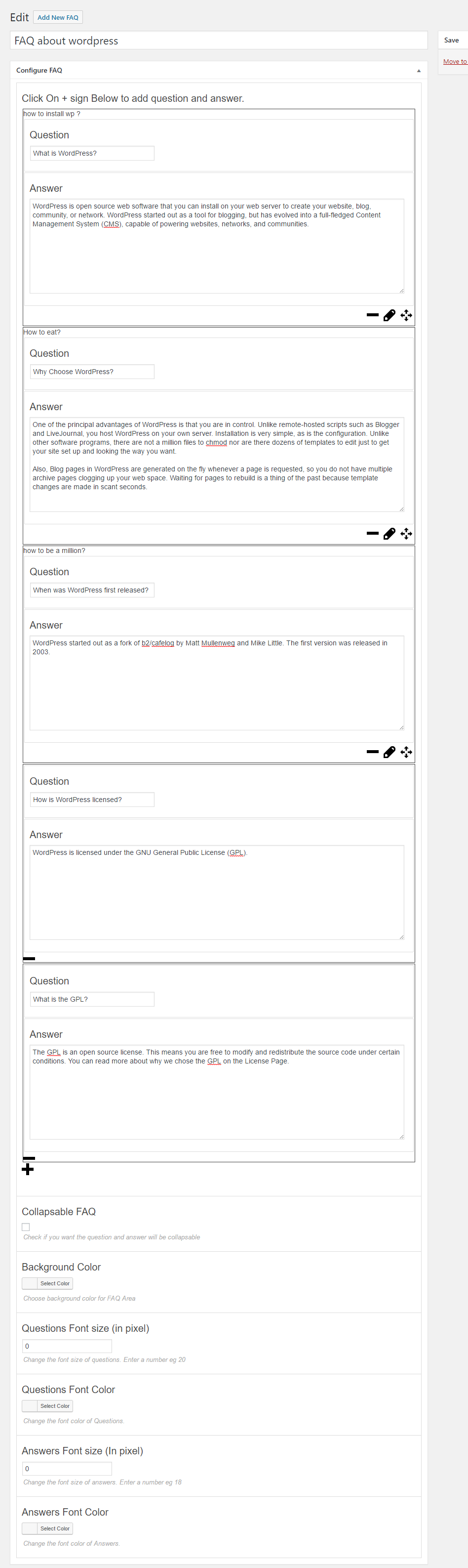
- Go to Awesome FAQ → Add New FAQ in the dashboard.
- Enter your questions and answers, assign categories if needed, and click Publish.
- Copy the generated shortcode and paste it into any post, page, or widget.
- Edit a WooCommerce product and scroll to the Product FAQ — Awesome FAQ box.
- Check Show FAQ Section on This Product.
- Write FAQs manually or click Auto-Generate from Product to draft them with AI.
- Pick a theme, click Update, and configure global options at WooCommerce → Settings → FAQ AI Settings.
- Product FAQs – Answer common product questions before customers contact support.
- Service FAQs – Explain services, pricing, policies, and processes.
- SaaS FAQs – Answer questions about software features, plans, integrations, and onboarding.
- WooCommerce FAQs – Provide product-specific information directly on product pages.
- Support FAQs – Reduce repetitive questions by making common answers easy to find.
- Documentation FAQs – Organize common questions for documentation and help centers.
- Blog FAQs – Add useful Q&A sections to blog posts and articles.
- Agency FAQs – Explain services, workflows, pricing, and project processes.
- Portfolio FAQs – Answer questions about services, experience, projects, and availability.
安装:
- Go to Plugins → Add New.
- Search for "Awesome FAQ".
- Click Install Now, then Activate.
- Add the Awesome FAQ block to any page, or create FAQs under Awesome FAQ → Add New FAQ.
- Download the Awesome FAQ plugin (
faq-and-answers.zipfile). - In your admin area, go to Plugins → Add New and click Upload Plugin.
- Choose the ZIP file, click Install Now, then Activate.
- Alternatively, upload the plugin folder to the
/wp-content/plugins/directory and activate it through the Plugins menu.
屏幕截图:
常见问题:
I don't know coding. Can I use the plugin?
Yes. You don't need any coding knowledge to use the plugin – everything is configured visually.
Does the plugin contain any ads?
No, the plugin is 100% ad-free.
How many FAQ areas can I create?
There is no limit – you can create unlimited questions, answers, and FAQ sections.
Does Awesome FAQ add FAQ schema for SEO?
Yes. FAQ Schema (JSON-LD) is built in and fully compatible with Google Rich Results, increasing your chances of FAQ rich snippets and "People Also Ask" placements – no extra SEO plugin needed.
Can I add FAQs to WooCommerce product pages?
Yes, with the Pro version you can show FAQ sections on product pages, either in a dedicated product tab or below the product summary, and even auto-generate the FAQs with AI.
Can I track how visitors use my FAQs?
Yes. The analytics dashboard shows which questions get the most views, clicks, and engagement so you can improve your content.
Which AI providers does the FAQ generator support?
The Pro AI builder supports OpenAI (GPT-4o), Anthropic (Claude Sonnet), and the native WordPress 7.0 Connectors API, which runs a core-registered AI client with zero key setup.
Where do I report security bugs found in this plugin?
Please report security bugs found in the source code of the Awesome FAQ plugin through the Patchstack Vulnerability Disclosure Program. The Patchstack team will assist you with verification, CVE assignment, and notify the developers of this plugin.
更新日志:
- Fix: javascript line length and improve plugin performance.
- Fix: Fixed AI function is invoked indirectly
- Fix: Shortcode attributes issue
- Fix: javascript line length
- New: Add 50+ Ready Pages Template library
- New: Image FAQ - Image based question answer display
- New: FAQ Form Block - Allow visitors to submit questions directly from the front end with custom form fields and submission management.
- New: FAQ Sidebar Tab Block - Vertical sidebar navigation with tabbed FAQ categories and smooth seamless switching.
- New: FAQ Post - Display FAQs from WordPress posts or custom post types.
- New: Ask AI Block - Interactive AI answer assistant that answers visitor questions instantly using your FAQ content, complete with source citations and user feedback.
- New: Bento FAQ Block - Modern asymmetric bento grid layout for FAQ cards with interactive focused modal previews, custom card sizing, and scroll animations.
- New: Nested FAQ Block - Multi-level accordion structure allowing sub-questions and multi-tier Q&A hierarchy with separate parent/child design controls.
- New: Ask AI Dashboard - Centralized admin dashboard for managing AI provider settings, custom system prompts, real-time query logs, token usage, and visitor feedback analytics.
- Improve: Advanced IP rate limiting, abuse protection, and custom fallback support link options for Ask AI interactions.
- New: WooCommerce Product FAQ Integration with flexible placement (Product Tab vs. Below Summary).
- New: AI-Powered WooCommerce Product FAQ Generator supporting OpenAI (GPT-4o), Anthropic (Claude Sonnet), and native WordPress 7.0 Connectors.
- New: WooCommerce Settings Panel for global AI provider selection, API key configuration, and default display options.
- New: AI-Powered Gutenberg FAQ Builder allowing users to generate Q&A content and dynamically customize layout designs, colors, and backgrounds using custom prompts.
- Improve: Auto-retries and exponential backoffs for AI client requests to ensure stable connections.
- New: AI-powered answer generation for FAQs.
- New: Analytics dashboard to track user interactions and popular questions.
- New: Advanced Classic Editor Support and New One Premium Theme.
- Add new two theme.
- Add new Dashboard.
- Add FAQ Schema (JSON-LD).
- Fully compatible with Google Rich Results (FAQ rich snippet).
- Add new template.
- Reduced PHP code.
- Add new template & smooth open/close animations. Performance & bug fixes.
- Updated with new a lot features and major updates of the plugin
- Fixed: Security Issue
- Fix issue and make compatible with Wordpress 5.5 Version
- Fix other php warning
- Add Shortcode on Add New FAQ page
- Initial Release