
FBS Secure Optimize – Speed Optimization, Security Headers & Malware Scanner
| 开发者 | fazlebari |
|---|---|
| 更新时间 | 2026年10月31日 17:56 |
| PHP版本: | 7.4 及以上 |
| WordPress版本: | 7.1 |
| 版权: | GPLv2 or later |
| 版权网址: | 版权信息 |
详情介绍:
wp-admin or clash with existing caching layers. With FBS Secure Optimize, every engine has its own 1-Click Master Toggle in the Module Control Center:
- Disabled Modules = Zero Runtime Overhead: Any module you toggle off is completely bypassed at boot—zero frontend hooks, zero database queries, and zero conflicts with WP Rocket, LiteSpeed Cache, FlyingPress, Autoptimize, Cloudflare, or WooCommerce.
- Auto-Hide Clean Interface: Turning a module off automatically hides its configuration panels and tabs so your dashboard stays focused and clutter-free.
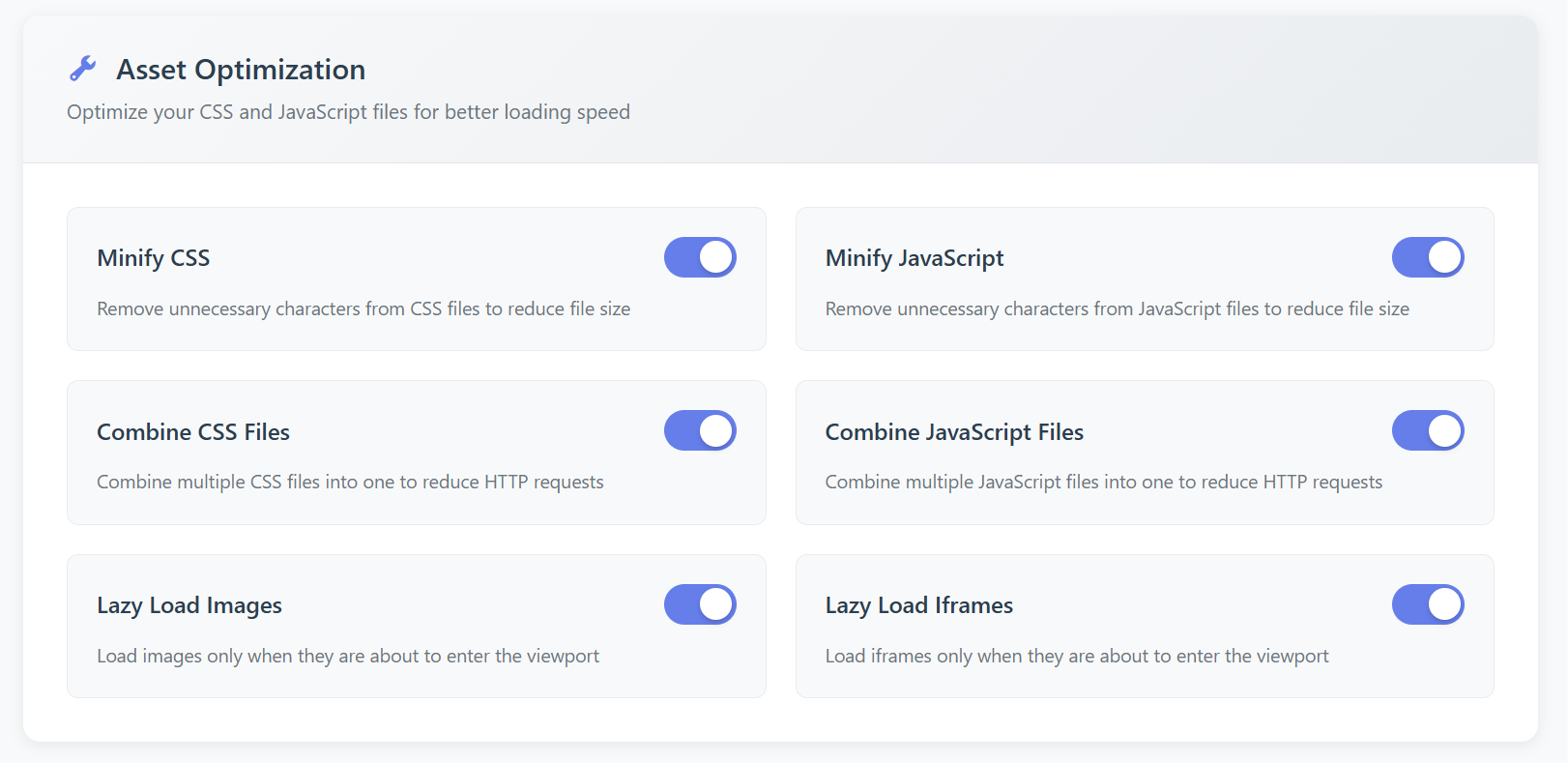
- LCP-Safe Native Lazy Loading: Adds native
loading="lazy"anddecoding="async"to offscreen images while automatically prioritizing your first above-the-fold hero image withfetchpriority="high". - Iframe & Video Lazy Loading: Defers embedded maps and video players until visitors scroll near them.
- Safe Non-Critical JS Deferring: Adds
deferto frontend scripts while automatically excludingjQuerycore and sensitive checkout/account flows. - Core Bloat Removal: Strip inline emoji scripts/styles, disable frontend Dashicons for logged-out visitors, dequeue unused oEmbed scripts, and clean
<head>RSD, WLW, and shortlink tags. -
Heartbeat API Throttling: Throttles
admin-ajax.phppolling to 60 seconds to prevent CPU spikes and502timeouts on shared or VPS hosting. 2. Database & Autoload Cleaner Keep MySQL lean for sub-200ms Server Time to First Byte (TTFB): -
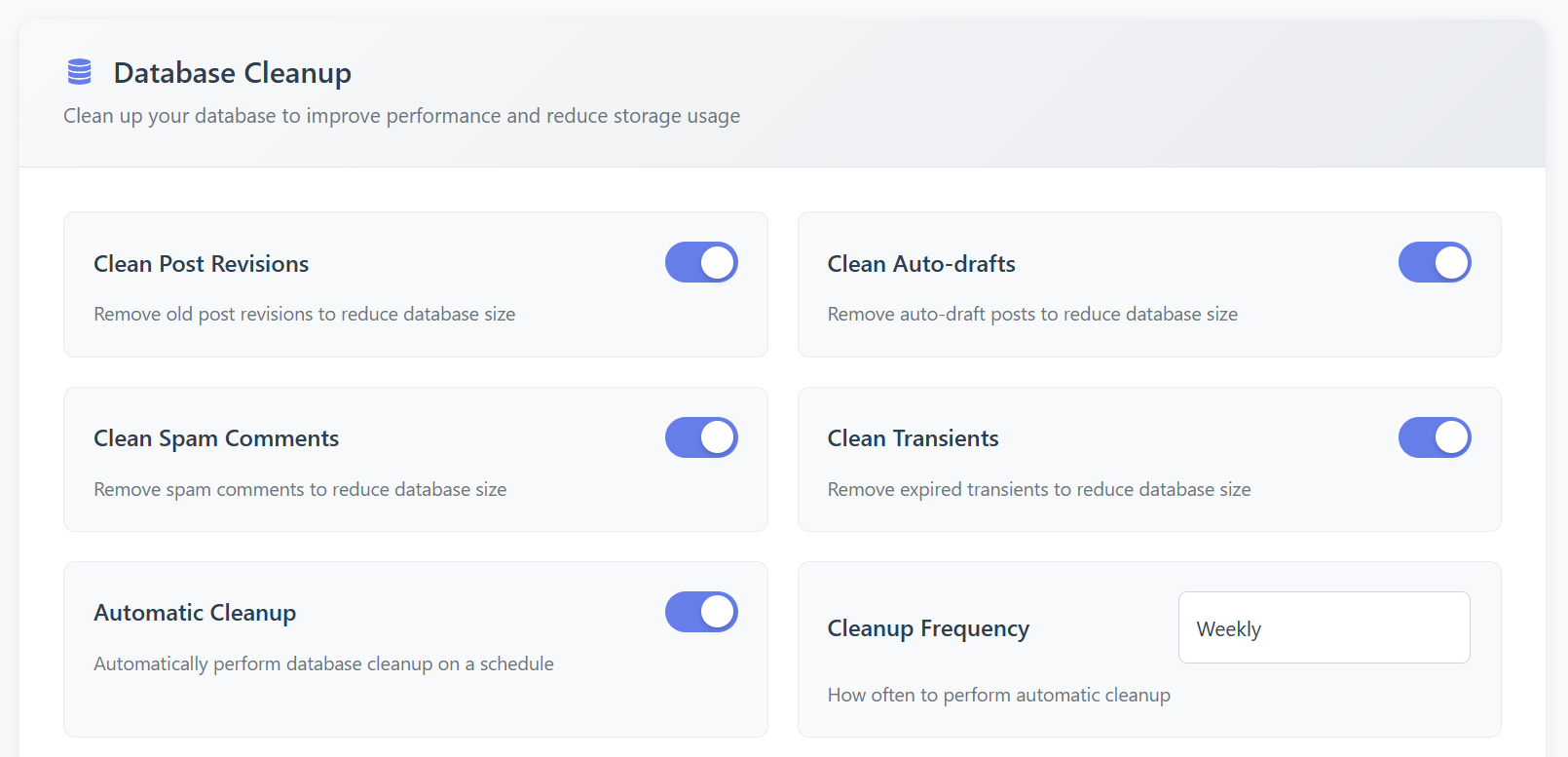
1-Click & Scheduled Cleanup: Safely remove post revisions, old auto-drafts (
> 7 days), spam and trashed comments, expired transients, and orphanedpostmetarows. - MySQL Table Optimization: Run
OPTIMIZE TABLEacross core tables manually or automatically via daily, weekly, or monthly WP-Cron schedules. -
Built-In Autoload Bloat Inspector: Instantly audit total autoloaded
wp_optionssize (in KB) alongside your Top 5 Heaviest Autoloaded Options so hidden database bottlenecks never go unnoticed. 3. HTTP Security Headers Achieve a hardened browser security posture without breaking stylesheets, fonts, or payment gateways: -
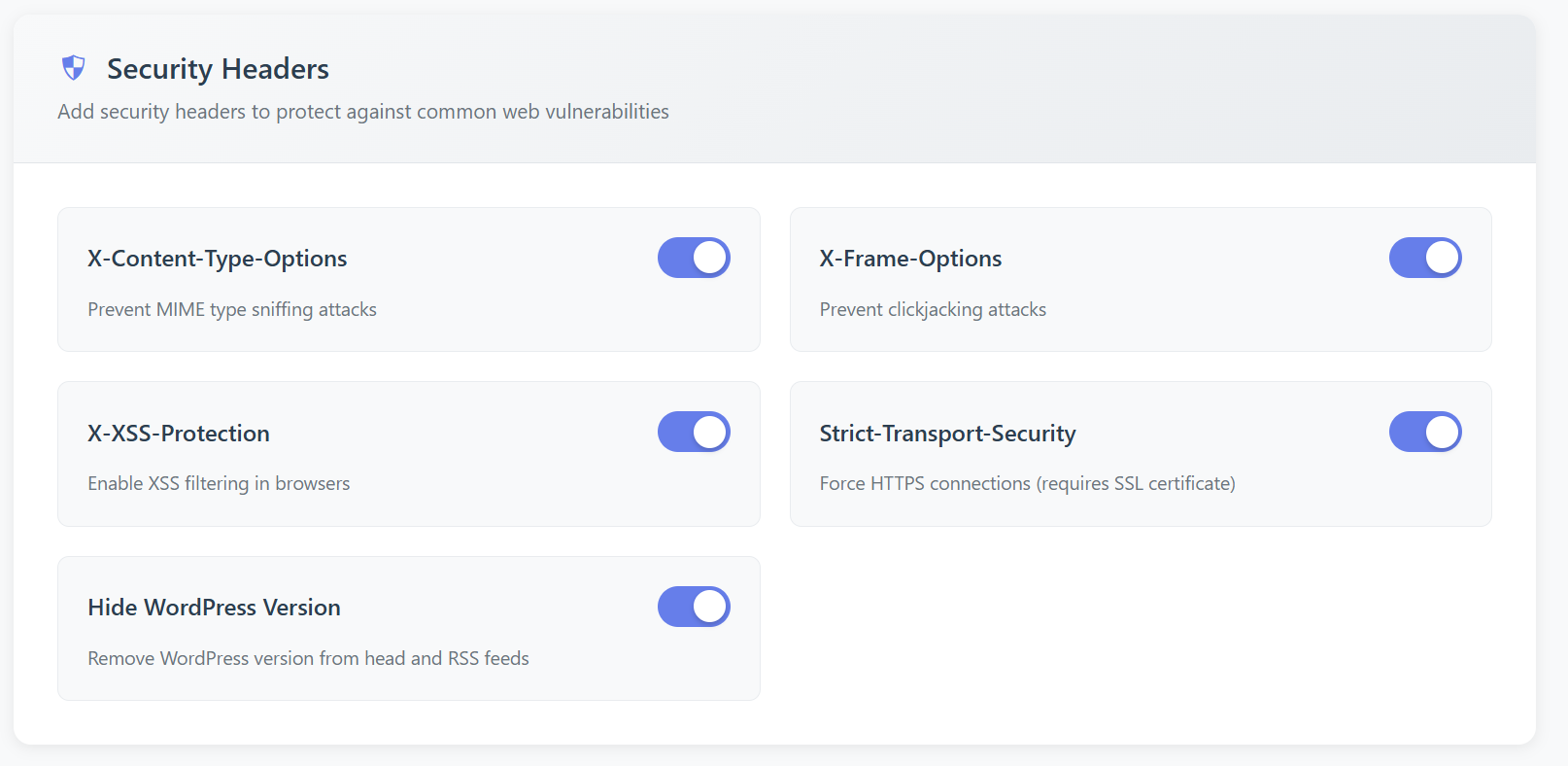
Toggleable
X-Content-Type-Options: nosniff(MIME-sniffing defense) - Toggleable
X-Frame-Options: SAMEORIGIN(clickjacking protection) - Toggleable
Referrer-Policy: strict-origin-when-cross-origin - Toggleable
Permissions-Policy(restricts unauthorized camera, microphone, geolocation, and USB access) - Optional
Strict-Transport-Security (HSTS)for HTTPS sites -
Hide core generator meta tags and asset version fingerprinting (
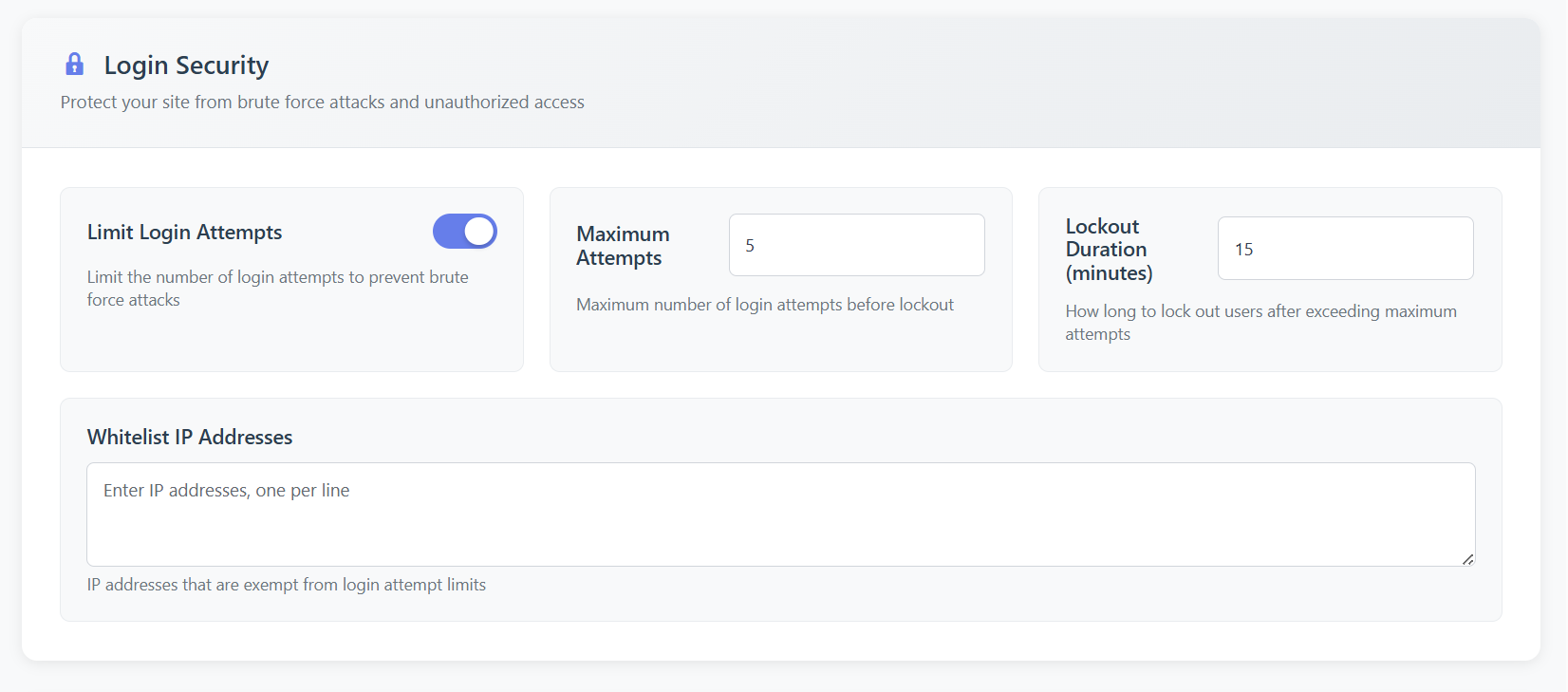
?ver=) 4. Unified Login Brute-Force Shield Stop automated credential-stuffing and brute-force bots before they exhaust PHP workers: - Automatic IP Lockouts: Lock out attacking IPs after a configurable number of failed login attempts and lockout window.
- Trusted IP Allowlist: Whitelist your office or developer IPs so you are never locked out.
- Username Enumeration Masking: Replace verbose login failure hints with generic error messages so attackers cannot harvest valid usernames.
- Live Telemetry & 1-Click Reset: View recent failed login attempts (IP, username, UTC timestamp) and clear active lockouts in one click. 5. Core Hardening & 1-Click Uploads PHP Shield Close the most common entry points used in automated site compromises:
-
1-Click
wp-content/uploads/PHP Execution Shield: Generates hardened.htaccessrules blocking direct execution of backdoor.php,.phtml, and.pharshells uploaded into media folders. - Disable XML-RPC &
X-Pingback: Eliminates amplifiedsystem.multicallbrute-force and pingback DDoS vectors. - Block Username Harvesting: Stops
?author=1archive scans and restricts unauthenticatedREST API /wp/v2/usersenumeration. - Lock Theme & Plugin File Editors: Blocks arbitrary PHP code editing inside
wp-adminvia capability mapping (map_meta_cap). - High-Risk Plugin Detector: Alerts you if risky file-manager or database-admin plugins are left active in production, with 1-click deactivation. 6. 6-Layer Malware, Core Checksum & Hidden-Admin Scanner Built from real-world forensic incident response to uncover threats traditional scanners miss:
-
Layer 1 — Root Directory PHP Audit: Flags unauthorized
.phpdrop-ins sitting in your site root (ABSPATH). - Layer 2 — Official Core MD5 Checksums: Verifies every file inside
wp-admin/andwp-includes/against officialapi.wordpress.orgcryptographic MD5 hashes. - Layer 3 — Zero-Tolerance
uploads/Shell Scan: Detects disguised PHP webshells insidewp-content/uploads/. - Layer 4 —
mu-pluginsPersistence Audit: Inspects Must-Use plugins where stealth malware often hides from the standard Plugins screen. - Layer 5 — Heuristic Signature &
wp_optionsDB Scan: Scans plugins, themes, and database options for obfuscatedeval(base64_decode(...)),gzinflate, shell execution, and injected script payloads, complete with a Safe Read-Only Code Snippet Preview modal. - Layer 6 — Stealth
pre_user_queryHidden-Admin Detector: Compares high-levelWP_User_Queryresults against raw databasecapabilitiesusermeta rows to expose rogue administrator accounts hidden by malicious hooks.
- Early-Boot Web Application Firewall (WAF): Blocks SQL Injection (SQLi), Cross-Site Scripting (XSS), Directory Traversal, Null-Byte exploits, and bad-bot user-agents at priority
0(includes safe Learning Mode). - 429 Anti-Bot Flood Rate Limiter: Sliding-window per-IP request throttling (
HTTP 429 Too Many Requests) to prevent scraper floods from triggering502 Bad Gatewaycrashes. - Real-Time Admin Capability Guard: Locks an Approved Administrator Whitelist and automatically disarms unauthorized privilege escalation while destroying rogue sessions.
- 1-Click Malware & Rogue-User Eradication: Delete flagged backdoor files, malicious database rows, and stealth admin accounts directly from the 6-Layer Scanner.
- Custom CSP Header Builder & Scheduled Daily Scans: Test
Content-Security-Policydirectives inReport-Onlymode before enforcingGrade A+headers, plus automated daily scan email alerts.
wp-admin (or enables scheduled scans in Pro), the plugin connects to the official public WordPress.org Core Checksums API (https://api.wordpress.org/core/checksums/1.0/) to fetch official MD5 file hashes for your installed core version and locale.
- Data sent: Only your WordPress version string and locale (for example,
version=7.1&locale=en_US), solely when a scan runs. - Privacy: Zero personal data, visitor IPs, user accounts, or site content is ever transmitted. Governed by the WordPress.org Privacy Policy.
安装:
- In your dashboard, go to Plugins → Add New, search for FBS Secure Optimize, and click Install Now (or upload the
fbs-secure-optimizefolder to/wp-content/plugins/). - Click Activate.
- Open FBS Optimize → Control Center from the left admin menu.
- Toggle on the exact speed and security modules your site needs:
- Already using a page-caching plugin? Keep Database & Autoload Cleaner, HTTP Security Headers, Login Shield, WP Hardening, and 6-Layer Malware Scanner enabled, and toggle Asset Optimizer off if your cache plugin already handles lazy loading.
- Open Headers & Hardening and click 1-Click Shield
wp-content/uploads/to block PHP execution in media directories. - Open 6-Layer Malware Scanner and click Run 6-Layer Deep Scan to establish a clean security baseline.
屏幕截图:
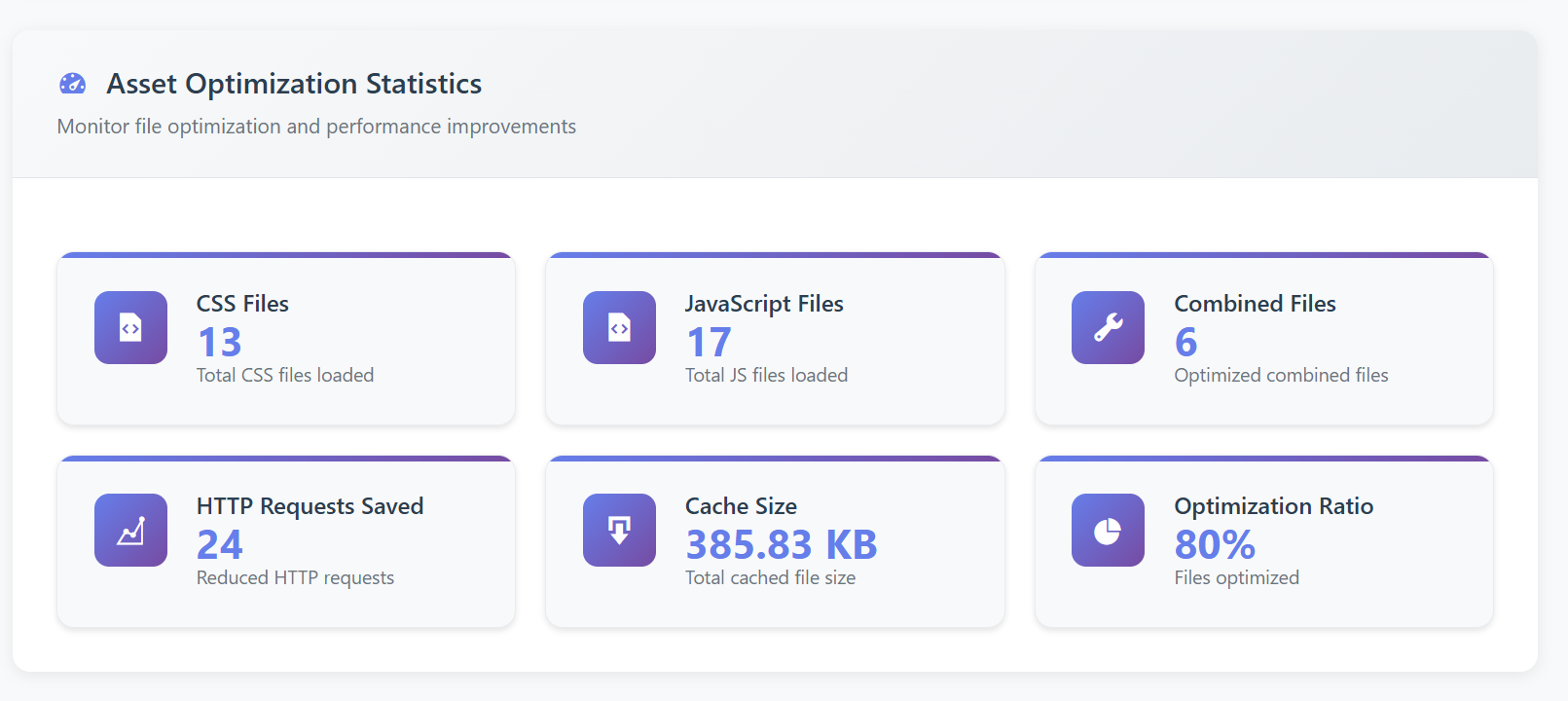
常见问题:
Will FBS Secure Optimize conflict with WP Rocket, LiteSpeed Cache, or Cloudflare?
No. Every engine is controlled by an Independent Module Toggle in the Module Control Center. If another plugin already handles script deferring or lazy loading, simply toggle Asset & Bloat Optimizer off—disabled modules are bypassed at boot and register zero frontend hooks, while you continue enjoying Database Cleanup, Autoload Inspection, Security Headers, Login Protection, Core Hardening, and the 6-Layer Malware Scanner.
If I disable a module, does it hide those settings in the dashboard?
Yes. Turning any module off in Module Control Center immediately hides its configuration panel (and hides the corresponding top navigation tab if all modules in that group are disabled) while safely preserving your saved preferences in case you re-enable it later.
Is the Asset Optimizer safe for eCommerce checkouts and LCP images?
Yes. Unlike aggressive lazy-loaders that delay your top hero banner and hurt Largest Contentful Paint (LCP), FBS Secure Optimize automatically skips lazy-loading on the first image in your content and adds fetchpriority="high". Likewise, JavaScript deferring automatically excludes jQuery core and sensitive cart/checkout pages.
Will enabling HTTP Security Headers break external fonts, analytics, or embeds?
No. The free HTTP Security Headers module ships with safe, standards-compliant defaults (X-Content-Type-Options: nosniff, X-Frame-Options: SAMEORIGIN, Referrer-Policy, and Permissions-Policy) that never block third-party CSS, fonts, or payment scripts. Every header is individually toggleable.
How does the Stealth Hidden-Admin Detector work?
Sophisticated malware often creates a backdoor administrator account and hooks pre_user_query or users_list_table_query_args so the rogue account is completely invisible on your Users → All Users screen. Layer 6 of our scanner cross-checks standard user queries against raw usermeta capability rows in MySQL to expose any hidden or stealth-elevated administrator immediately.
Does the free Malware Scanner delete files automatically?
Never automatically. In the Free edition, the 6-Layer Scanner performs a 100% safe, read-only forensic audit and lets you inspect suspicious code inside the Safe File Snippet Preview modal so core or custom files are never accidentally deleted. One-click deletion and auto-disarming are optional tools available in Pro.
What happens if I uninstall FBS Secure Optimize?
Uninstalling the plugin through the Plugins screen cleanly removes its saved options, clears scheduled cleanup cron hooks, and drops its custom fbsseop_login_attempts database table—leaving zero orphaned clutter behind.
更新日志:
- Major Release: Re-architected around 6 Independent Zero-Overhead Module Toggles with live Auto-Hide admin UX.
- New: 6-Layer Malware, Official Core MD5 Checksum & Stealth Hidden-Admin (
pre_user_query) Scanner with safe code snippet preview modal. - New: Core Hardening module featuring 1-Click
wp-content/uploads/.htaccessPHP Execution Shield, XML-RPC blocker, author/REST user enumeration defense, file editor lock, and High-Risk Plugin detector. - New: Built-in
wp_optionsAutoload Bloat Inspector displaying total autoloaded KB and Top 5 heaviest autoload rows. - New: LCP-safe native lazy loading (
fetchpriority="high"on first hero image), iframe lazy loading, Emoji/Dashicons bloat removal, and 60s Heartbeat API throttling. - Tweak: Modern SaaS Control Center UI, redesigned Meet The Author page, and full WordPress 7.1 & Plugin Check compliance.
- New: Integrated "Our Plugins" showcase page and "Meet The Author" profile page.
- Tweak: Redesigned backend dashboard styling.
- Tested compatibility with WordPress 6.9.
- Initial release on WordPress.org.