
FeatherDash
| 开发者 | digitalbrew |
|---|---|
| 更新时间 | 2026年11月10日 20:33 |
| PHP版本: | 8.2 及以上 |
| WordPress版本: | 7.1 |
| 版权: | GPLv2 or later |
| 版权网址: | 版权信息 |
详情介绍:
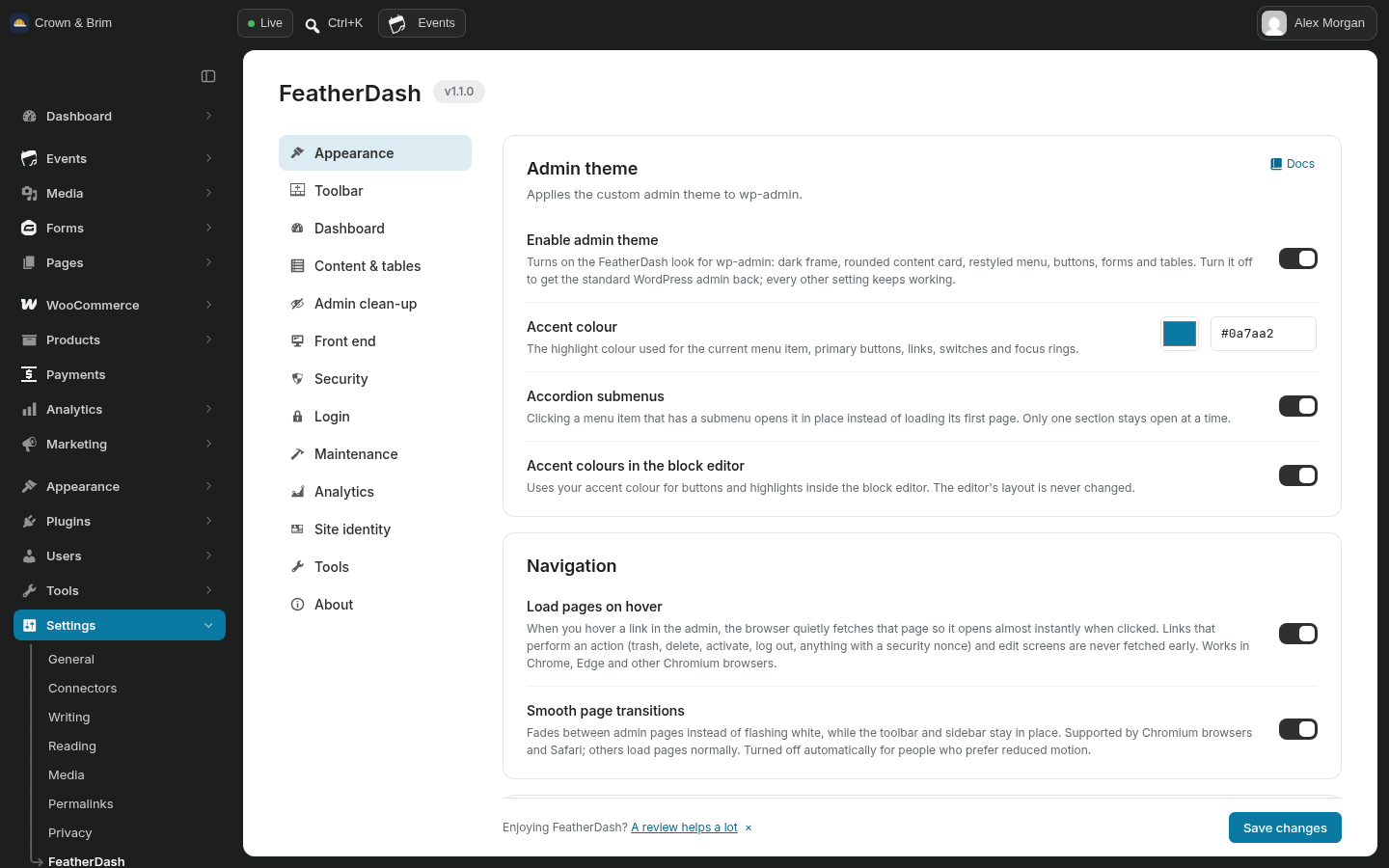
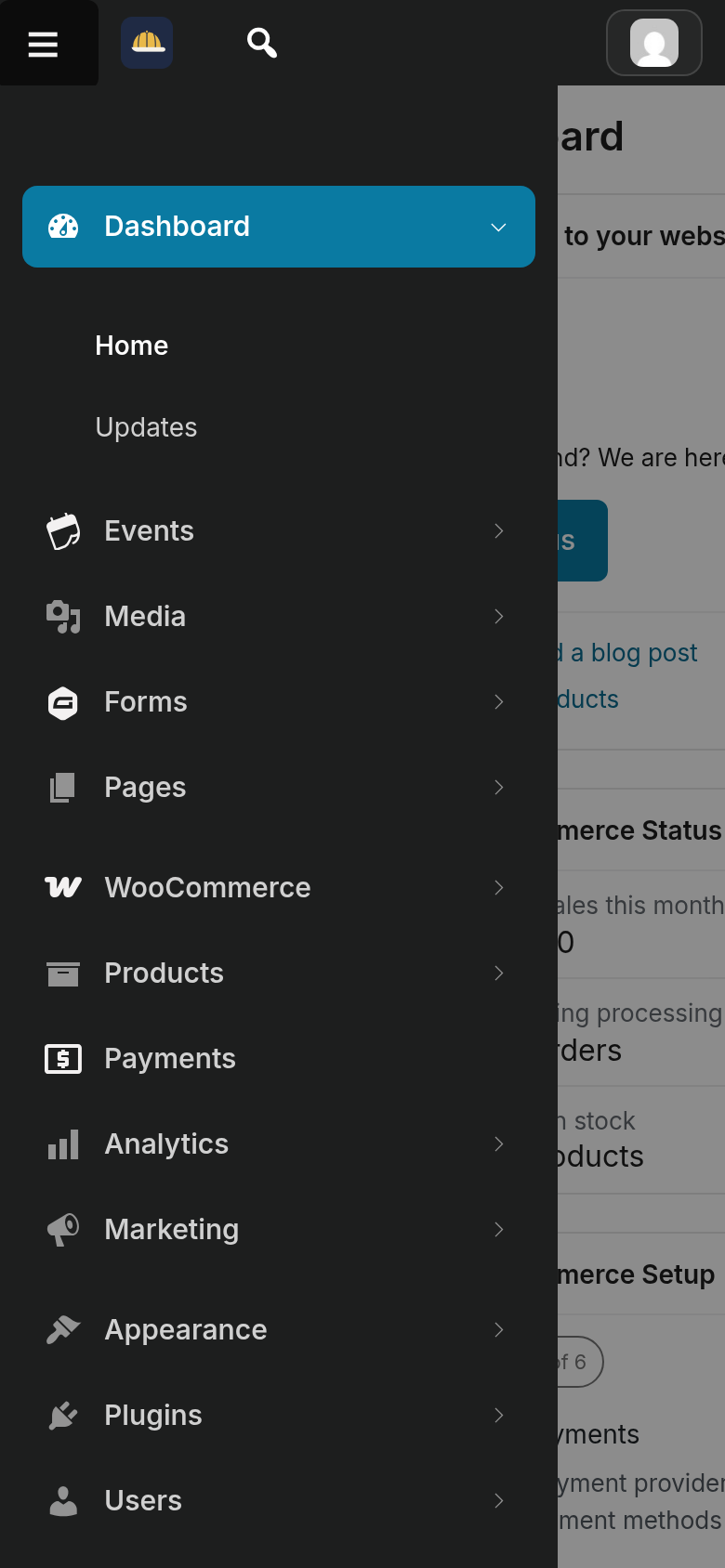
- Dark frame with a rounded content card, the Inter font and your accent colour
- Accordion submenus (or hover flyouts)
- Pages load on hover and fade in — the admin feels instant
- A proper mobile drawer on phones
- A layer on top of WordPress' own styles: the block editor and plugins keep working
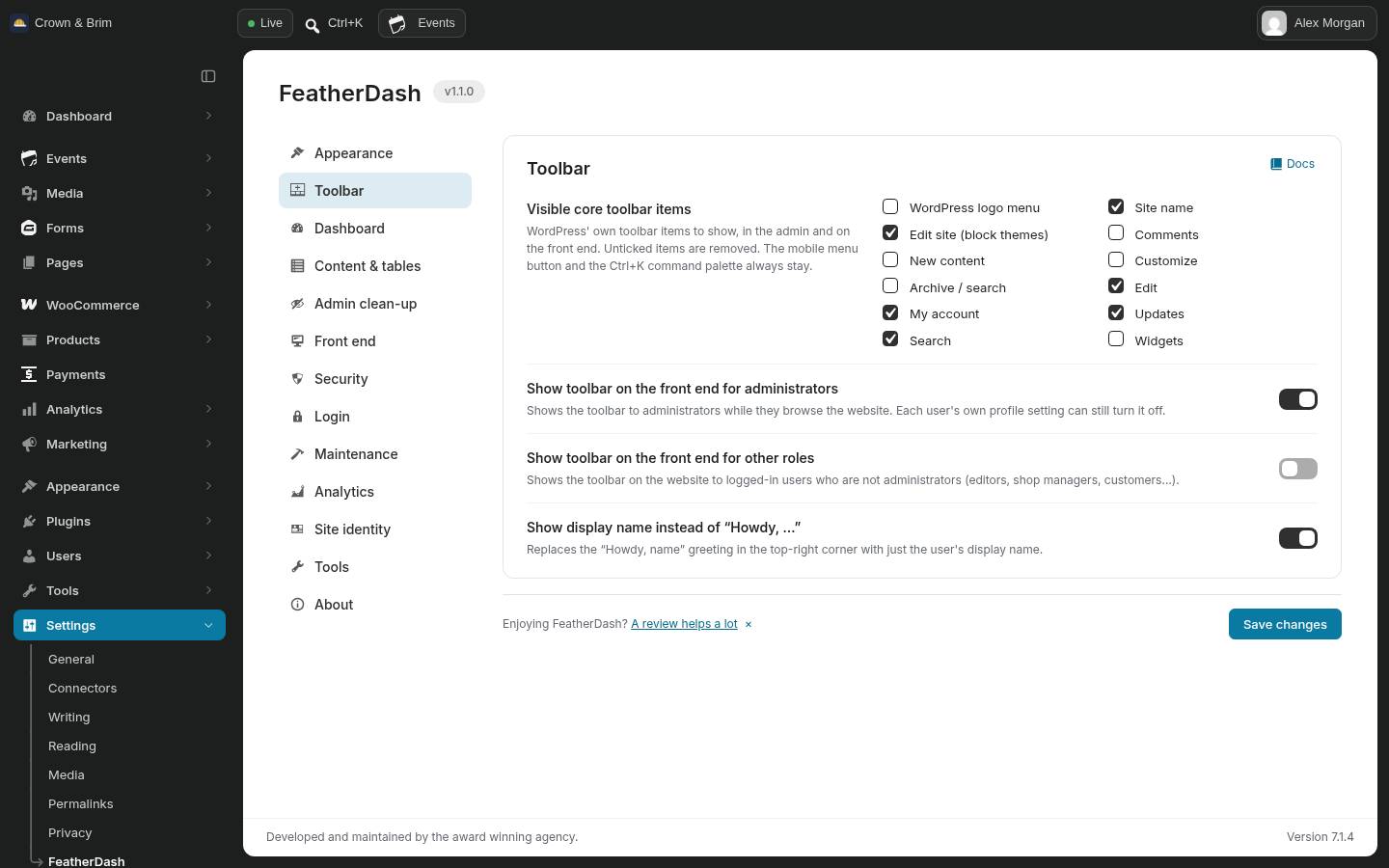
- Choose which WordPress toolbar items are visible
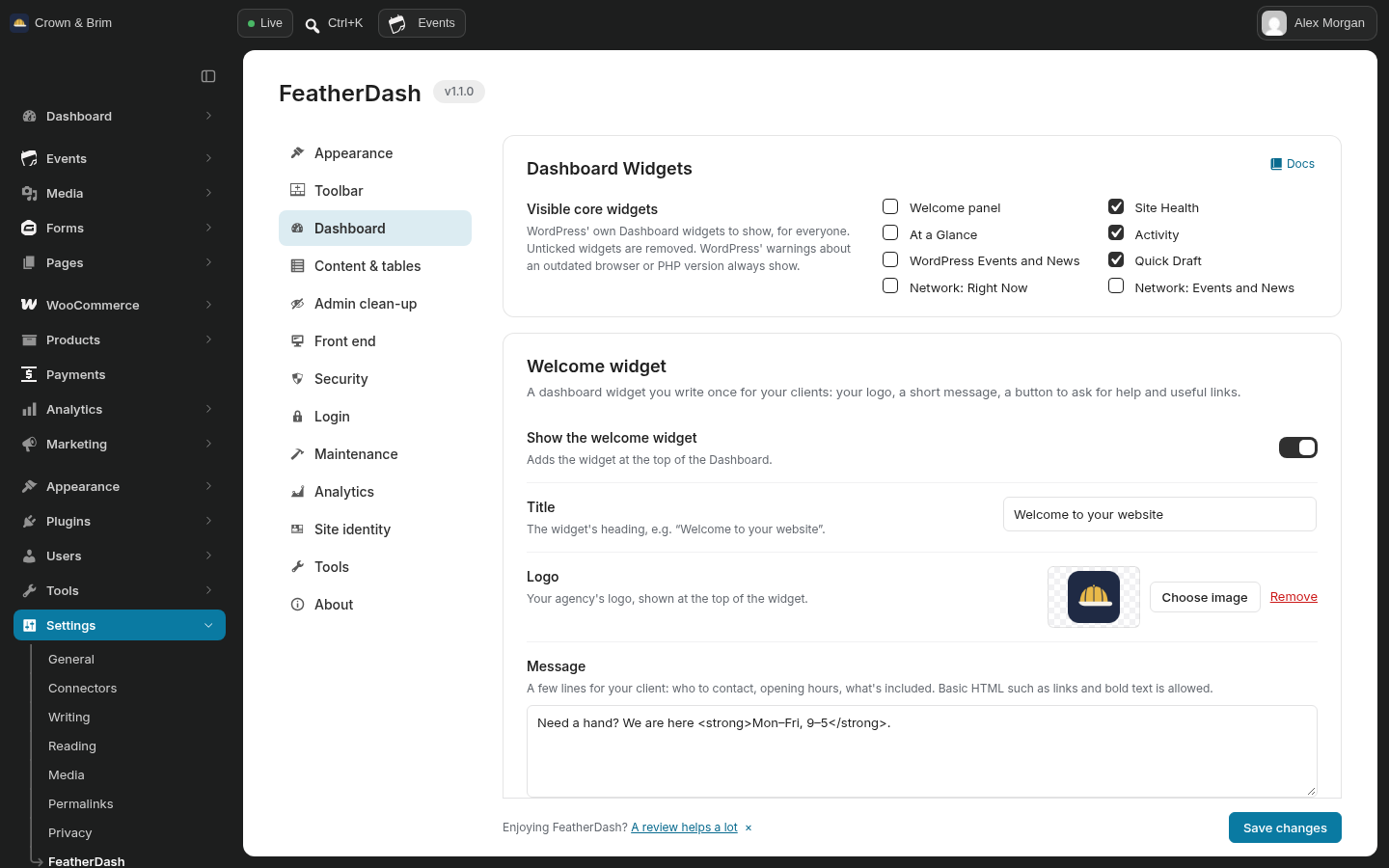
- Choose which core dashboard widgets show, and add a welcome widget for clients
- Hide Help tabs, Screen Options and update notices for non-administrators
- Turn off Appearance screens you don't use (Themes, Customizer, Widgets, Patterns…)
- Turn comments or blog posts off site-wide
- Last login and registration date columns on the Users screen
- "Saved" messages as pop-ups
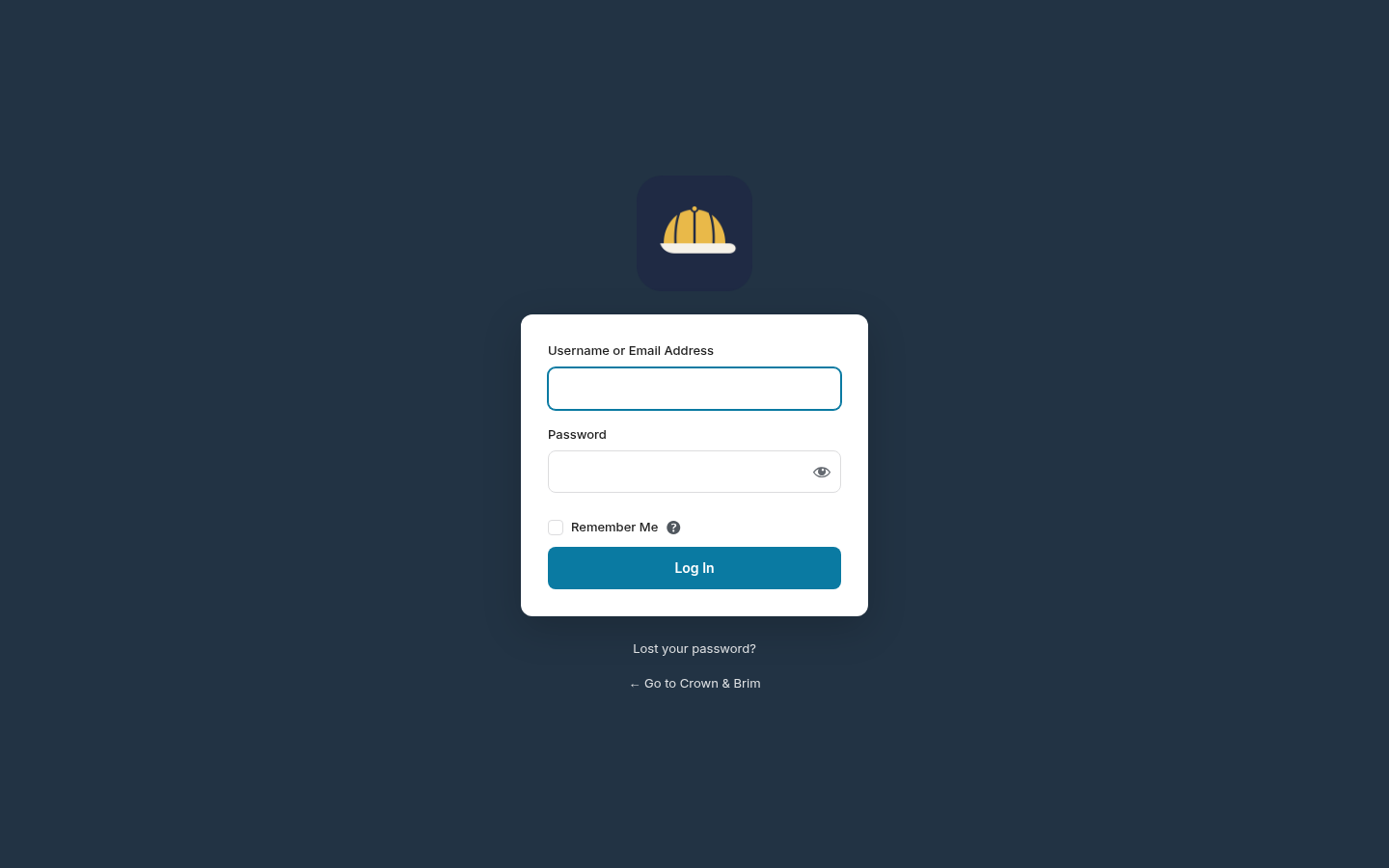
- Branded login screen: logo and colours
- Maintenance mode with a proper 503 page, preview and editor bypass
- Favicon (Site Icon) from the settings
- GA4 tag with Google Consent Mode, Search Console verification and the Meta Pixel
- Remove emoji scripts, feed links, generator and other head tags, version strings
- Control jQuery and jQuery Migrate
- Turn off XML-RPC, hide REST users from visitors, block ?author= scans
- Export and import all settings as JSON (copy, paste or file)
dist/ are built with Vite from the human-readable source that ships with the plugin:
assets/scripts/— JavaScript source (vanilla ES modules):admin.js→dist/admin.js,settings.js→dist/settings.jsassets/styles/— CSS source (plain CSS):admin.cssand the partials inassets/styles/admin/→dist/admin.css;editor.css,login.css,maintenance.css,settings.css,tinymce.css→ the files of the same name indist/dist/chunks/sortable.esm.js— SortableJS (MIT), from npmsortablejsdist/fonts/— the Inter variable font (SIL OFL 1.1), from npm@fontsource-variable/inter
npm install, then npm run build (configured in package.json and vite.config.js). npm run dev rebuilds on every change.
安装:
- Plugins → Add New → search "FeatherDash" → Install → Activate.
- Open Settings → FeatherDash and go through the tabs.
- Optional: Tools → Export to JSON, then import the file on your next site.
composer require wp-plugin/featherdash. See the documentation.屏幕截图:

常见问题:
What changes when I activate it?
Only the look: the admin theme, the accent colour and a tidier toolbar. Clean-up, front-end and security options stay off until you choose them in Settings → FeatherDash.
Will it break my admin or the block editor?
No. FeatherDash never removes WordPress' own stylesheets; it adds a layer on top. The block editor only picks up your accent colour. Turn the theme off at any time and every other setting keeps working.
Does it work with WooCommerce, Yoast, ACF, Gravity Forms…?
Yes — FeatherDash was checked page by page with 40+ popular plugins, on desktop and mobile. See the compatibility list in the documentation.
Does it contact external servers?
Only for features you switch on, and Freemius only if you opt in. See "External services" below.
Does it change the front end of my site?
Only the optional head clean-up, feed redirects, jQuery, security options (the ?author= redirect, hiding the REST users endpoint from visitors), maintenance mode, favicon and tracking tags — each with its own setting.
What happens to my settings if I deactivate it?
They stay in the database until you uninstall the plugin; uninstalling removes them.
更新日志:
- Free and Pro editions. The free plugin only changes the look until you choose other settings.
- Welcome widget for clients, "saved" messages as pop-ups, row actions menu, Appearance screen toggles, Meta Pixel, Search Console verification, favicon, About tab.
- WooCommerce screens follow the admin theme; wide list tables scroll sideways.
- Full list: https://featherdash.io/docs/changelog/
- Rewrite: database-only settings, admin theme as a layer on top of core styles, plain CSS and vanilla ES modules.