First Party Analytics
| 开发者 | tmmtechnology |
|---|---|
| 更新时间 | 2026年11月4日 18:01 |
| PHP版本: | 8.1 及以上 |
| WordPress版本: | 7.0 |
| 版权: | GPLv3 |
| 版权网址: | 版权信息 |
详情介绍:
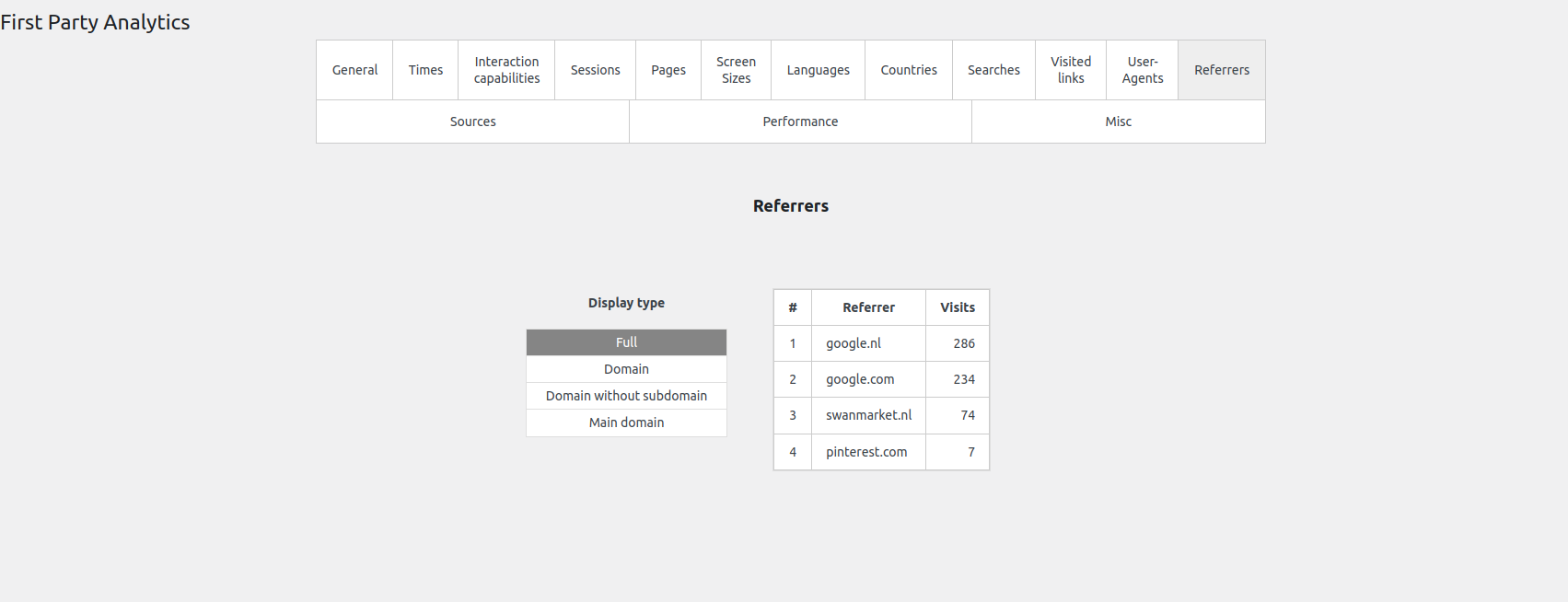
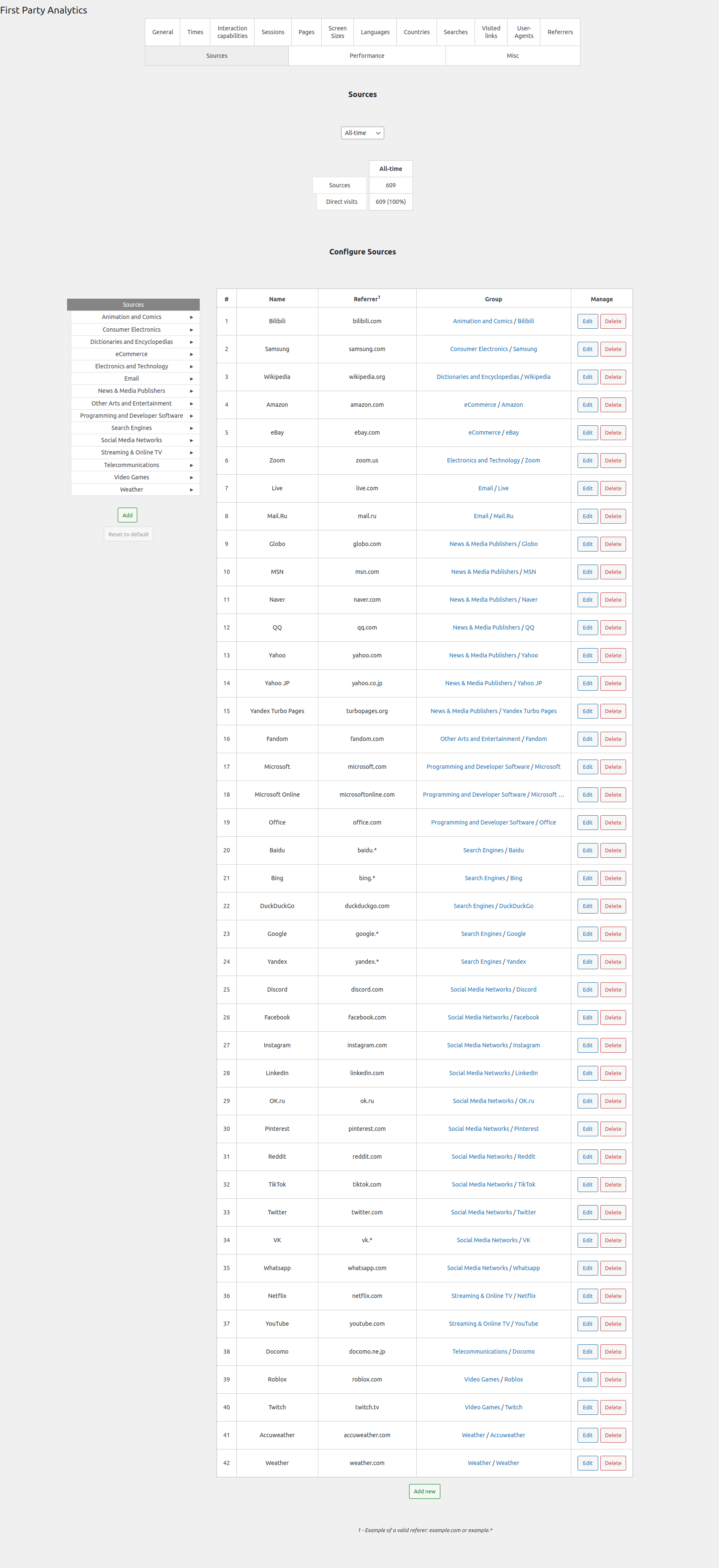
- Understand your audience. Explore traffic sources, referrers, countries, languages, browsers and devices.
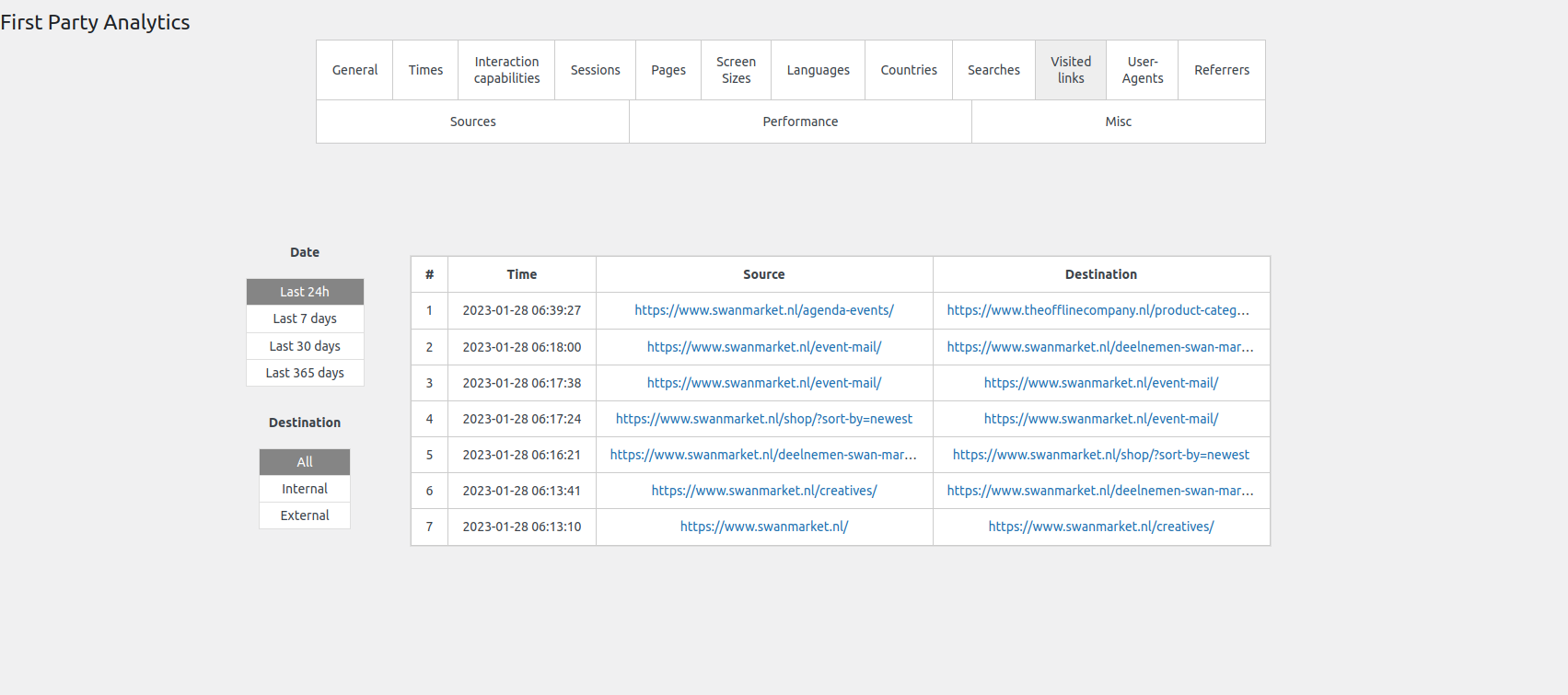
- See which content gets attention. Review page visits, sessions, visit times, on-site searches and visited links.
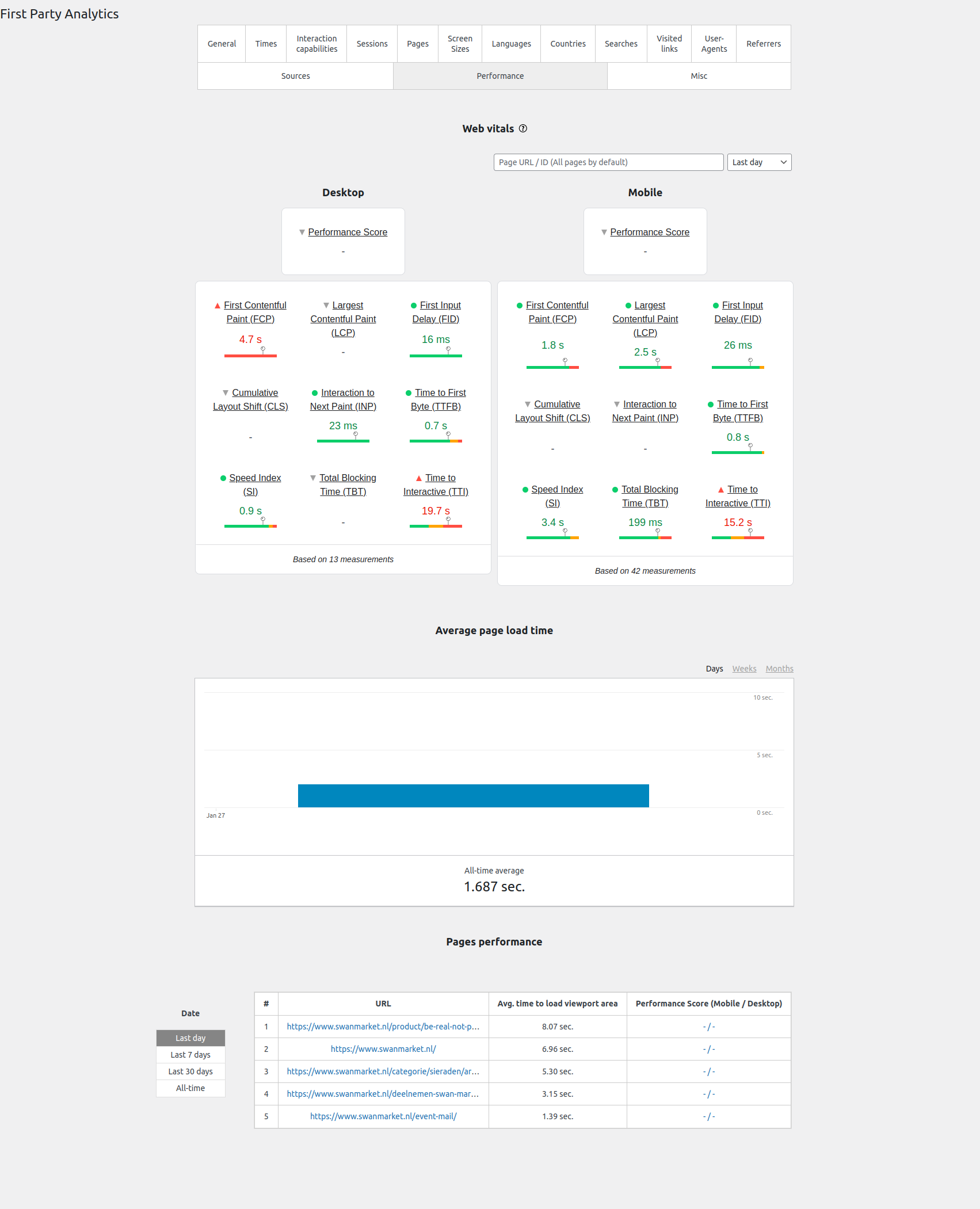
- Prioritize performance work. Investigate real-user loading speed, responsiveness and visual stability with supported Web Vitals.
- Put traffic in context. Distinguish human, user-directed AI, crawler, bot and unknown activity.
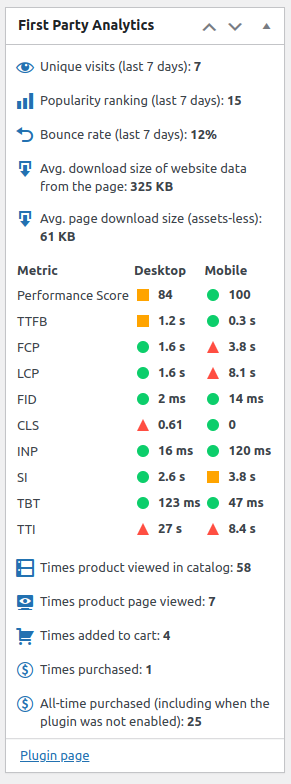
- Keep reports close to your work. Open analytics in WordPress and view page-level statistics while editing content.
安装:
- Install and activate First Party Analytics. PHP 8.1 or newer is required; test the configuration on staging before enabling collection on a live site.
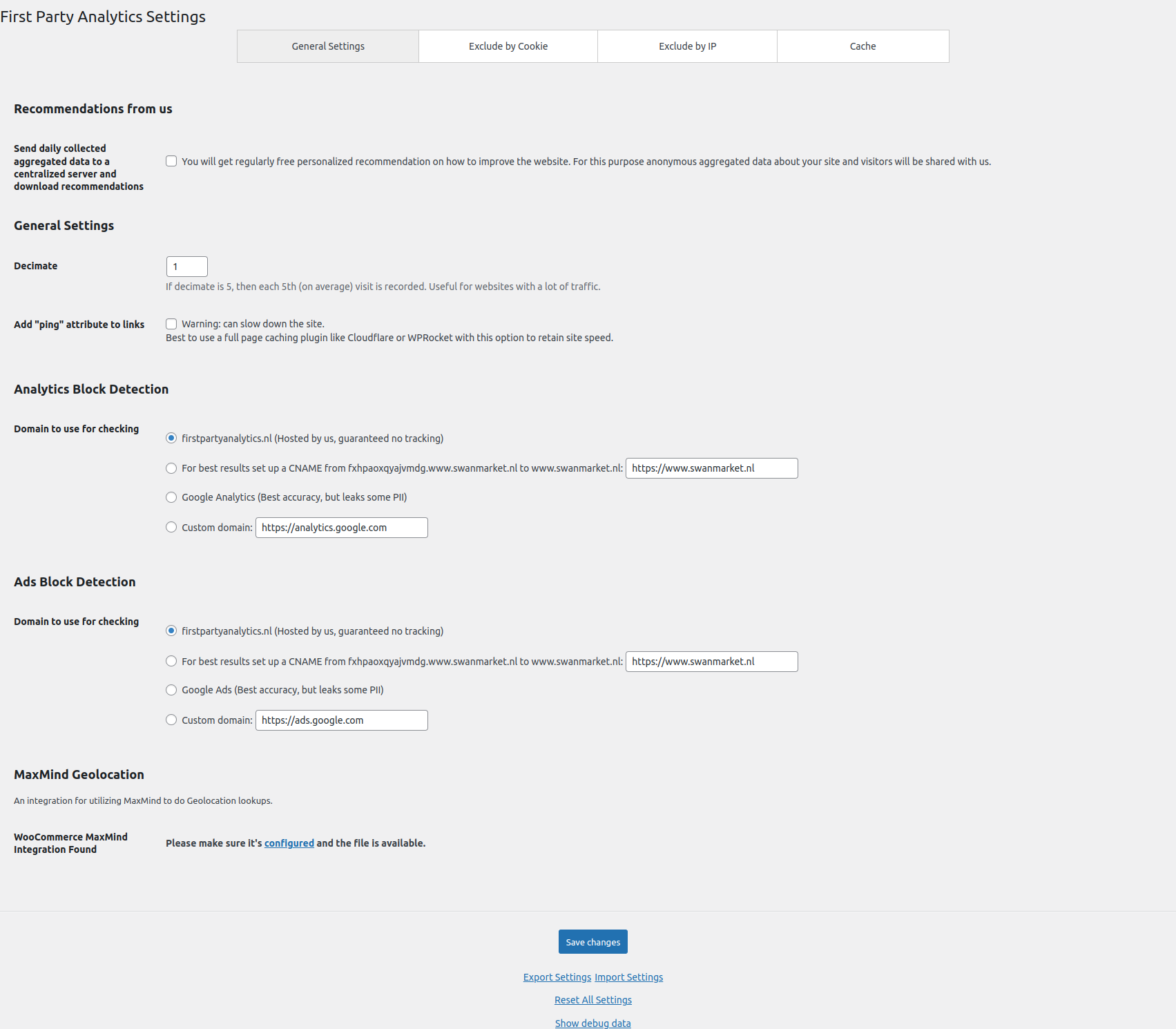
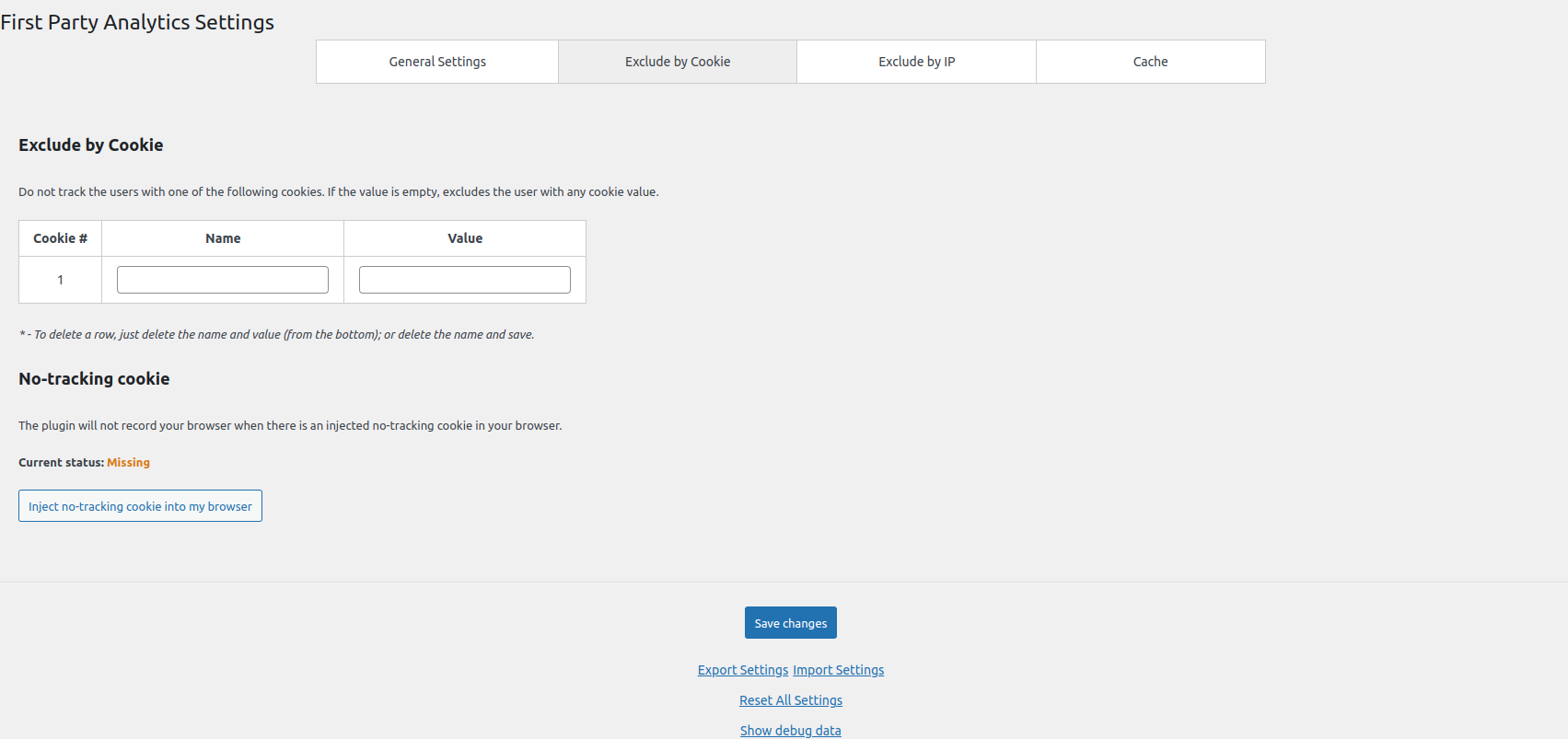
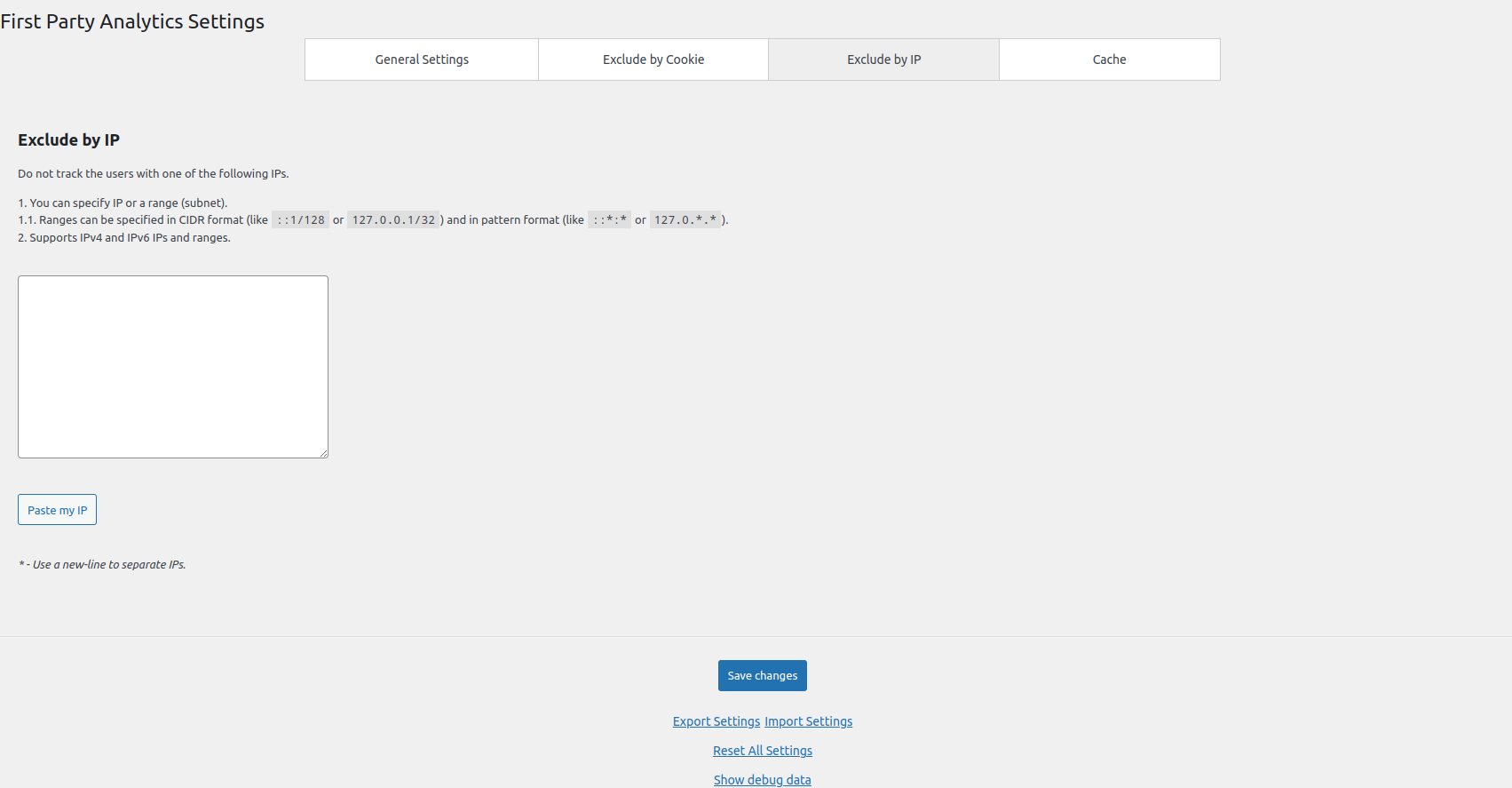
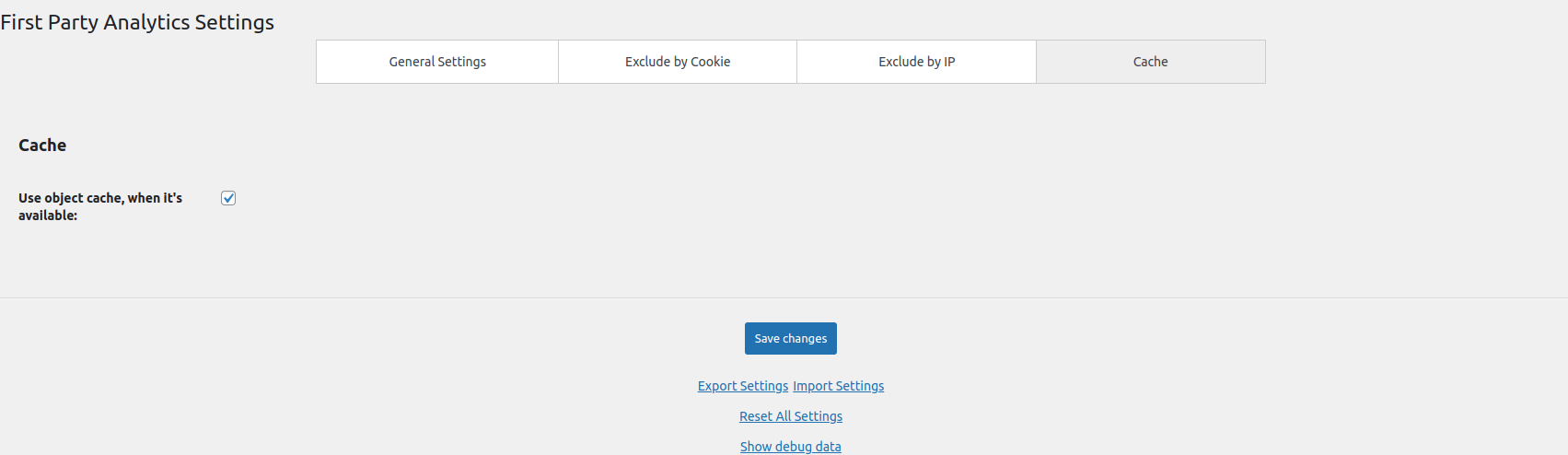
- Open the plugin settings and review exclusions, sampling, script loading and optional data sharing.
- Configure your site's privacy notice and any required consent controls before collecting visitor data.
- Visit a few pages in a separate anonymous browser session or with an eligible non-administrator account. Administrator visits are excluded.
- Allow background processing to run, then open the analytics reports in WordPress.
- Check the date range and explore Pages, Sources and Performance to see the available results.
屏幕截图:
常见问题:
What does first-party analytics mean here?
The plugin collects activity through your website and stores its analytics in your site's database. You can view built-in reports in WordPress without connecting a Google Analytics account. First-party does not mean cookie-free, anonymous by default or free of all external requests. See Privacy and External Services below.
Which reports are included?
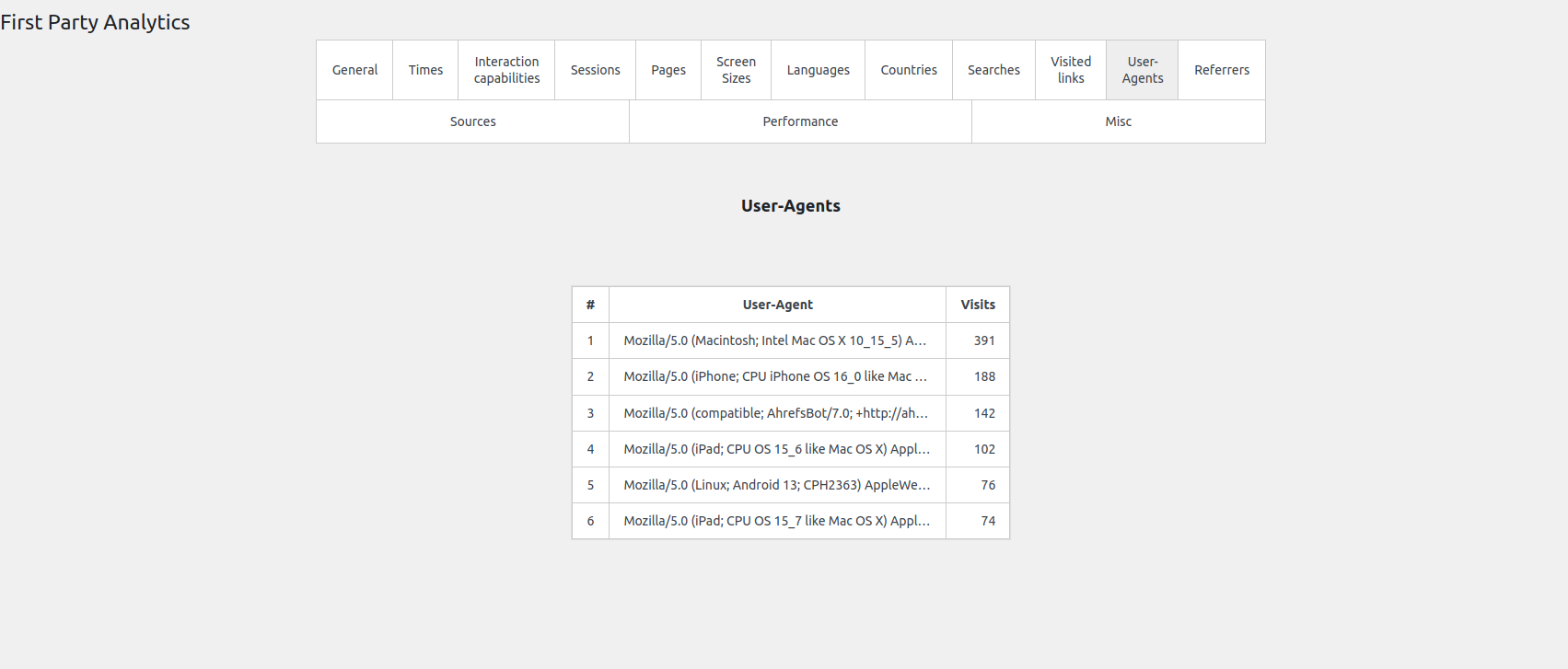
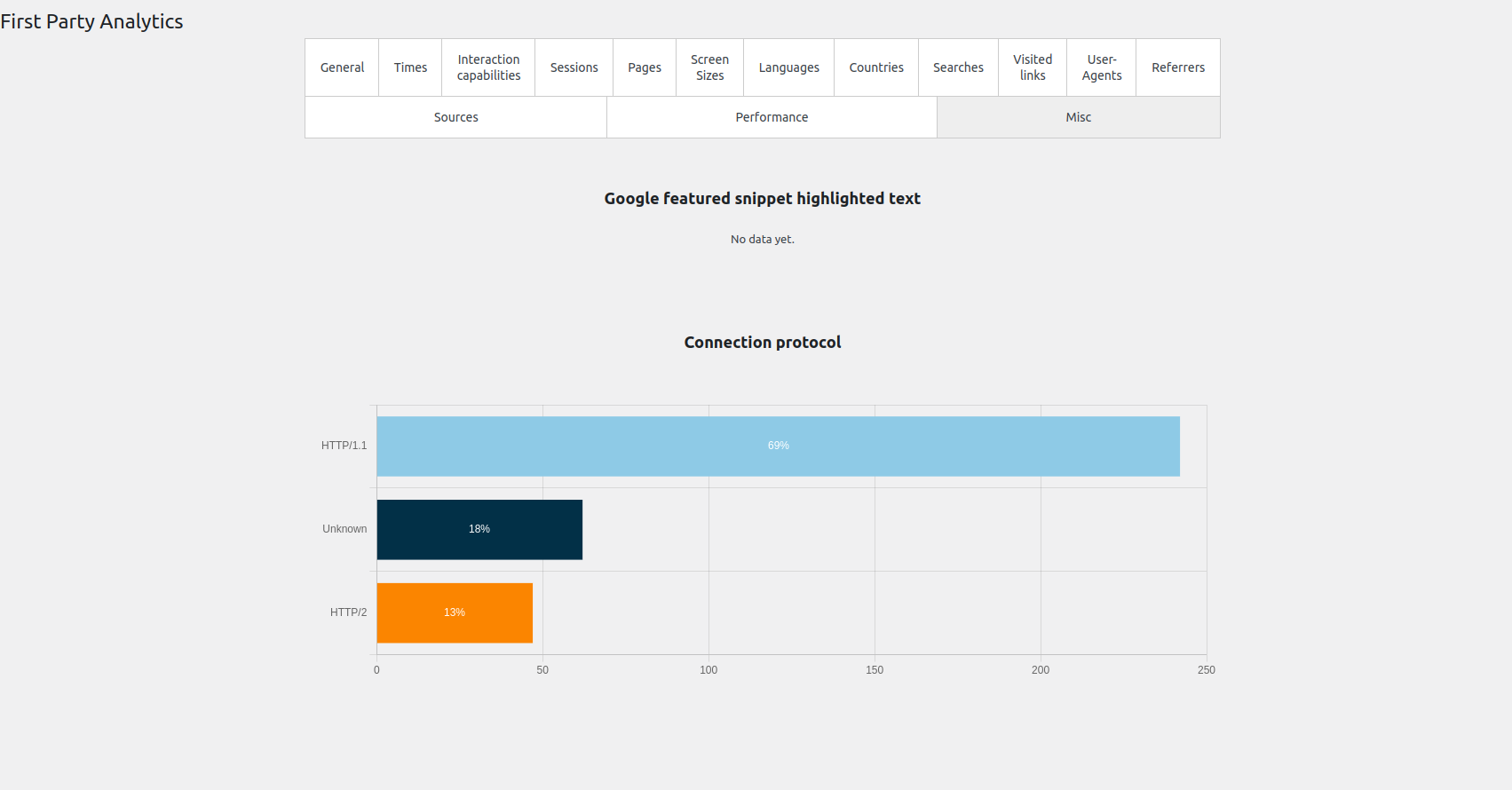
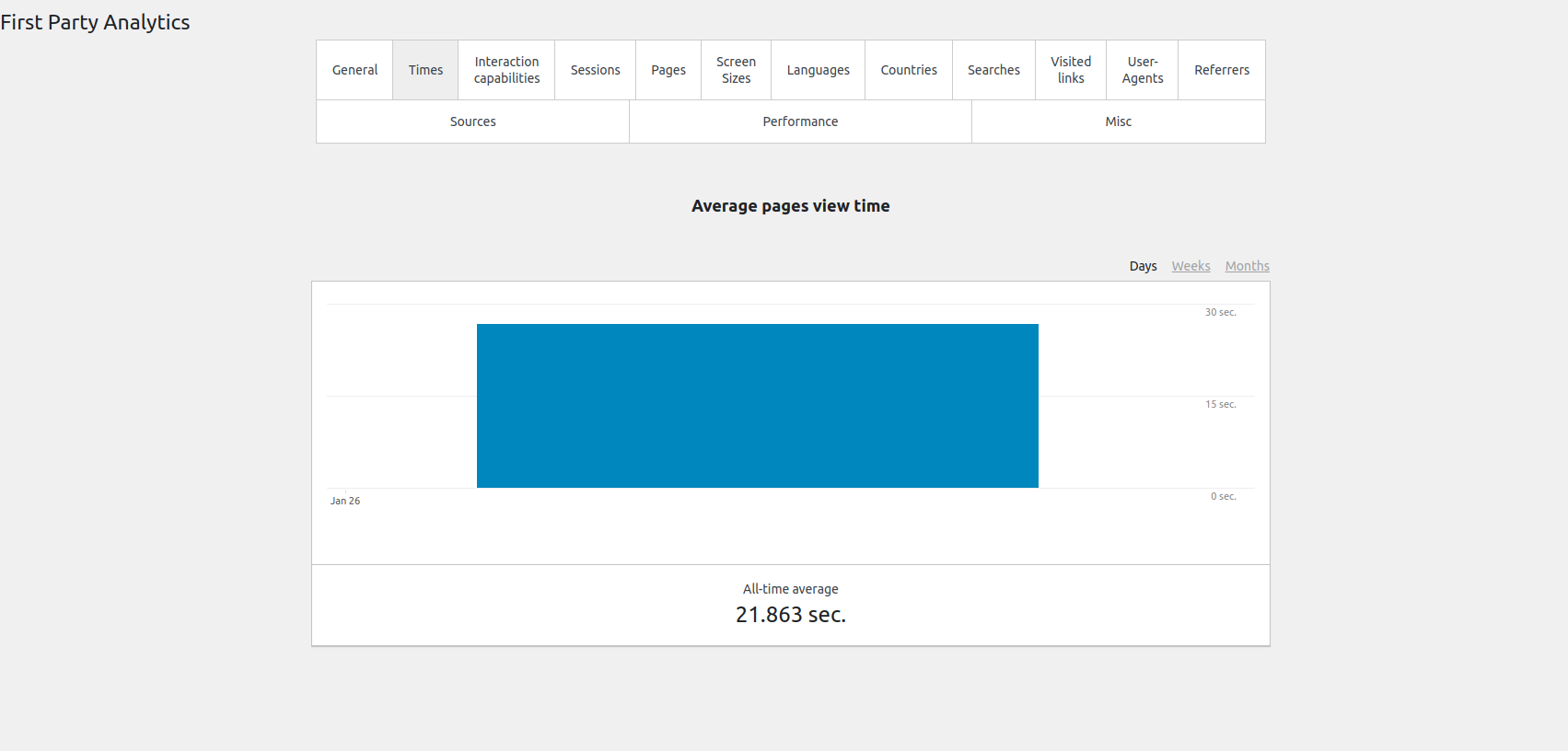
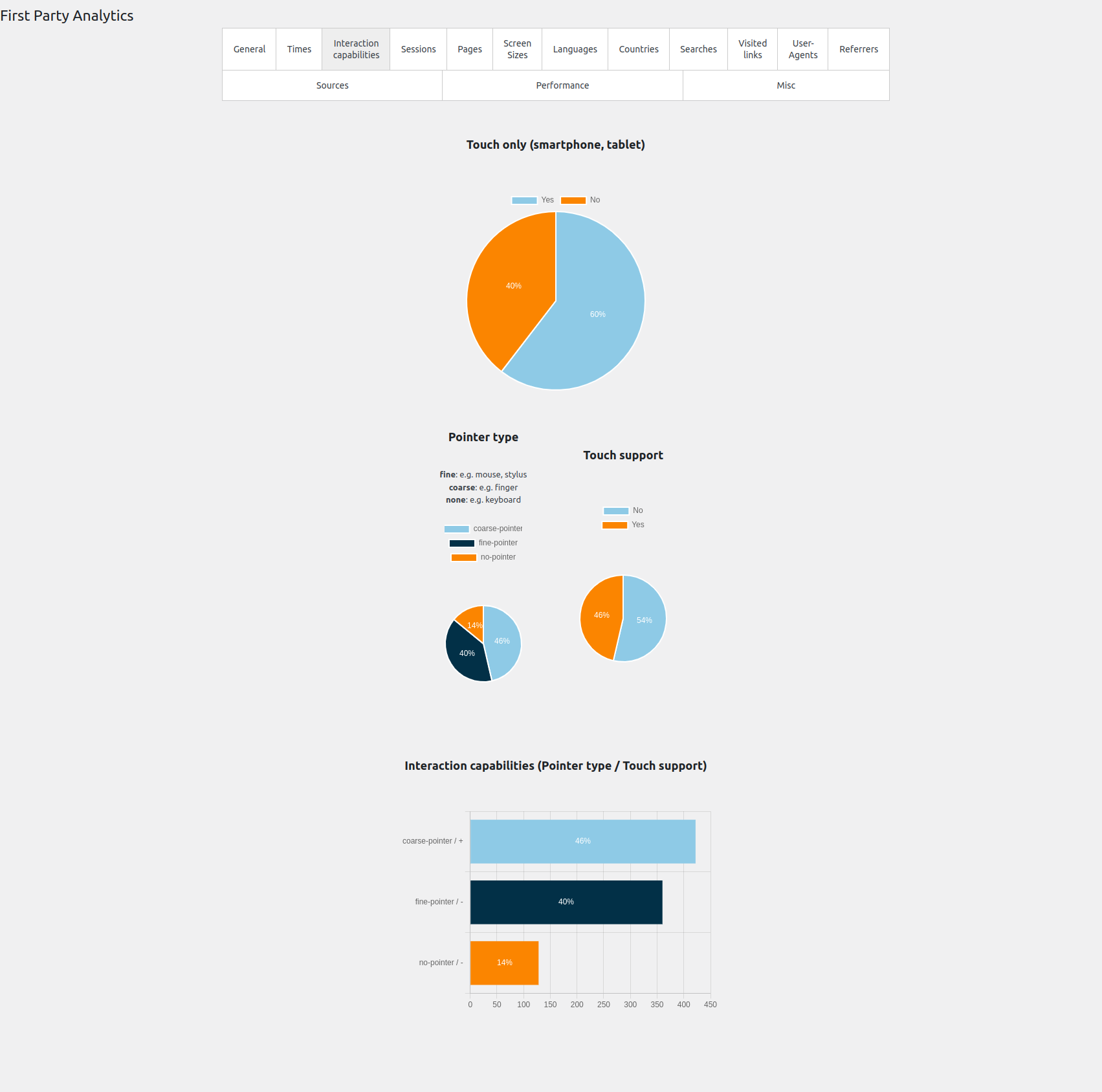
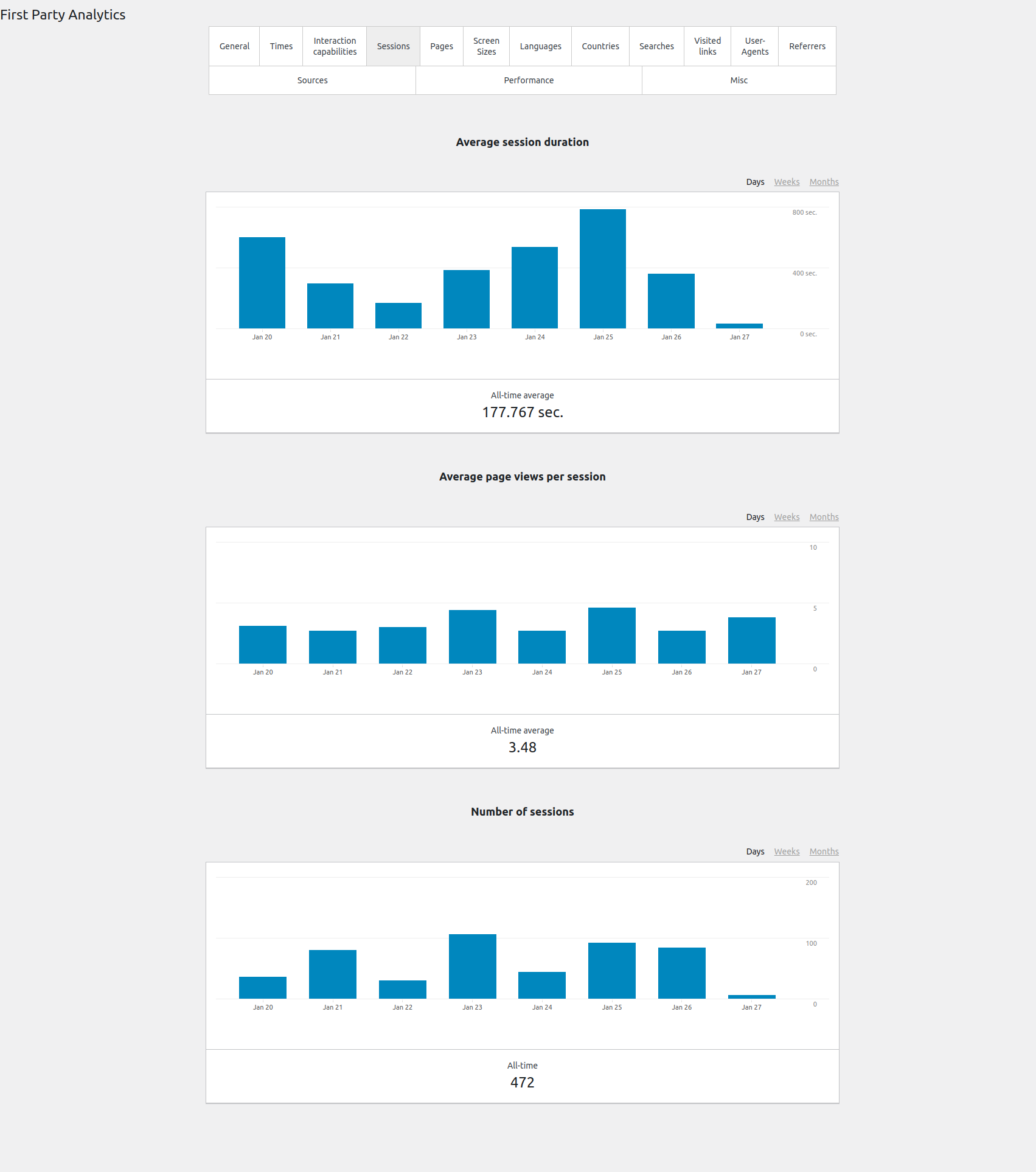
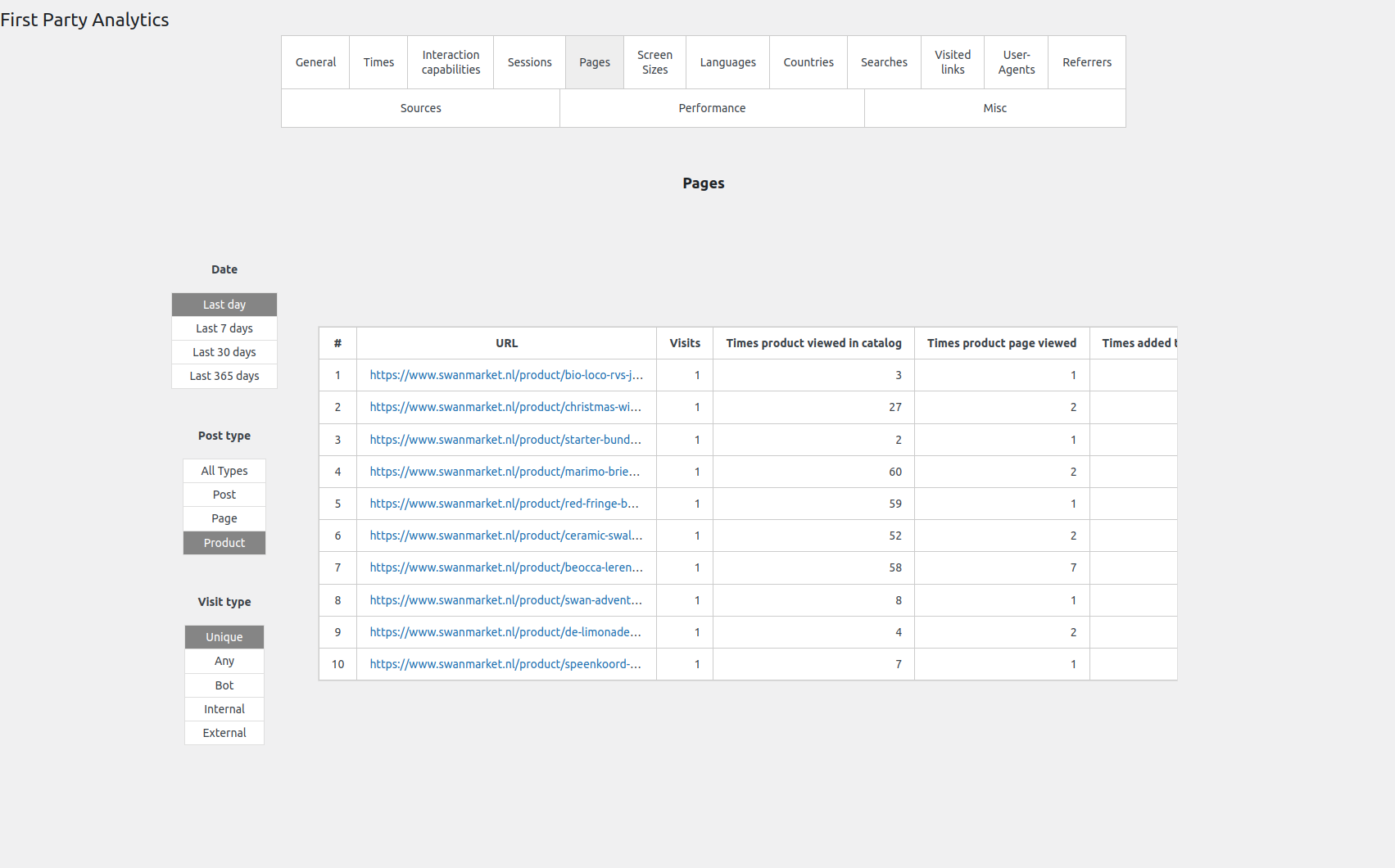
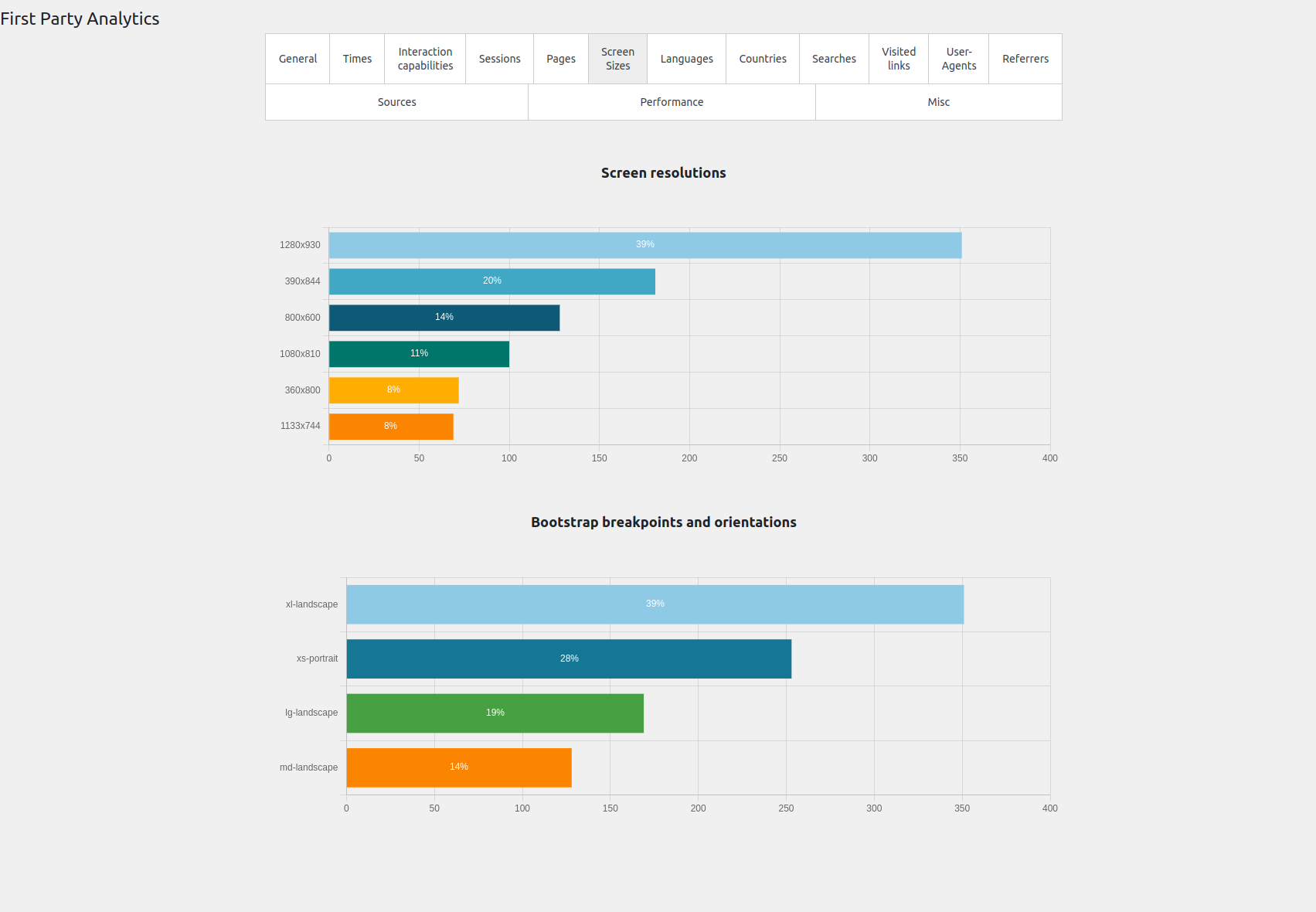
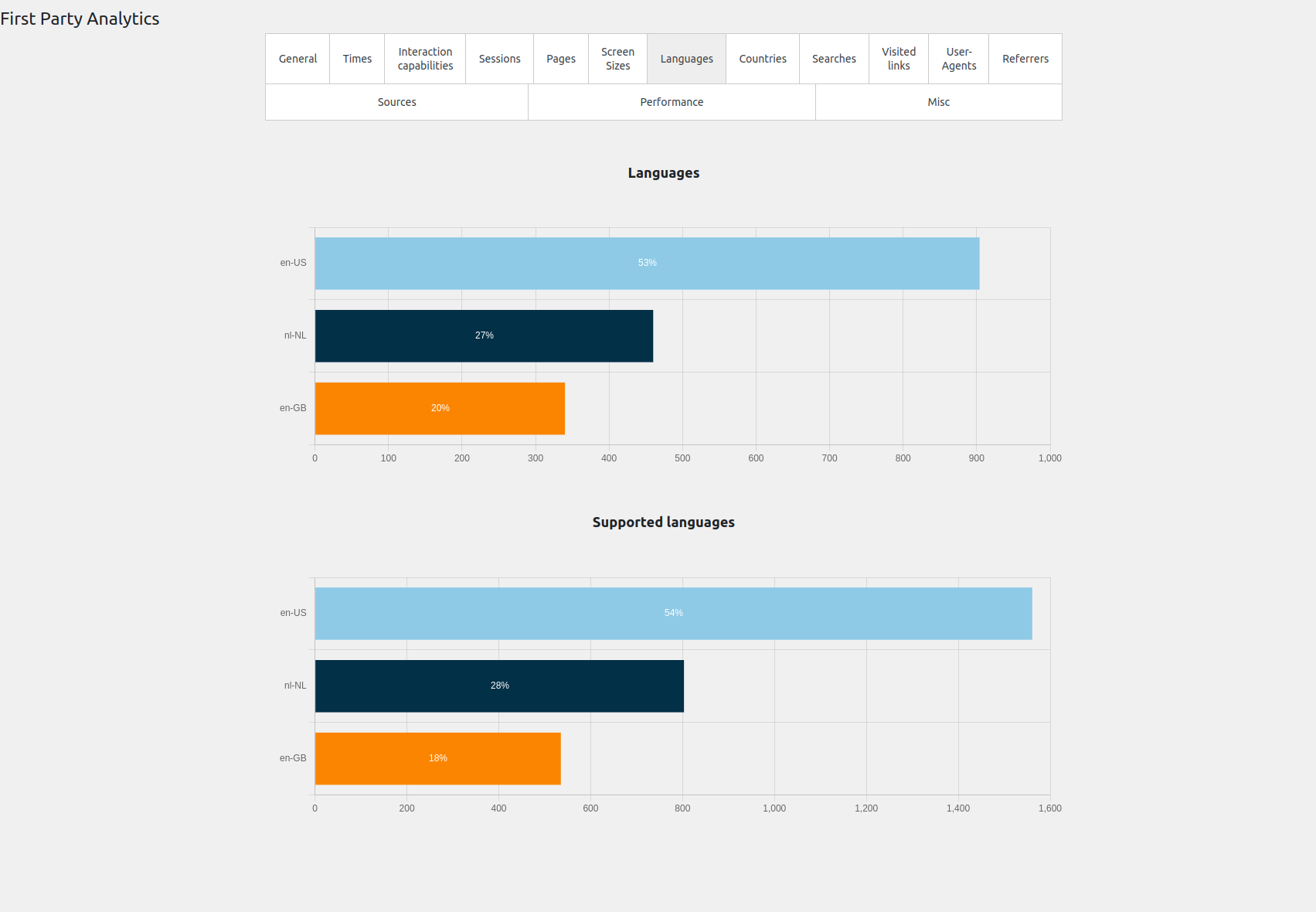
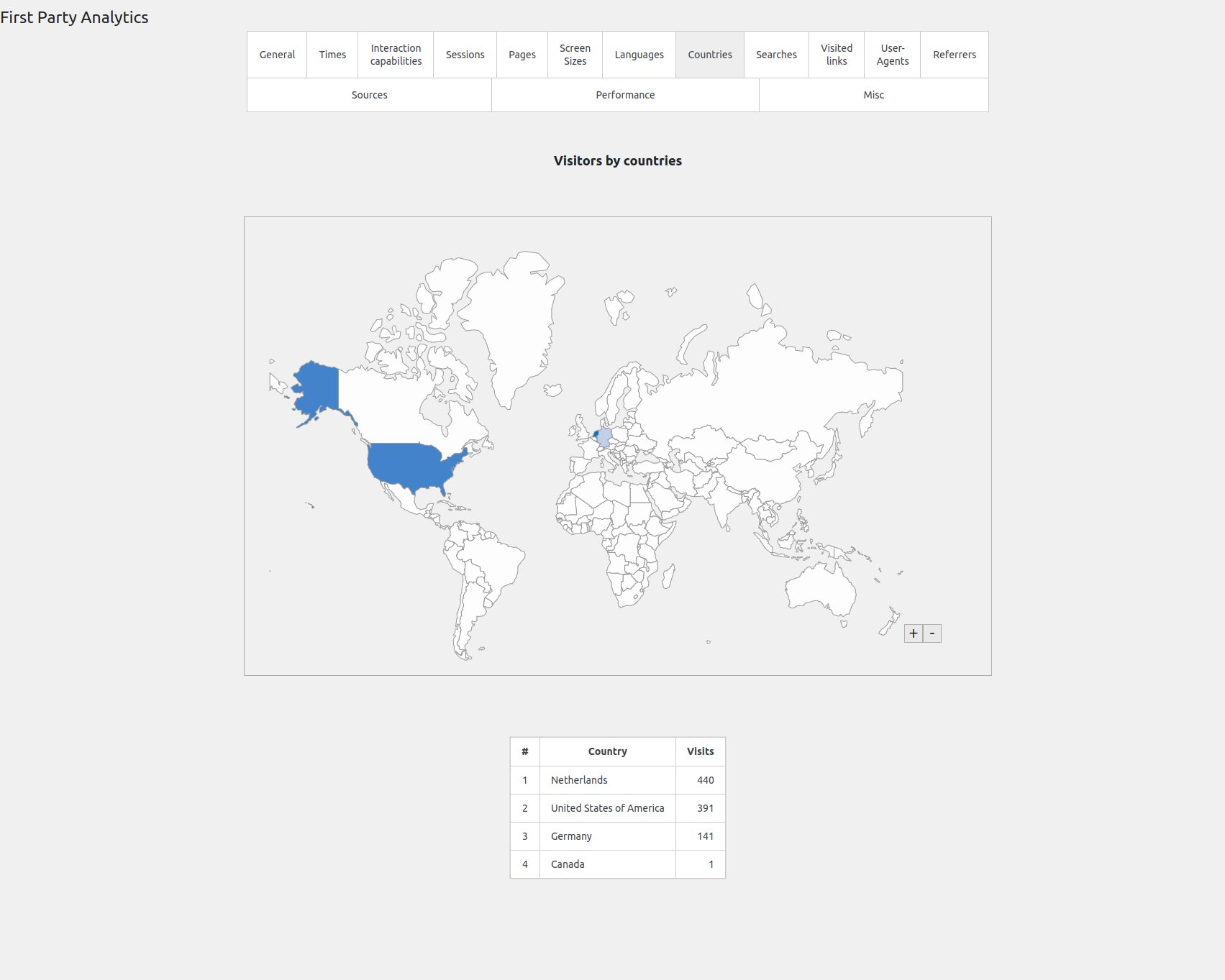
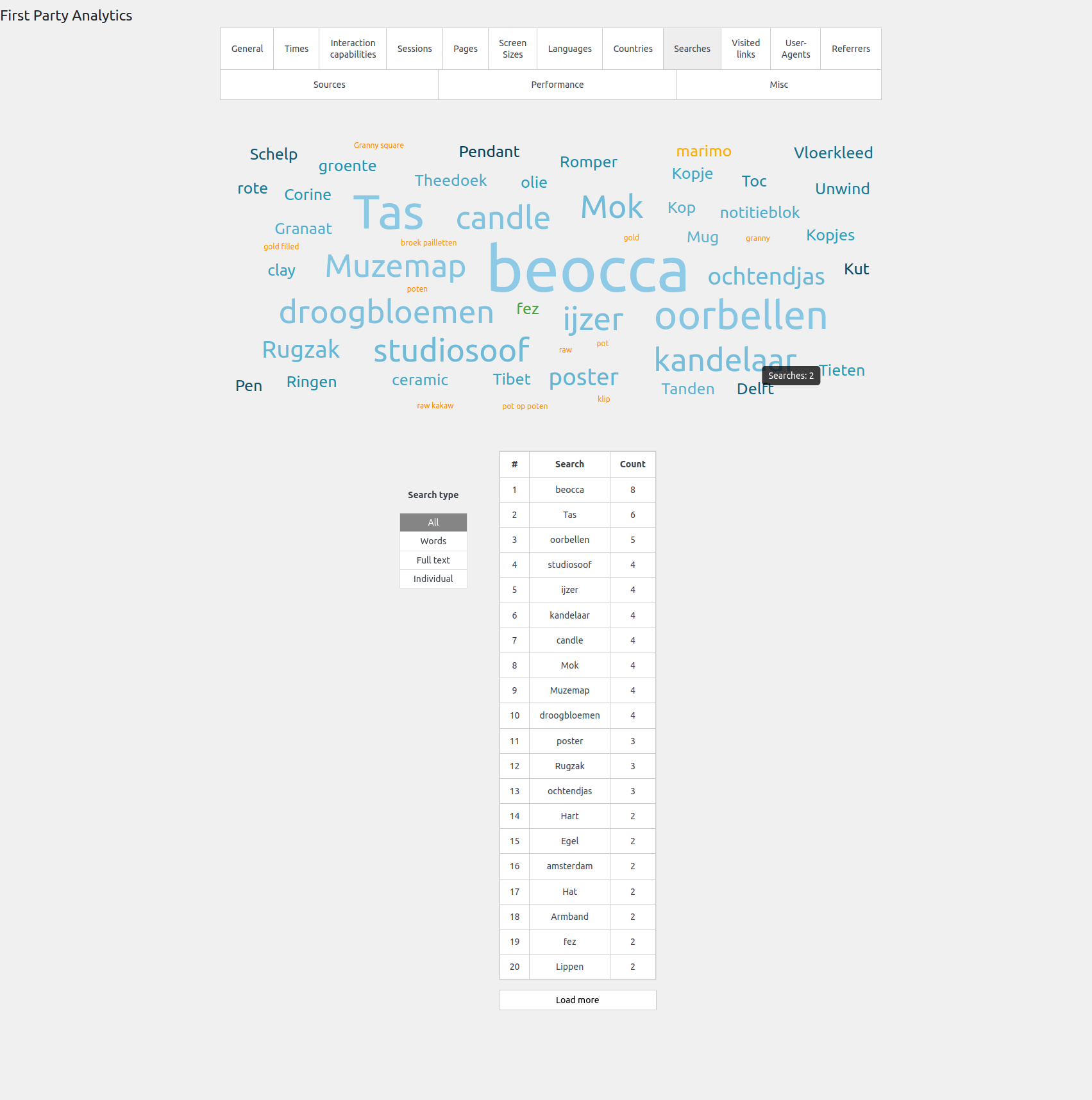
Reports cover general activity, visit times, interaction capabilities, sessions, pages, screen sizes, languages, countries, searches, visited links, user agents, referrers, traffic sources and performance.
Does it measure Web Vitals?
Yes. It collects supported browser performance measurements from real visits. Not every browser or visit provides every metric, and these reports are not a replacement for Google's own Search Console data.
Why do my own visits not appear?
Users with site-administration permissions are excluded. Test with a separate anonymous session or an eligible non-administrator account, and check your exclusion and sampling settings.
Why are reports not updated immediately?
Collected events are processed into reports by background work. Processing delays, failed scheduled jobs, browser restrictions, exclusions or sampling can affect what appears. The Data Parsing diagnostics help distinguish collection problems from a processing backlog.
Will the numbers match Google Analytics?
Not necessarily. Different tools use different session definitions, exclusions, sampling and bot classification. Consent settings, browser blocking and collection methods can also produce different totals.
Does the plugin use cookies?
Yes. It uses a first-party visitor identifier cookie with a configured lifetime of one year. Browser settings and cookie deletion can shorten that lifetime. Review the collection behaviour and integrate any consent controls your site requires.
Will analytics add load to my website?
Yes. Collecting, storing and processing events uses browser, server and database resources. The impact depends on traffic volume and configuration. Use sampling and exclusions where appropriate, and monitor parsing diagnostics on busy sites.
Can I use it alongside other analytics tools?
Yes, but review the combined tracking and performance impact. First Party Analytics does not require Google Analytics for its built-in reports and does not promise identical measurements.
Is Premium required?
No. The built-in reports work without the separate Premium add-on. Advanced features provided by that add-on are outside this plugin's included feature set.
Where can I get support?
Open a topic in the WordPress.org support forum or email wp@tmm.ventures. Include the plugin and WordPress versions, the affected report and steps to reproduce the issue. Redact visitor identifiers, IP addresses, private URLs, credentials and other personal information before sharing diagnostics publicly.
更新日志:
- Refresh the packaged Data Parsing script to reproduce the current build; analytics behavior is unchanged.
- Prevent failed notification requests from creating immediate retry loops with WP Plugins Core 0.1.58; retain bounded retries and interrupted-worker recovery.
- Add a covering index for product-visit totals and reuse those totals across taxonomy screens.
- Reduce product-view counter database work by batching updates and reading only the required metadata, while preserving transactional retries and shop request protection.
- Add bounded post-visit timings for percentile preparation, aggregate writes, metric processing, metadata reads and persistence, and visitor and product callbacks under Data Parsing.
- Reduce database writes during post-visit processing while preserving concurrent ingestion, crash recovery and safe retries.
- Add bounded timings for aggregate processing, session lookups, order attribution and session completion under Data Parsing, without per-operation database writes or additional WooCommerce logs.
- Keep the scrollable Stage timings panel readable on narrow screens by overriding the existing generic table-cell width limit.
- Make expanded Stage timings wrap and scroll inside a keyboard-accessible region so long diagnostics remain readable.
- Avoid evicting unrelated WordPress option caches when saving percentile samples, while preserving stale-sample invalidation, update hooks and transactional recovery.
- Show percentile-sample payload size and detailed save-stage timings in Data Parsing diagnostics, without retaining event contents or changing parser persistence and recovery.
- Show bounded per-stage Free parsing timings on the Data Parsing page without requiring WooCommerce logs. Distinguish cumulative checkpoints from operation timings and preserve older run summaries.
- Keep analytics queue claims, acknowledgements and recovery stable during concurrent ingestion, preserving pending events for retry.
- Preserve shop-request protection while coalescing parser sample writes, including safe first-time sample storage initialization.
- Avoid repeated percentile-sample reads and writes during inline parsing and skip empty or unchanged sample updates.
- Add claim and sample-stage timing plus safe database error diagnostics for parser troubleshooting.
- Adapt raw statistics batch sizes to response times, with sequential paced requests and a hard row limit.
- Reuse completed statistics for 15 minutes in the current browser tab, with a visible measurement timestamp and an explicit fresh refresh.
- Measure raw analytics statistics in bounded, read-only batches with progress and cancellation, avoiding duplicate full-table scans and retention cleanup during measurement.
- Index link visits by visitor to avoid full-table scans during link tracking.
- Prevent parser and concurrent analytics writers from deadlocking by acquiring revision locks in a consistent order.
- Queue shop analytics counters durably and recover interrupted processing without duplicating accepted observations, while preserving shop error protection.
- Keep anonymous analytics requests lightweight and prevent dependent themes from loading after their required plugins have been excluded.
- Clarify the analytics script loading setting and explain ordered deferred loading and the effect of other optimization plugins.
- Never fail an add-to-cart or order completion when a product analytics counter cannot be written; report it instead.
- Preserve tracking script dependency order when non-blocking loading is enabled.
- Load footer analytics for logged-in customers while excluding accounts with site-administration permissions.
- Fix analytics processing stalling when a visit has a user agent or screen resolution without visitor details.
- Update WP Plugins Core to 0.1.57 for verified settings persistence and callback recovery.
- Preserve caller-owned MySQL and MariaDB transactions when analytics processing succeeds, fails, or retries.
- Harden analytics persistence, queue recovery, uploads, revision attribution, and reset failure handling.
- Use shared MySQL as the only authoritative runtime storage for raw analytics, parser runs, uploads, and cross-request recovery state.
- Automatically and idempotently migrate pending filesystem and object-cache analytics during upgrades.
- Make the default architecture safe for interchangeable active/active WordPress web nodes.
- Ship the own-domain block-detection scripts in production packages to prevent repeated failed asset copies.
- Preload every traffic-classification period with the General tab for instant period switching.
- Show agent details only for traffic categories that represent actual automated agents.
- Hide empty traffic groups and categories from the traffic-classification breakdown.
- Classify newly collected page views as human, user-directed AI, crawler, bot, or unknown traffic.
- Add a responsive nested traffic-classification chart with hourly periods and per-agent details.
- Keep user-directed AI in normal analytics while excluding crawlers and other automation.
- Retain every raw analytics request, including bot traffic, in an independent 10-day recovery archive.
- Show archive row counts, sizes, and UTC capture ranges on the Data Parsing screen.
- Download each request type's complete 10-day archive as JSONL.
- Remove expired daily archive partitions automatically and delete the archive when plugin data is removed.
- Detect bots with Matomo Device Detector while retaining WhichBrowser for browser, operating-system, and device dimensions.
- Exclude detected bots from visitor analytics and the Premium conversion funnel while retaining the dedicated page bot counter.
- Correlate UA-less bot follow-up requests through persisted, deduplicated visitor markers, including sessions that cross midnight.
- Retain up to 1,000 human requests per request type for stable percentile calculations during bot-heavy traffic.
- Show and export retained Premium AJAX request samples from the Data Parsing screen.
- Add a protected JSON download of the latest retained raw-request rows to the Data Parsing screen.
- Capture the Cloudflare country header during client-side tracking and use FPA's independently maintained MaxMind database before the local WooCommerce fallback.
- Preserve queued analytics rows when explicitly allowlisted fields are appended to a fieldset.
- Keep the last working FPA MaxMind database when a scheduled replacement download fails.
- Render Sources collapse arrows with CSS instead of a font glyph for consistent Chromium support and vertical alignment.
- Prevent the
first-party-analyticstextdomain from loading beforeinitby resolving the translated default source labels lazily.
- Bump the plugin version for distribution; no functional code changes.
- Fix missing
media/assets in the distributed package (broken chart placeholder image and no-JS tracking pixel) by no longer excluding the runtimemedia/directory from the build.
- Fix "_load_textdomain_just_in_time was called incorrectly" notice by loading translations on the
inithook (required since WP 6.7).
- Action Scheduler Run Log: remove the per-row Duration column. The table lists one row per log entry (created / started / completed), so a per-action duration could not be shown coherently there and rendered as a misleading 0 or a blank. The average/maximum duration summary stats remain.
- Action Scheduler duration stats: fix the average/maximum execution-duration figures excluding actions run via WP-CLI or on non-English locales. The start time was matched against the localized "action started" log message; it is now derived locale-independently from the action's log order, so all executed actions are counted.
- Settings → Advanced: add a "Show diagnostics submenus" toggle. When off (the default) the Data Parsing, Data Sharing, Data Recovery and Recovery Tables submenus are hidden from the admin menu to keep it uncluttered. The pages stay fully registered and reachable by direct link — only the menu entries are removed.
- Data sharing: lower the default chunk size from ~90 MB to ~50 MB. A 90 MB chunk of a large, busy table (e.g. ~720k rows) could exceed the backend's per-request processing budget and fail with a 502; ~50 MB roughly halves each request's row count and insert time. Still overridable via the
first_party_analytics_data_sharing_chunk_bytesfilter — lower it further for very wide tables if needed.
- Data sharing: send each table in size-bounded chunks (~90 MB) via keyset pagination on
id, so large tables stay under the upload gateway's request-body and timeout limits. Each chunk is its own Action Scheduler task; a failed chunk can be resumed mid-table from the last confirmed-sent row without re-sending earlier chunks. Chunk size is overridable via thefirst_party_analytics_data_sharing_chunk_bytesfilter. - Data sharing admin: show per-table chunk progress (chunks sent and the row-id cursor) in the batched-runs breakdown and the in-progress row.
- Data sharing: ensure tables larger than one chunk send all rows — previously a table could be marked complete after its first page, dropping the remaining rows.
- Recovery Tables: stop WP admin's fixed-height
.tablenavfrom cropping the multi-row filter bar.
- Add Recovery Tables admin submenu — read-only viewer for
data_recovery_runs,data_recovery_run_rows, and the recovery slice ofpage_visits(rows whererecovery_run_id <> 0). Per-column filter bar with operators=,!=,>,>=,<,<=,LIKE,NOT LIKE,IS NULL,IS NOT NULL, sortable columns, paging.
- Data Recovery: bucket-level visit summing. When multiple URLs in the same import resolved to the same (post/term, day) — e.g. paginated archives, URL variants — extras were previously dropped by INSERT IGNORE and their visit counts lost. They are now summed into the surviving page_visits row. Each contributing input row is preserved in the run audit with outcome
merged_into_bucket.
- Data Recovery: improved URL → WP object resolution. Collapse runs of leading slashes, strip
/page/N/pagination suffixes before resolving, and walk all URL segments (not just the tail) when looking up nested hierarchical term archives. - Data Recovery: filter obviously-garbage URLs (zero-width characters, JSON-shaped junk, paths longer than 512 chars) before import — they are no longer inserted into
page_visitsasobject_id=0rows. Filtered URLs are counted on the run row (rows_skipped_garbage) and recorded in the run drill-down with outcomeskipped_garbagefor auditing.
- Add "Data Recovery" submenu for importing historical analytics (TSV/CSV, with GA4 auto-detect) into
page_visitsfor periods when First Party Analytics was not tracking. Auto-detects delimiter, header row, and known GA4 column names; lets the user override every choice before importing. - Each upload is recorded in two new tables —
data_recovery_runs(one row per file, with statusuploaded→committed) anddata_recovery_run_rows(per-(day, url) outcome detail) — so every imported, skipped, or unresolved row is auditable. - Mark recovered
page_visitsrows with a newrecovery_run_idcolumn (0 for natively tracked rows) so they remain distinguishable from organic tracking data. - Only one upload may be pending at a time. Uploaded files are kept on disk for re-inspection/download even after commit; per-row Download + Delete actions on the runs table.
- Store link-visit visitor IDs without casting them to PHP integers, preventing 20-digit tracking cookie values from collapsing to
9223372036854775807.
- Register
first-party-analytics-data-sharing-historyandfirst-party-analytics-data-sharing-send-logoptions so the Data Sharing admin screen no longer throws an "Unknown option name" fatal on load.
- Data Sharing: stage per-table CSVs inside the run dir (under
wp-content/uploads/first-party-analytics/data-sharing-runs/) instead of the system temp dir, and make the stalled-run per-table breakdown horizontally scrollable on narrow screens. - Extracted shared on-disk-run FS plumbing (root dir, manifest read/write, has-any-in-progress) from
Raw_Analytics_Parsing\BuildsandData_Sharing\Runs\Runsinto a new abstractRun_Storagebase class. ~200 lines of duplication removed; no behaviour change.
- Sort Batched Parse Runs by started time so newest runs appear first.
- Move the stalled batch build remove action into its own table column and match the uploaded file remove button style.
- Add a guarded delete button for stalled batch builds so stale build directories can be removed from the data parsing screen.
- Restore async enqueueing for standard batch parse chain actions while keeping duplicate active action prevention.
- Prevent duplicate active standard batch parse actions.
- Enqueue standard batch chain actions asynchronously.
- Add upload analytics file table totals and selectable uploaded files for batch creation.
- Add resume controls for stalled, failed, or missing batched parse run actions.
- Add duplicate pending upload prevention by original filename.
- Display AJAX request upload date ranges as dates without times.
- Improve stalled and failed Action Scheduler status handling in parsing tables.
- Show rescheduled Action Scheduler tasks as pending or running instead of stalled.
- Add a button to reschedule failed kind tasks.
- Temporarily disable the data sharing Action Scheduler task.
- Improve file upload UI.
- Improve batches logic logging.
- Add good logging for batches creation.
- Improve batches logic logging.
- Improve batches logic.
- Optimize parsing.
- Move raw analytics storage from /tmp to /wp-uploads
- Add "Data parsing" page.
- Improve queries and add indexes.
- Deletes files from /tmp for Data_Sharing class.
- PHP Warning: Undefined array key "standardEventsStartTimeDiffTime" in /src/database/class-standard-events-meta.php on line 94
- PHP Warning: Undefined array key "standardEventsStartTime" in /src/tracking/class-standard-events.php on line 56
- Fix settings rendering issue when checked for '1' though could check for true (bool).
- Fix migrations, to not drop the tables.
- Fix migrations, to not drop the tables.
- Move actions scheduling to constructors.
- Use standard Action Scheduler interval.
- Update WP-Plugins-Core.
- Use migrations for databases, instead of DBDelta.
- Add a separate tables for object_type to all tables where post_id was (not it's object_id).
- Fix the table.
- Use 'visibilitychange' instead of 'beforeunload' (with 'pagehide' fallback).
- Add 'isTrusted' check to all events.
- Check for changed URL with the 1000 ms interval instead of 100 ms.
- Change catalog_viewed_products from 'saffy-placeholder-post' to 'speedsearch-placeholder-post'.
- Fix the products viewed in catalog tracking logic (to not add duplicates, or the products that are already being tracked).
- Fix the POST requests storm (add a rate limit).
- Fix Undefined array key error (in many places).
- Improved client-side filtering of "number" input fields (only digits are allowed now).
- Use wp_options table instead of cache for the lock of migrations.
- Change visitor_id table column type from VARCHAR(255) to DECIMAL(20,0).
- Add a support for standard events collection (sessions trace for the Premium plugin).
- Add a support for plugin data CSV export.
- Fix missing public suffix.
- Fix get_domain_data() call.
- Set min PHP version to 7.4.
- Add a notice when the plugin is being updated instead of blocking the whole logic.
- Make the plugin to work with cache.
- Load FE scripts async.
- Delete wp_date() from standalone script.
- Use beacon flexibly: for all requests when they are below the size of the beacon limit.
- Bundle prebid-ads.js and analytics.js.
- Write data in WP-localized date format.
- MU-plugin fixed.
- Many minor fixes.
- Visitor details unique key fix (now is based on key + value, previosuly was just on key).
- Save visitor details only when they are present (i.e. no "empty" write for BE-only request - as it writes only once due to is_unique).
- Use post_id (when available) instead of post_url for marking/detecting unique visits - less false positives (for uniqueness detection).
- Support for FPAP adblock buster feature.
- Min PHP version required downgraded to 7.2.
- Mitigate BF cache effect on metrics.
- Min PHP version required downgraded to 7.4.
- Added "BF (Back-Forward) cache present" collection and representation.
- Web vitals DB fix (when incremented "needs_improvement" instead of "poor" vitals).
- Record 0 for web vital values (previosuly was considered as '' (null)) - now no string convertion is done, which helps to preserve the real original values.
- Raw requests storage reset of requests structure change.
- Changelog added.