
Fitzaro – AI Virtual Try-On for WooCommerce
| 开发者 | aurshax |
|---|---|
| 更新时间 | 2026年11月4日 13:19 |
| PHP版本: | 7.4 及以上 |
| WordPress版本: | 7.1 |
| 版权: | GPLv2 or later |
| 版权网址: | 版权信息 |
详情介绍:
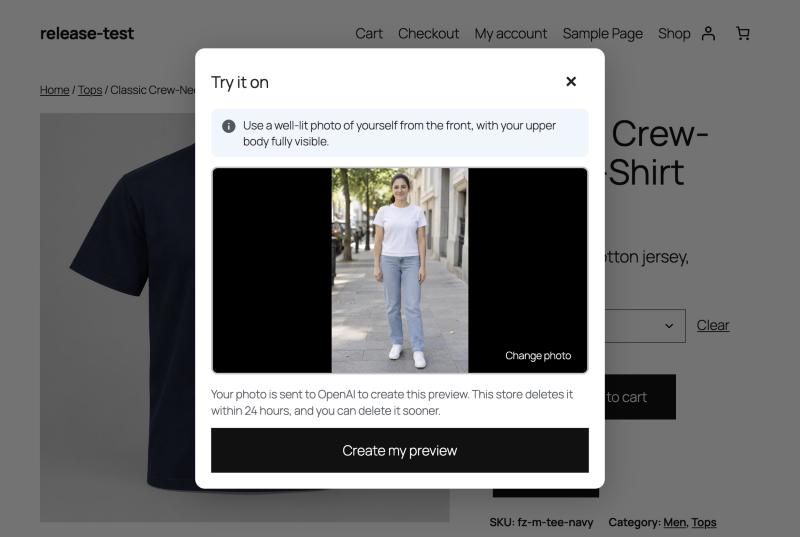
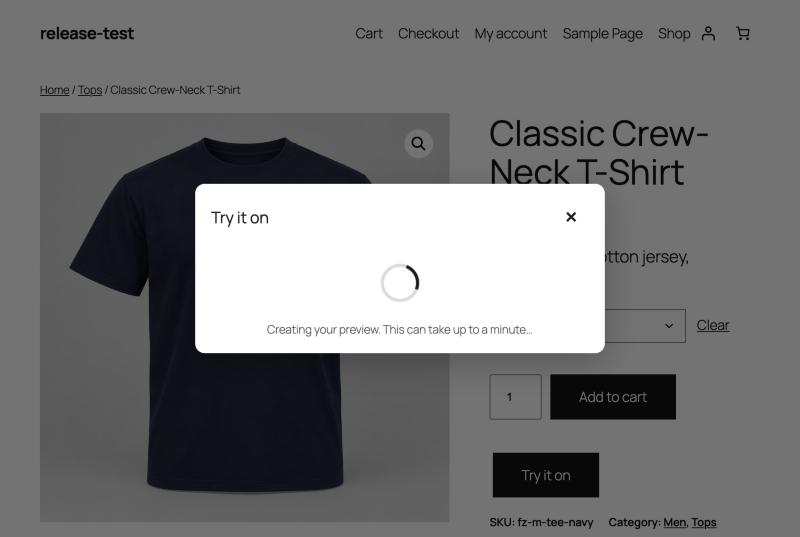
- "Try it on" button on product pages, in classic and block themes.
- Tops, dresses and eyewear, each with its own instructions to the AI model.
- Variable products: the selected colour or style is used.
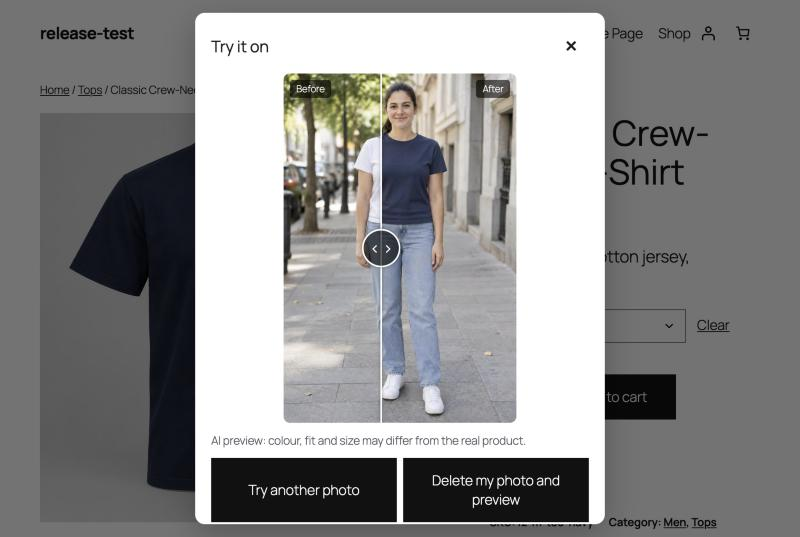
- Before/after slider to compare the shopper's photo with the result.
- Drag and drop or choose a photo; it is resized in the browser before upload.
- Turn try-on on or off for the whole store, per product type, per category or per product.
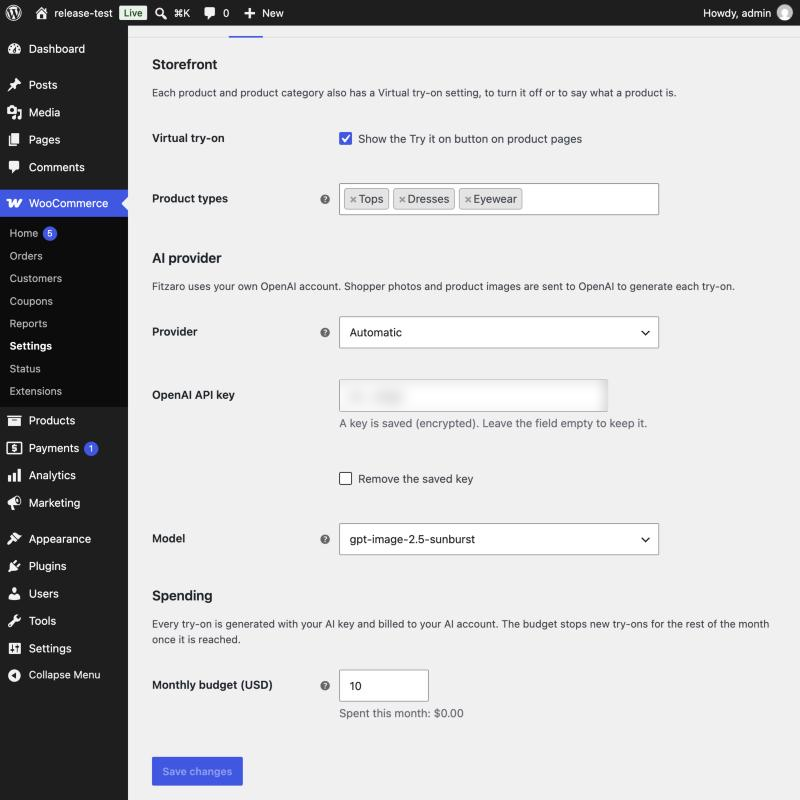
- Monthly budget (10 USD by default) with a notice when it is reached.
- Limits per shopper, per IP address and per store, against abuse.
- The OpenAI key is stored encrypted, or set in wp-config.php.
- Personal data export and erasure tools, and suggested privacy policy text.
- Template and CSS custom properties so themes can restyle the dialog.
安装:
- Install and activate WooCommerce.
- Install Fitzaro from Plugins → Add New, or upload the ZIP, and activate it.
- Go to WooCommerce → Settings → Fitzaro and enter your OpenAI API key. The key is checked when you save.
- Set a monthly budget and choose which product types offer try-on.
- Open a top, dress or eyewear product: the "Try it on" button appears below Add to cart.
define( 'FITZARO_OPENAI_KEY', 'sk-...' );屏幕截图:

常见问题:
How much does a try-on cost?
It depends on the model and the image size. With the default model, a try-on usually costs a few US cents. Fitzaro records the cost OpenAI reports and stops new try-ons when the monthly budget is reached.
Which products get the button?
Products whose category looks like a top, a dress or eyewear. You can set the type, or turn try-on off, on each product (General tab) and on each product category.
Does it work with page caching?
Yes. The product page holds no personal data; everything personal goes through the REST API, which is never cached.
Where are shopper photos stored?
In a private folder: outside the web root when the server allows it, otherwise a randomly named folder inside uploads that is protected from direct access. Photos are only ever served through PHP, to the browser that uploaded them, so they stay private on Nginx too. You can choose the folder with FITZARO_STORAGE_DIR in wp-config.php. Photos are deleted after 24 hours and results after 7 days.
Can I change the look of the dialog?
Yes. Set the CSS custom properties (for example --fitzaro-accent), or copy templates/try-on.php to yourtheme/fitzaro/try-on.php.
更新日志:
- First release: try-on for tops, dresses and eyewear with OpenAI image models.
- Product variations, before/after slider, drag and drop upload.
- Monthly budget and usage limits.
- Store, type, category and product controls.
- Personal data exporter and eraser, privacy policy text.