
FlexiAPI Universal Data Connector
| 开发者 | rmmahour |
|---|---|
| 更新时间 | 2026年4月25日 20:53 |
| PHP版本: | 7.2 及以上 |
| WordPress版本: | 6.9 |
| 版权: | GPLv2 or later |
| 版权网址: | 版权信息 |
详情介绍:
FlexiAPI Universal Data Connector is a powerful tool designed for developers and site owners who need to integrate external REST APIs into their WordPress site seamlessly. Whether you are fetching exhibitor lists, dynamic product data, or real-time ERP information, this plugin handles the heavy lifting safely and securely.
Key Features:
- Universal Fetching: Connect to any external JSON REST API using GET or POST methods.
- Smart Caching: Avoid API rate limits, bypass slow ERP responses (300s timeout support), and speed up your site with built-in transient caching.
- Developer Friendly: Use the standard shortcode for quick grids, or use the PHP Repeater mode for 100% custom HTML control.
- Dot Notation Mapping: Easily traverse complex, deeply nested JSON data using simple paths like
data.users.0.name.
安装:
- Upload the
flexiapi-universal-connectorfolder to the/wp-content/plugins/directory. - Activate the plugin through the 'Plugins' menu in WordPress.
- Go to FlexiAPI in your admin sidebar to start adding endpoints.
- Configure your API URL, Method, and Root path.
- Use the
[flexi_api id="your-id"]shortcode on any page.
屏幕截图:
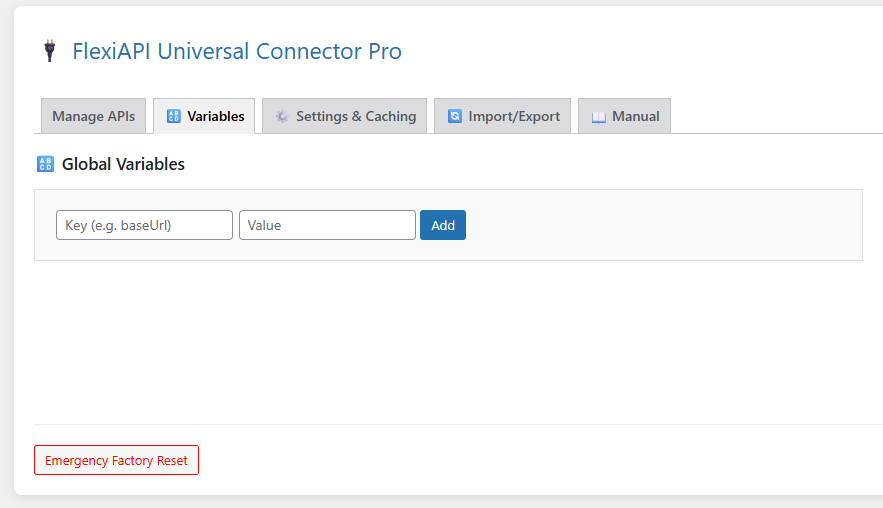
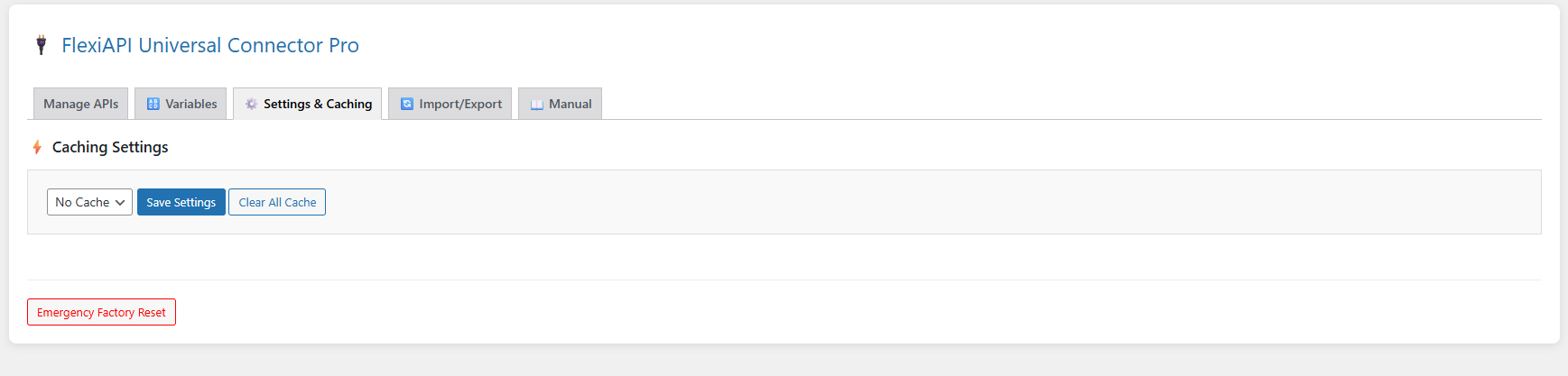
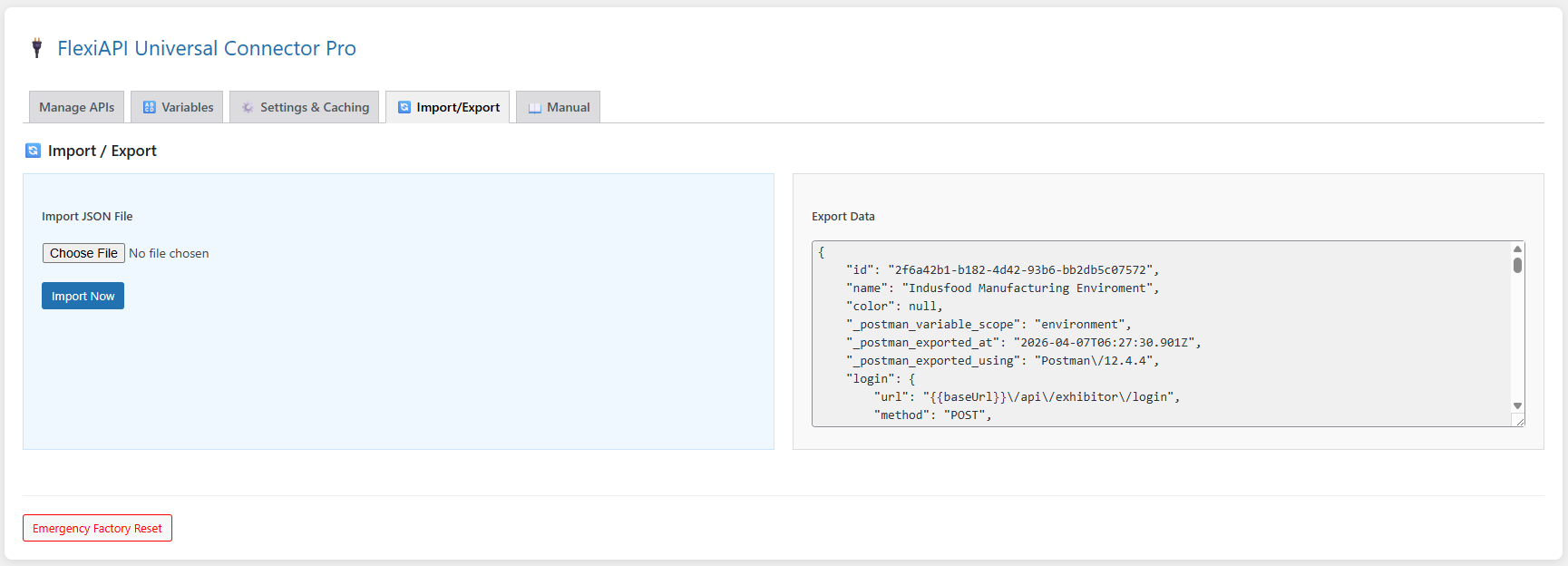
其他记录:
🚀 Top Use Cases: Who is this for?
- Event Organizers: Fetch dynamic sponsor, exhibitor, and speaker lists from your event management software (ERP) directly to your WordPress frontend.
- E-Commerce: Pull real-time inventory, pricing, or product catalogs from third-party CRMs and inventory management systems.
- App Developers: Bridge your mobile app's backend database with your WordPress promotional site without writing custom cURL scripts.
- Corporate Websites: Display live stock prices, weather updates, or real-time news feeds using external JSON REST APIs.
- Late Escaping: All output is securely escaped to prevent XSS attacks.
- Nonce Verification: Every backend action is protected against Cross-Site Request Forgery (CSRF).
- Safe JSON Parsing: Built-in safeguards ensure that invalid or malicious JSON payloads do not break your site layout.
- Stores API responses locally in WordPress Transients.
- Drastically reduces page load times (TTFB).
- Prevents your server from getting IP-blocked by third-party APIs due to rate-limiting.
- One-click manual cache clearing when you need fresh data instantly.
- WordPress: Version 5.0 or higher.
- PHP: Version 7.2 or higher (PHP 8.0+ highly recommended for optimal speed).
- Extensions: cURL extension must be enabled on your server (standard on 99% of web hosts).
常见问题:
Can I use it with POST requests and JSON bodies?
Yes! You can select POST and pass dynamic raw JSON bodies directly inside the payload.
How do I use the Repeater mode?
Check the "Manual" tab inside the plugin settings. It contains a complete A-Z guide with PHP code snippets to build custom layouts in your theme files.
更新日志:
1.0.0
- Initial Public Release on WordPress.org Repository.
- Enhanced Security with strict Nonce verification and Late Escaping.
- Added Advanced API Engine with 300s slow-server timeout support.
- Integrated intelligent Transient Caching system.