
Flexible Chat – AI chatbot plugin for WordPress and WooCommerce
| 开发者 |
wpdesk
bartj mdworowy amisiewicz |
|---|---|
| 更新时间 | 2026年9月21日 18:23 |
| PHP版本: | 7.4 及以上 |
| WordPress版本: | 7.1 |
| 版权: | GPLv2 or later |
| 版权网址: | 版权信息 |
详情介绍:
- Connect any n8n HTTP webhook to a polished frontend chat interface.
- Engage visitors with real-time streaming responses, just like ChatGPT.
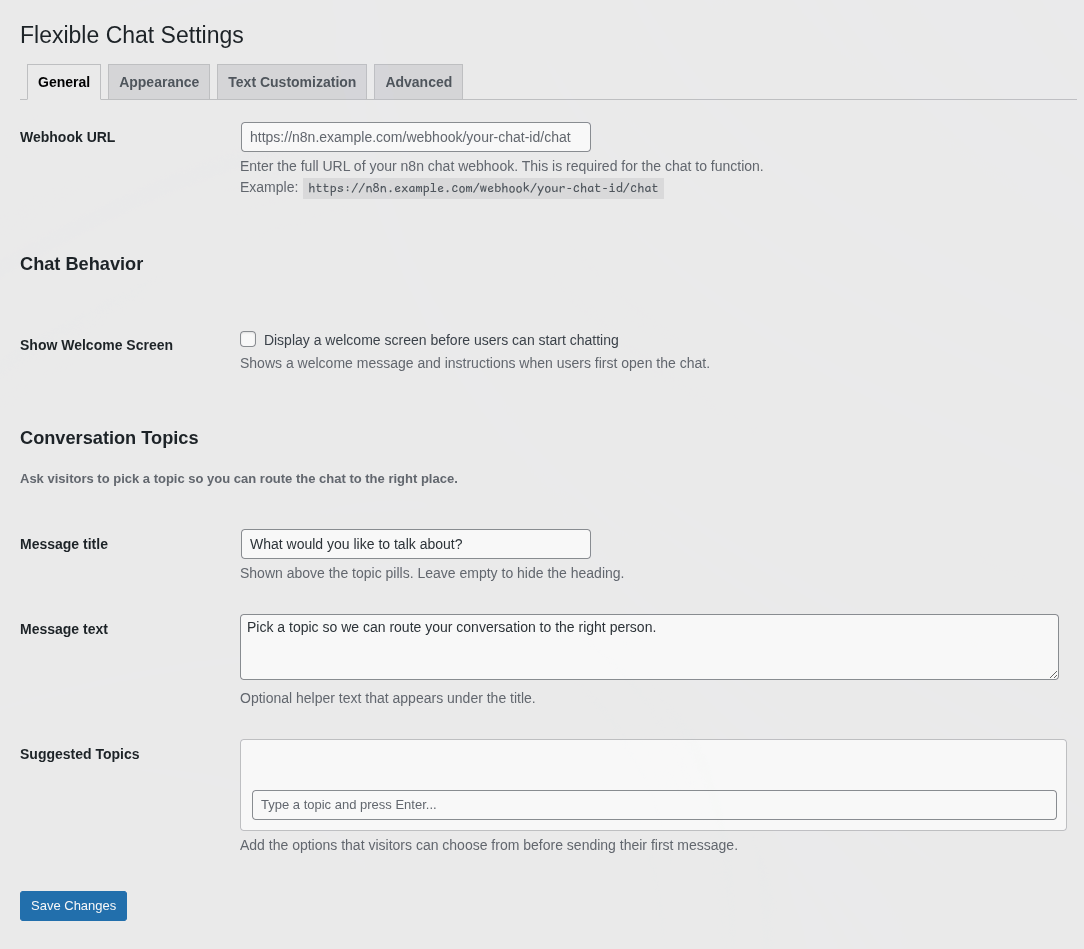
- Route conversations by topic before the chat starts.
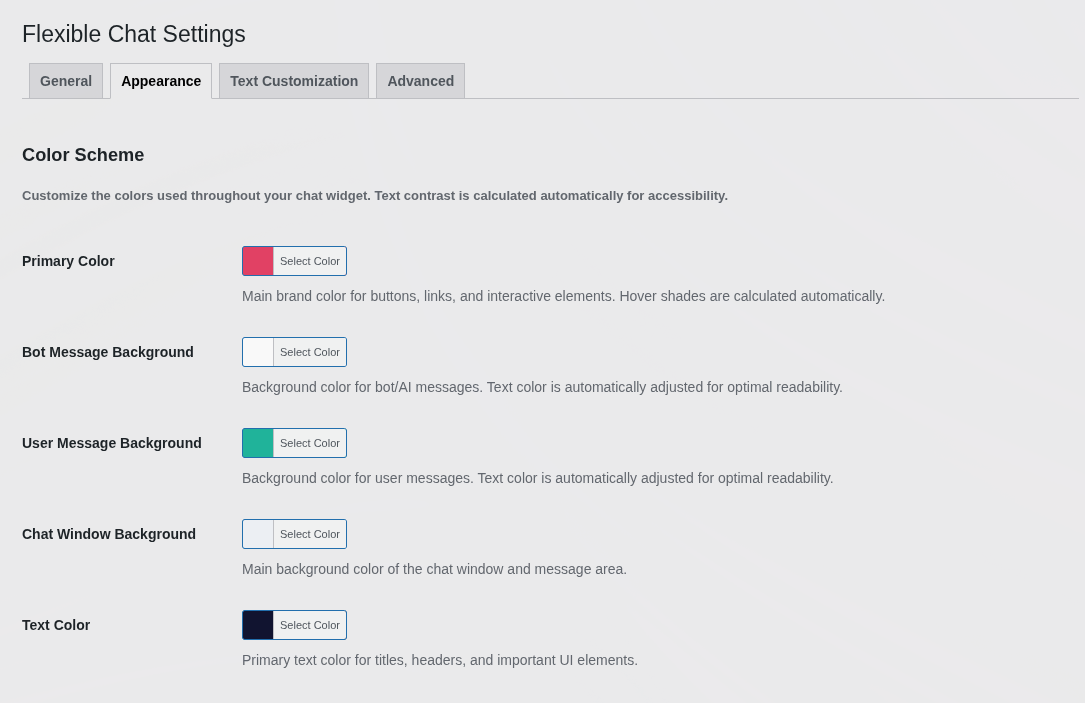
- Fully customize colors, texts, and behavior - no coding required.
- Seamless n8n webhook integration - connect via a simple webhook URL.
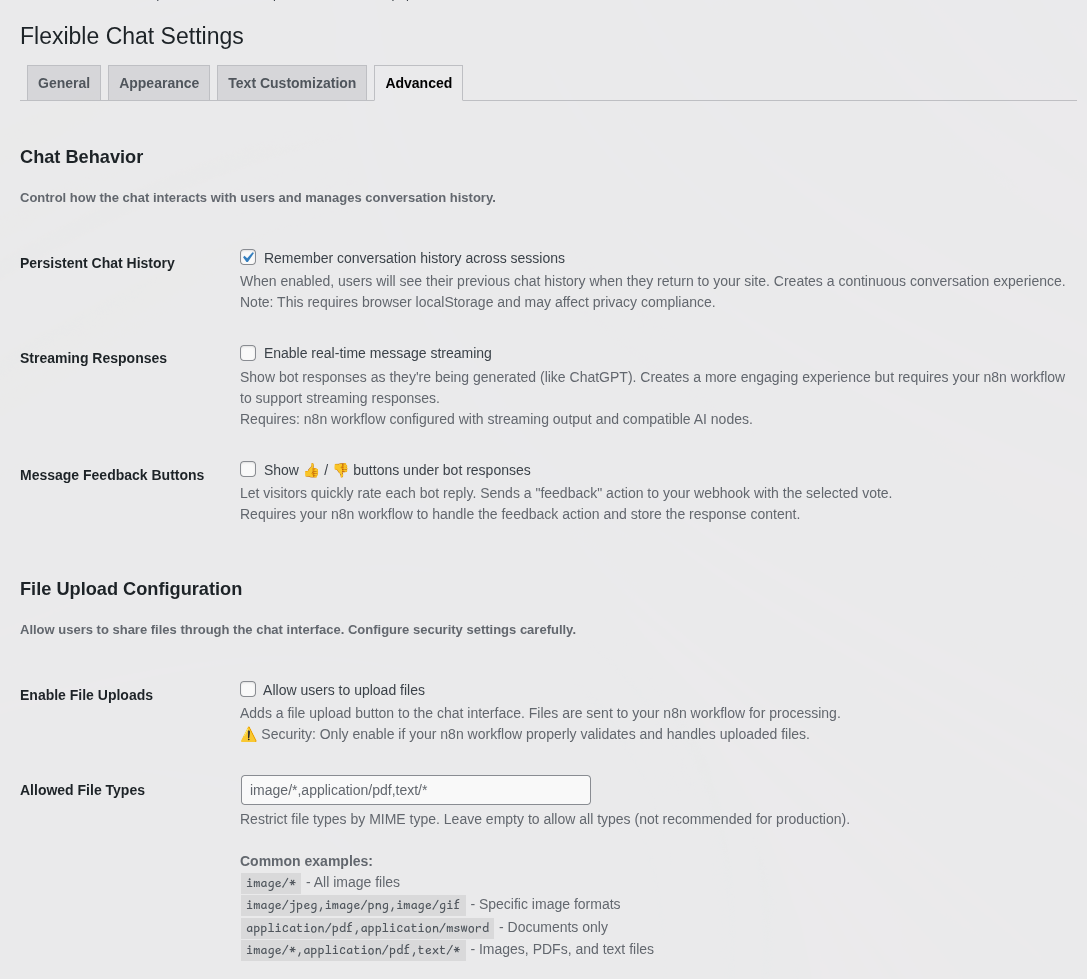
- Streaming responses - bot replies appear in real time as they're generated.
- Topic routing - suggest topics (e.g. "Sales", "Support") and route the chat accordingly.
- File uploads - with strict MIME type security restrictions.
- Message feedback - 👍 / 👎 buttons under bot responses.
- Persistent chat history - conversations survive across sessions.
- Custom metadata - send user ID, page URL, or subscription plan to n8n with every message.
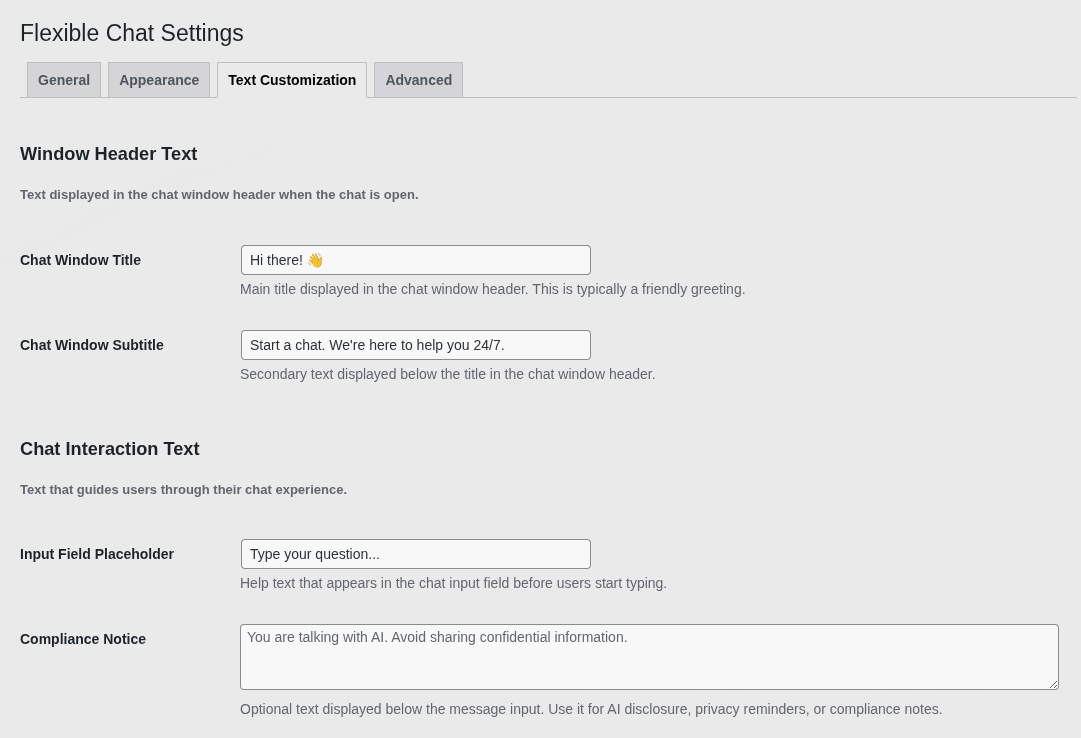
- AI disclosure notice - add a compliance reminder below the chat input.
- Works with WordPress and WooCommerce - any page, post, or store page.
- Brand colors & typography - color pickers with automatic contrast adjustment, adjustable fonts and border radius.
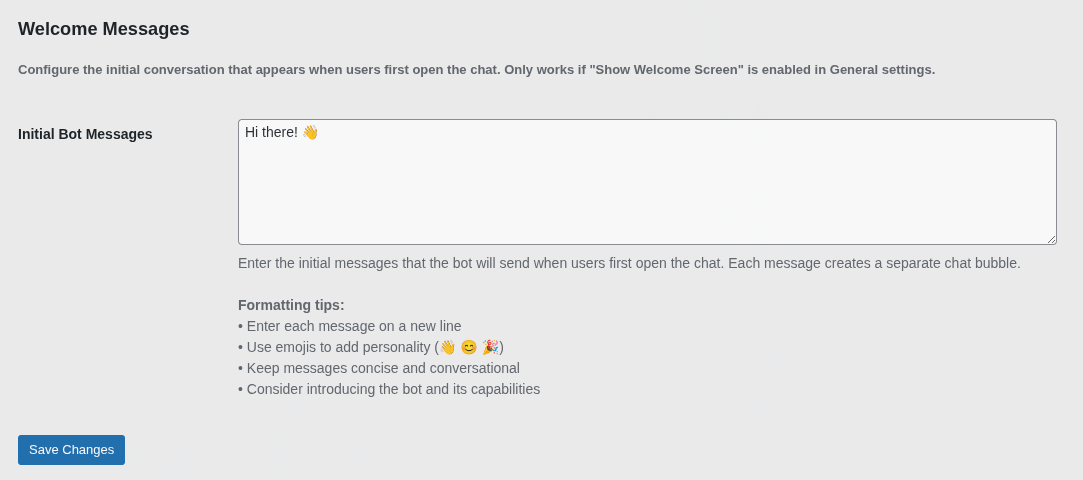
- Custom texts & welcome messages - header, subtitles, placeholders, initial greeting.
- Window & toggle sizing - exact dimensions, small/normal/large floating buttons.
- Developer-friendly - CSS variables, class hooks, DI-driven architecture, Vite HMR support.
- Set up an n8n workflow with a webhook and copy its URL.
- Install and activate Flexible Chat.
- Go to Settings → Flexible Chat Settings.
- Paste your n8n webhook URL into the General tab.
- Customize colors, texts, and welcome messages.
- Save - your AI chat widget is live!
- 100% free core features.
- Built and maintained by the trusted WP Desk team.
- Lightweight, optimized React-based frontend.
- Compatible with the latest WordPress and WooCommerce.
- Actively developed and secure.
安装:
- Set up n8n first - have an active instance with a workflow exposing an HTTP Webhook, and copy that URL.
- Upload the plugin files to
/wp-content/plugins/flexible-chat, or install directly through the WordPress Plugins screen. - Activate the plugin through the Plugins menu.
- Go to Settings → Flexible Chat Settings and paste your n8n webhook URL.
- Customize colors, texts, and welcome messages.
- Save changes - the widget appears automatically.
屏幕截图:
常见问题:
Do I need an n8n account to use this plugin?
Yes, and it's required, not optional. Flexible Chat is a chat frontend for n8n - it has no built-in AI. You need your own n8n instance (self-hosted or Cloud) with a workflow exposing an HTTP Webhook. The plugin sends messages to that webhook and displays the response. If you've never used n8n, you'll need to build a basic workflow there first.
Does it support real-time streaming like ChatGPT?
Yes, as long as your n8n workflow returns the response in a compatible streaming format. Visitors see the AI typing in real time, reducing perceived waiting time.
Can I change the chat widget colors to match my brand?
Yes. Change primary/background/text colors and border radius in the settings, or override styling with CSS variables or custom classes for full control.
Can I pass user data (like email or user ID) to my n8n workflow?
Yes. Send custom metadata - user ID, email, page URL, subscription plan - with every message via a custom JSON payload, so your n8n workflow can personalize responses or integrate with your CRM.
Can I ask the visitor what they want to talk about first?
Yes. Configure suggested topics (e.g. "Sales", "Support"); the visitor's choice is sent to n8n to route the chat to the right agent or logic branch.
Do I need coding skills to set this up?
No coding is required for the plugin itself - just paste the webhook URL and configure options in the admin panel. You will need to build at least a basic n8n workflow first, which uses n8n's visual editor rather than code, but does require some familiarity with the tool.
What's the difference between Flexible Chat and Flexible Chat PRO?
The free version covers a single n8n webhook with full visual customization, streaming, topic routing, and file uploads. Flexible Chat PRO adds support for multiple AI agents/workflows, advanced visitor targeting, and priority support.
Can I use Flexible Chat as a WooCommerce live chat widget?
Yes. It works on any WooCommerce page - product, cart, checkout, account - the same way as on regular WordPress content. Connect it to an n8n workflow reading order or product data for a WooCommerce live chat backed by your own automation.
Where do I report security bugs found in this plugin?
You can report security bugs through the Patchstack Vulnerability Disclosure Program. The Patchstack team help validate, triage and handle any security vulnerabilities. Report a security vulnerability.
更新日志:
- Added WP Desk Cloud integration.
- Added structured streaming support, status updates, sources, and product cards.
- Rework settings, improved error handling and session recovery.
- Added support for WooCommerce 11.0
- Added support for WooCommerce 10.9
- Fixed chat widget loading (file path)
- Fixed loadPreviousSession option
- Added support for WordPress 7.0
- Added support for WooCommerce 10.8
- Fixed fatal error on plugin installation.
- Added repo assets (banner, icon, screenshot)
- Updated readme
- Initial public release of Flexible Chat
- Added support for real-time streaming responses
- Added customizable UI (colors, typography, dimensions)
- Added topic routing and persistent chat history
- Added file upload and message feedback (upvote/downvote) support