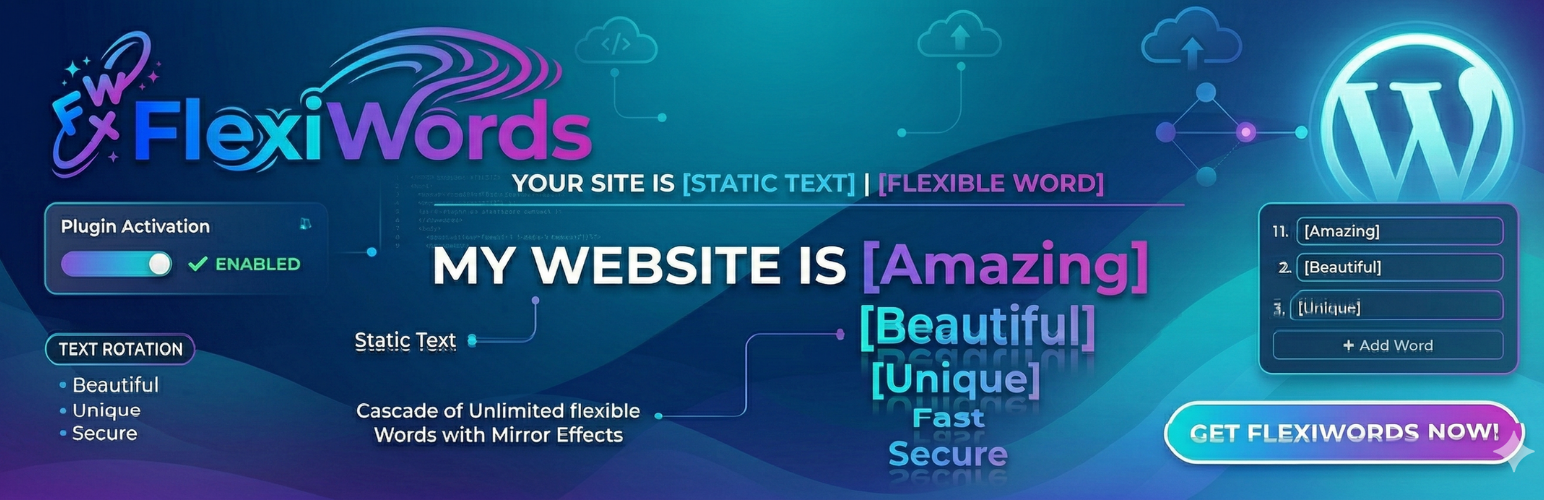
FlexiWords
| 开发者 | luxmedprotez |
|---|---|
| 更新时间 | 2026年3月21日 23:18 |
| 捐献地址: | 去捐款 |
| PHP版本: | 5.0 及以上 |
| WordPress版本: | 6.9 |
| 版权: | GPLv2 or later |
| 版权网址: | 版权信息 |
详情介绍:
- Hero banners and landing pages
- Catchy slogans and taglines
- Call-to-action sections
- Portfolio and agency websites
- Any section where you want to grab attention
- Go to the FlexiWords menu in your admin panel
- Enter your fixed text, rotating texts, colors, and style options
- Copy the generated shortcode and paste it anywhere on your site
- Up to 5 rotating texts per item
- Individual color settings for fixed text, rotating text, and suffix
- Font size and bold options for each text element
- Font family selection
- Text alignment (left, center, right)
- Adjustable animation duration and delay
- Optional suffix text
- Live preview in the admin panel
- Lightweight and fast — no jQuery dependency
- Clean shortcode system:
[flexiwords id="1"] - Works with any theme and page builder
安装:
- Upload the plugin files to the
/wp-content/plugins/flexiwordsdirectory, or install directly through the WordPress plugins screen. - Activate the plugin through the "Plugins" screen in WordPress.
- Navigate to the "FlexiWords" menu in your admin panel.
- Click "Add New" to create your first rotating text animation.
常见问题:
How do I create a FlexiWords item?
Go to the "FlexiWords" menu in your admin panel and click the "Add New" tab. Enter a fixed text, add your rotating texts (up to 5), customize colors and formatting, then save. Use the generated shortcode to display it on your site.
How many rotating texts can I add?
Each FlexiWords item supports up to 5 rotating text entries.
Where can I use the shortcode?
You can place the shortcode in any area that supports shortcodes: pages, posts, text widgets, and page builder text modules.
Does FlexiWords work with page builders like Elementor or Gutenberg?
Yes. Since FlexiWords uses a standard WordPress shortcode, it works with Elementor, Gutenberg, WPBakery, Divi, and any other builder that supports shortcodes.
Can I use multiple FlexiWords on the same page?
Absolutely. You can place as many different FlexiWords shortcodes on a single page as you need. Each one operates independently.
Does FlexiWords affect page loading speed?
No. FlexiWords is extremely lightweight. It loads minimal CSS and vanilla JavaScript only on pages where the shortcode is used.
Is FlexiWords SEO-friendly?
Yes. The fixed and rotating texts are rendered as real HTML text, making them fully readable by search engines.
更新日志:
- Added spacing between fixed text and rotating text
- Fixed incorrect redirect URL after saving a new FlexiWords item
- Security: Added nonce (CSRF) protection to database reset
- Improved: Redirect to clean URL after database reset
- Added "Reset Database" button in admin panel with double confirmation
- Added multi-language support (Turkish, Portuguese, Spanish, German, French, Italian)
- Internationalization (i18n) infrastructure with .pot template file
- All admin UI strings are now translatable
- Cache system improvements
- Dynamic version added to style and script files
- Database reset feature added
- Performance optimizations
- General improvements and bug fixes
- Text alignment option added
- Database structure updates
- Code improvements
- Bug fixes
- Font family option added
- Performance improvements
- Animation duration and delay settings added
- Database structure update
- Initial release