
Floating Video Widget
| 开发者 | transformdigitalnz |
|---|---|
| 更新时间 | 2025年5月29日 09:26 |
| PHP版本: | 7.2 及以上 |
| WordPress版本: | 6.8 |
| 版权: | GPLv2 or later |
| 版权网址: | 版权信息 |
详情介绍:
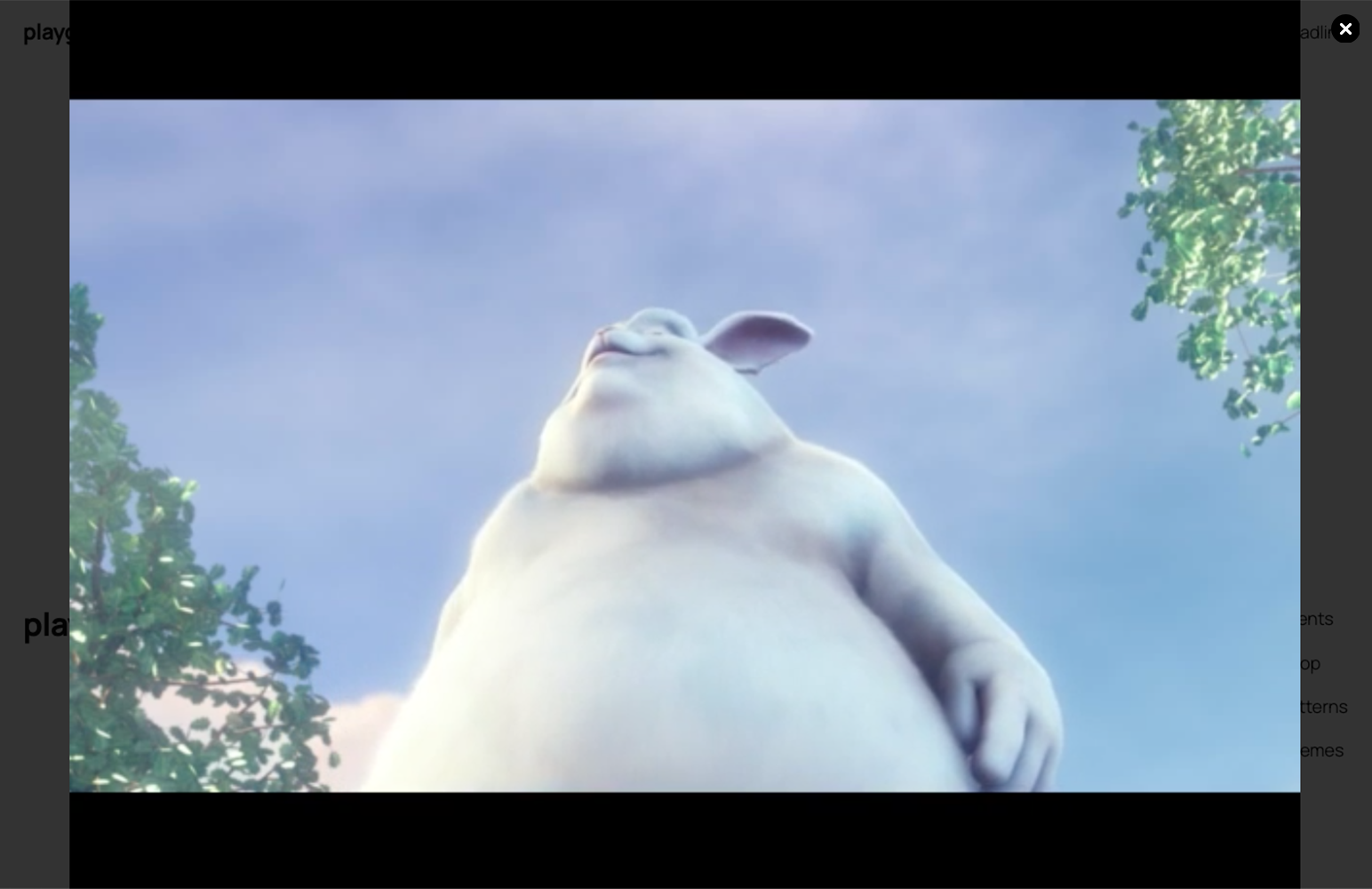
The Floating Video Widget plugin allows you to easily add a floating video element to your WordPress site. Perfect for showcasing promotional videos, product demonstrations, or background ambiance without disrupting your site's layout.
Features:
- Easy implementation with shortcode [floating_video]
- Customizable placement (top-right, top-left, bottom-right, bottom-left)
- Optional close button
- Responsive design
- Lightweight and performance-optimized
- Admin settings panel for easy configuration
安装:
- Upload the plugin files to the
/wp-content/plugins/floating-video-widgetdirectory, or install the plugin through the WordPress plugins screen directly. - Activate the plugin through the 'Plugins' screen in WordPress
- Use the Settings->Floating Video screen to configure the plugin
- Place the shortcode [floating_video] in your posts or pages where you want the video to appear
屏幕截图:

常见问题:
What video formats are supported?
The plugin supports all video formats that are compatible with the HTML5 video player, primarily MP4.
Can I customize the size of the video?
Yes, the video size can be customized through CSS modifications.
Is the video responsive?
Yes, the video widget is fully responsive and will adapt to different screen sizes.
更新日志:
1.0
- Initial release
- Added basic floating video functionality
- Implemented admin settings panel
- Added shortcode support
- Included placement options
- Added close button feature