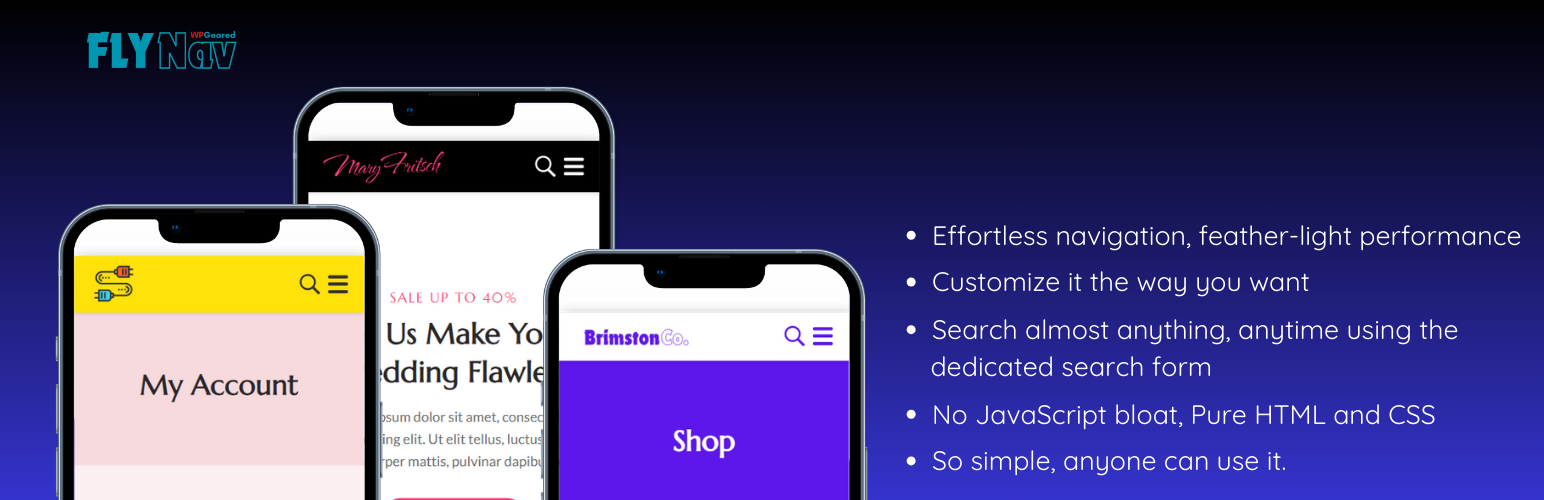
Fly Nav Mobile Menu
| 开发者 | wpgeared |
|---|---|
| 更新时间 | 2024年10月20日 03:13 |
| PHP版本: | 7.2 及以上 |
| WordPress版本: | 6.6 |
| 版权: | GPLv2 or later |
| 版权网址: | 版权信息 |
详情介绍:
安装:
- Upload the
fly-nav-mobile-menufolder to the/wp-content/plugins/directory - Activate the plugin through the 'Plugins' menu in WordPress
- Go to Settings > Fly Nav Mobile Menu to configure your menu options
屏幕截图:
常见问题:
Is JavaScript required for this plugin on the frontend?
No, Fly Nav Mobile Menu uses only HTML and CSS to create a responsive mobile menu on the frontend, ensuring fast loading times and broad compatibility. A lightweight JavaScript file is used exclusively for the admin settings page and does not affect your site's frontend performance.
Can I customize the menu styles?
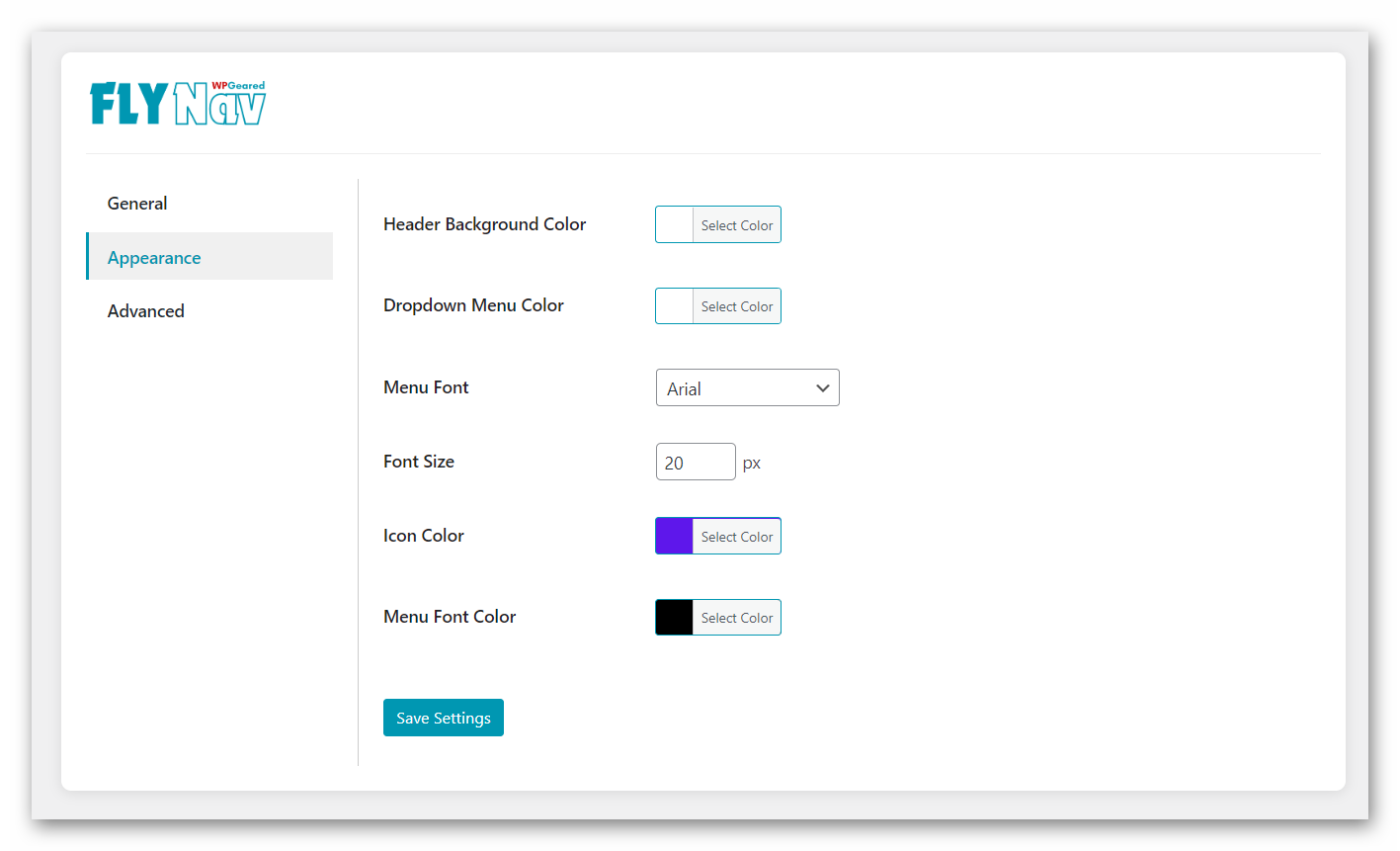
Yes, you can customize various aspects of the menu's appearance through the plugin settings page. The admin interface uses minimal JavaScript to provide a user-friendly experience for customization.
How does this plugin impact my site's performance?
Fly Nav Mobile Menu is designed with performance in mind. By using only HTML and CSS on the frontend, it has minimal impact on your site's loading speed. The lightweight JavaScript used for admin functionality is only loaded in the WordPress dashboard and does not affect your public-facing pages.
更新日志:
- Minor bug fixes and improvements
- Optimized admin JavaScript for better performance
- Tested compatibility with WordPress 6.6
- Added custom menu walker for enhanced menu structure
- Improved accessibility features
- Introduced lightweight JavaScript for admin settings
- Initial release