
Folderit Forms
| 开发者 | folderit |
|---|---|
| 更新时间 | 2026年9月11日 13:42 |
| PHP版本: | 7.4 及以上 |
| WordPress版本: | 7.1 |
| 版权: | GPLv2 or later |
| 版权网址: | 版权信息 |
详情介绍:
- Guided form editor with a visitor preview.
- Existing Folderit templates or WordPress-managed templates.
- Text, long text, email, number, dropdown, checkbox, date, file, relation, table, and information fields.
- Destination folder browser.
- Gutenberg block and
[folderit_form id="123"]shortcode. - Server-side validation, upload controls, rate limiting, duplicate protection, and a spam honeypot.
- Optional administrator and visitor confirmation emails.
- Privacy-conscious delivery activity without local form-value storage.
- Accessible no-JavaScript submission fallback.
https://auth.folderit.com, and API requests are sent to https://api.folderit.com.
Folderit service information: https://www.folderit.com/
Folderit privacy policy: https://www.folderit.com/privacy-policy/
Folderit terms of use: https://my.folderit.com/files/folderit-terms-of-use.pdf
安装:
- In Plugins > Add Plugin, search for Folderit Forms and select Install Now. Before the WordPress.org listing is approved, install the release ZIP through Plugins > Add Plugin > Upload Plugin.
- Activate Folderit Forms.
- Open Folderit Forms > Connection and enter OAuth client credentials.
- Test the connection and choose the Folderit account.
- Create a form, select its destination folder, and publish it.
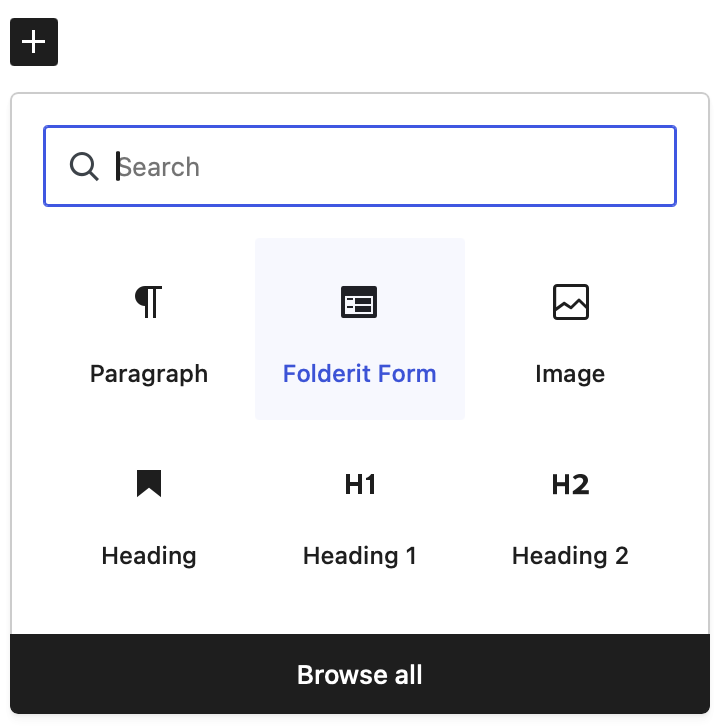
- Add the Folderit Form block to a page, or use the shortcode shown in the forms list.
FOLDERIT_FORMS_CLIENT_ID and FOLDERIT_FORMS_CLIENT_SECRET in wp-config.php. Values defined there are not editable in WordPress.屏幕截图:

常见问题:
Are submitted values stored in WordPress?
No. By default, the plugin stores only delivery status, time, form ID, Folderit record UID, and a redacted operational message. Field values and files are sent to Folderit and are not retained in WordPress.
Can I use existing Folderit e-form templates?
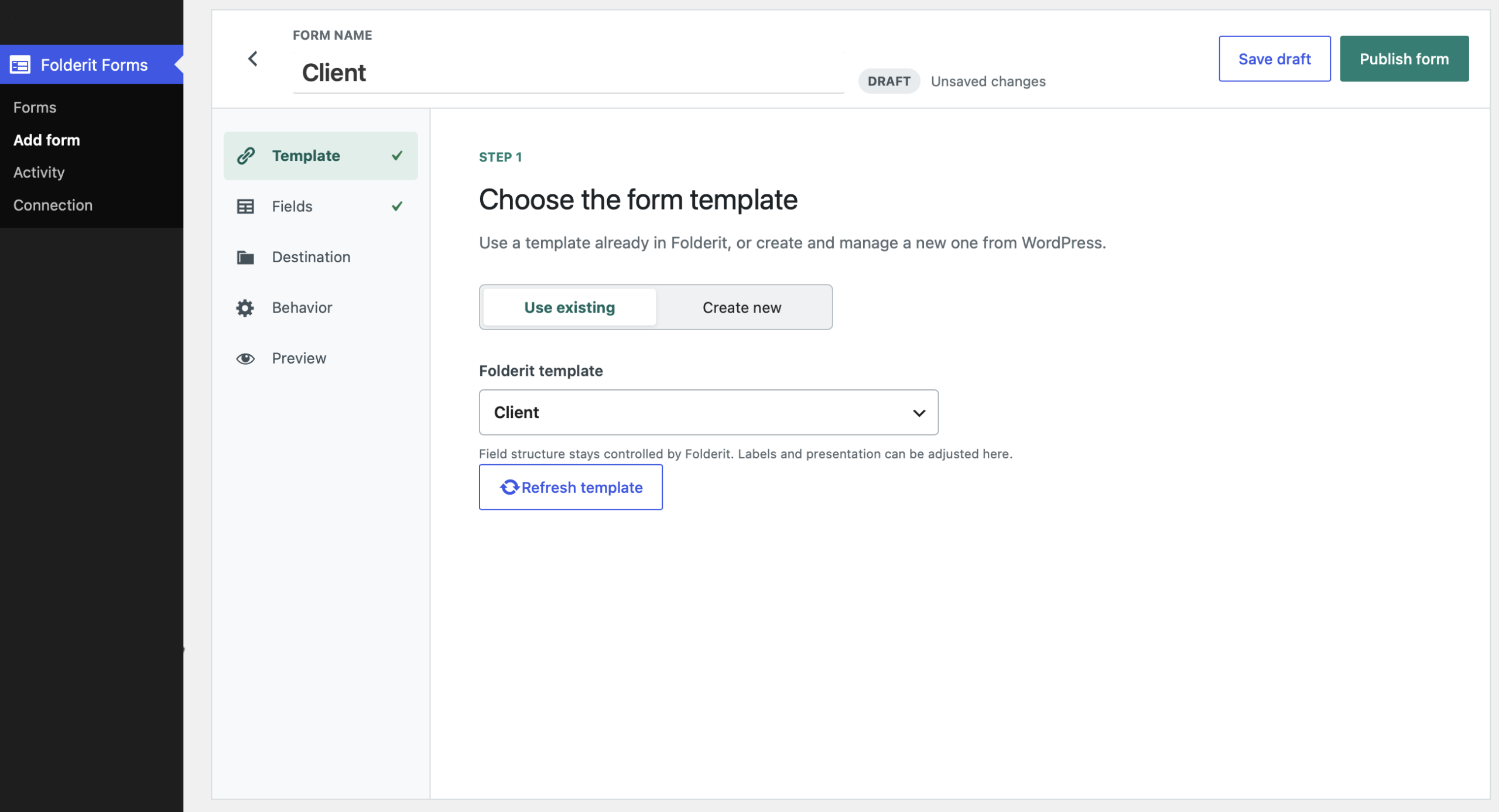
Yes. Choose "Use existing" in the form editor. The plugin imports the field structure while allowing local presentation changes.
Can WordPress create a Folderit template?
Yes. Choose "Create new", add fields, and publish. The template is created in Folderit during publishing.
What happens if Folderit changes an imported template?
Use Refresh template in the editor. Required public-compatible fields remain visible, while compatible local labels and help text are preserved.
Can a public form contain a Folderit user field?
No. Folderit user choices require a signed-in Folderit session, so user fields are identified in the editor but excluded from public forms. A template with a required user field cannot be published until that field is made optional or removed in Folderit.
How do visitor confirmation emails work?
Add a regular Email field to the form and enable visitor confirmations under Behavior. The visitor enters their own address in that field, and the confirmation is sent there after successful delivery.
How are credentials protected?
Credentials are used only in server-side requests. Stored credentials are encrypted with authenticated encryption when supported by the host. Defining credentials in wp-config.php provides the strongest storage option.
更新日志:
- Removed an unnecessary direct load of a WordPress administration include.
- Made the signed, expiring public form token an explicit REST permission check while retaining validation inside submission processing.
- Confirmed that all administrator request handlers require both the appropriate capability and WordPress nonce authentication.
- Excluded Folderit user fields from public forms and added clear editor, preview, and publishing guidance for incompatible required user fields.
- Reloaded all available Folderit accounts on the Connection page so administrators can switch accounts later.
- Replaced a successfully submitted public form with a clear success state and an optional "Submit another response" action.
- Clarified visitor confirmation email setup and added a one-click visitor email field for WordPress-managed templates.
- Corrected form-editor control alignment and expanded regression coverage for these workflows.
- Updated the plugin description, author link, and plugin information link.
- Hardened required-field validation, form configuration limits, and upload integrity checks.
- Preserved a working connection when replacement credentials fail testing and validated account choices against Folderit.
- Removed obsolete credential-management REST endpoints and optional list parameters that can fail on some Folderit accounts.
- Improved repeated fields, table rows, error accessibility, response handling, and form reset behavior.
- Simplified Folderit account discovery to avoid a server error from optional pagination and sorting parameters.
- Distinguished saved credentials from a completed account connection in the admin status.
- Clarified why the form editor remains locked until a Folderit account is selected.
- Included Folderit HTTP status codes in API error messages.
- Replaced the connection AJAX request with a conventional WordPress admin-post settings flow.
- Packaged connection fields into a neutral POST payload to avoid hosting firewall false positives.
- Preserved connection feedback and Folderit account choices across the settings-page redirect.
- Moved OAuth connection management to WordPress's authenticated admin-AJAX endpoint for compatibility with hosts that block credential-bearing REST requests.
- Added dedicated capability and nonce validation to the admin connection handler.
- Kept connection error responses readable without relying on upstream HTTP error statuses.
- Improved OAuth connection testing and preserved Folderit error details.
- Distinguished Folderit response codes from WordPress REST response codes.
- Added actionable diagnostics for blocked, missing, or failed WordPress REST requests.
- Trimmed accidental whitespace from pasted OAuth credentials.
- Initial release.
- Added Folderit connection, form builder, destination picker, block, shortcode, staged uploads, activity, notifications, privacy guidance, and submission protection.