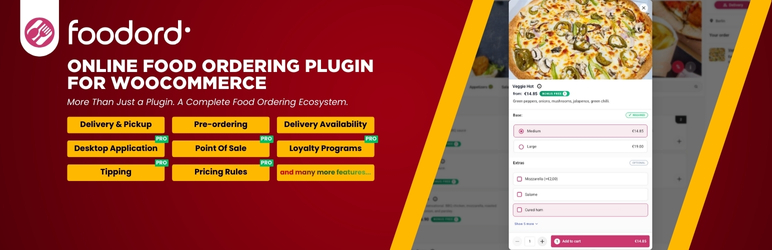
FoodOrd - Online Food Ordering & Table Reservation System
| 开发者 |
foodordteam
foodord |
|---|---|
| 更新时间 | 2026年9月18日 15:44 |
| PHP版本: | 8.0 及以上 |
| WordPress版本: | 7.1 |
| 版权: | GPLv2 or later |
| 版权网址: | 版权信息 |
标签
下载
详情介绍:
- Web-Based Live Orders: Dedicated dashboard featuring real-time audio and visual alerts for incoming orders.
- Instant Order Status Updates: Accept, reject, or mark orders as preparing directly from the browser interface.
- Table Booking System: Accept dine-in reservations with capacity management and time-slot availability.
- Deposit Protection: Charge reservation deposits or require pre-ordered meals during booking.
- Table-Side QR Ordering: Support in-house customer ordering tied directly to specific table numbers.
- Progressive Web App Support: Enable customers to install your online store as a fast, branded mobile web app.
- Touch-Optimized Cart: Responsive, fast checkout workflow built for mobile devices.
- Flexible Order Modes: Dual support for delivery and pickup with independent operational rules.
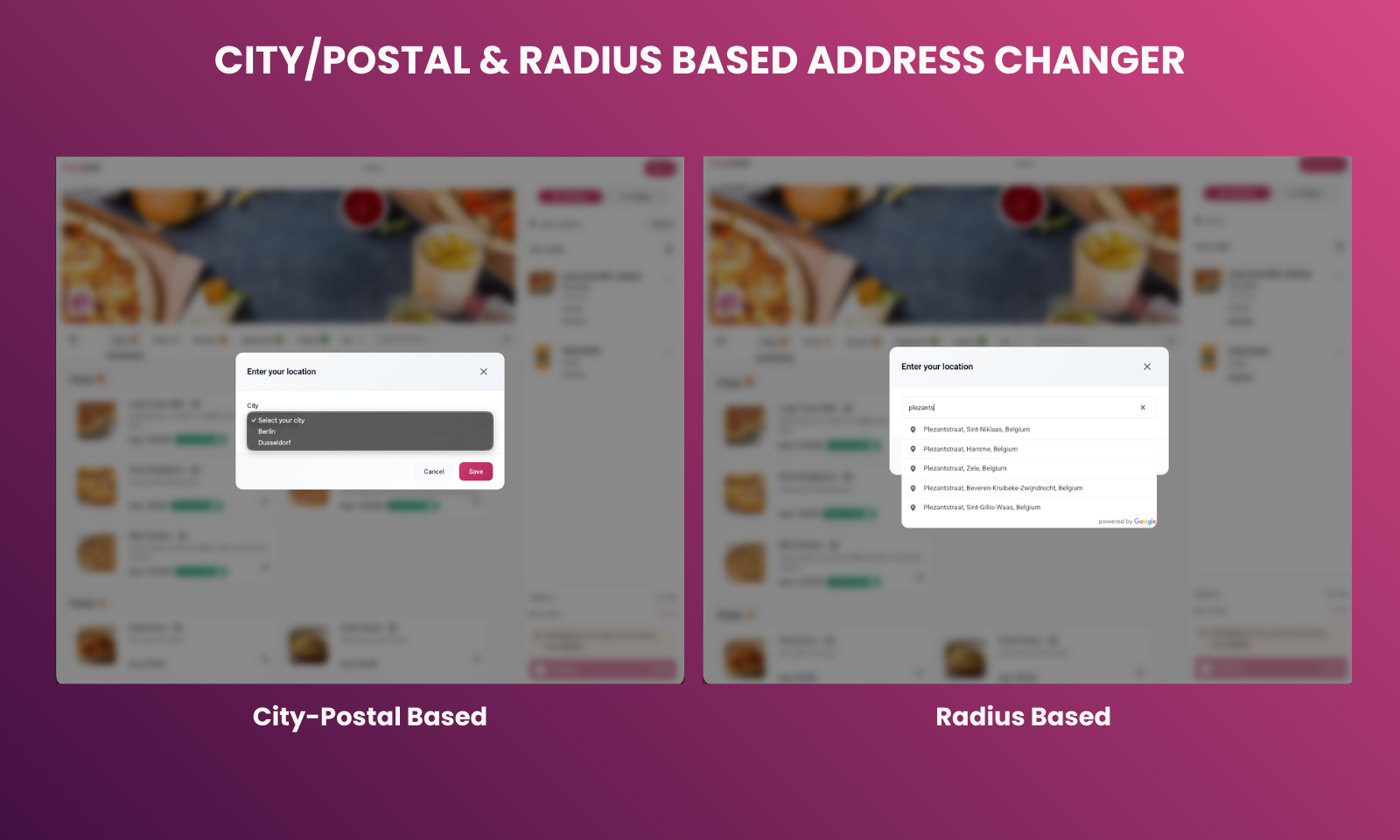
- Distance and Zone Calculations: Radius and polygon delivery zones via Google Maps integration with custom minimum order amounts and zone-specific delivery fees.
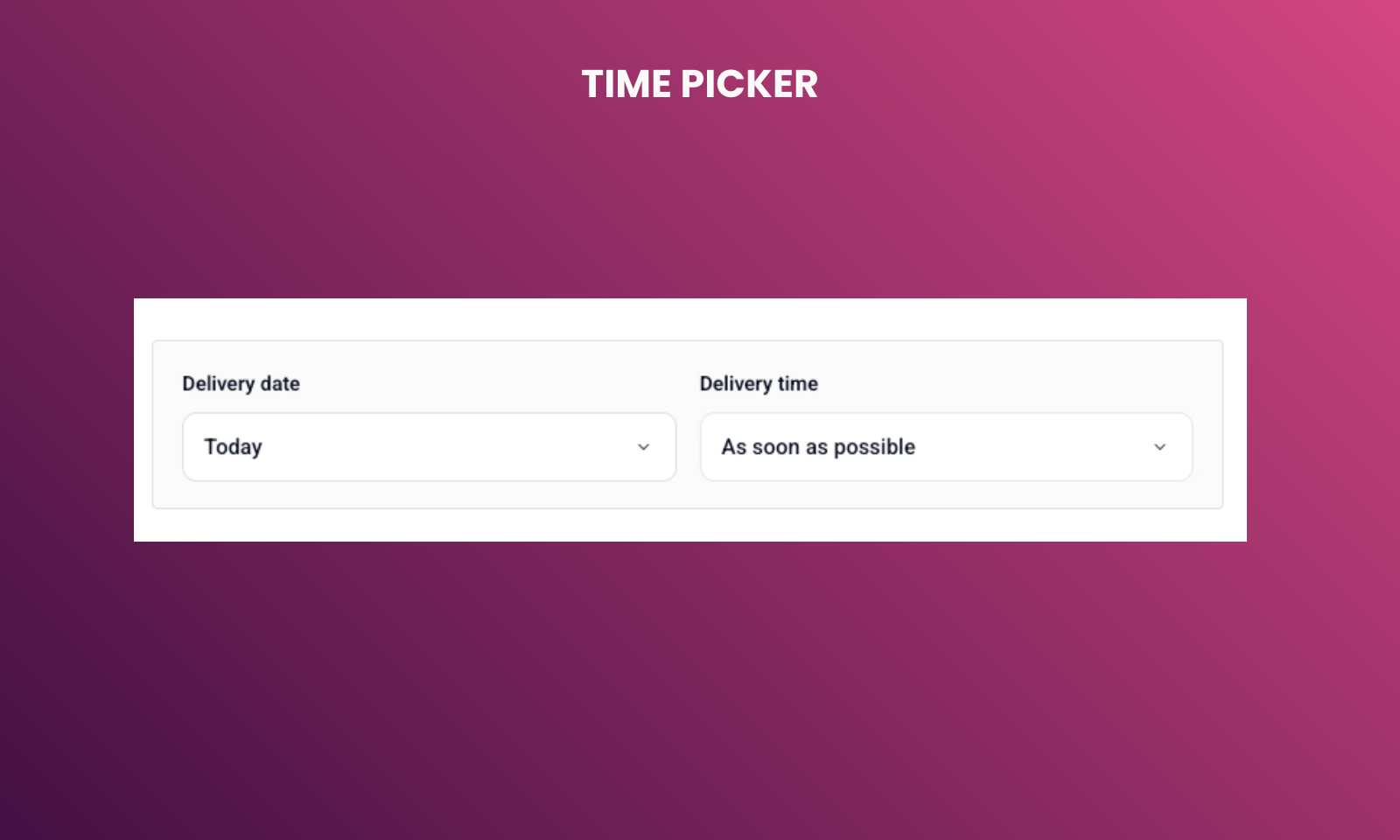
- Order Scheduling: Allow customers to place orders for immediate delivery or schedule for a specific date and time slot.
- Unlimited Addons: Create required or optional modifier choices such as crust type, size, extras, or side options.
- Selection Limits: Define minimum and maximum allowed selections for each topping group.
- Dynamic Pricing: Assign individual extra prices per topping choice.
- Nested Choices: Support structured product customizations tailored for pizzerias and burger joints.
- Business Hours Management: Automatic store open/closed handling with weekly shift schedules.
- Holiday and Exception Dates: Define custom closure days or special holiday operating hours.
- Timed Products and Categories: Schedule breakfast, lunch, or dinner menus to appear only during specified hours or weekdays.
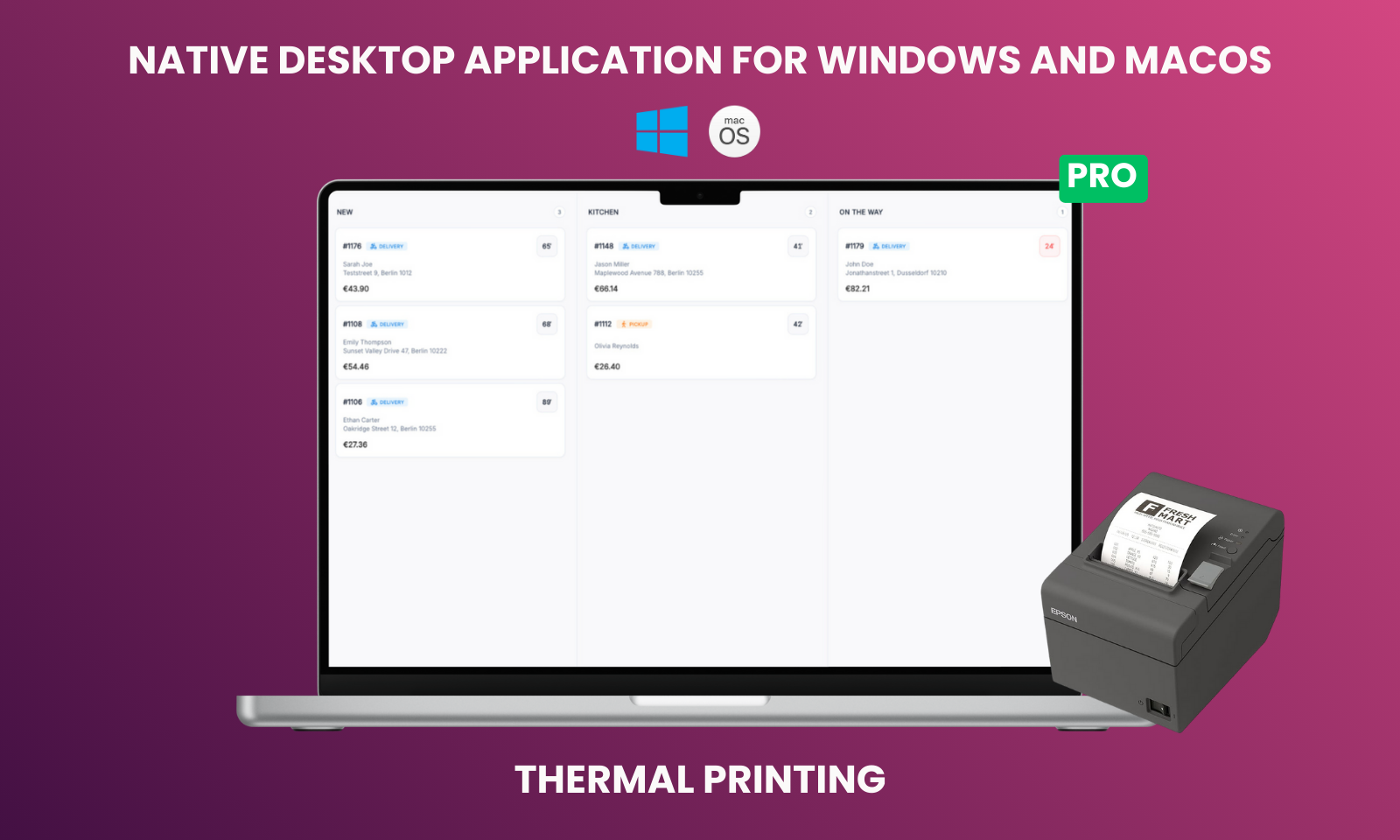
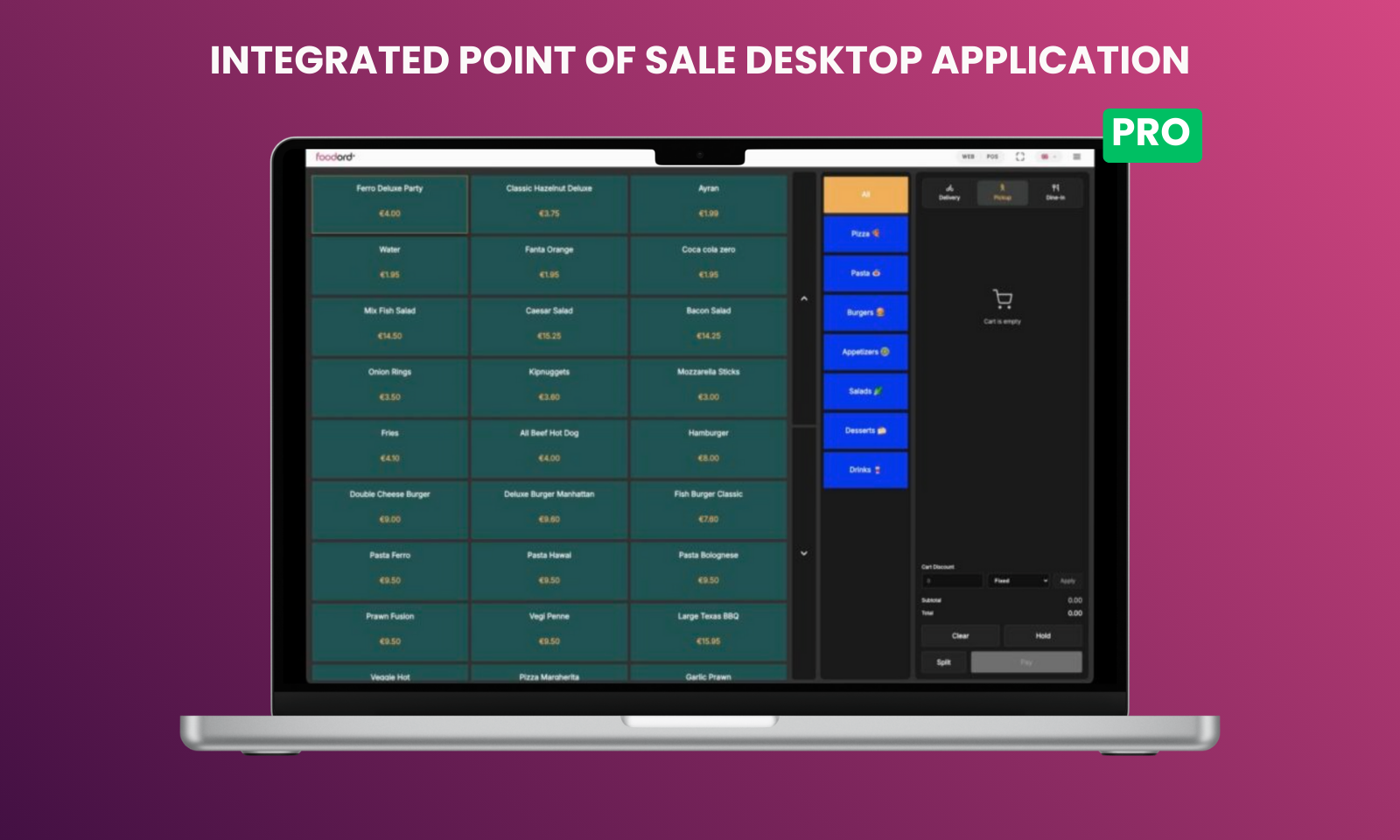
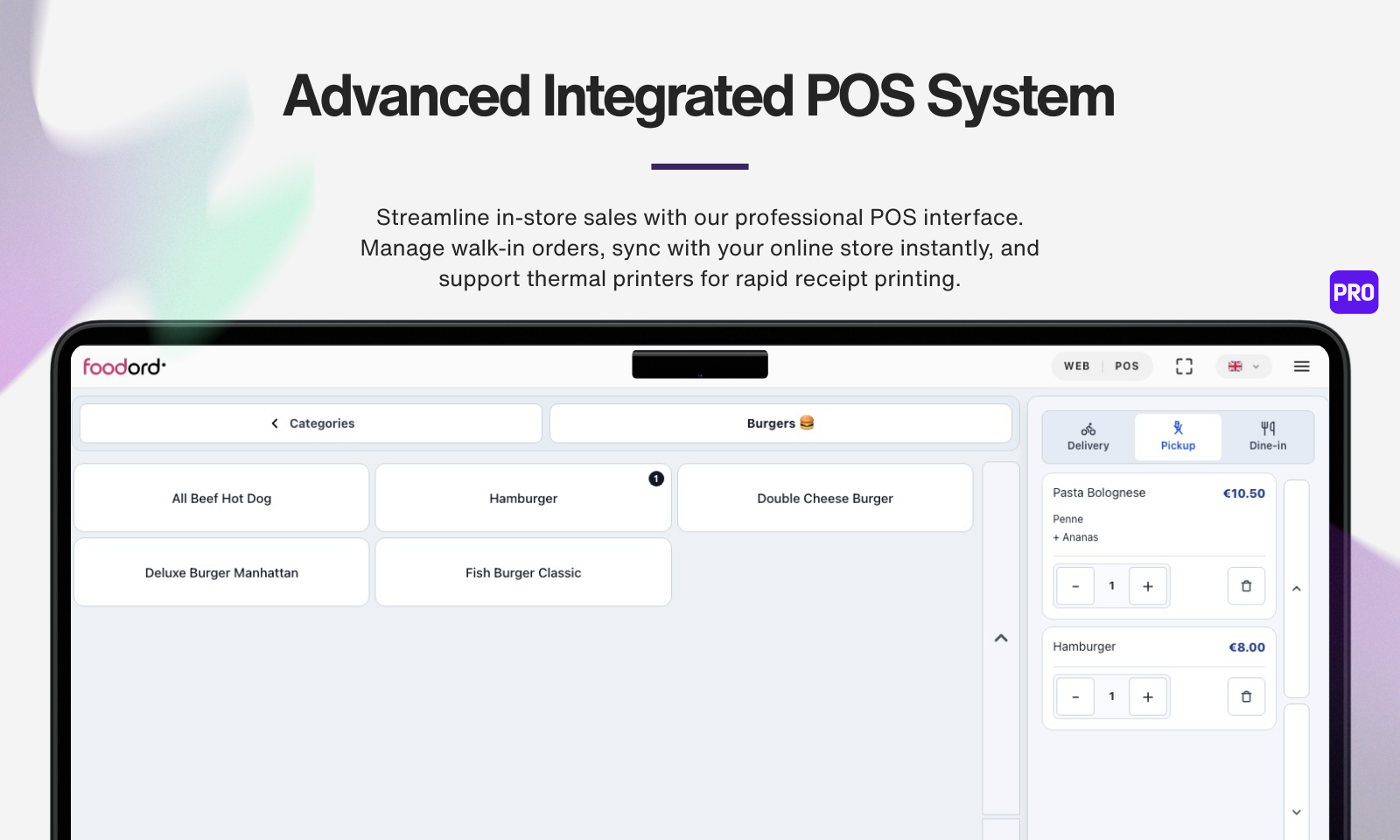
- Desktop POS App (Windows & macOS): USB/LAN thermal receipt auto-printing, sound alerts, and front-of-house order management. Download Desktop POS App
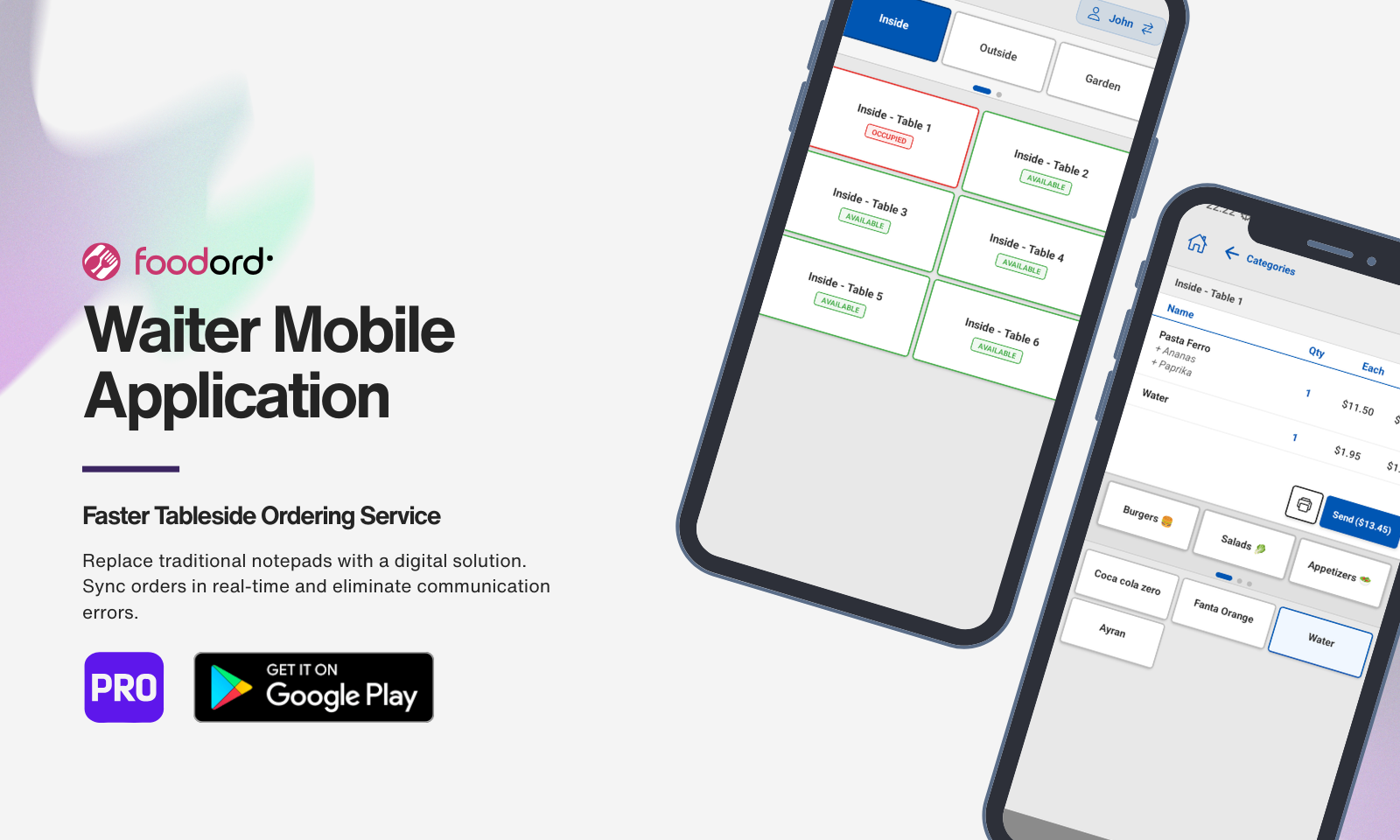
- Waiter App (Android): Secure staff login, table access control, and live table-side ordering. Download on Google Play
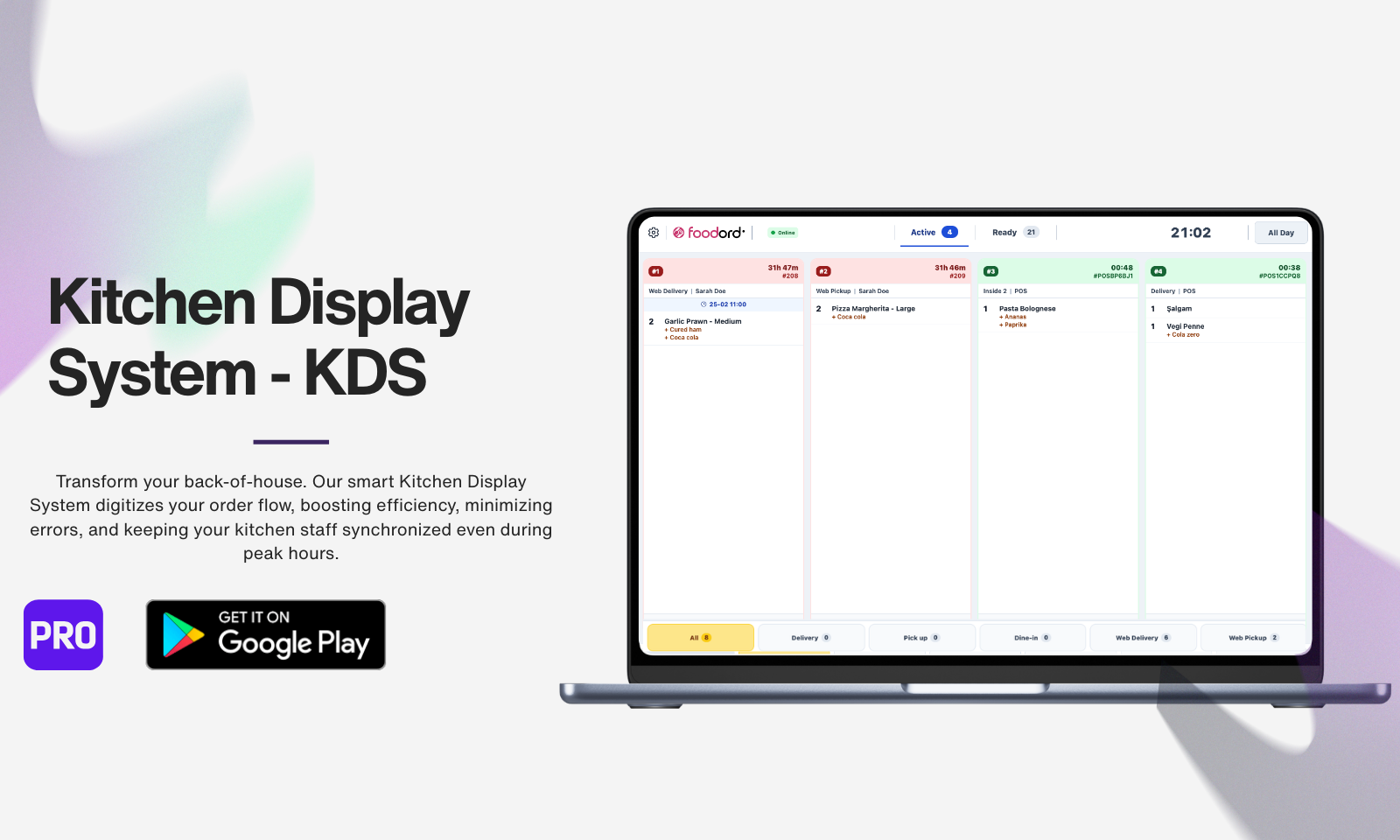
- Kitchen Display System - KDS (Android): Digital order cards, preparation timers, and real-time kitchen sync. Download on Google Play
- Pro Features: Loyalty points, advanced BOGO & pricing rules, driver tips, and customer reviews. Get FoodOrd PRO
安装:
- Go to Plugins > Add New in WordPress admin.
- Search for "FoodOrd".
- Click Install Now, then Activate.
- Download the plugin ZIP file.
- Go to Plugins > Add New > Upload Plugin.
- Upload the ZIP file and click Install Now.
- Click Activate Plugin.
- Navigate to FoodOrd > Settings in your WordPress admin.
- Configure delivery and pickup options.
- Set your restaurant business hours.
- Create topping groups and options for your products.
- Start taking online food orders!
屏幕截图:



常见问题:
Does FoodOrd require WooCommerce?
Yes, WooCommerce must be installed and activated.
Does it work with any theme?
Yes, but it works best with the dedicated FoodOrd Theme. Custom styling can be applied for third-party themes.
Can you make FoodOrd work with my existing WordPress theme?
Yes. If you already have your own WordPress theme, we can adapt it to work properly with the FoodOrd plugin. This customization service is not included for free and requires an additional fee. Please contact us through the contact page on our website so we can review your website and provide more details.
Can customers switch between delivery and pickup?
Yes, customers can toggle between delivery and pickup modes at any time before checkout.
Do you offer a complete setup service for non-technical users?
Yes. If you are not familiar with WordPress, plugins, themes, or technical setup, we can prepare everything for you and deliver a ready-to-use FoodOrd system. This setup service requires an additional fee. Please contact us through the contact page on our website so we can discuss your needs and provide more information.
Is it translation-ready?
Yes. FoodOrd includes full translation support and standard .pot translation files.
Which payment gateways are supported?
All WooCommerce-compatible payment gateways work with FoodOrd.
Is the desktop app required?
No, the desktop application is optional. The plugin functions completely as a web solution without it.
What external services does FoodOrd connect to?
FoodOrd connects to external services when specific features are enabled: Google Maps Platform
- When used: Radius-based delivery with Google Maps API key enabled.
- Services: Maps JavaScript API, Places API, Geocoding API.
- Endpoints: https://maps.googleapis.com/maps/api/js, https://maps.googleapis.com/maps/api/geocode/json
- Data sent: API key, store address, customer address queries.
- Links: Terms | Privacy Google reCAPTCHA
- When used: Table Reservations security protection with reCAPTCHA enabled by the administrator.
- Services: reCAPTCHA v3 script and token verification.
- Endpoints: https://www.google.com/recaptcha/api.js, https://www.google.com/recaptcha/api/siteverify
- Data sent: Site key, reCAPTCHA token, server-side secret key, requesting IP address when available, reservation action name, and standard browser request data handled by Google.
- Links: Terms | Privacy FoodOrd License Server
- When used: Activating a license and checking monthly allowances for Table Reservations or browser-based Live Orders.
- Services: https://foodord.com/wp-json/foodord-cloud/v1/license/verify, https://www.foodord.com/wp-json/foodord-cloud/v1/reservation-quota/, https://www.foodord.com/wp-json/foodord-cloud/v1/feature-quota/
- Data sent: License key, site URL and domain, FoodOrd version, feature identifier, signed quota permits, and non-reversible hashed order references used to count the monthly allowance.
- Data not sent: Customer details, order contents, payment details, or product information.
- Links: Terms | Privacy FoodOrd Diagnostics Service
- When used: Only when the administrator keeps "Share diagnostic data" enabled during onboarding or in the FoodOrd Help tab.
- Service: https://www.foodord.com/wp-json/foodord/v1/diagnostics
- Frequency: Once when diagnostics sharing is first enabled, then monthly.
- Data sent: Technical environment and compatibility data, including site host, anonymous site hash, WordPress version, PHP version, WooCommerce version, FoodOrd version, active theme slug/version, server limits, and required PHP extension availability.
- Data not sent: Customer data, order data, payment data, product data, category data, or personal customer information.
- How to disable: Go to any FoodOrd admin screen, open the WordPress Help tab, select Diagnostics, and disable "Share diagnostic data".
- Links: Terms | Privacy FoodOrd Website Resources
- When used: Opening dashboard links, plugin action links, the Pricing page from Table Reservations or the Web Live Orders upgrade link, and resource buttons such as Documentation, Support, and Theme download pages.
- Endpoints: https://www.foodord.com/documentation/, https://www.foodord.com/support/, https://www.foodord.com/pricing/, https://www.foodord.com/downloads/
- Data sent: Standard browser request data such as IP address, user agent, referrer, and cookies already set by the user browser.
- Links: Terms | Privacy Google Identity Services
- When used: "Continue with Google" login with OAuth credentials configured.
- Services: OAuth authorization, token exchange, user profile retrieval.
- Data sent: Client ID, redirect URI, authorization code, basic profile (email, name).
- Links: Terms | Privacy YouTube Services
- When used: Opening dashboard tutorial videos or the "View More" link from the FoodOrd admin dashboard.
- Services: YouTube watch pages, YouTube no-cookie embedded player, YouTube channel pages, and YouTube-hosted thumbnail images.
- Endpoints: https://youtu.be/, https://www.youtube.com/, https://www.youtube-nocookie.com/embed/, https://i.ytimg.com/
- Data sent: Standard browser request data such as IP address, user agent, referrer, and cookies already set by YouTube in the user's browser.
- Links: Terms | Privacy
What is FoodOrd's privacy policy?
FoodOrd does not collect personal data beyond WordPress and WooCommerce defaults. All customer data is managed through WooCommerce's privacy tools.
- Desktop App: When connected, order data is accessible via REST API with WordPress authentication. All transmissions use HTTPS encryption. Users can disconnect anytime.
- License Validation: Purchase code and site URL are sent for validation only. No customer data is transmitted. License activation is optional.
- Diagnostics Sharing: Optional diagnostics sharing sends technical environment and compatibility data only. It does not send customer, order, payment, product, category, or personal customer data. Administrators can disable diagnostics from the FoodOrd Help tab.
- Full Privacy Policy
更新日志:
- Added dynamic pre-order status indicators to ordering controls and opening hours.
- View Full Changelog