
FormatoCD Publish with Buffer
| 开发者 | formatocd |
|---|---|
| 更新时间 | 2026年9月15日 06:08 |
| PHP版本: | 7.4 及以上 |
| WordPress版本: | 7.1 |
| 版权: | GPLv2 or later |
| 版权网址: | 版权信息 |
详情介绍:
FormatoCD Publish with Buffer is a powerful, lightweight plugin that automates the publishing of your WordPress posts to your social media channels using the modern Buffer GraphQL API.
Stop copying and pasting links! With this plugin, you can easily share your content across multiple social networks as soon as you hit "Publish", or add them to your Buffer queue.
🚀 Features
- Automatic Publishing: Automatically sends your WordPress posts to Buffer the moment they are published.
- Multiple Publishing Modes: Choose between Share Now or Add to Queue.
- Customizable Message Templates: Create your own message format using dynamic variables like
{title},{url},{author}, and more. - Smart Hashtags: Automatically converts your WordPress tags into #hashtags for social media.
- Category Filtering: Restrict automatic Buffer posting only to posts belonging to a specific category.
- Featured Image Support: Automatically attaches the post's featured image to the Buffer publication.
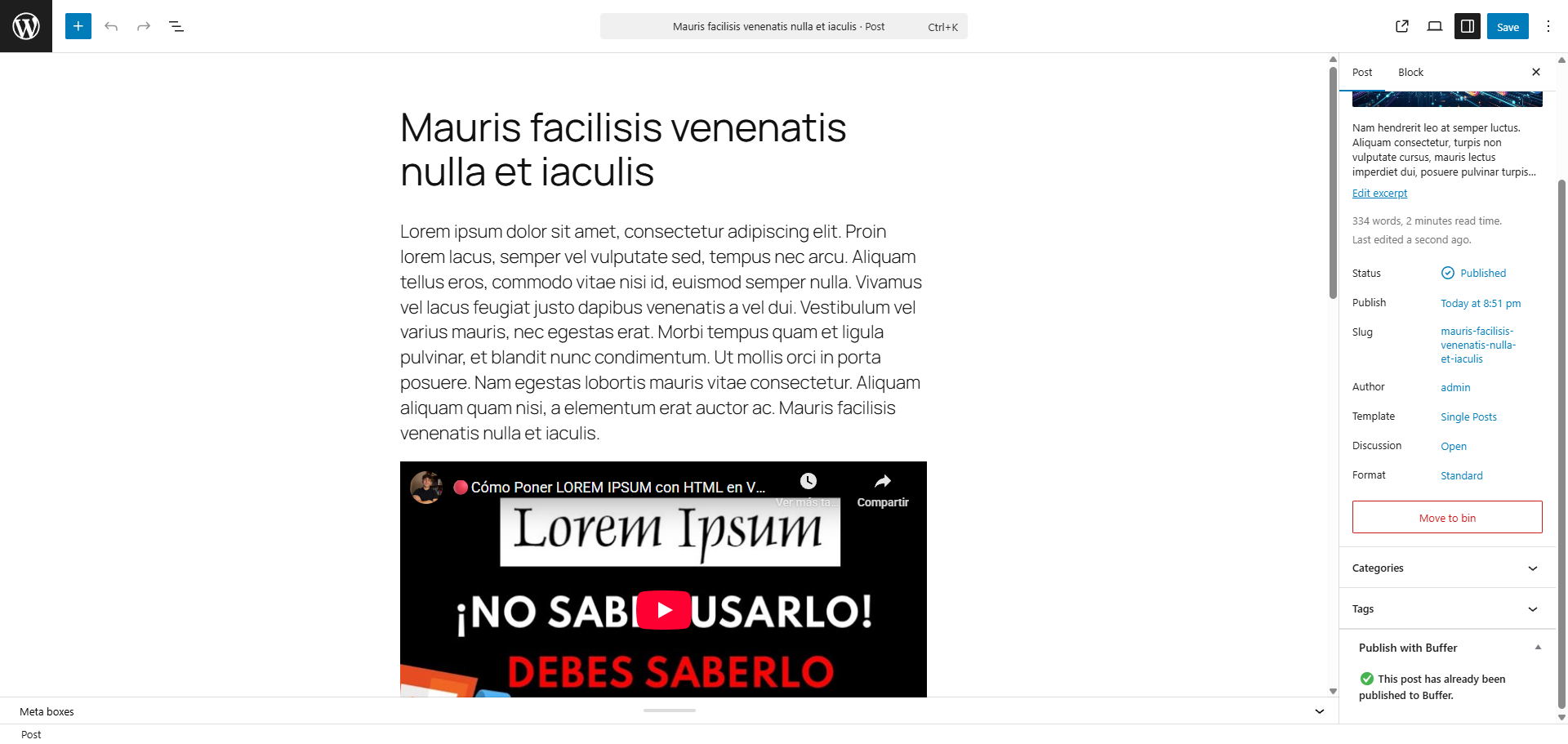
- Duplicate Prevention: Internally tracks when a post has already been shared to Buffer to avoid duplicate submissions upon post updates.
- Translation Ready (i18n): Fully prepared for translation. English and Spanish (
es_ES) languages are included by default.
安装:
- Upload the
formatocd-publish-with-bufferfolder to the/wp-content/plugins/directory. - Activate the plugin through the 'Plugins' menu in WordPress.
- Navigate to Settings > Publish with Buffer to configure your API Token and Channels.
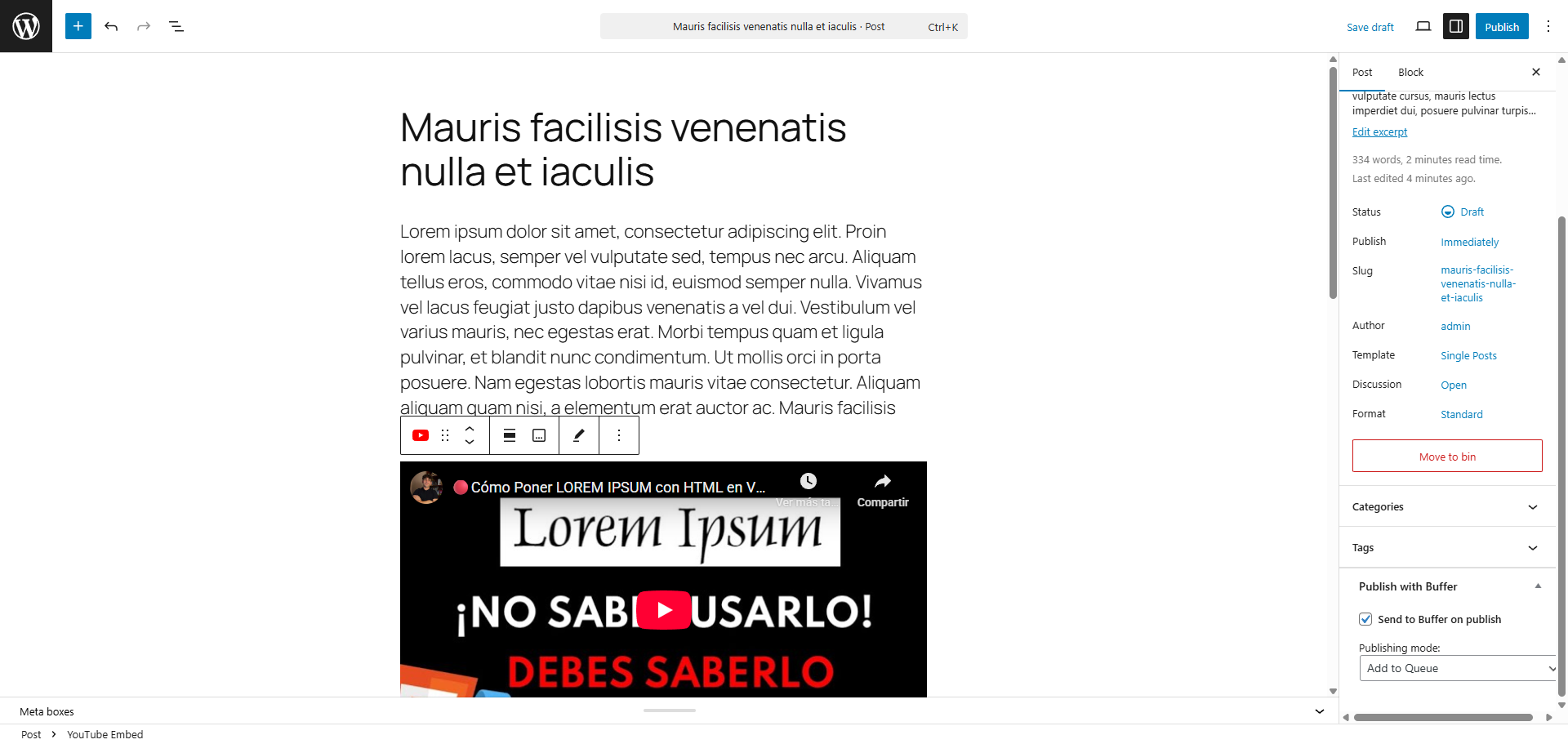
- Go to any Post and look for the "Publish with Buffer" meta box in the sidebar to start sharing.
屏幕截图:
常见问题:
Where do I get my Buffer API Token?
You need to create a custom app in the Buffer Developer Portal to generate your personal access token. Note that this uses the new Buffer GraphQL API.
How do I find my Channel IDs?
The easiest way is to use our official command-line tool, Buffer CLI, which instantly lists all your connected channels and their IDs. Alternatively, you can find them by querying the Buffer GraphQL API manually or by looking at the URL in your Buffer dashboard when viewing a specific channel.
更新日志:
1.2.1 - 2026-09-15
Fixed
- Wrong versions and texts.
- Full support for WordPress 7.1 and its new iframe-based block editor.
- Replaced asynchronous API calls with synchronous ones, adding robust error logging to
debug.logfor failed Buffer posts. - Updated settings registration to follow modern WordPress array standards.
- Removed custom scheduled option for individual Buffer posts (non functional, the post is scheduled by WordPress).
- Deprecated
load_plugin_textdomainfunction call.
- Updated the GraphQL
assetsinput format to comply with Buffer API's May 25, 2026 breaking changes. - Decoded HTML entities in post titles and excerpts for cleaner display on social networks.
- Suppressed
error_logPlugin Check warnings using standardphpcs:ignorecomments.
- Renamed all functions and hooks to use the
formatocd_buffer_prefix to prevent conflicts. - Masked the API Token field in settings for better privacy.
- Updated compatibility for WordPress 7.0.
- Initial public release on the WordPress repository.
- Support for GraphQL Buffer API.
- Dynamic variables and UI improvements to prevent duplicate posts.