
FormLight – Simple Lightweight Form Builder – Contact, Payment, Registration & More
| 开发者 | wphope |
|---|---|
| 更新时间 | 2025年12月29日 21:53 |
| PHP版本: | 8.0 及以上 |
| WordPress版本: | 6.9 |
| 版权: | GPL v2 or later |
| 版权网址: | 版权信息 |
详情介绍:
安装:
- Upload the
formlightfolder to the/wp-content/plugins/directory - Activate the plugin through the 'Plugins' menu in WordPress
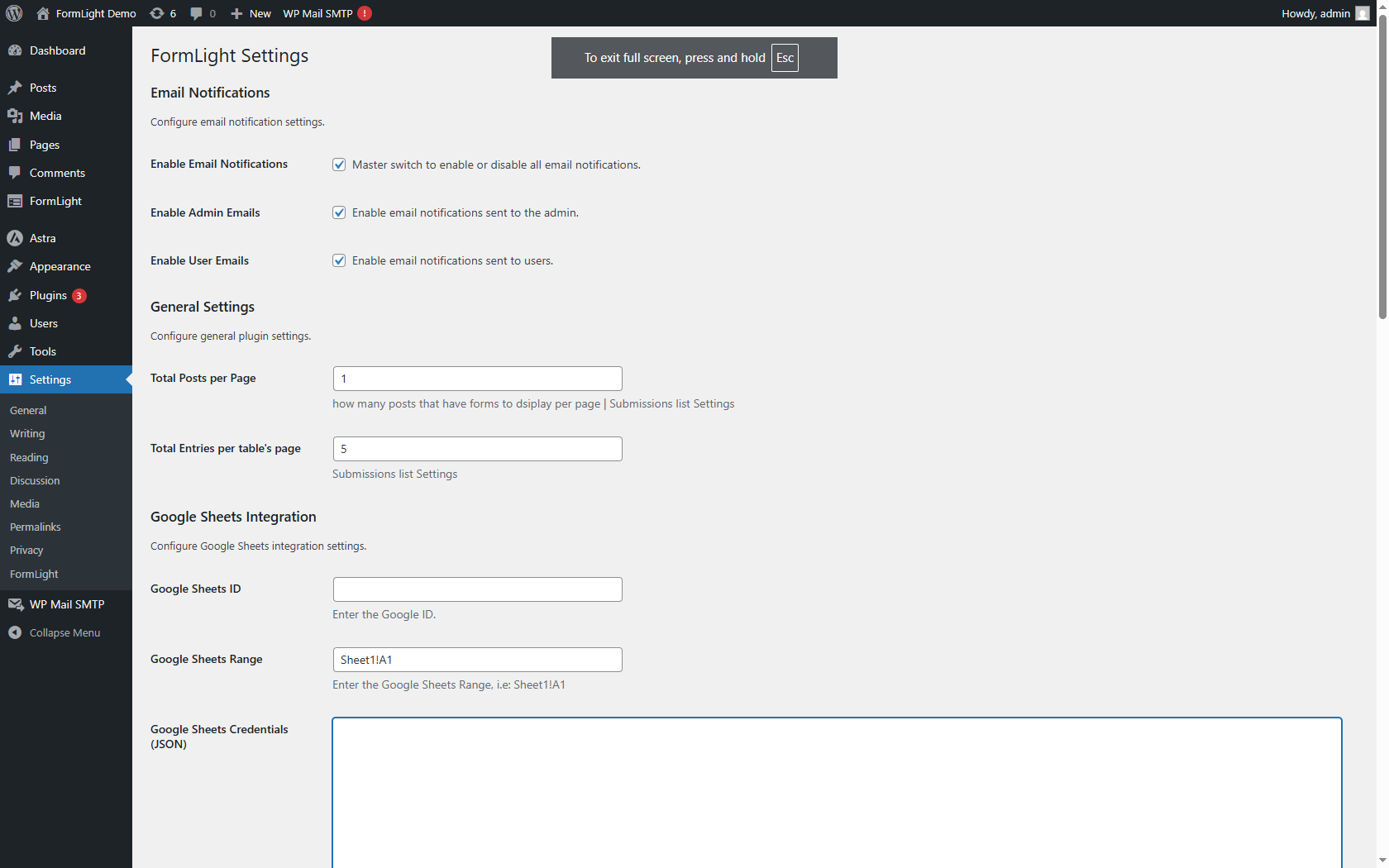
- Go to FormLight settings in the admin panel to configure integrations
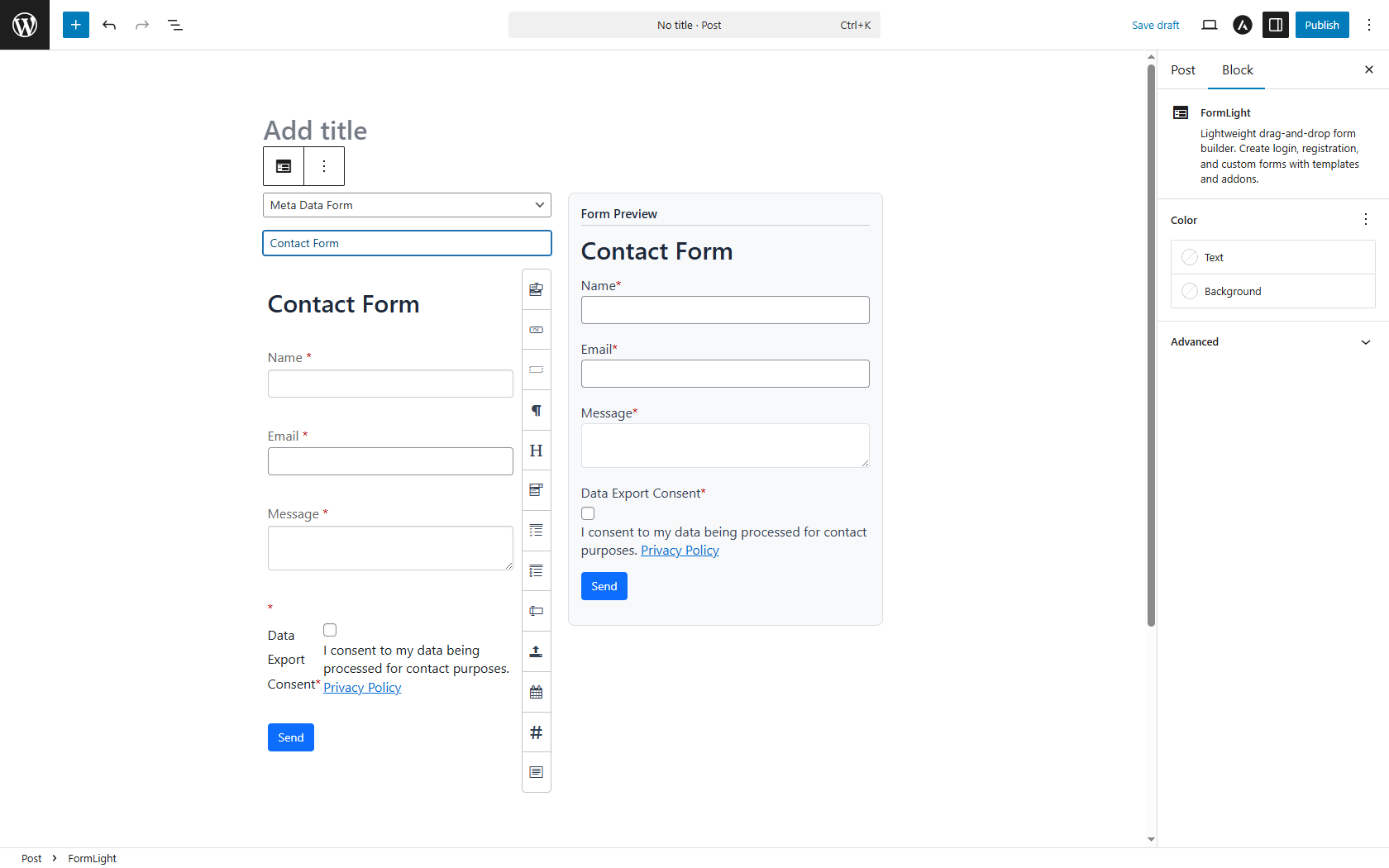
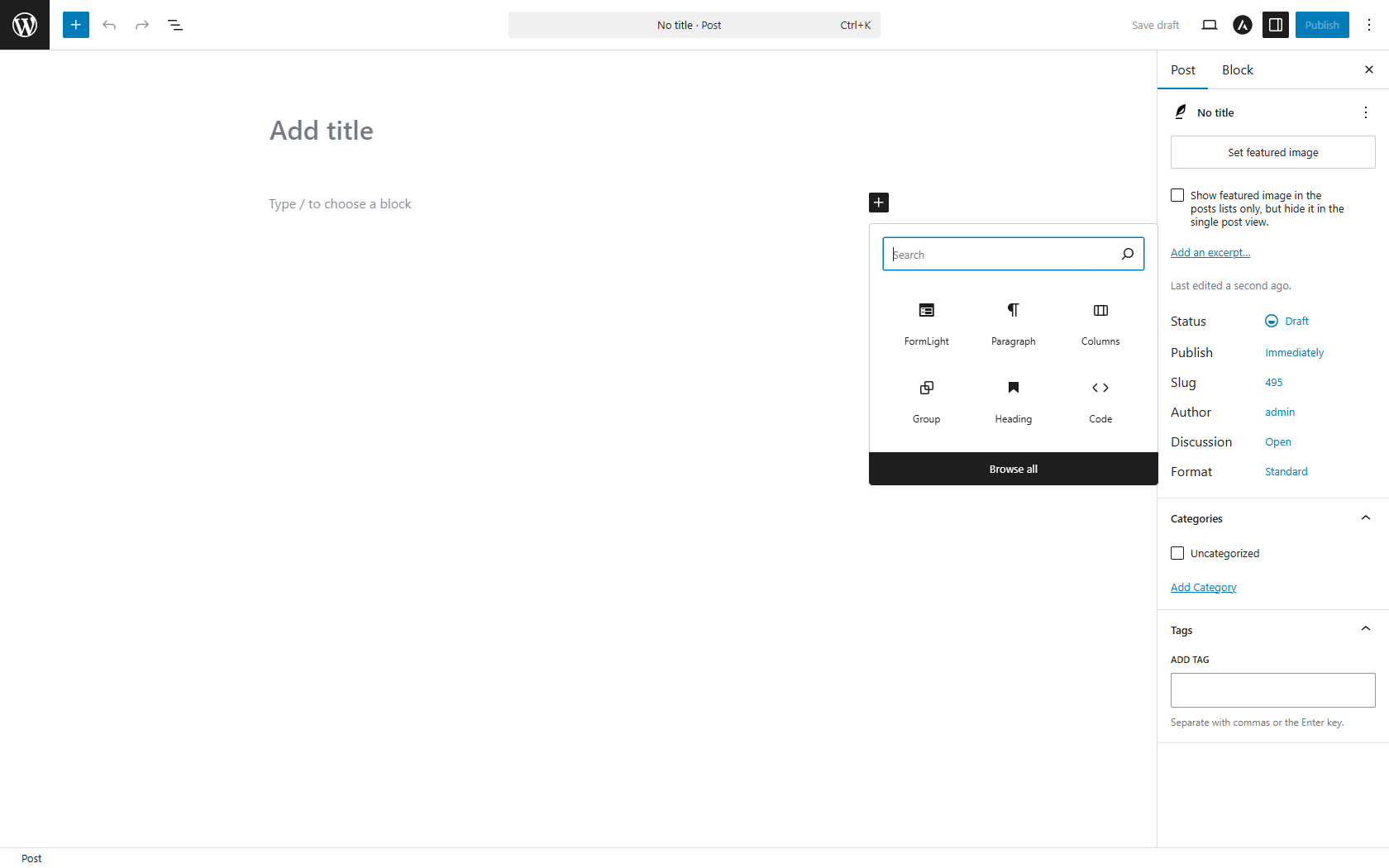
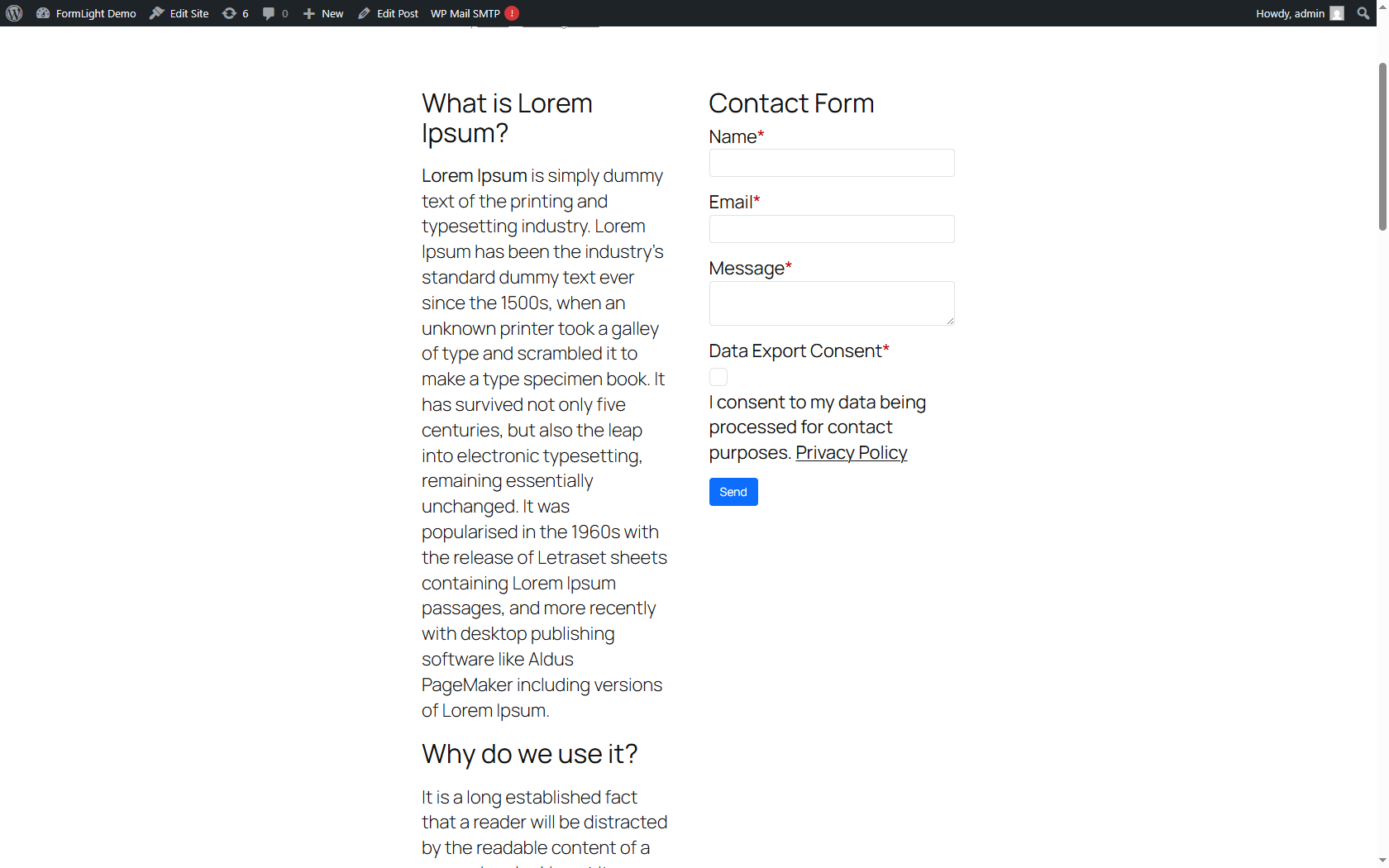
- Add the FormLight block to any page or post in the Gutenberg editor to create your form
- Publish the page/post to make the form live
屏幕截图:
常见问题:
How do I create a form?
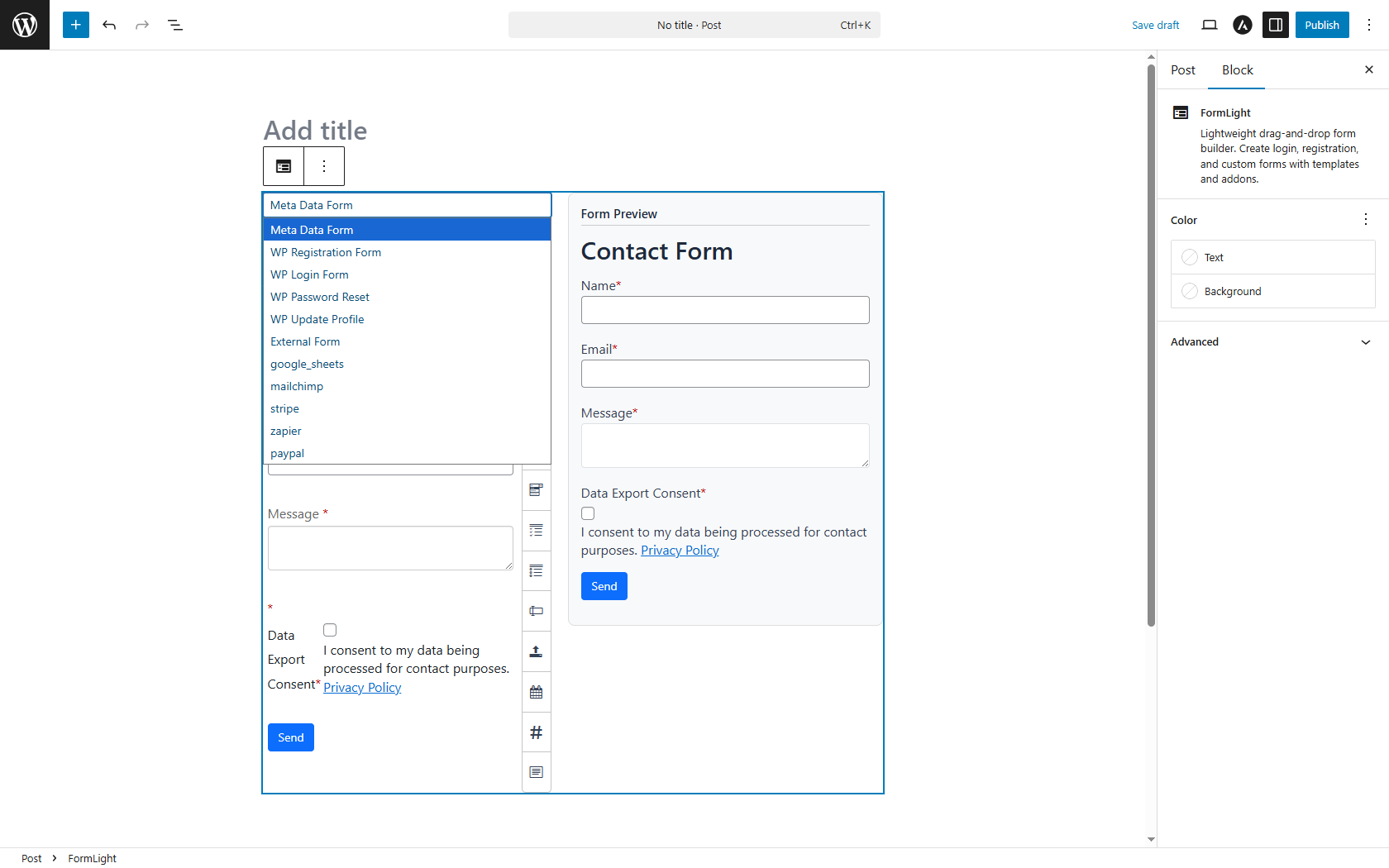
Add the FormLight block to your page/post in the Gutenberg editor. Configure the form fields directly in the block toolbar with live preview.
What integrations are supported?
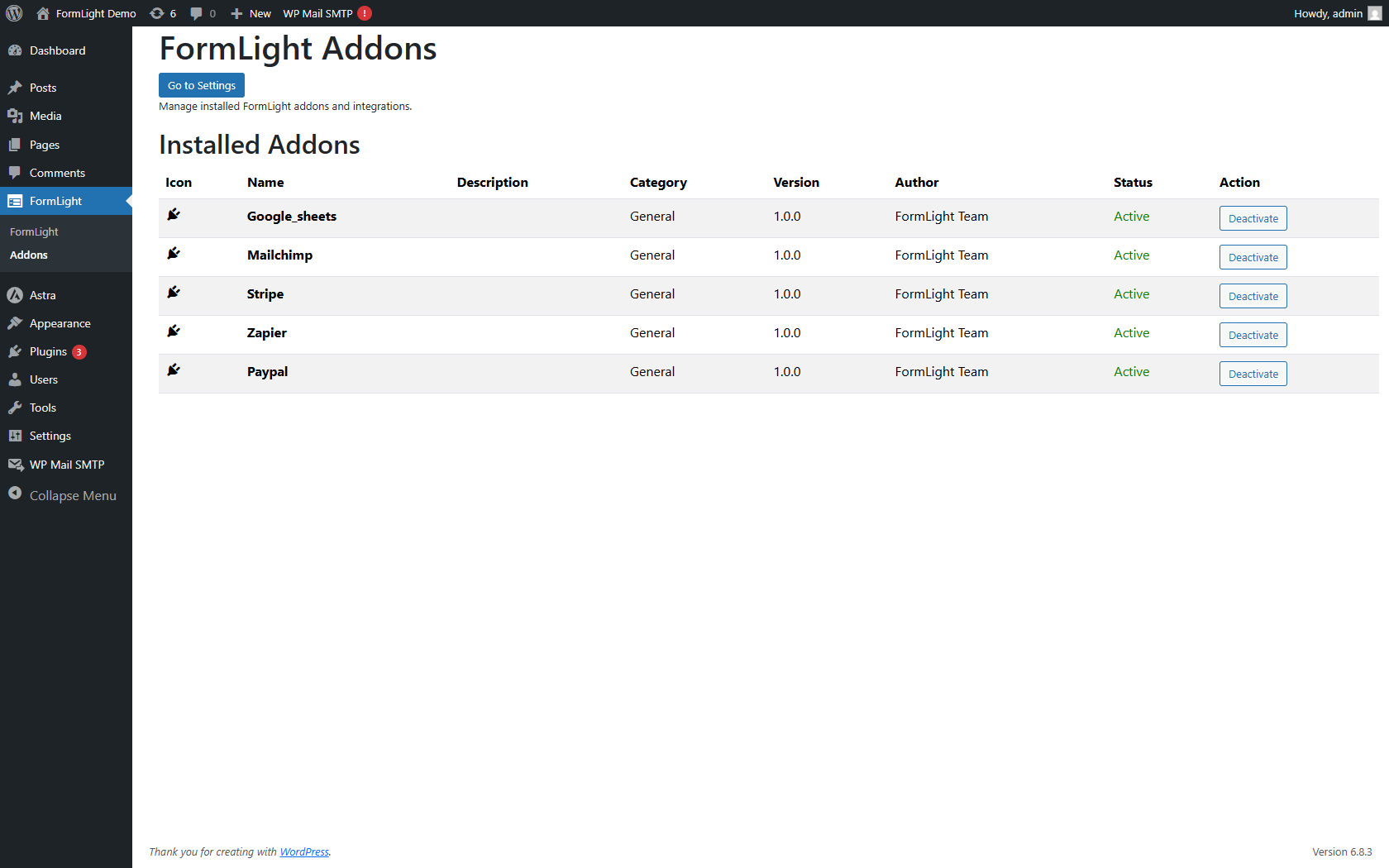
Upgrade to FormLight Pro for integrations with Mailchimp, Google Sheets, PayPal, Stripe, and Zapier.
Is it mobile responsive?
Yes, all forms are fully responsive and work on all devices.
Can I customize the form styling?
Yes, you can customize the styling through the FormLight block settings in the Gutenberg editor.
Is FormLight GDPR compliant?
Yes, FormLight handles data securely and provides deletion options. Ensure forms include consent checkboxes and link to your privacy policy.
Why don't I see the FormLight block?
Ensure you are using the Block Editor (Gutenberg), not Classic Editor. The FormLight block should appear in the blocks inserter.
Where do entries go?
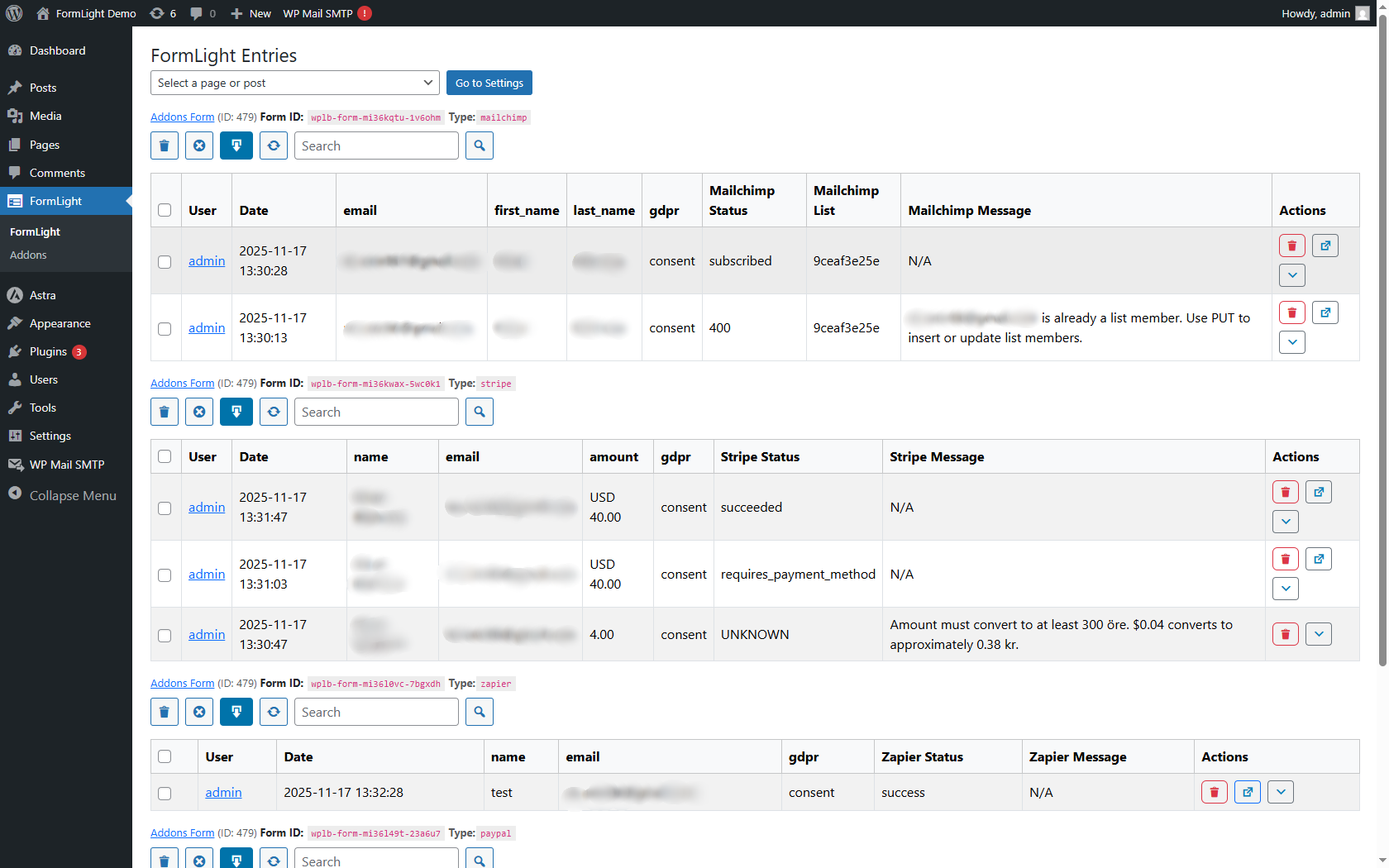
All submissions are inside FormLight → FormLight Entries.
Does the form send email?
Email notifications are available in FormLight Pro.
What if my form isn't saving submissions?
Check WordPress debug logs for errors and ensure the FormLight block is properly configured with required fields.
Is user data secure?
Yes, FormLight uses WordPress security standards and GDPR-compliant handling.
How do I develop addons for FormLight?
See the addons development guide at https://github.com/wpmeal/formlight-addon-example
更新日志:
- Adjust title and description of readme.
- Updated TinyMCE from v4.9.11 (2020) to v7.5.1 for better security and support
- Updated Quill.js to v2.0.2 for improved rich text editing
- Enhanced updater class code quality to meet WordPress.org standards
- Removed unused update checker methods (check_for_update, plugin_info)
- Streamlined updater to focus on pro upgrade notices only
- Added External Services documentation for WordPress.org compliance
- Documented Pro upgrade notice service and addons store service
- Removed Stripe.js from Lite version (Pro feature only)
- Fixed JavaScript error for undefined wplb_stripe variable
- Fixed double slash in language file paths
- Changed author name to match WordPress.org username
- Prepared for WordPress.org submission
- CDN removal - all assets now bundled locally
- TinyMCE and Quill.js included in plugin
- Reset plugin name
- addons integration bug fixed
- adjustments for plugin check pcp
- Readme and screenshots preparing
- Initial lite release
- Gutenberg block for building forms with live preview in the editor
- Settings panel for plugin configuration
- Submissions & Entries management (view, delete, export CSV)
- AJAX form submissions
- Responsive design
- FAQ and support documentation included
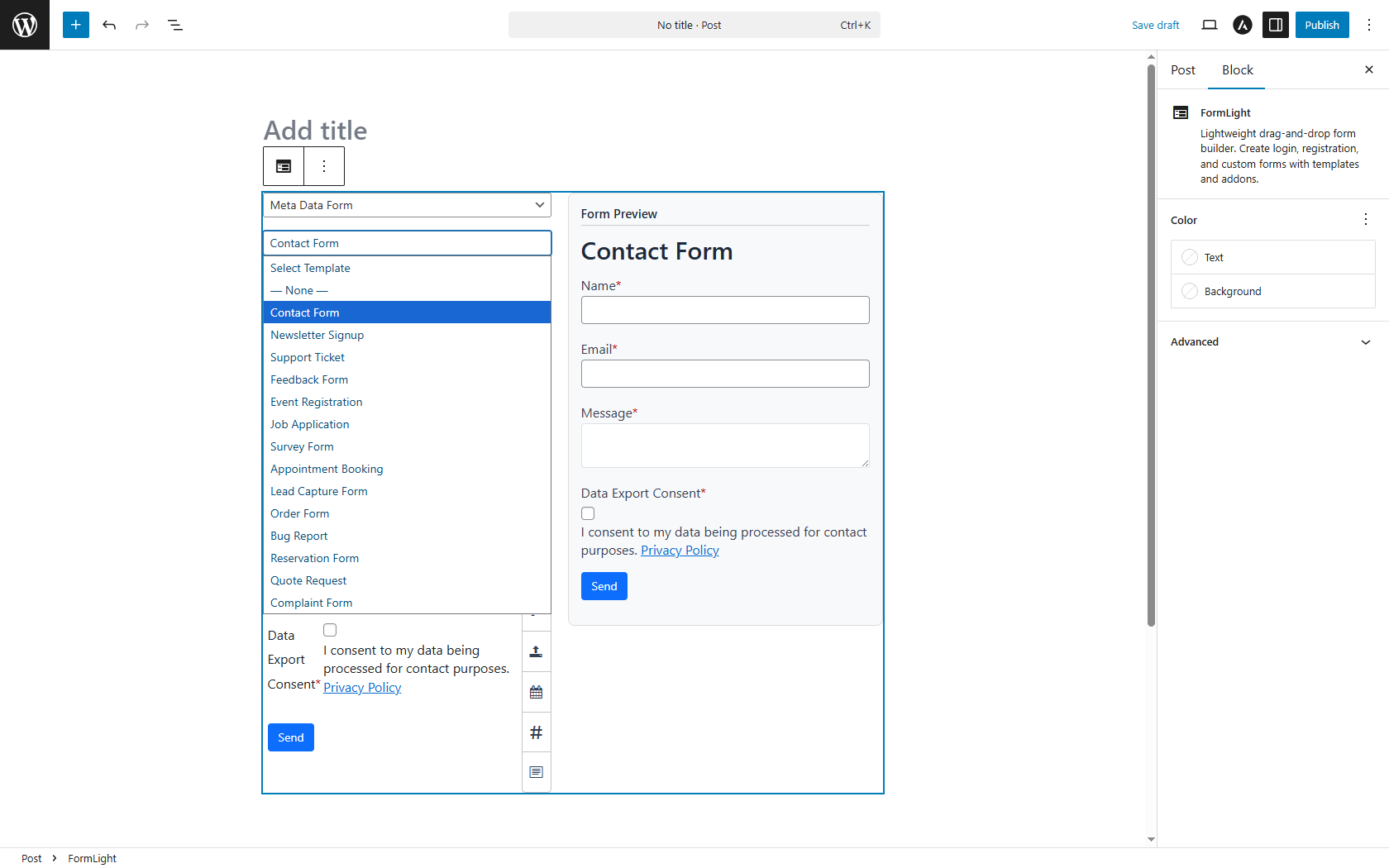
- Upgrade to FormLight Pro for templates, email notifications, and integrations