FraudLabs Pro SMS Verification
| 开发者 | fraudlabspro |
|---|---|
| 更新时间 | 2026年8月18日 08:34 |
| 捐献地址: | 去捐款 |
| PHP版本: | 4.6 及以上 |
| WordPress版本: | 7.0 |
标签
下载
1.7.0
1.8.0
1.8.1
1.8.2
1.8.3
1.8.4
1.4.2
1.4.3
1.4.4
1.8.6
1.2.1
1.8.5
1.9.3
1.4.0
1.9.4
1.1.0
1.3.0
1.7.1
1.3.2
1.0.0
1.10.2
1.11.1
1.8.7
1.8.8
1.1.1
1.10.0
1.5.1
1.10.1
1.10.3
1.10.4
1.11.0
1.4.1
1.4.5
1.4.6
1.5.0
1.6.0
1.9.0
1.9.2
1.11.2
1.11.3
1.11.4
1.11.5
1.11.6
1.2.0
1.3.1
1.6.1
1.6.2
1.9.1
1.9.5
详情介绍:
FraudLabs Pro SMS Verification helps merchants to automate the user's phone number authentication via SMS verification in real-time to prevent payment fraud. You can easily enable this feature at several trigger points such as during checkout process, account creation or comment form or so on. An easy and effective way to remove fraudsters or non-serious clients from exploiting your services.
容易设置
此设置简单且只需几分钟。您只需安装免费的 FraudLabs Pro SMS Verification 插件,输入 API 密钥并配置设置即可。
更多信息
Sign up for a Free license key at https://www.fraudlabspro.com/sign-up. You will have free 10 SMS credits for you to start using the SMS verification.
支持平台
WooCommerce
It acted as another layer protection for WooCommerce platform. If you are using FraudLabs Pro Fraud Prevention plugin to reduce and eliminate fraud or chargebacks in WooCommerce, then you can leverage on this plugin to help you to automate the phone number verification. It helps to reduce your hassle to manually contact each of them for authentication.
Easy Digital Downloads
It acted as another layer protection for Easy Digital Downloads platform. If you are using FraudLabs Pro Fraud Prevention plugin to reduce and eliminate fraud or chargebacks in Easy Digital Downloads, then you can leverage on this plugin to help you to automate the phone number verification. It helps to reduce your hassle to manually contact each of them for authentication.
支持的表单
- WooCommerce 结帐表单
- WooCommerce 注册表单
- WooCommerce login form
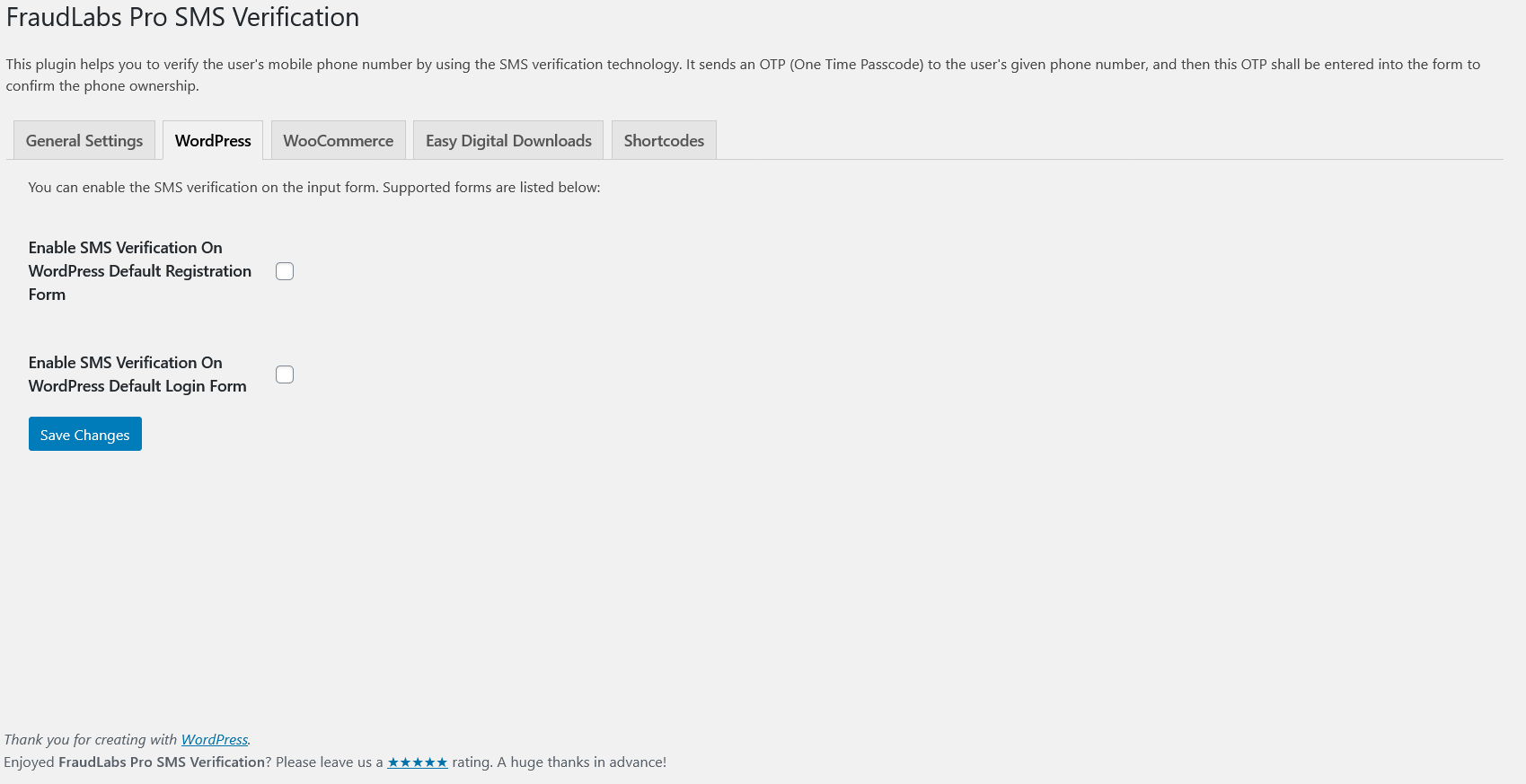
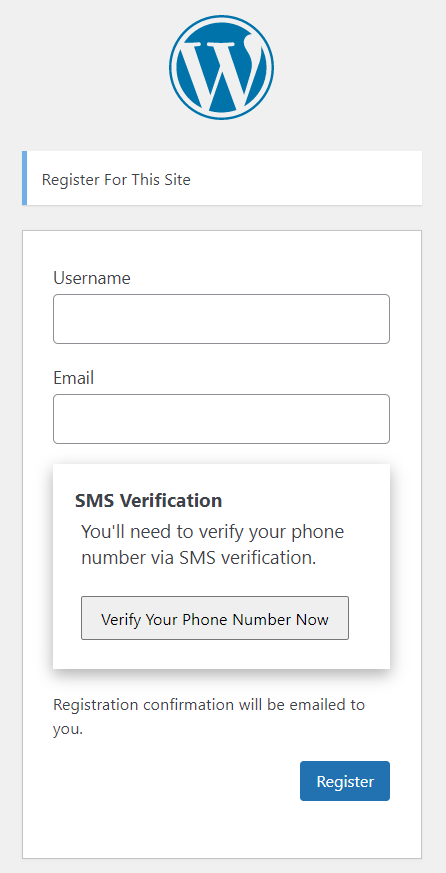
- WordPress 默认注册表单
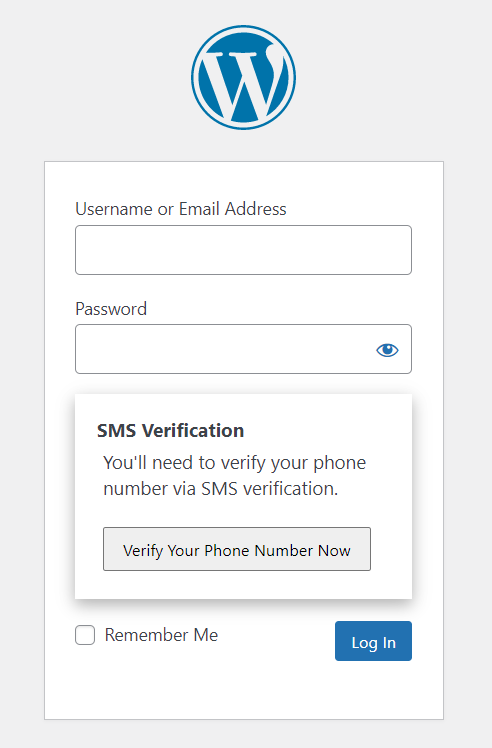
- WordPress 默认登录表单
- Contact Form 7
安装:
Manual Installation (Use this method only if you are unable to install the plugin via the admin area)
- Download the plugin zip file.
- Unzip and upload the
fraudlabs-pro-sms-verificationfolder to the/wp-content/plugins/directory. - Activate the plugin through the 'Plugins' menu in WordPress.
- Enter the License Key at the 'Settings' section. You can sign up for a free API key at https://www.fraudlabspro.com/sign-up .
- Click on the WooCommerce->Settings page.
- 单机集成标签然后选择"FraudLabs Pro SMS Verification"。
- 通过勾选启用复选框将其启动。
- 请输入您的 FraudLabs Pro API 密钥。您可以在 https://www.fraudlabspro.com/sign-up 注册一个免费的 API 密钥。
- 点击“Save Settings”按钮。
屏幕截图:
更新日志:
- 1.12.0 Added Resend SMS Verification Email option in WooCommerce Orders page.
- 1.11.6 Fixed call function add_order_note() on bool error.
- 1.11.5 Fixed OTP reverification issue in Review case.
- 1.11.4 Fixed order status change issue when SMS verified.
- 1.11.3 Fixed SMS Verification not working in WooCommerce Checkout page.
- 1.11.2 Fixed SMS Verification issue in WooCommerce Checkout Block.
- 1.11.1 Fixed security vulneralbilities.
- 1.11.0 Supported WooCommerce login form and Guest Customer as SMS Trigger option for WooCommerce checkout form.
- 1.10.4 Fixed PHP deprecated error.
- 1.10.3 Fixed SMS link issue in WooCoomerce checkout page.
- 1.10.2 Fixed CSRF issues.
- 1.10.1 Fixed SMS URL not working issue.
- 1.10.0 Updated to FraudLabs Pro SMS Verification API v2.
- 1.9.5 Updated "Requires at least" information.
- 1.9.4 Updated Max SMS Retries.
- 1.9.3 Enhanced checking.
- 1.9.2 修复了 PHP 兼容问题。
- 1.9.1 更新客制化通用信息。
- 1.9.0 支持客制化通用信息。
- 1.8.8 添加了 Contact Form 7 中返回的已验证电话号码的简码。
- 1.8.7 次要修复。
- 1.8.6 改良 SMS 验证输入框。
- 1.8.5 改良 SMS 验证过程。
- 1.8.4 支持新设备作为 WooCommerce 结帐表单的 SMS 触发选项。
- 1.8.2 修复电子邮件内容显示问题。
- 1.8.1 添加用于发送 SMS 的默认国家/地区代码。
- 1.8.0 更新设置页面。
- 1.7.1 修复 SMS 发送问题。
- 1.7.0 更新文件结构以将 Composer 用于 FraudLabs Pro PHP SDK。
- 1.6.2 修复最大重试问题。
- 1.6.1 修复验证失败错误。
- 1.6.0 在 Easy Digital Downloads 中支持审查案例的短信验证。
- 1.5.1 添加自动完成订单选项。
- 1.5.0 实现短信一次性密码超时。
- 1.4.6 根据 WordPress 编码标准的修复 。
- 1.4.5 更新 SMS 验证显示和设置。
- 1.4.4 Added feedback request.
- 1.4.3 Minor fixes.
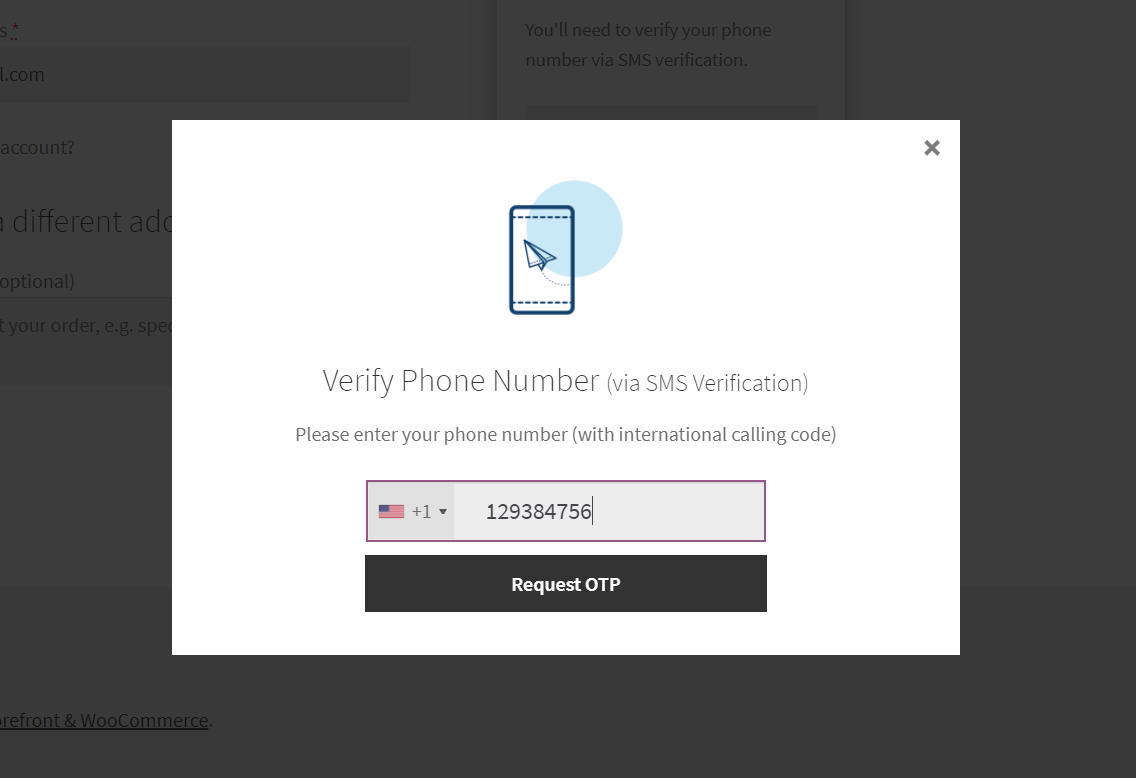
- 1.4.2 Update SMS Verification with thickbox.
- 1.4.1 Fix order notes adding issue in WooCommerce.
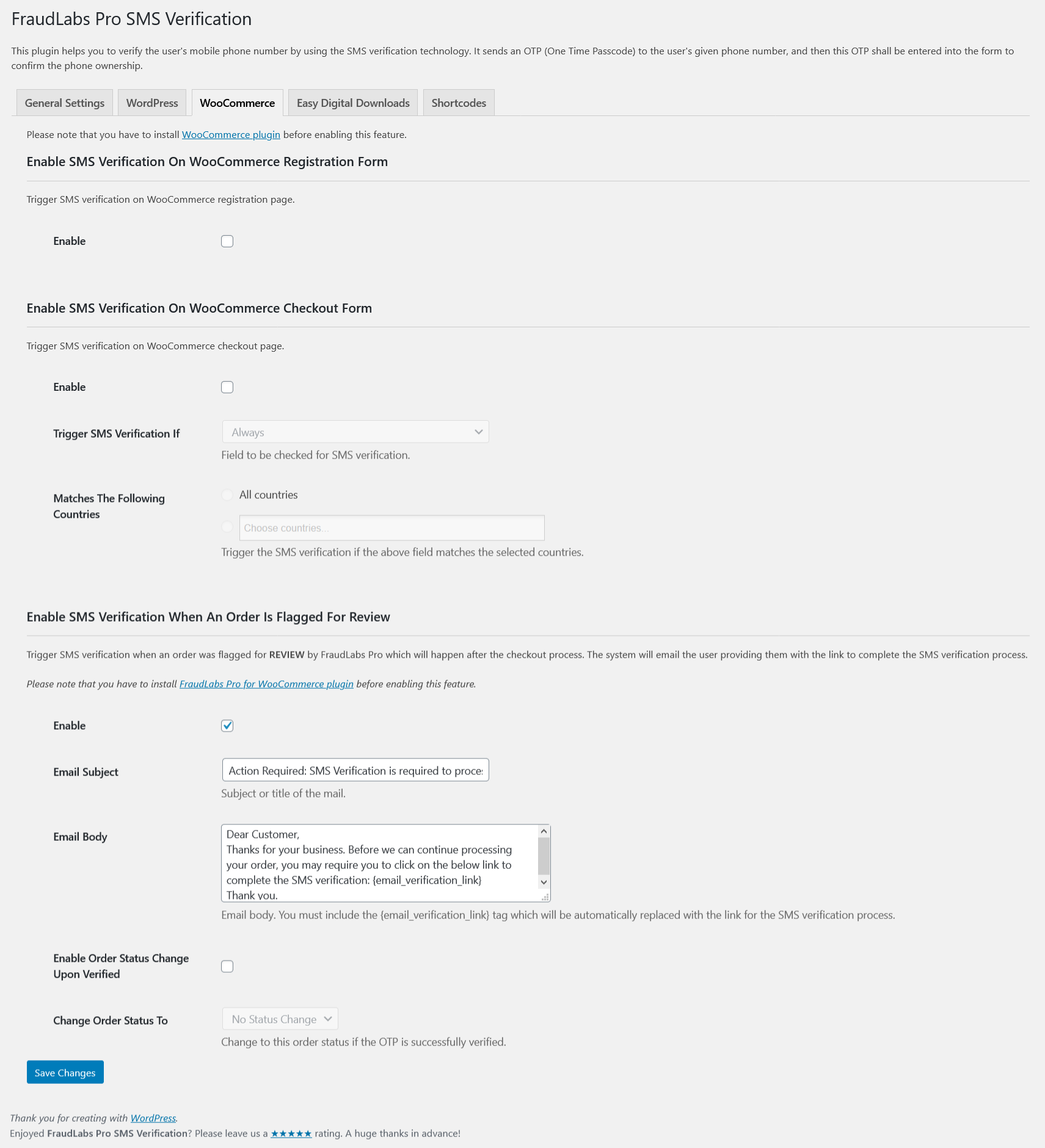
- 1.4.0 Support SMS Verification when order flagged for Review.
- 1.3.2 Minor fixes.
- 1.3.1 Support more SMS Trigger option for WooCommerce checkout form.
- 1.3.0 Support SMS Trigger option for WooCommerce checkout form.
- 1.2.1 Added debug log.
- 1.2.0 Support shortcode for WordPress and Contact Form 7.
- 1.1.1 Minor fixes.
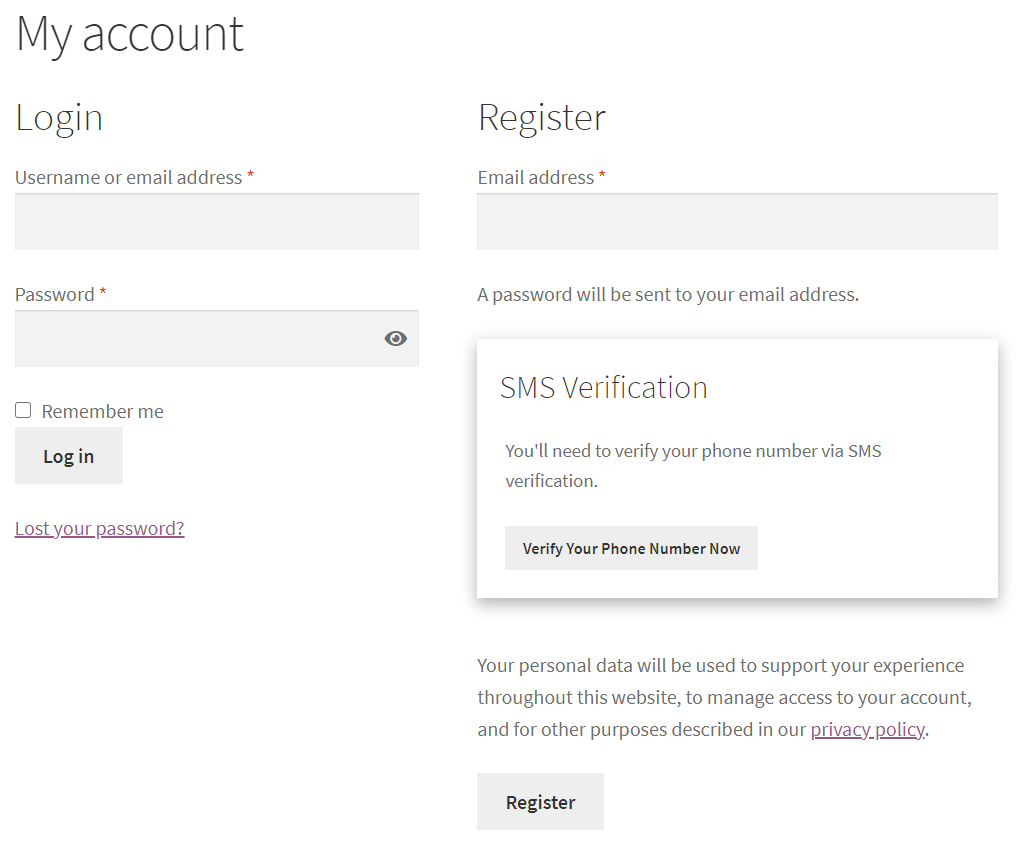
- 1.1.0 Support sms verification on WooCommerce registration form, WordPress default registration form and WordPress default login form.
- 1.0.0 First release.