
Free Gift Product For WooCommerce
| 开发者 | plugin999 |
|---|---|
| 更新时间 | 2026年5月23日 15:48 |
| PHP版本: | 7.2 及以上 |
| WordPress版本: | 7.0 |
| 版权: | GPLv2 or later |
| 版权网址: | 版权信息 |
详情介绍:
安装:
- Upload the
free-gifts-for-woocommercefolder to the/wp-content/plugins/directory, or install via Plugins > Add New in your WordPress dashboard. - Activate the plugin through the Plugins menu.
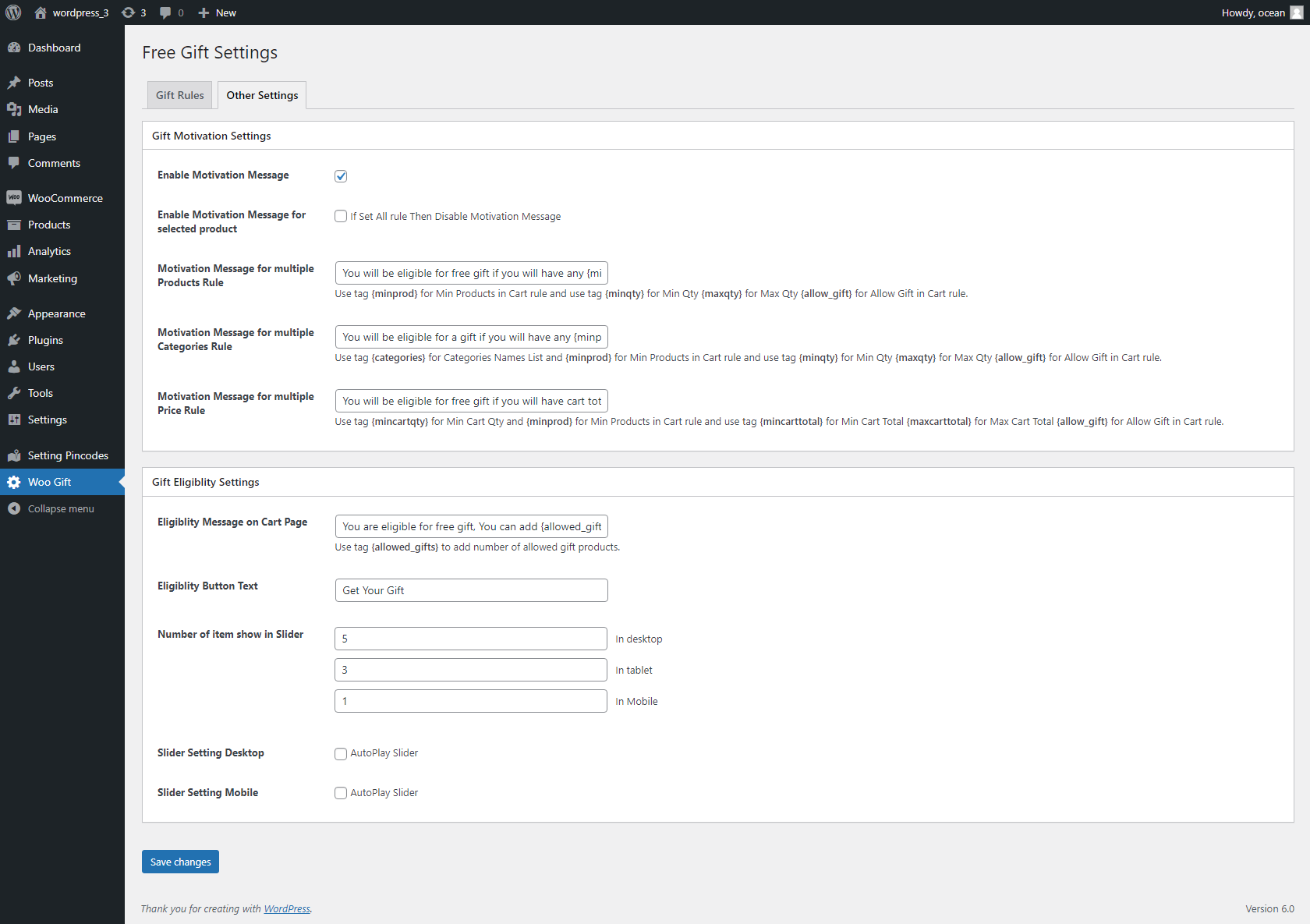
- Go to Woo Gift in your WordPress admin menu.
- Enable the plugin, choose your rule type, and configure your gift rules.
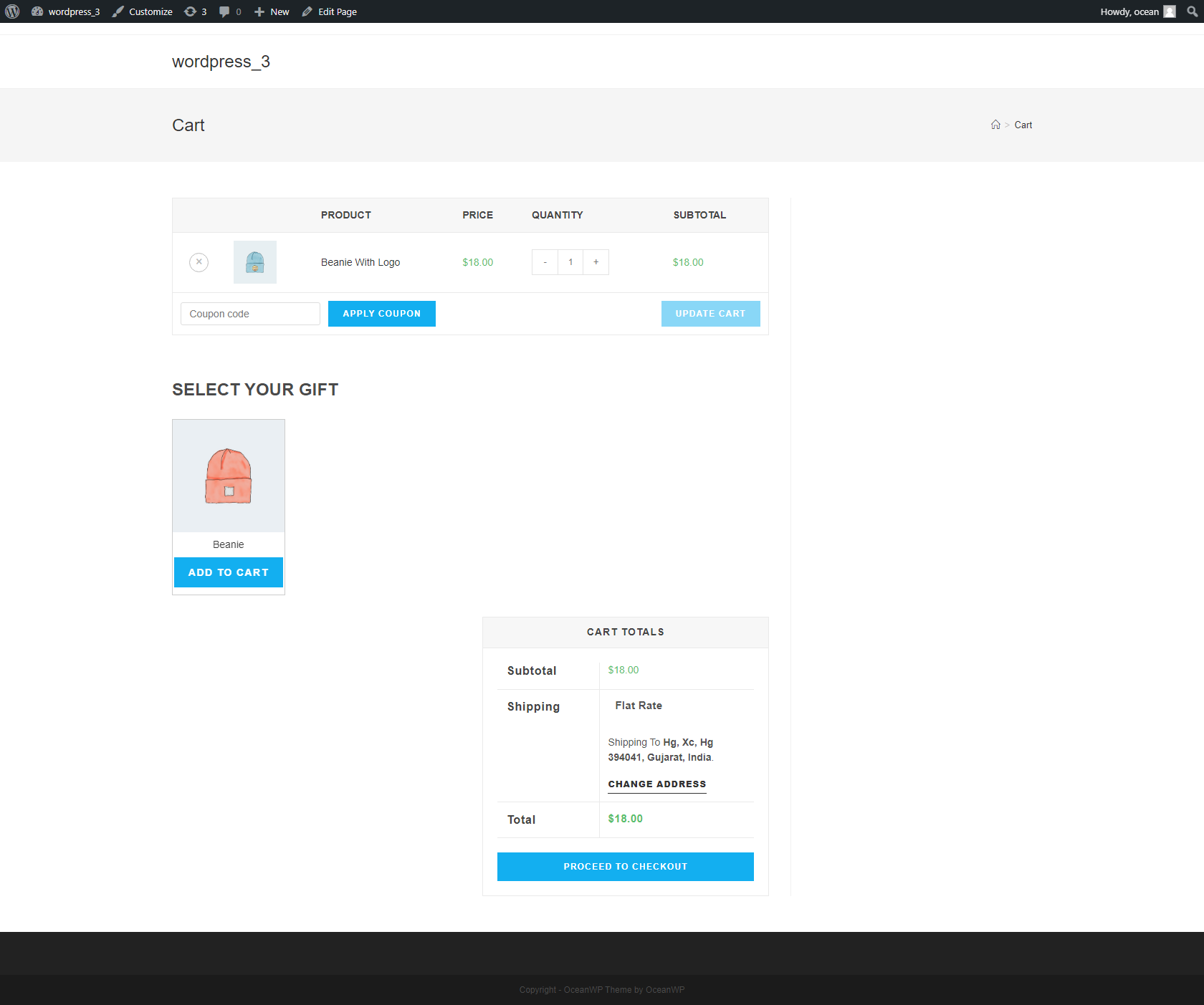
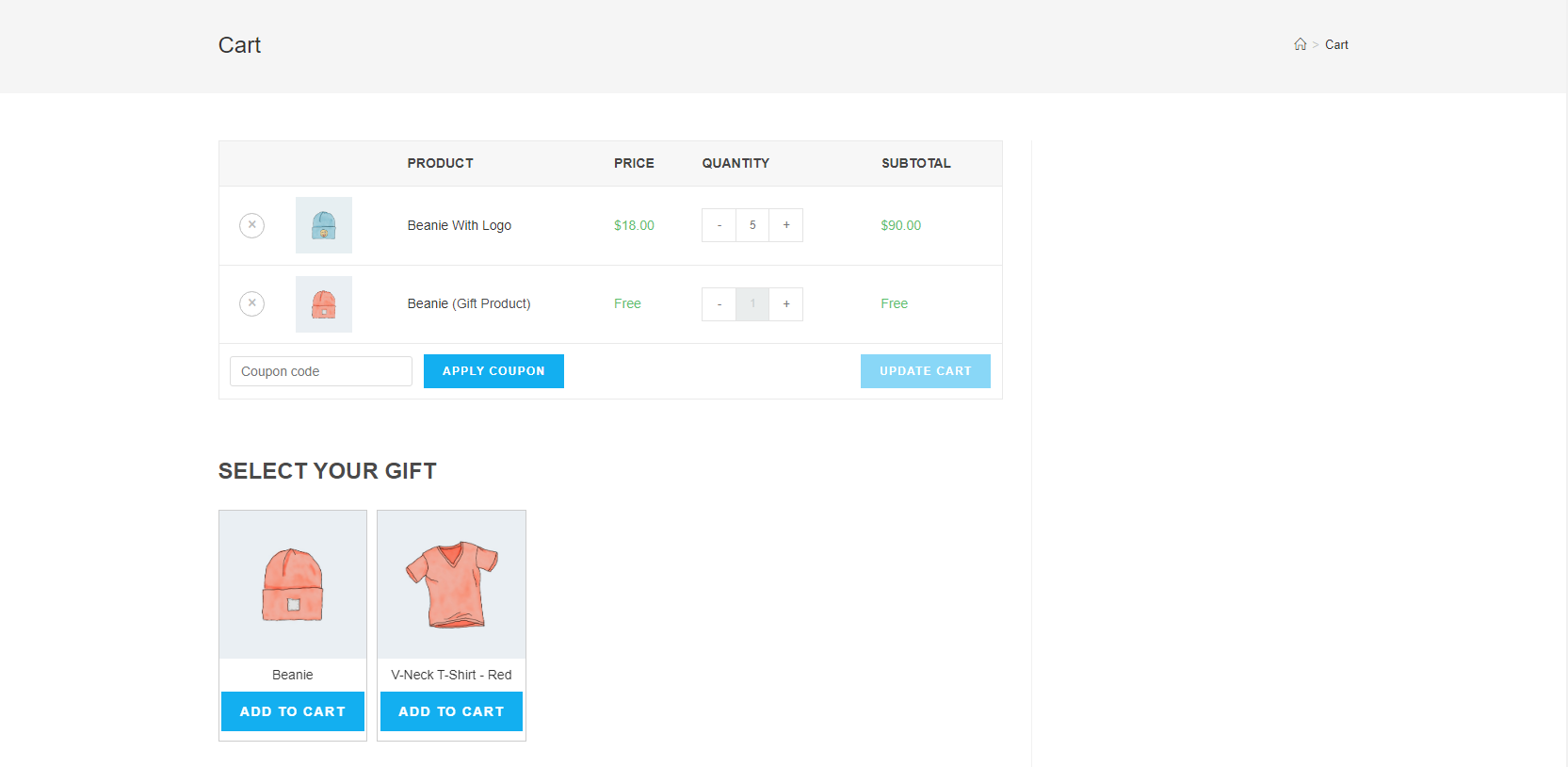
- Save your settings — gifts will automatically appear on the cart page for eligible customers.
屏幕截图:
常见问题:
Does this plugin work with variable products?
Yes. You can use simple products, variable products, and specific product variations as both qualifying (trigger) products and as gift products.
Can I show the gift selector on the checkout page?
Displaying gifts on the checkout page is a Pro version feature. In the free version, gift selection is available on the cart page only.
Can I run multiple gift rules at once?
The free version supports one active rule per rule type (Products, Category, or Cart Price). To run multiple simultaneous rules — such as tiered cart-total promotions — upgrade to the Pro version.
What happens if the customer no longer qualifies for a gift?
If the "Remove Gifts if Rule Fails" option is enabled, any gift items already in the cart will be automatically removed when the customer no longer meets the qualifying conditions. If this option is disabled, the gift stays in the cart even if conditions change.
Can I restrict gifts to logged-in customers only?
Yes. Enable the "Allow Gifts Only to Logged-in Users" option in the General Settings section, and guests will not see or be eligible for gift offers.
Does the Cart Price Rule account for coupon discounts?
Yes. When calculating whether a customer qualifies for a cart-price-based gift, applied coupon discounts are automatically subtracted from the cart total before comparison.
Is there a shortcode I can use to display the gift block?
Yes. Use [fgfwp_block_gift] to embed the gift selection block on any page or post.
Where can I get support?
Visit (https://www.plugin999.com/support/) for assistance.
更新日志:
- Improved gift rule evaluation logic for product and category rules.
- Added tax-inclusive cart total calculation option (Pro).
- Added support for multiple rules per rule type (Pro).
- UI improvements to admin panel with React-based components.
- Added motivation message template tags for all rule types.
- Initial release.