Front Page Scheduler
| 开发者 |
edersonpeka
benbenkert |
|---|---|
| 更新时间 | 2026年10月1日 13:54 |
| 捐献地址: | 去捐款 |
| PHP版本: | 5.0 及以上 |
| WordPress版本: | 7.1.2 |
| 版权: | GPLv2 or later |
| 版权网址: | 版权信息 |
详情介绍:
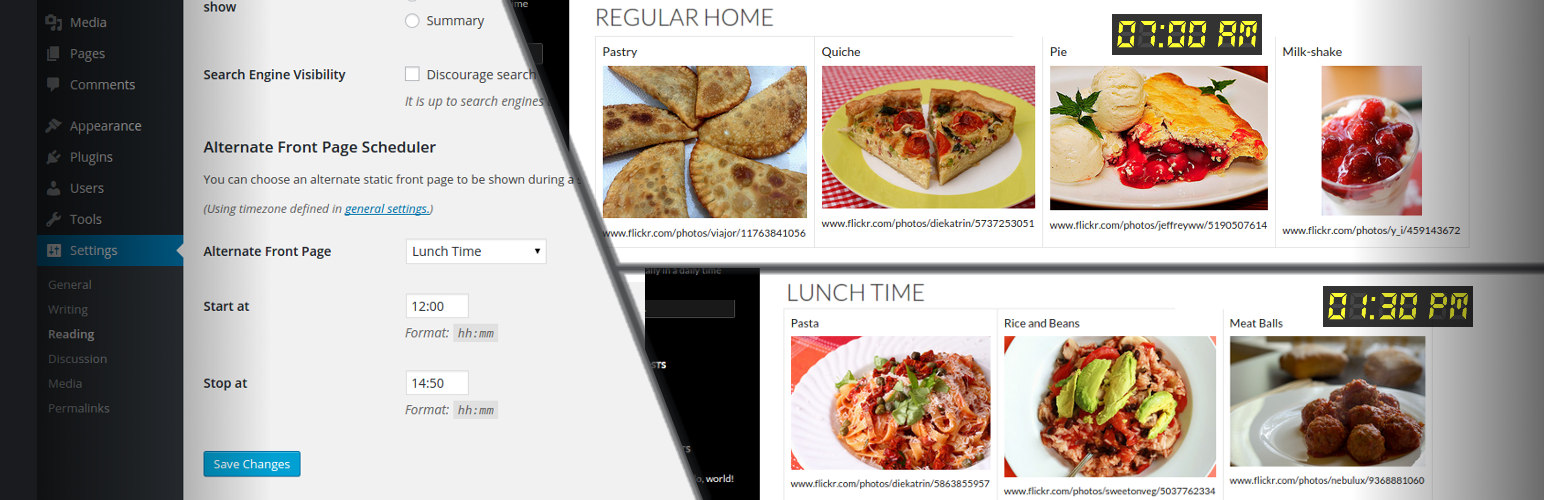
Front Page Scheduler let you choose some page to be shown as the front page of your site during a specific daily period, in specific week days. Since version 0.1.4, you can even create a set of "rules", choosing specific front pages for different days and periods.
Update: Benjamin Benkert fixed some bugs related to PHP versions 7 and greaters. Thanks!
安装:
- Extract the contents of the archive
- Upload the contents of the front-page-scheduler folder to your 'wp-content/plugins' folder
- Log in to your WordPress admin and got to the 'Plugins' section. You should now see Front Page Scheduler in the list of available plugins
- Activate the plugin by clicking the 'activate' link
- Now go to the 'Settings' section and select 'Reading', where you can configure your alternate front page