FrontPup
| 开发者 |
painlessanalytics
angelomandato amandato |
|---|---|
| 更新时间 | 2026年8月31日 10:25 |
| 捐献地址: | 去捐款 |
| PHP版本: | 8.1 及以上 |
| WordPress版本: | 7.1 |
| 版权: | GPLv2 or later |
| 版权网址: | 版权信息 |
详情介绍:
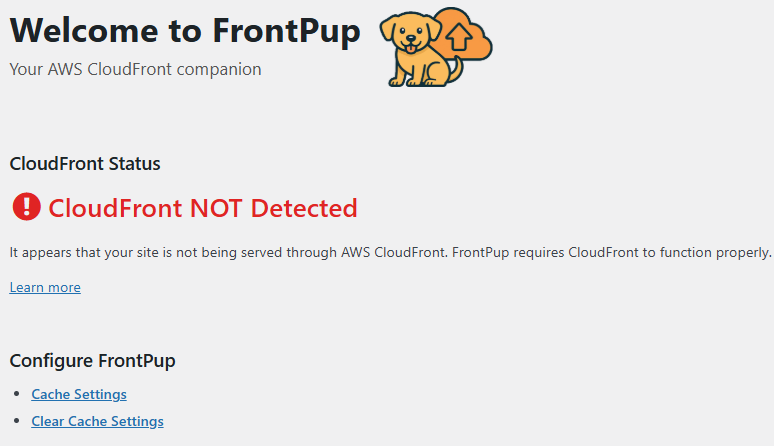
Welcome to FrontPup, your CloudFront companion.
FrontPup allows you to maximize your WordPress website using the AWS CloudFront Content Delivery Network (CDN).
安装:
Installation from within WordPress
- Visit Plugins > Add New.
- Search for FrontPup.
- Install and activate the FrontPup plugin.
- Upload the entire
frontpupfolder to the/wp-content/plugins/directory. - Visit Plugins.
- Activate the FrontPup plugin.
- Visit the new FrontPup menu.
- Enable the options you would like to use.
屏幕截图:
常见问题:
Do I need an AWS CloudFront to use this plugin?
Yes, you need an AWS account with CloudFront setup for your website.
Do I need to host my WordPress site on AWS?
No, but CloudFront is most effective when used within the AWS network.
What is the best way to host a WordPress website on AWS?
There are many ways to host a WordPress website on AWS. Here is quick list.
- Lightsail - A CPanel like approach to setting up a WordPress website with only a few clicks
- EC2 Instance(s) - Run your own server(s) to host your WordPress website
- ECS Tasks - Run Docker containers using the AWS Elastic Container Service
- EKS - Run WordPress on AWS Elastic Kubernetes Service
更新日志:
The FrontPup plugin is maintained on GitHub https://github.com/painlessanalytics/frontpup. Code contributions are welcome.
The FrontPup plugin is developed with assistance from Kiro, an AI-powered agentic IDE.
Changelog
1.8
Add IAM Policy Generator page.
- Released: 2026-08-31
- Tested with WordPress 7.1
- Added new "Policy Generator" submenu to generate a least-privilege IAM policy for CloudFront cache invalidation
- Accepts an AWS Account ID and optional Distribution ID (blank = wildcard for all distributions)
- Generated policy grants CreateInvalidation, GetInvalidation, and ListInvalidations actions
- Includes a copy-to-clipboard button and link to online instructions
- Released: 2026-07-08
- Added "AsyncAws SDK" option to the Clear Cache SDK settings, a trimmed bundle of the AsyncAws CloudFront client for a smaller footprint than the Full AWS SDK
- NOTE: We will be removing the Full AWS SDK option in version 2.0. If you are using the full version please switch to the Lightweight AWS SDK or the AsyncAws SDK.
- Released: 2026-05-24
- Tested with WordPress 7.0
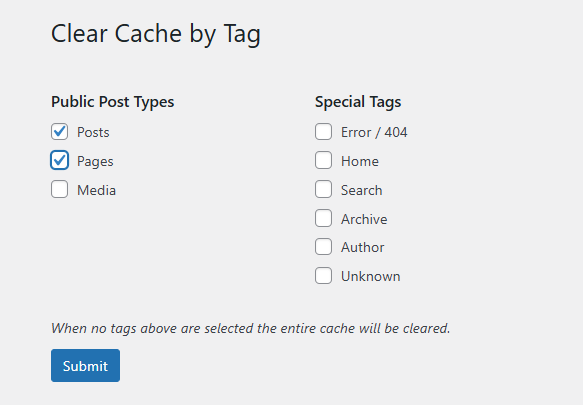
- Added new "Clear Cache by Post Type" submenu option to clear the site cache by post type using CloudFront cache tags
- Added new header
x-amz-meta-cache-tagfor post type pages - Special pages not post type specific also have tags: 'error' (for error and 404 pages), 'home', 'search', 'archive', and 'author'.
- Unknown pages use the tag 'unknown'
- Added settings for Cache Unique Visitors option
- Added logic to set a special cache cookie for unique visitors
- Included Commenters with the Cache Unique Visitors option
- Added option to switch between the new Lightweight AWS SDK and the Full AWS SDK.
- Fixed FrontPup defines not fully being used.
- Added new LightAWS library files.
- Replaced large gif with svg image.
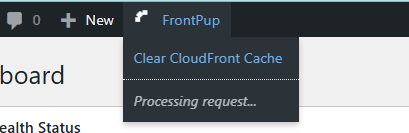
- Created CSS animation to show that the request is waiting on a response with a spinner style.
- Updated JavaScript to use the new CSS classes.
- No longer need the loading icon gif.
- New: Non-intrusive admin bar clear cache functionality.
- JavaScript logic rewritten to not rely on jQuery.
- CSS created with loading.gif embedded directly into css for performance.
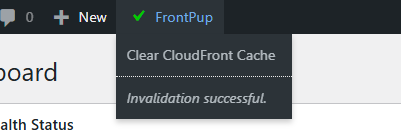
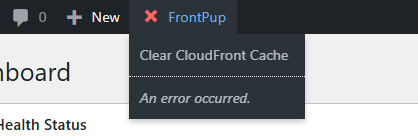
- Errors and success message simplified for display in admin bar menu.
- Icon source: Loading icon.gif

- Added welcome page for the wp-admin
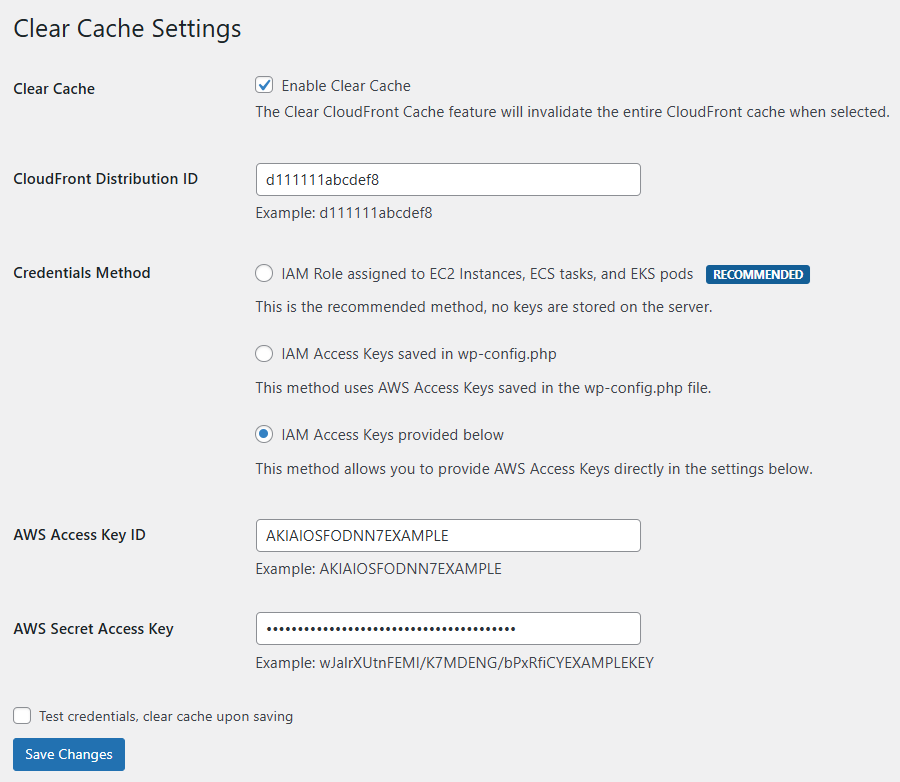
- Added clear cache settings page
- Reorganized admin class, new base class for future settings pages
- Moved views to subfolder of admin folder
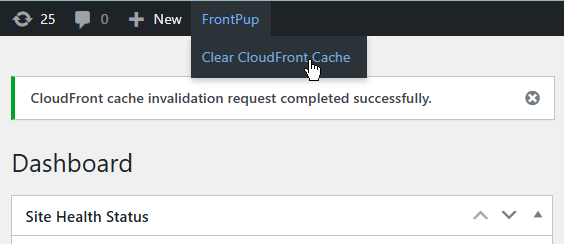
- Added FrontPup admin bar menu bar option with "Clear CloudFront Cache" in sub menu (Made it a sub menu so you have to click twice to avoid accidental cache clearing)
- Ajax code for clearing cache created. For now only users who can manage settings can clear the cache (to be customizable in future versions)
- First version of this plugin