
FullClass Booking
| 开发者 | fullclassbooking |
|---|---|
| 更新时间 | 2026年10月26日 00:54 |
| PHP版本: | 7.4 及以上 |
| WordPress版本: | 7.1 |
| 版权: | GPLv2 or later |
| 版权网址: | 版权信息 |
详情介绍:
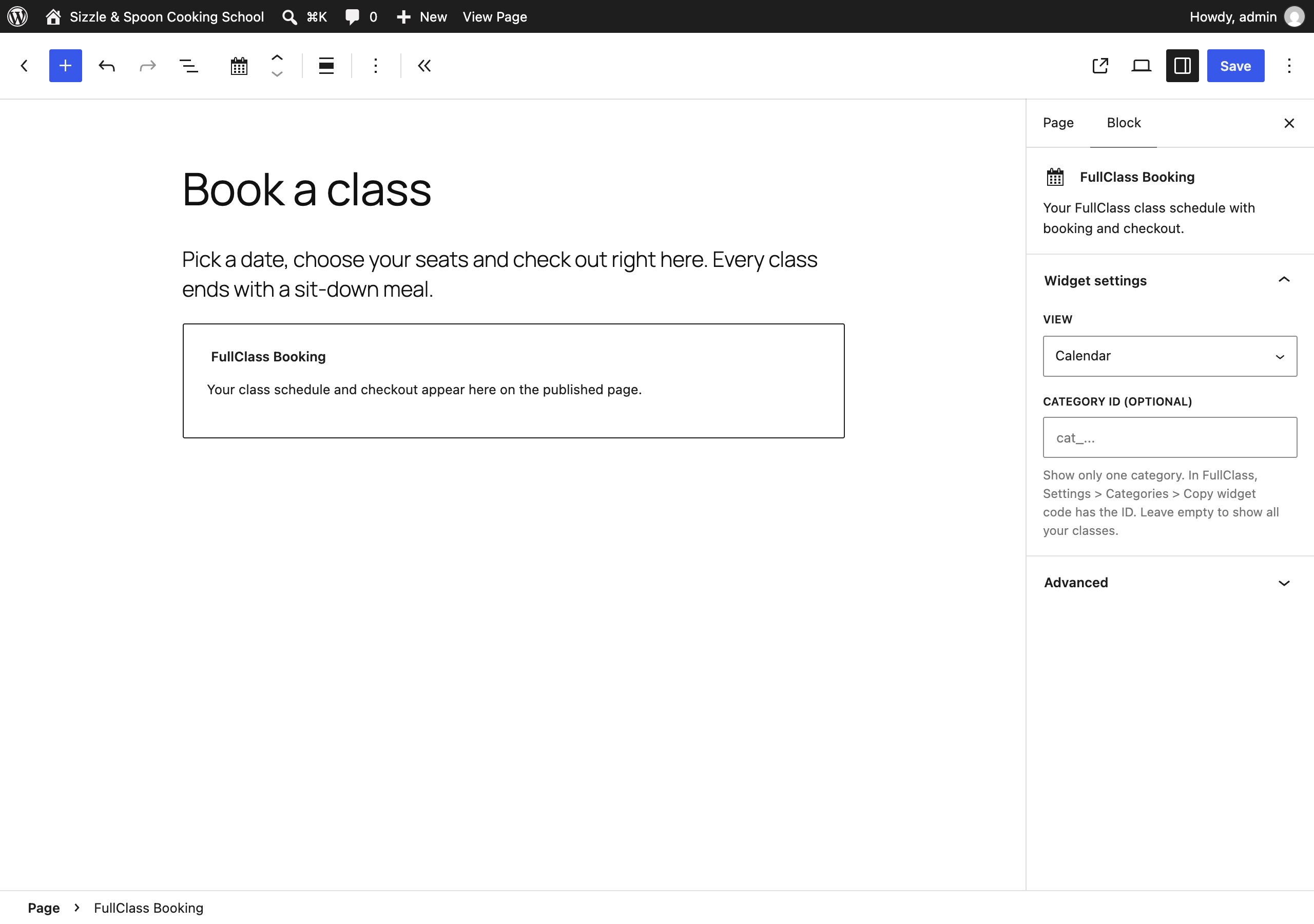
- A FullClass Booking block for the block editor.
- A
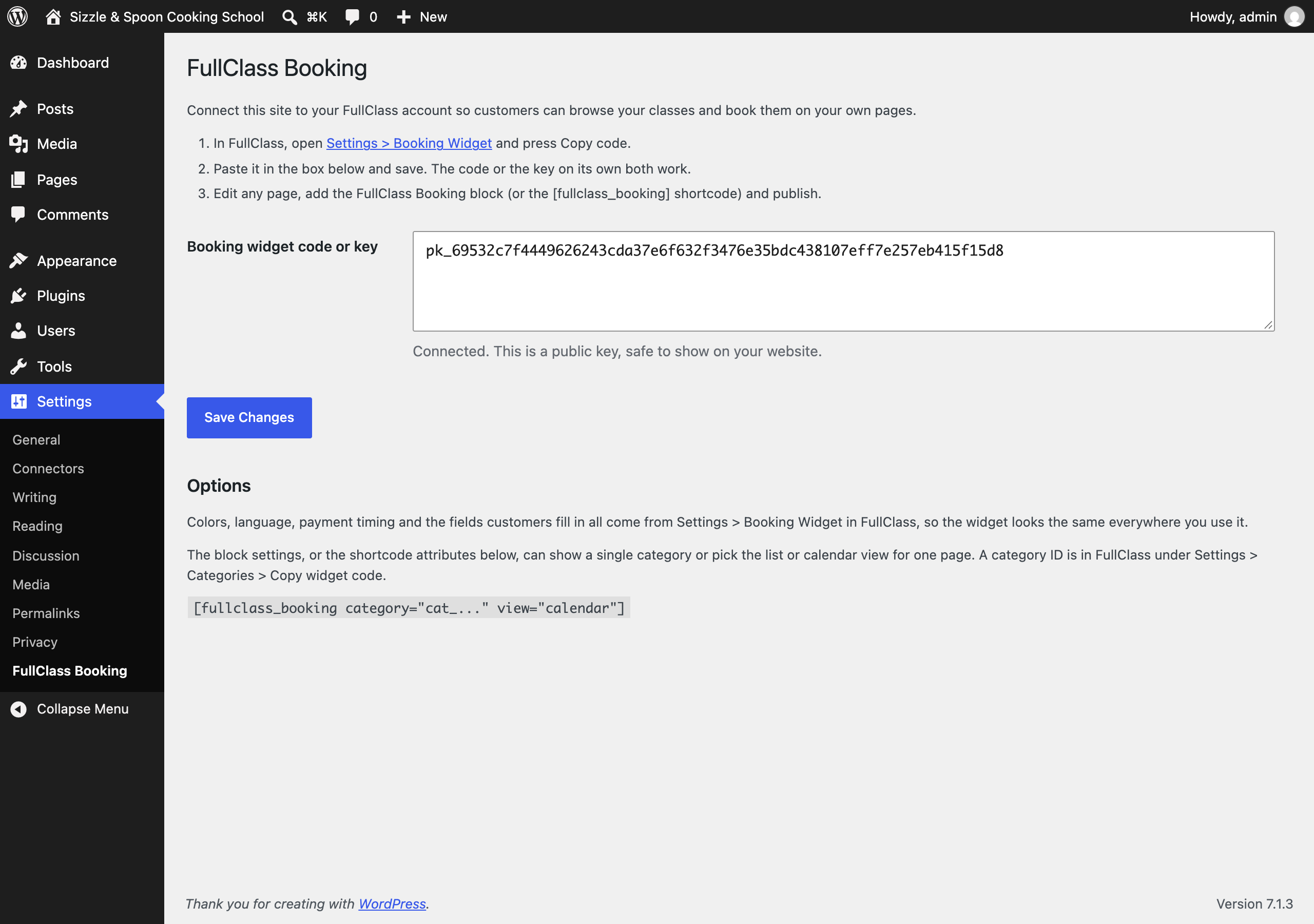
[fullclass_booking]shortcode for classic pages, page builders and widgets. - A settings page where you paste your booking widget code once.
- show a single category with
category="cat_..."(copy the ID from Settings > Categories > Copy widget code in FullClass) - choose the list or calendar view with
view="list"orview="calendar"
[fullclass_booking view="calendar"]. The block has the same two settings in its sidebar.
安装:
- In WordPress, go to Plugins > Add New, search for "FullClass Booking", then install and activate it.
- In FullClass, open Settings > Booking Widget and press Copy code.
- In WordPress, go to Settings > FullClass Booking, paste the code and save.
- Edit the page where customers should book, add the FullClass Booking block (or type
[fullclass_booking]) and publish.
屏幕截图:
常见问题:
Do I need a FullClass account?
Yes. The plugin shows the classes from your FullClass account and takes bookings into it.
Is the key I paste a secret?
No. The booking widget key starts with pk_ and is meant to be on your public website; it can only list your classes and make bookings the way your widget does. The plugin refuses a secret key (one starting with sk_) so it can never end up on a public page.
Does this work with WooCommerce?
The widget runs its own checkout through your FullClass account, so it works alongside WooCommerce without needing it. Classes are not added to your WooCommerce products.
Can I limit which websites can use my key?
Yes. In FullClass, Settings > Booking Widget lets you restrict the key to your own website's address.
The block says classes appear on the published page. Why not in the editor?
The editor shows a placeholder so it stays fast and so a test booking cannot be made by accident while you edit. Preview or publish the page to see the live widget.
更新日志:
- The Category field accepts the whole snippet from Copy widget code in FullClass, not only the bare ID. Before, a pasted snippet was dropped and every class showed.
- First release. Block, shortcode and settings page.